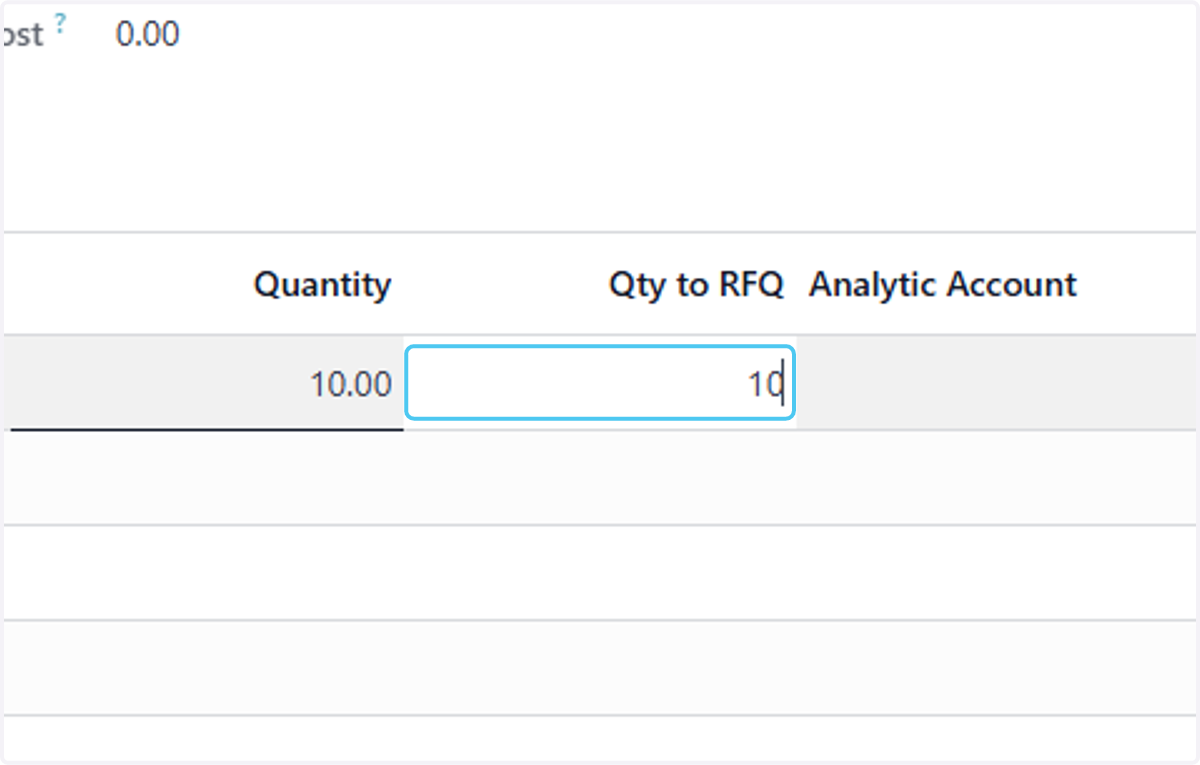
How to Create a Purchase Request from Material Request lines in Odoo-ilines iProcurement
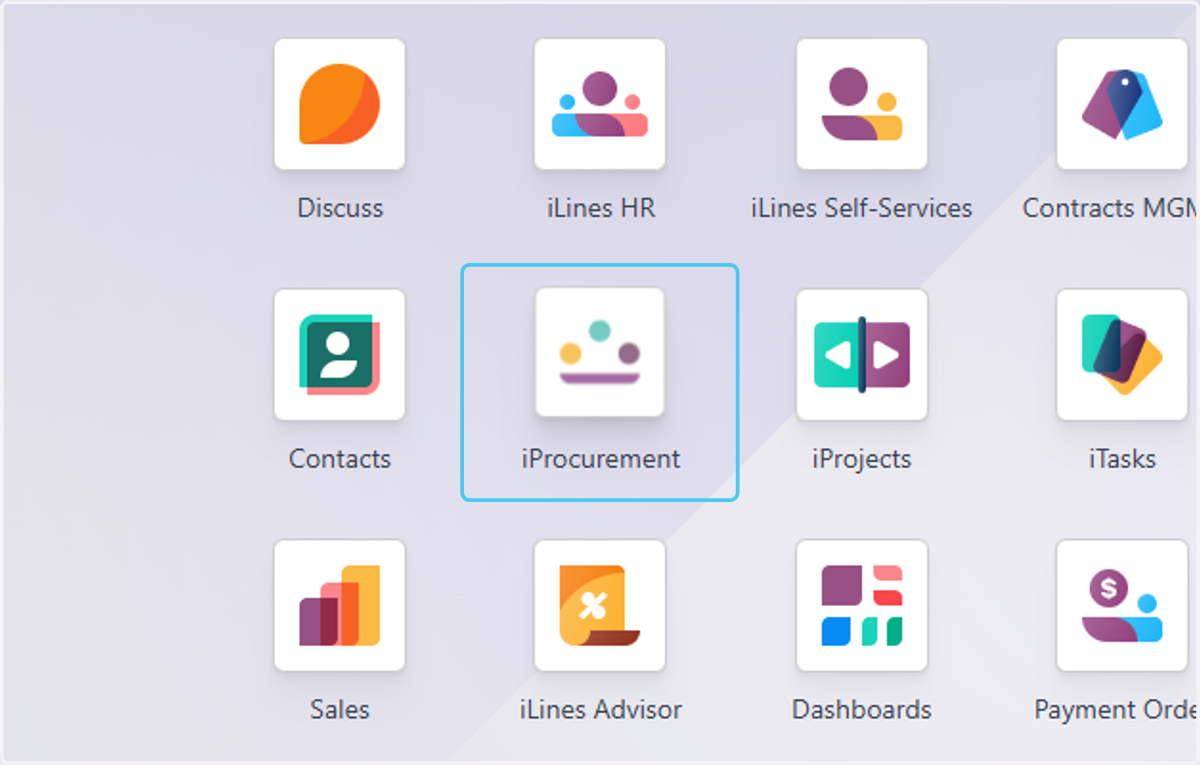
1. Click on iProcurement
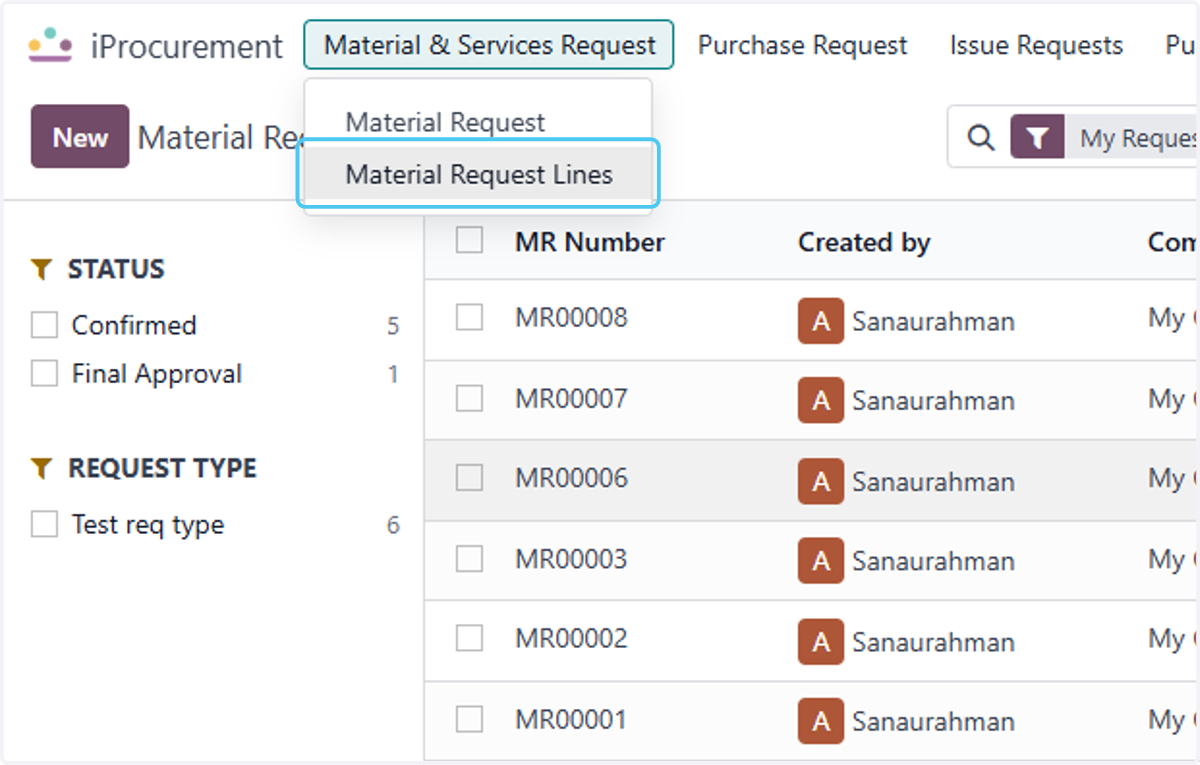
2. Click on Material Request Lines
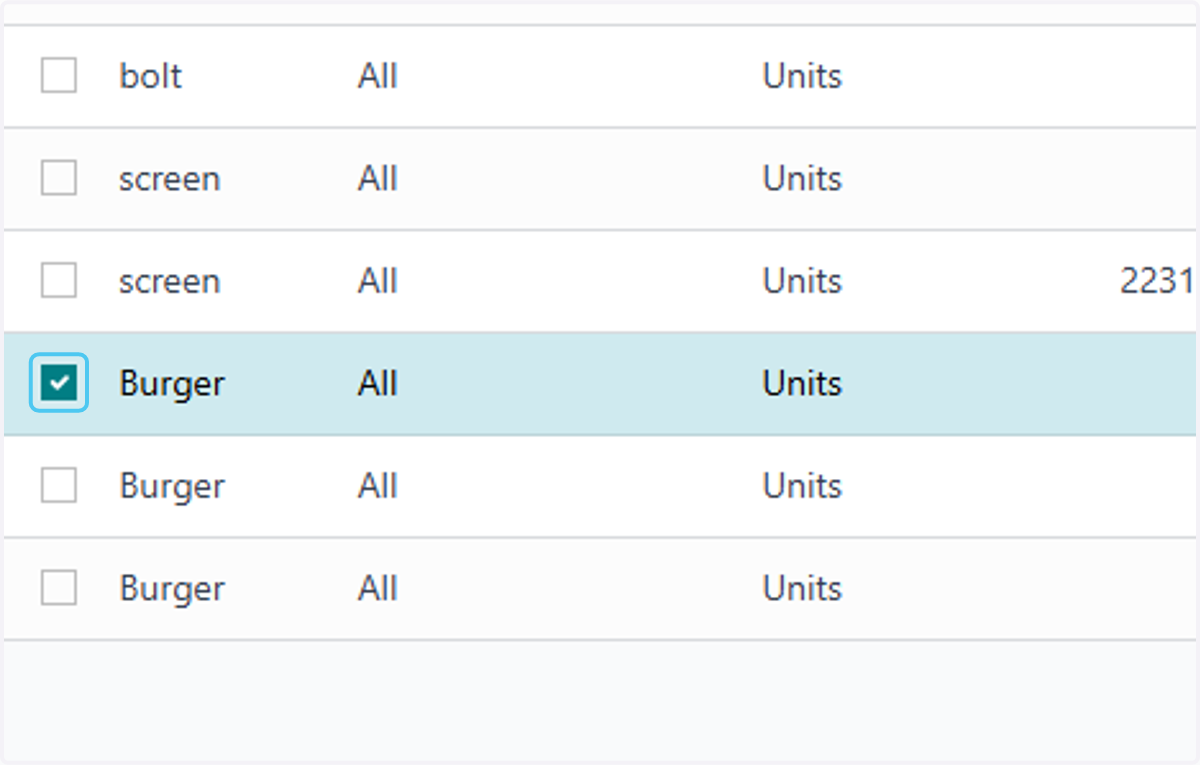
3. Select the Material Request line from that you want t create the Purchase request
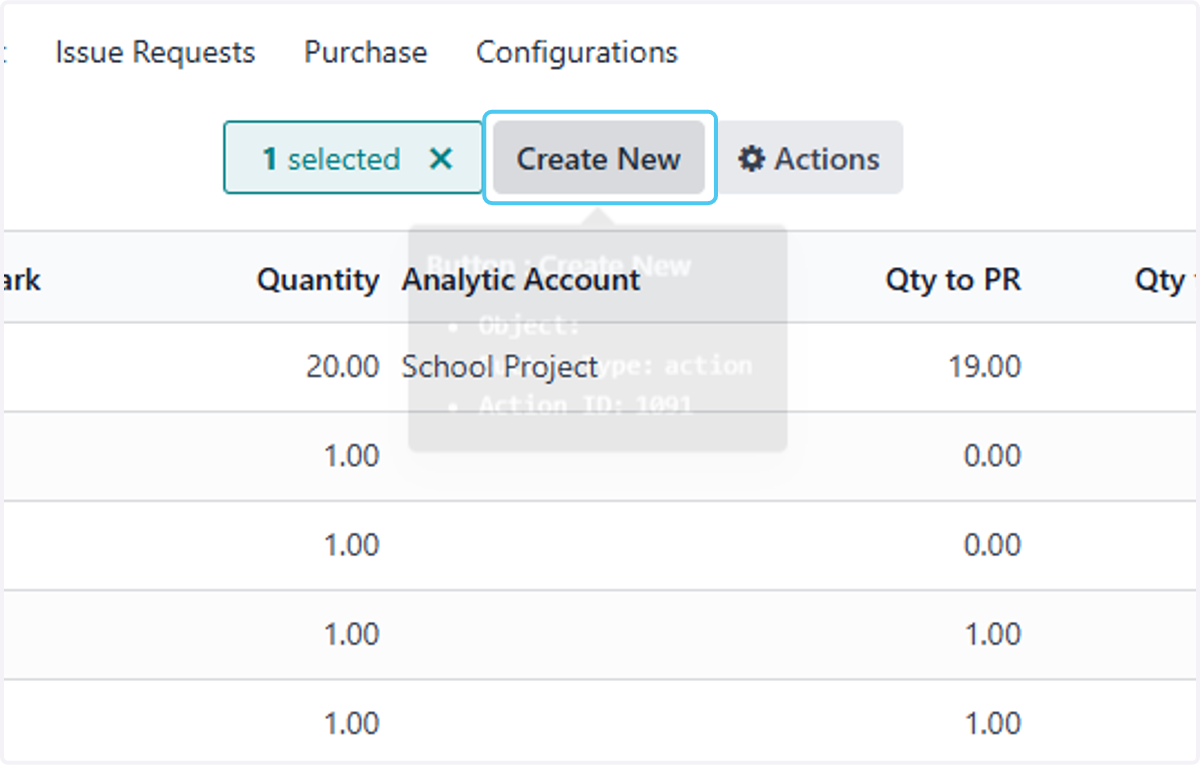
4. Click on Create New
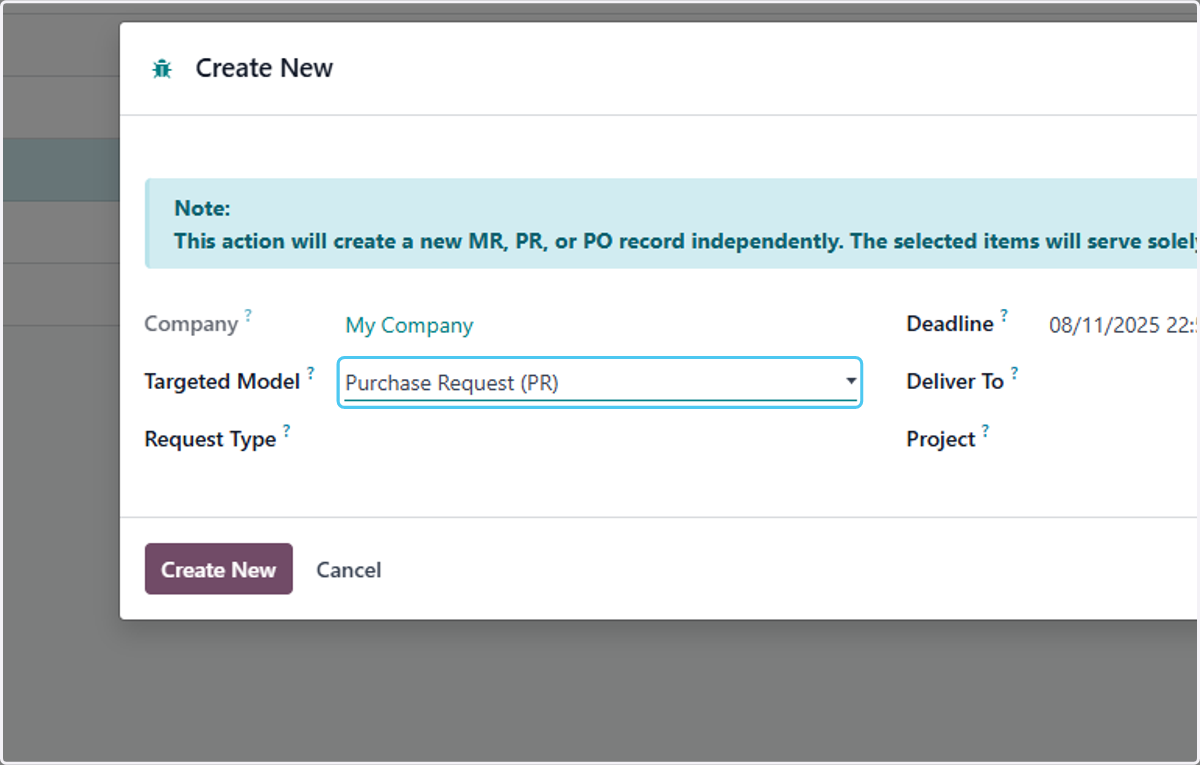
5. Select Purchase Request (PR) from Targeted Model?
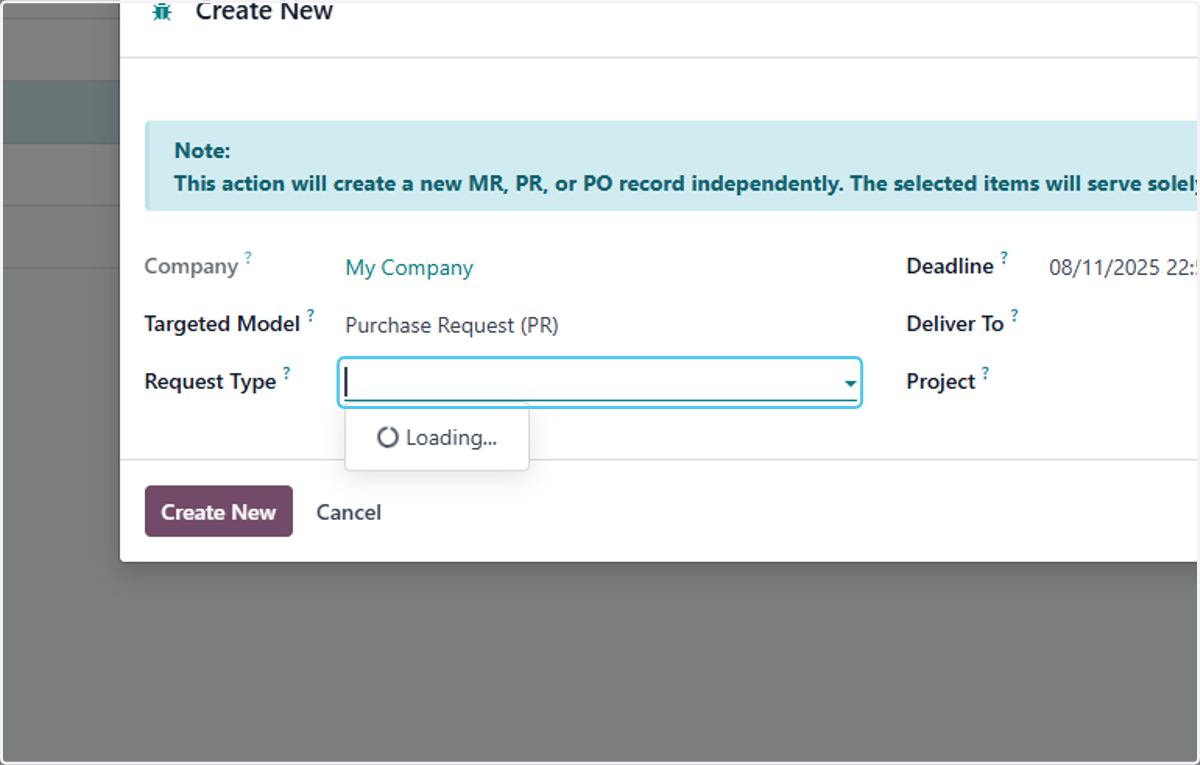
6. Click on Request Type?
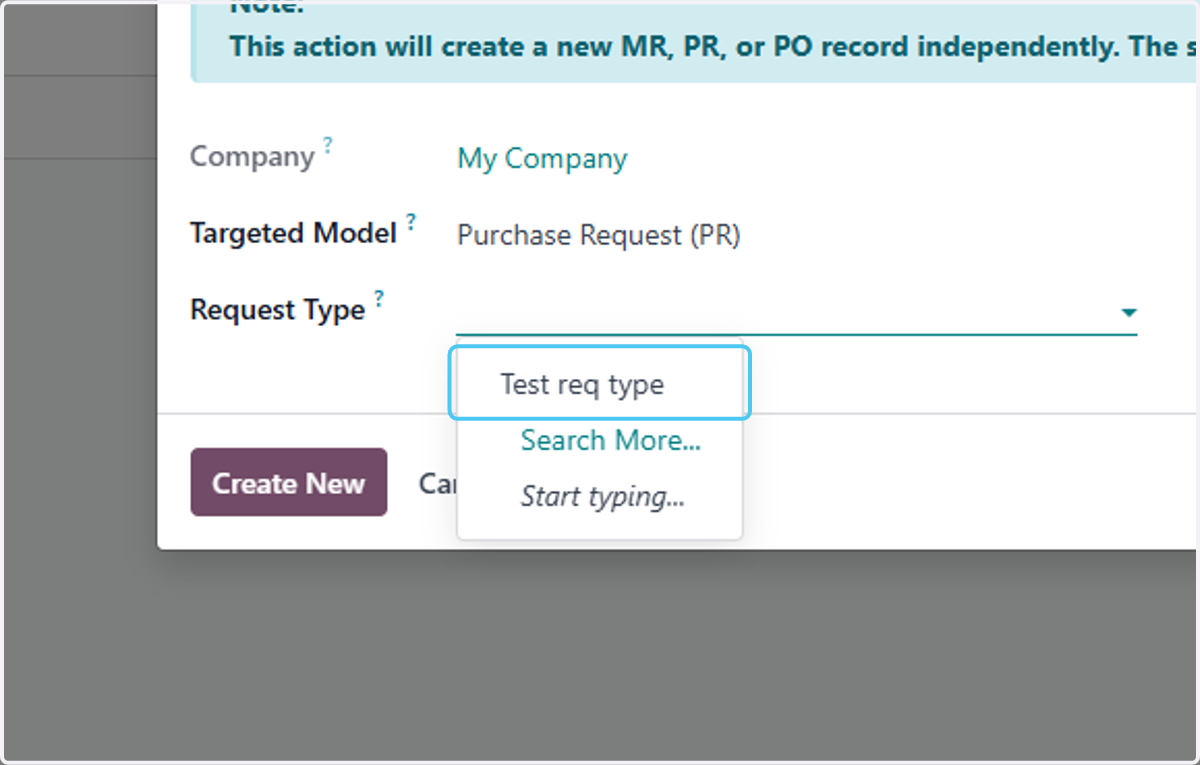
7. Click on Test req type
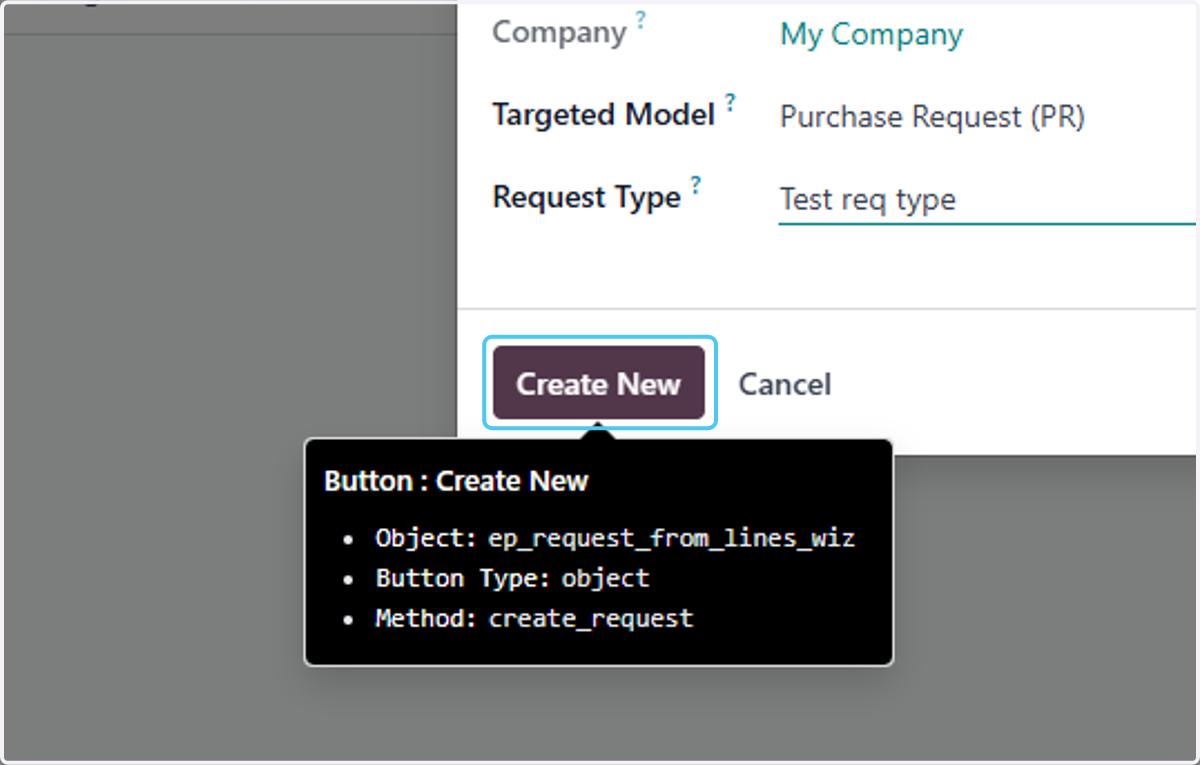
8. Click on Create New
9. Click on PR00008
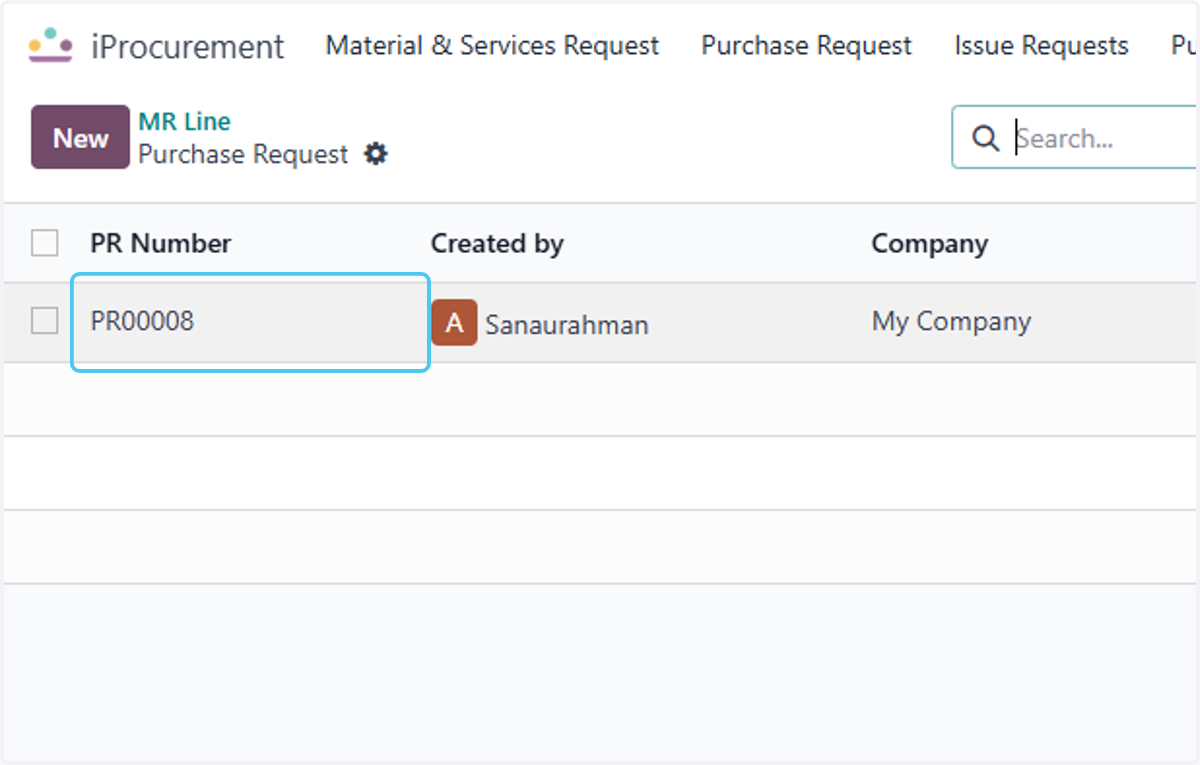
10. Finaly the Purchase request is created from the MR lines enter the Details procced for further process of purchase cycle