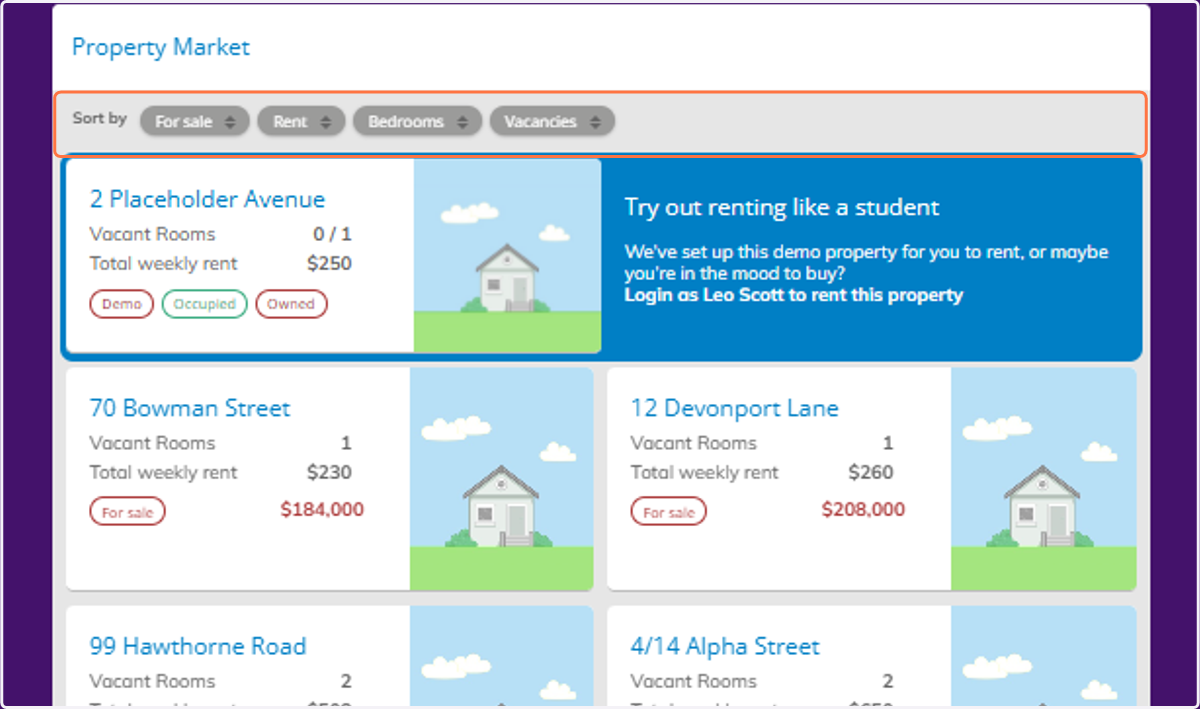
Navigating Property Overview in Home Ownership
Banqer High
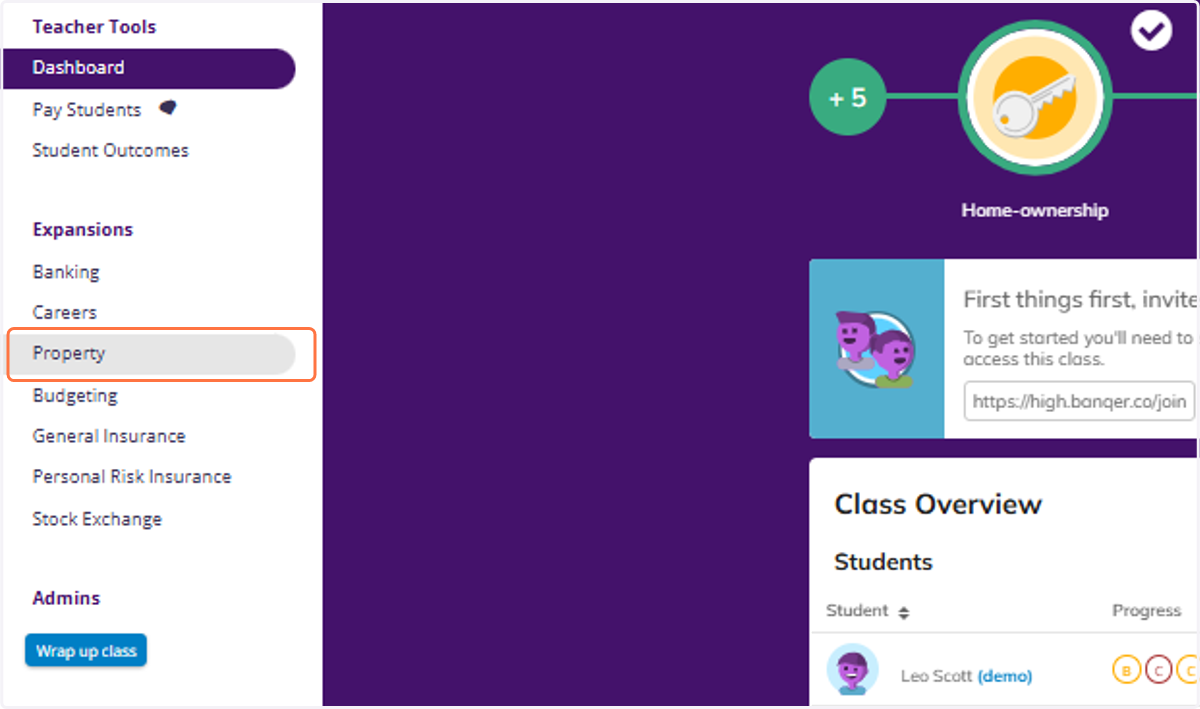
1. Click on Property
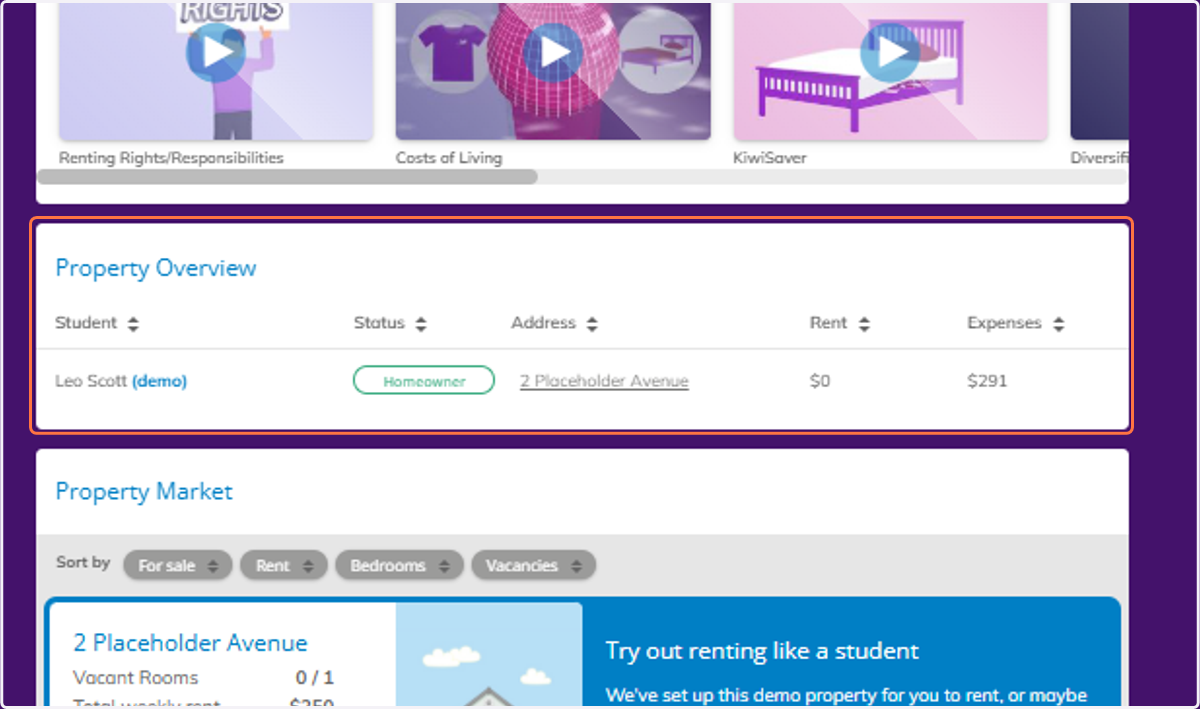
2. Scroll down to view the Property Overview. If a student has purchased a property, their status will show as Homeowner.
3. Scroll down to view the Property Market. You can see from here which properties are owned, as well as if they are occupied.