How to Sort by Date in Google Sheets Using SORT Range Feature
1. Go to your Google Sheet
2. Select the table that includes the column you want to sort
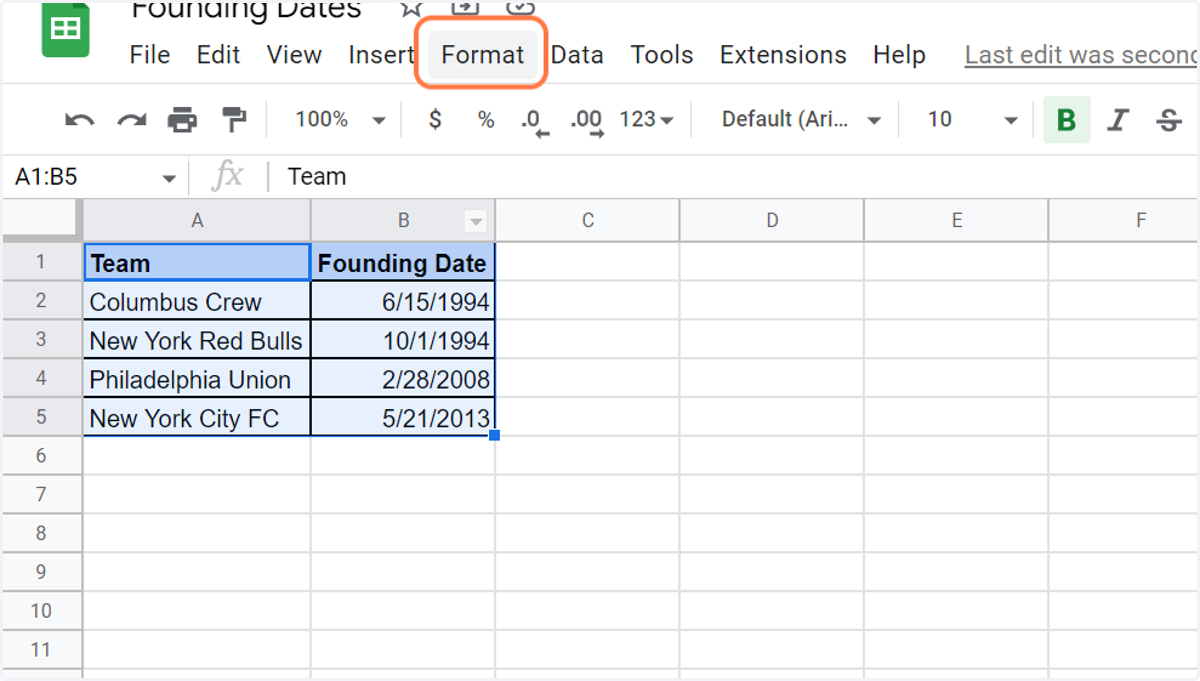
3. Click on Data and click on Sort range
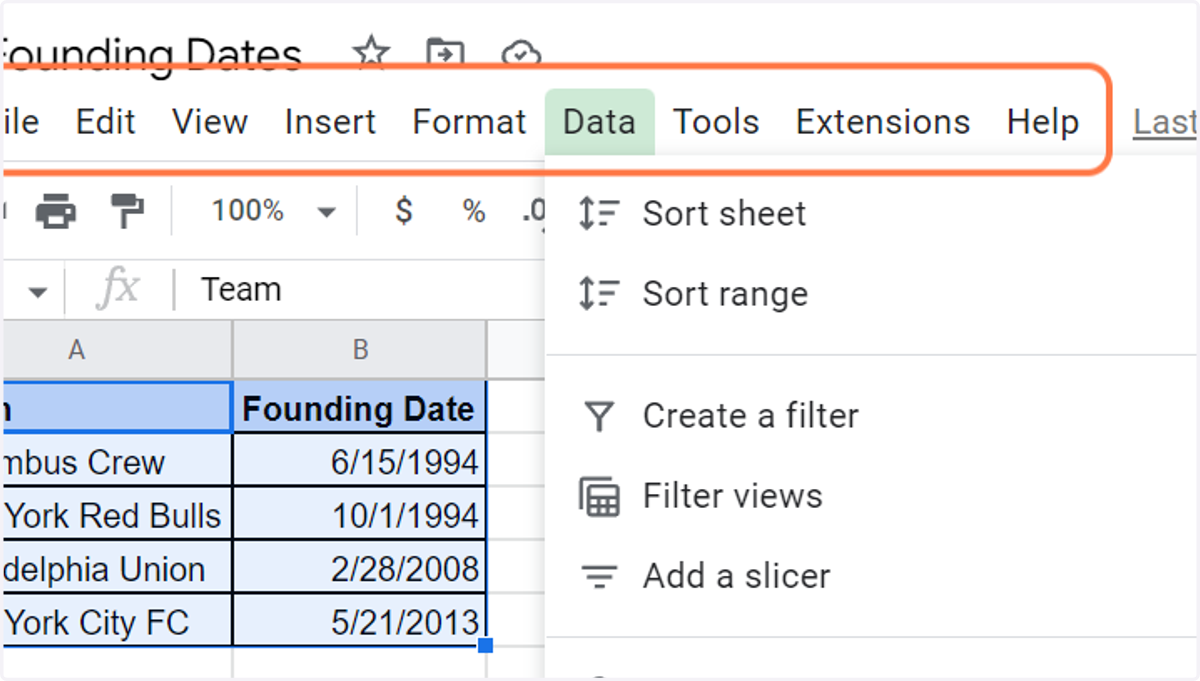
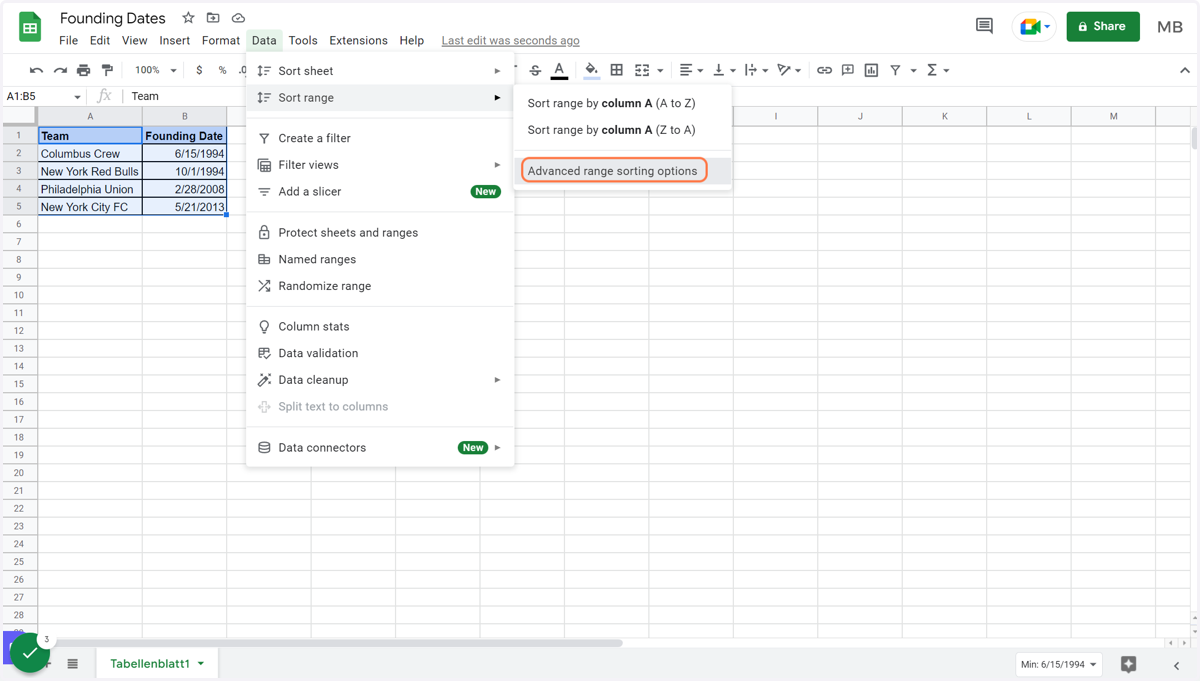
4. Click on Advanced range sorting options
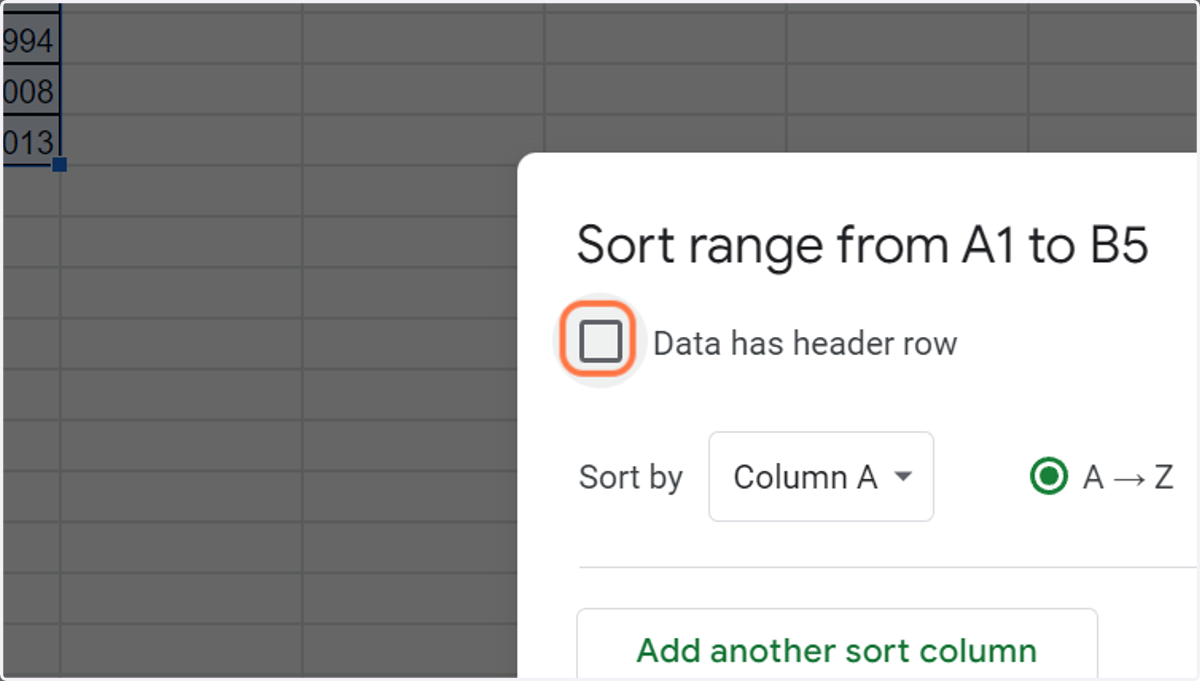
5. Check the field Data has header row
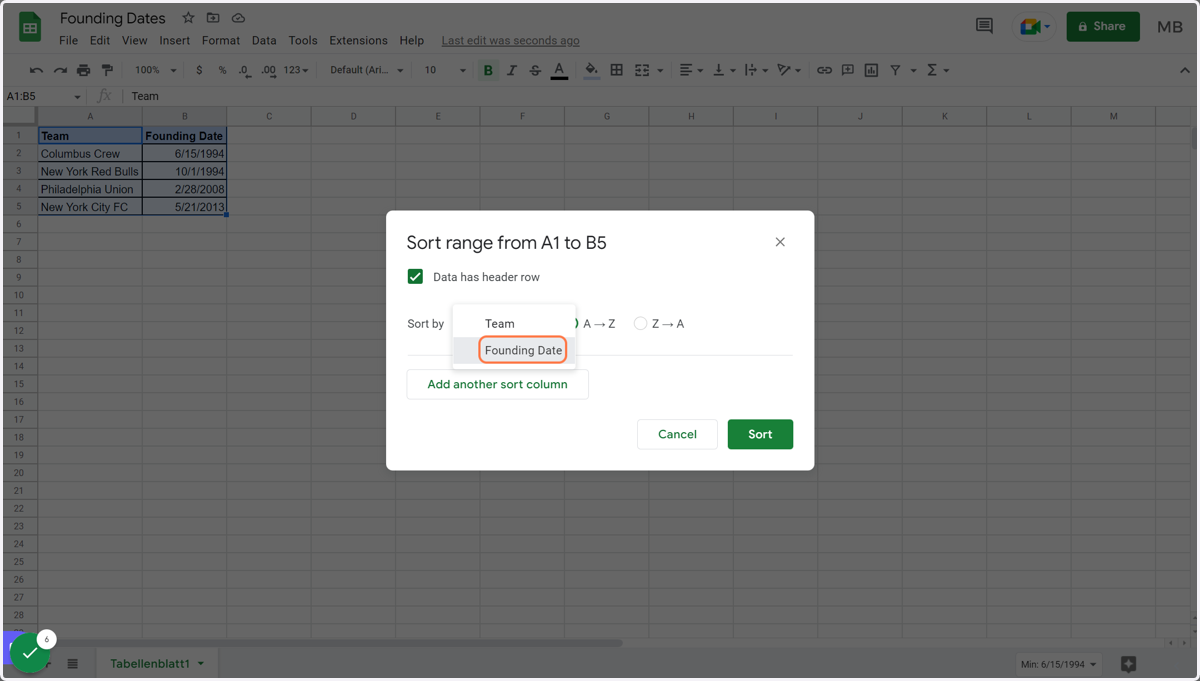
6. Choose the column you'd like to sort besides Sort by
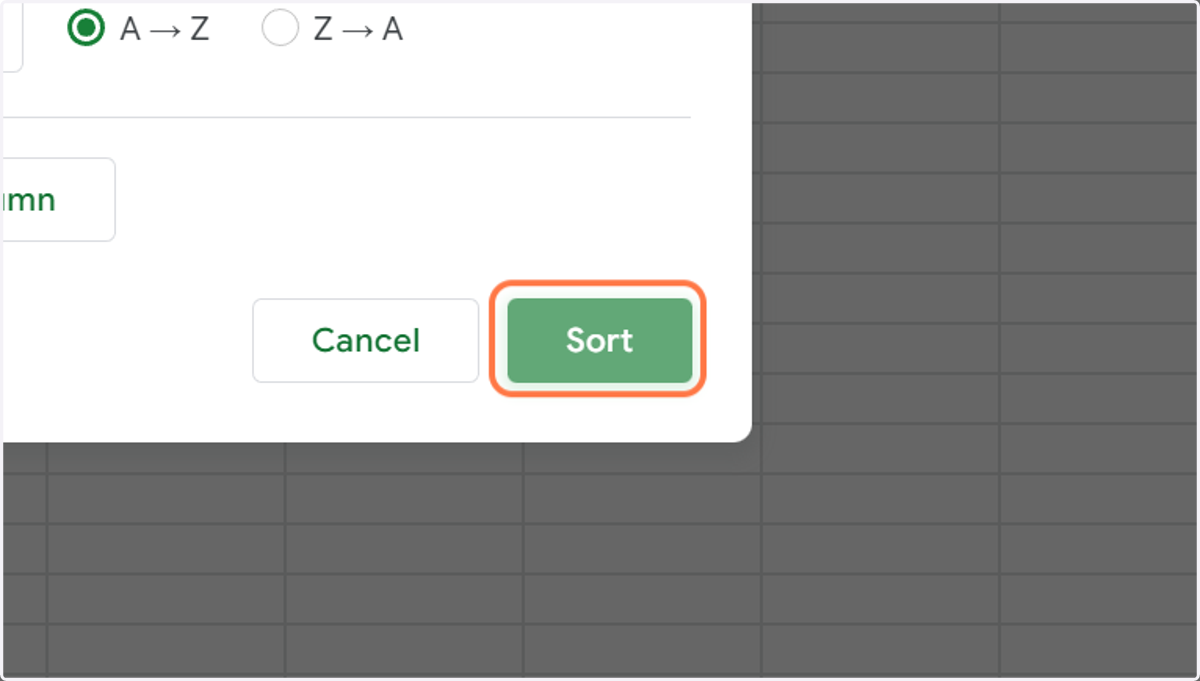
On top of that, you can check A –> Z (latest date last) or Z –> A (latest date first) to define your order.
7. Click on Sort