How to Add or Remove Admins from an Affiliate Profile
If you had an Affiliate Admin who needs to be removed OR added, please follow these steps
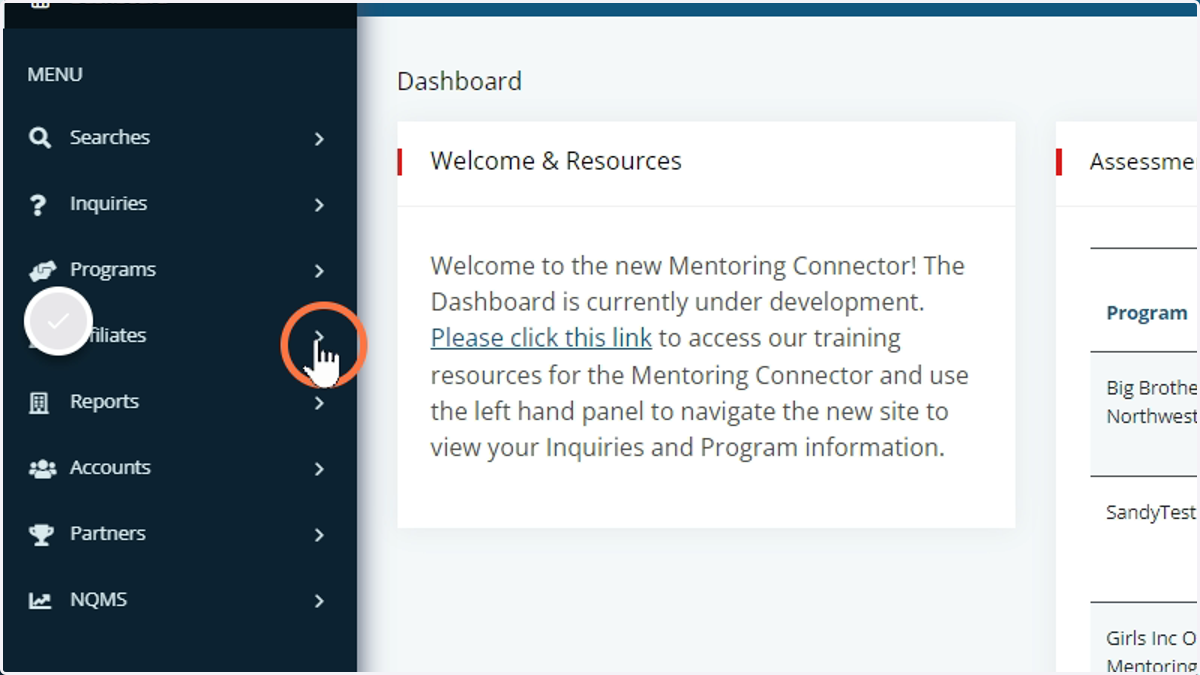
1. Head over to the Affiliate Section of the menu and click on the arrow to open the options.
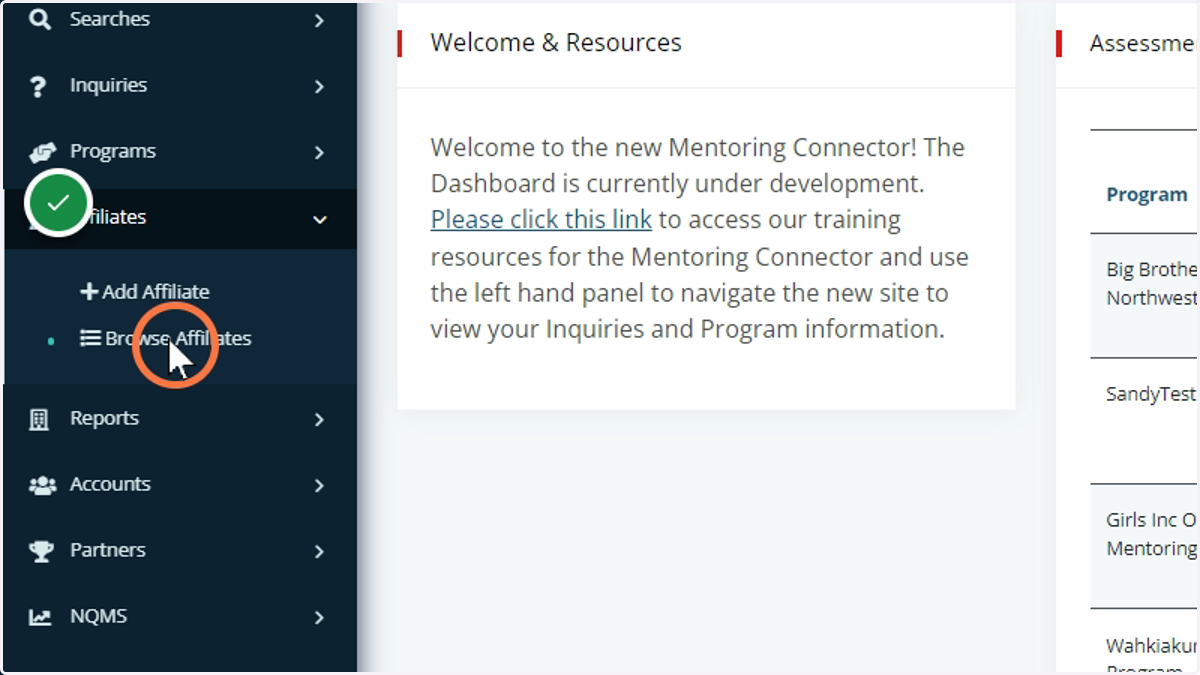
2. Select Browse Affiliates to search for the Affiliate that you want changes made to
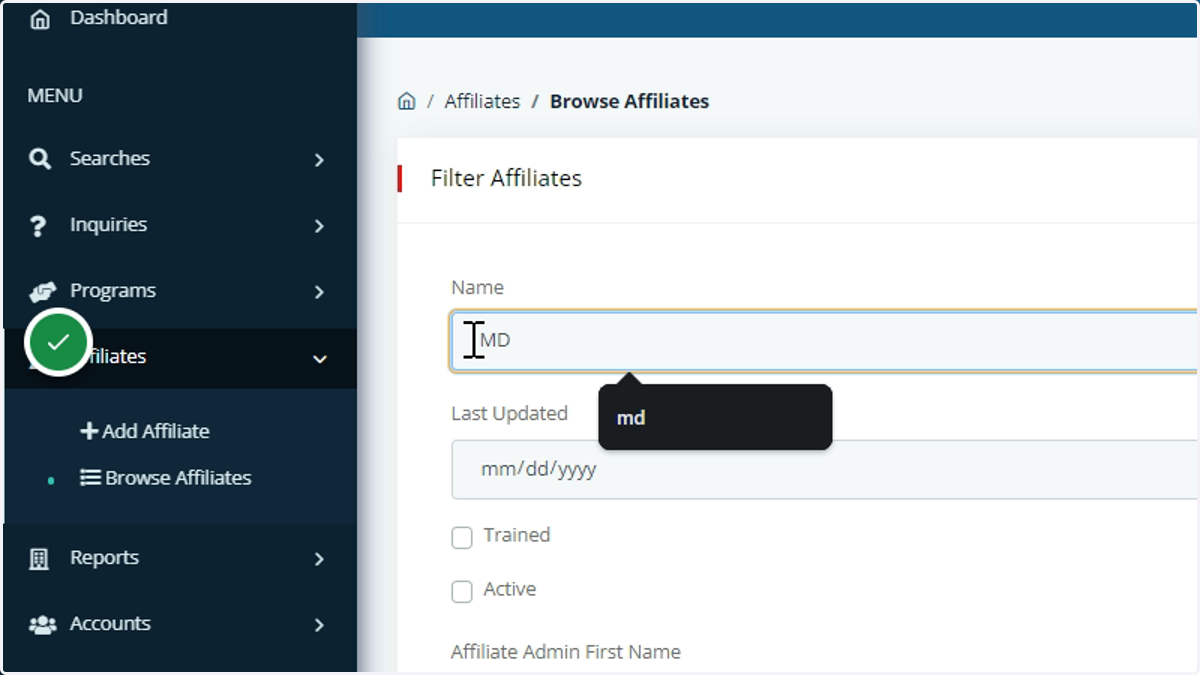
3. Search for the Affiliate using the following fields: Affiliate Name, Last Updated Date, or the Admins First or Last Name.
4. Apply filter once you've entered the search criteria
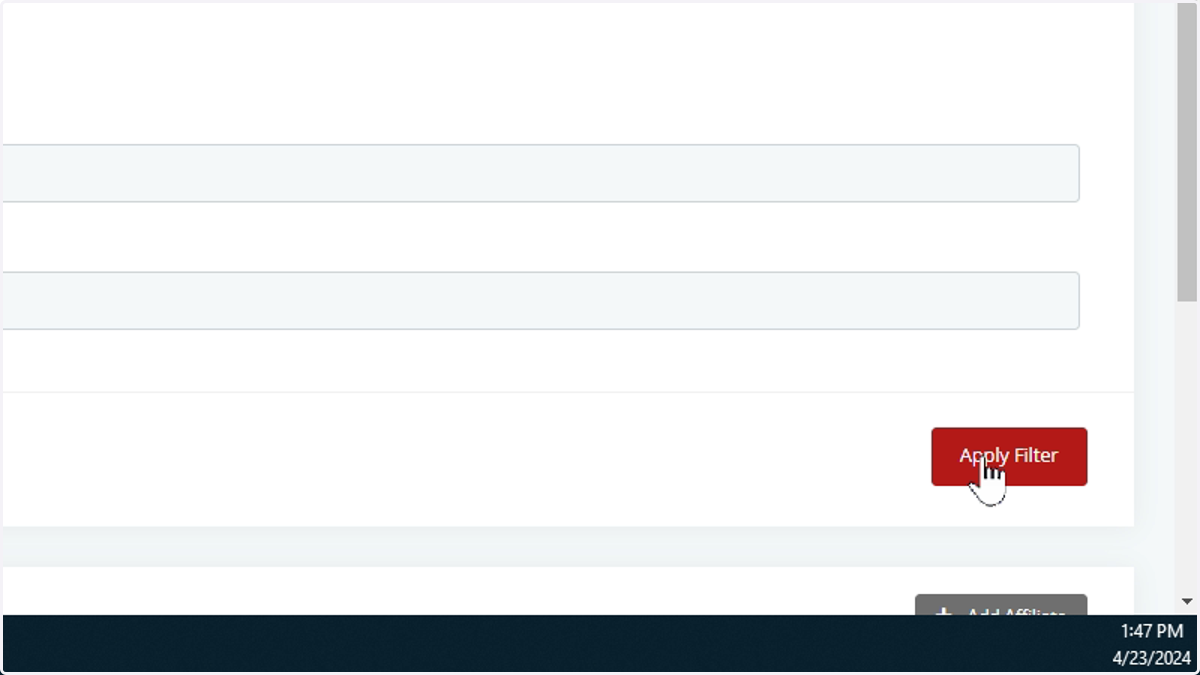
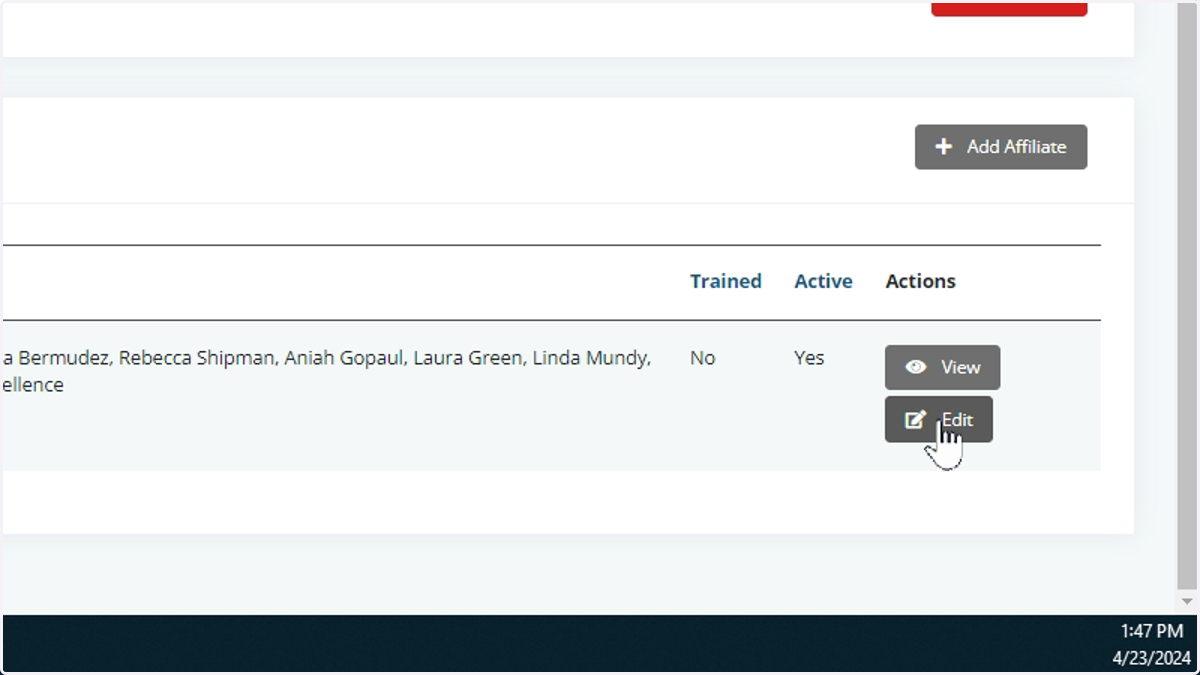
5. Once you found the Affiliate, click on edit to see the profile
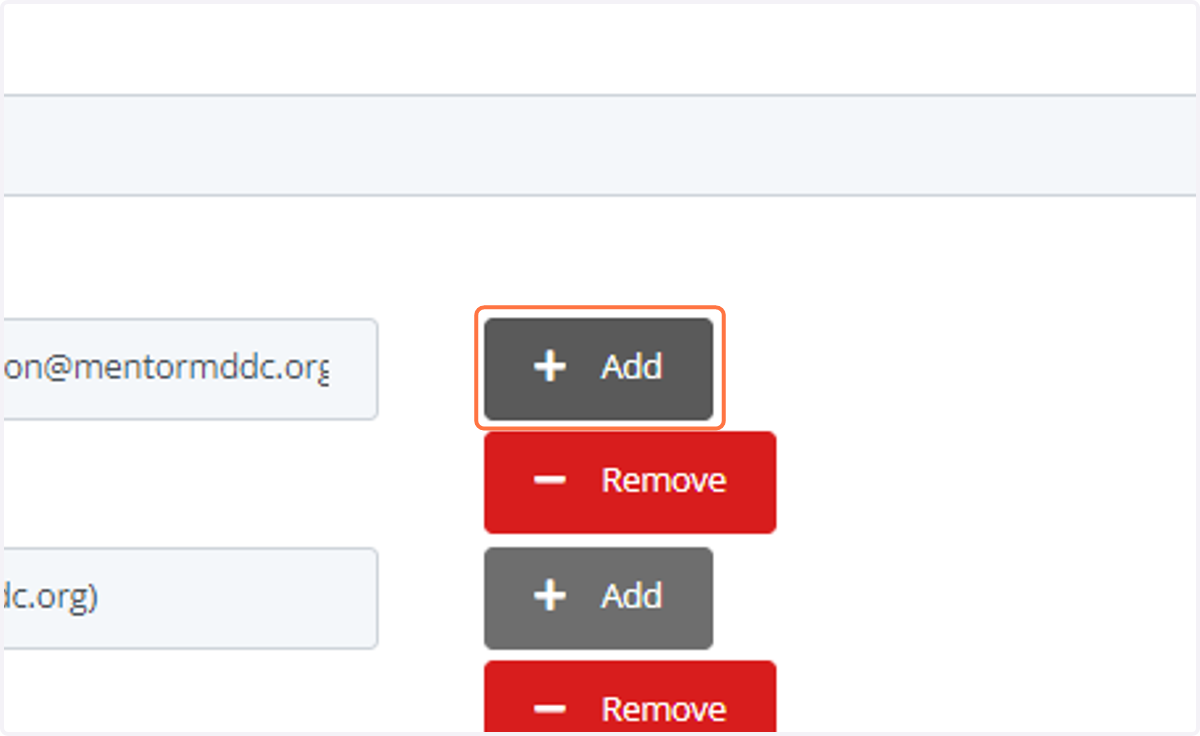
6. Using the Affiliate Admin section, click on the ADD button to add a new admin user. This requires an email address.
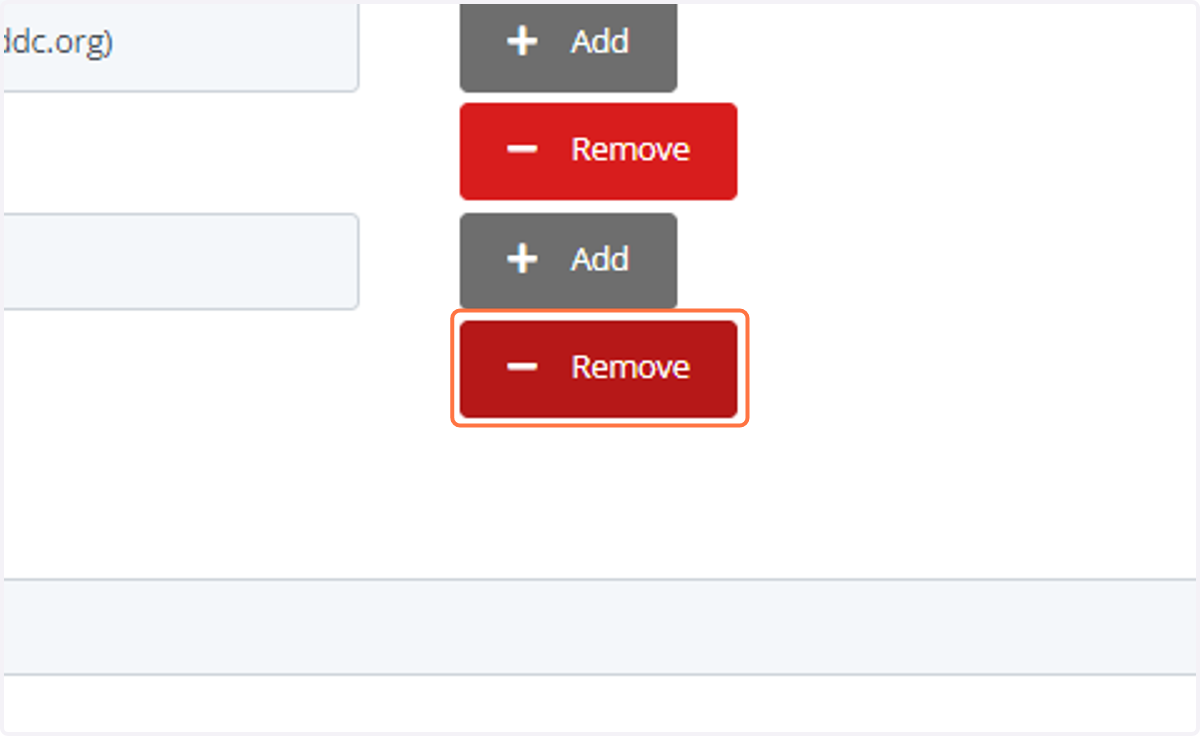
7. Click on the REMOVE button to remove the admin from the list
8. Once your changes are in place, click Save.