Understanding Dynamic Minimum Nights and Gap Logic in RevMax
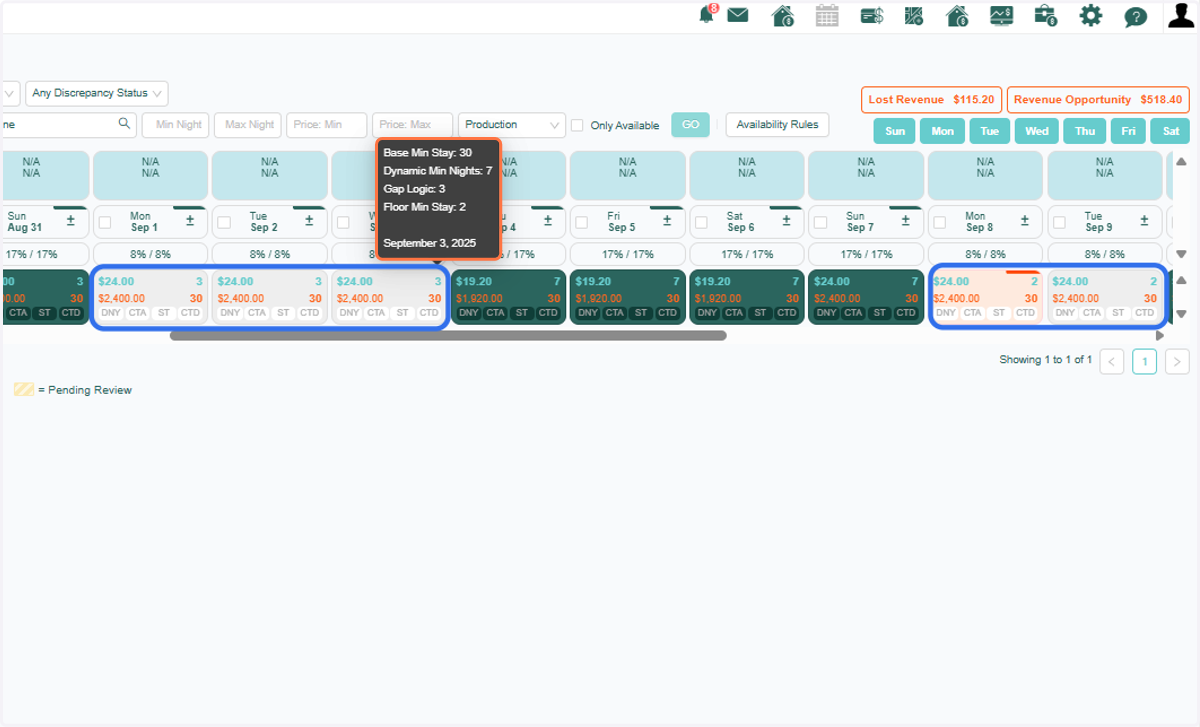
1. Let’s examine this unit more closely. You’ll notice it has both a 3-night and a 2-night gap. The variation in minimum night requirements is due to Dynamic Minimum Nights being active, which adjusts the minimums lesser the base settings.
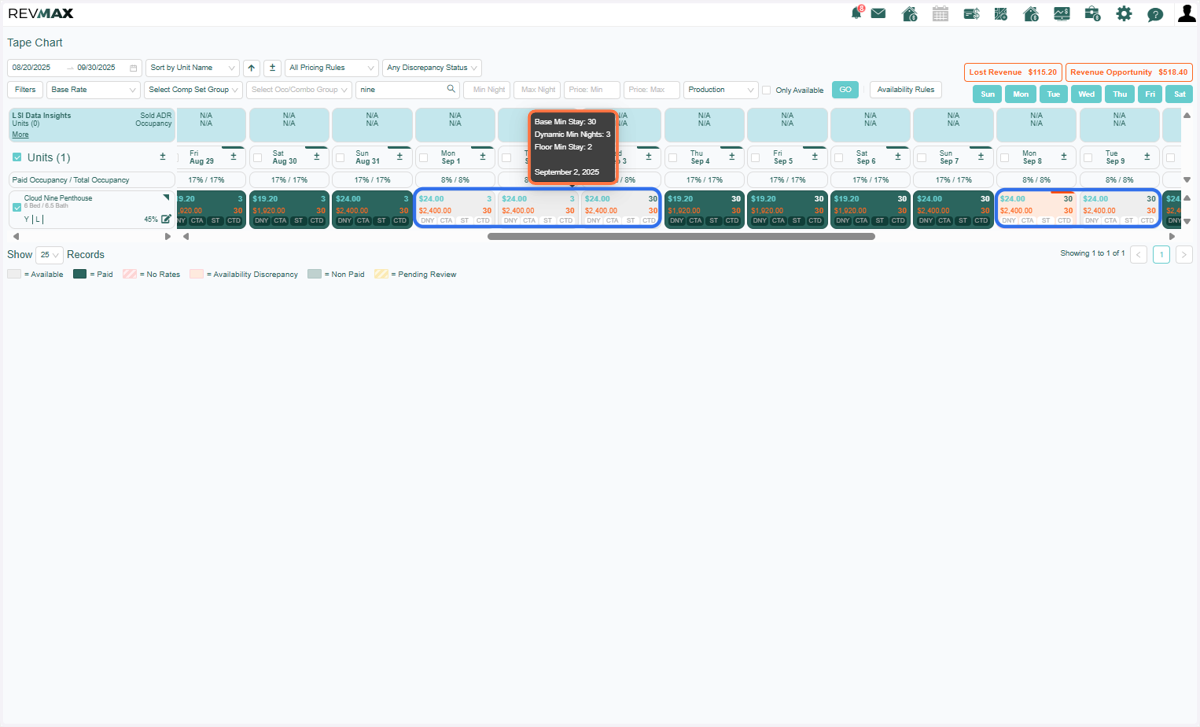
2. To view the Dynamic Minimum Night rule applied to this unit, go to the Availability Rules page.
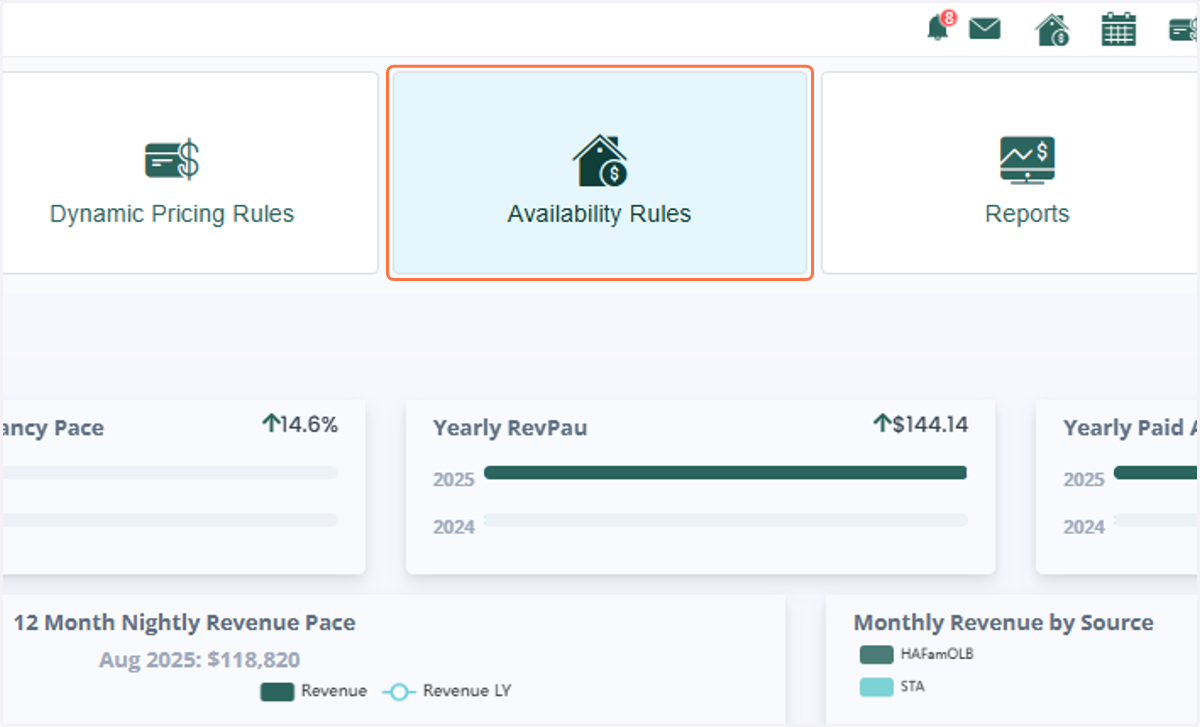
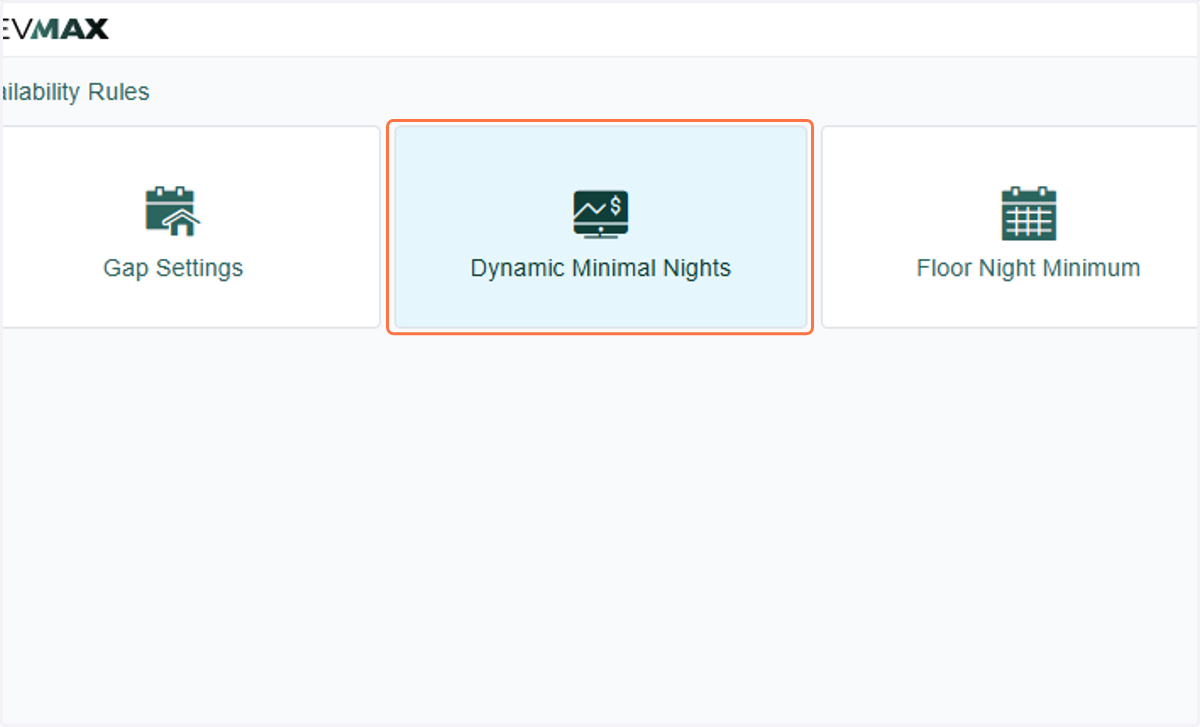
3. Then, click on Dynamic Minimum Nights to proceed.
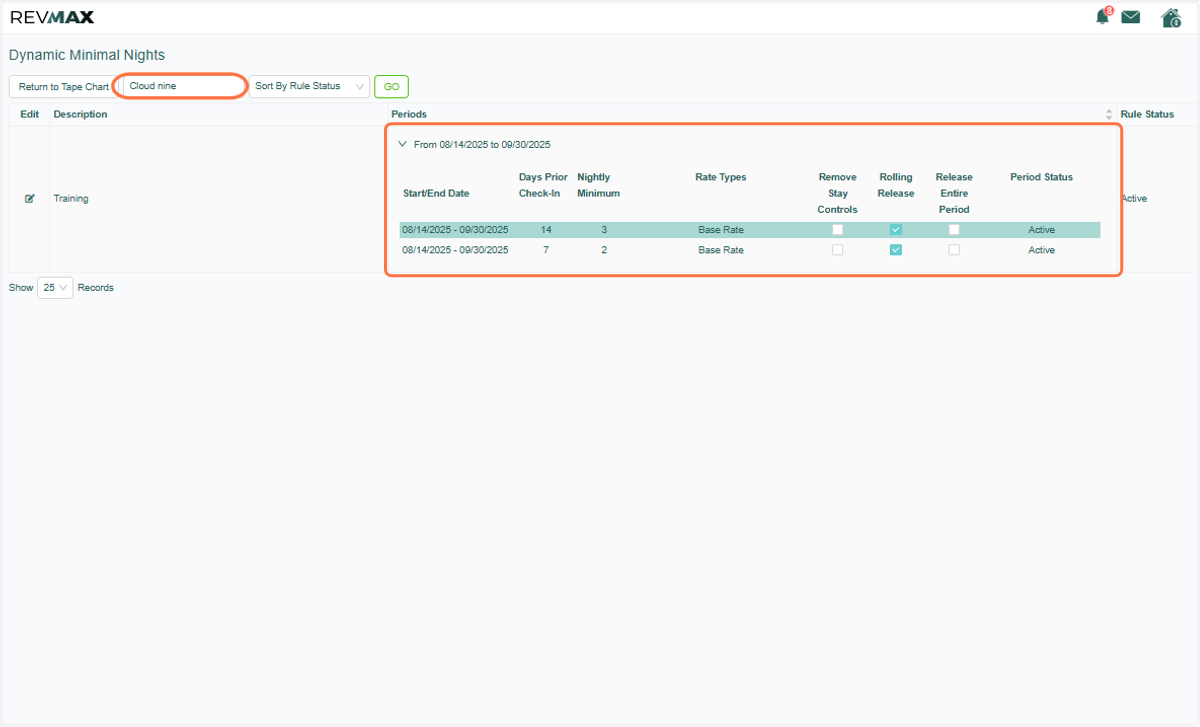
4. You can enter the unit name to view the rules currently applied. Below, you’ll see the specific rule applied to the minimum night requirements on gap nights as displayed in the tape chart.
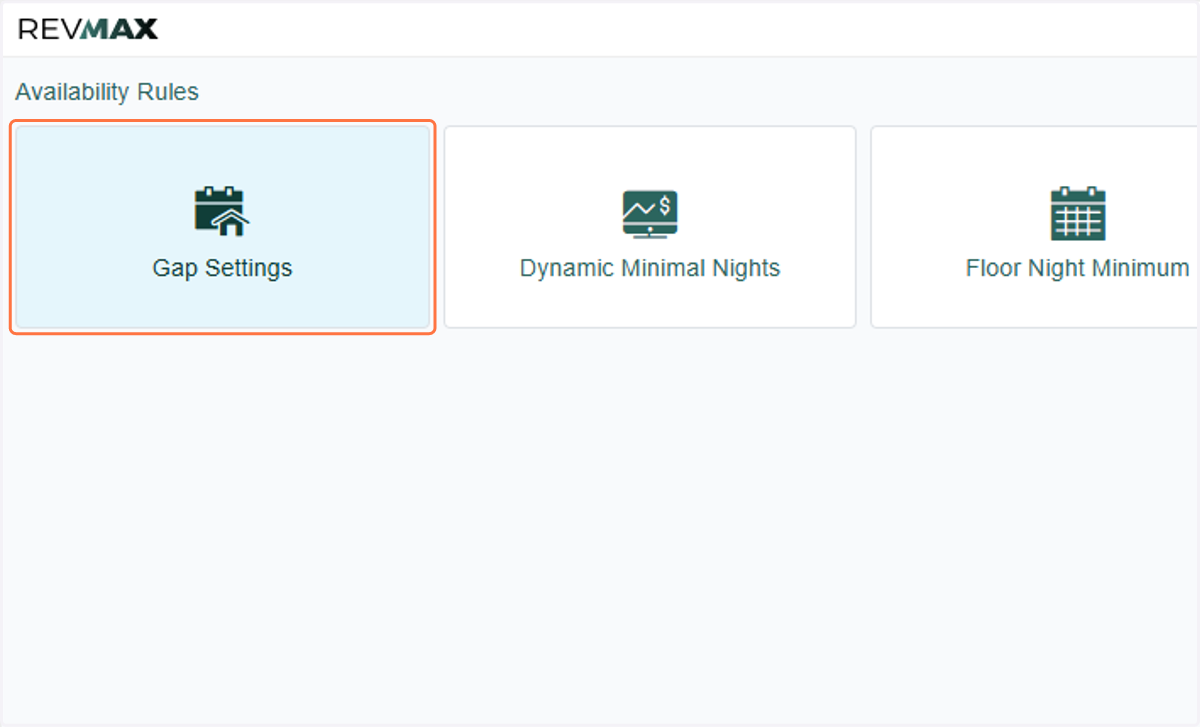
5. We’ll now proceed to test and enable Gap Logic for this unit. To review or adjust the settings, please go to the Availability Rules page and click on Gap Settings.
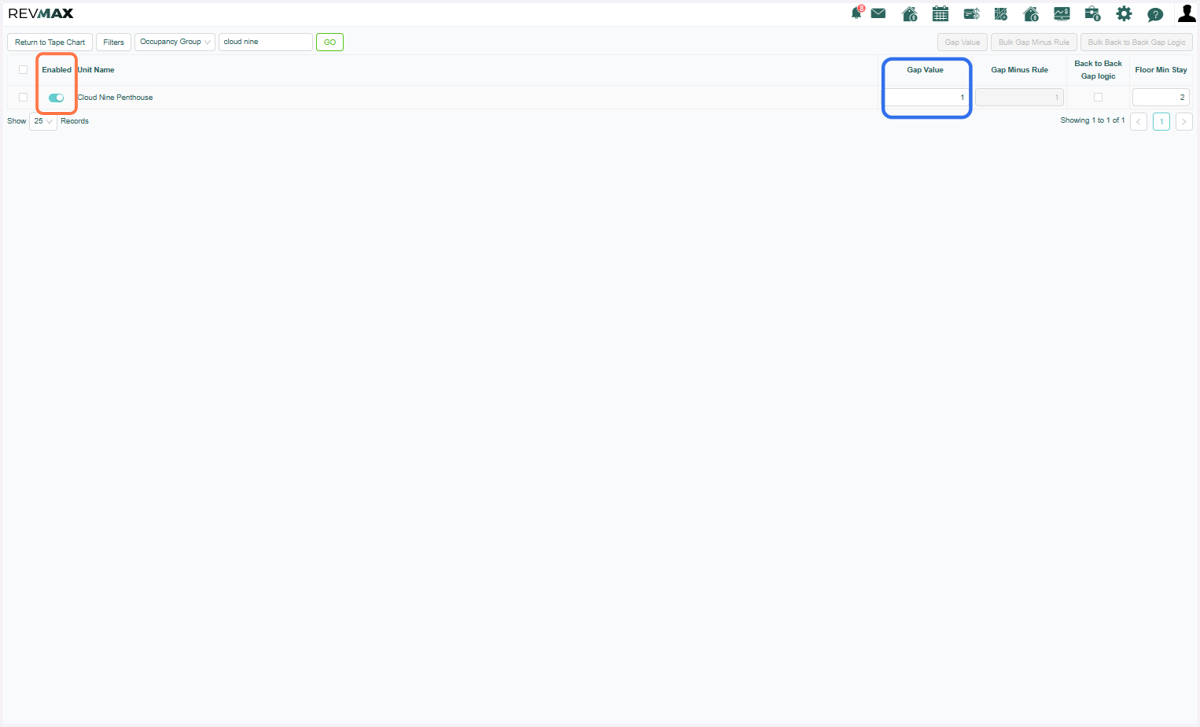
6. Toggle on Gap Logic to begin testing. First, we’ll check whether the 1-night gap value setting is correctly applied to the gap nights.
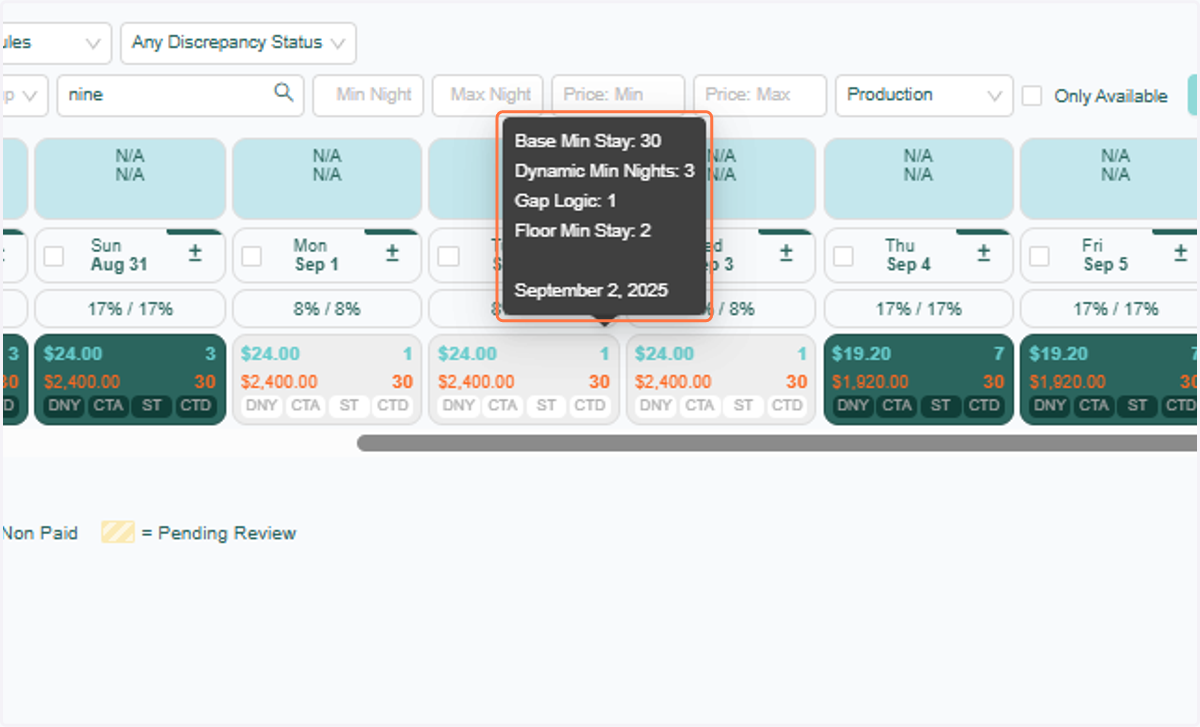
7. Refresh your Tape Chart, and you’ll notice that the 3-night gap now reflects a 1-night minimum. This indicates that Gap Logic has taken precedence over Dynamic Minimum Nights.
You can confirm this by hovering over the night minimum in the chart, as shown below.
8. Next, we’ll test whether the Back-to-Back Gap Logic rule takes precedence over Dynamic Minimum Nights. Make sure to check the Back-to-Back Gap Logic setting.
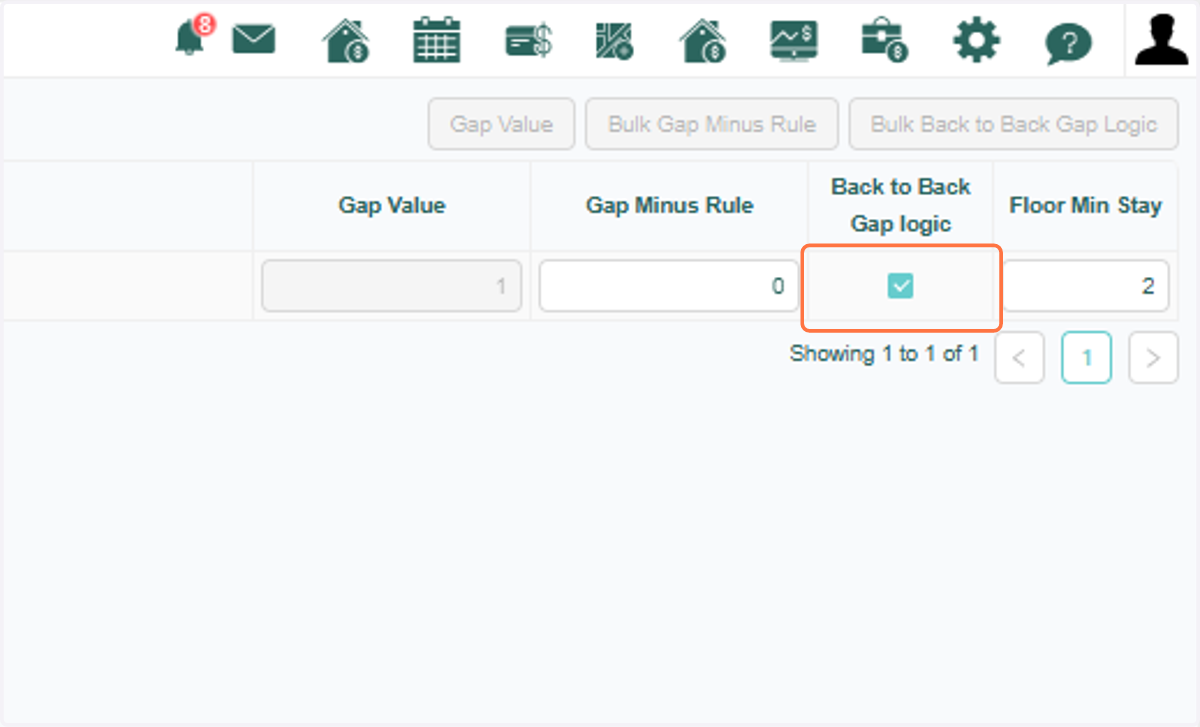
9. Refresh your Tape Chart again, and you’ll see that the Back-to-Back Gap Logic is also overriding the Dynamic Minimum Nights rule. As a result, the minimum night now matches the number of gap nights.
10. You can also review the Gap Logic settings directly within the unit’s settings page.
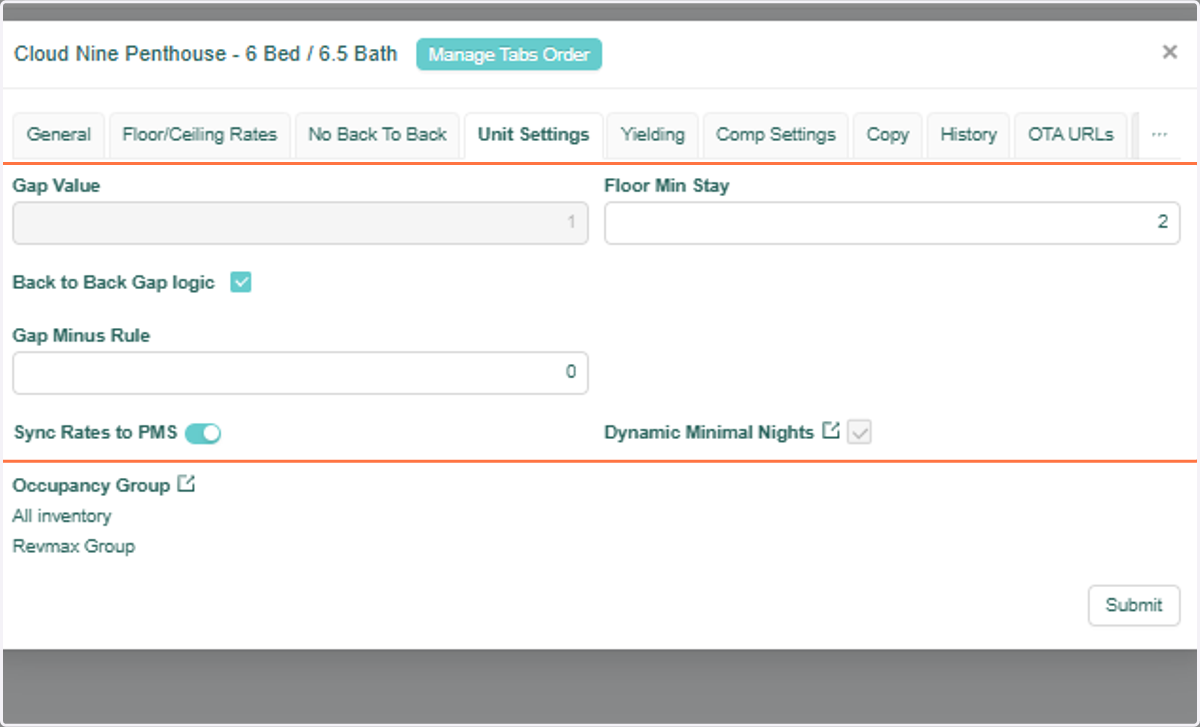
11. Important Note: If Length of Stay Pricing is active for a unit, it will take precedence over both Gap Logic and Dynamic Minimum Nights settings.