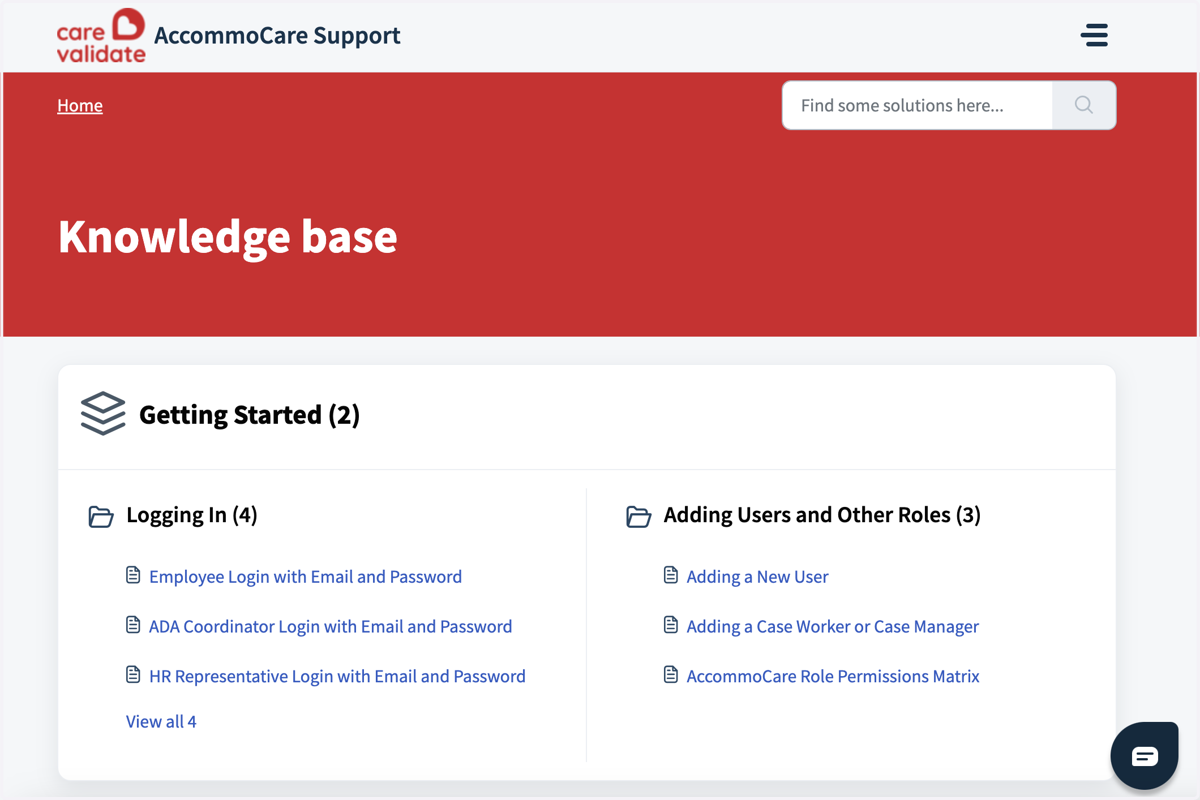
Nov 8th Release Notes - Add Support & Knowledge Base Link to the dashboard
Got a query regarding the Accommocare Dashboard? Find all the help you need with the extensive Knowledge base articles along with a custom help form to get answers to specific questions.
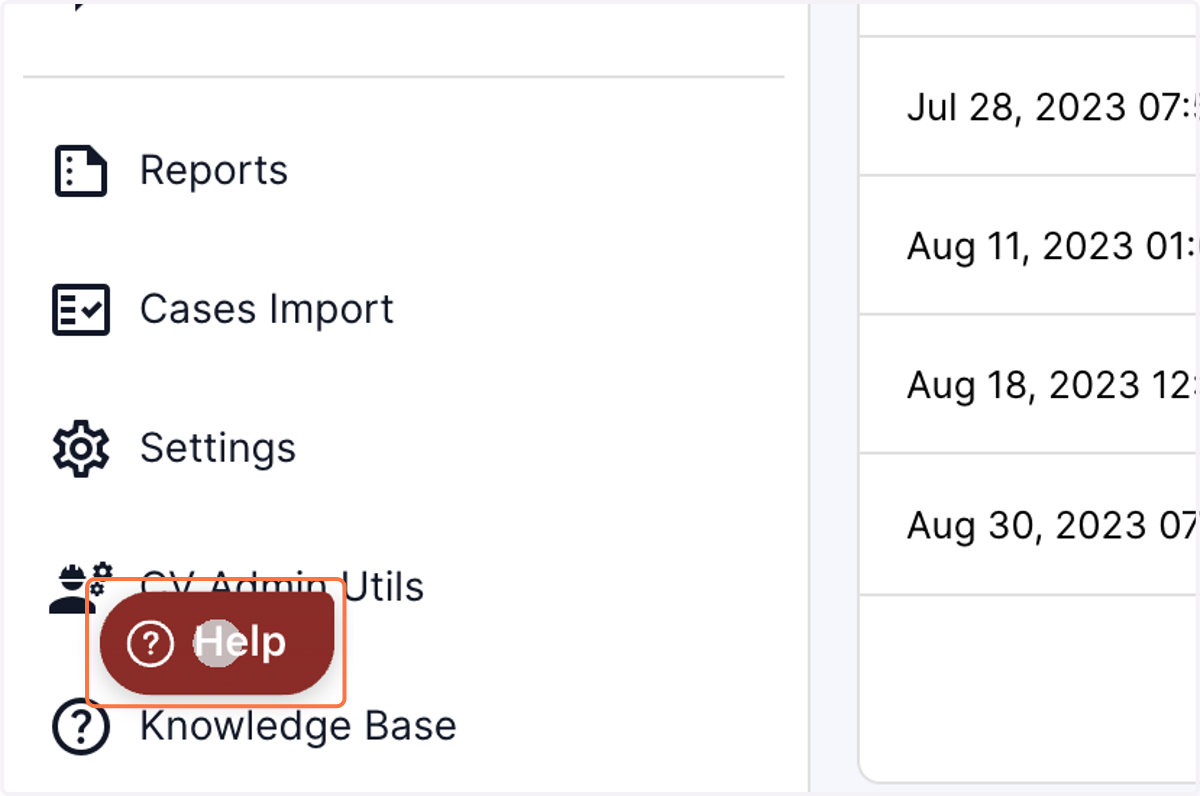
1. Click on the Red "Help" tab in the left bottom of the panel
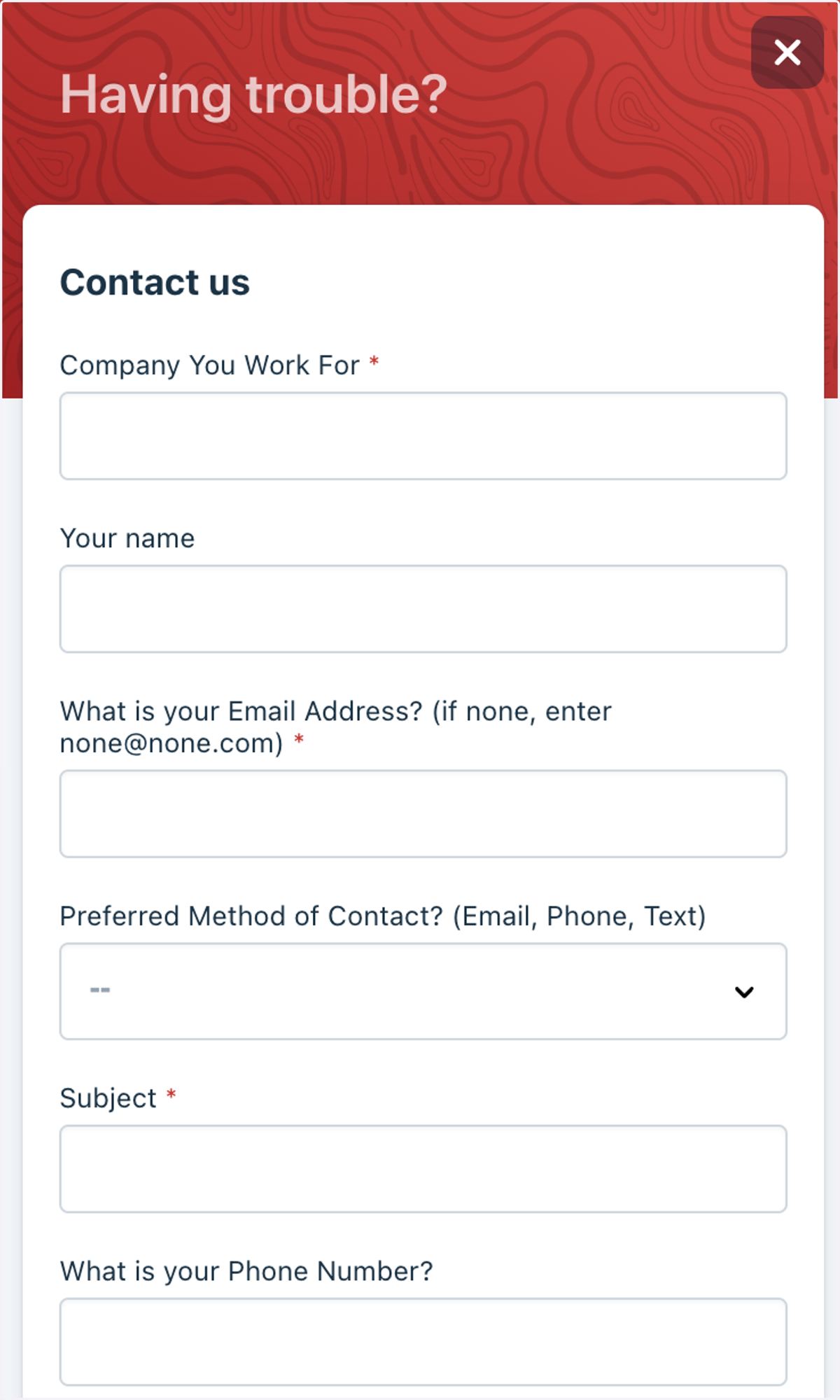
2. Fill out the help form and submit to get answers to your queries. You also have the option of uploading a screenshot along with the form.
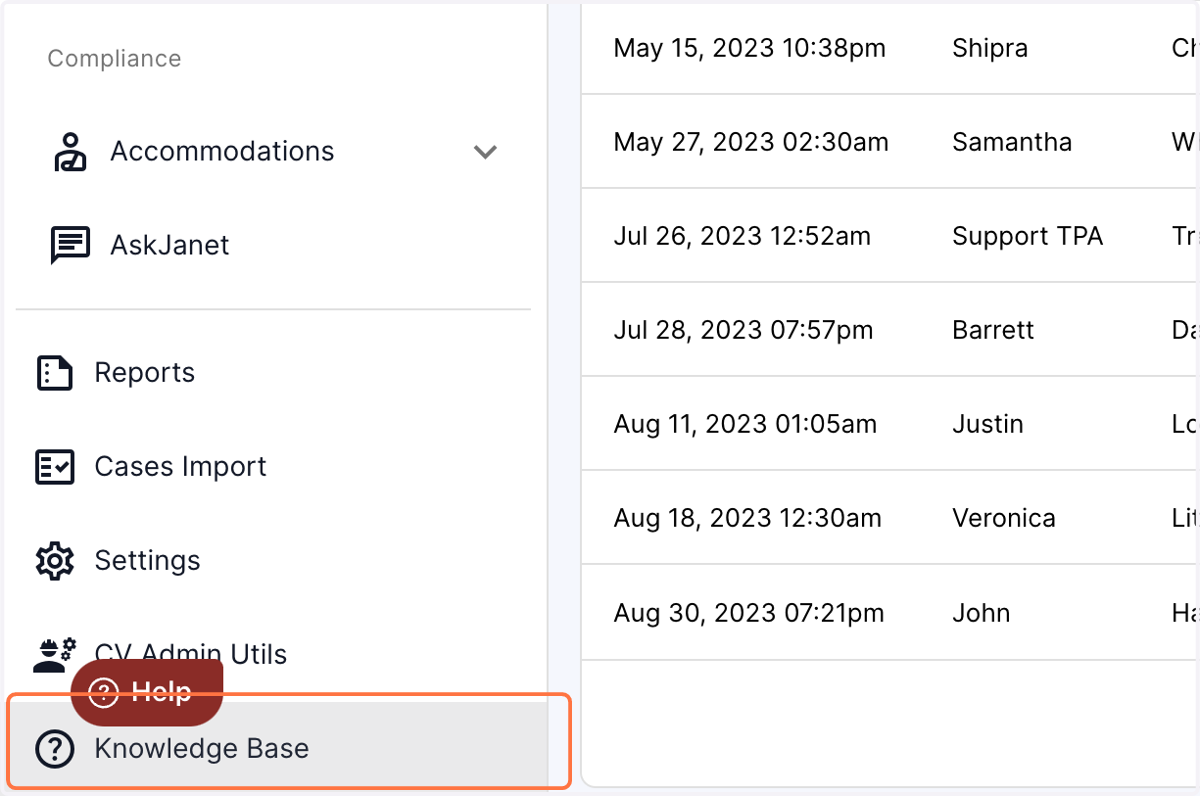
3. Click on the Knowledge Base in the left bottom of the panel.
4. Clicking on Knowledge base will open a new tab with solution articles for Accommocare.