How to Update Your Slack Status

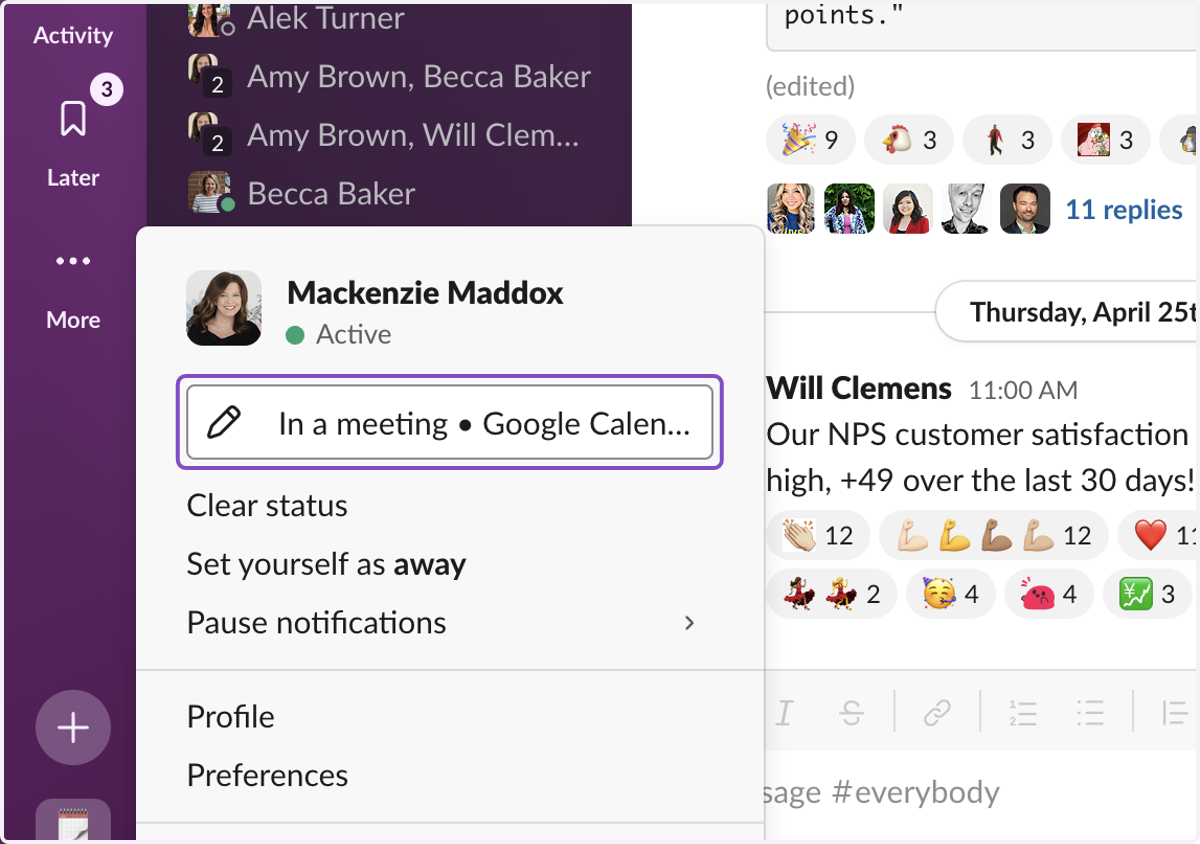
  1. 1. To Update your Status - Click on the Profile Icon again
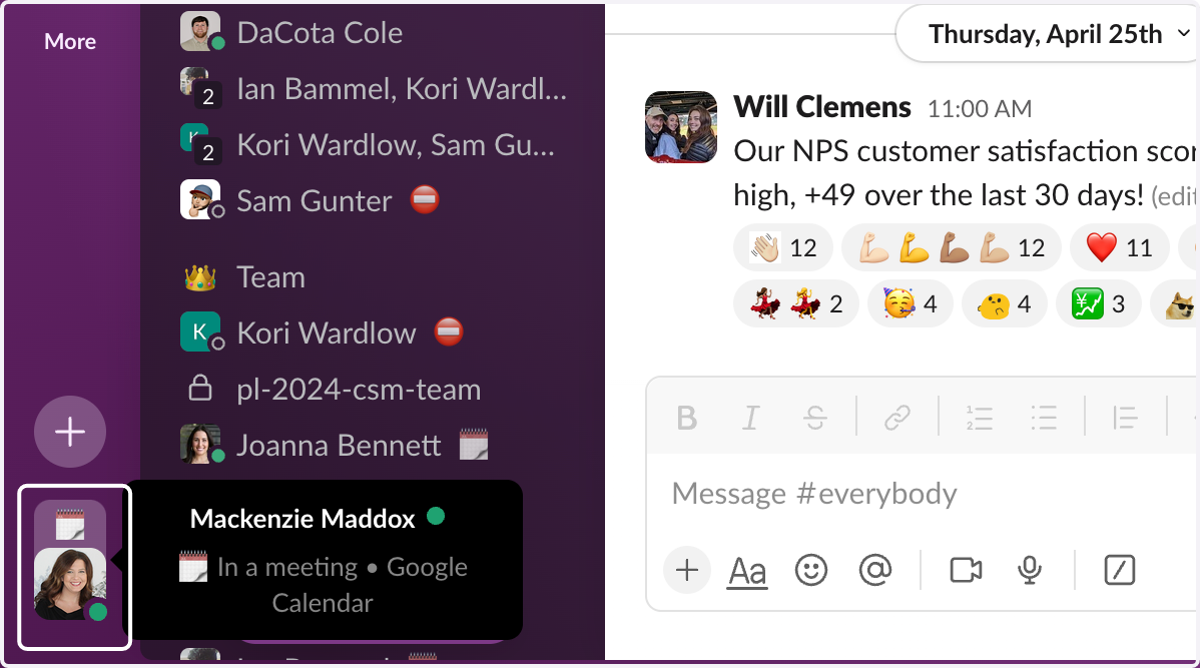
    To Update your Status - Click on the Profile Icon again
  2. 2. Click on Edit status

    Click on Edit status
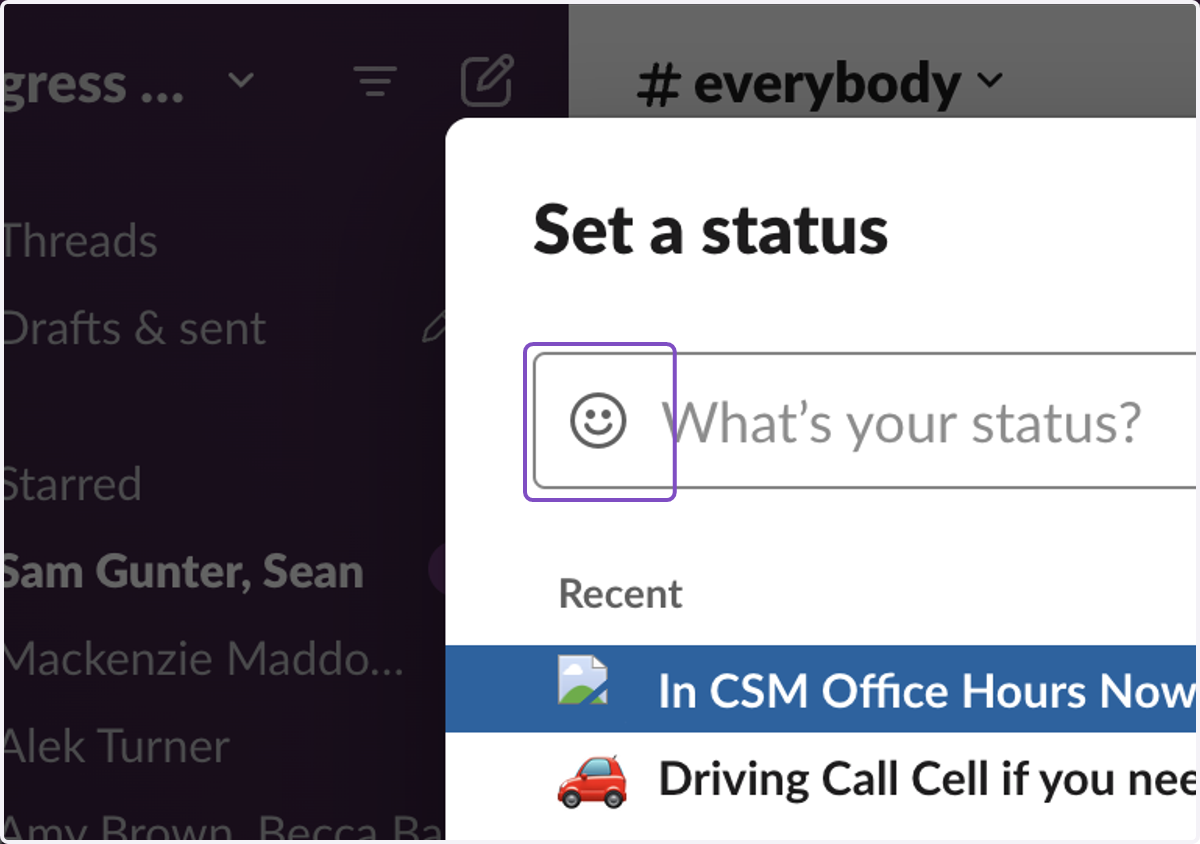
  3. 3. Click on Status emoji

    Click on Status emoji
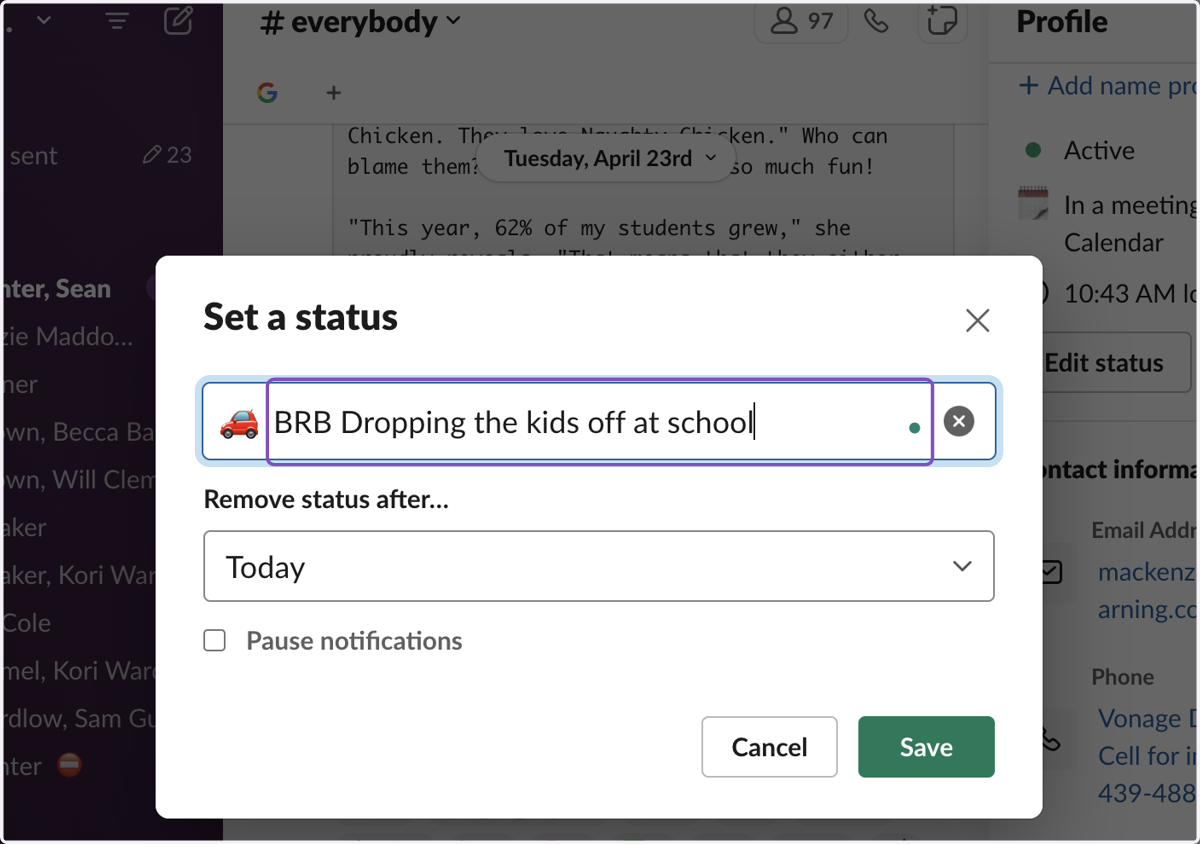
  4. 4. Type Status

    Type Status
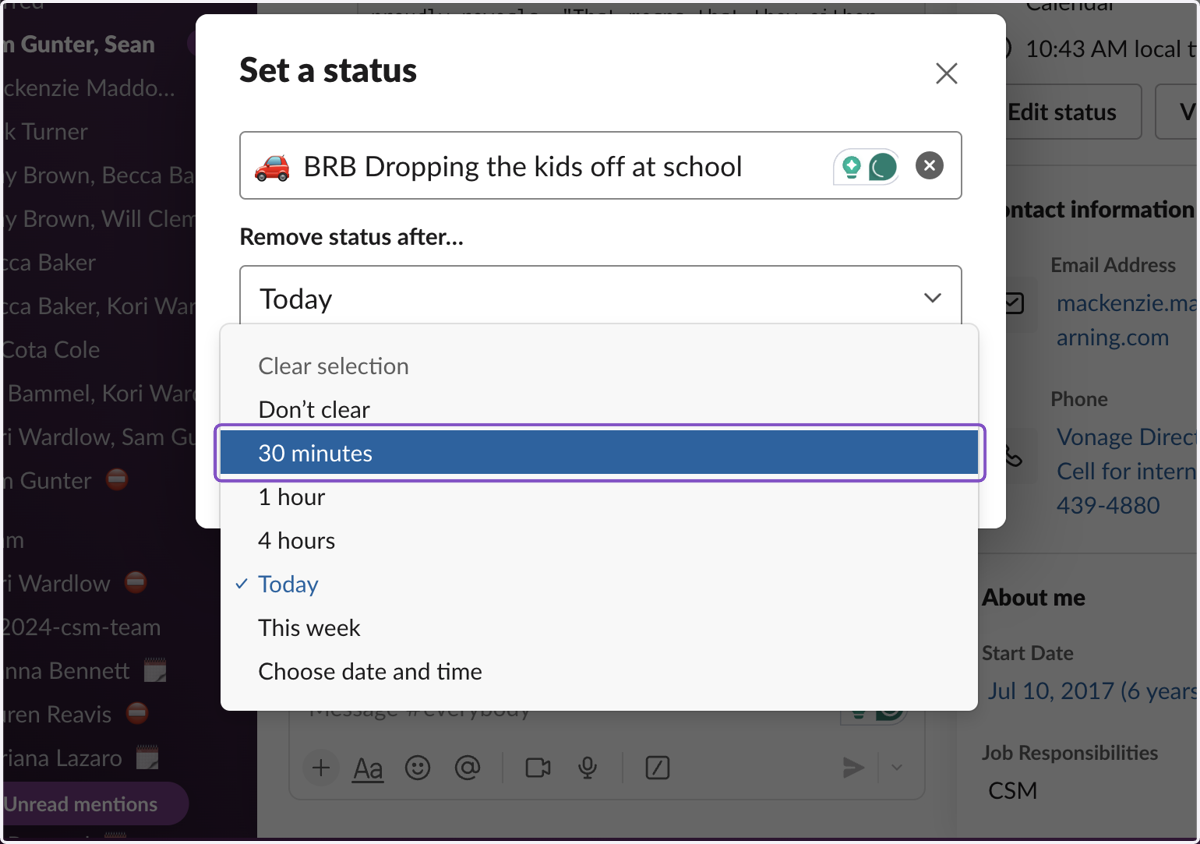
  5. 5. Choose the length of your status

    Choose the length of your status
  6. 6. Check Pause notifications if you would like
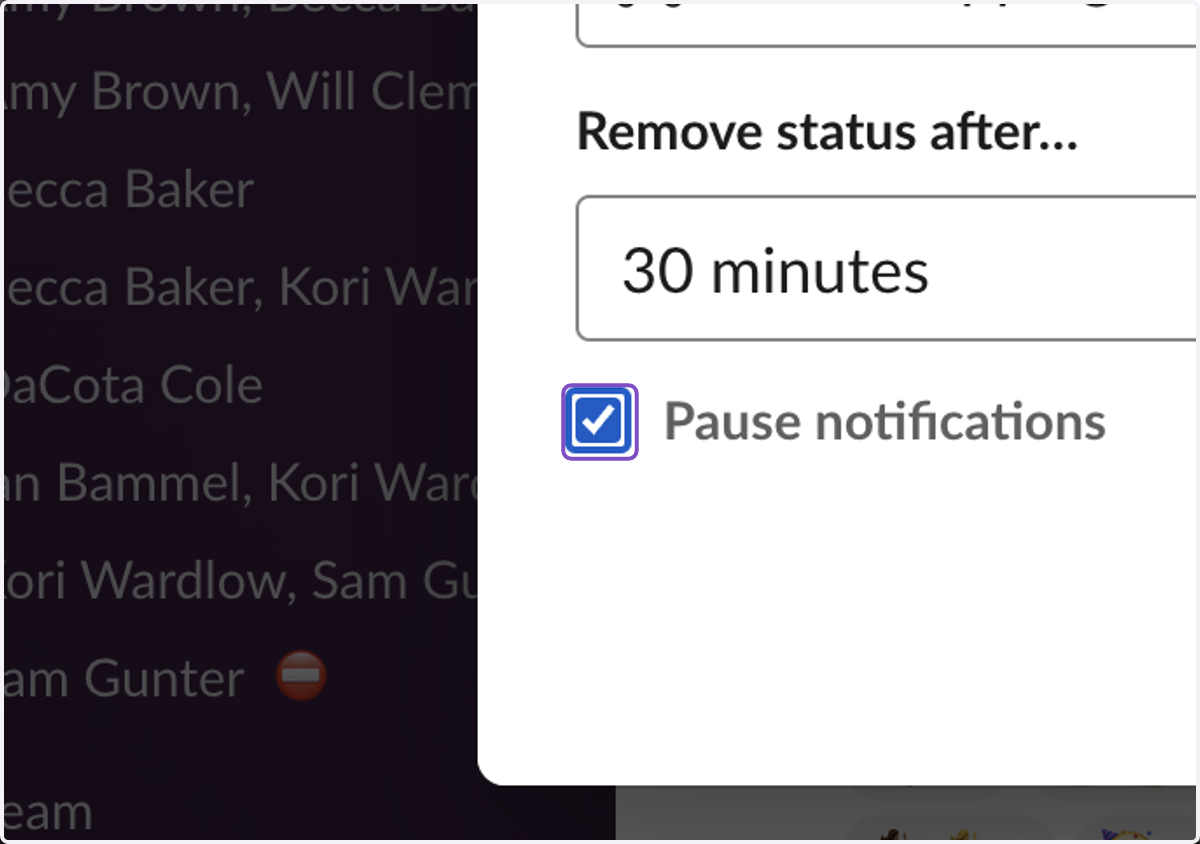
    Check Pause notifications if you would like
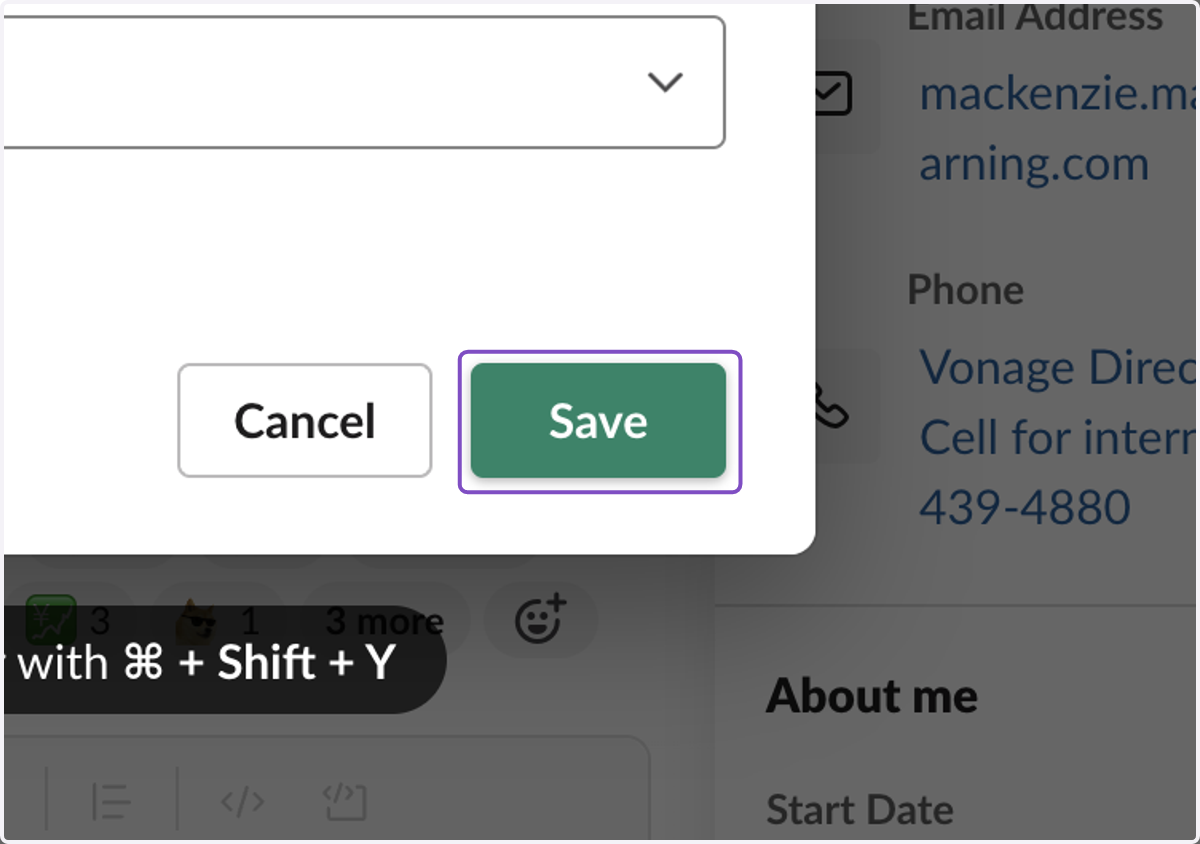
  7. 7. Click on Save

    Click on Save