Allow HR admin to Create a User and set password for them
With this additional feature, the HR admin can now create a new User and have the option to send password reset link OR set password for the employee.
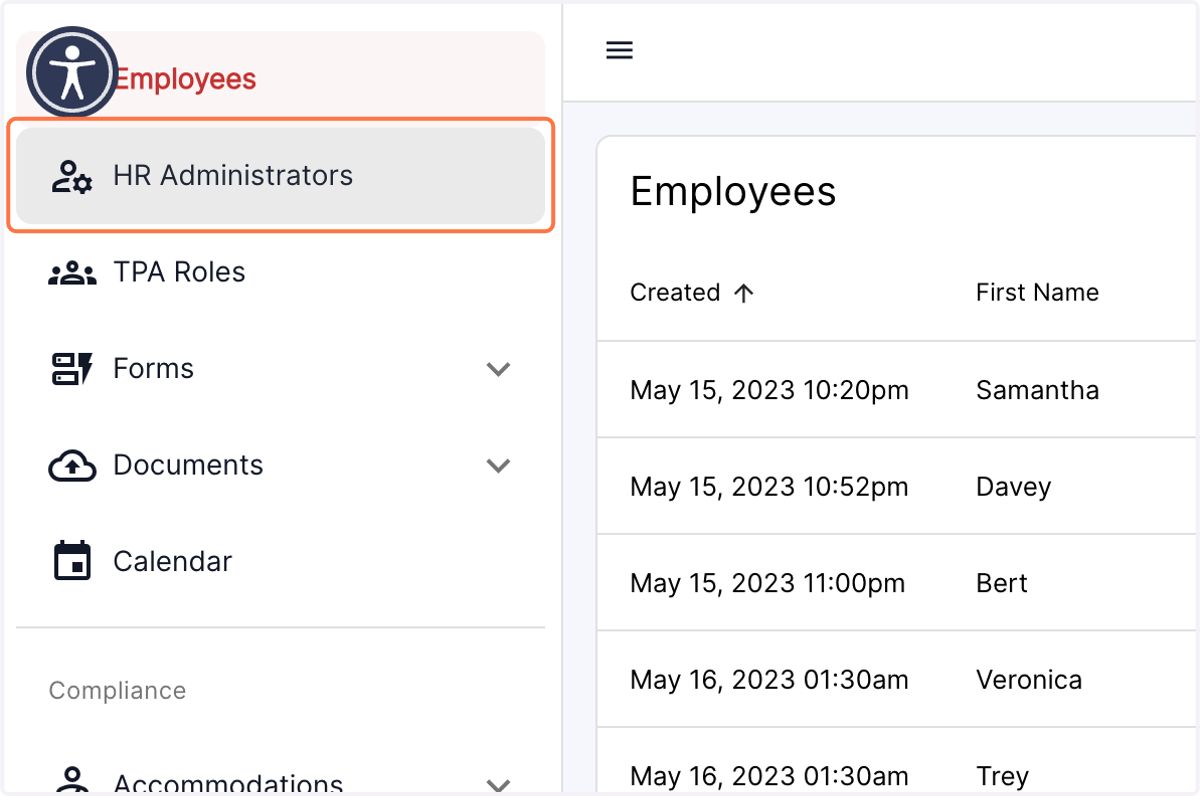
1. Click on the HR Administrators tab in the left panel of the dashboard
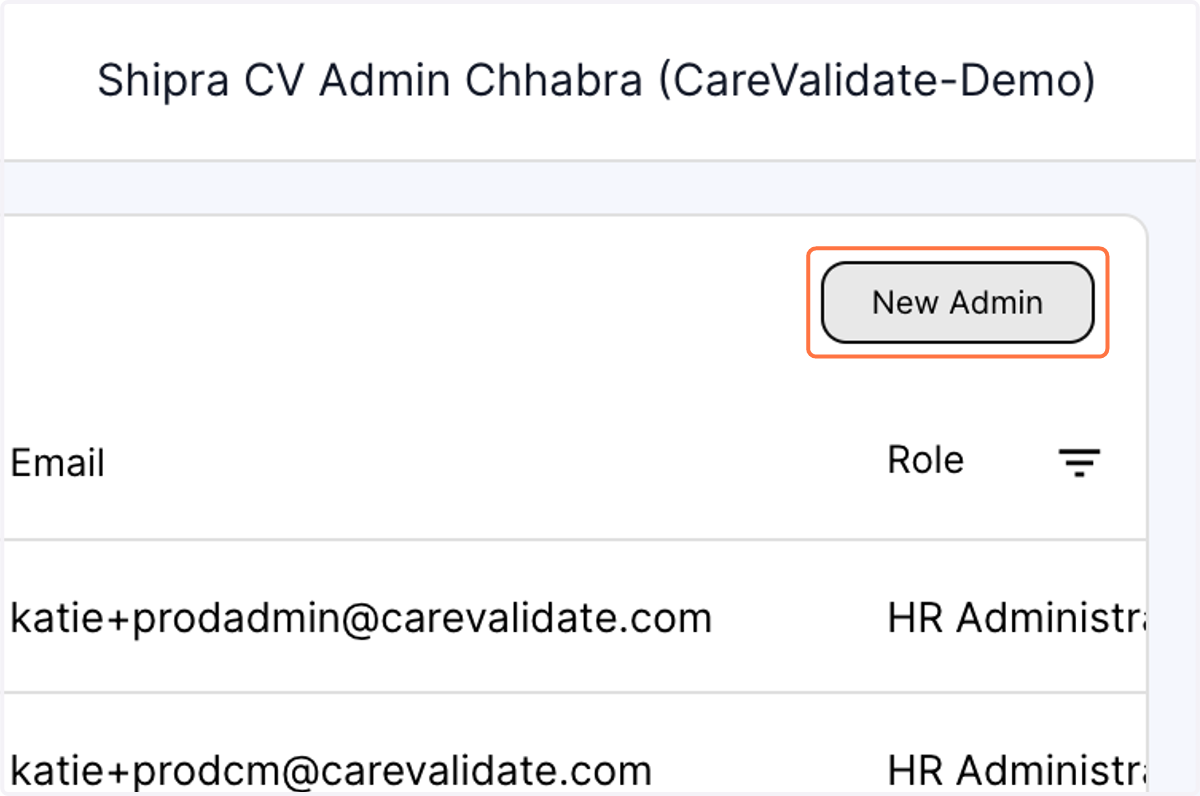
2. Click on New Admin on top of the table
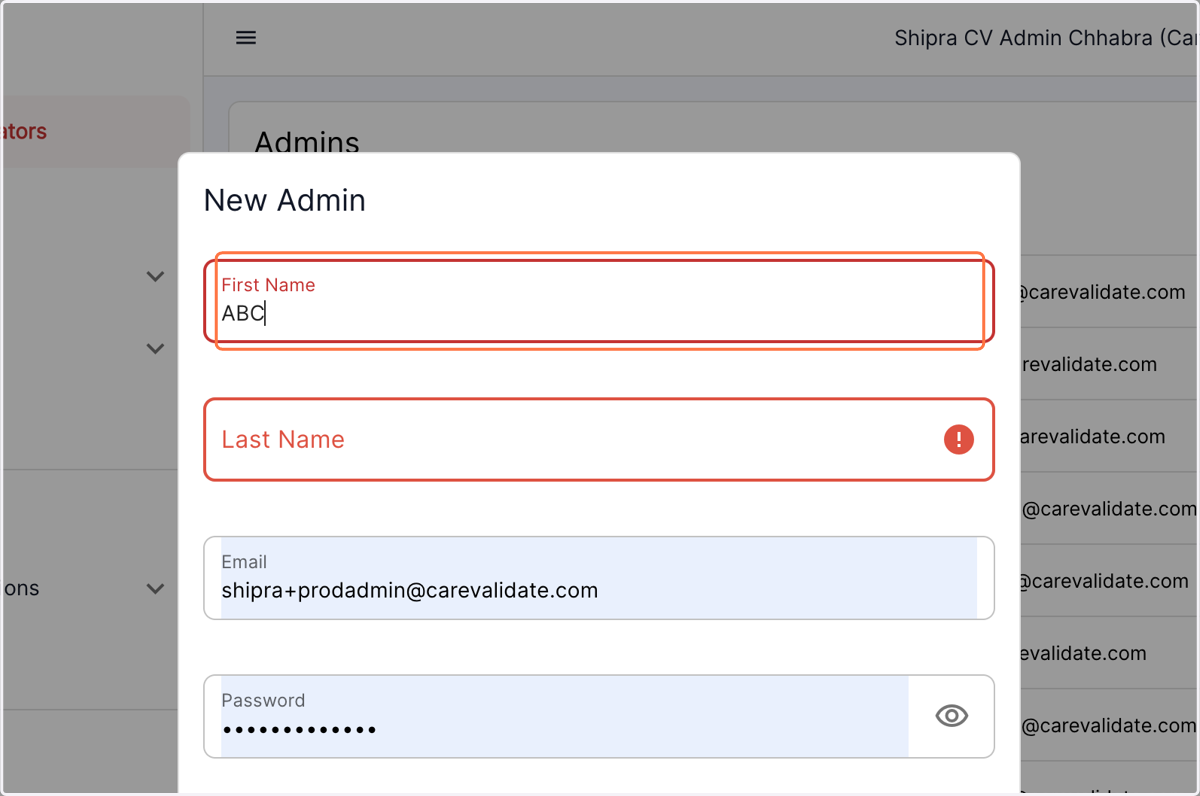
3. Fill out the First name
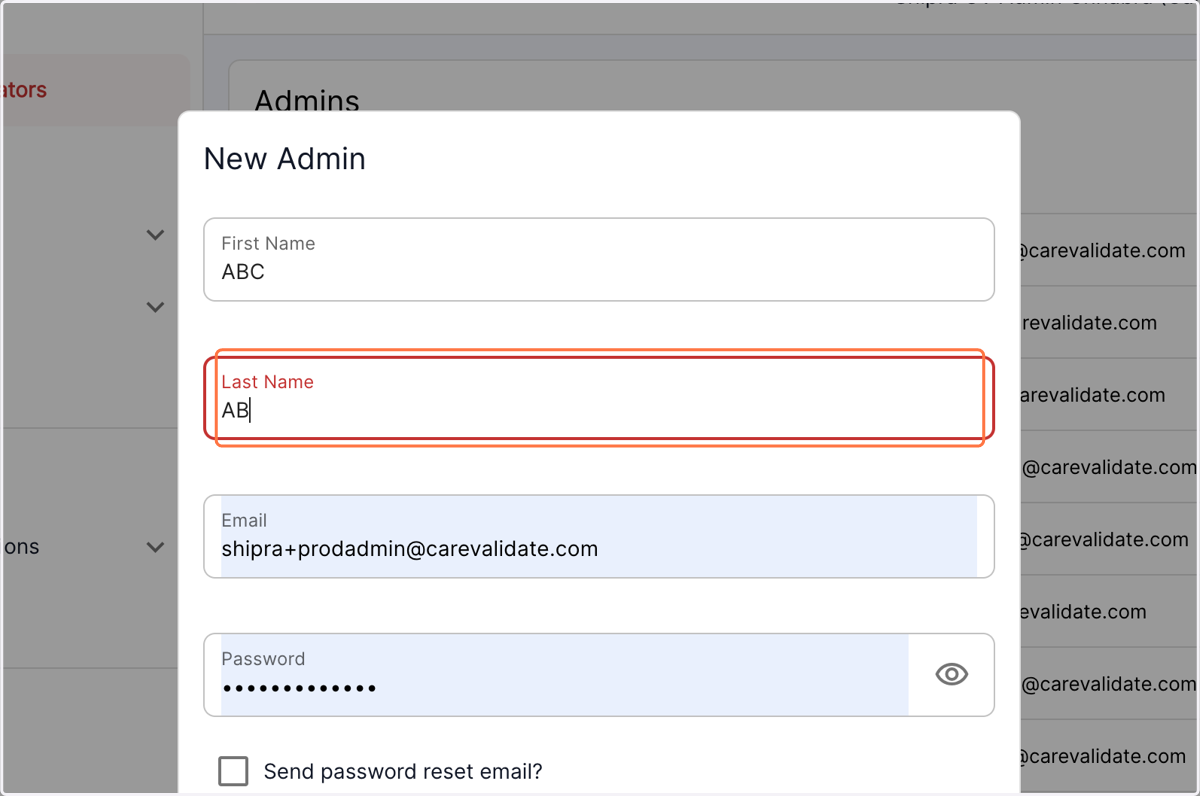
4. Add the last name
5. Type the email address associated with the user
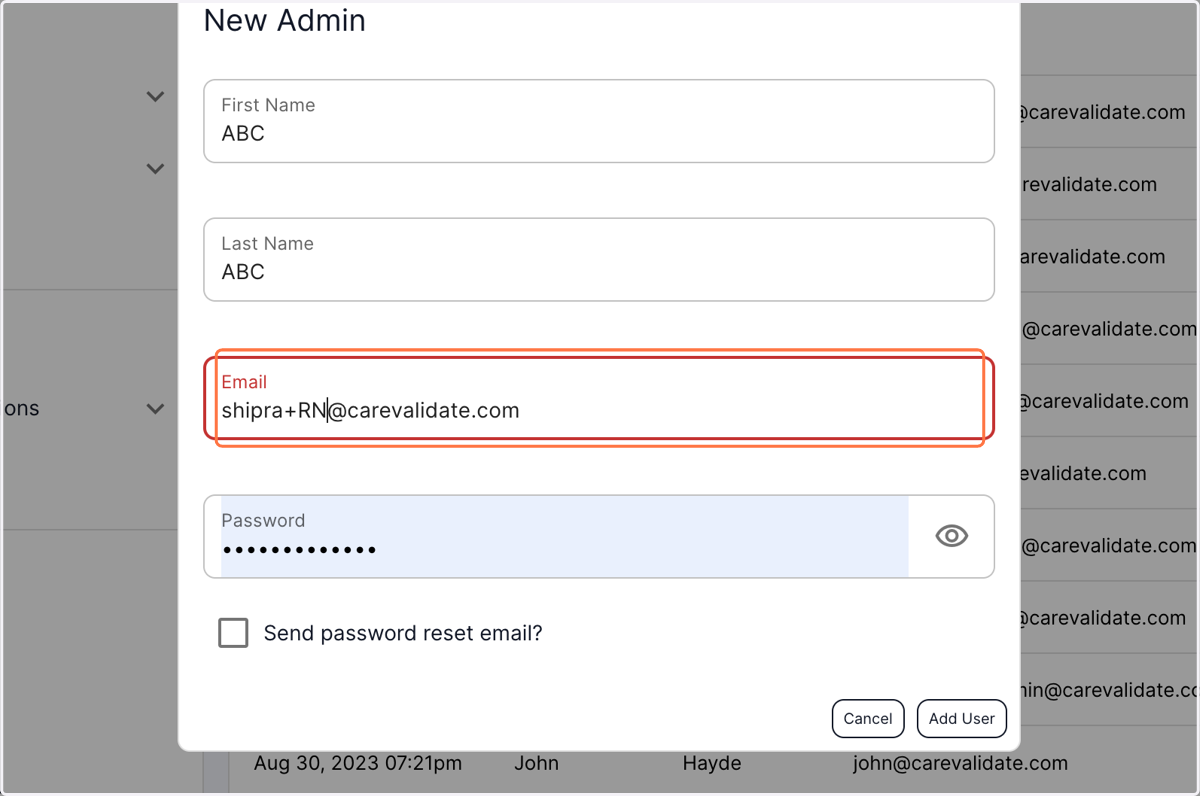
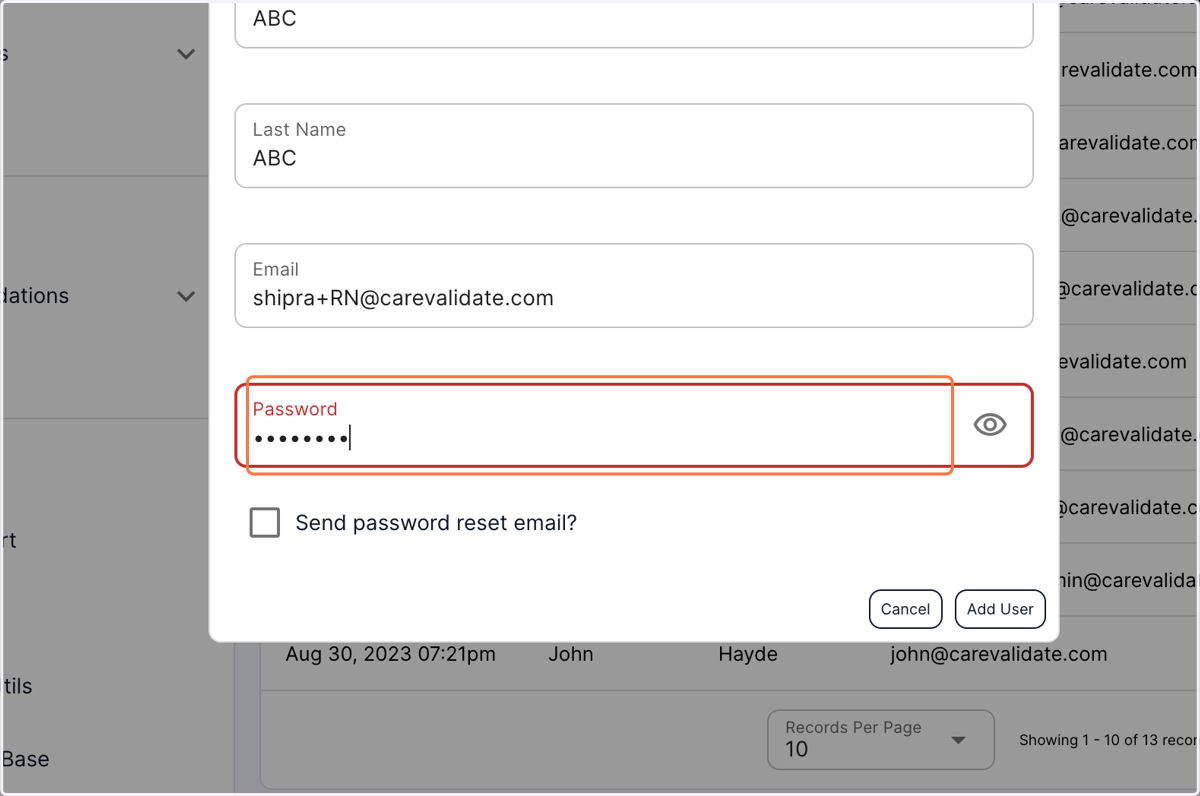
6. Assign a password for this account
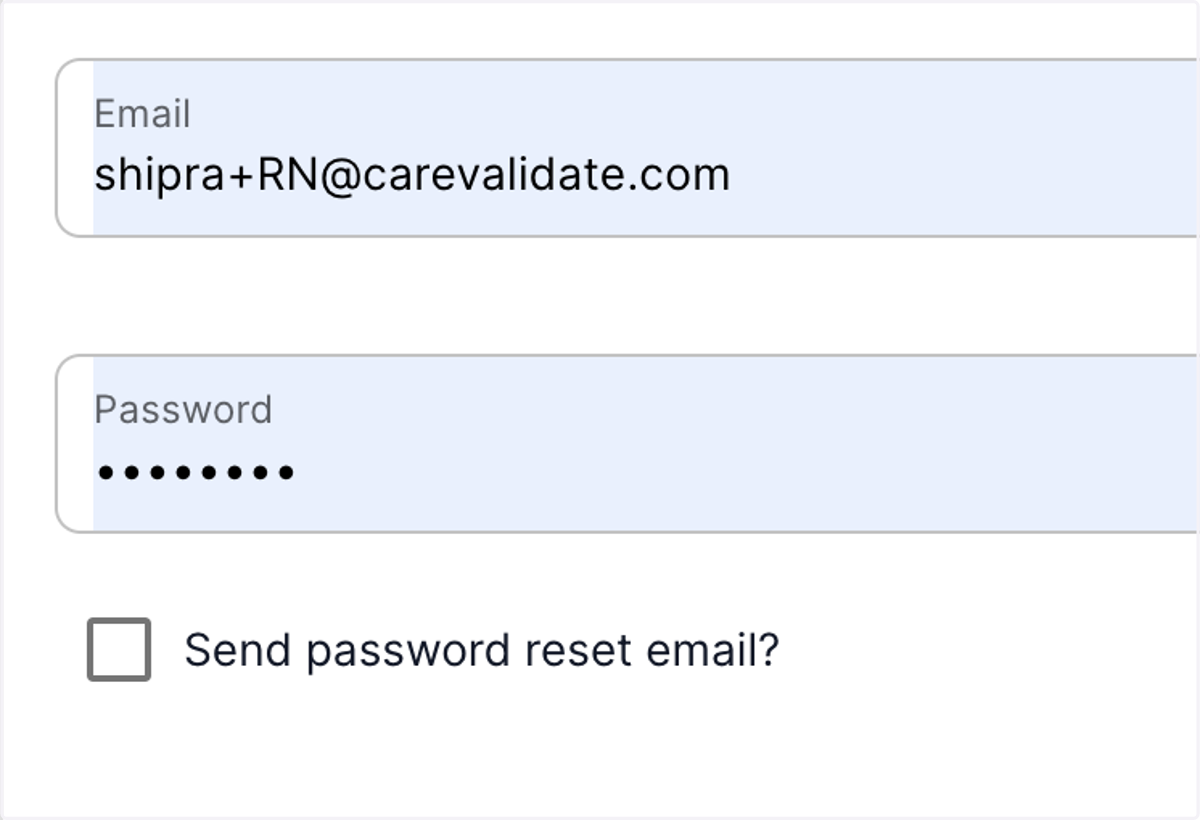
7. You also have an option to send a password reset email to the user so that they have the flexibility to assign their own password to the account
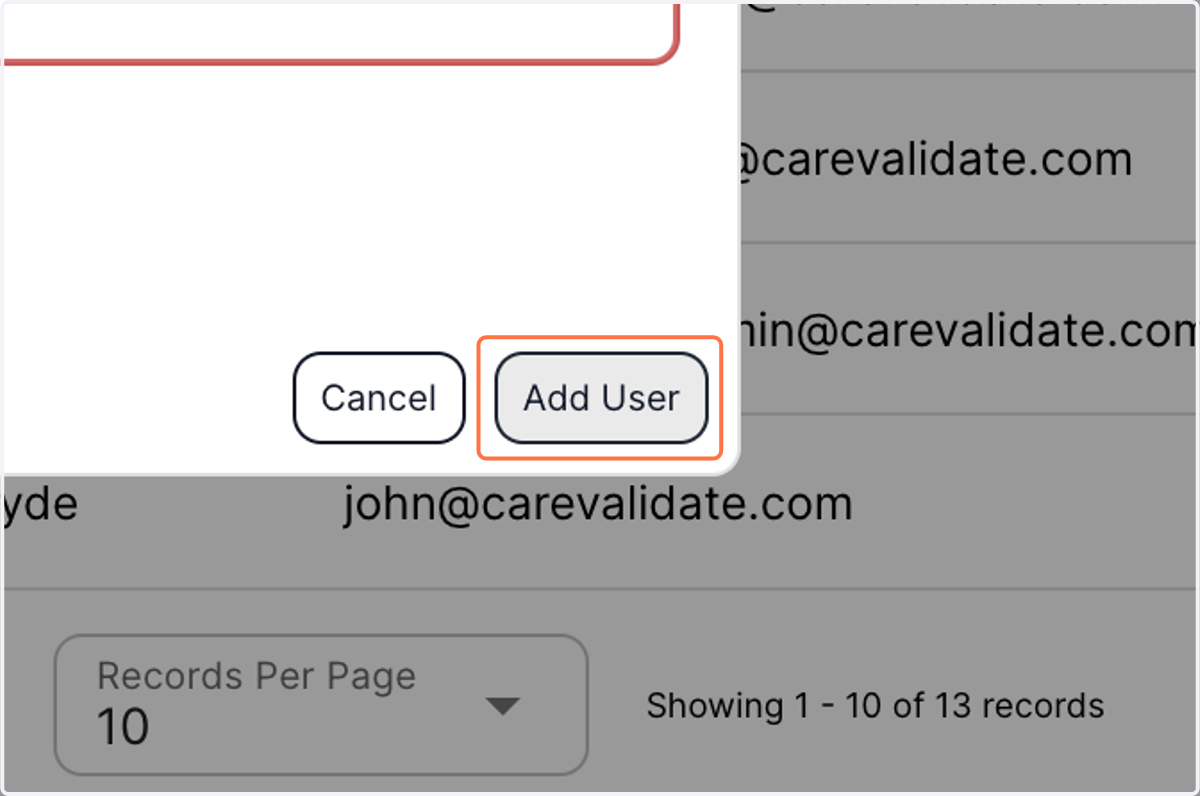
8. Click on Add User
9. The user has now been added to the existing HR admins table
