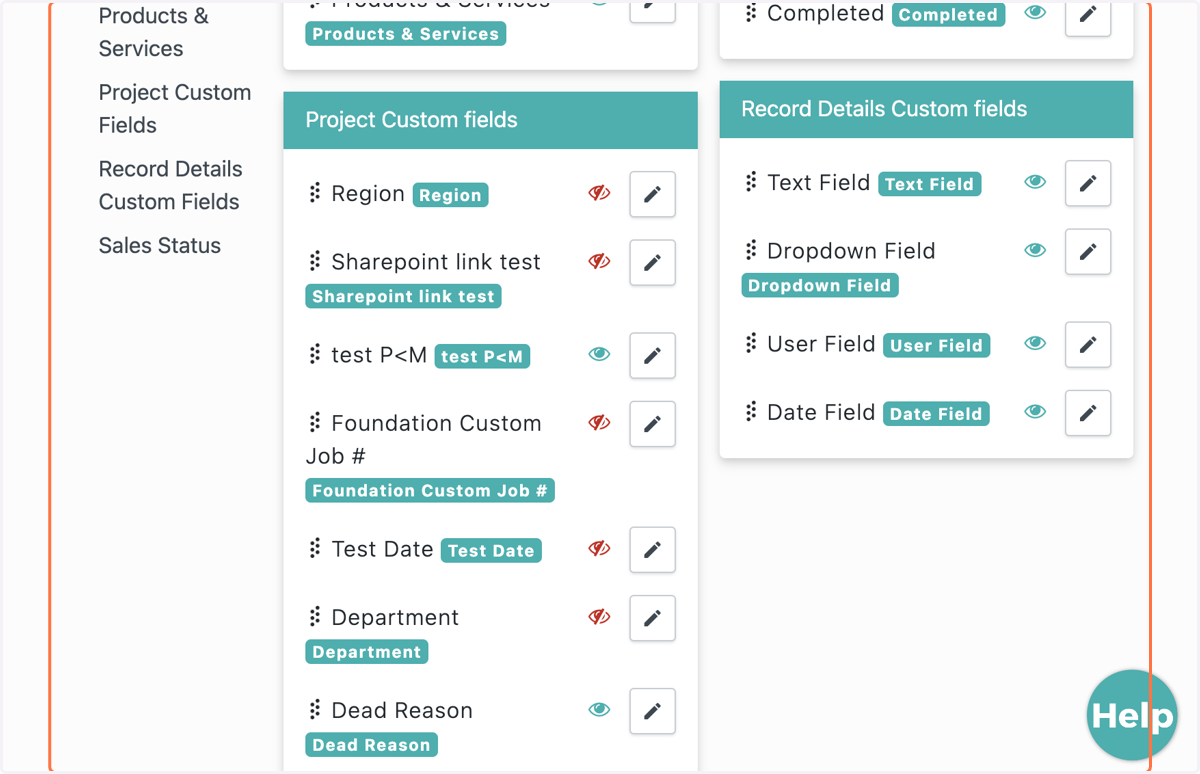
How to Add Custom Fields in Record Details
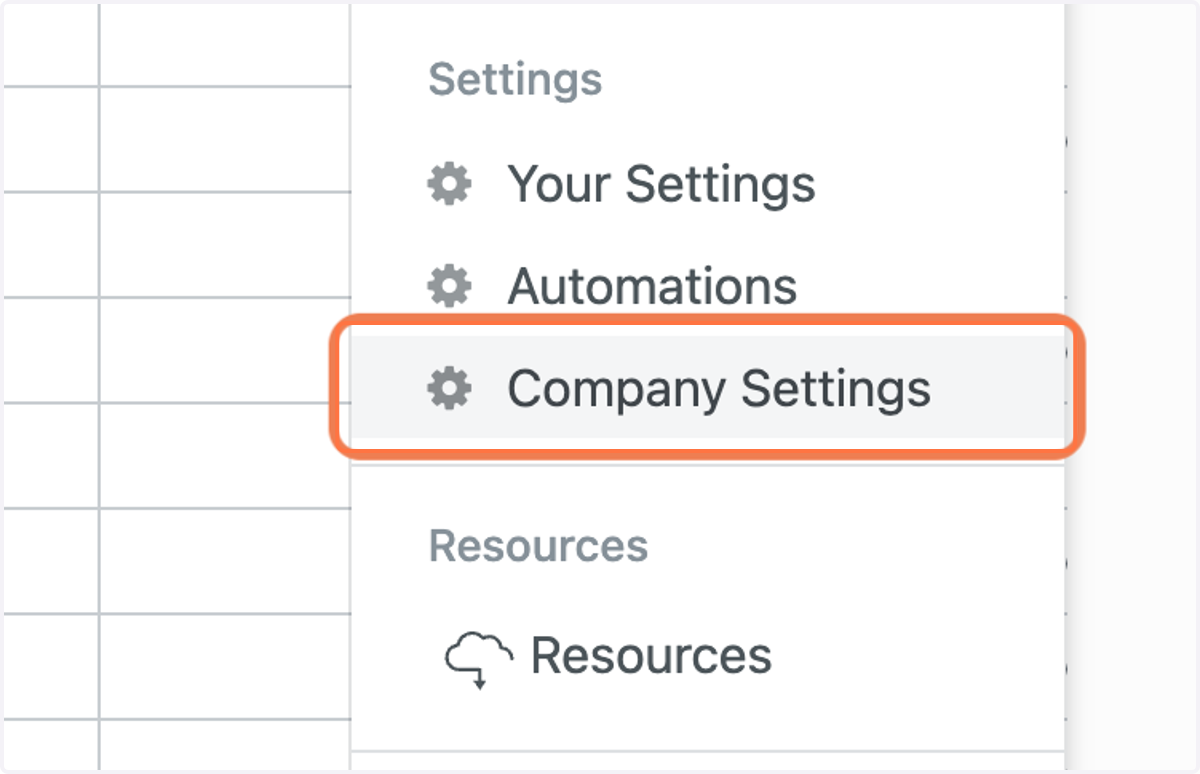
1. Go to Company Settings
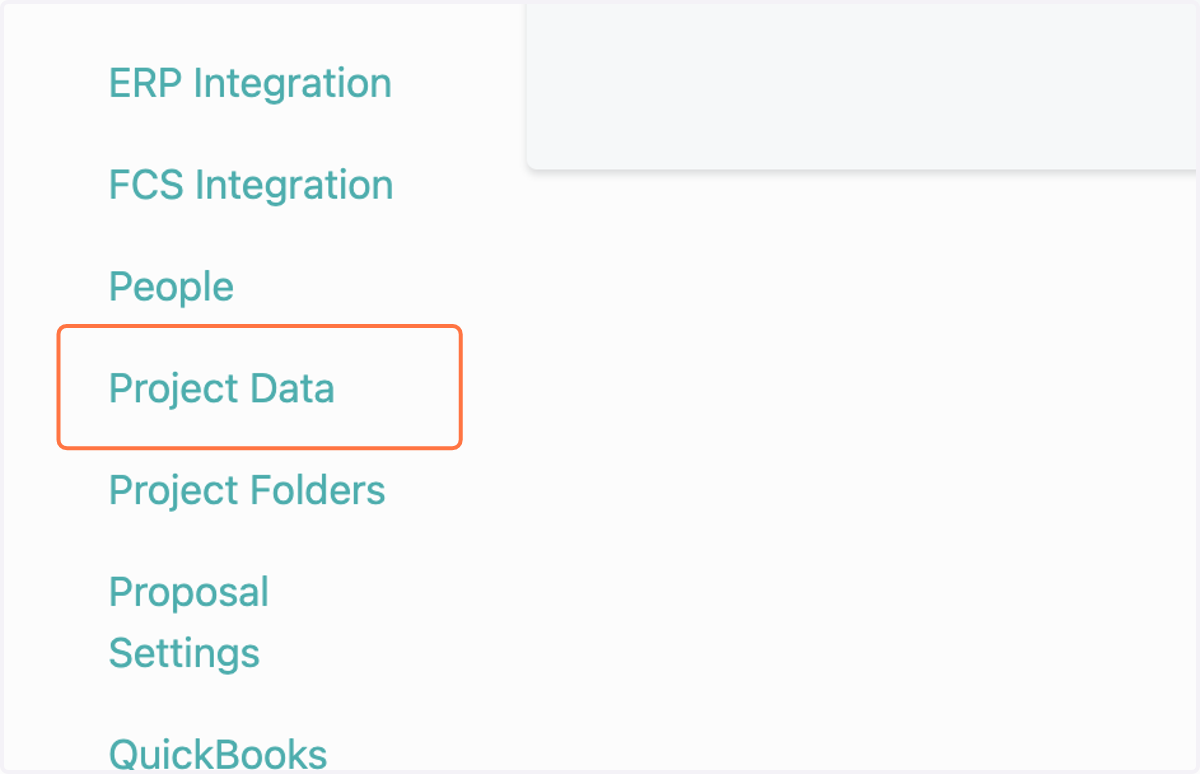
2. Click on Project Data
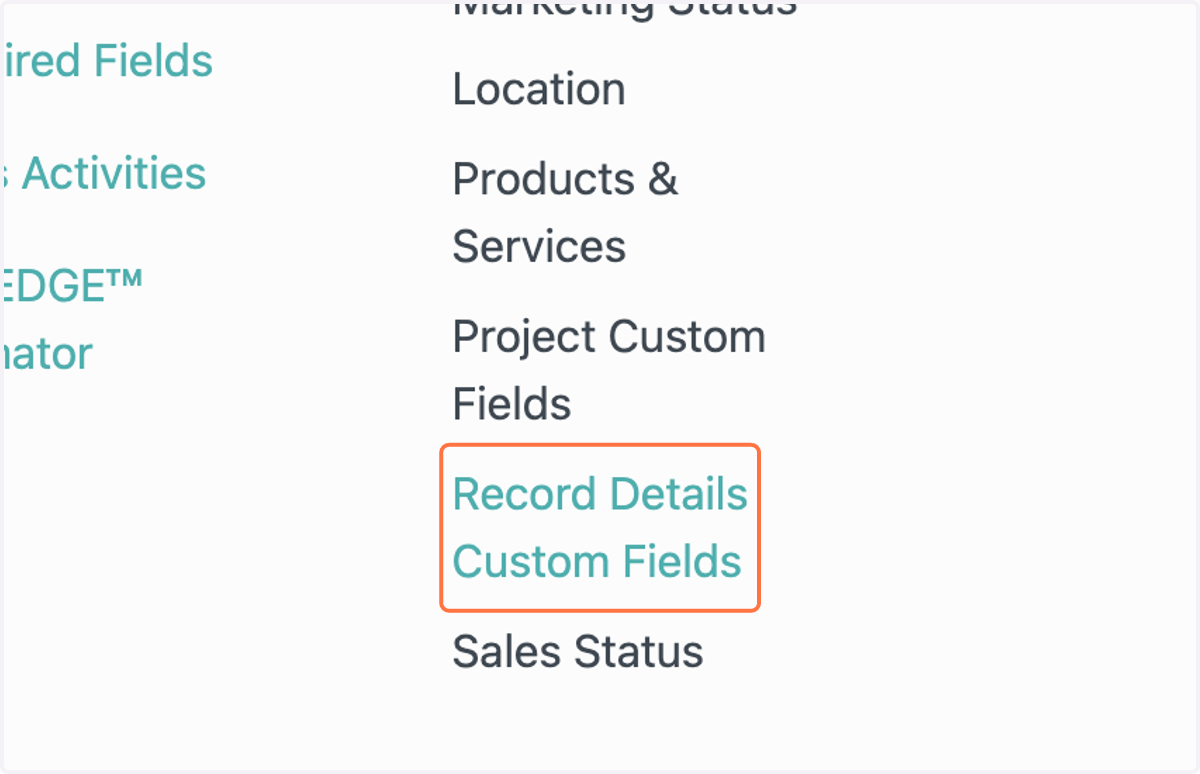
3. Click on Record Details Custom Fields
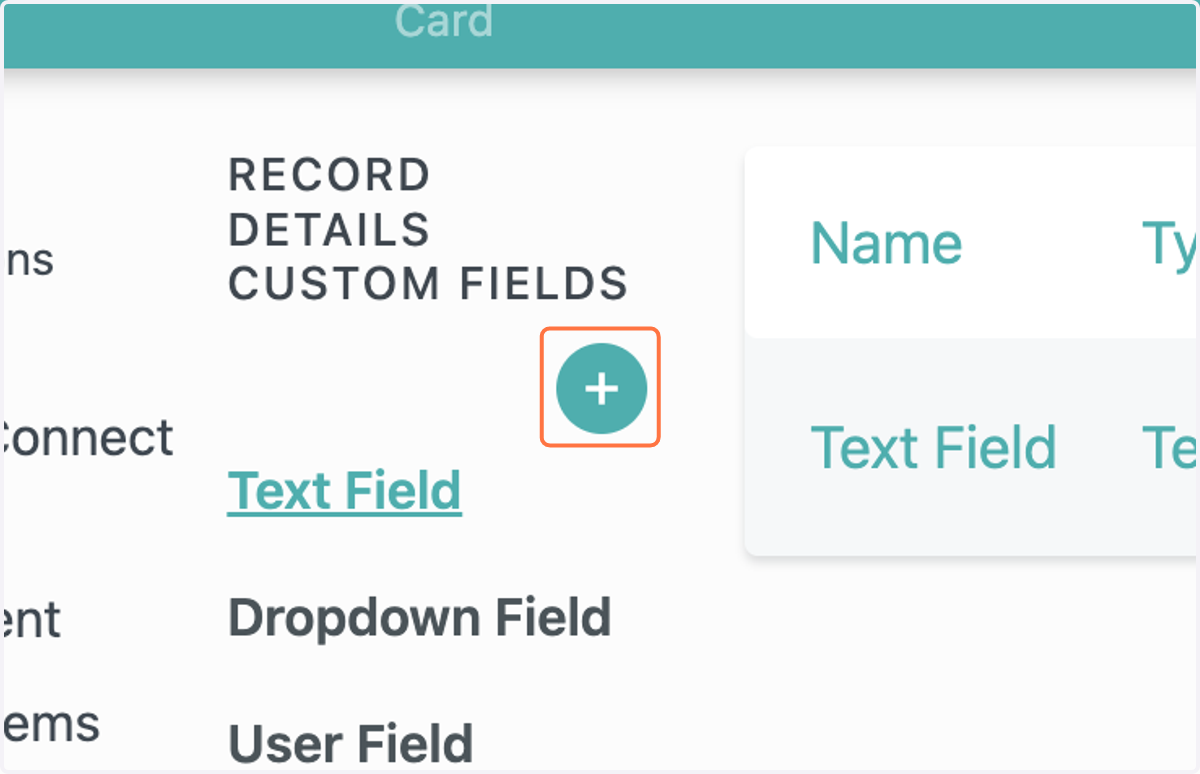
4. Click the plus sign to add a custom field
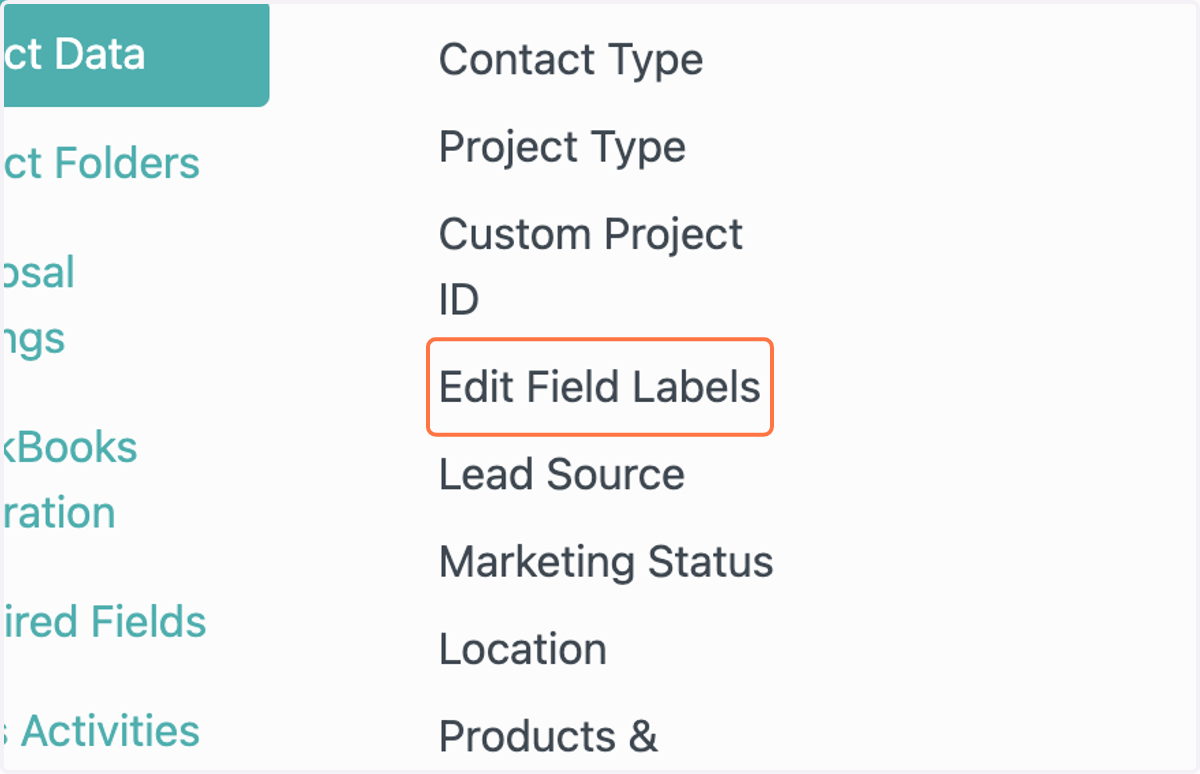
5. Click on Edit Field Labels to edit the main fields in Record Details
6. All project fields are now editable on the project page from this tab.
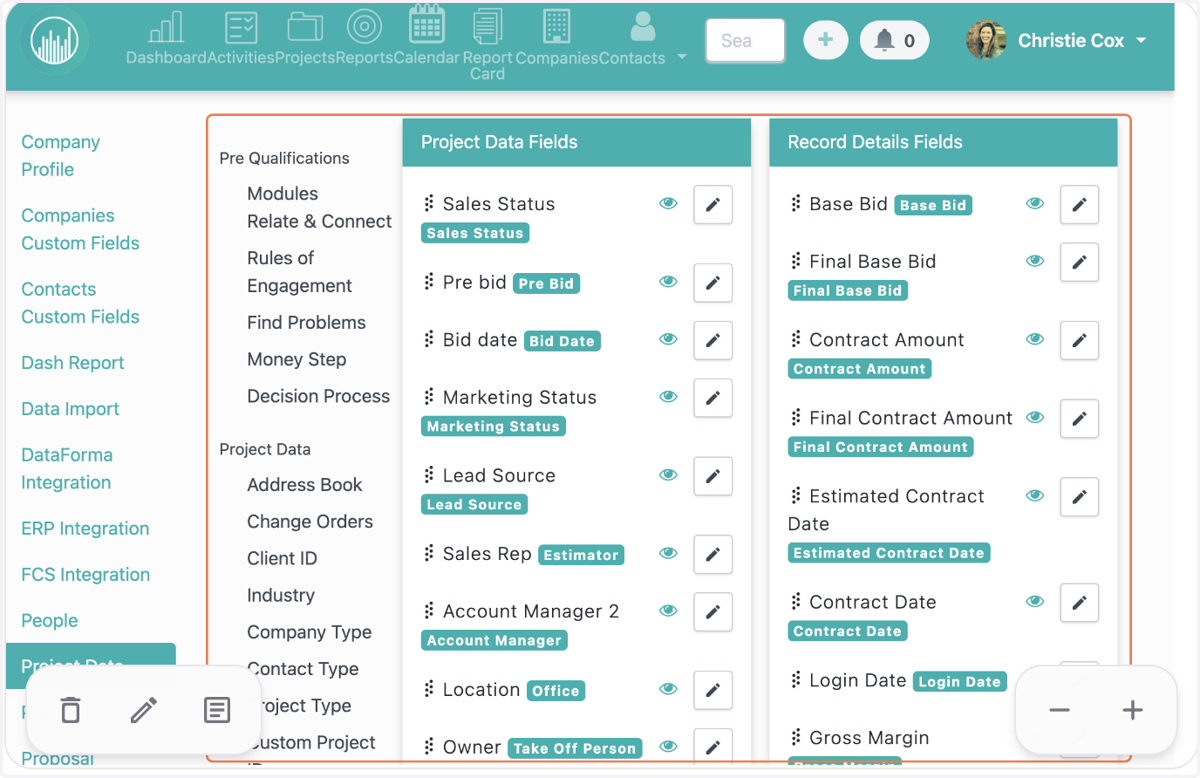
7. Scroll down to view all custom fields.