Set up alerts for tractor or trailer
Loadops
1. Go to Loadops by Optym
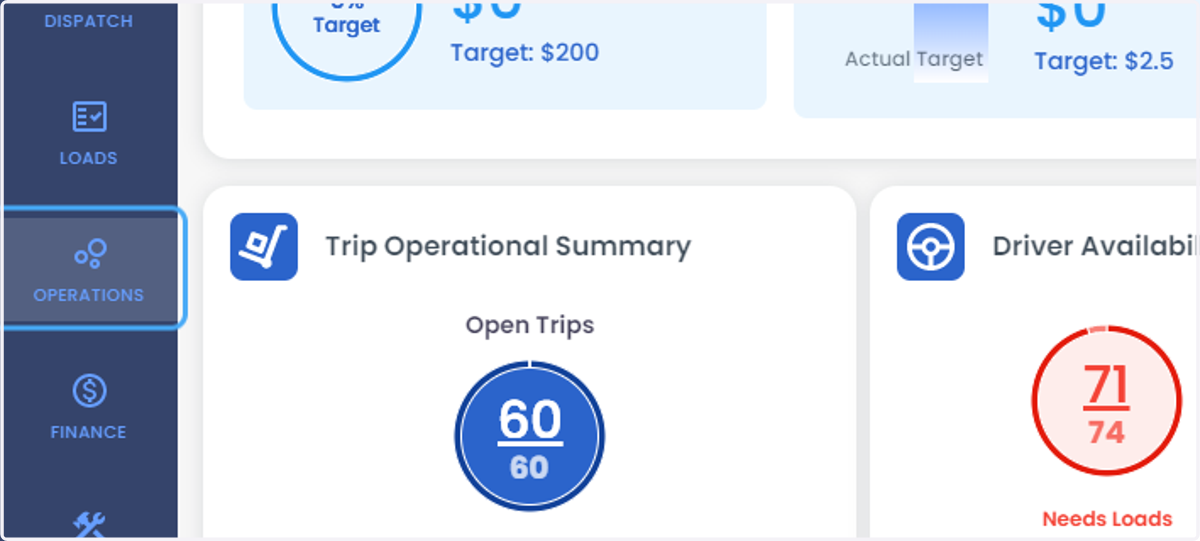
2. Click on OPERATIONS
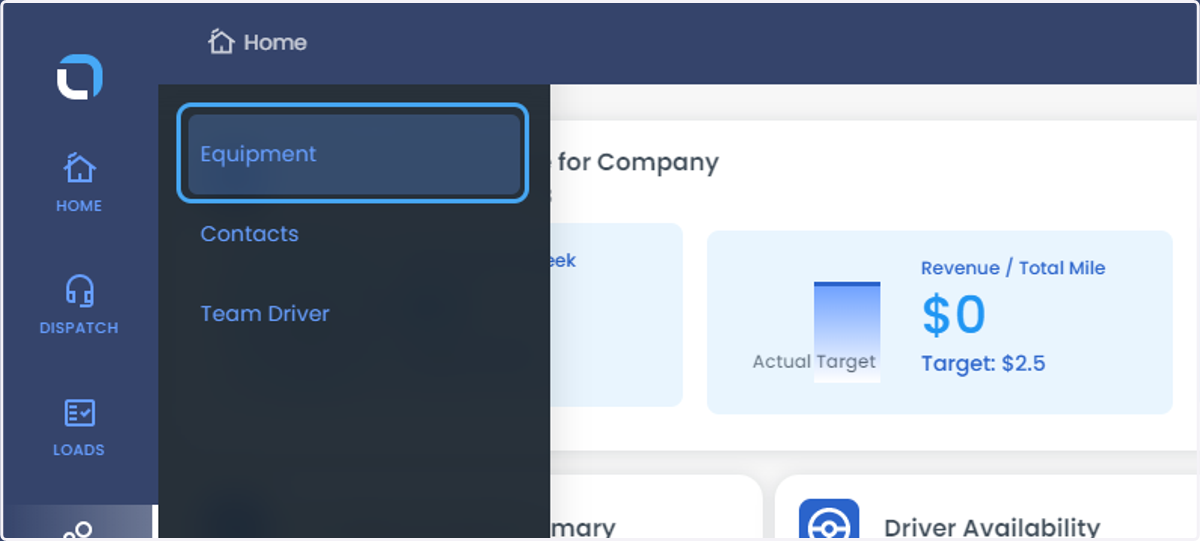
3. Click on Equipment
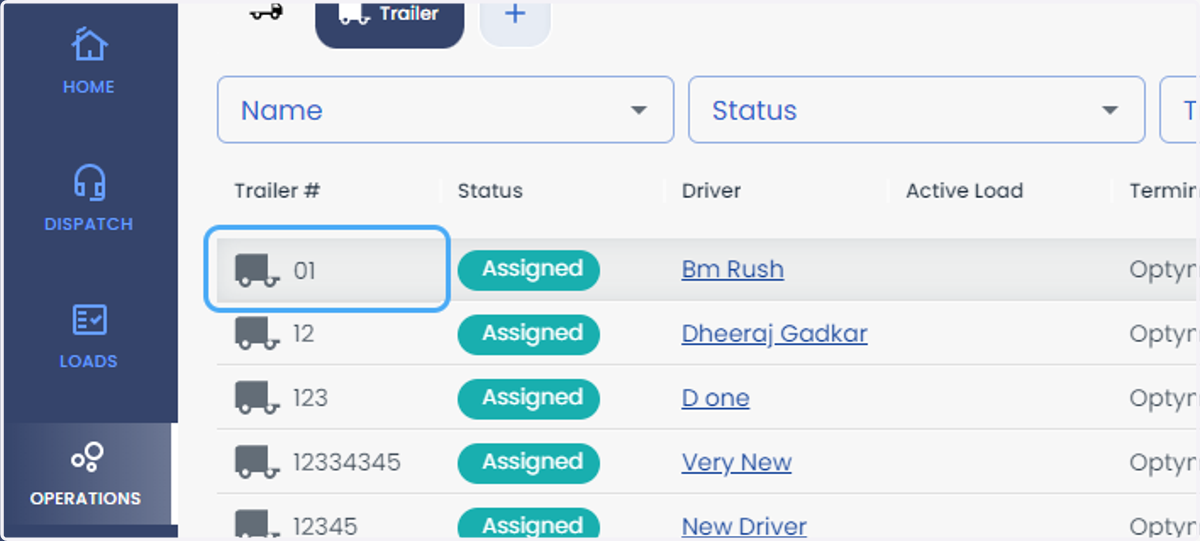
4. Select the trailer
5. Click on Alerts Tab
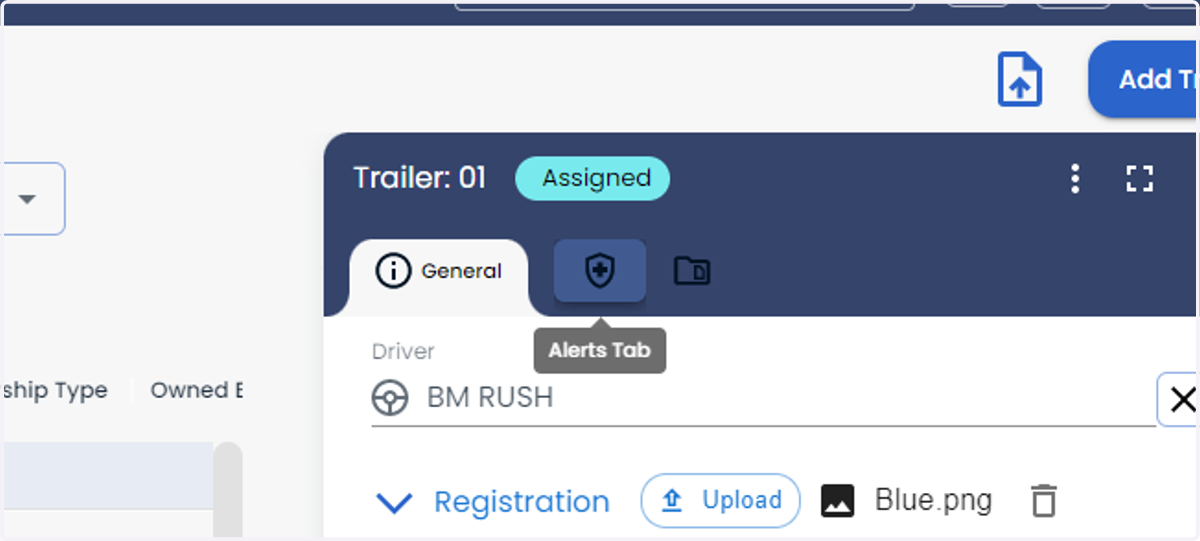
6. Click on + to add the alerts
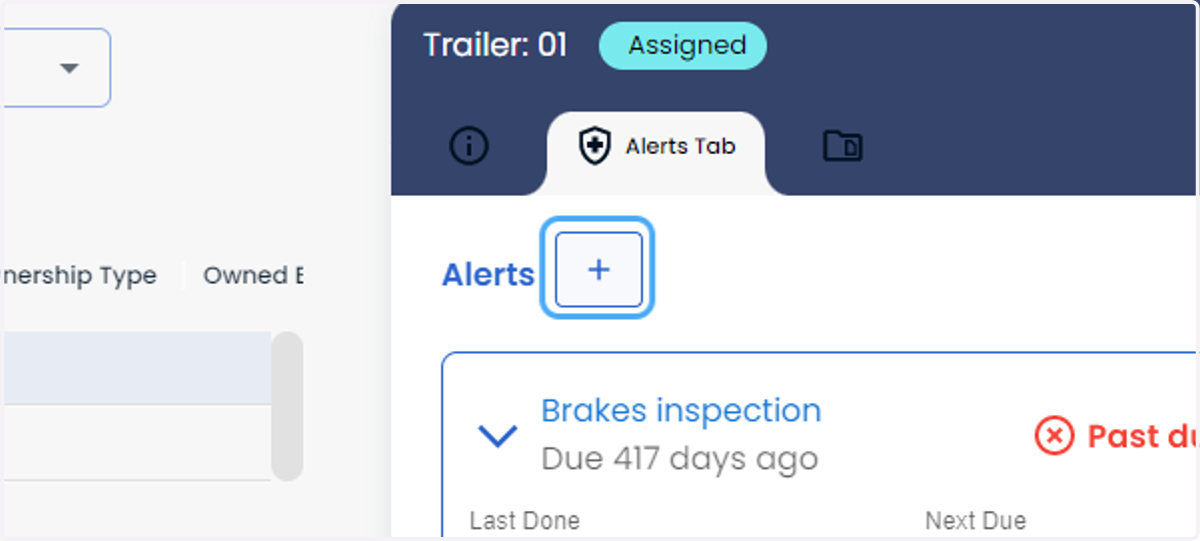
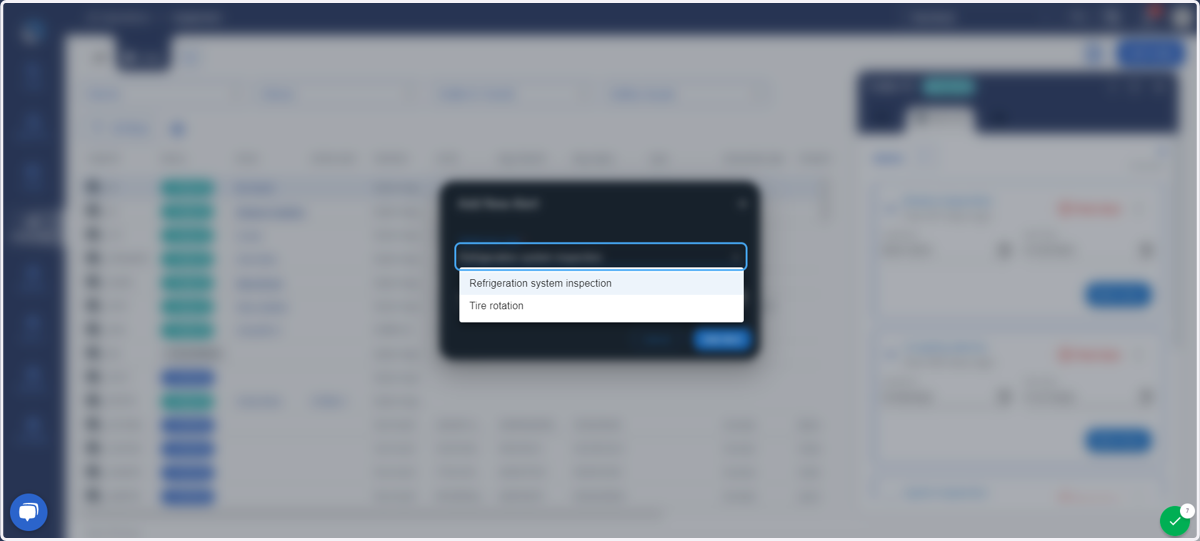
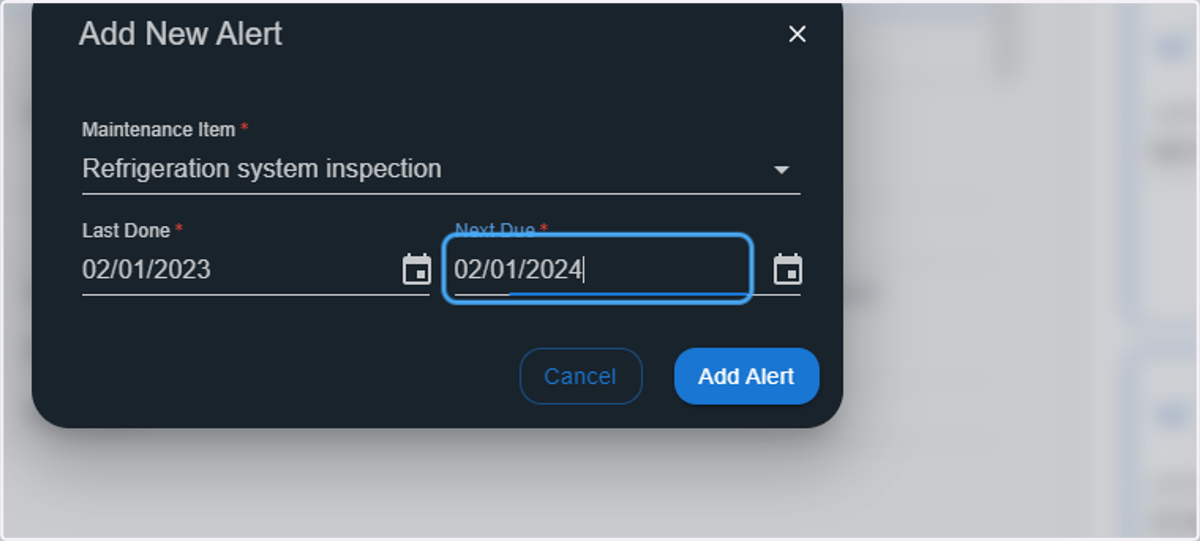
7. Select the inspection from the drop down menu
8. Click on Choose date
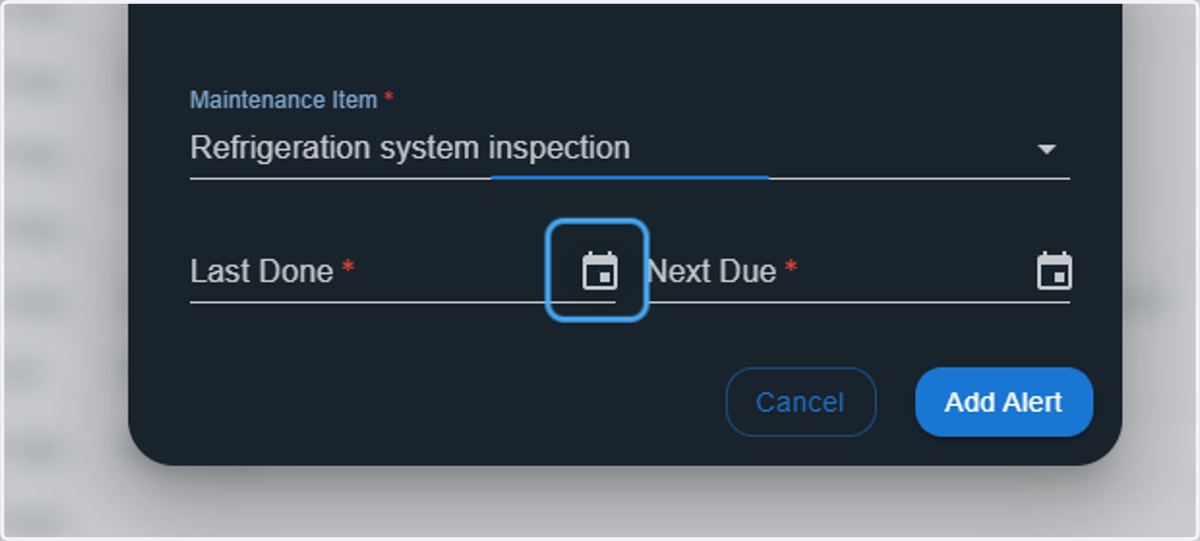
9. enter on Next Due *
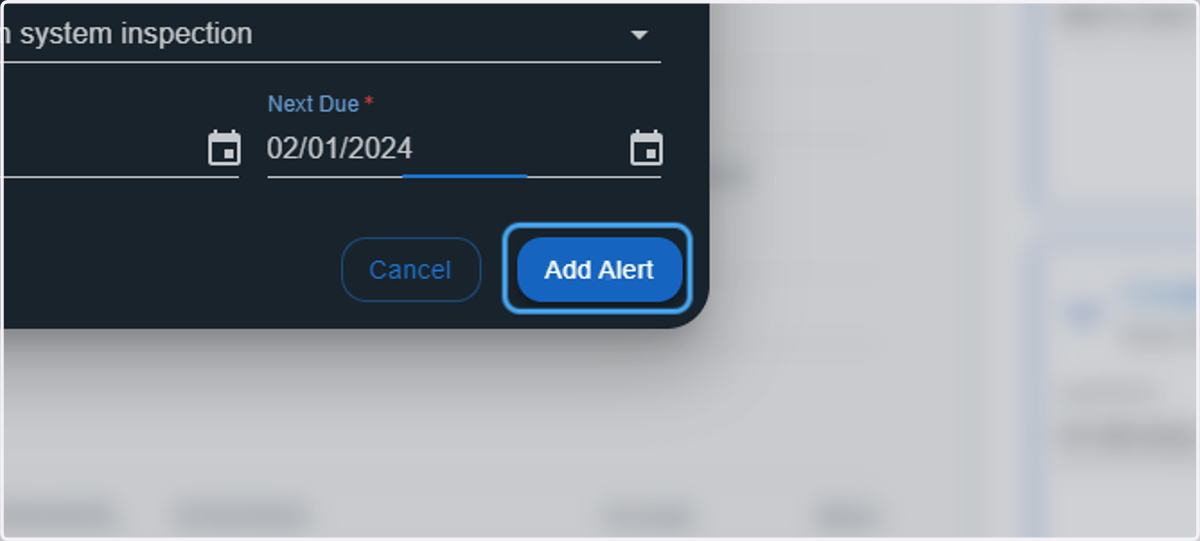
10. Click on Add Alert
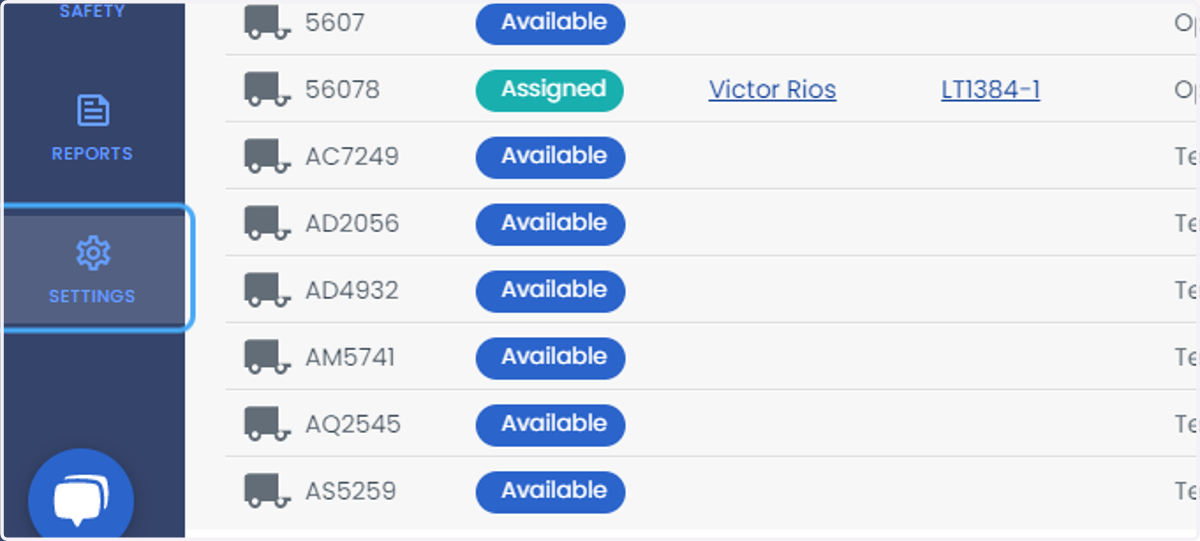
11. Click on SETTINGS
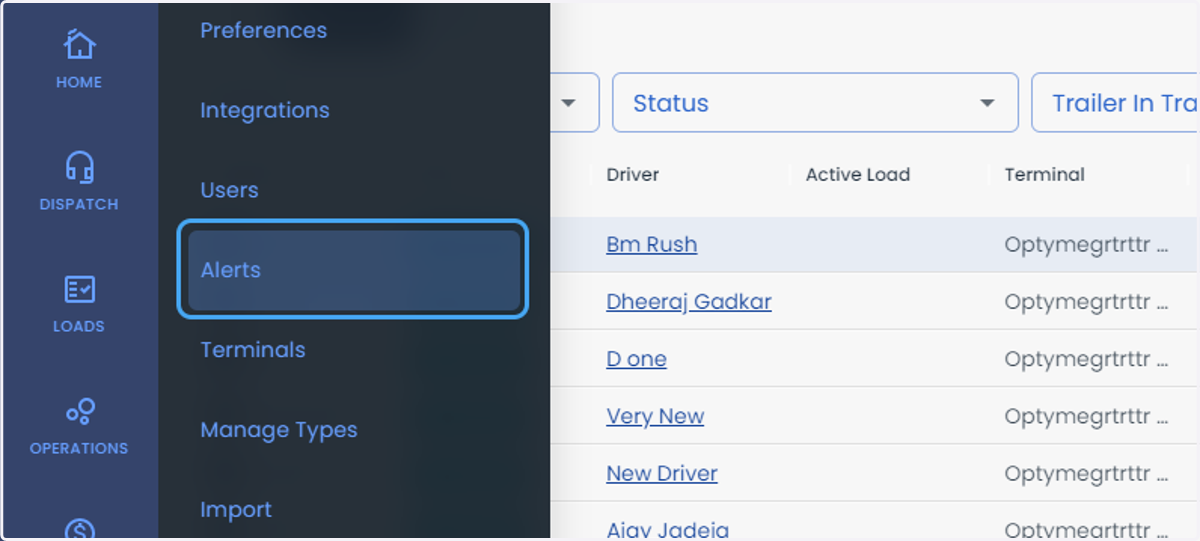
12. Click on Alerts
13. Click on Trailer
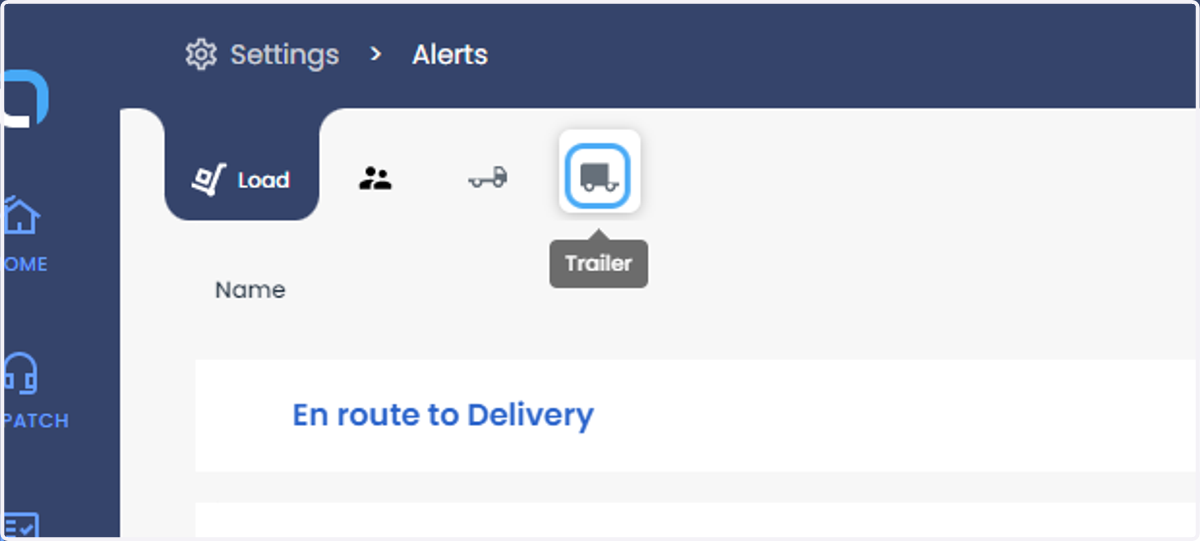
14. Click on Settings
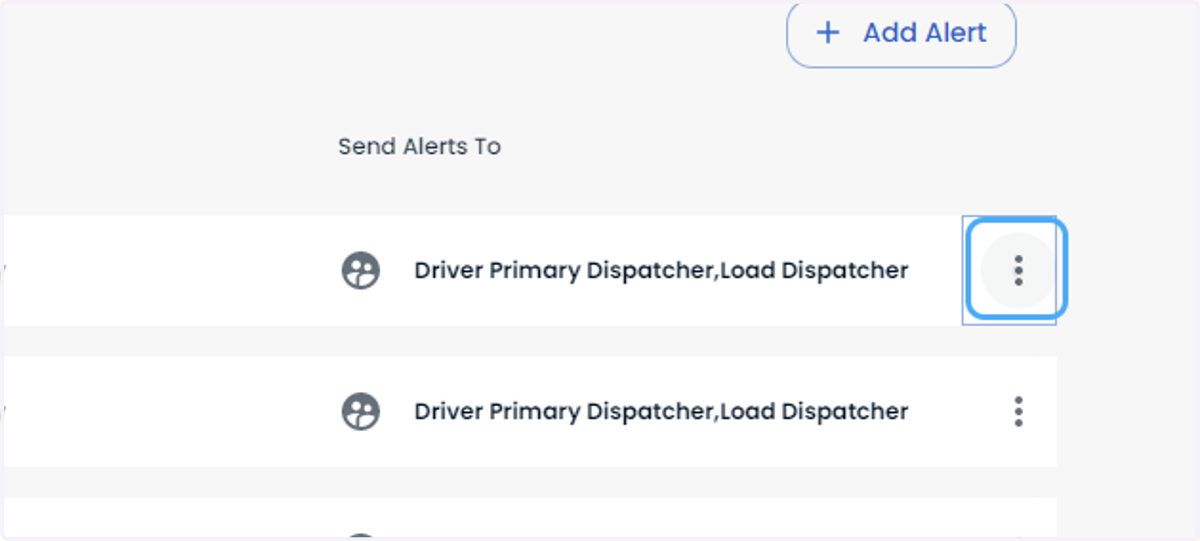
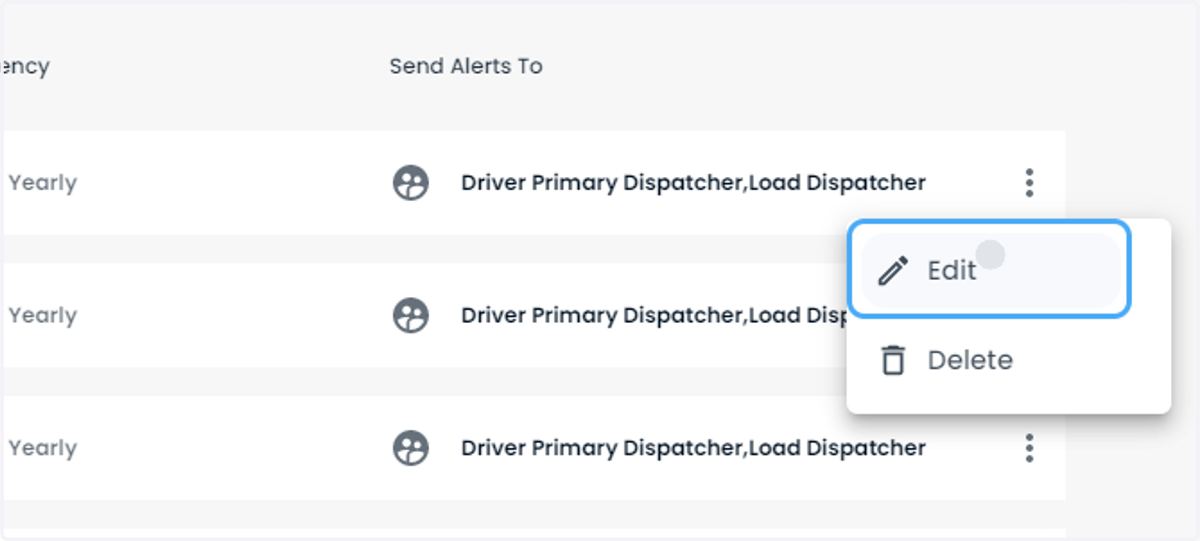
15. Click on Edit
16. Click on Warning to be notified early.
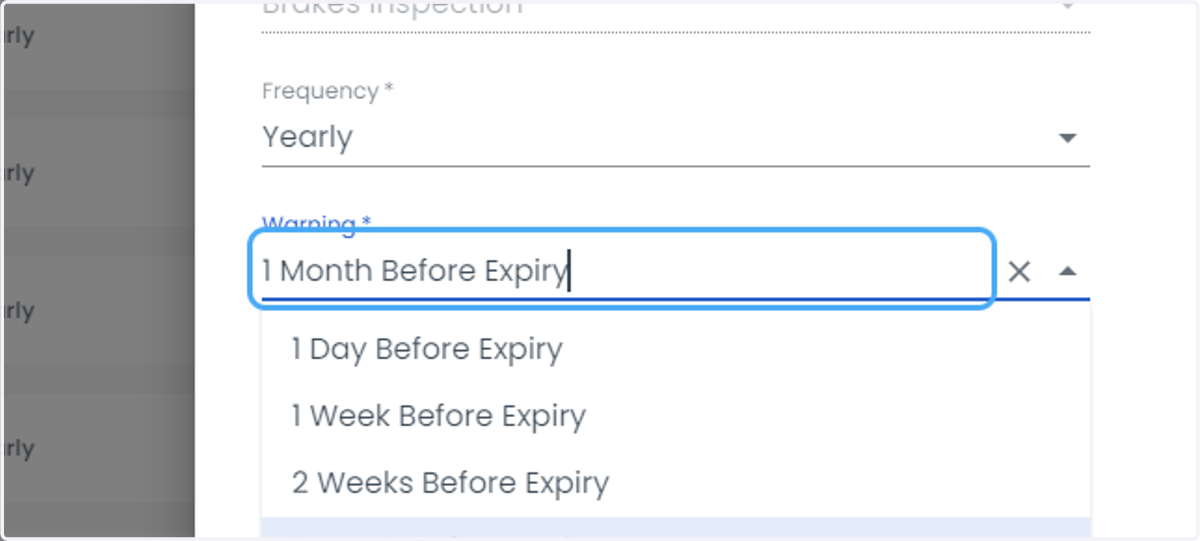
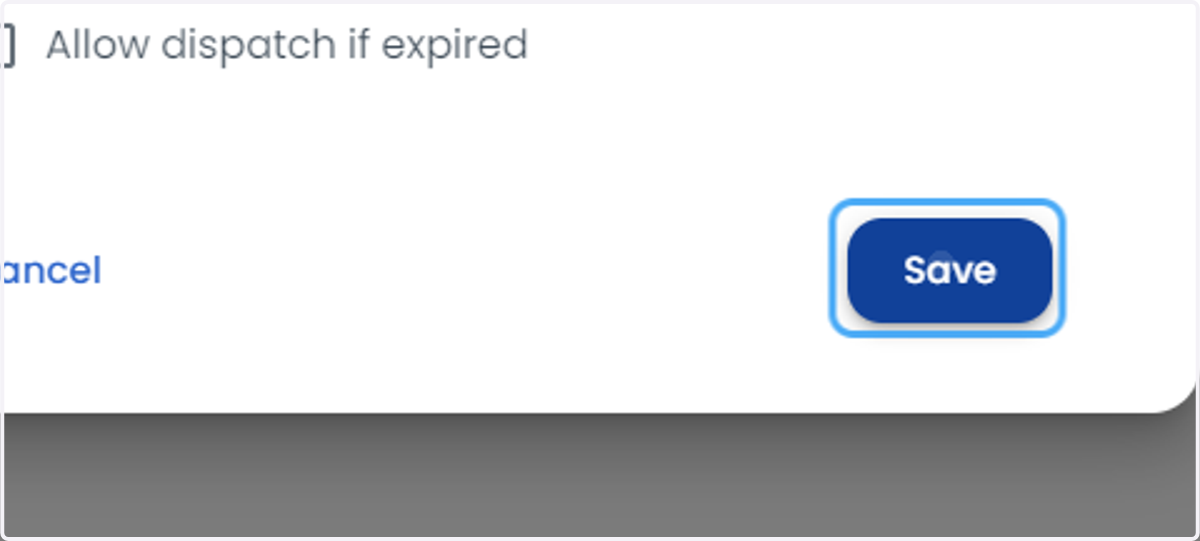
17. Click on Save