Managing Your Profile and Personnel in Big I Illinois
Big I Illinois: Premier Education & Membership for Insurance Agents
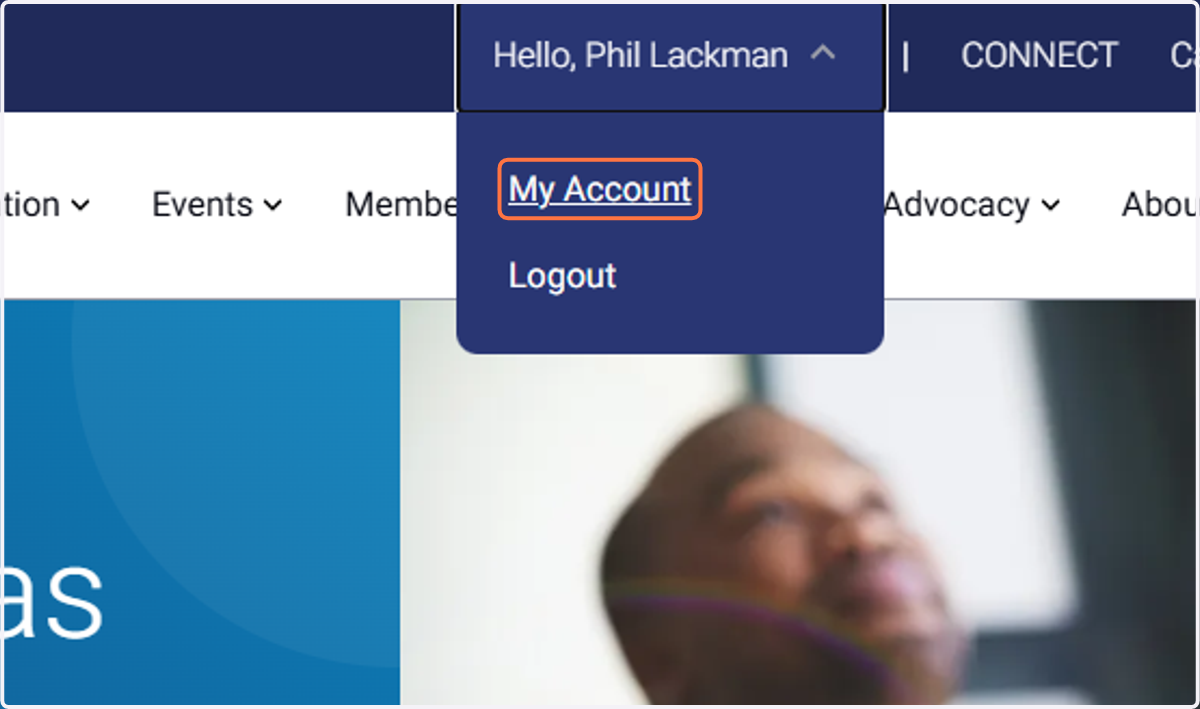
1. Click on your name at the top, then click My Account
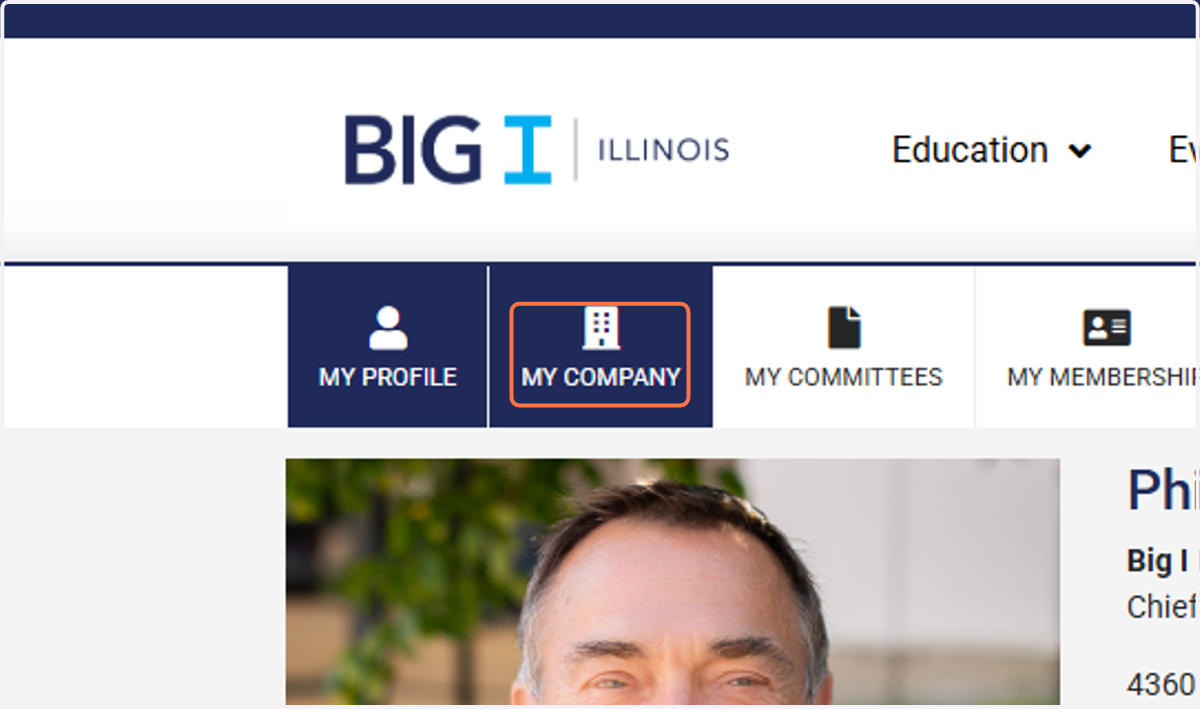
2. Click on MY COMPANY...
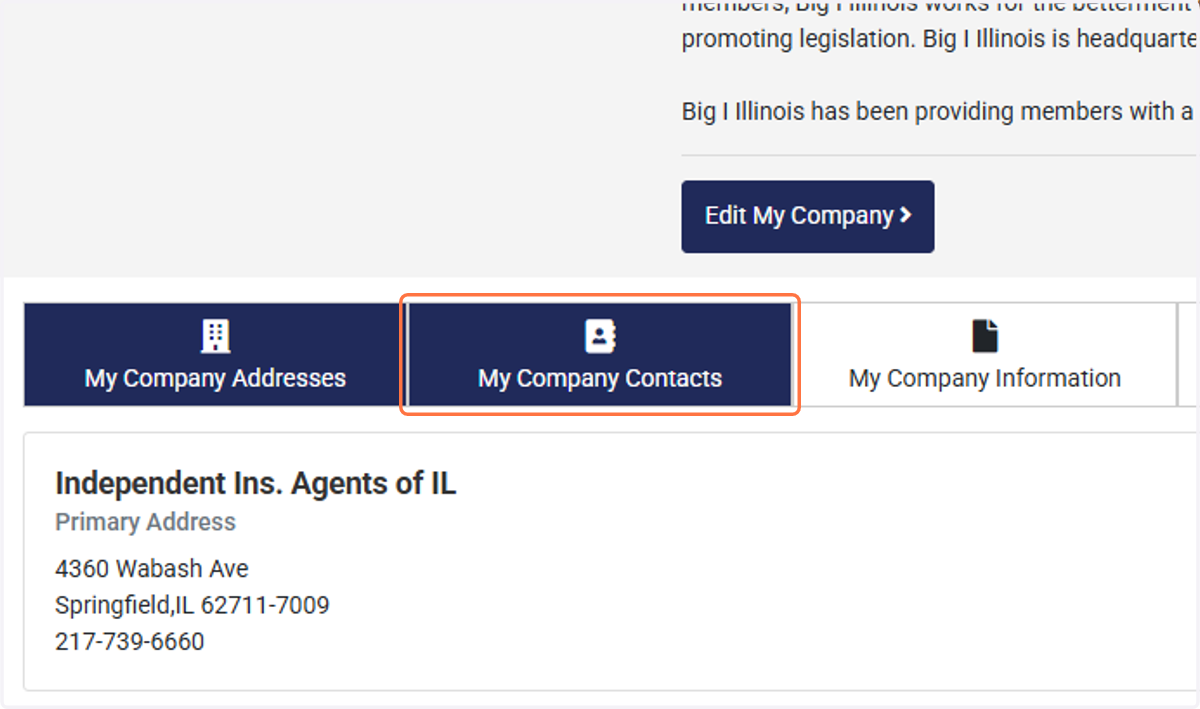
3. Then scroll to click on My Company Contacts
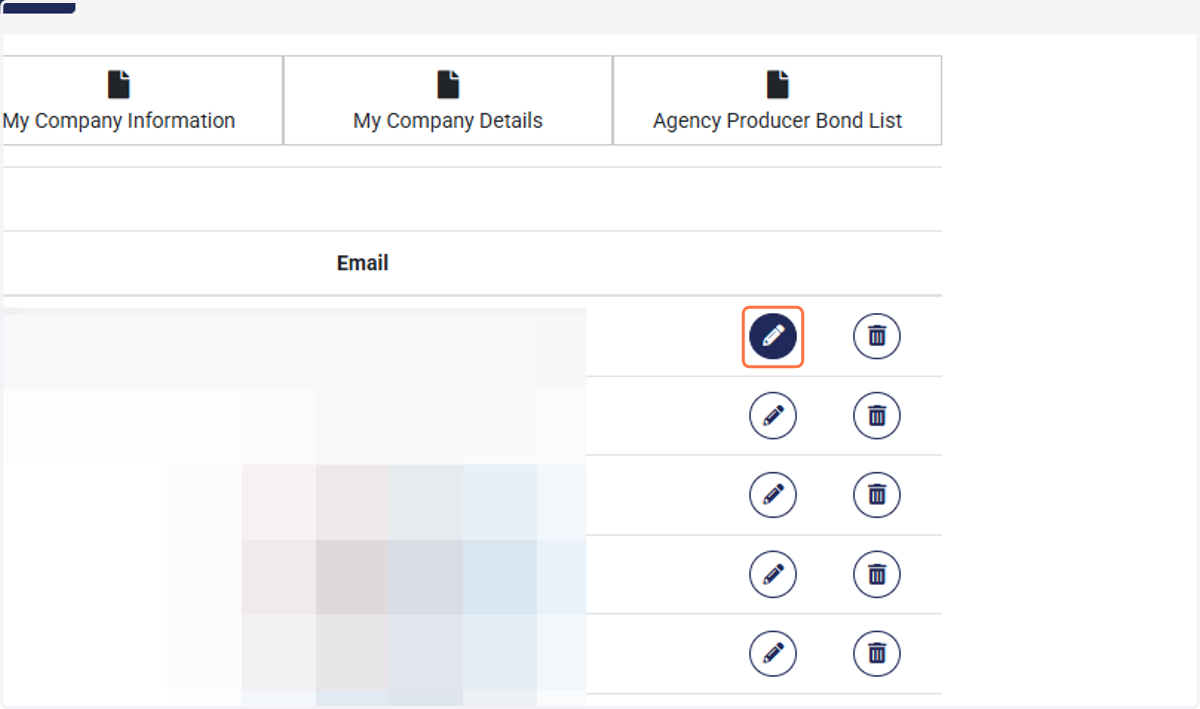
4. Your Contact List will populate. Click the pencil icon to edit the user. Click the trash icon to delete the user.
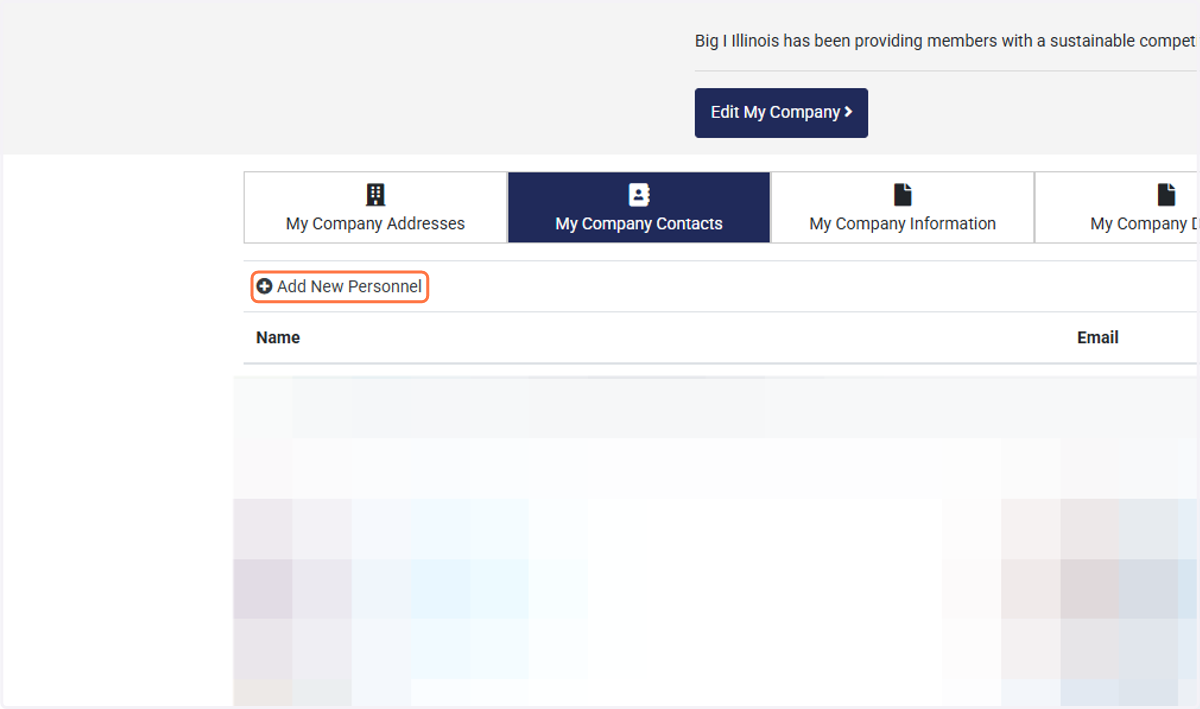
5. To add additional employees, click on Add New Personnel