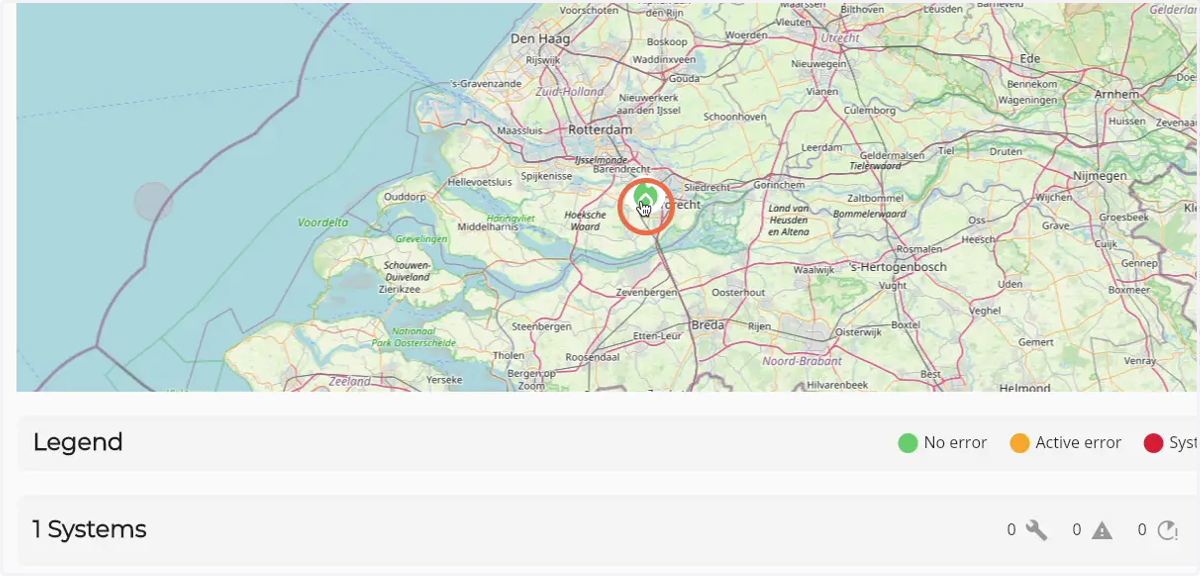
How to navigate the dashboard map
1. Navigate to web.firecoach.app
2. Log in with your Firecoach account
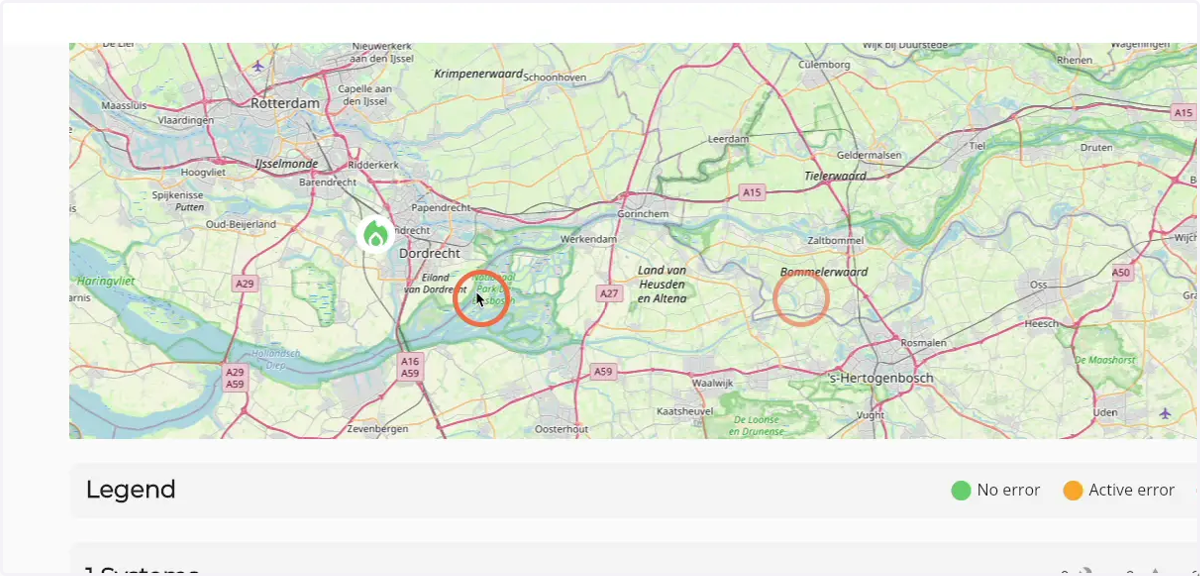
3. Click and drag to move around on the map
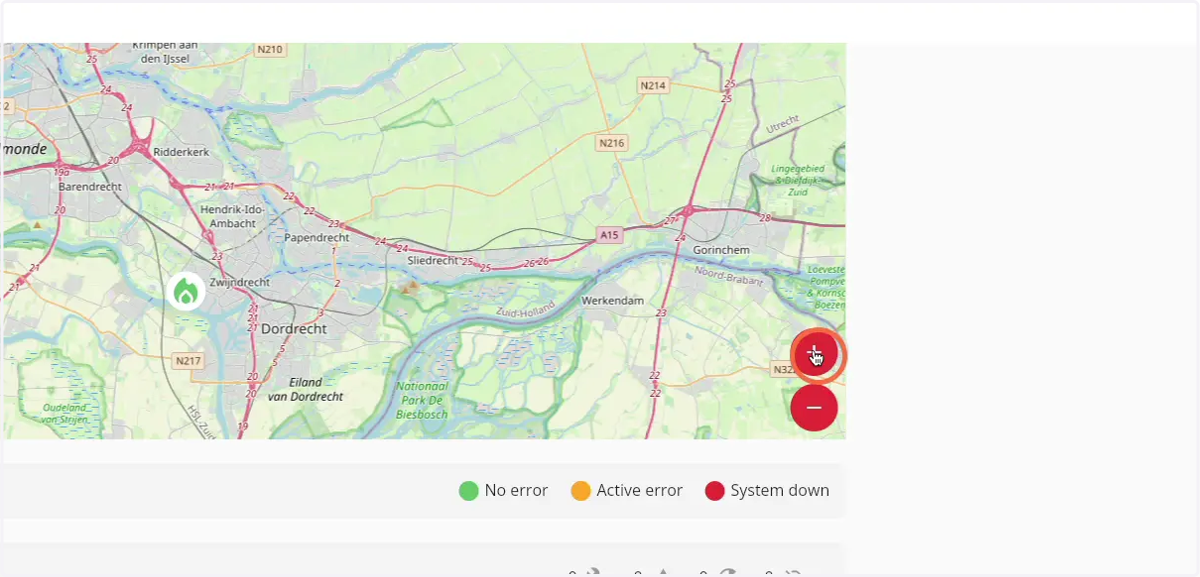
4. Click on the 'Plus' icon to zoom in
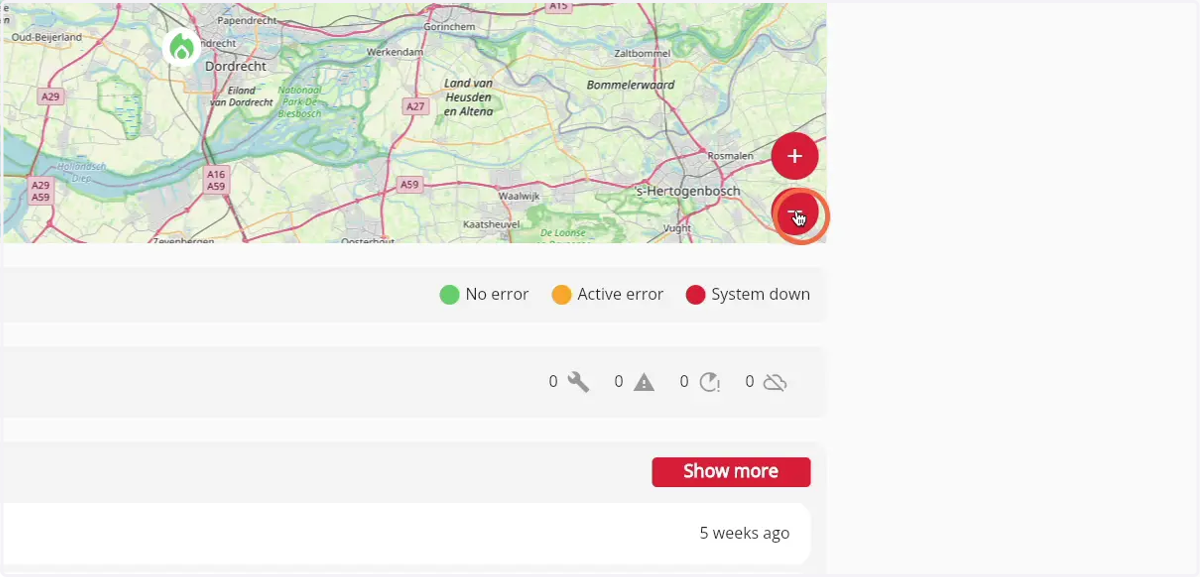
5. Click on the 'Minus' icon to zoom out
6. Click on a Firepack icon to go to the detail page of the Firepack