Update Visitor Guide Listing With Discover Green Bay
Update your Visitor Guide listing with Discover Green Bay
Go to the Partnership page on GreenBay.com
Scroll down to the access the partner portal section.
1. Click on LOG IN
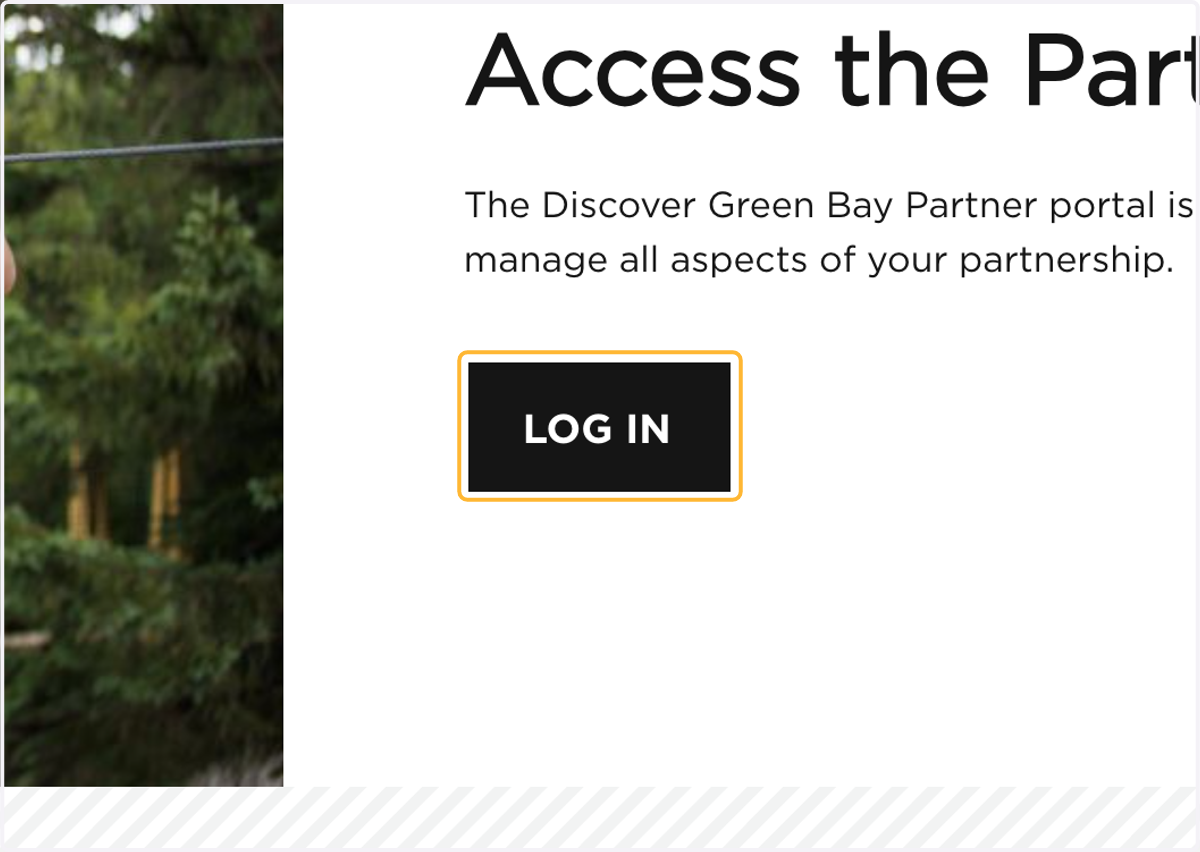
You will be redirected to the Discover Green Bay Partner Portal
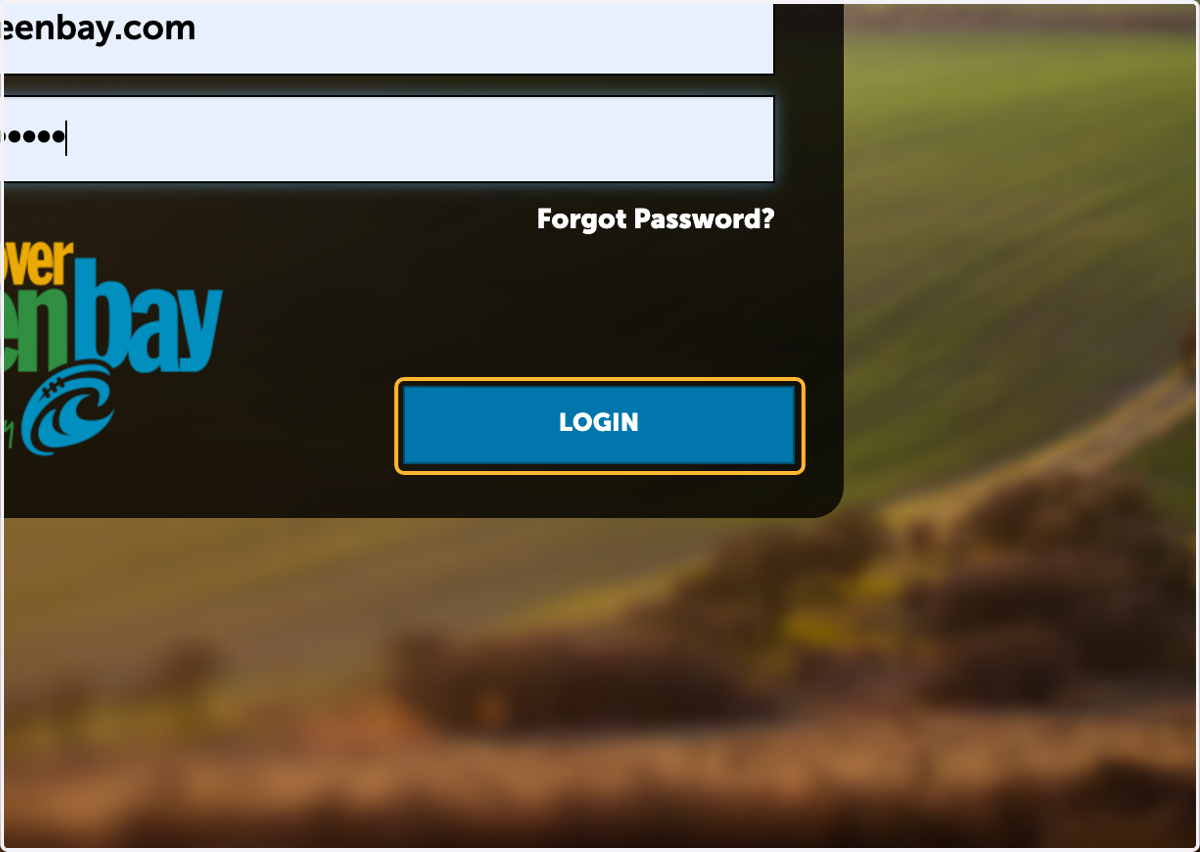
2. Enter your email
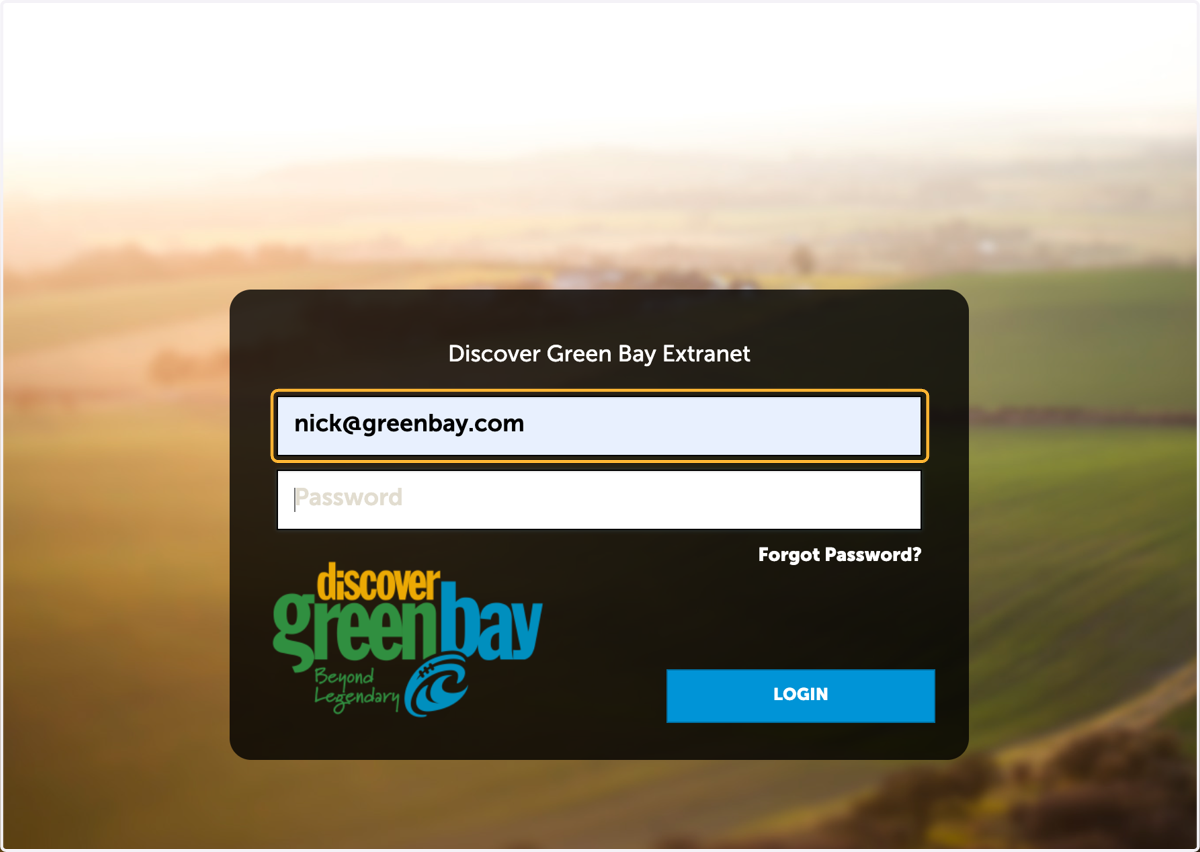
3. Type password
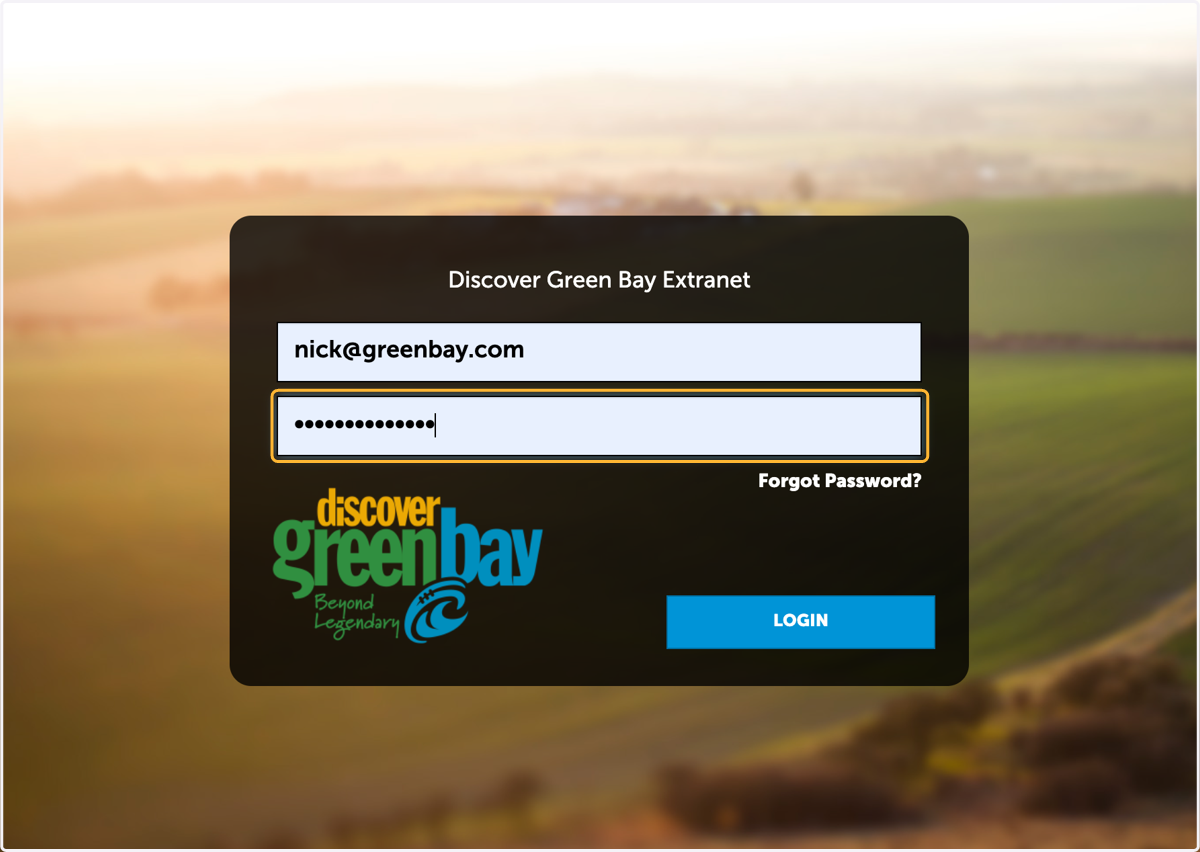
4. Click on Login
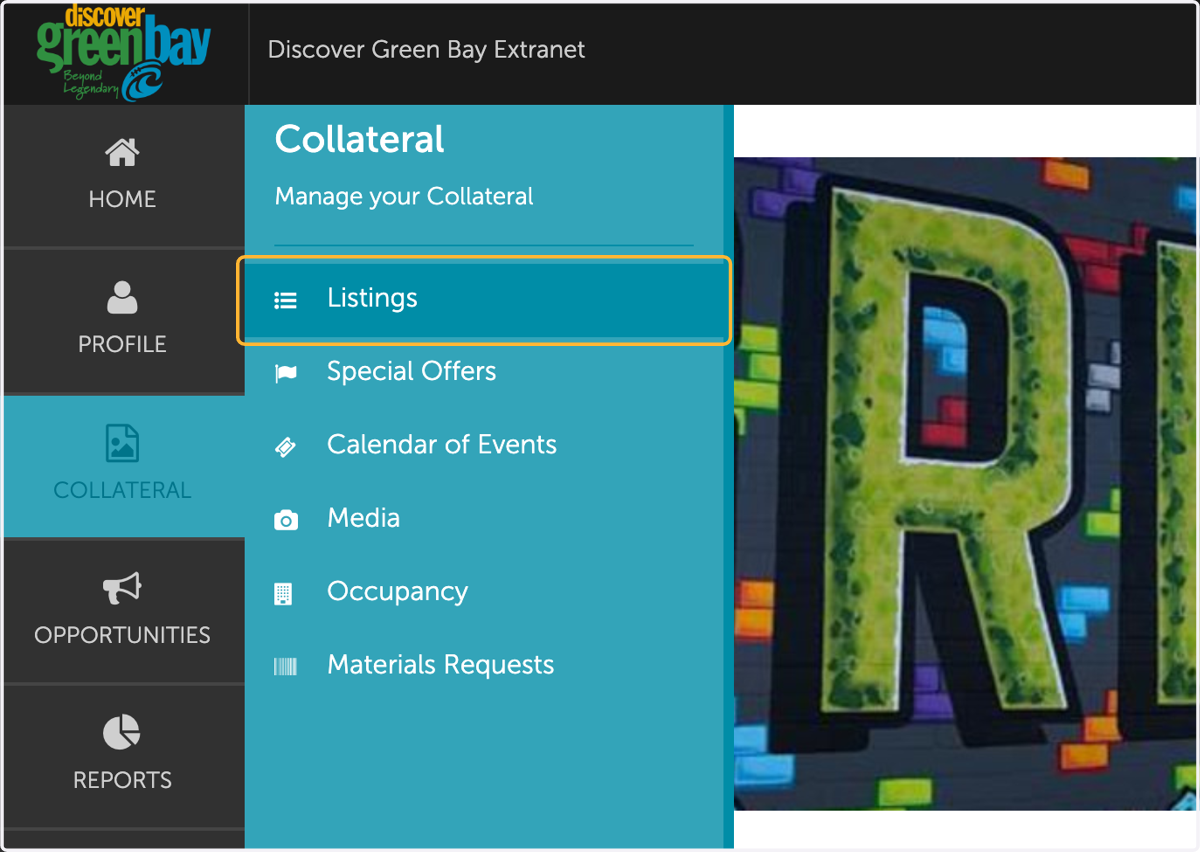
5. Click on COLLATERAL

6. Click on Listings
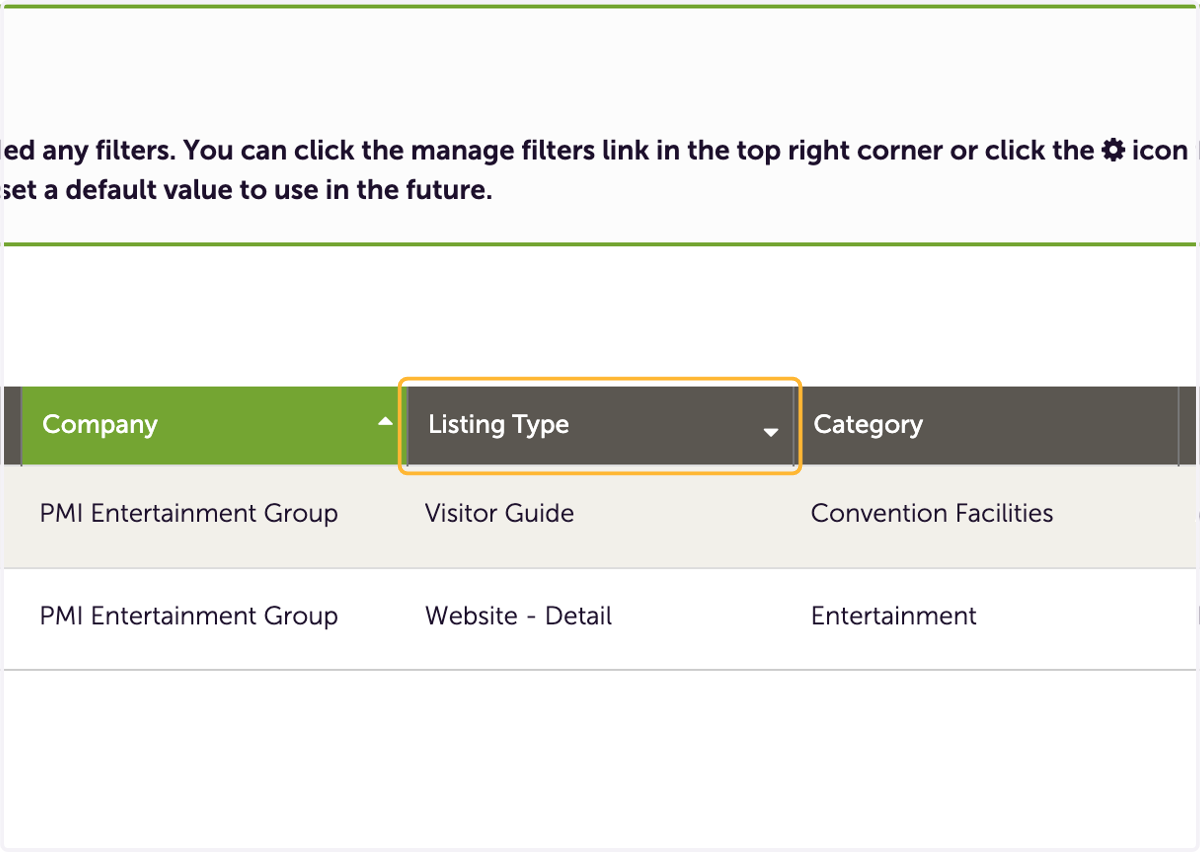
7. Under listing type find your Visitor Guide listing
8. Click on Visitor Guide
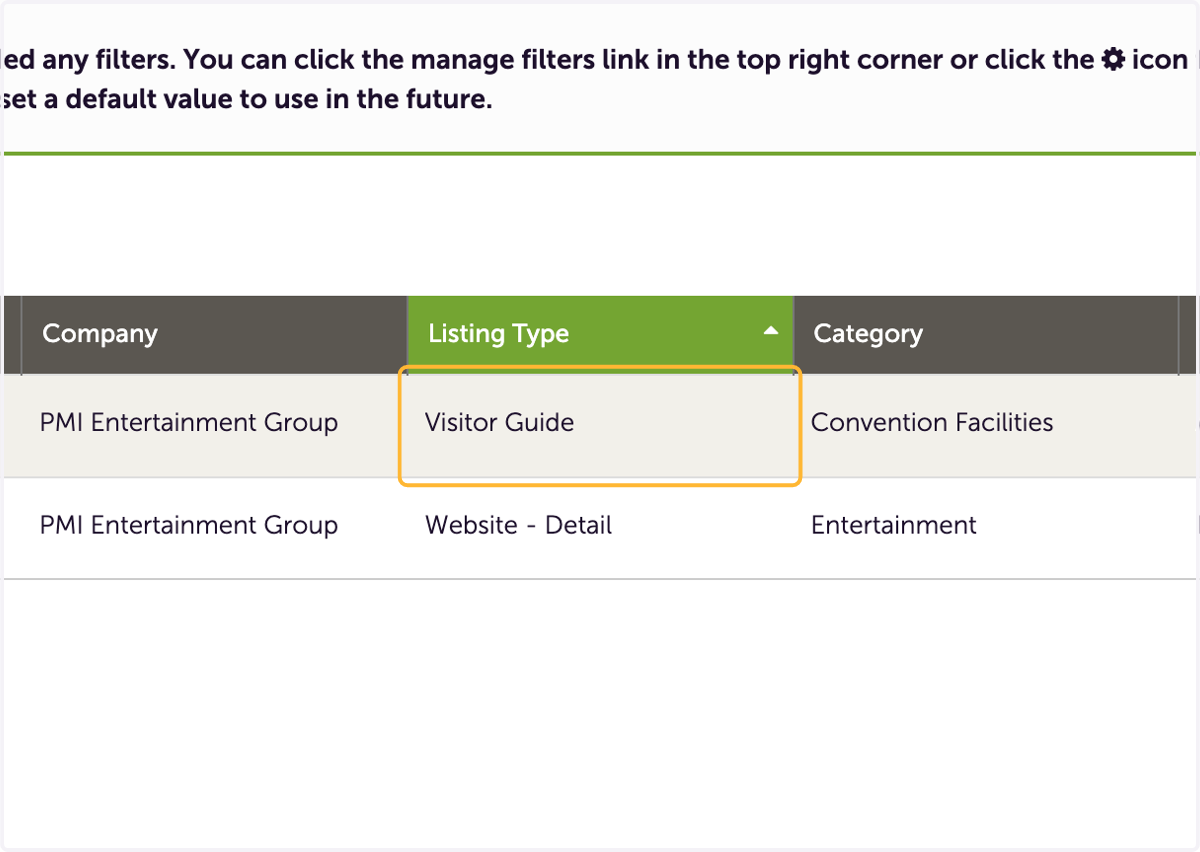
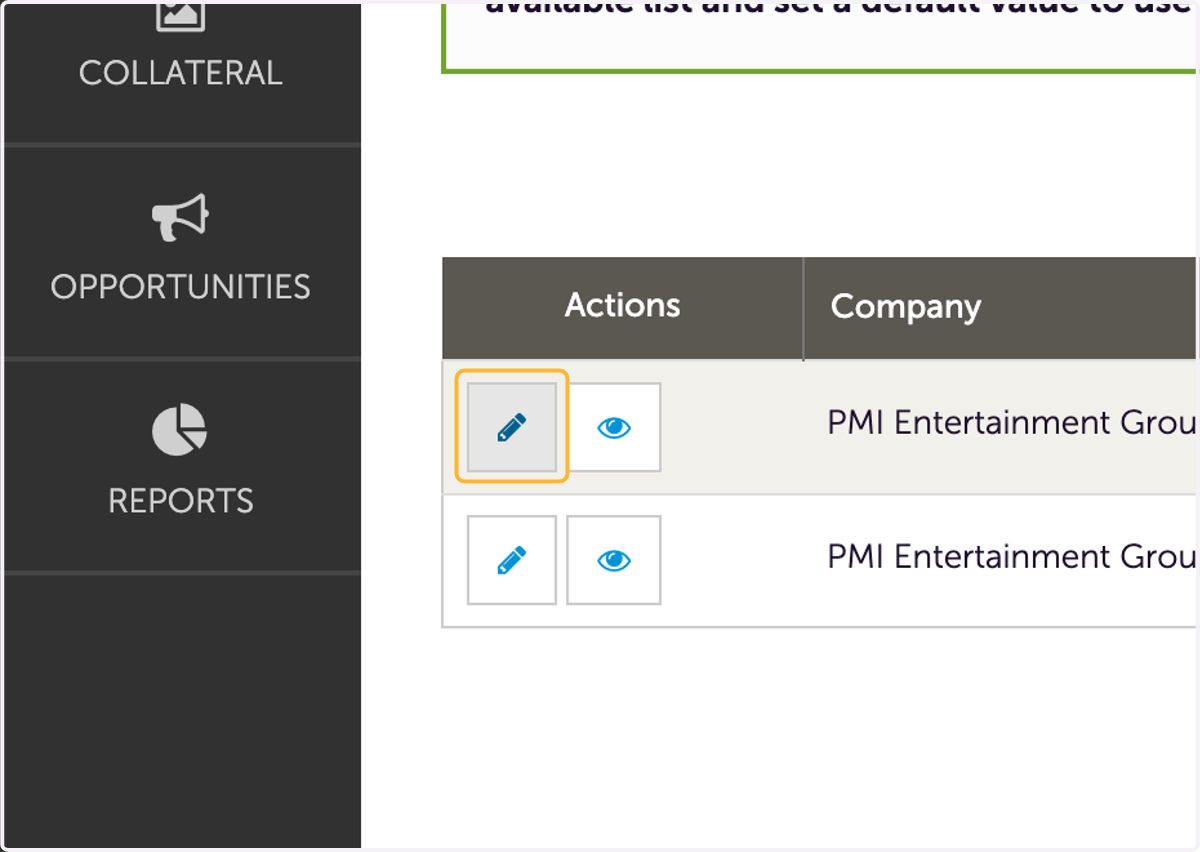
9. Click on Edit in the Visitor Guide listing row
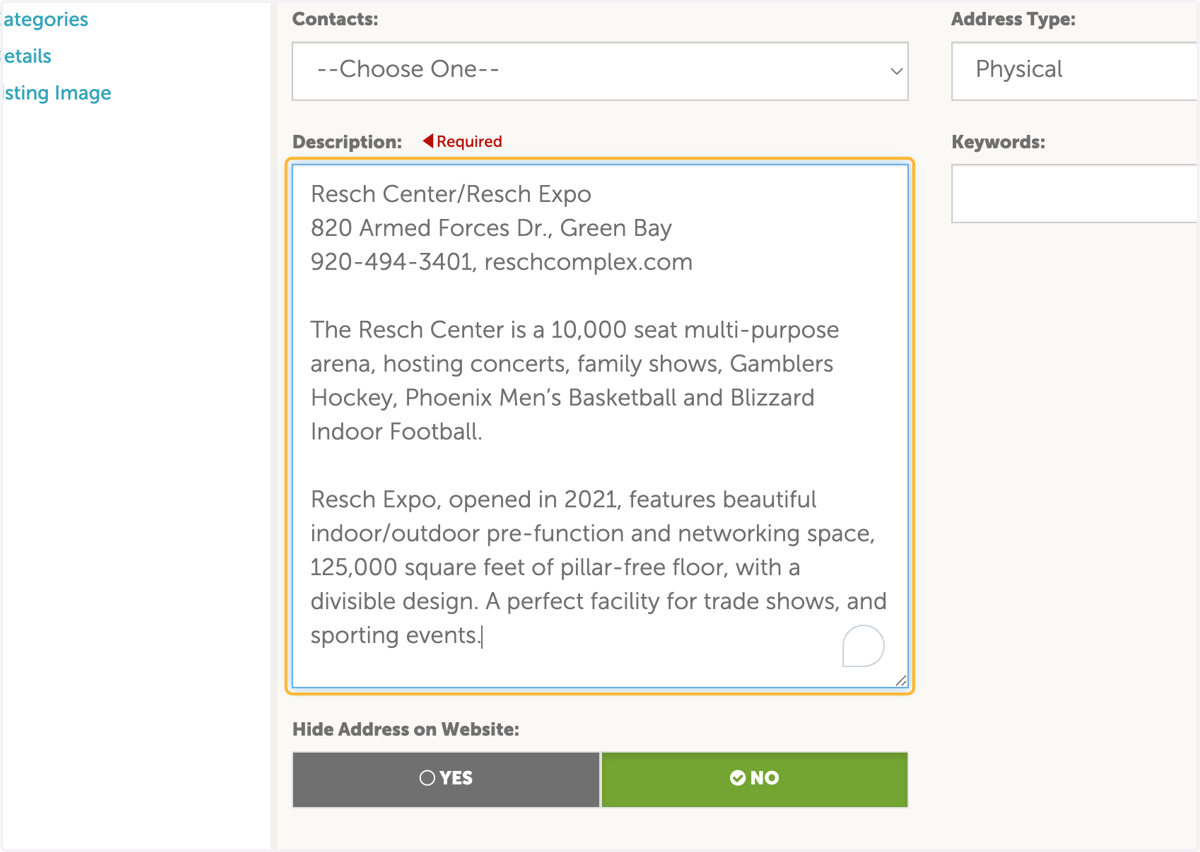
10. Review your Visitor Guide description. Please keep each description to 30 words or less.
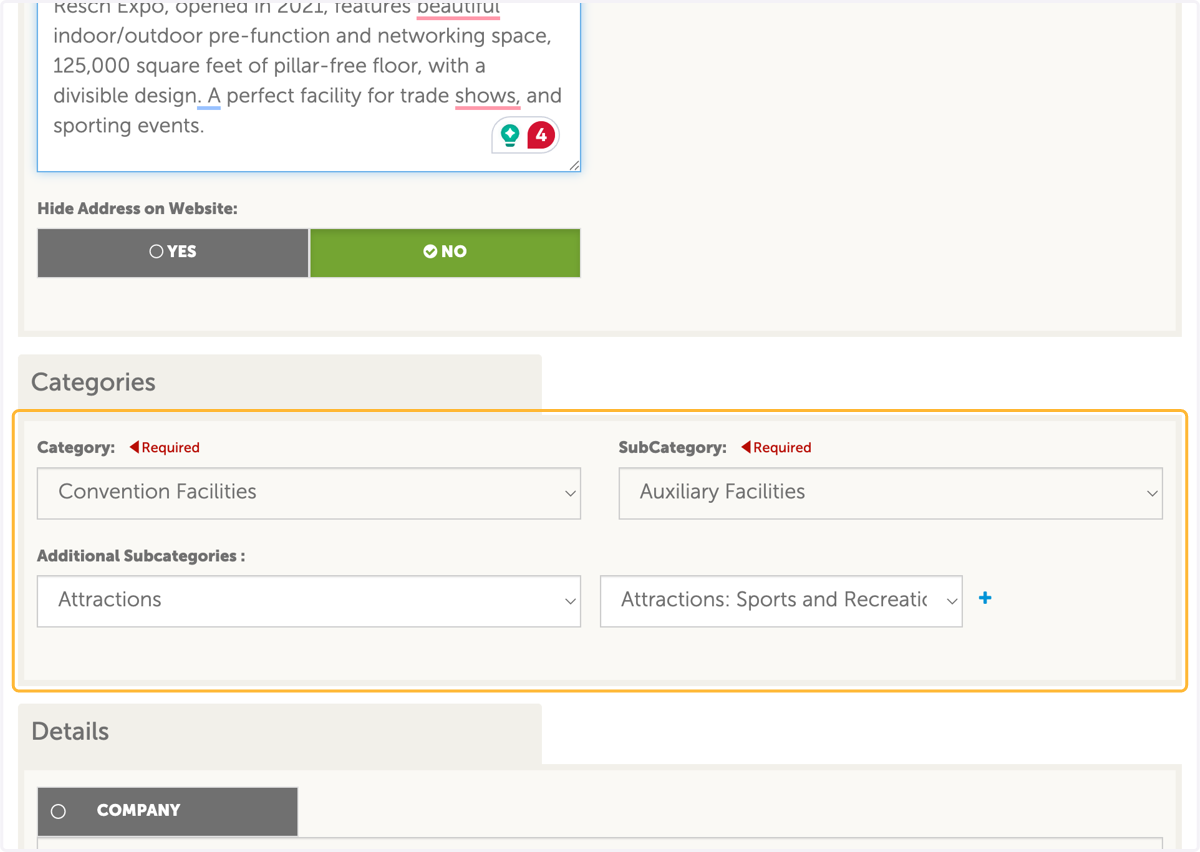
11. Verify you are listed in the correct catagories and subcatagories.
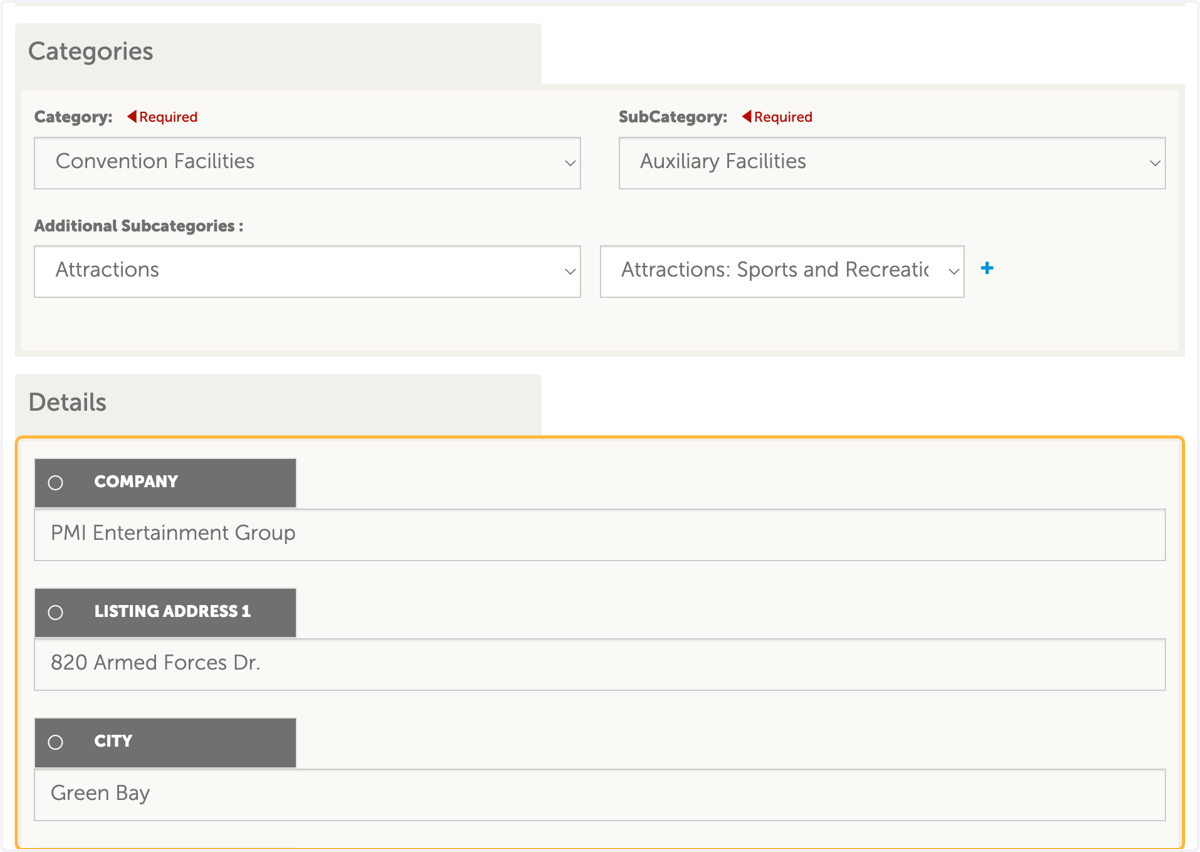
12. Verify company details
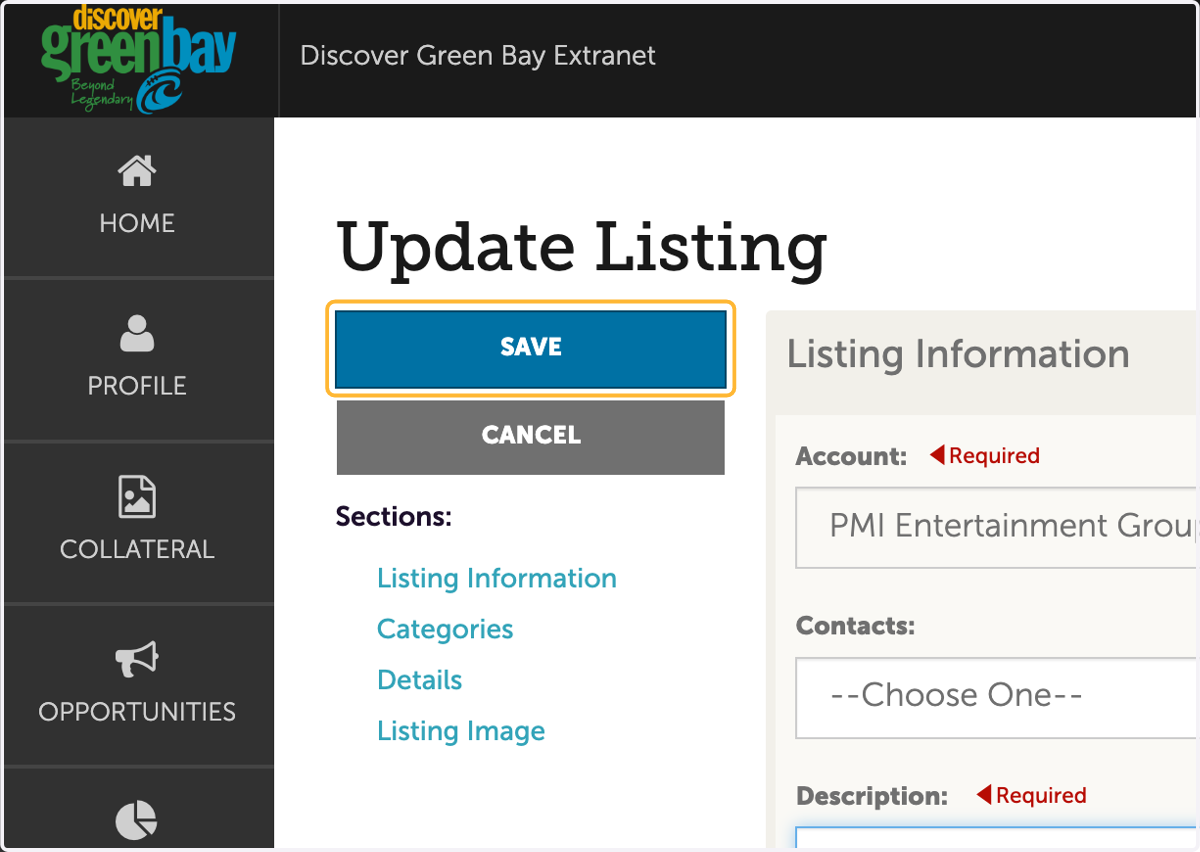
13. Click on Save when complete.