RentCafe: Previewing Resident Services (their side of the portal)
This tutorial will show you how to emulate what the resident sees on their profile. Please be aware that the changes you make in their profile WILL be made on their side as well. The only access we don't have is the ability to view/sign an open lease, and add any bank account information.
YardiOne Dashboard
1. Click on RentCafe Site Manager

RentCafe Site Manager
2. Click on Properties

3. Use the search bar to find your community

4. Click on your Property

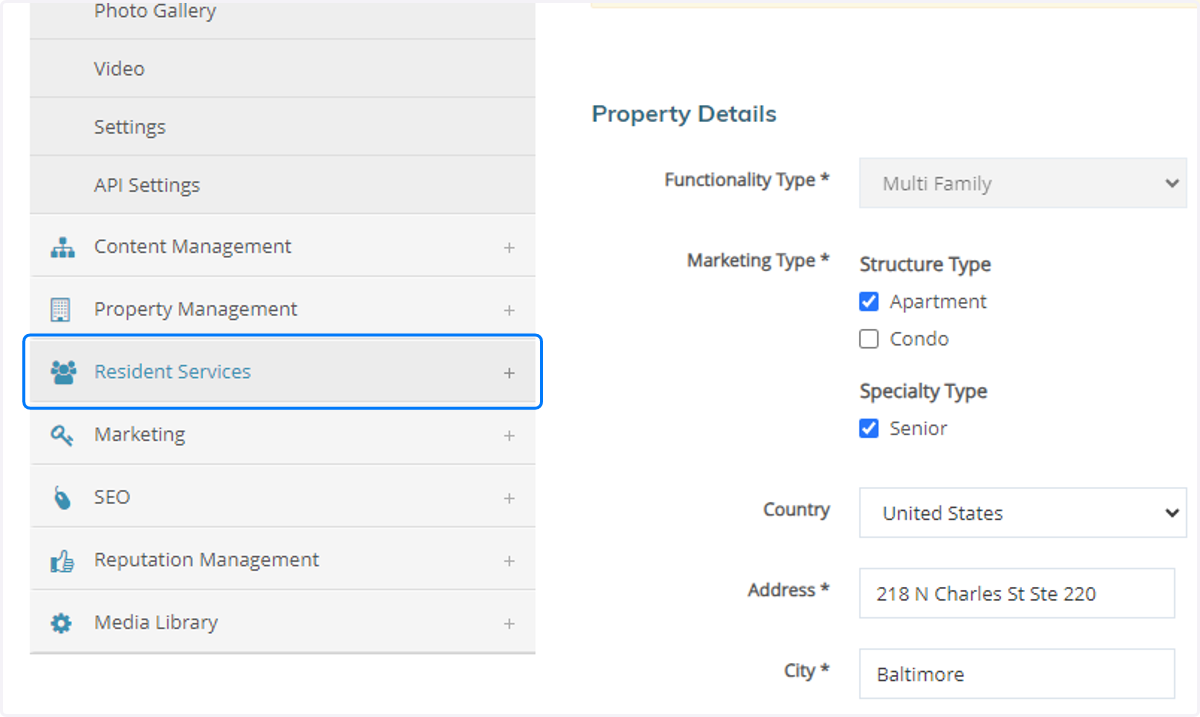
5. Click on Resident Services on the left hand side of the page
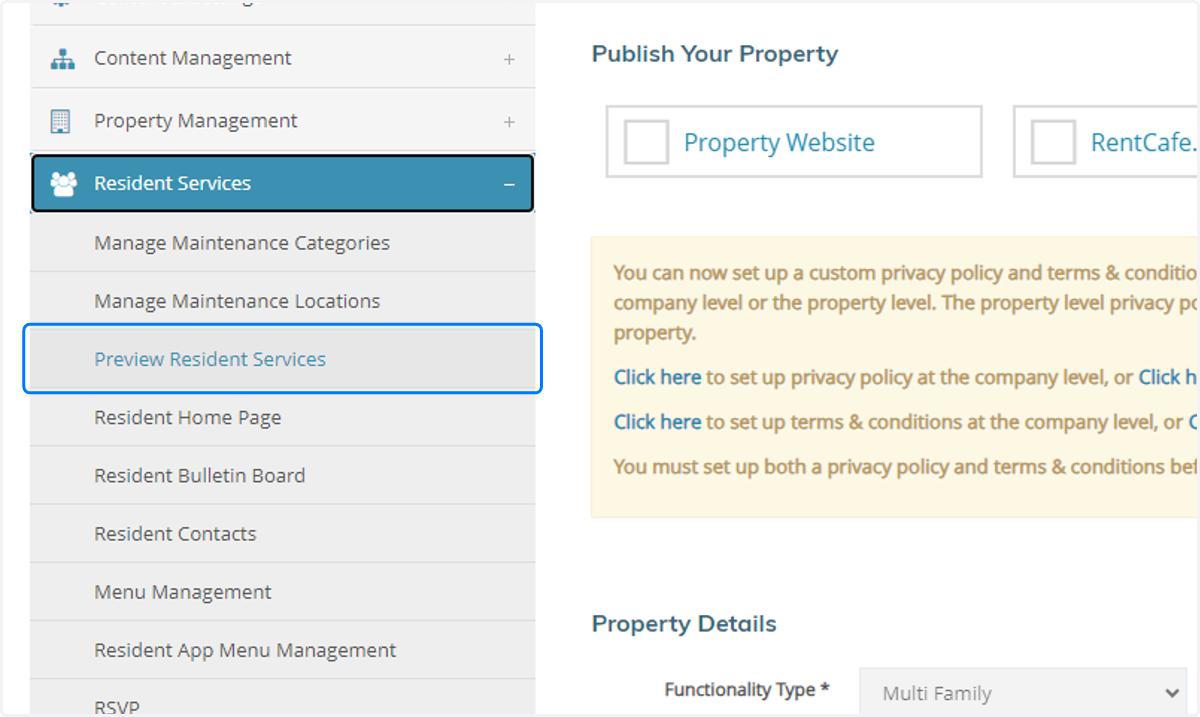
6. Click on Preview Resident Services
7. Click on the resident you want to emulate
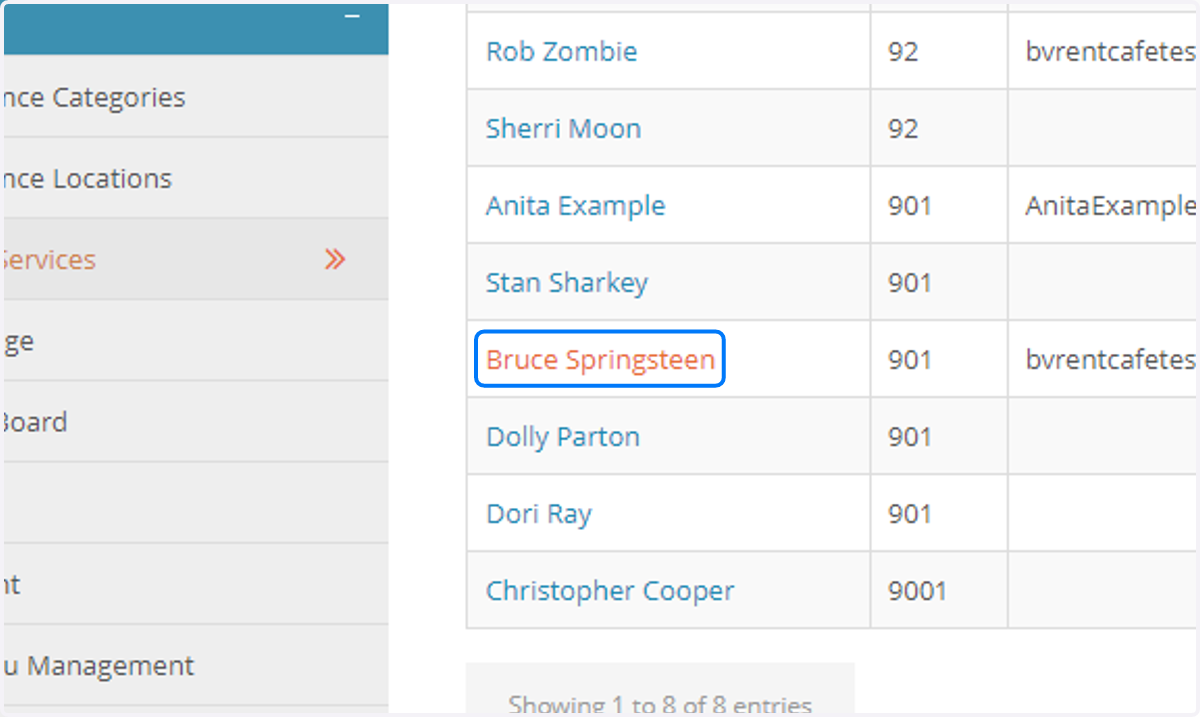
8. This will bring you straight into their portal where you can help the resident or family member navigate through.
