Axcient x360 Recover
Axcient - Dashboard
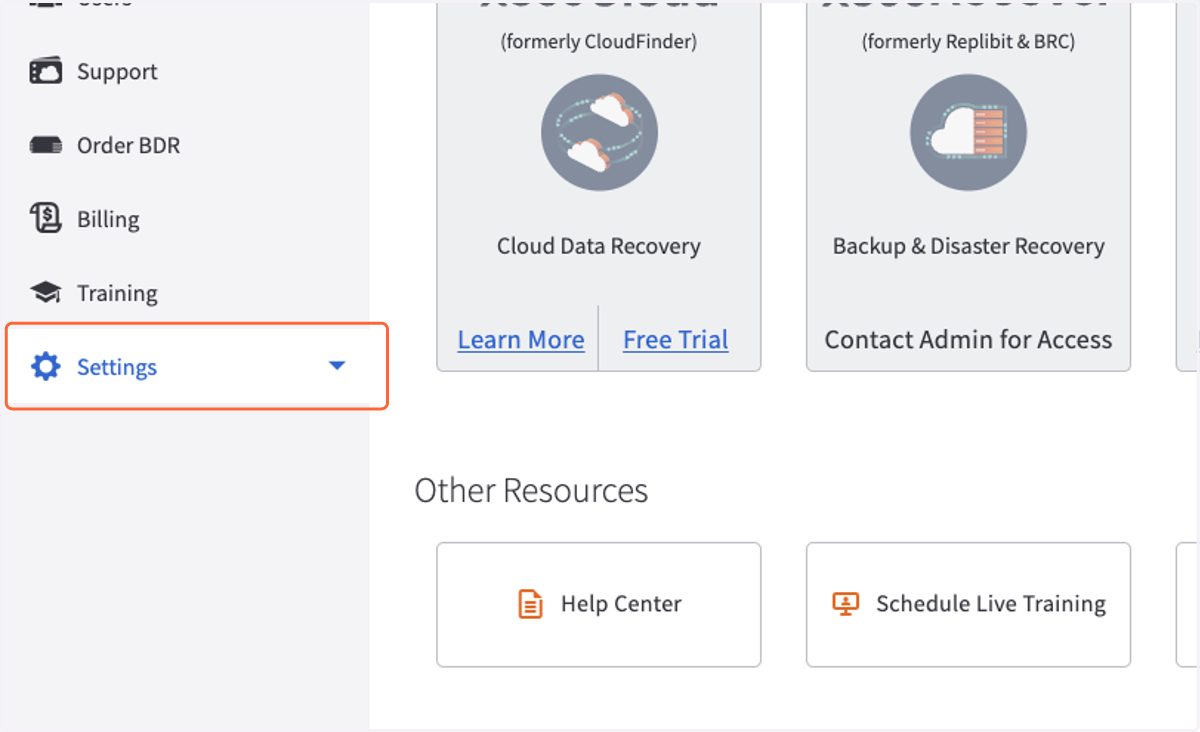
1. Click on Settings
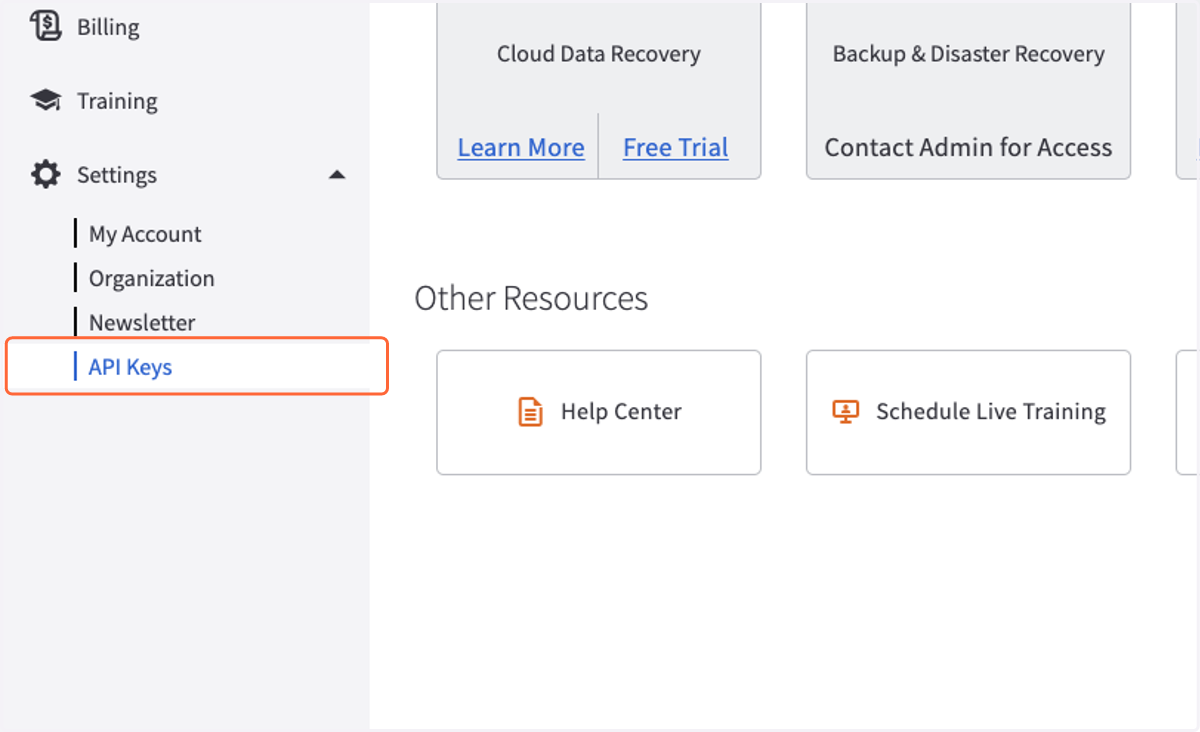
2. Click on API Keys
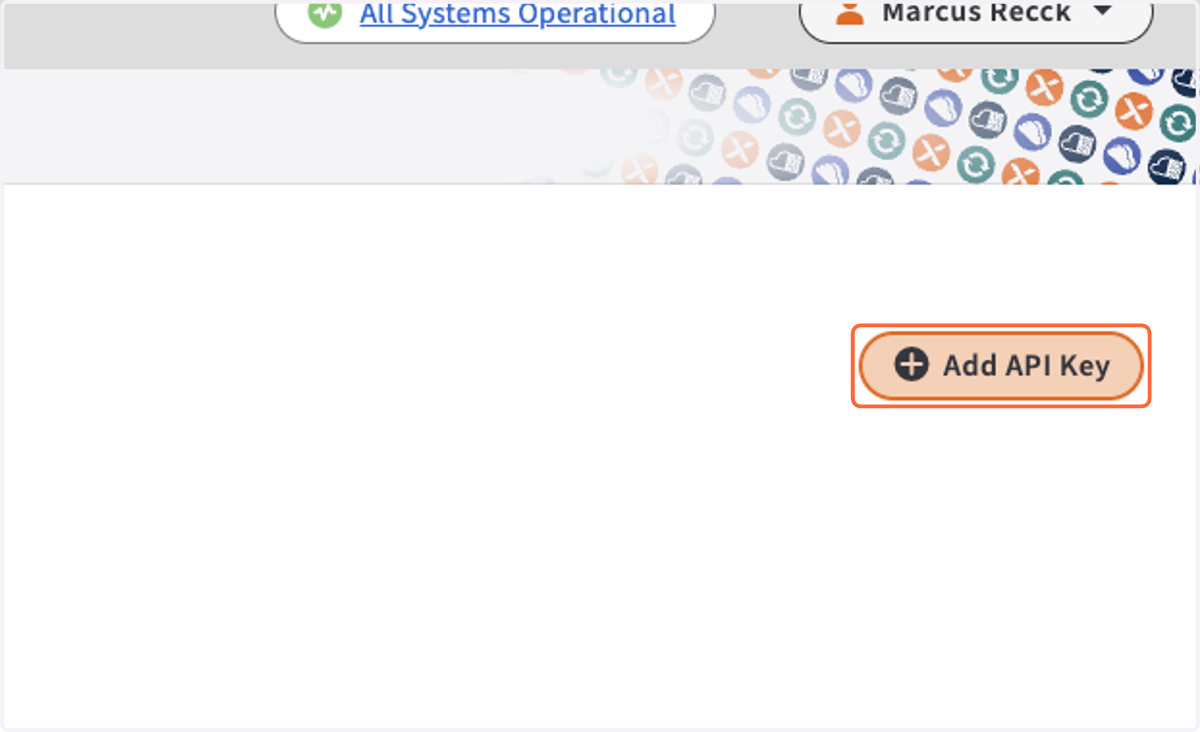
3. Click on Add API Key
4. Type "Cork"
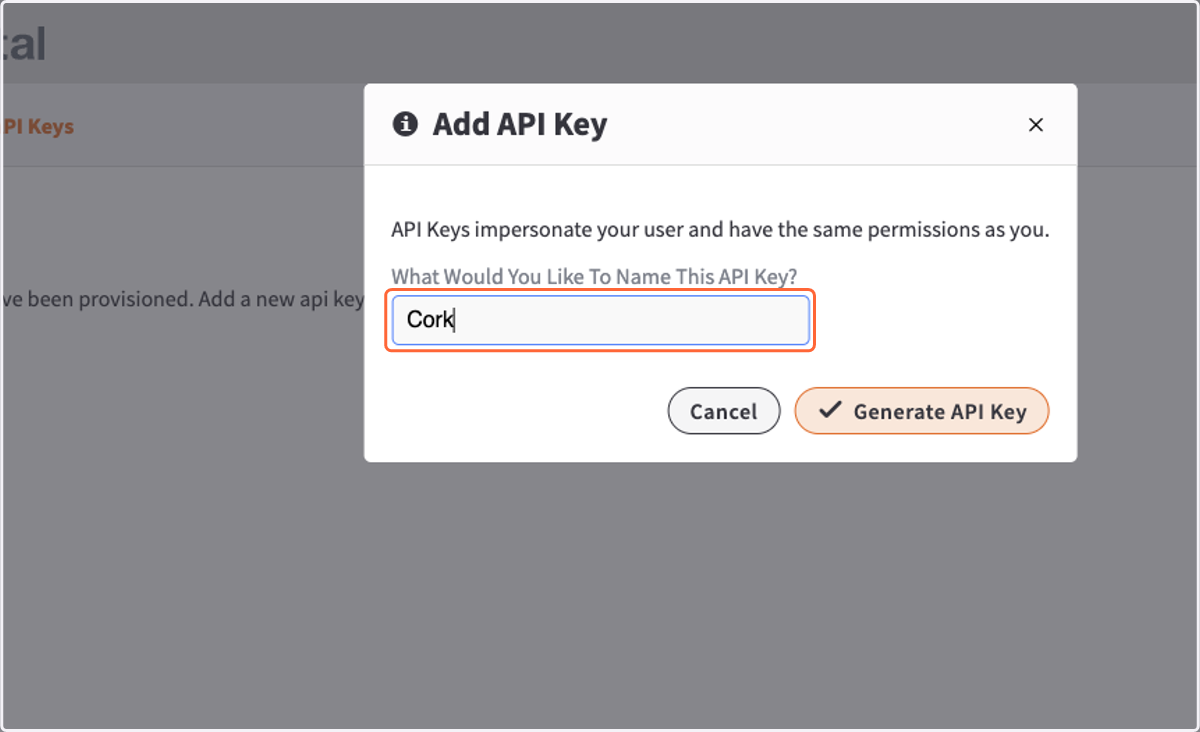
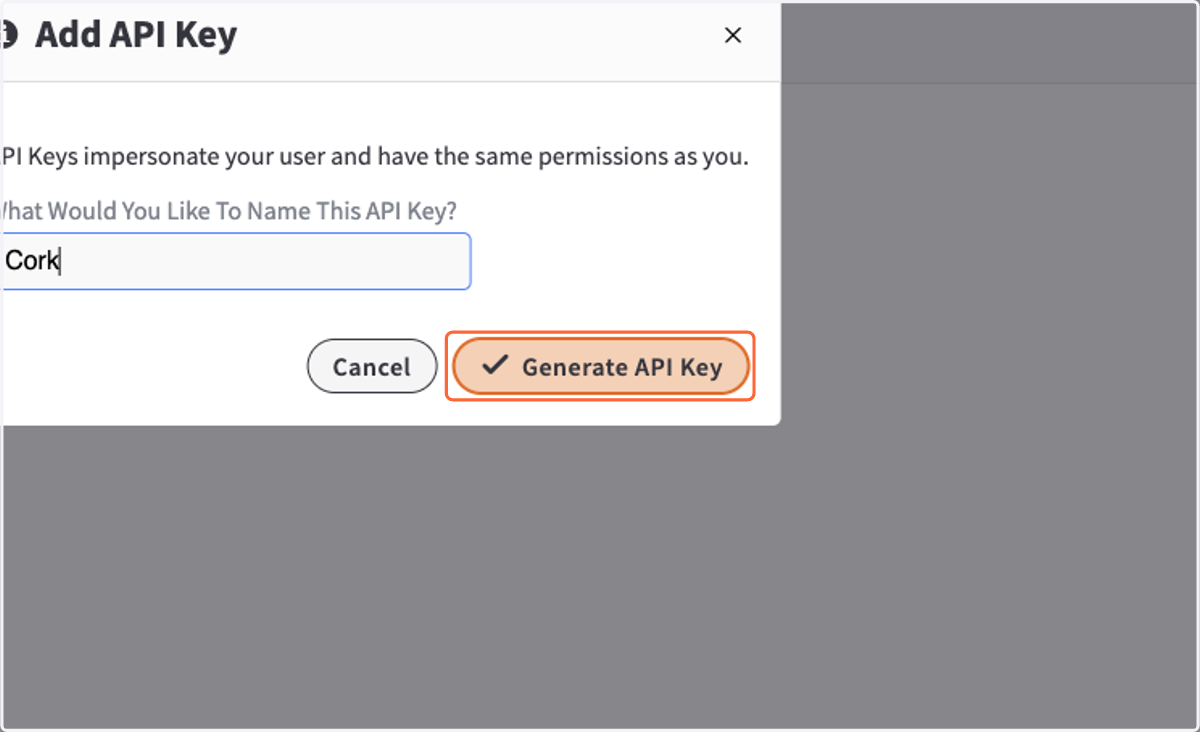
5. Click on Generate API Key
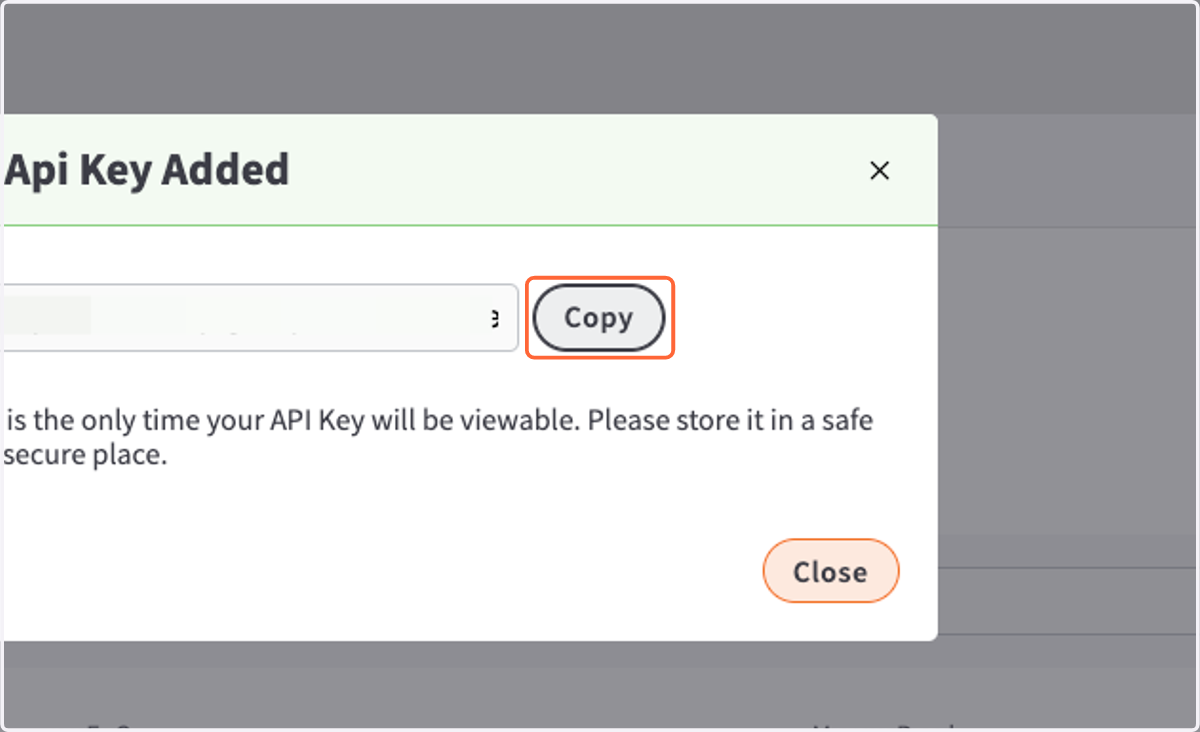
6. Click on Copy
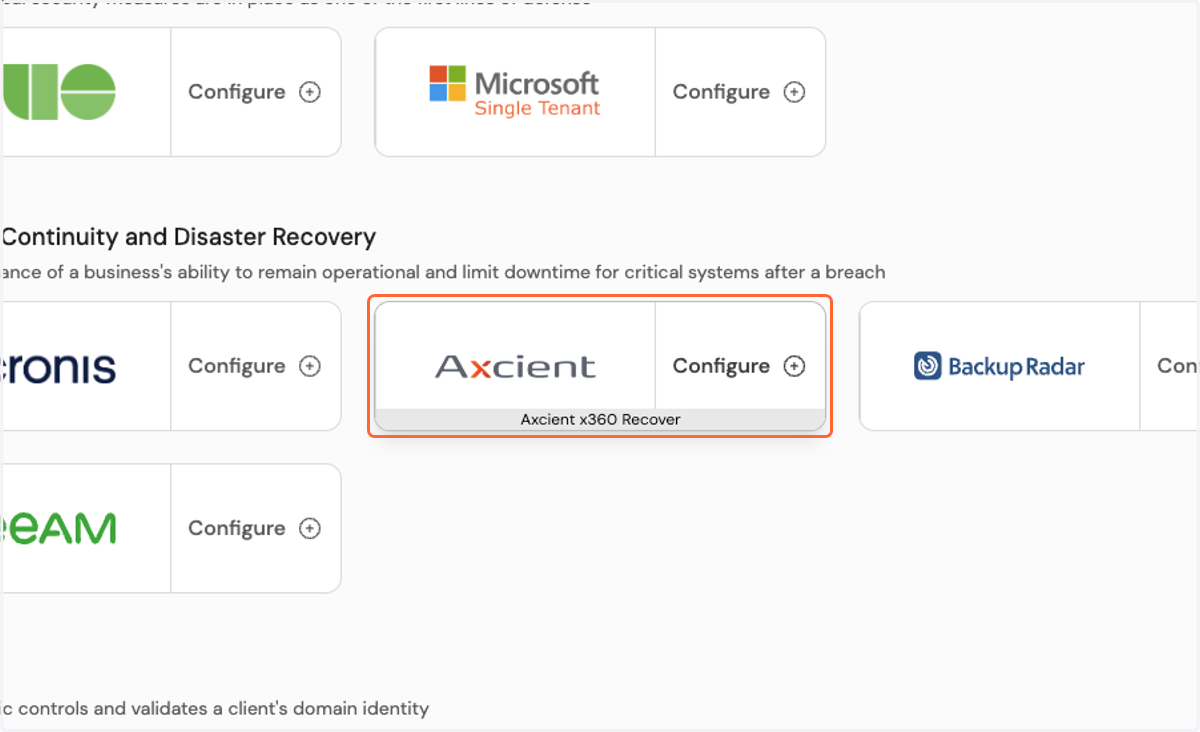
Cork - Integrations
7. Click on Configure Axcient x360 Recover integration…
8. Paste input
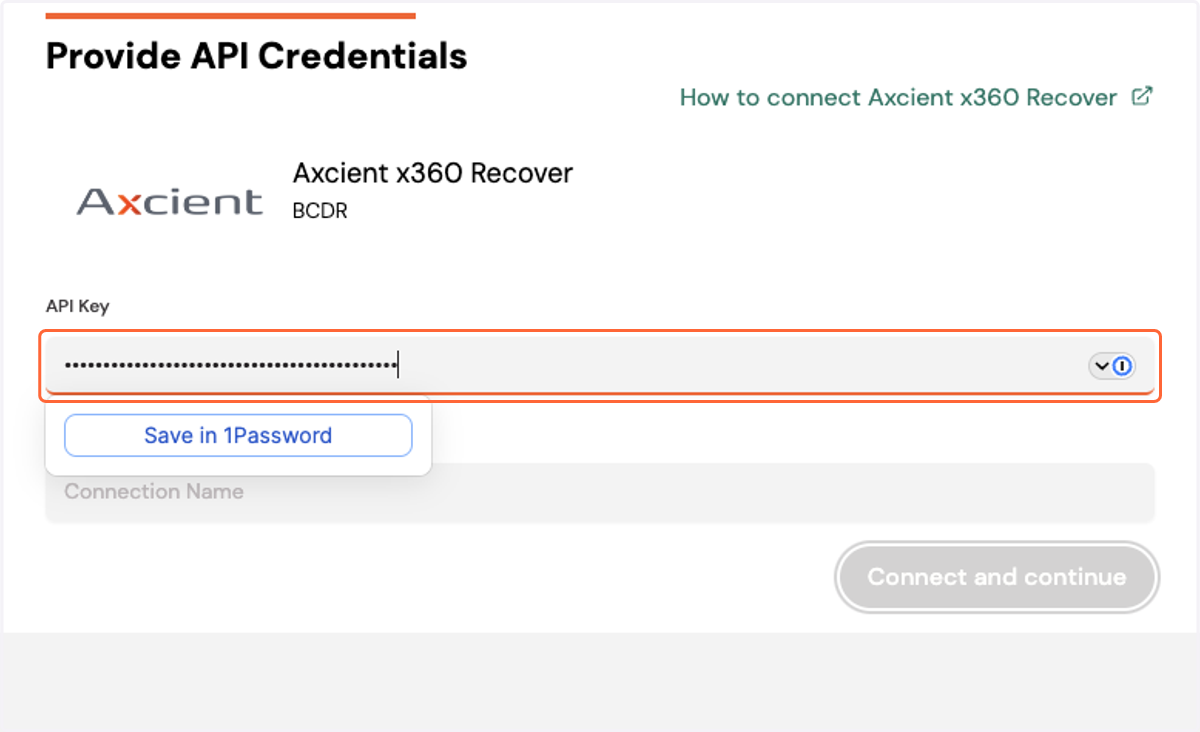
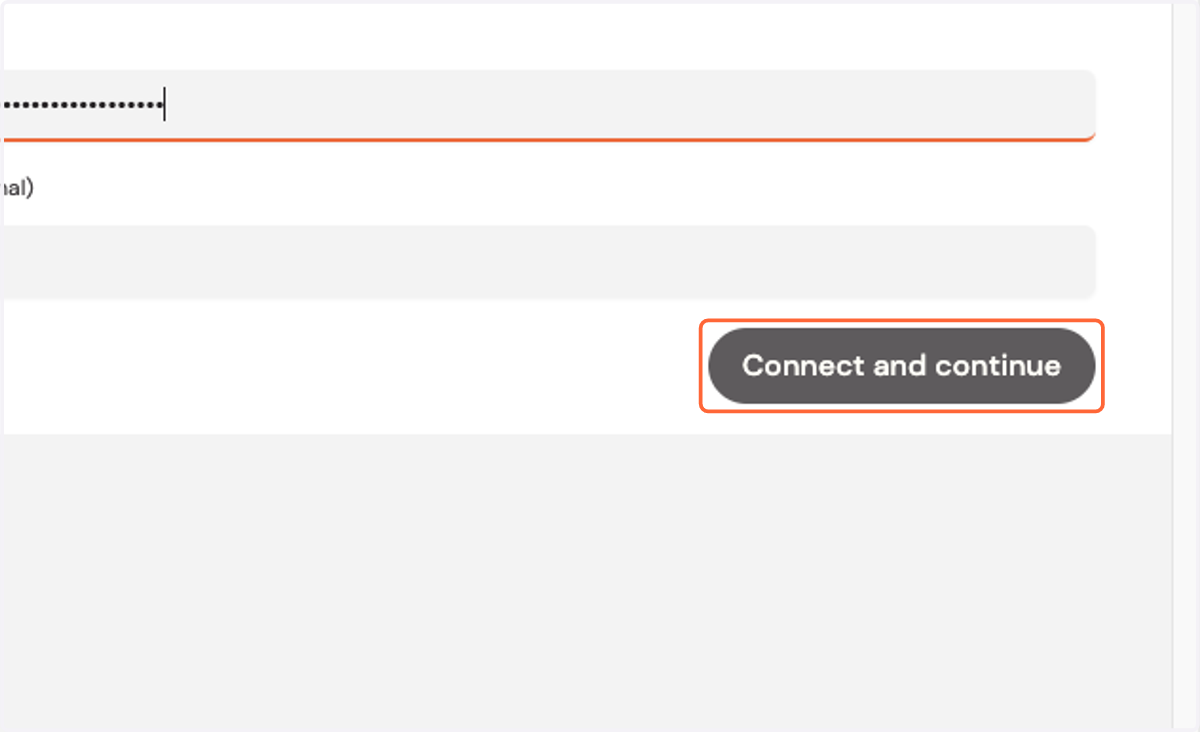
9. Click on Connect and continue