Navigating and Logging into EKADENCE for Parents

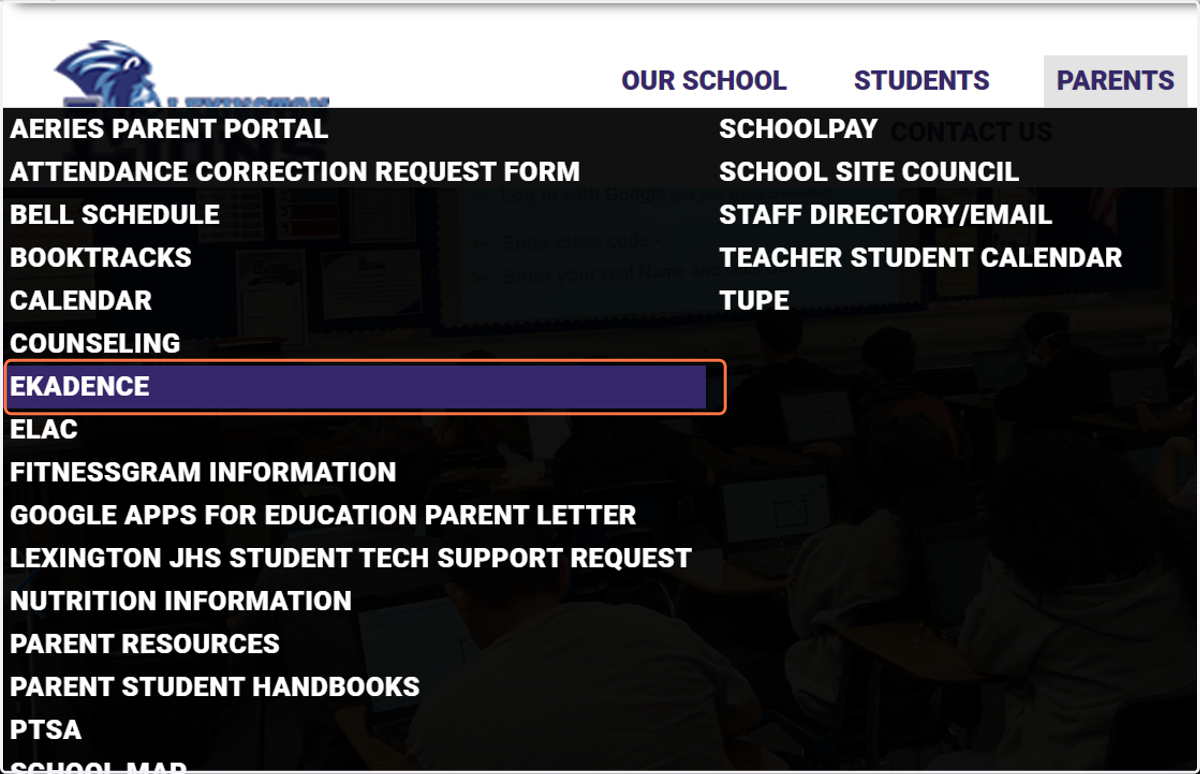
  1. 1. Login to lexington.auhsd.us and click on PARENTS
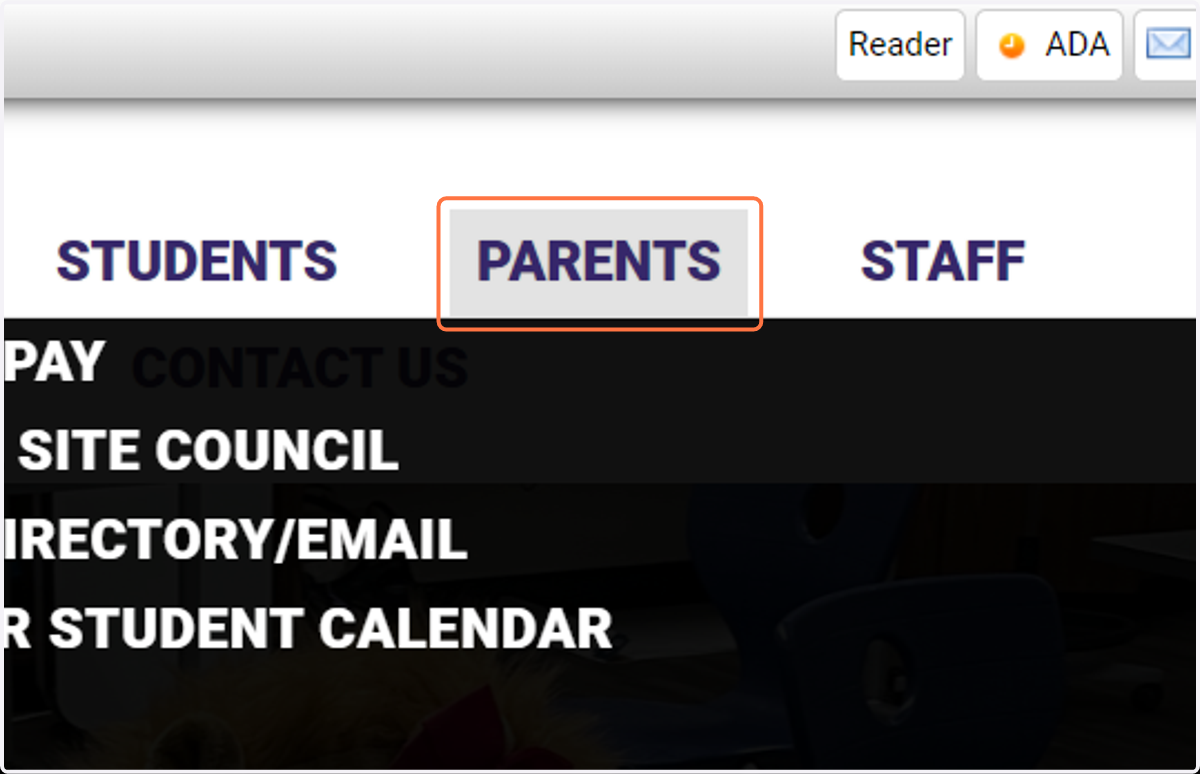
    Login to lexington.auhsd.us and click on PARENTS
  2. 2. Click on EKADENCE

    Click on EKADENCE
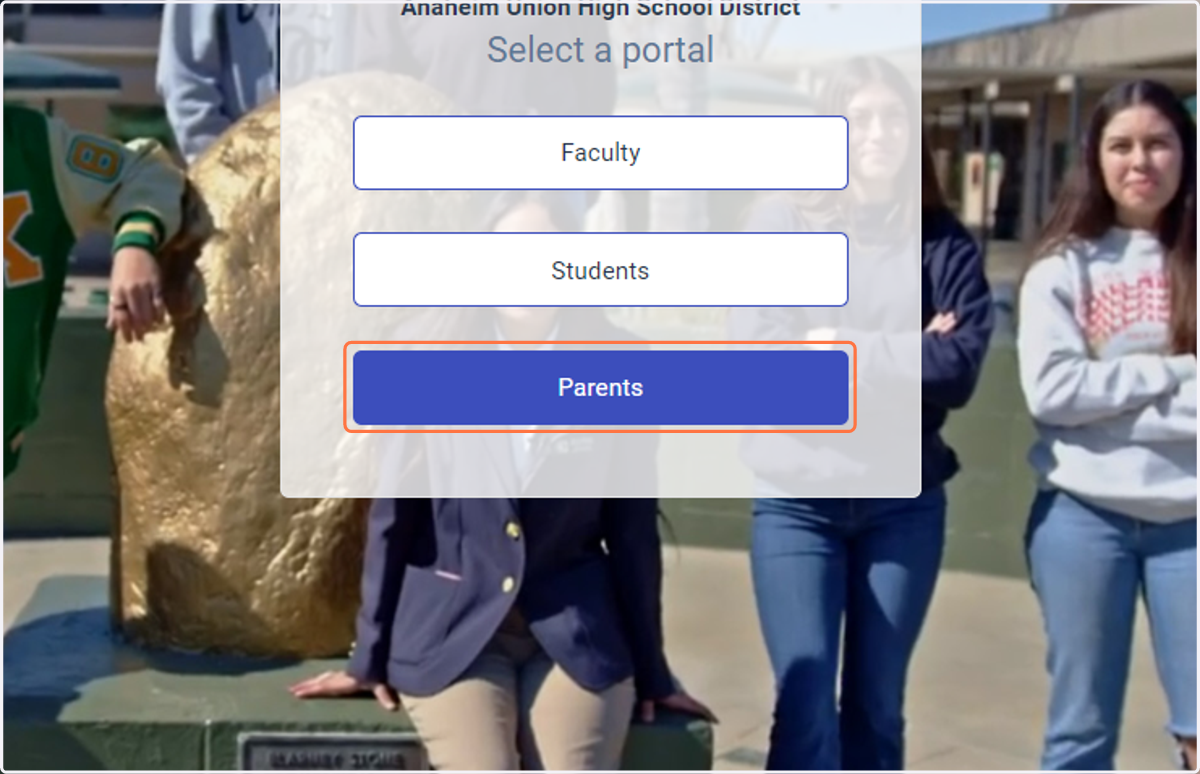
  3. 3. Click on Parents

    Click on Parents
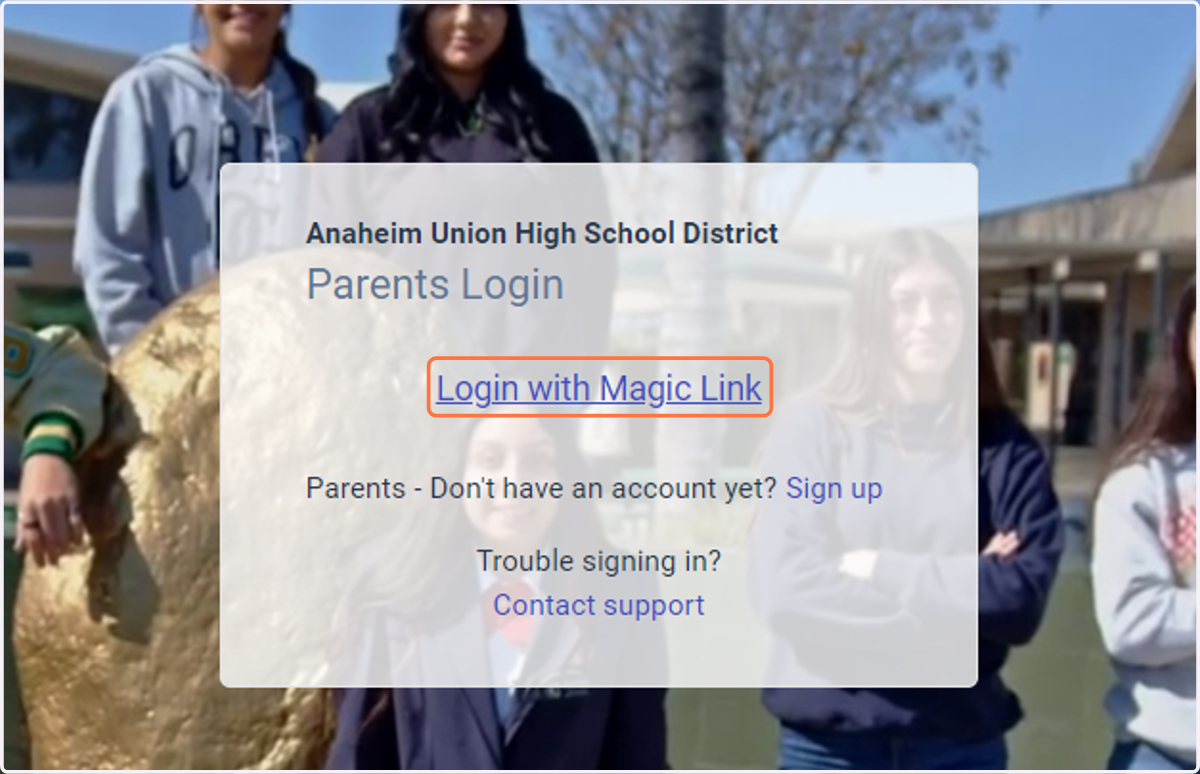
  4. 4. Click on Login with Magic Link

    Click on Login with Magic Link
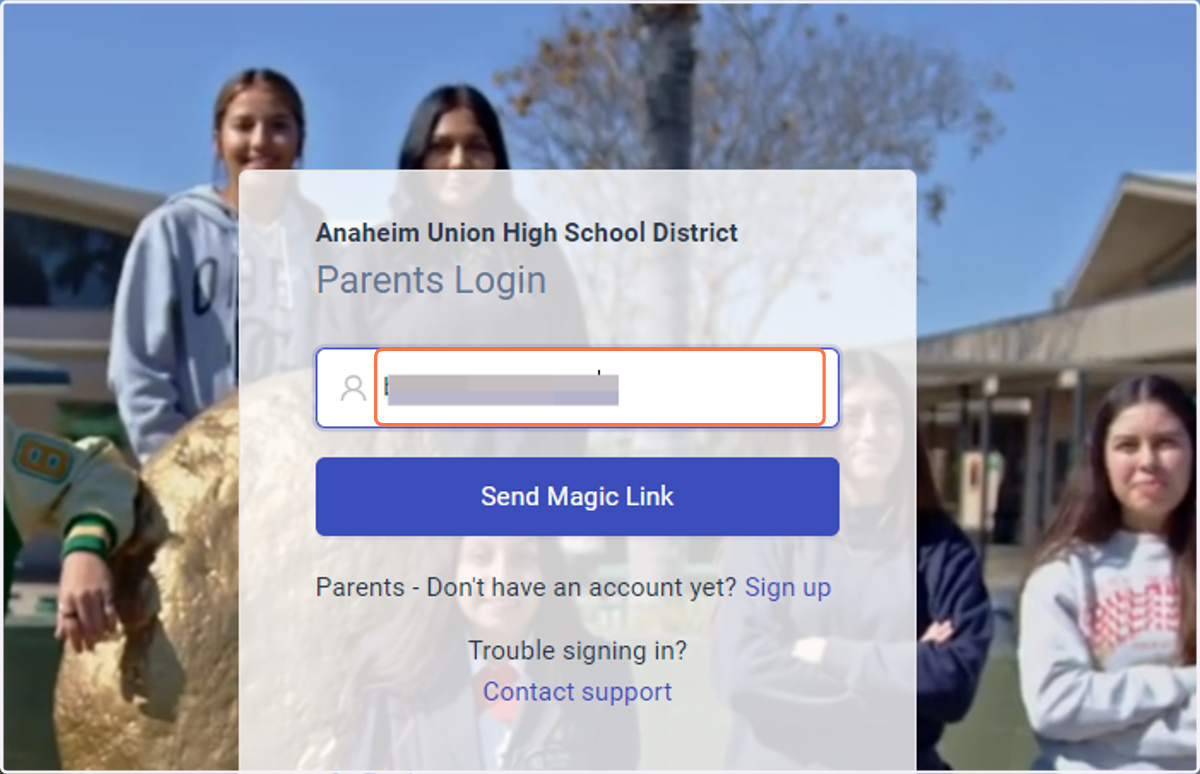
  5. 5. Type the email you use for Aeries

    Type the email you use for Aeries
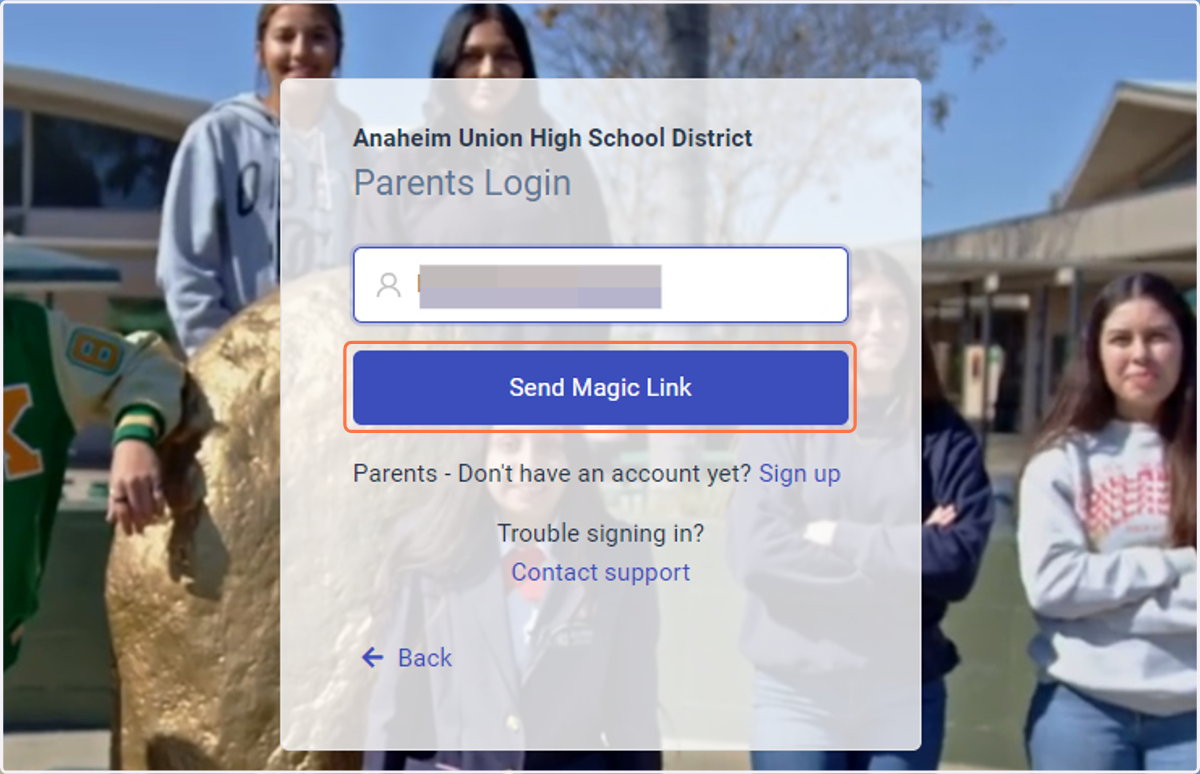
  6. 6. Click on Send Magic Link

    Click on Send Magic Link
  7. 7. Check email for message from no-reply@ekadence.com

    Check email for message from no-reply@ekadence.com
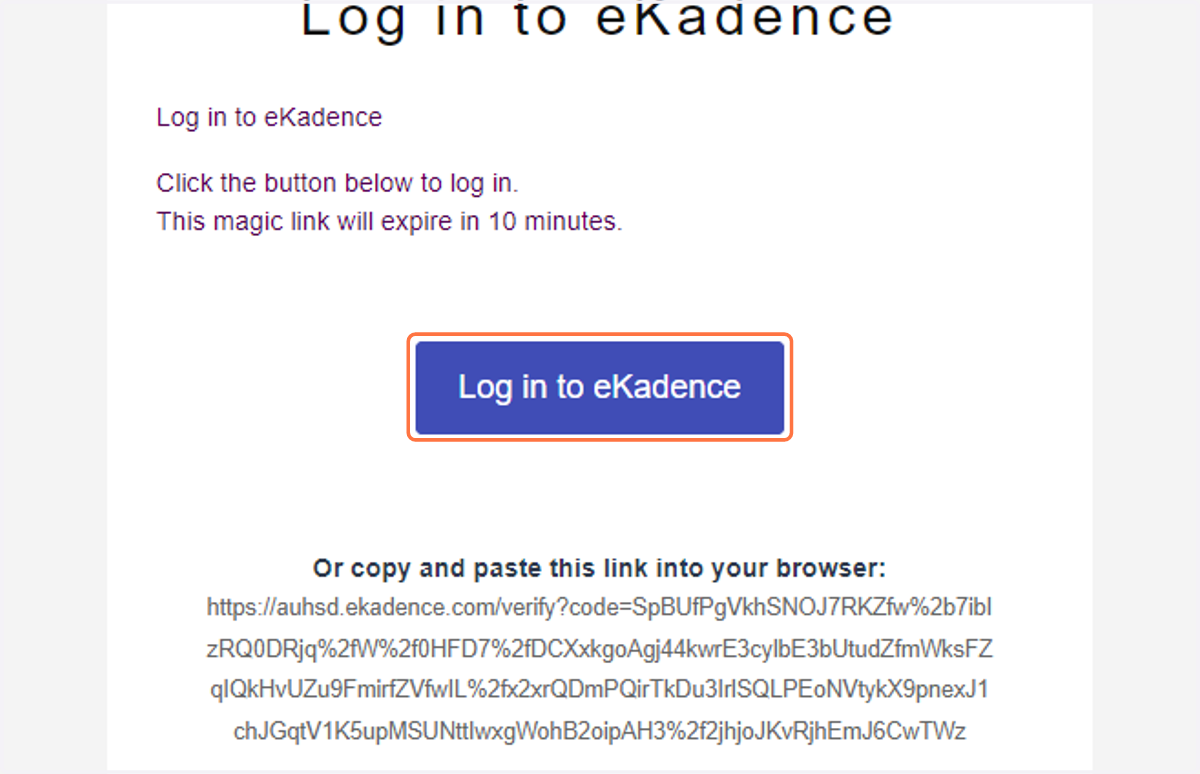
  8. 8. Click on Log in to eKadence

    Click on Log in to eKadence
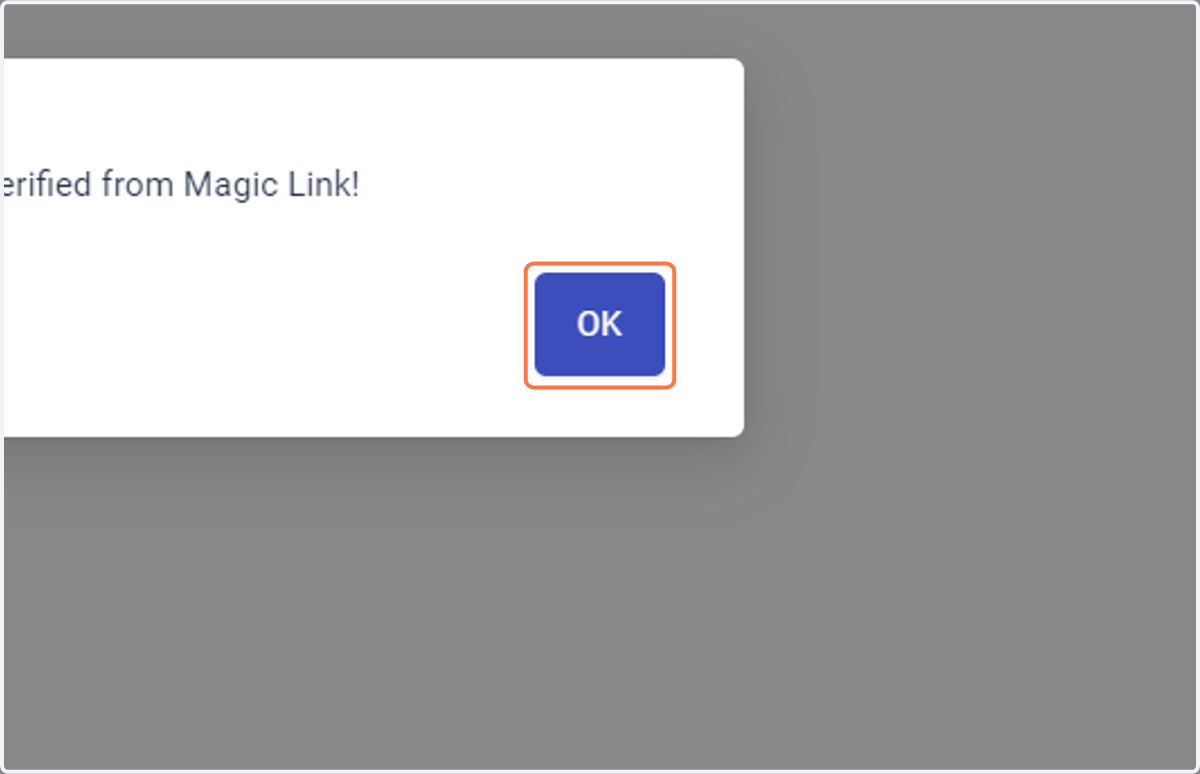
  9. 9. Click on OK

    Click on OK

You should now be logged in to eKadence!