Ameritas
Login to the Ameritas Portal
https://producerportal.ameritas.com/login
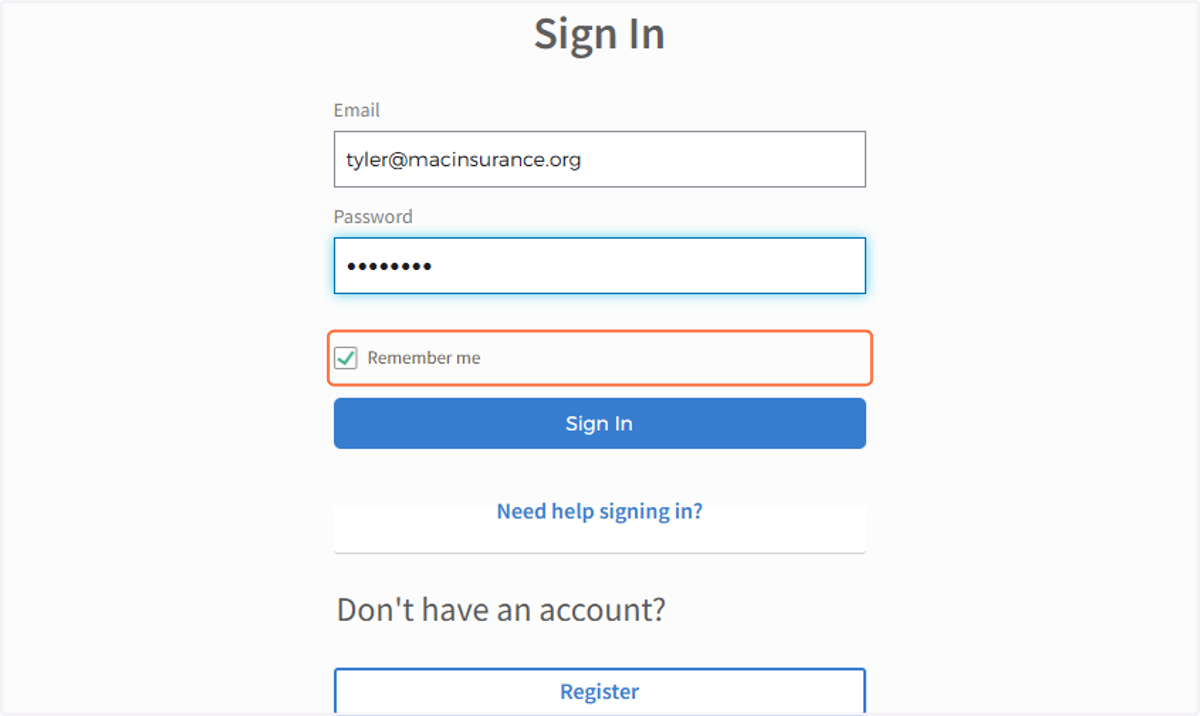
Username: tyler@macinsurance.org
1. Check Remember me
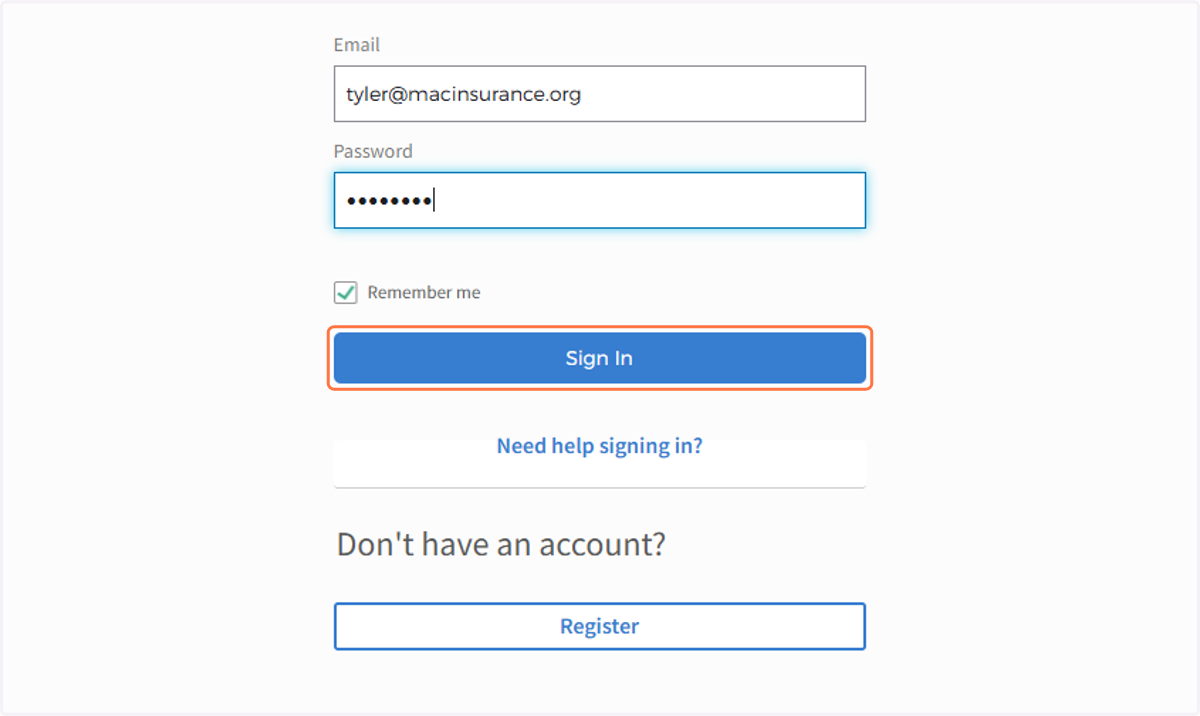
2. Click on Sign In
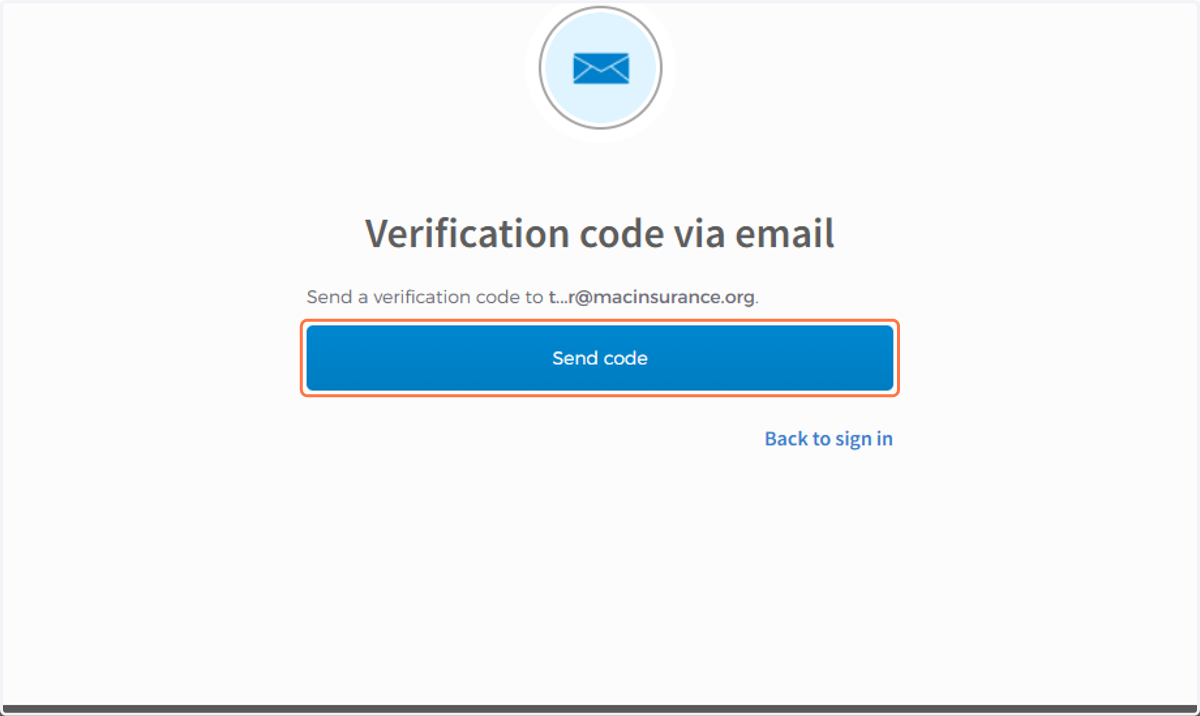
3. Click on Send code
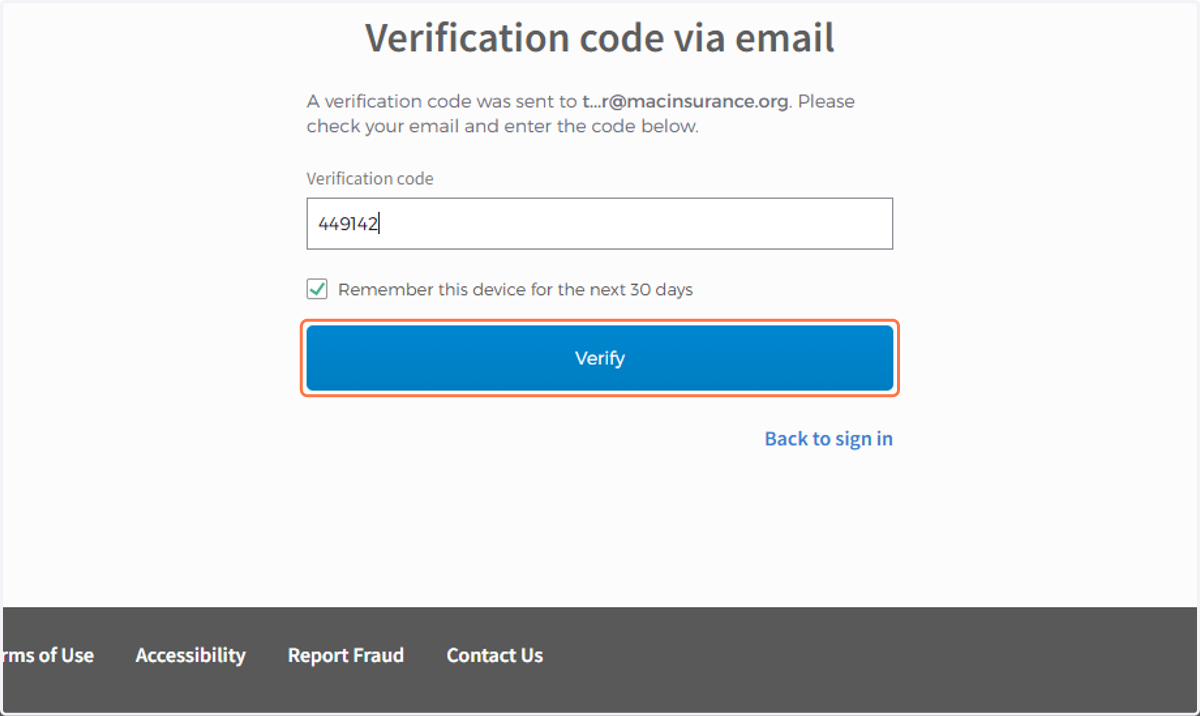
4. Check Remember this device for the next 30 days
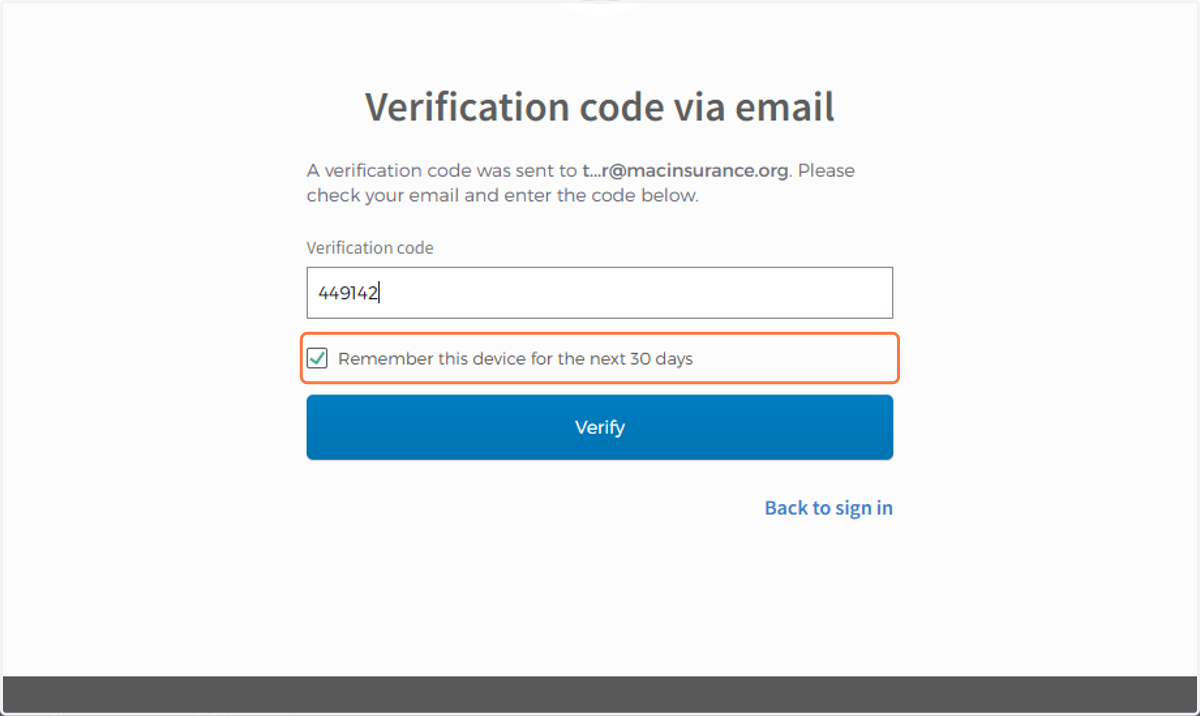
5. Click on Verify
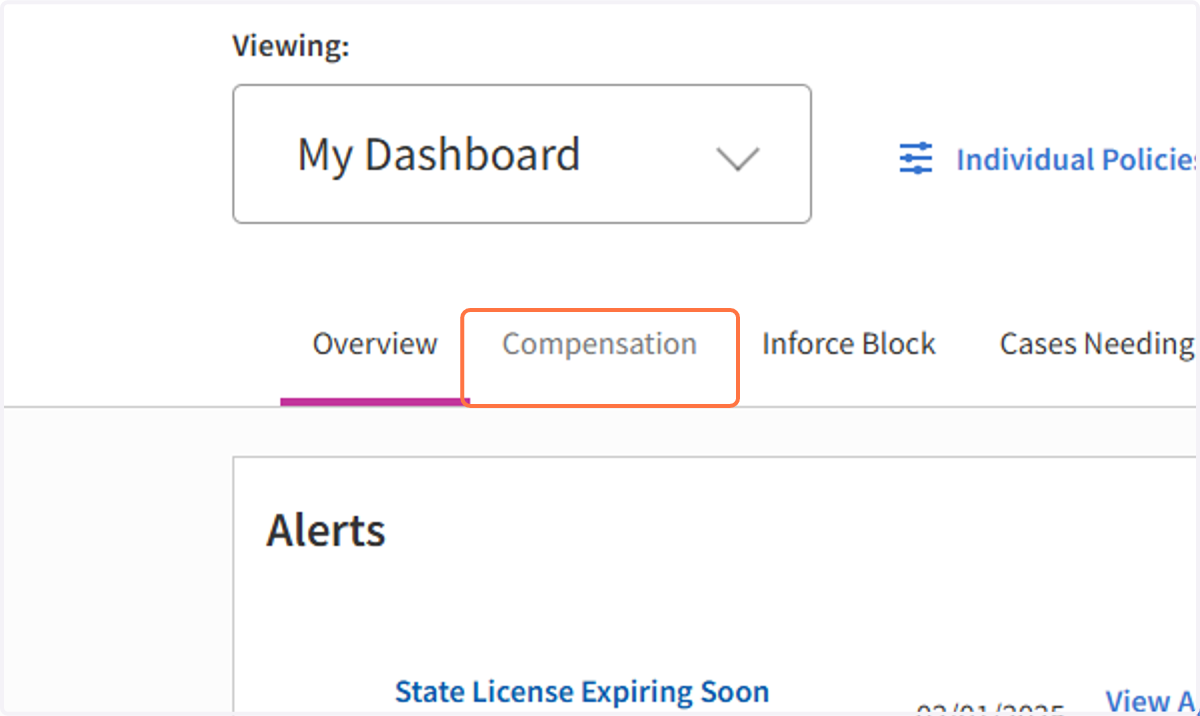
6. Click on Compensation
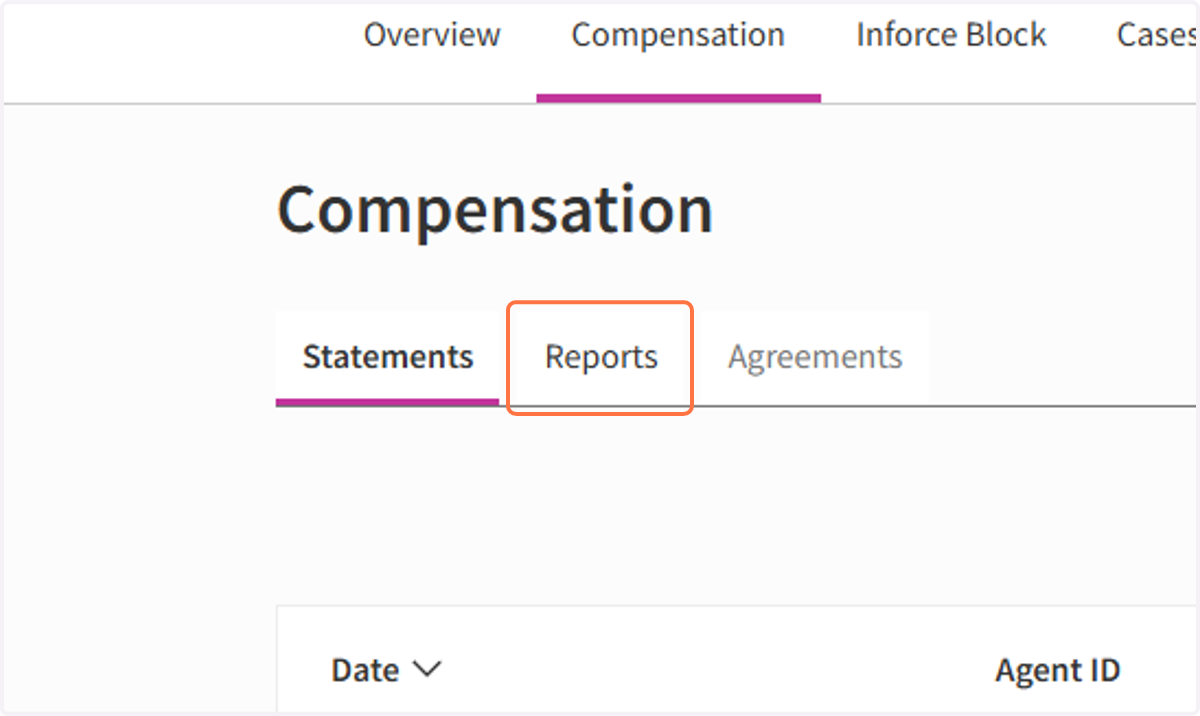
7. Click on Reports
8. Click on XLS
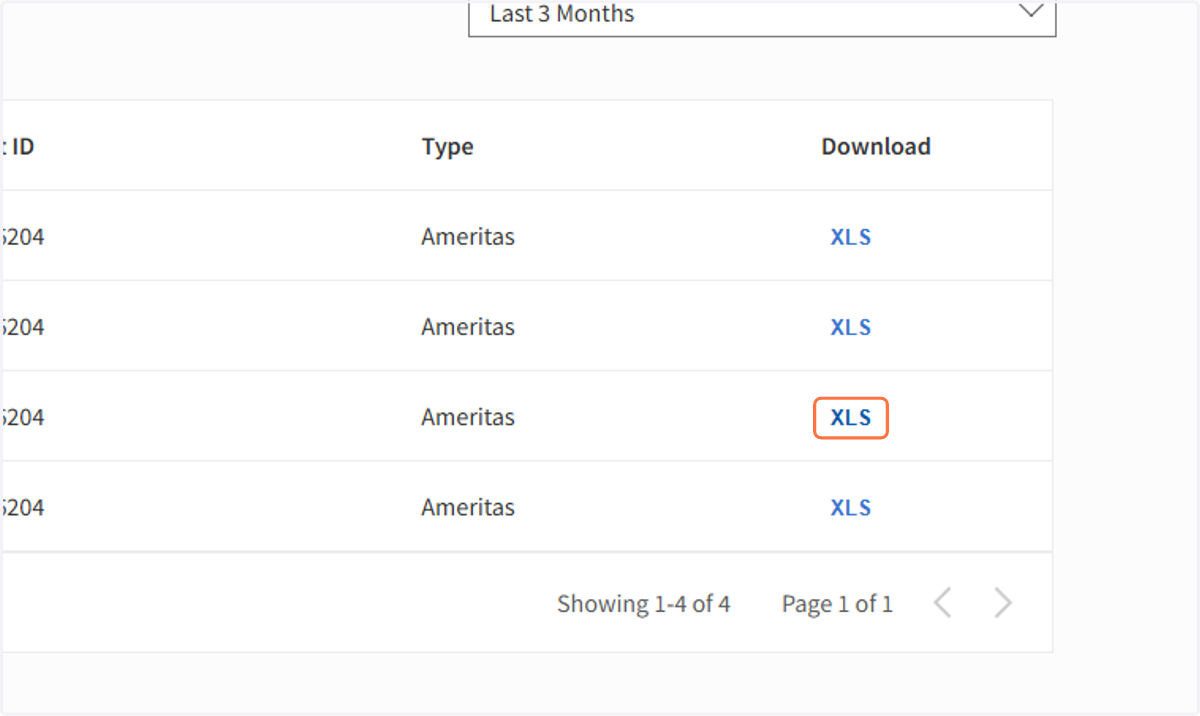
9. Save file in Google Drive
The Folder is in the MAC Insurance Shared folder > Commission Statements
BE SURE TO NAME THE DOCUMENT ---> COMPANY_STATEMENT DATE
This Example would be Ameritas_01.02.2025