Navigating Accommodations and Reports
Add notes to the downloadable case files
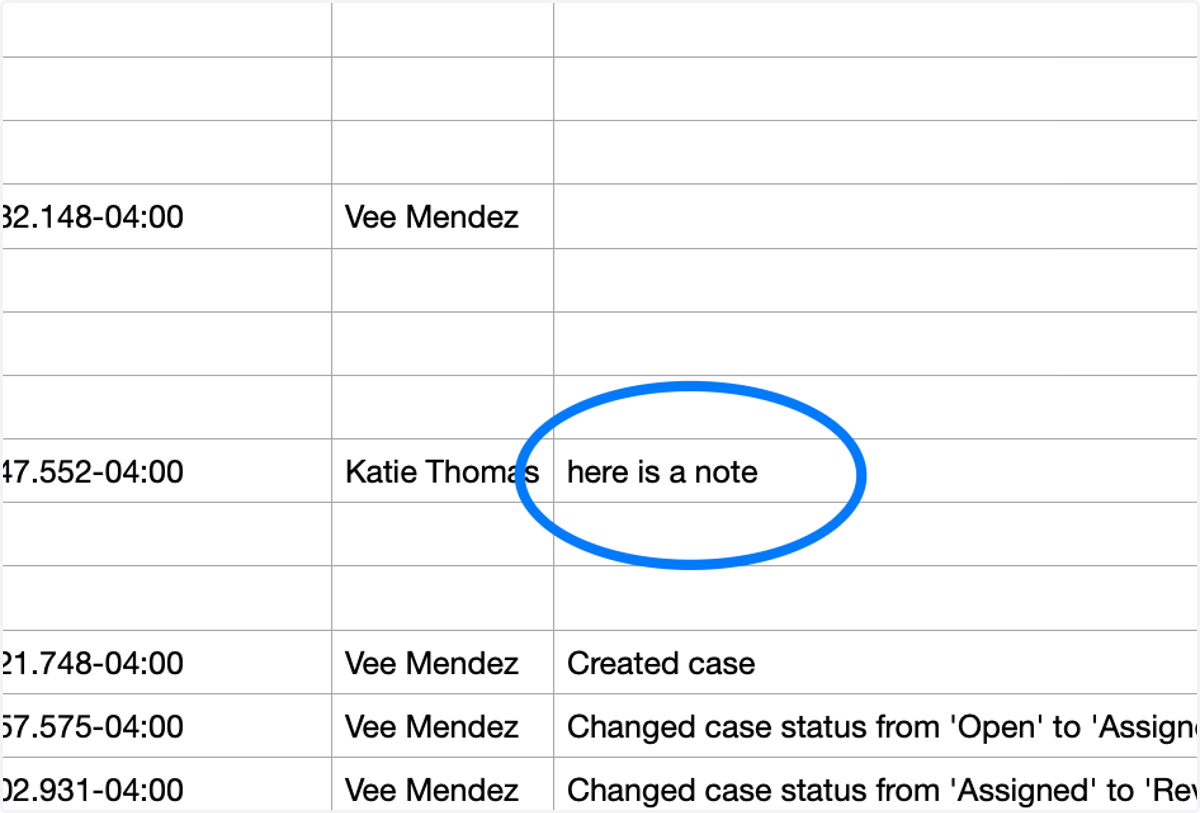
The notes added to the cases in Accommocare will now show in the case files, when downloaded to your system.
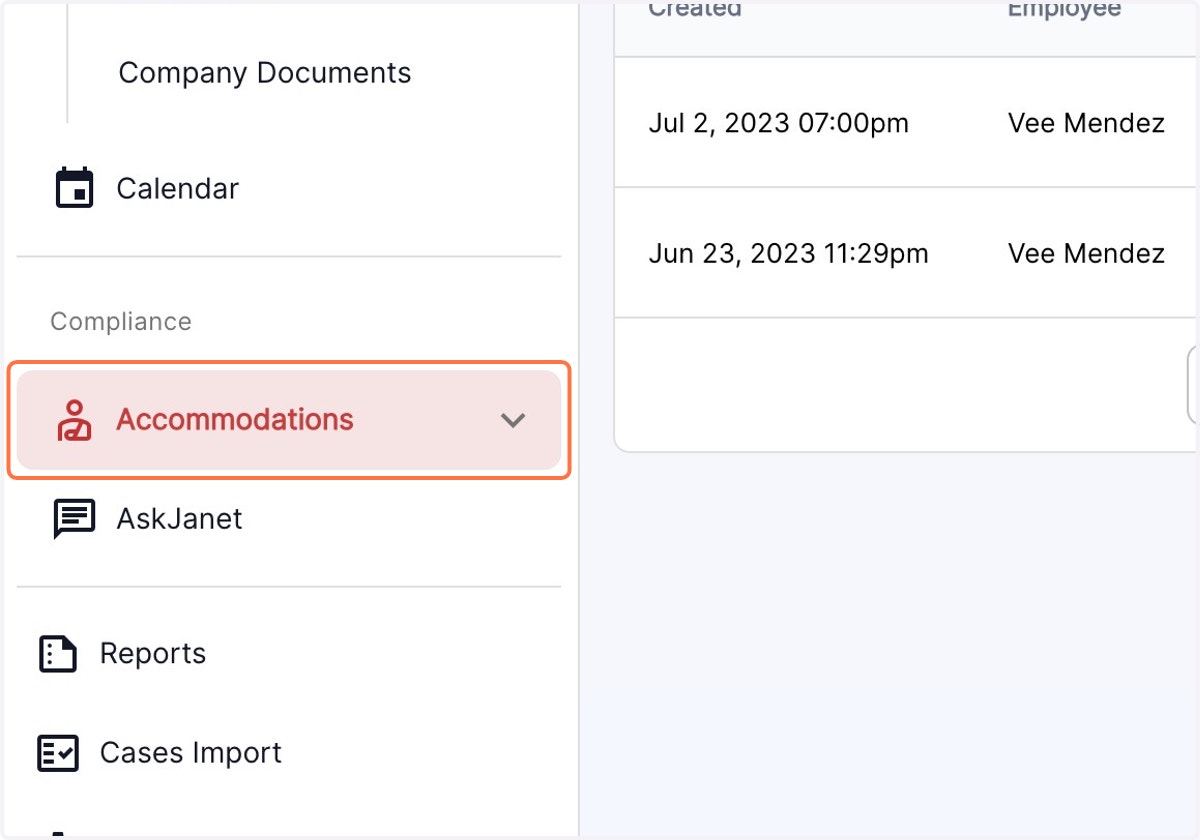
1. Click on Accommodations from the left panel
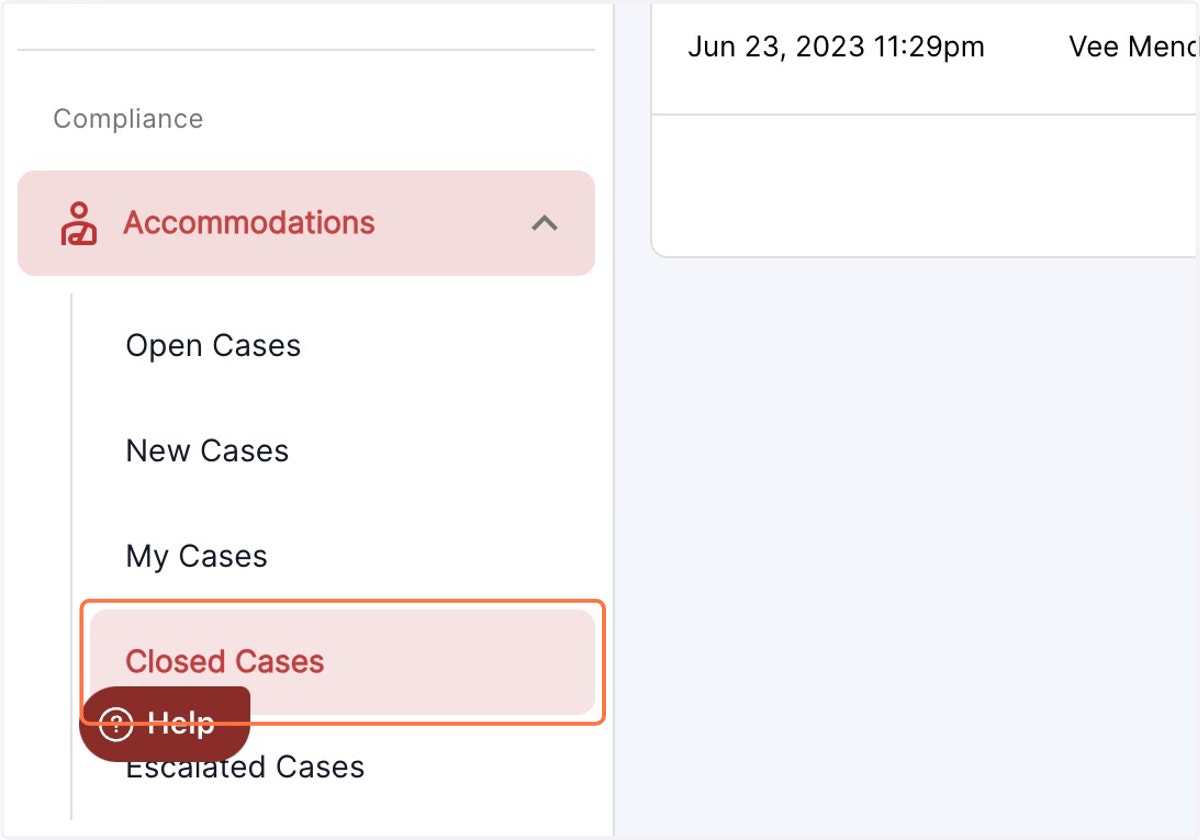
2. Click on the Cases from the accommodations menu
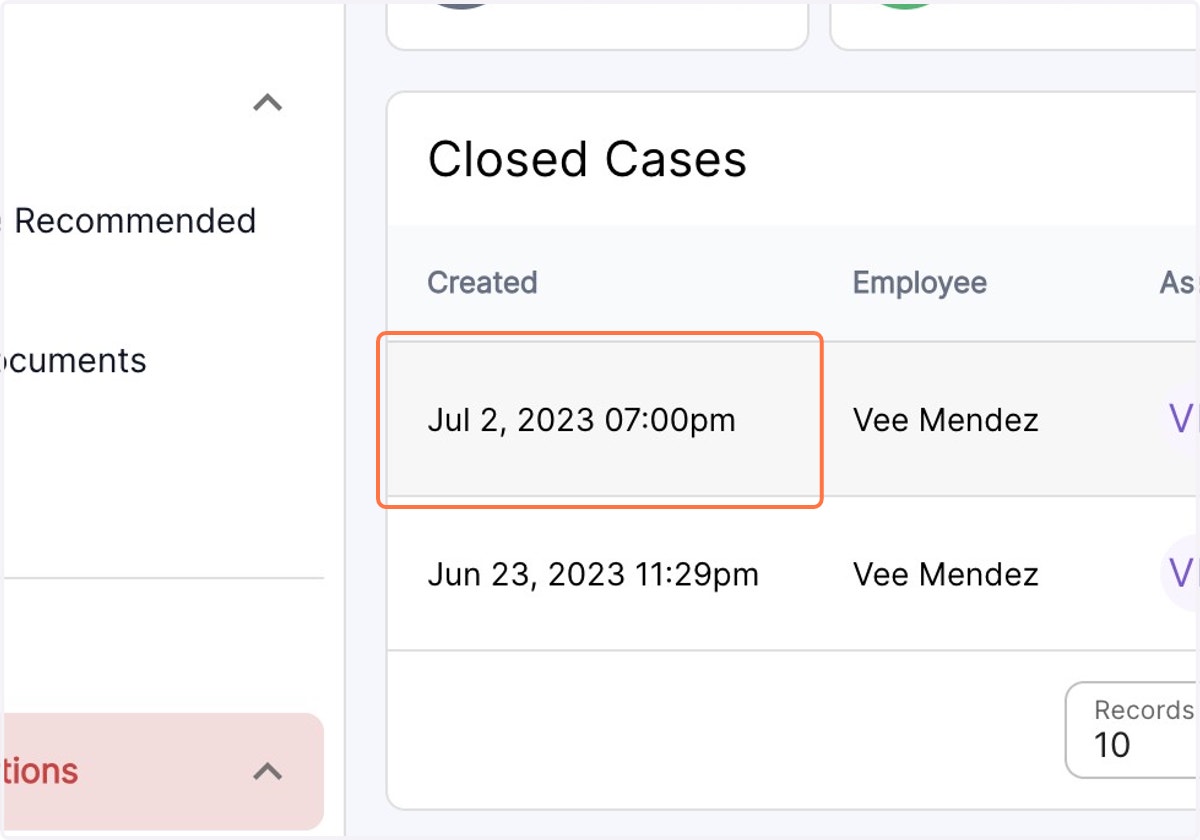
3. Click on the case to open.
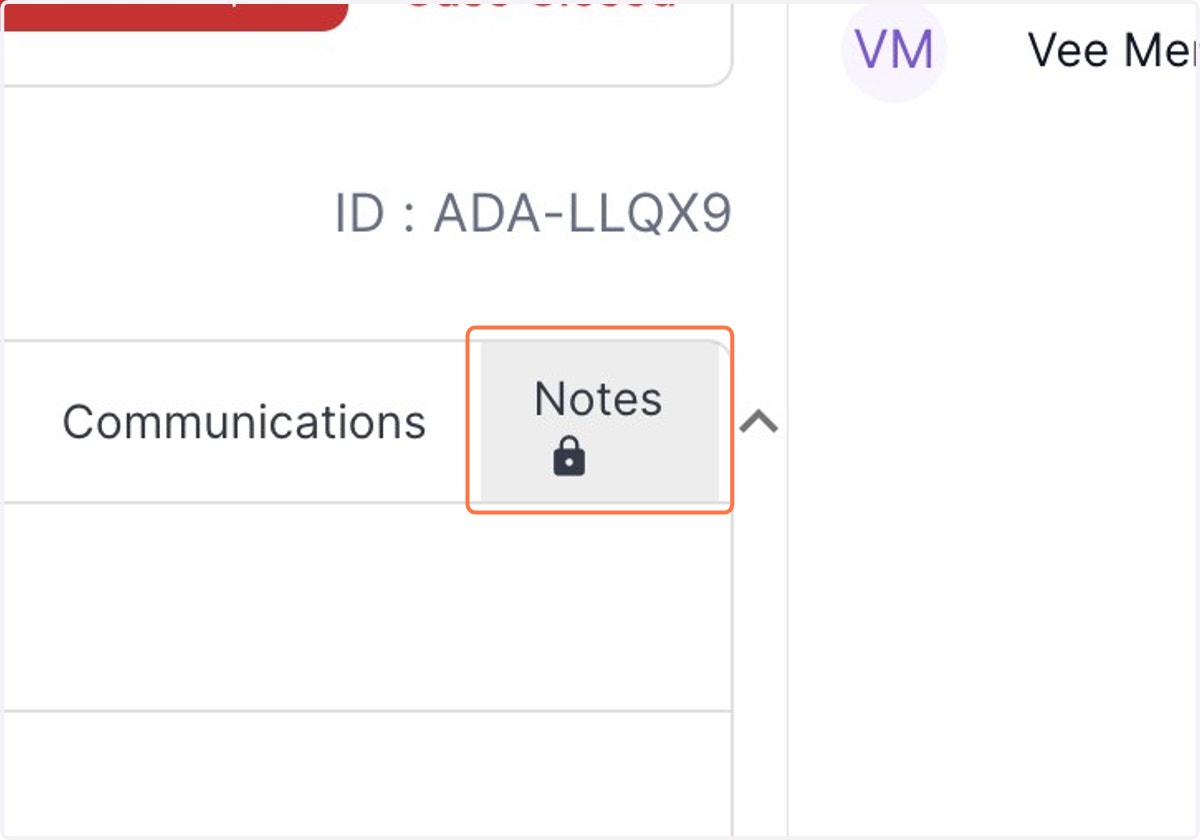
4. Click on Notes to view or type the notes specific to the case
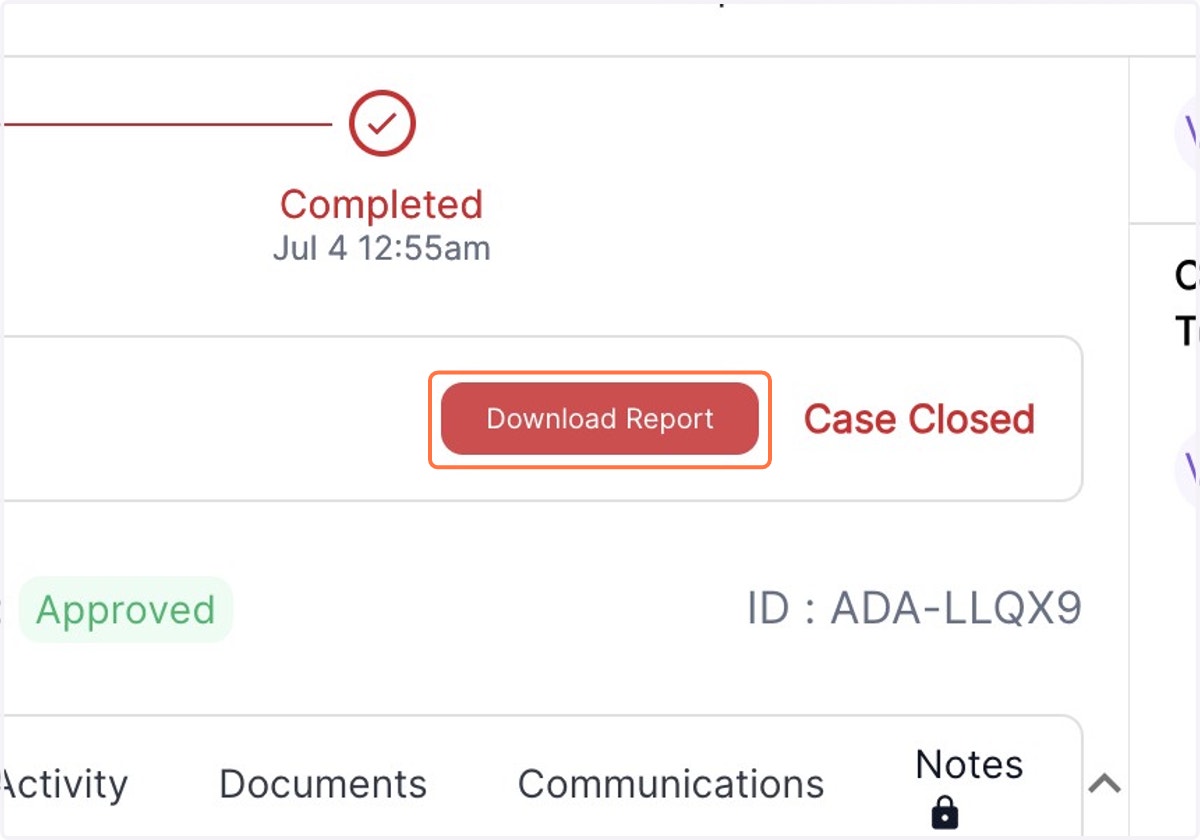
5. Click to download the report on your system
6. Open the downloaded report and view the notes added to the case.