Community Service Tracking
Community service is a great way to give back to your community while developing important life skills like empathy, teamwork, leadership, and responsibility. To earn the Community Service Diploma Seal, you must complete volunteer hours through a nonprofit organization, such as a church, food pantry, hospital, or animal shelter.
Service Hour Requirements:
4 years at SHS – 20 hours
3 years at SHS – 15 hours
2 years at SHS – 10 hours
1 year at SHS – 5 hours
You can complete all your required hours in one year if you choose. All Sycamore students are eligible to earn this seal.
Use this tracker to record your volunteer activities, including the organization name, dates of service, tasks completed, and supervisor contact information. Keeping track of your service hours will help you stay organized and ensure you meet the requirements for the seal.
Schoolinks
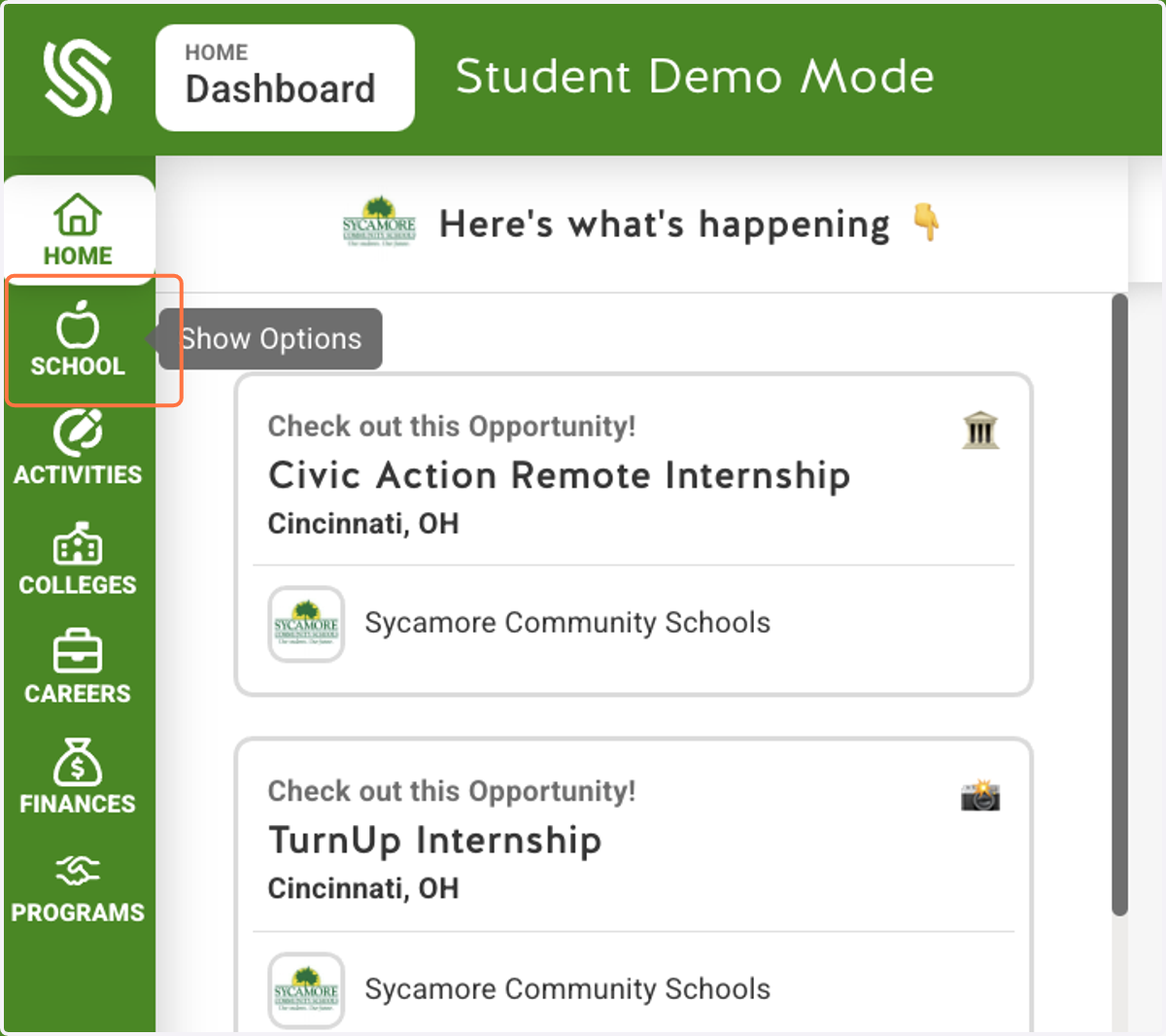
1. Click on School
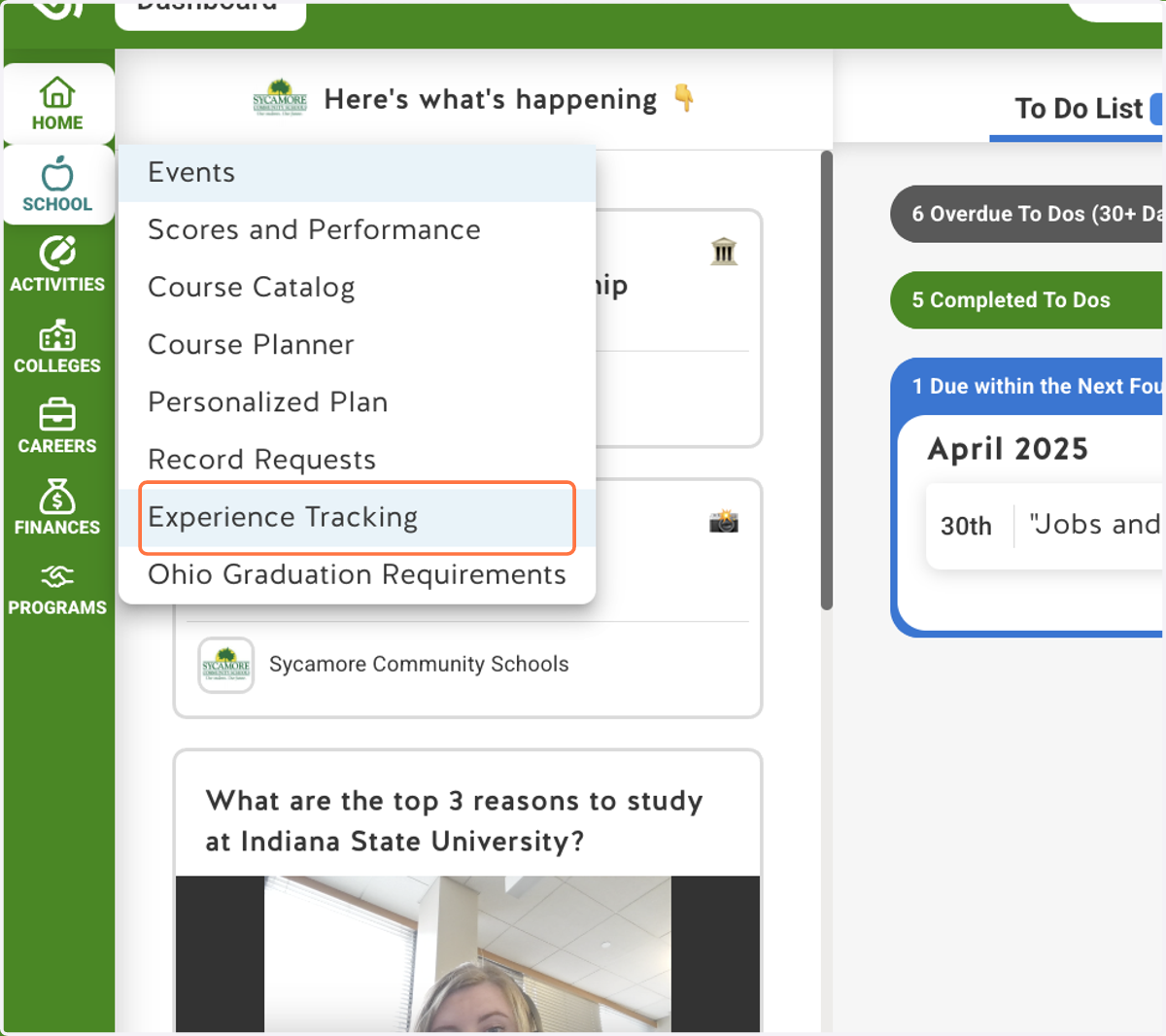
2. Click on Experience Tracking
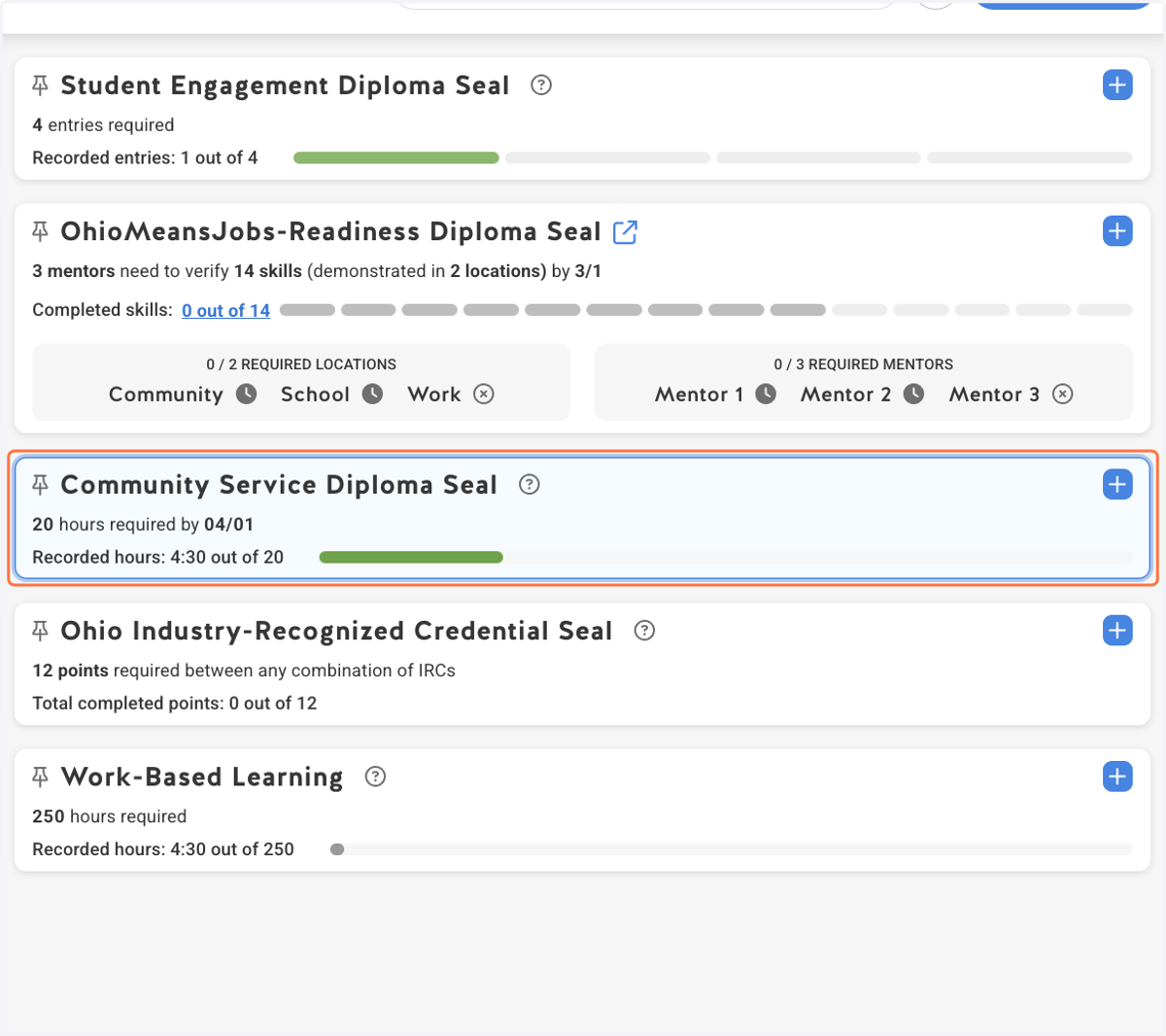
3. Click on Community Service Diploma Seal…
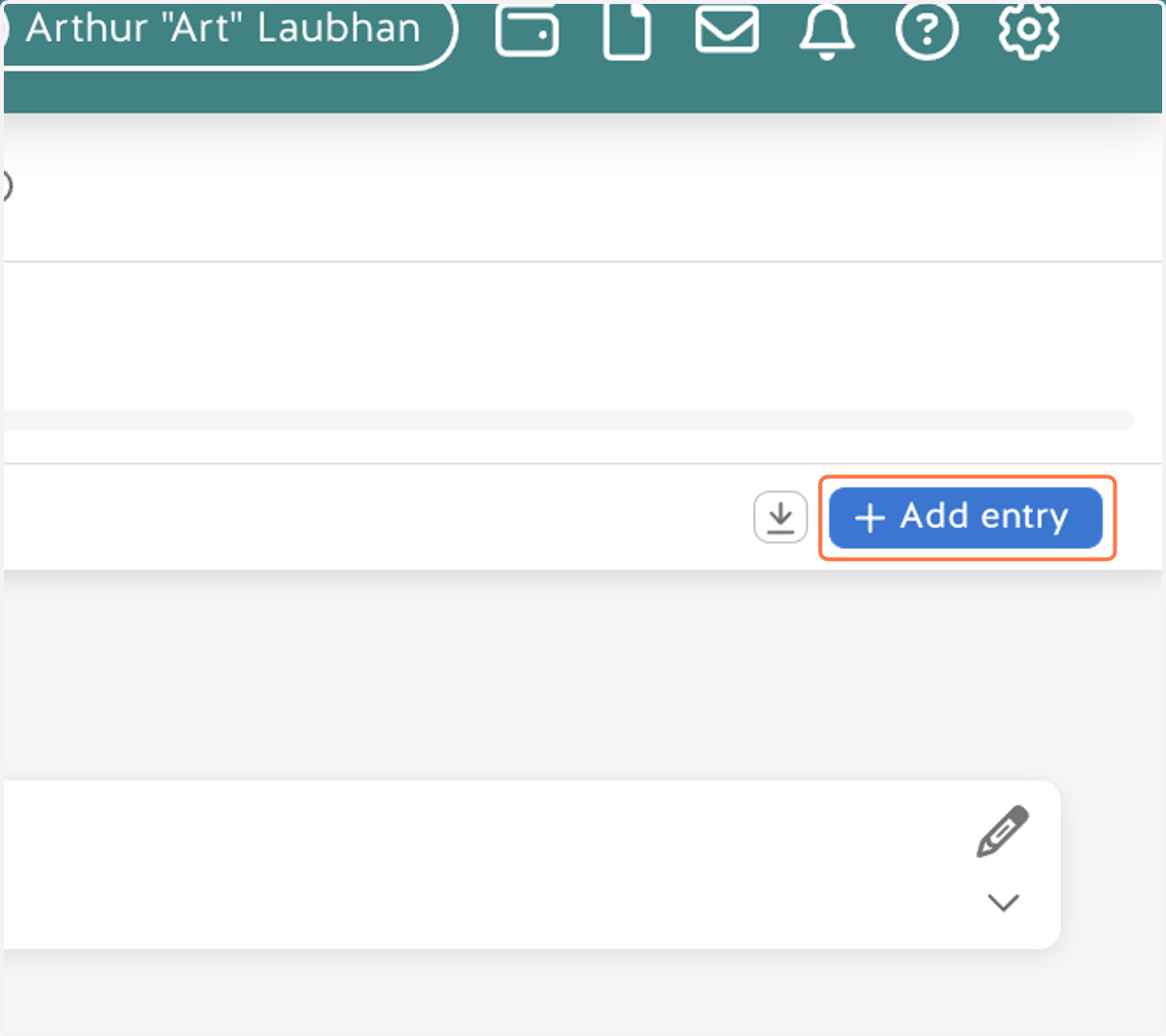
4. Click on Add entry
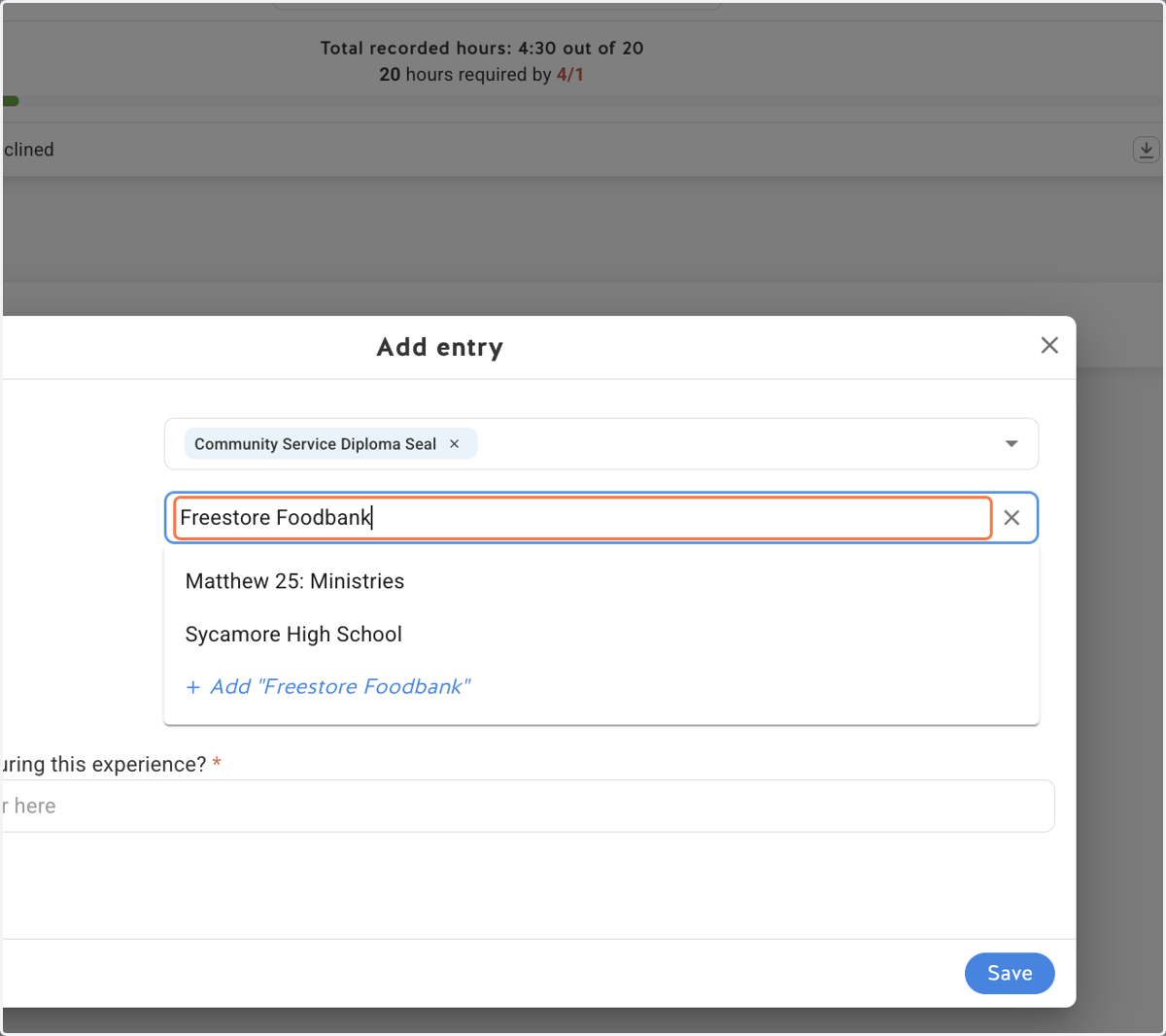
5. Type in the name of the organization
If you didn’t volunteer with a specific organization, simply give your service a title that describes what you did (for example: “Neighborhood Cleanup” or “Tutoring a Classmate”).
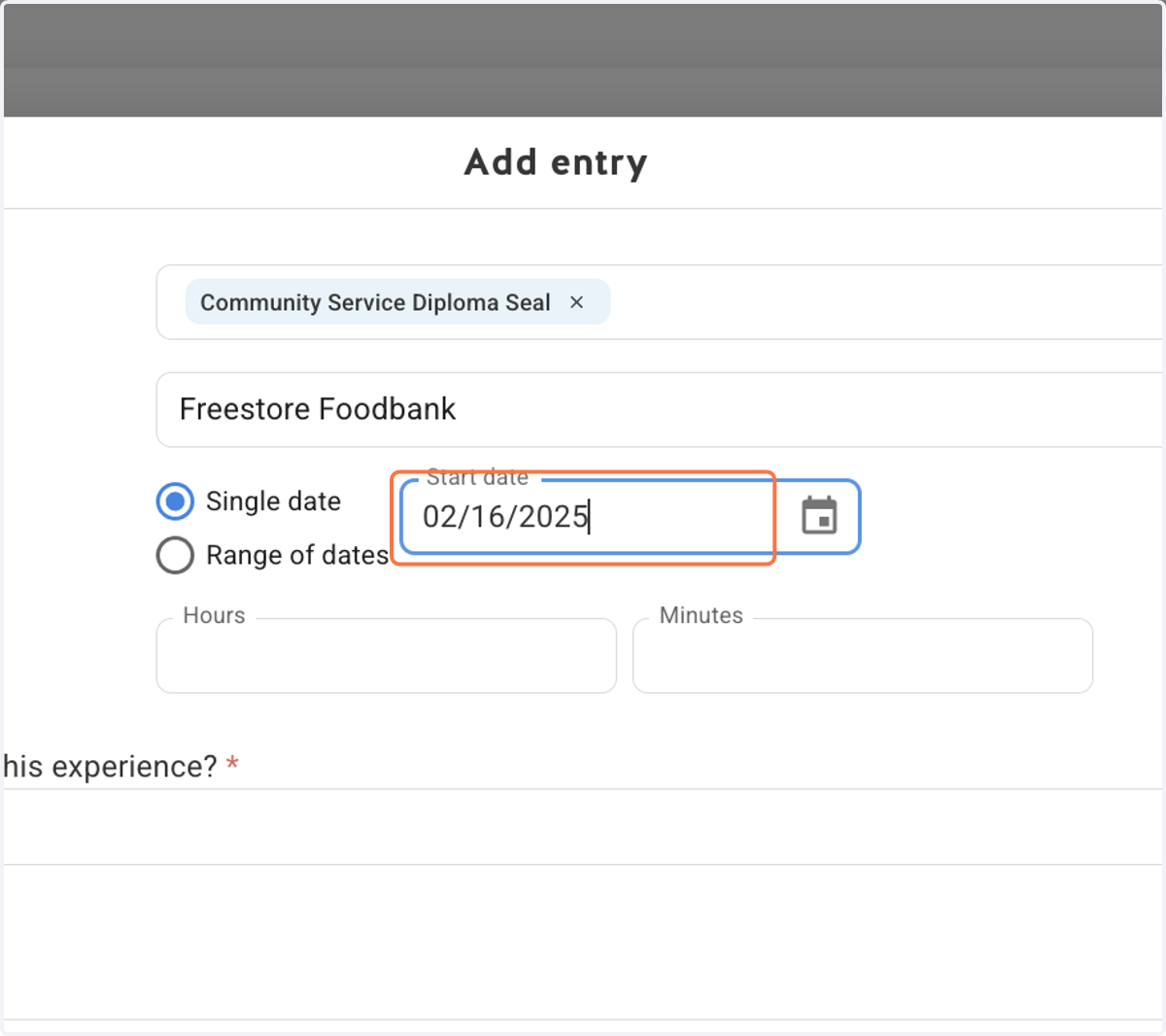
6. Add the date(s)
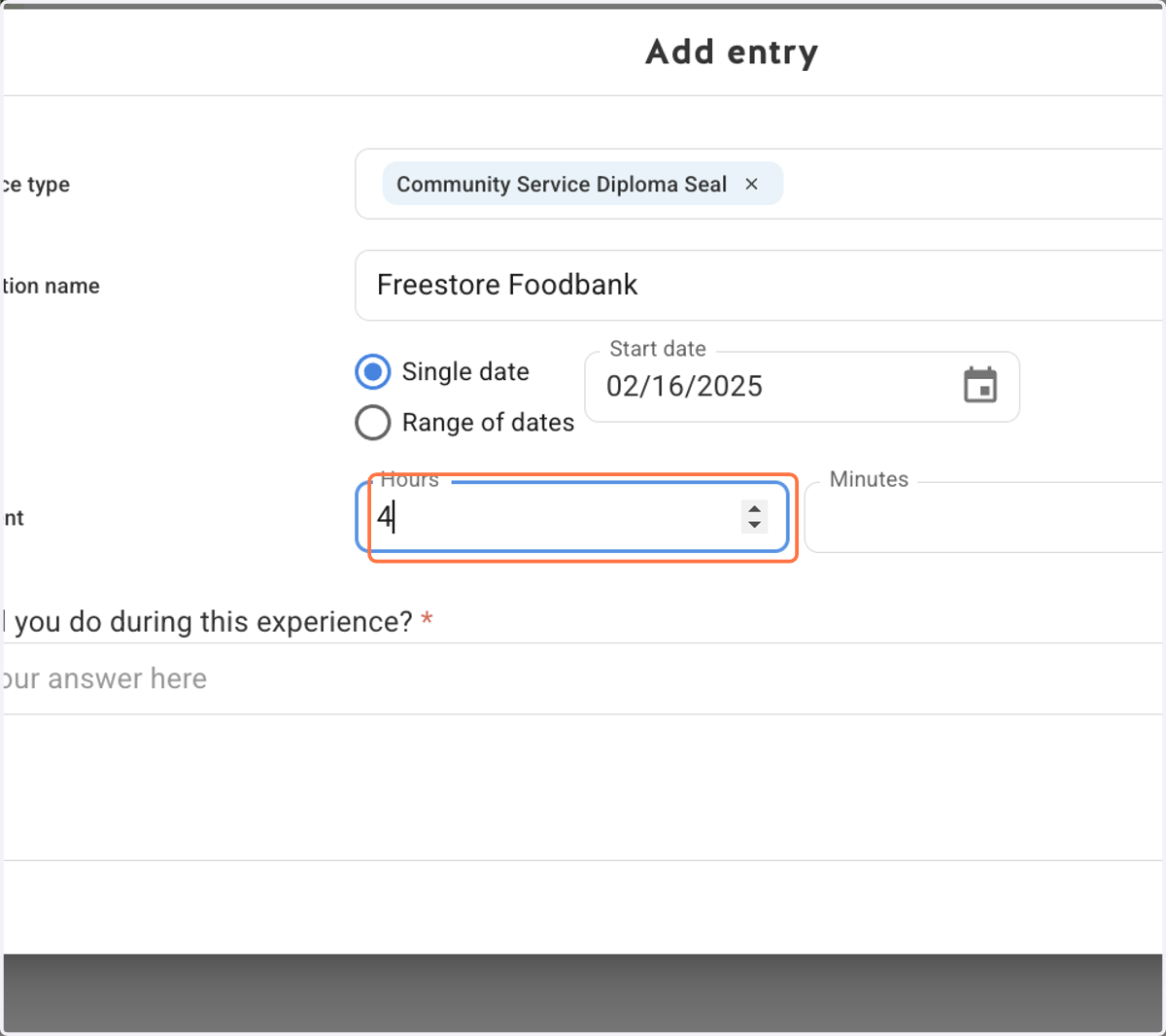
7. Provide the amount of time in hours and minutes spent with this service
8. Describe what you did during this experience
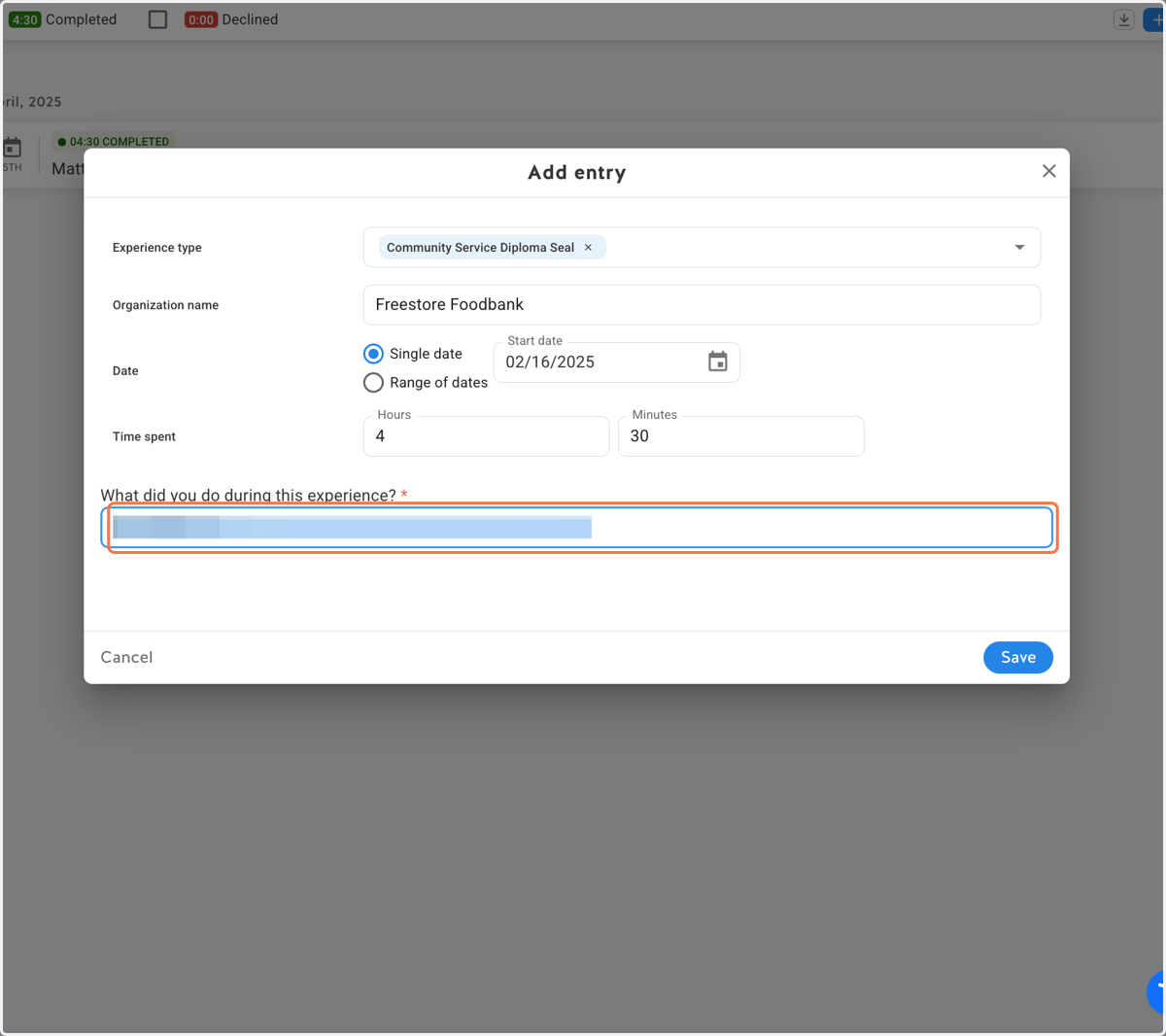
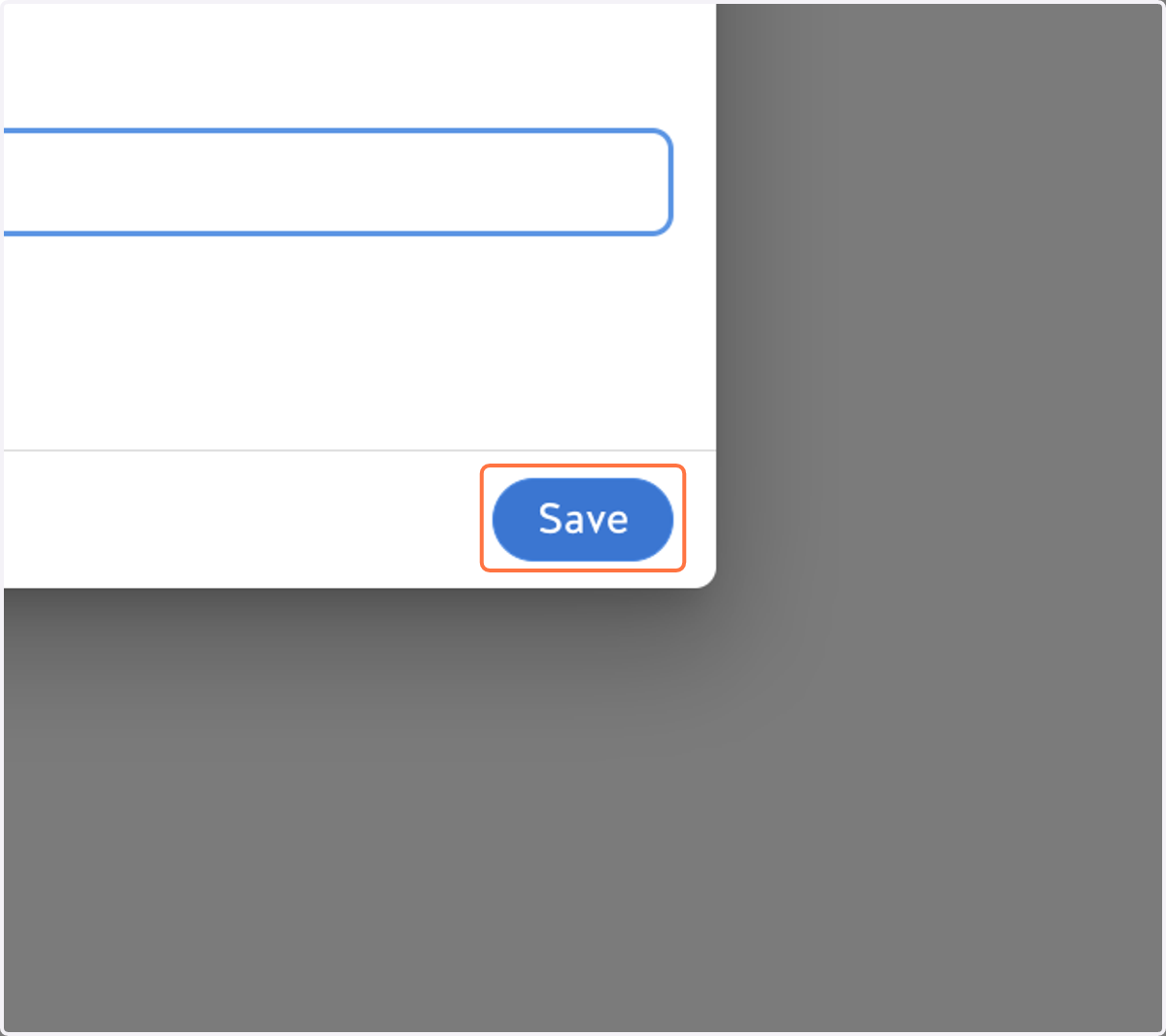
9. Click on Save