Configuring Room Dashboard
1. Click on the Gear

2. Update view by changing dates and toggles

3. Split graphs shows Climate and Substrate data in two different graphs

4. Substrate readings on the bottom, Climate on the top

5. Click on zones

6. Here you can choose individual zones

7. Click on sensor values to choose which readings to view

8. Click on manual values to choose which manual reading to view

9. Manual reading will be a Dot on the graph

10. Click on Select mode

11. Click on Zoom

12. Drag highlighted element to zoom in on that section of the graph

13. To change to Dryback, Select mode

14. Click on Dryback

15. Drag highlighted element

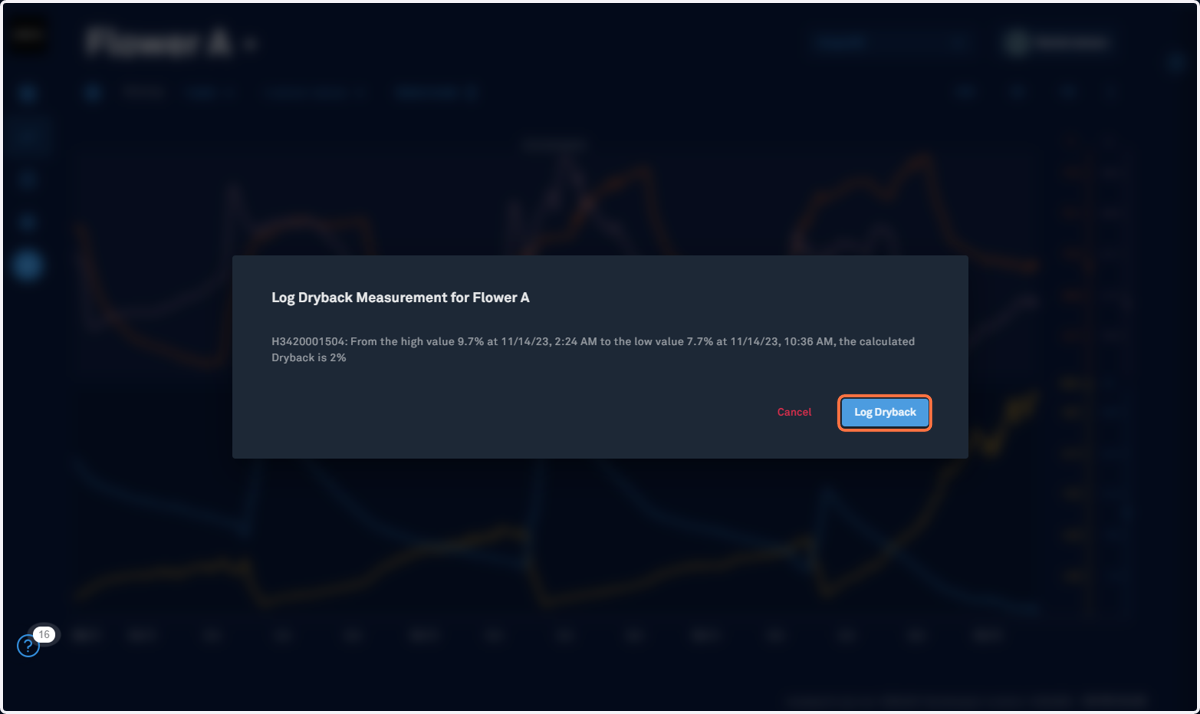
16. A popup showing the dryback will come up to view or Log