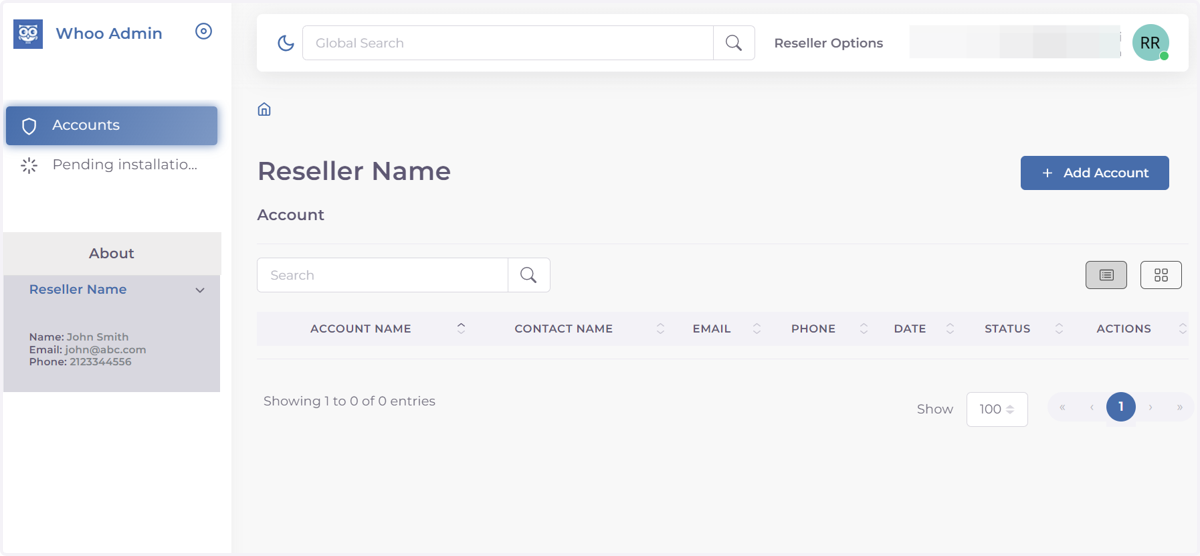
Onboarding for Reseller/Dealer
Whoo
1. Go to console.whoo.ai
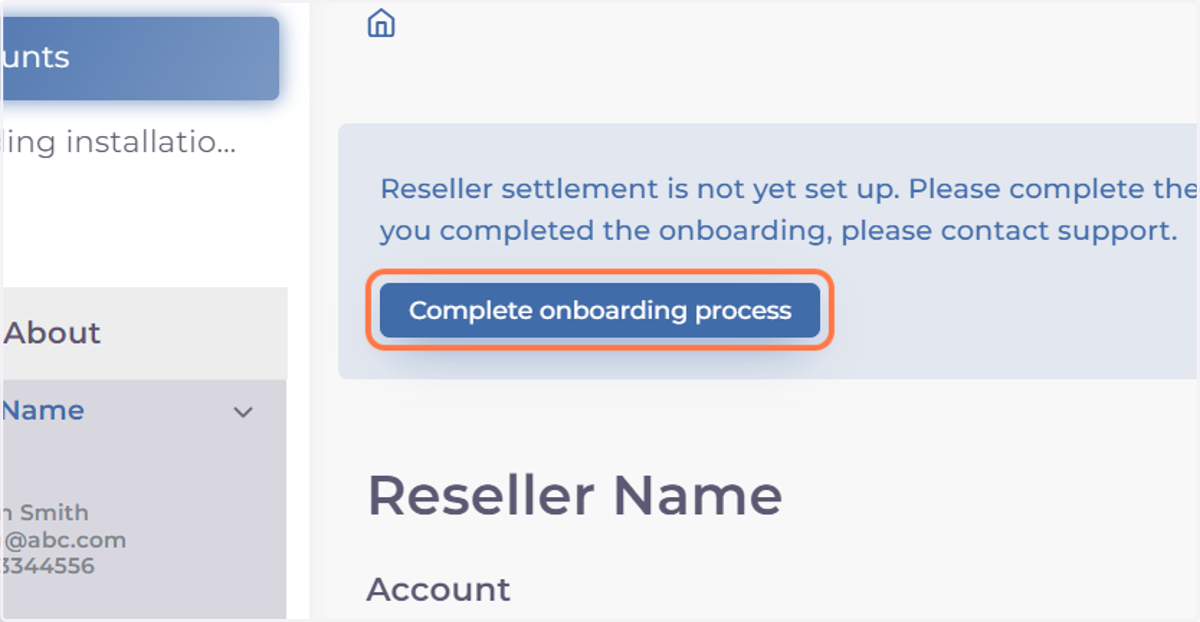
2. Click on Complete Onboarding process
You will be redirected to Stripe (our billing and payment partner) momentarily.
Stripe
3. Enter your your email and phone number
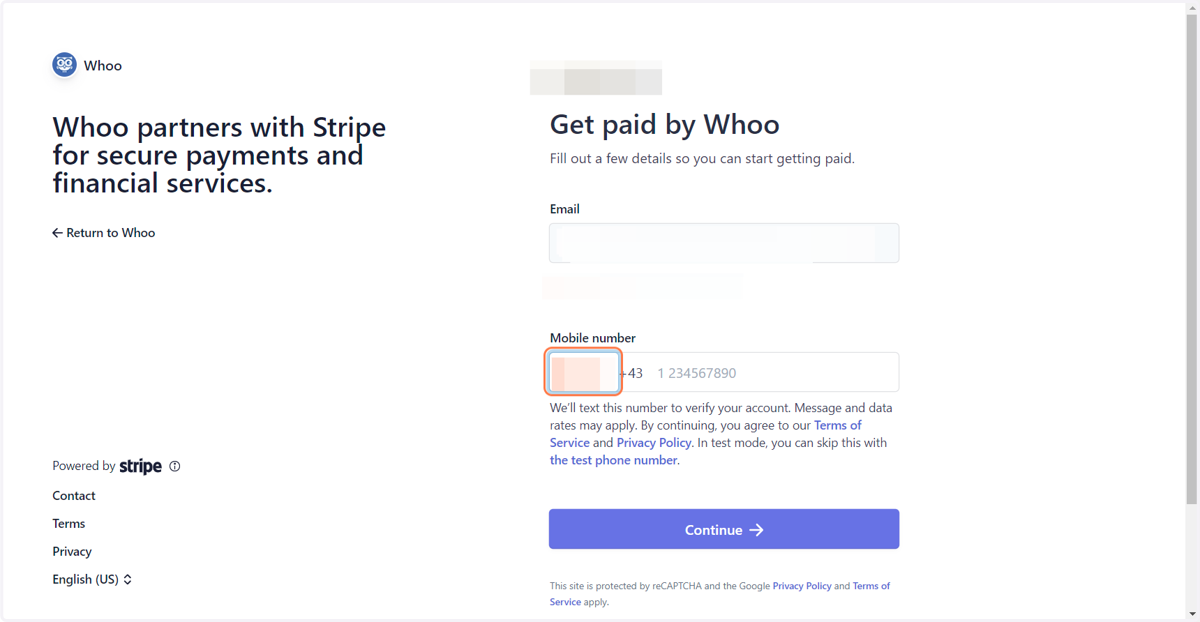
4. Click on Continue
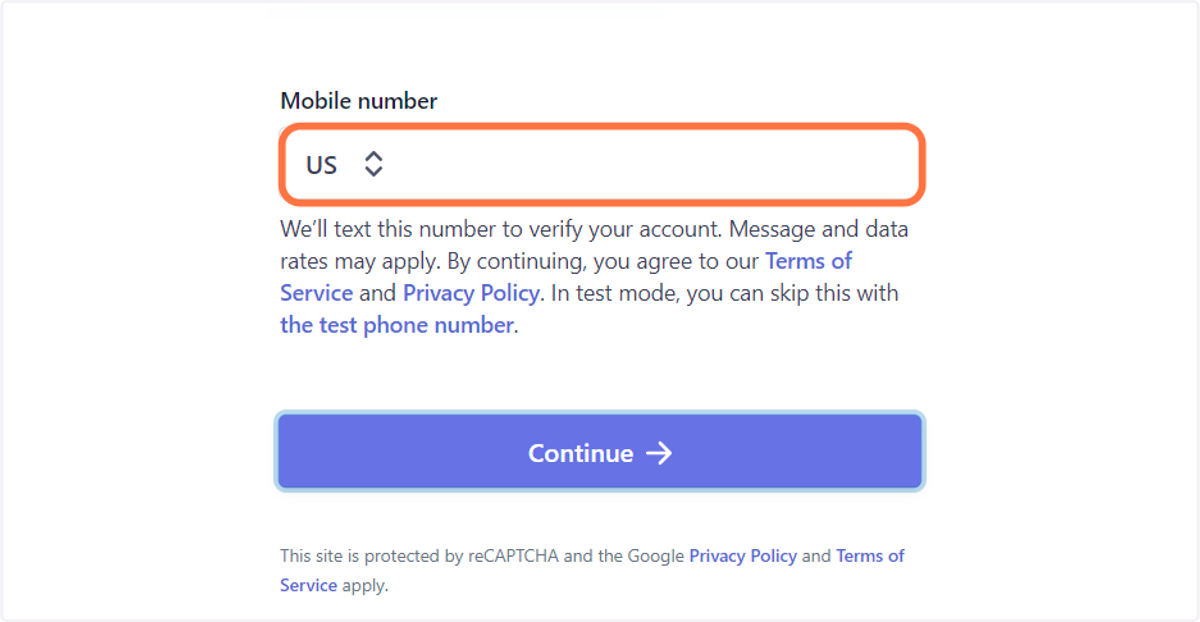
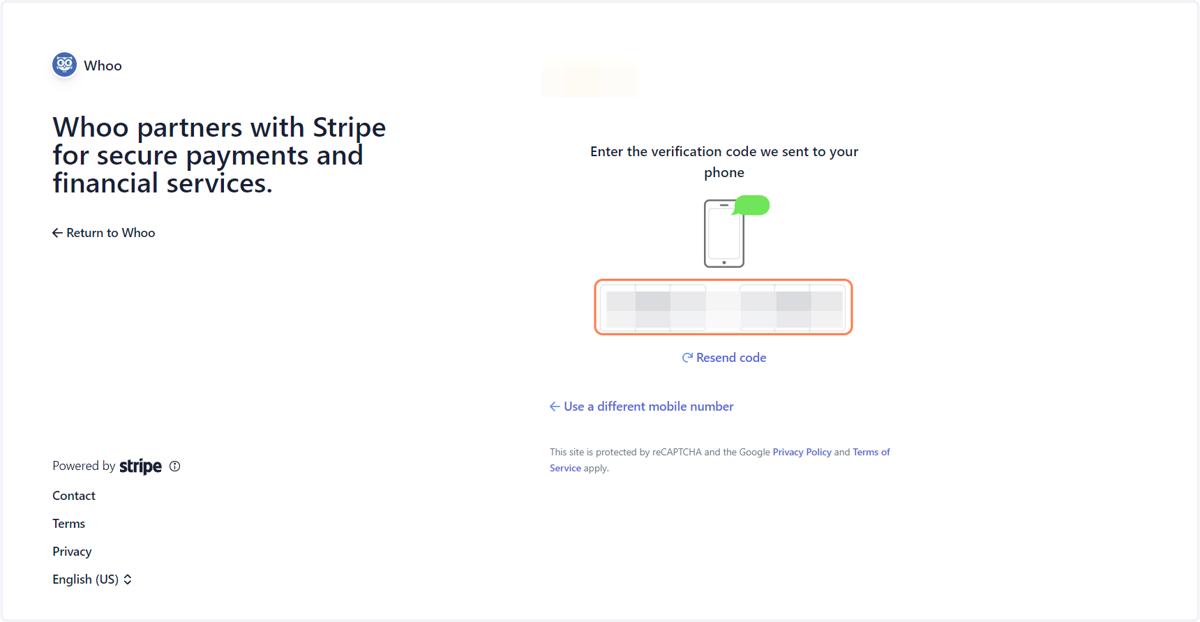
5. Type the code that was sent to your phone via text.
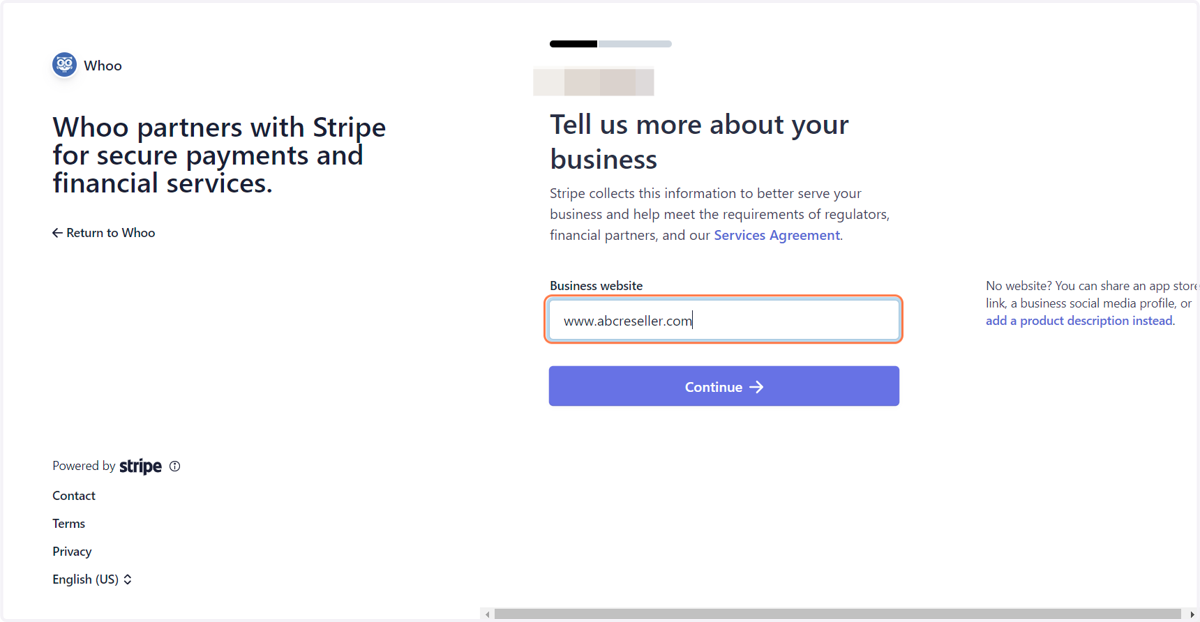
6. Enter your business URL.
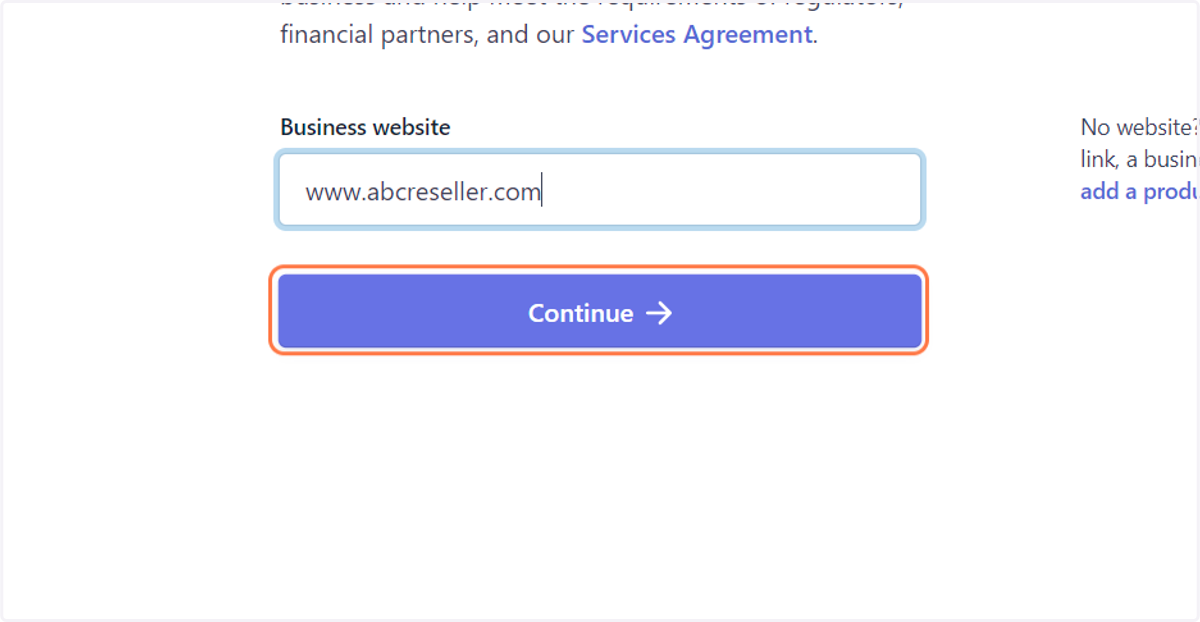
7. Click on Continue
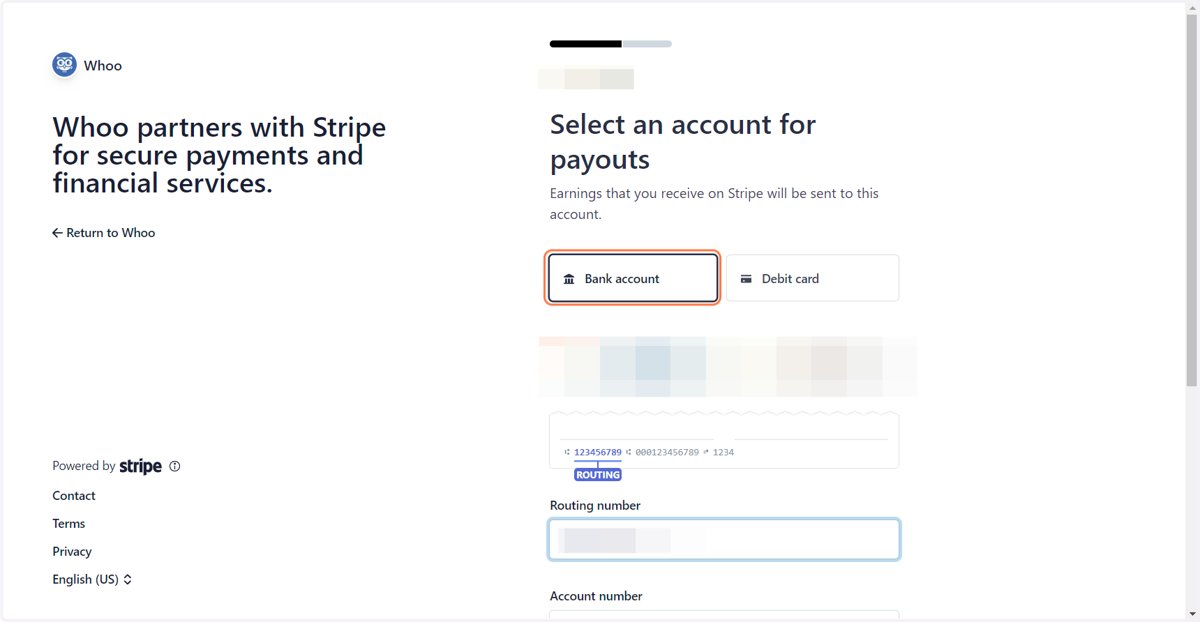
8. Click on Bank account & enter your account details.
Enter your bank account details (Account number & routing number)
9. Click on Agree & submit
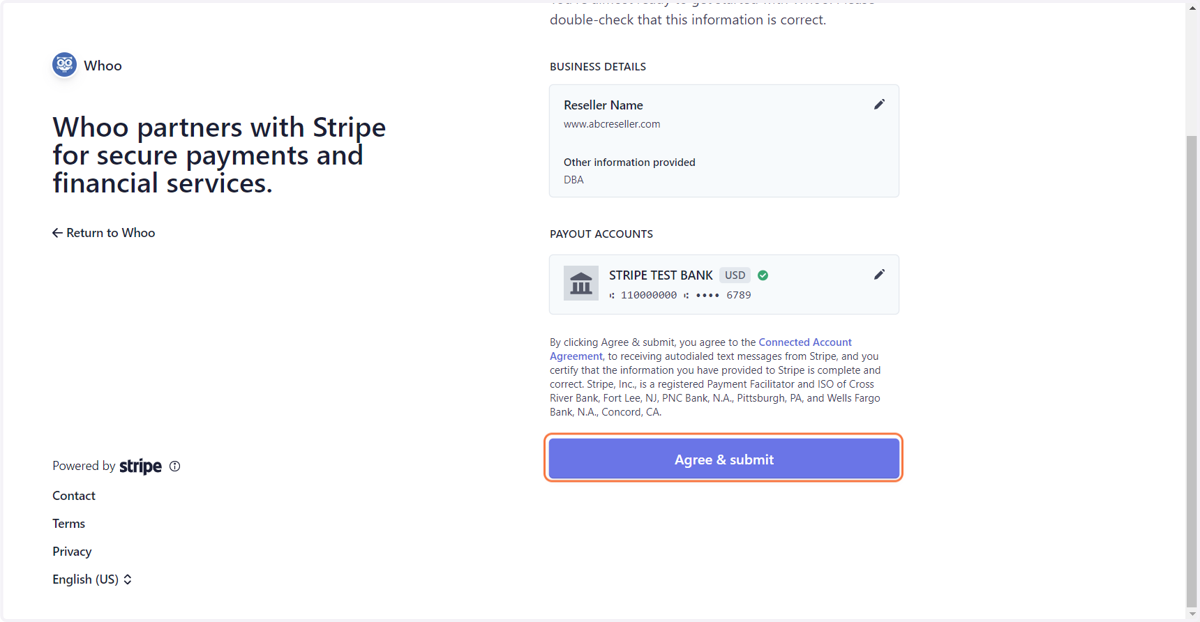
10. Onboading Complete
You will be redirected back to Whoo Console once bank account information has been entered.
You are ready to Add Accounts