Setting up and managing "After 365 Days Pricing"
Roompricegenie
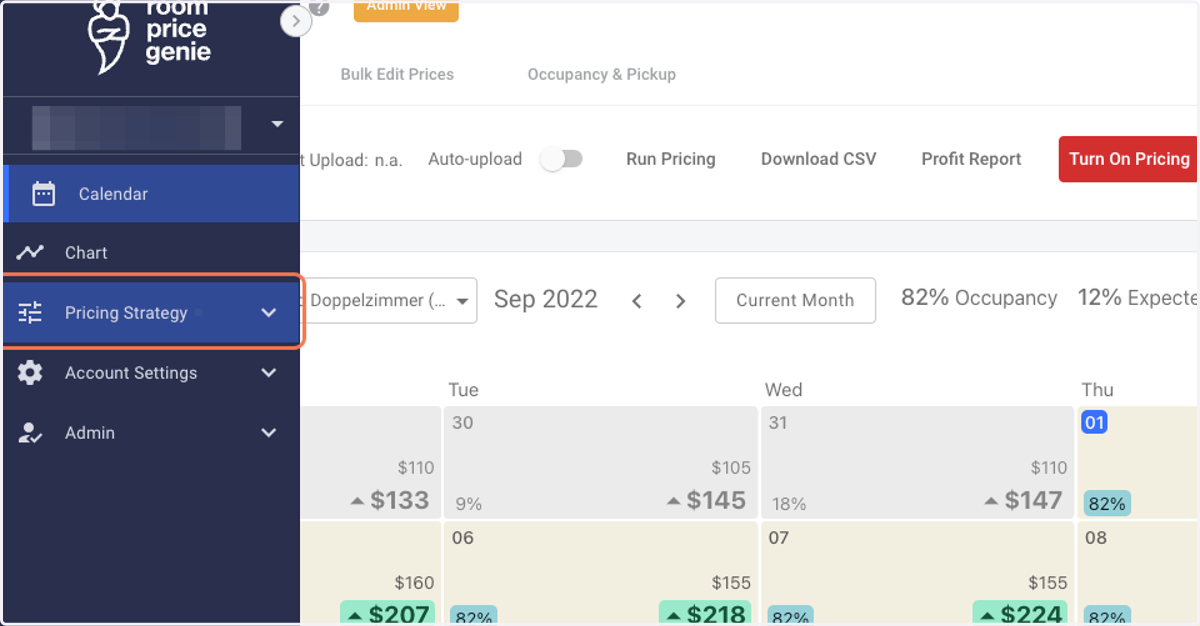
1. Log in to RoomPriceGenie and click on Pricing Strategy.
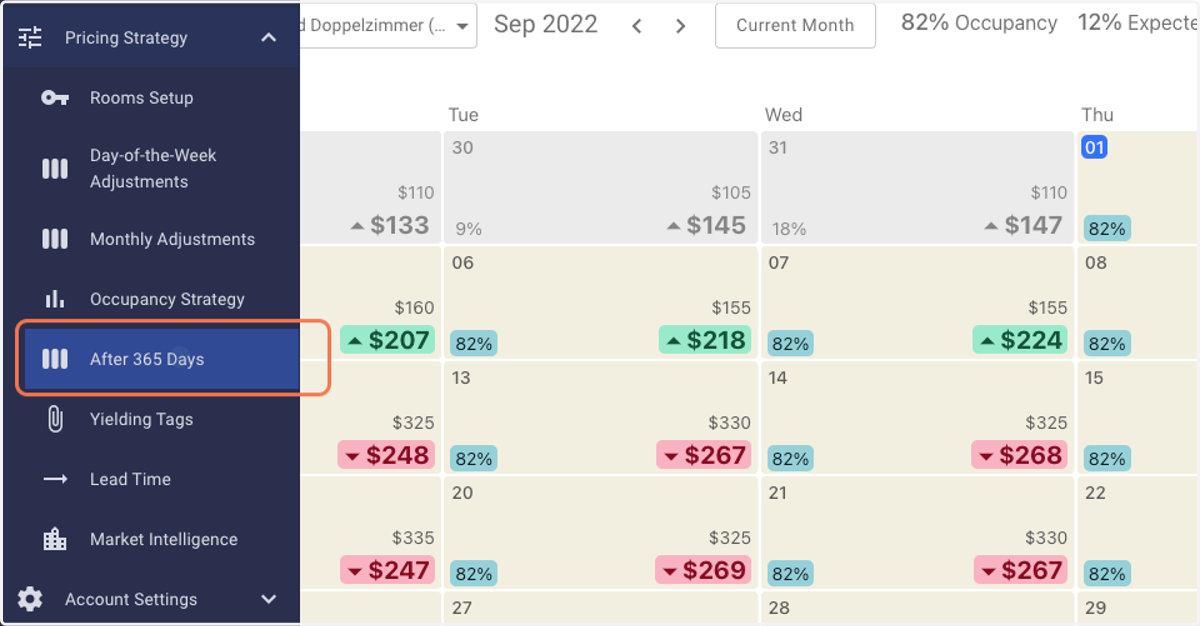
2. Click on the feature tab - After 365 Days.
Note: If you can't locate this feature, it is likely that it is not yet activated. Please contact us in this case.
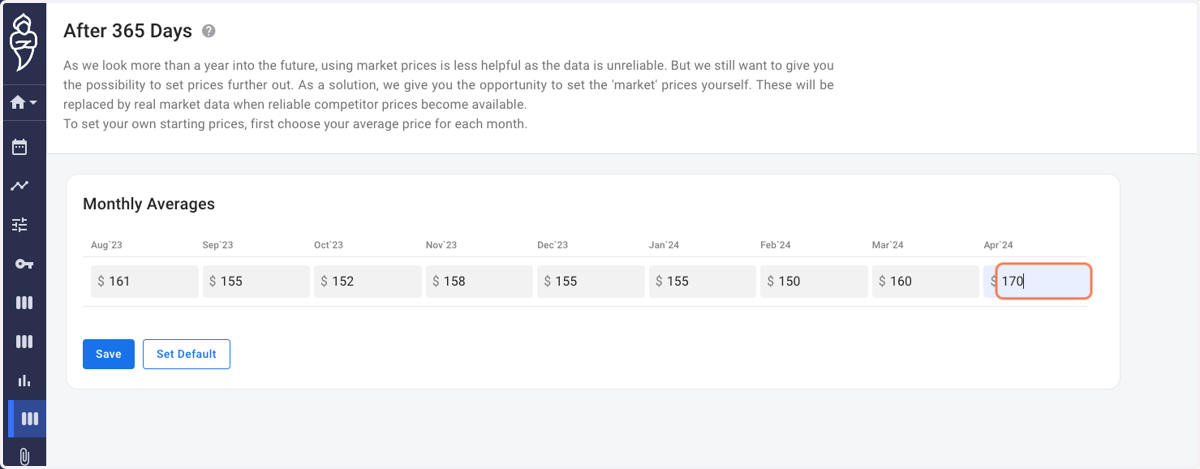
3. Enter your average monthly base price for each month.
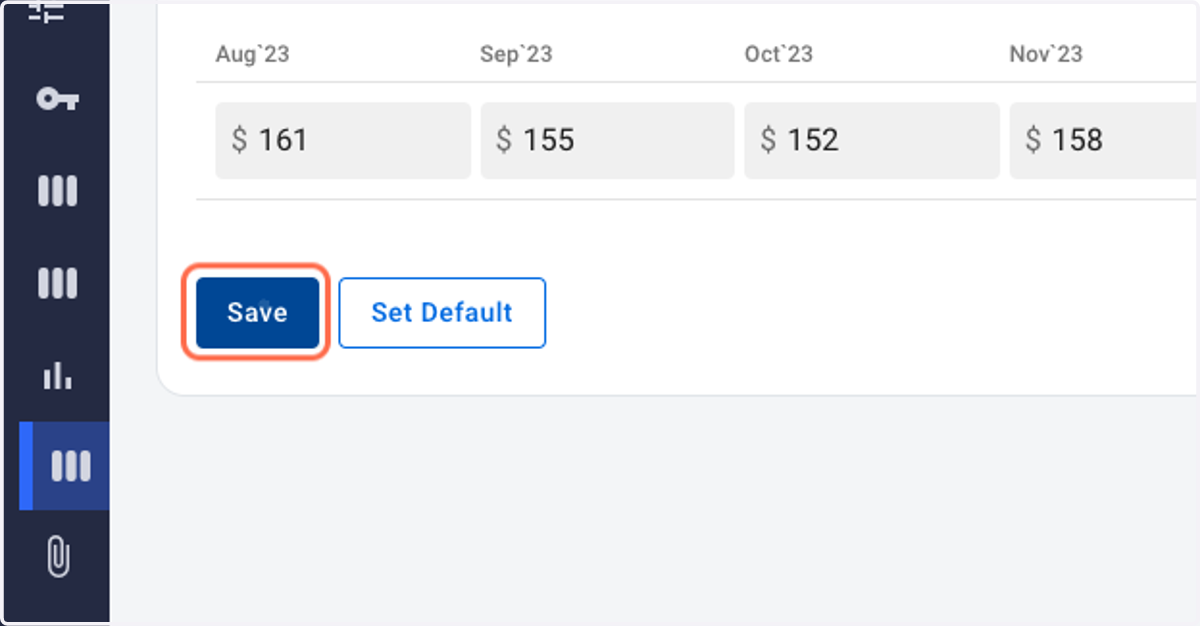
4. Click on Save. That's it.