Add New User to Google Workspace
1. Go to User List in the Google Admin Console
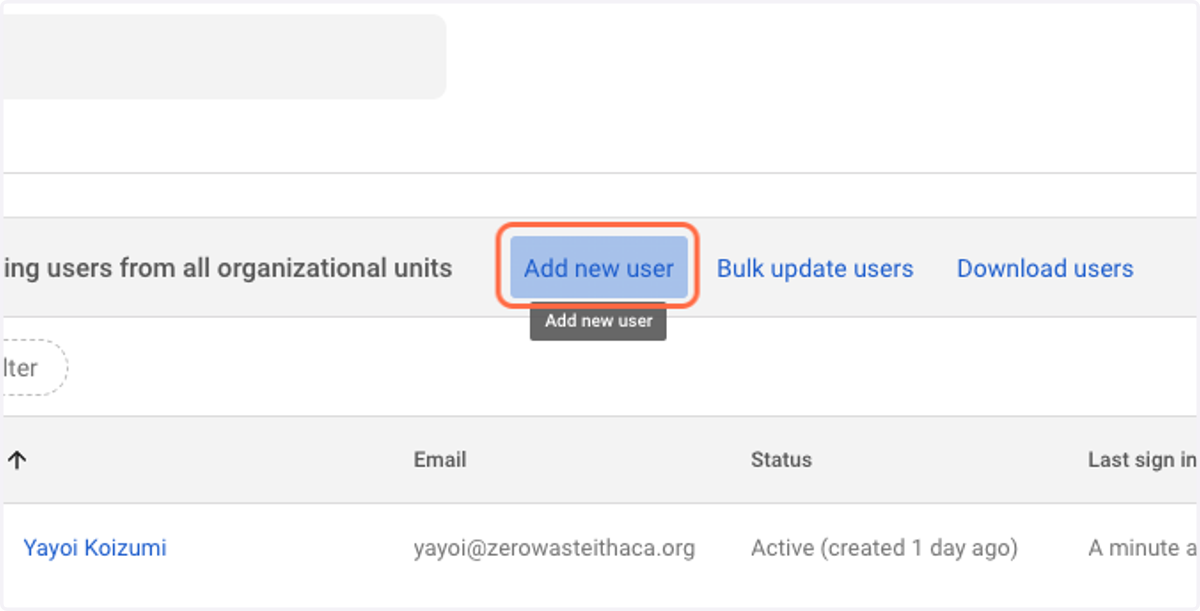
2. Click on Add new user
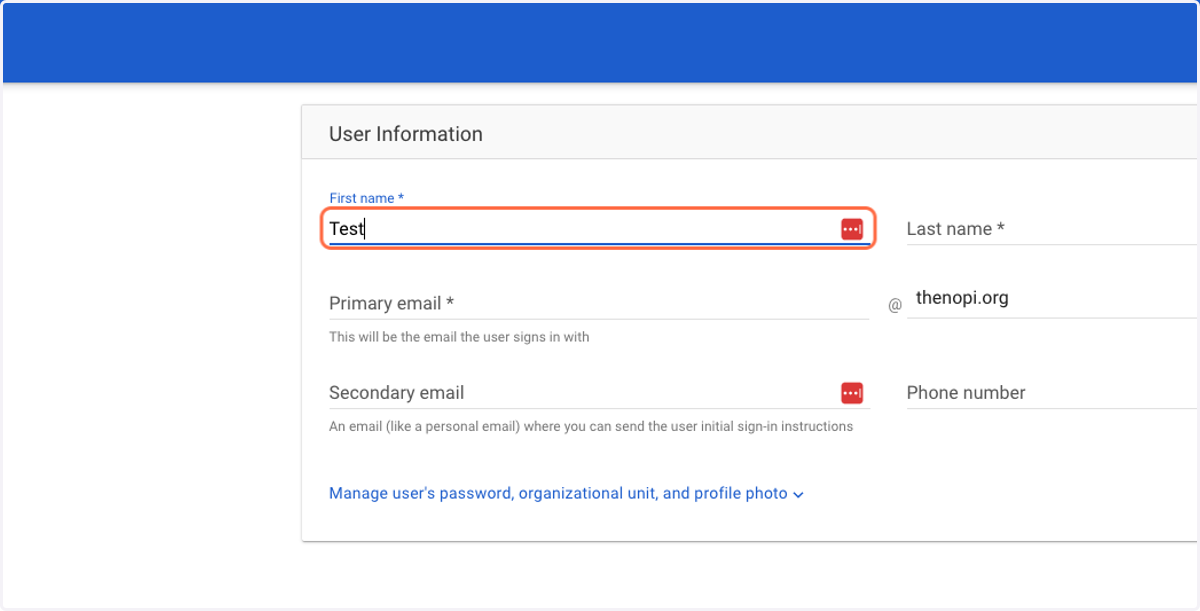
3. Enter the user's First Name, Last Name, and Primary Email
Primary email is the user's work email address.
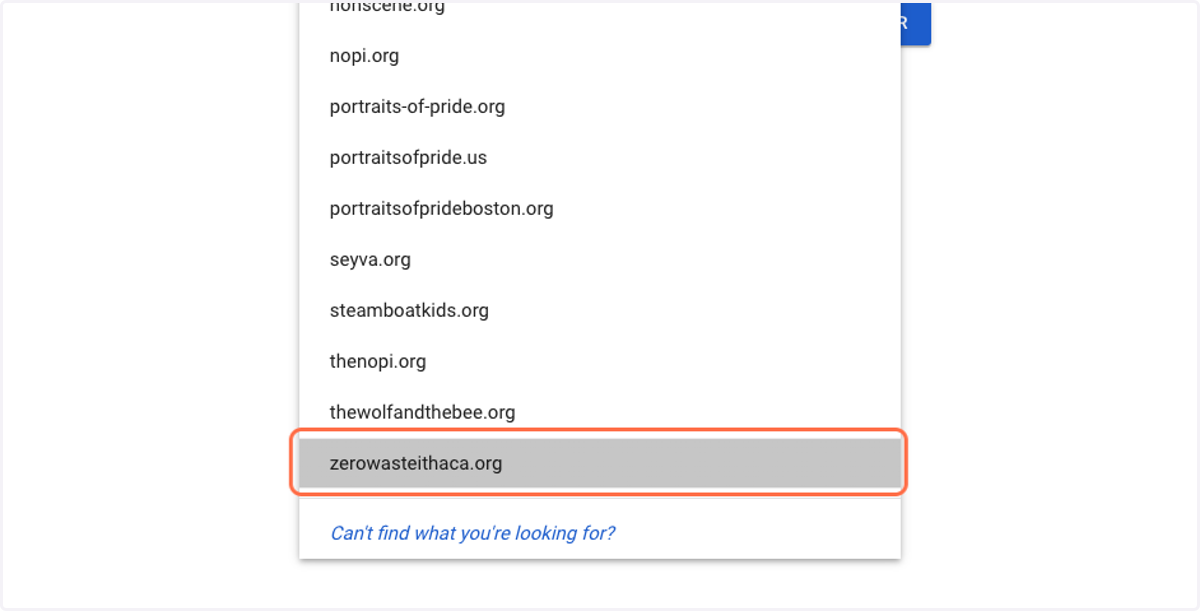
4. Click on the domain drop-down next to Primary Email
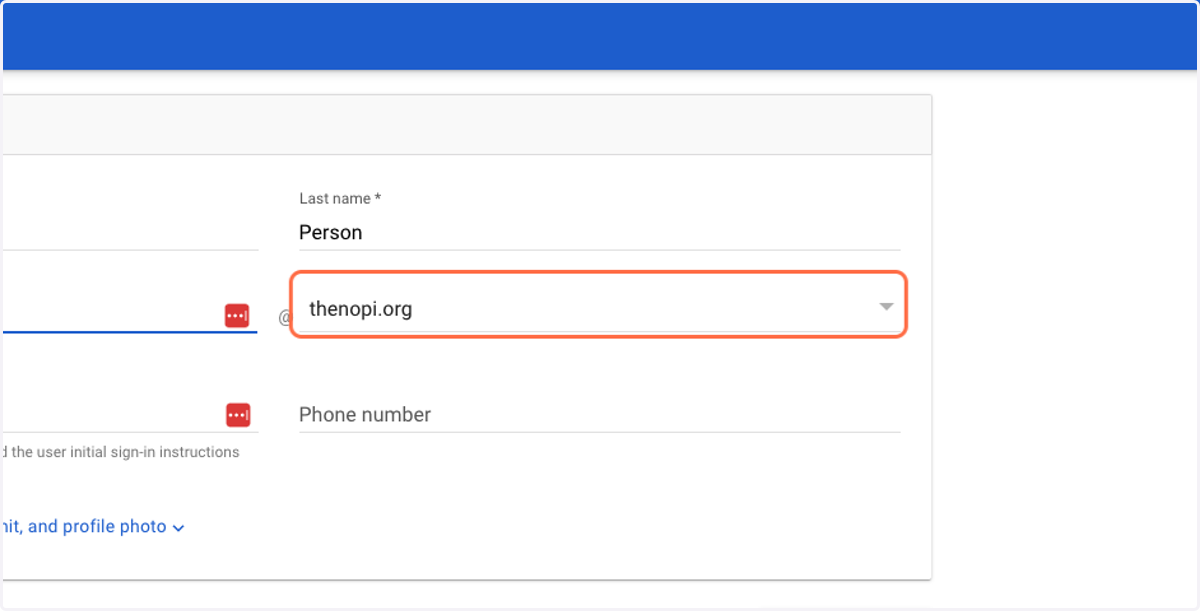
5. Select the correct domain for your organization
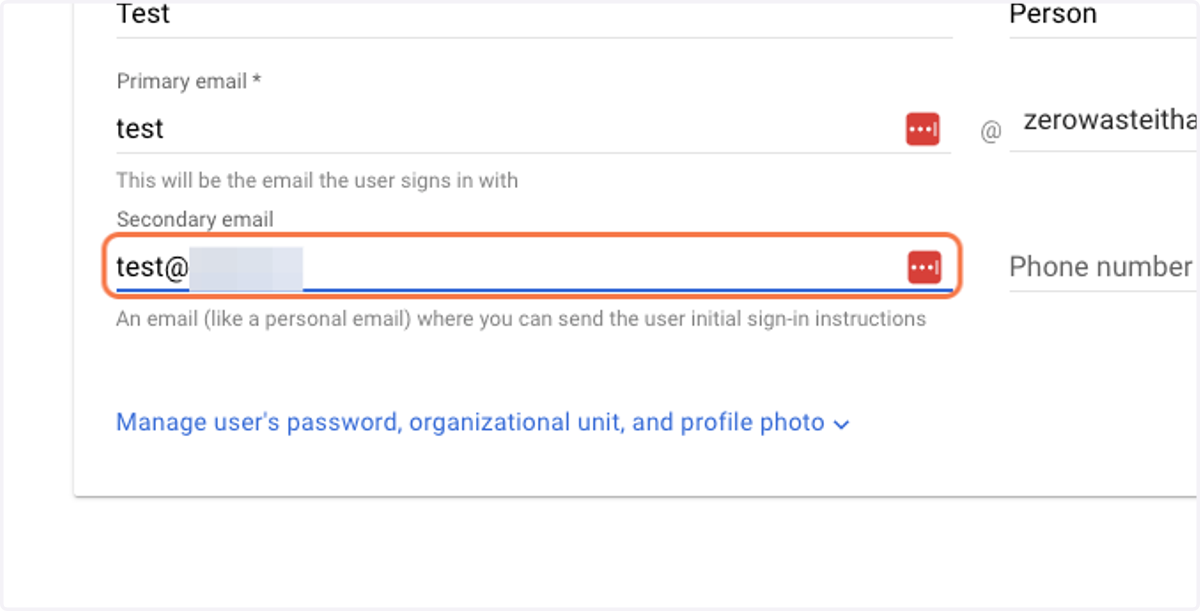
6. Enter the user's secondary email
This should be a personal, non-work-related email.
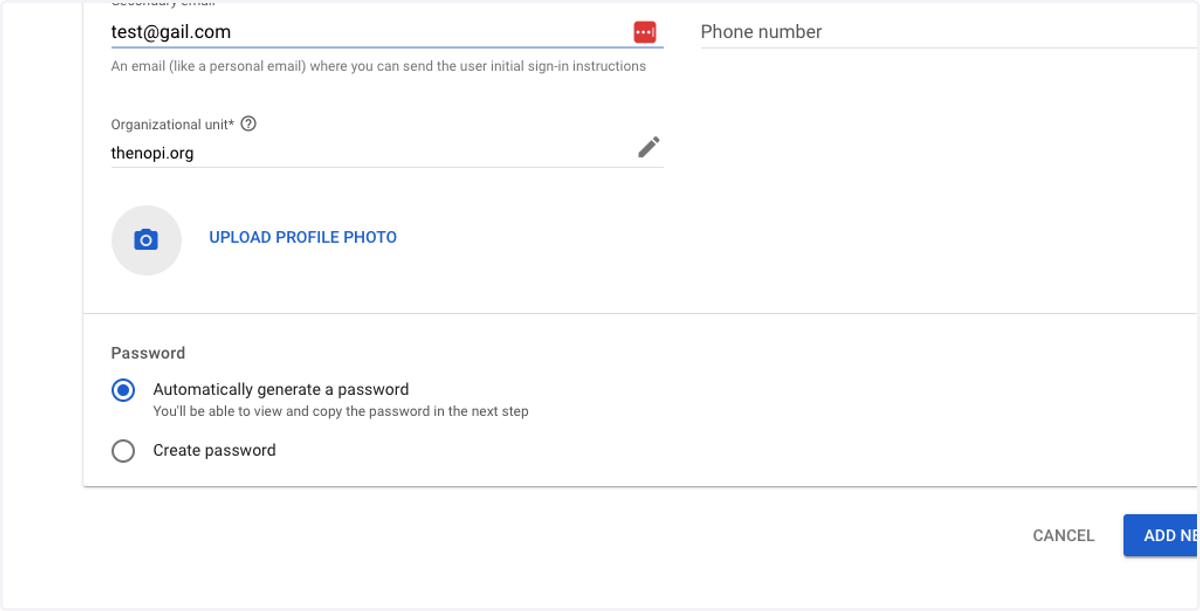
7. Click on Manage user's password, organizational unit, and profile photo
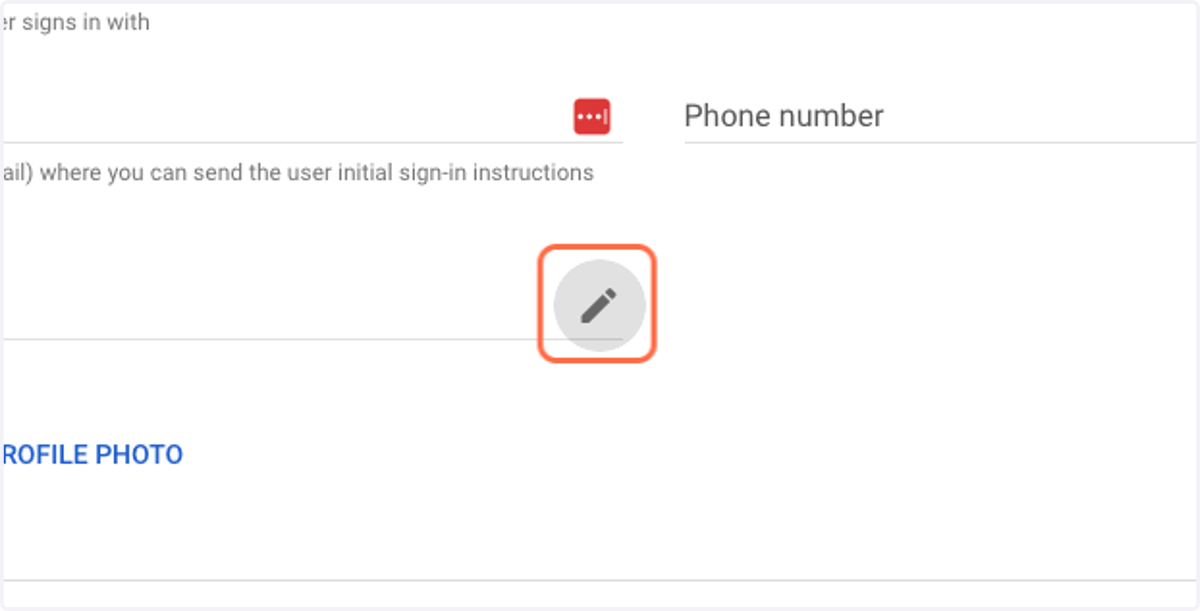
8. Click on the pencil icon next to Organizational unit
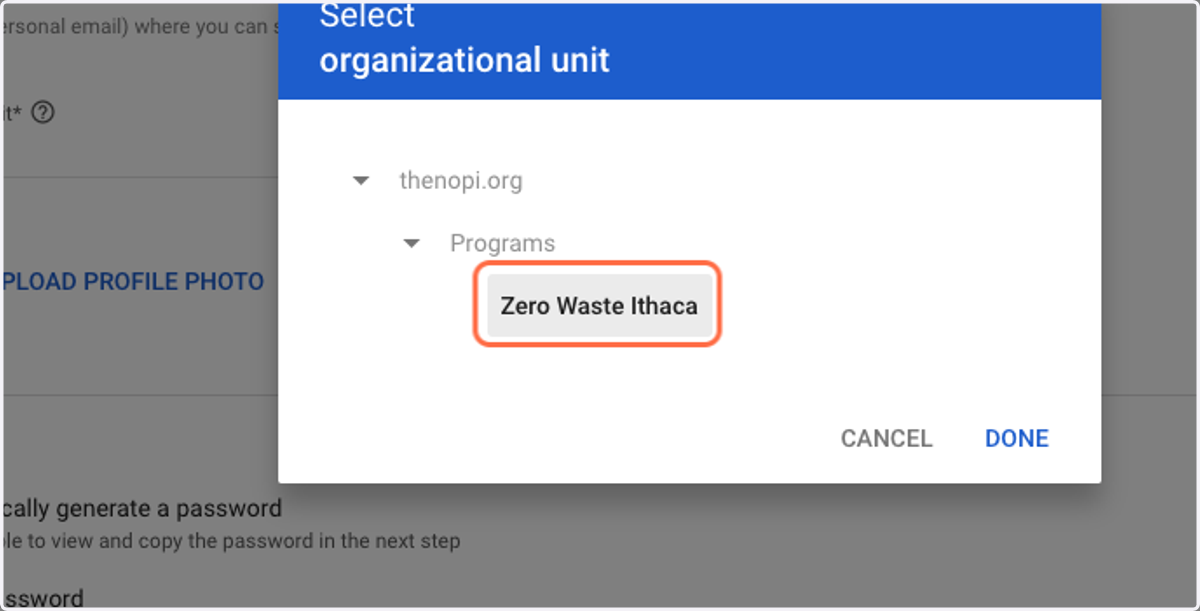
9. Select thenopi.org > Programs > Your Org's Name
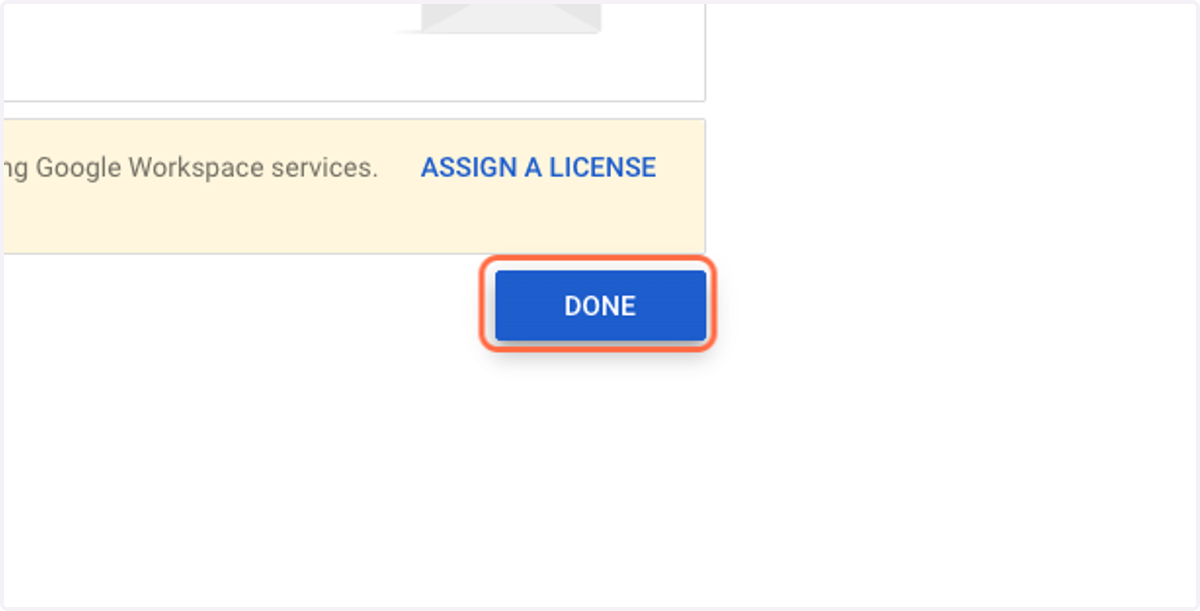
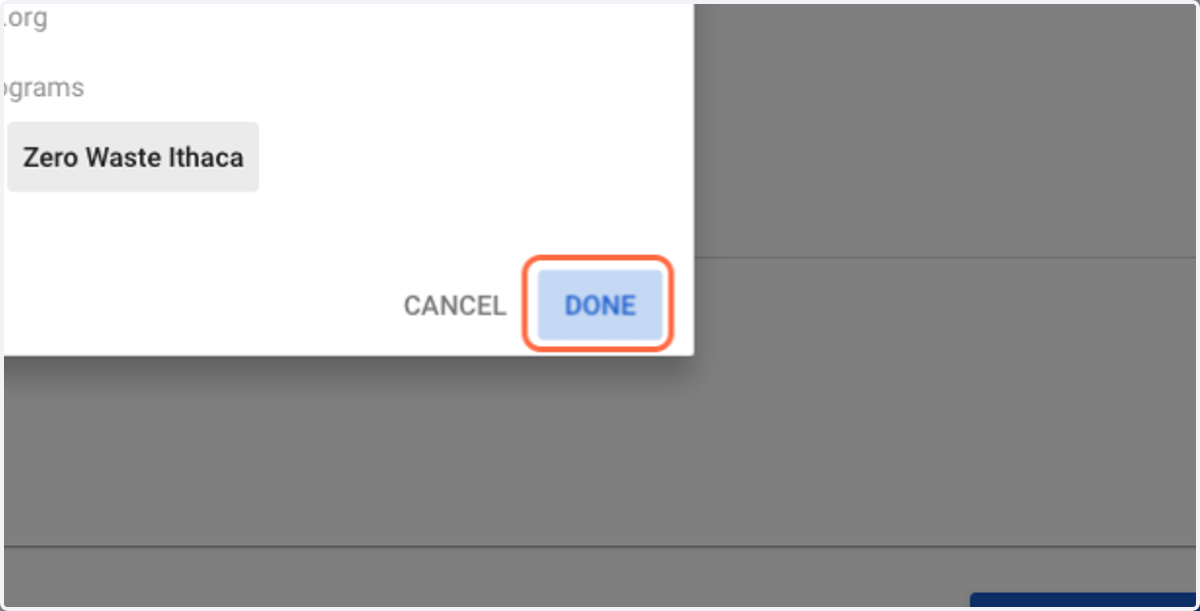
10. Click on DONE
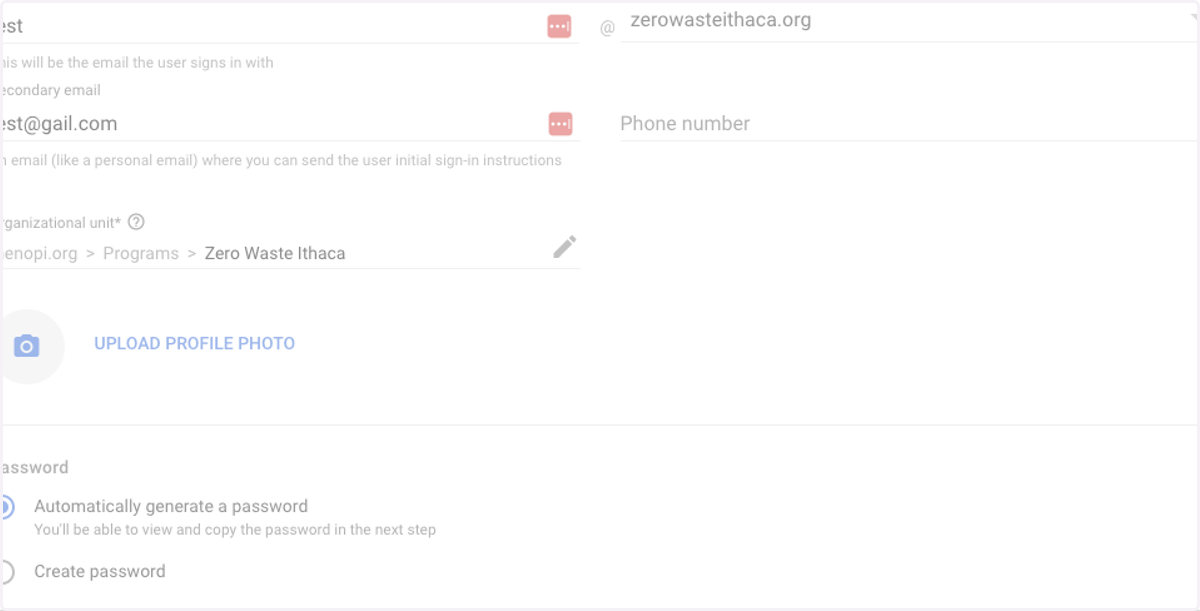
11. Click on ADD NEW USER
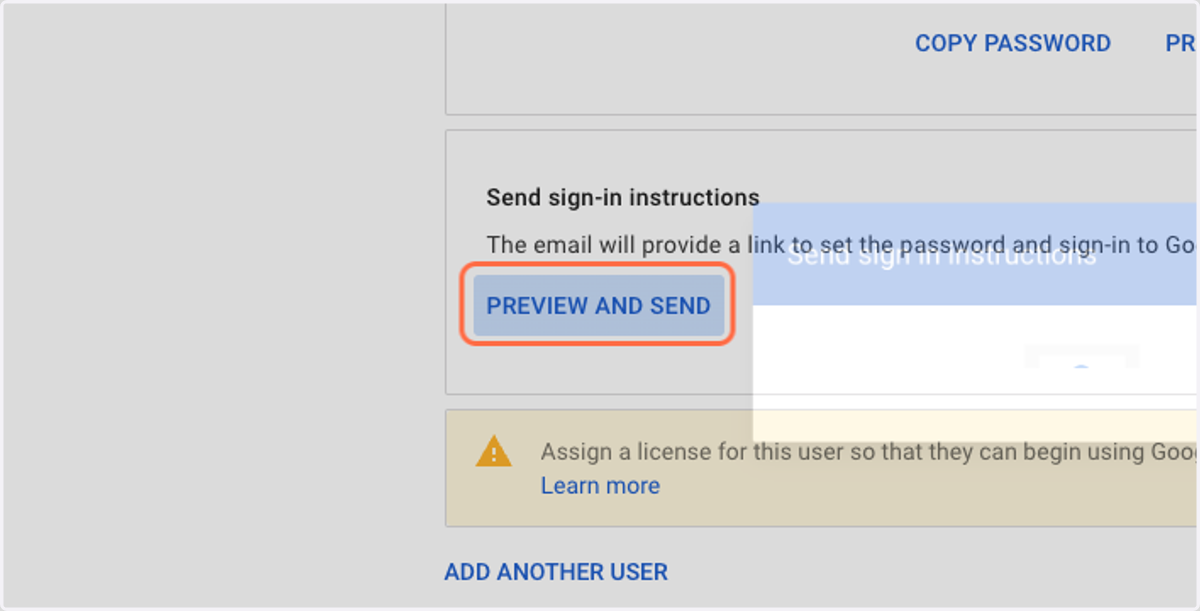
12. In the next window Click on PREVIEW AND SEND
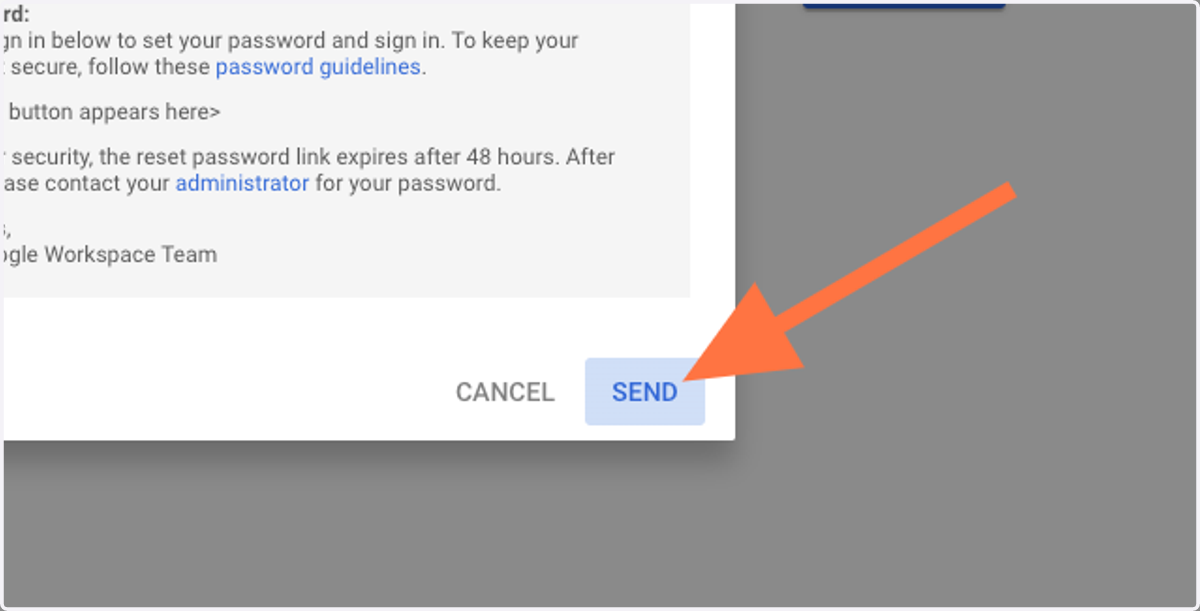
13. Click on SEND
14. Click on DONE