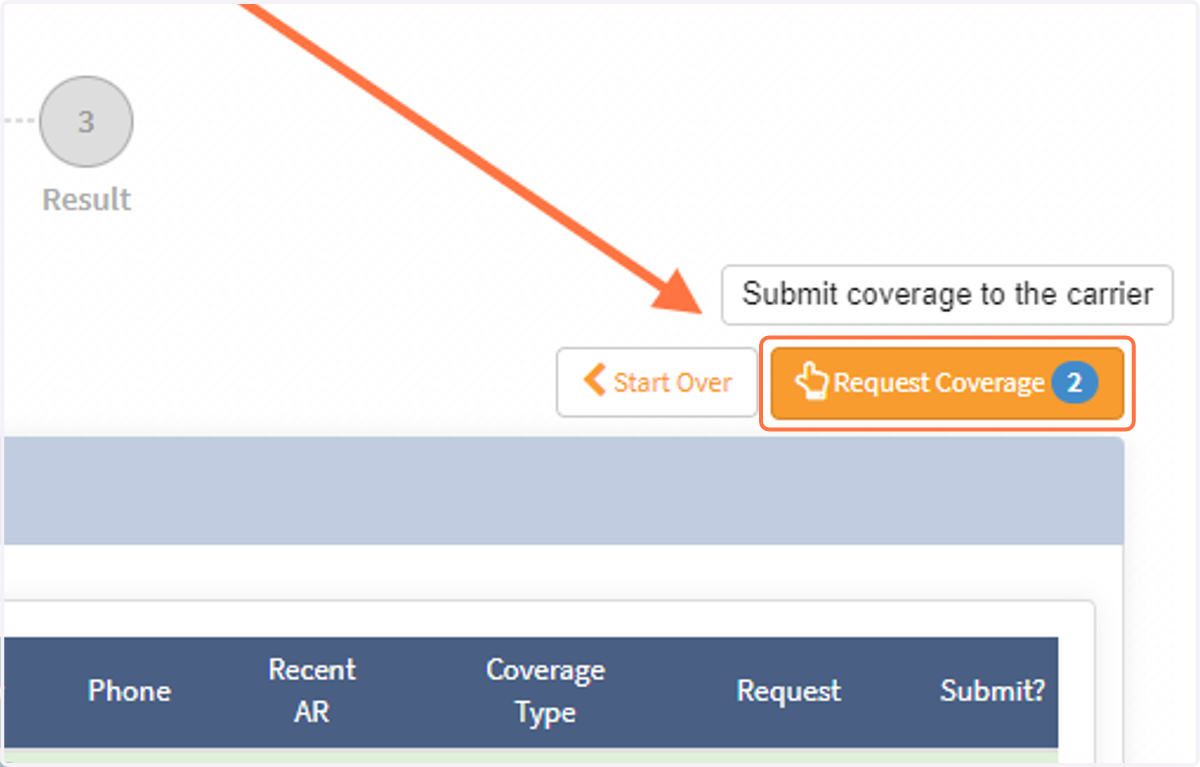
Multi-Coverage Request
A guide to show how Multi-Coverage requests on up to 20 debtors simultaneously. Additionally, if you hold multiple policies with different insurance carriers, you can conveniently send requests to each carrier from within the same platform.
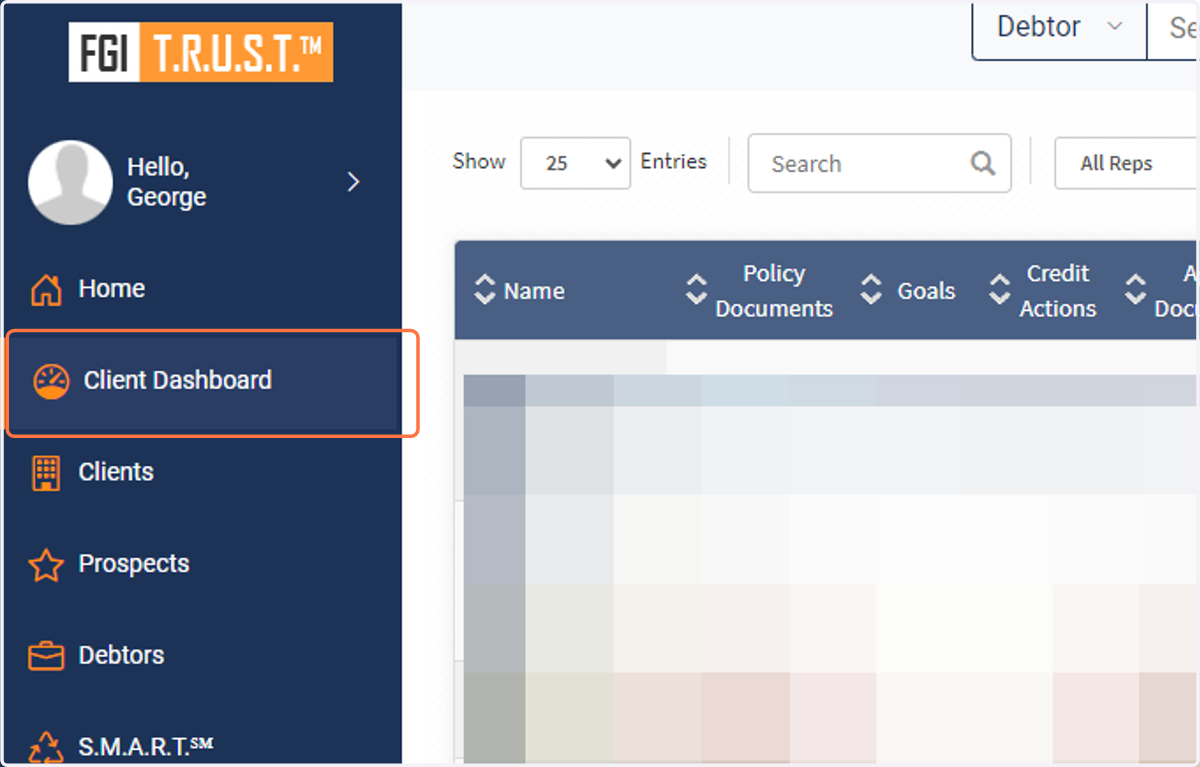
1. Click on Client Dashboard
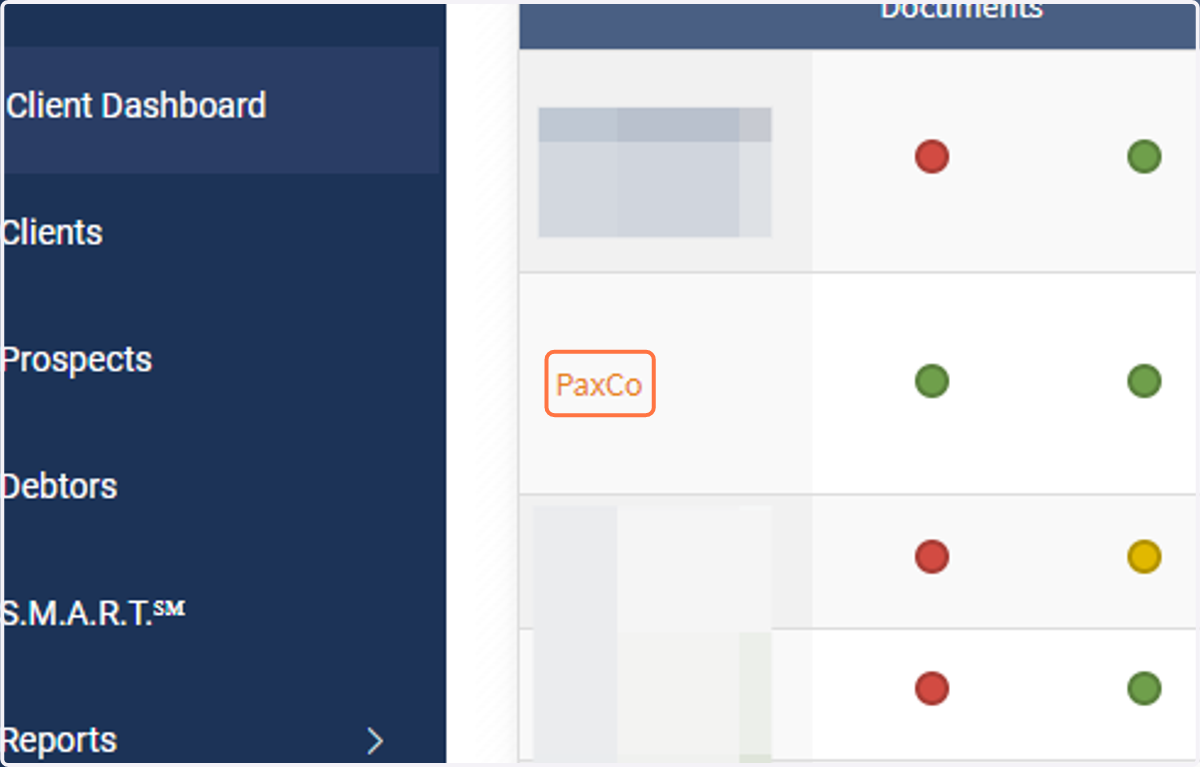
2. Choose the client
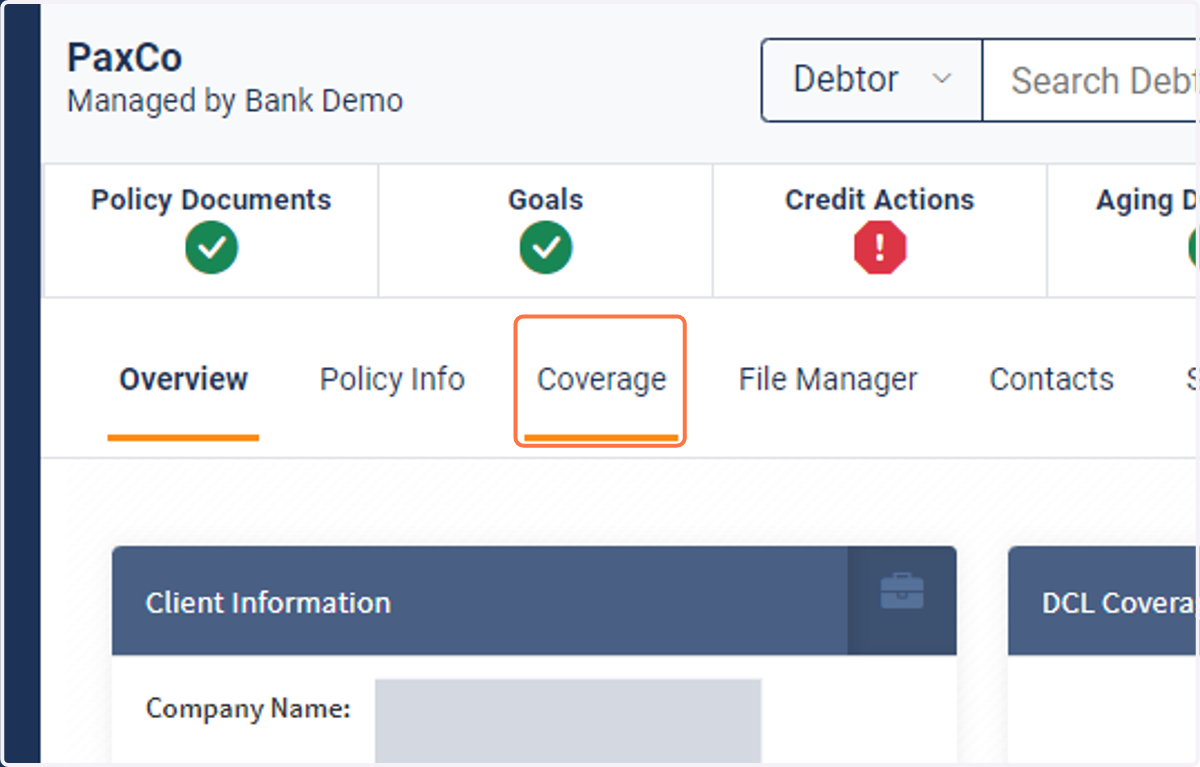
3. Click on Coverage
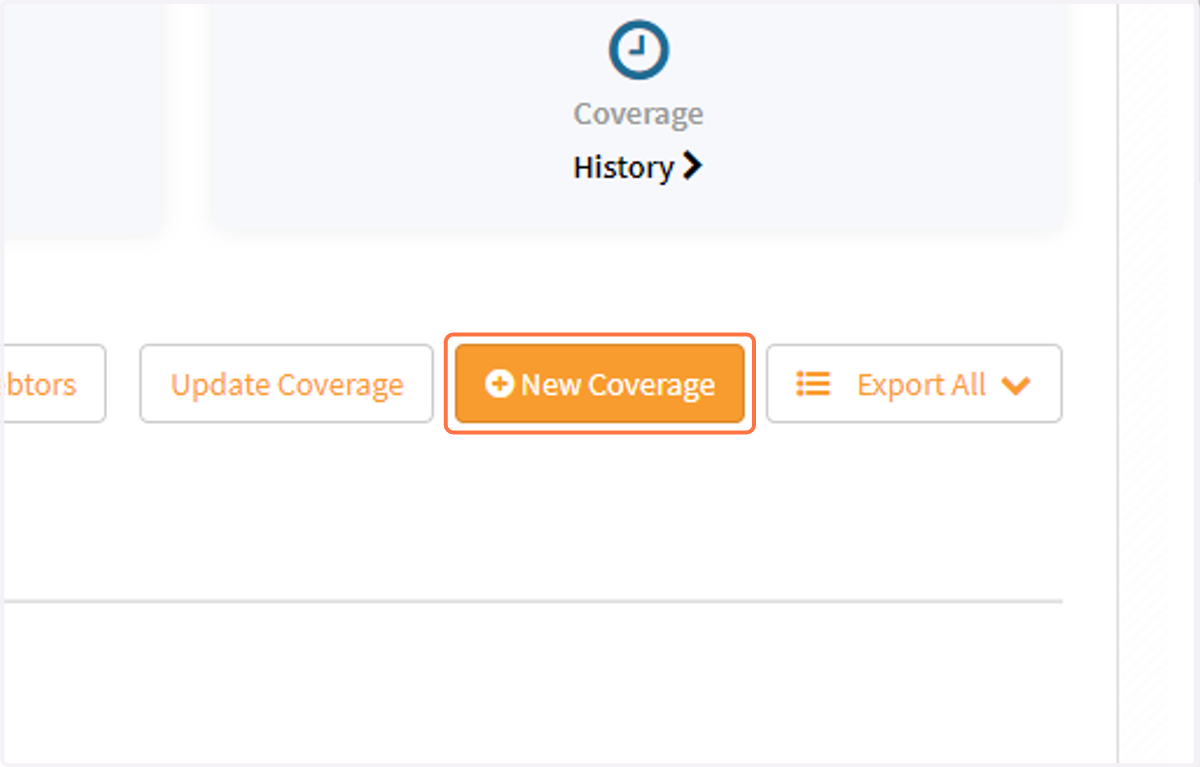
4. Click on New Coverage
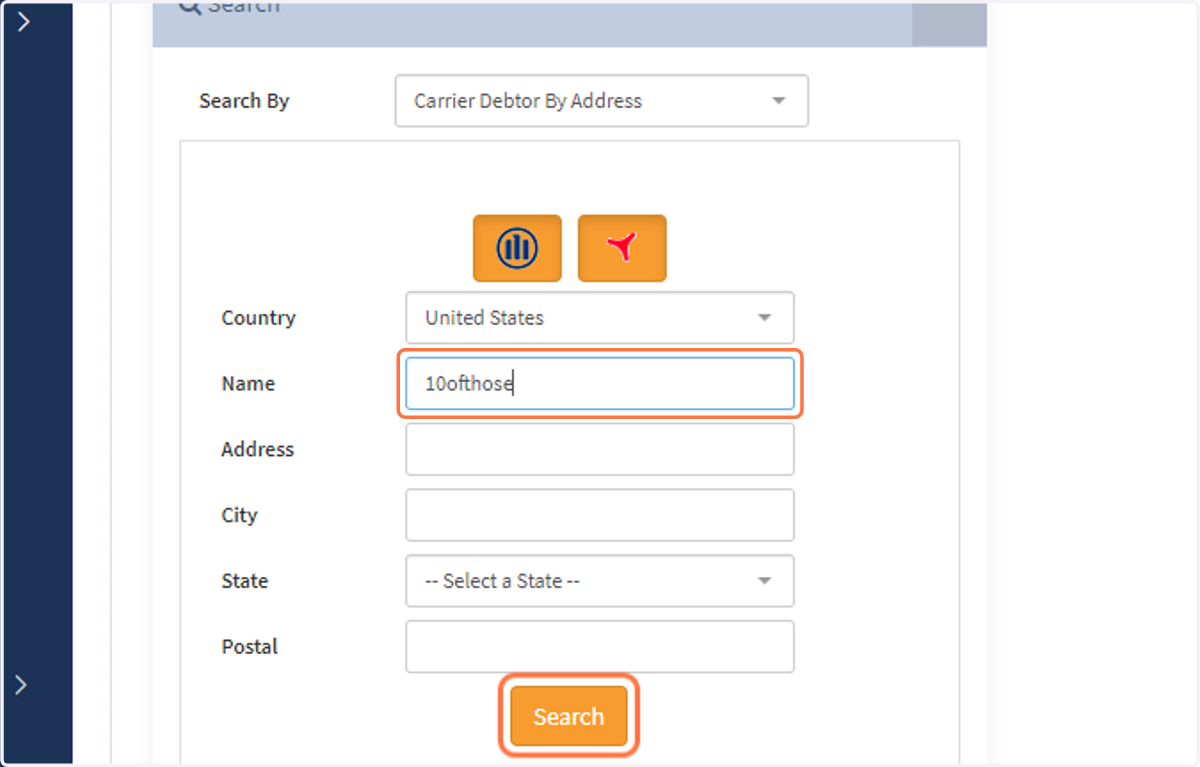
5. Insert the details of the debtor you wish to have New coverage for and click Search
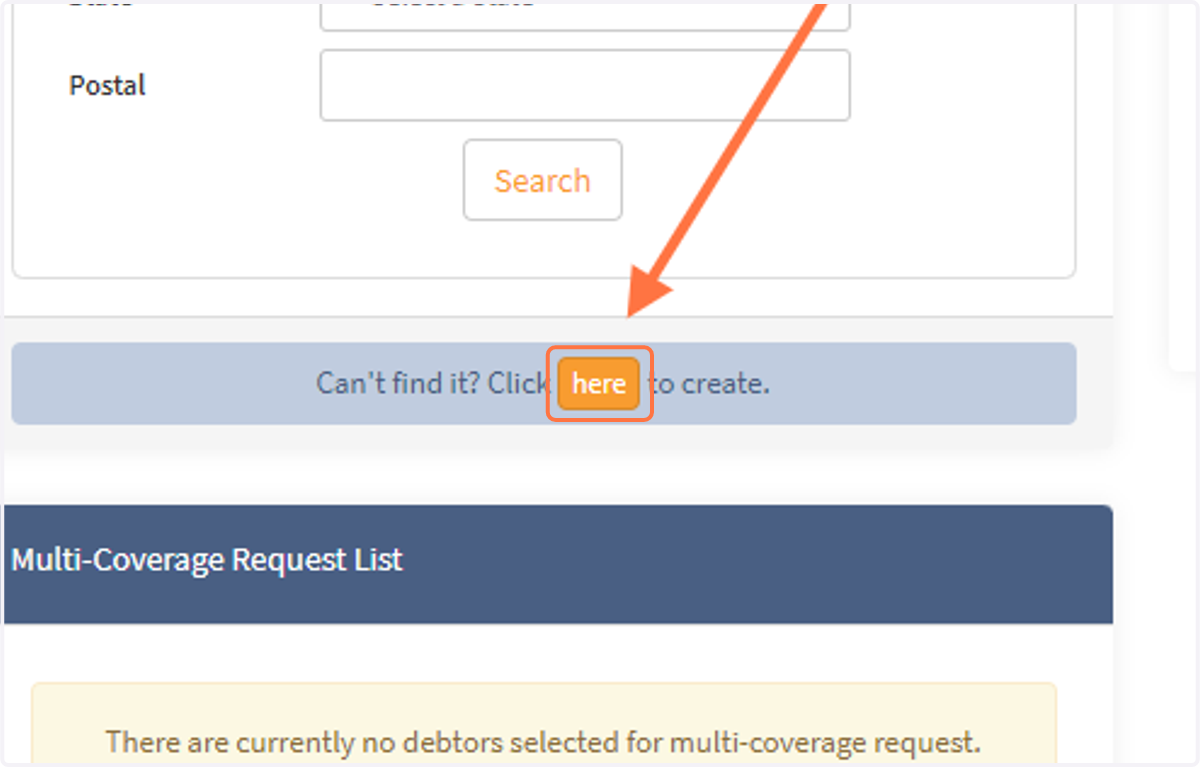
6. If you cannot find the correct debtor you can click create here and create a debtor
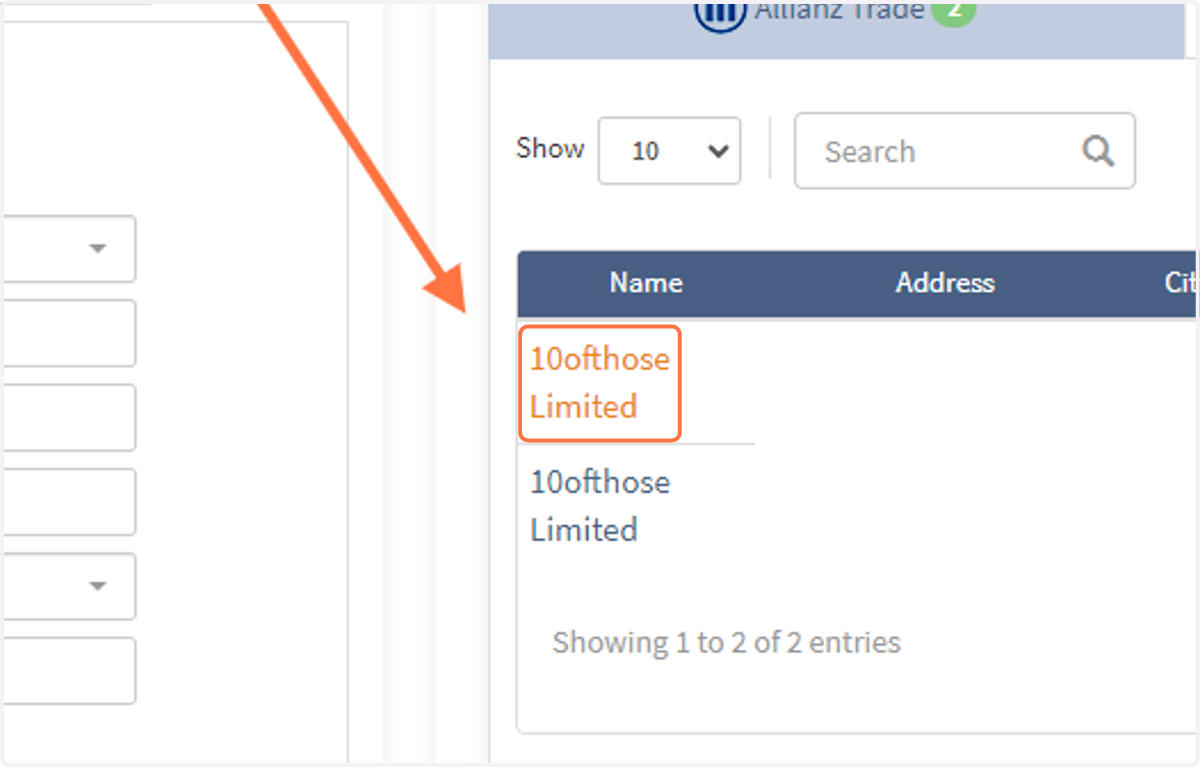
7. Choose the correct Debtor
8. Click on Add to Multi-Coverage Request List and Save
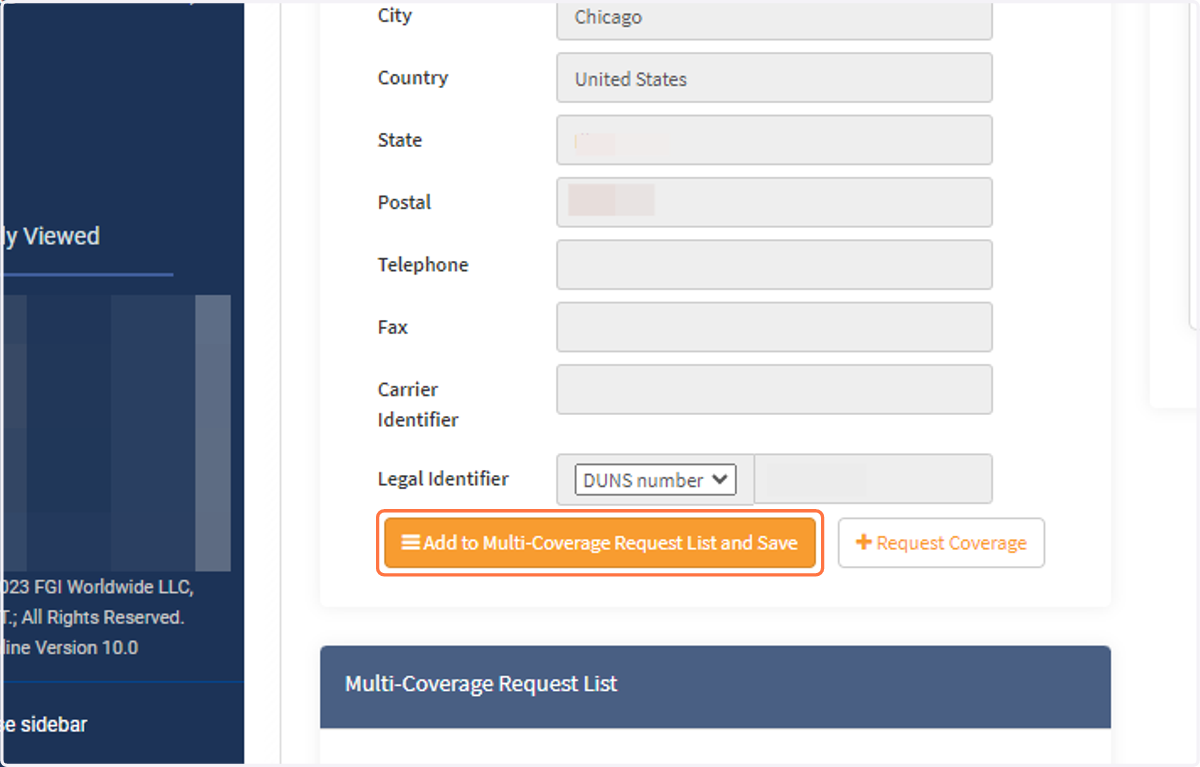
9. Search for other debtors you wish to add to the multi coverage request and then Click on Add to Multi-Coverage Request List and Save
You are able to add up to 20 on the same request
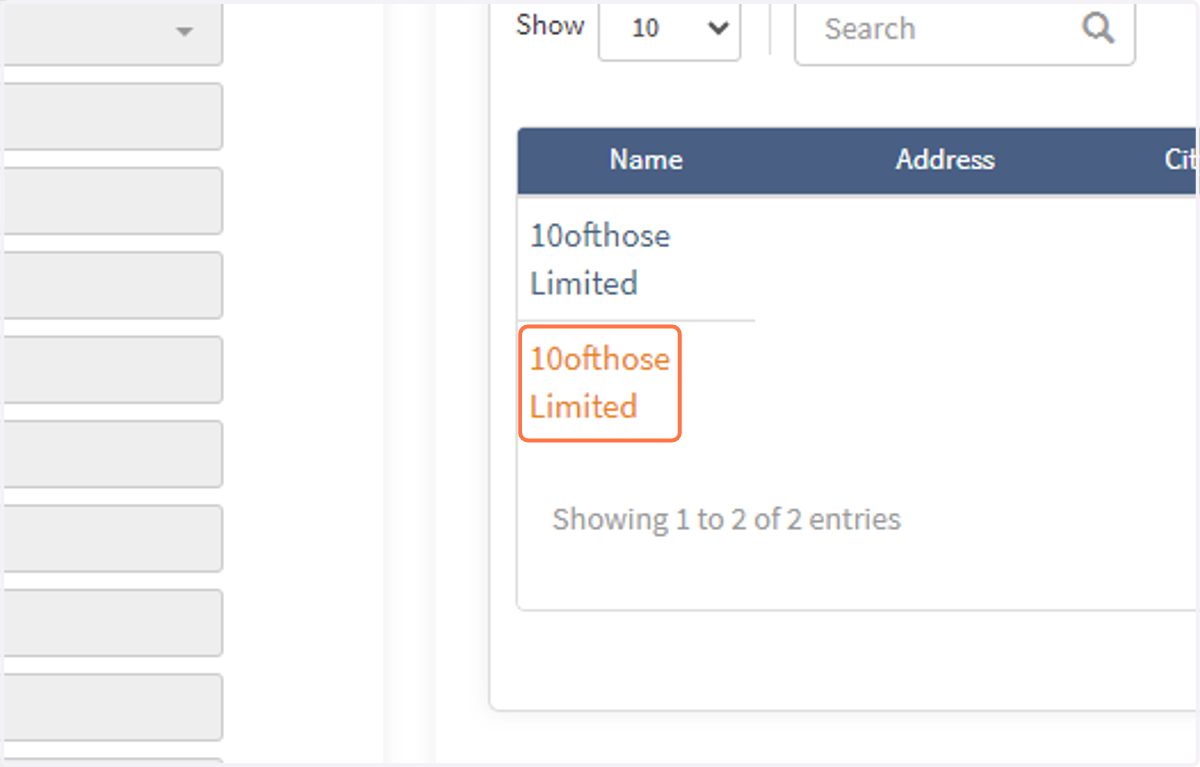
10. Click on Create Debtor(s)
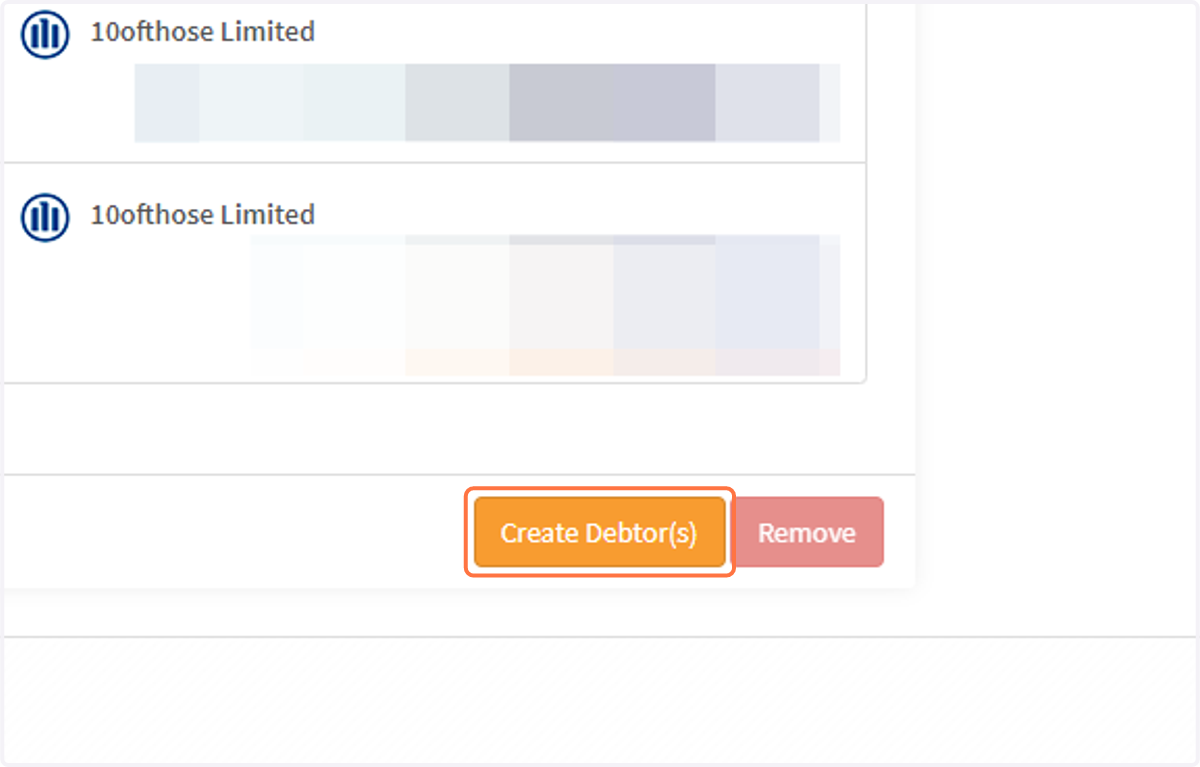
11. Click on Create Debtor(s)
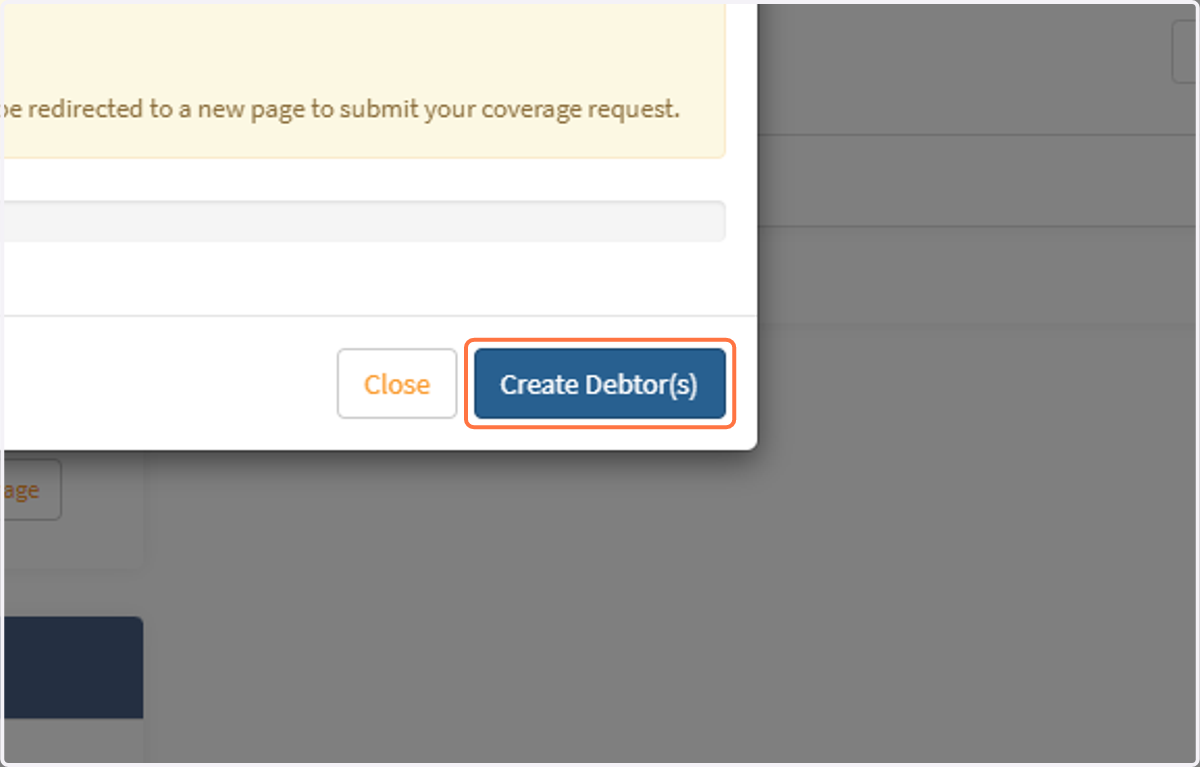
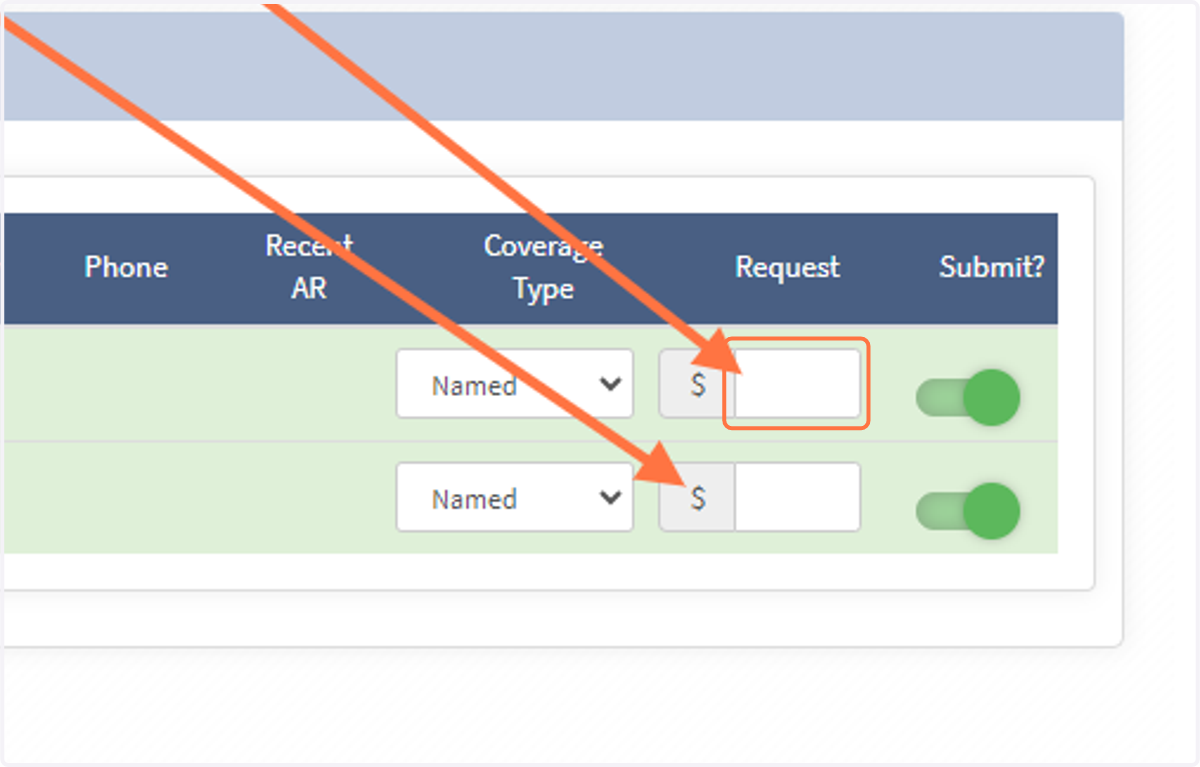
12. Enter the amount you wish to request per debtor
13. Click on Request Coverage