Driver Time Off Request

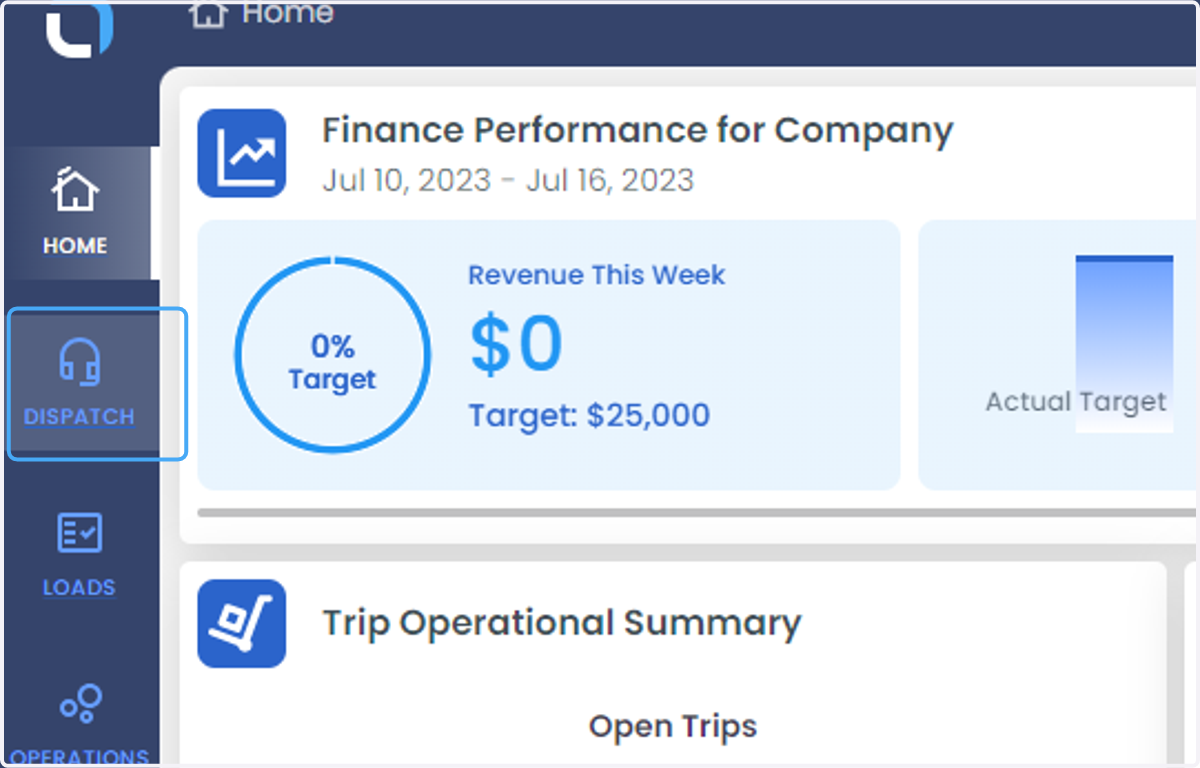
  1. 1. Click on DISPATCH

    Click on DISPATCH
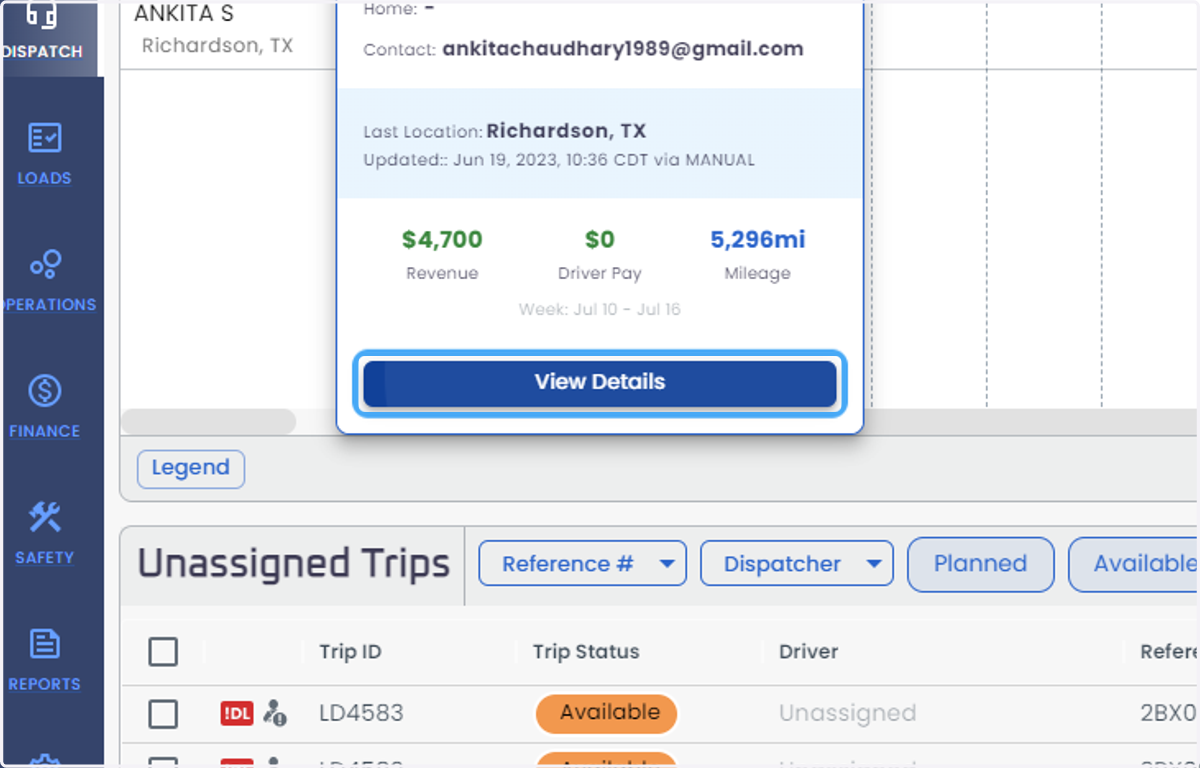
  2. 2. Click on the driver to whom the time off is required
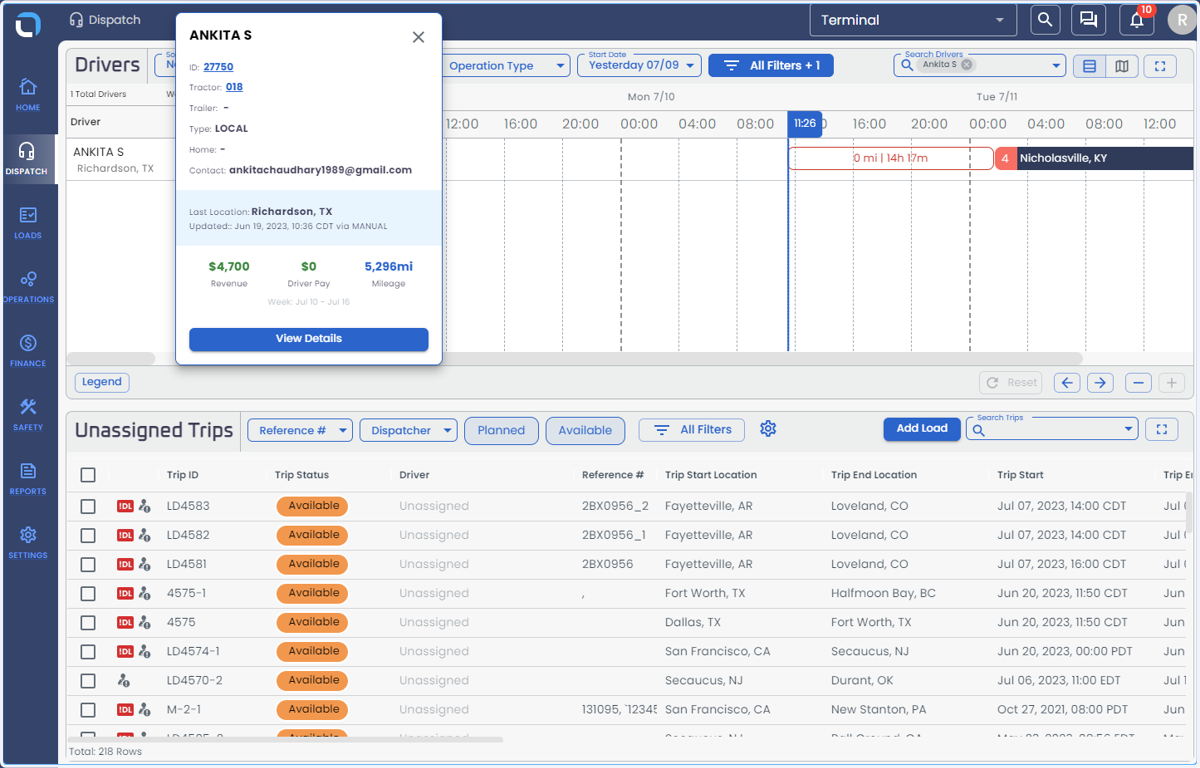
    Click on the driver to whom the time off is required
  3. 3. Click on View Details

    Click on View Details
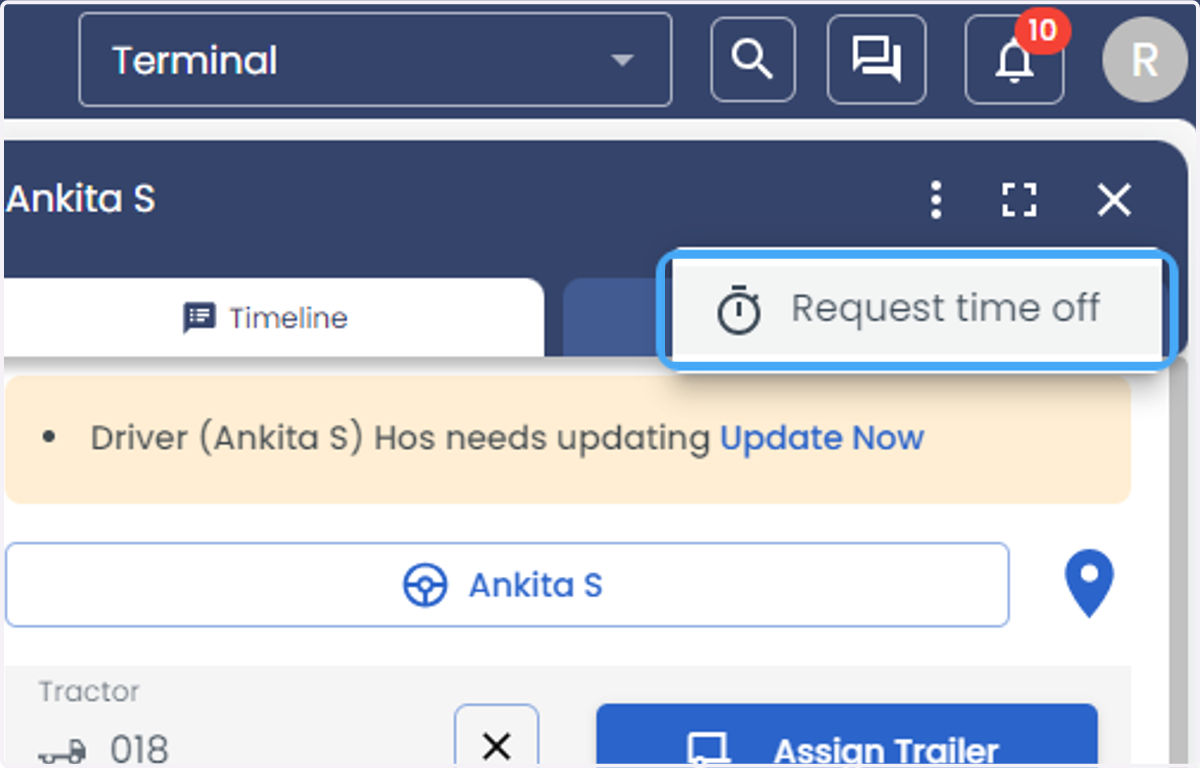
  4. 4. Click on three vertical dots symbol at the top right of the screen
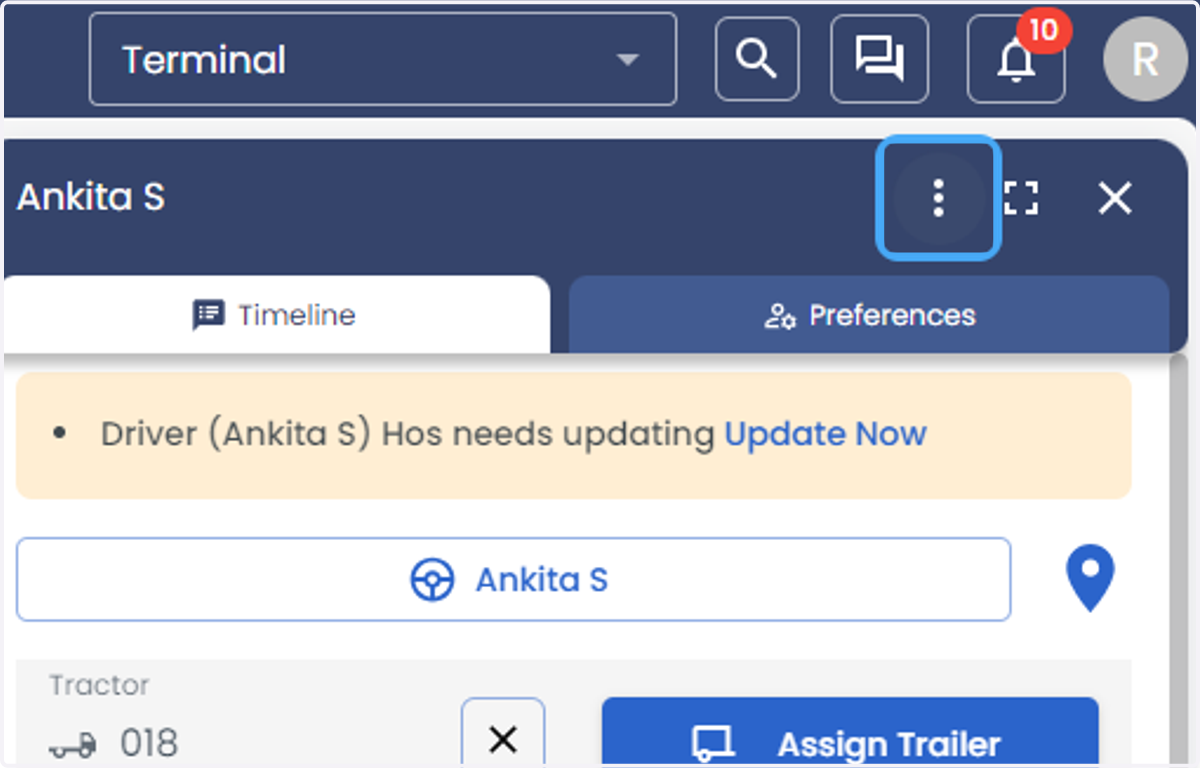
    Click on three vertical dots symbol at the top right of the screen
  5. 5. Click on Request time off

    Click on Request time off
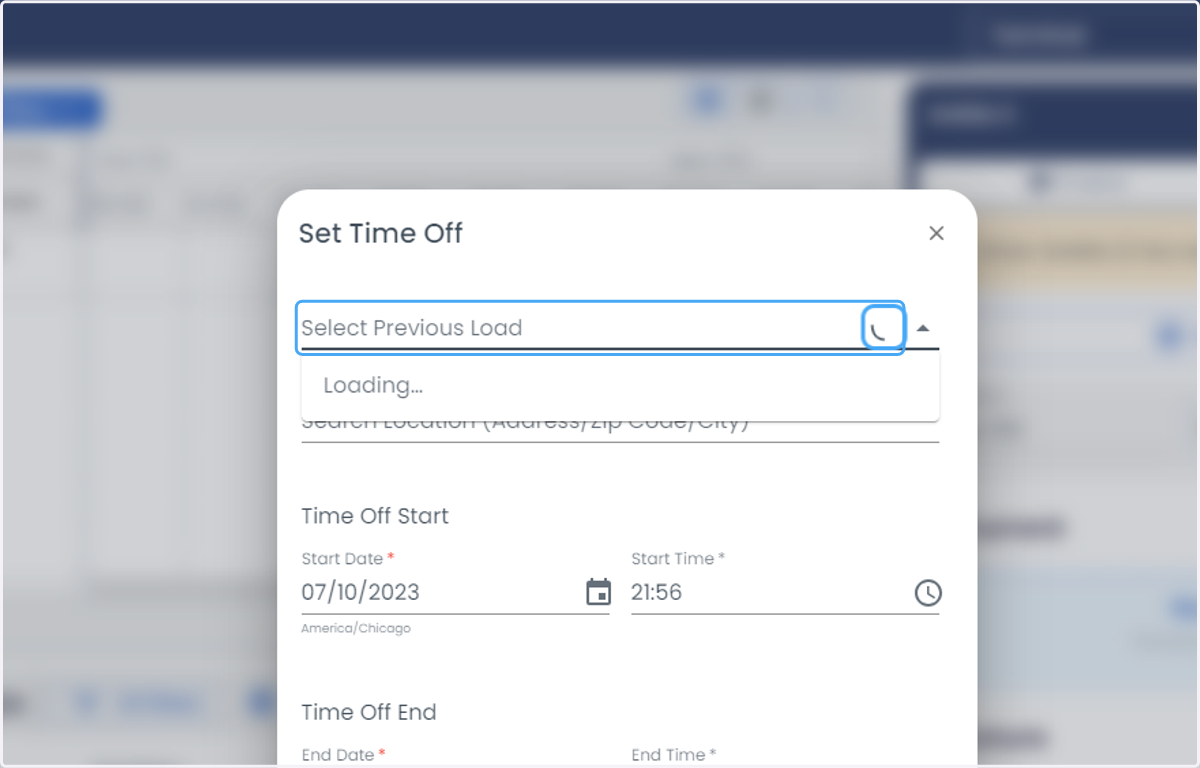
  6. 6. Select previous load of the load

    Select previous load of the load
  7. 7. Click on Search Location (Address/Zip Code/City) * and enter the address
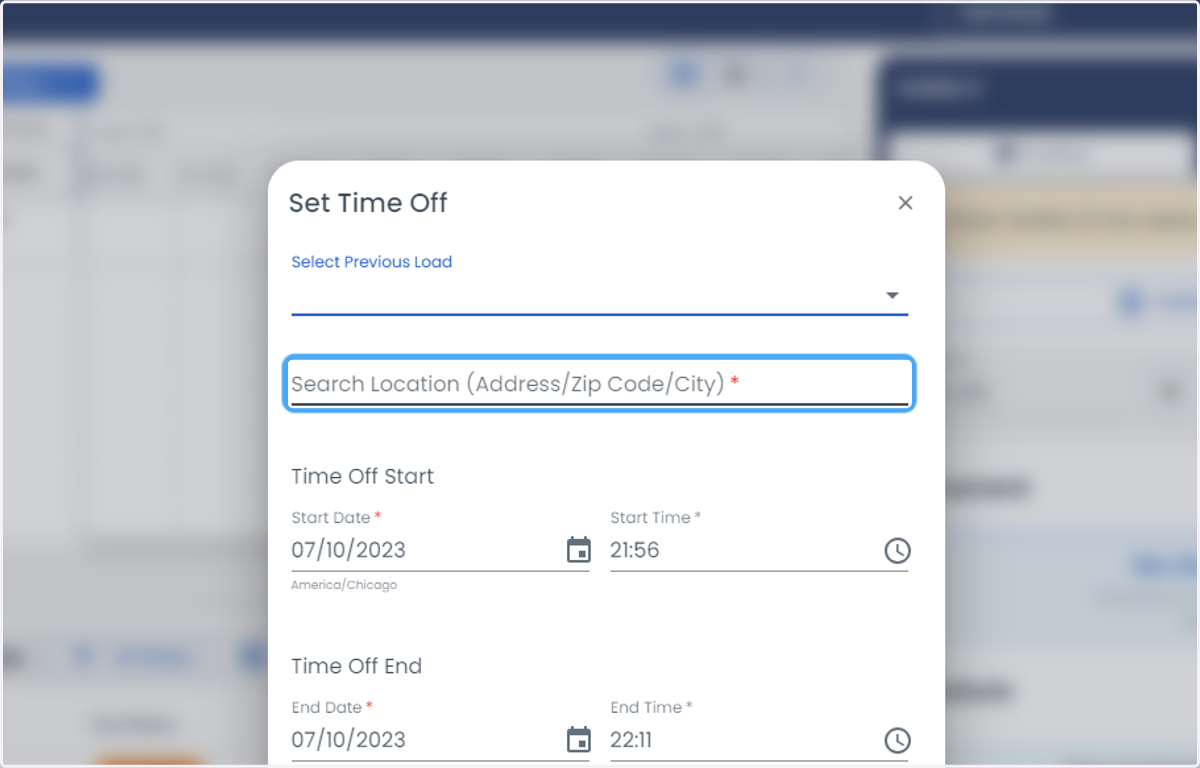
    Click on Search Location (Address/Zip Code/City) * and enter the address
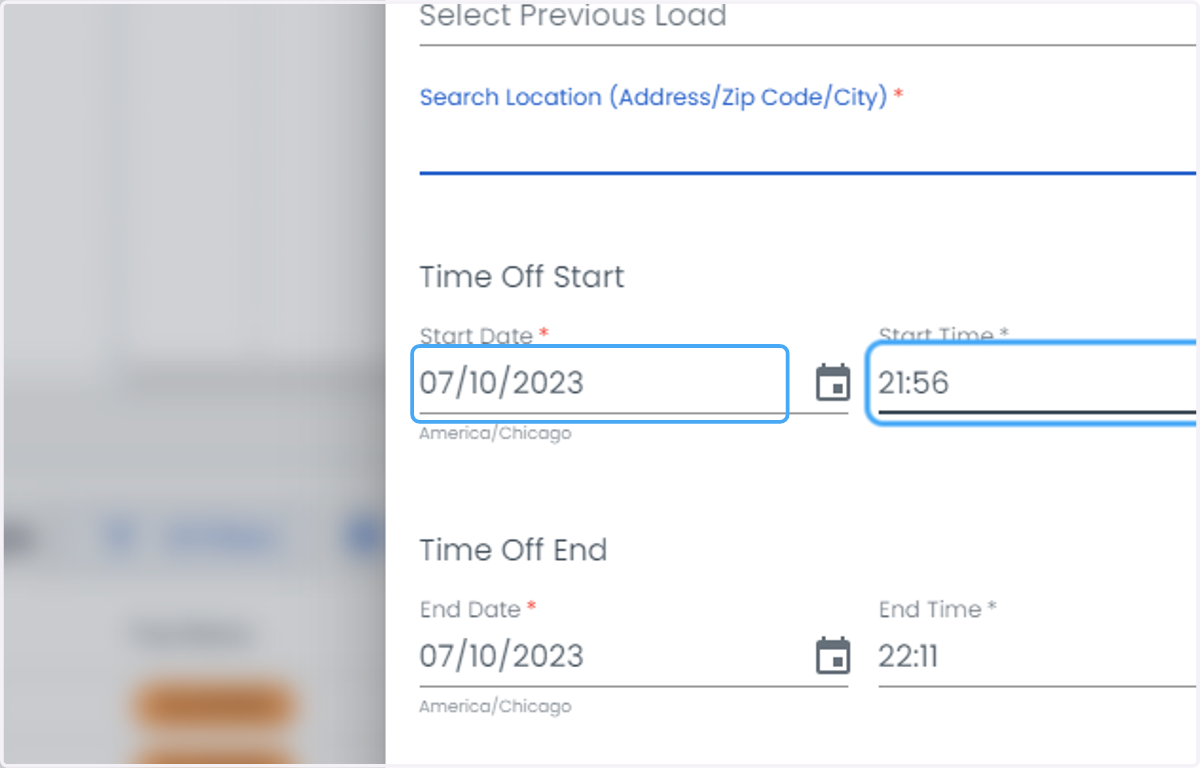
  8. 8. Click on Start Date *

    Click on Start Date *
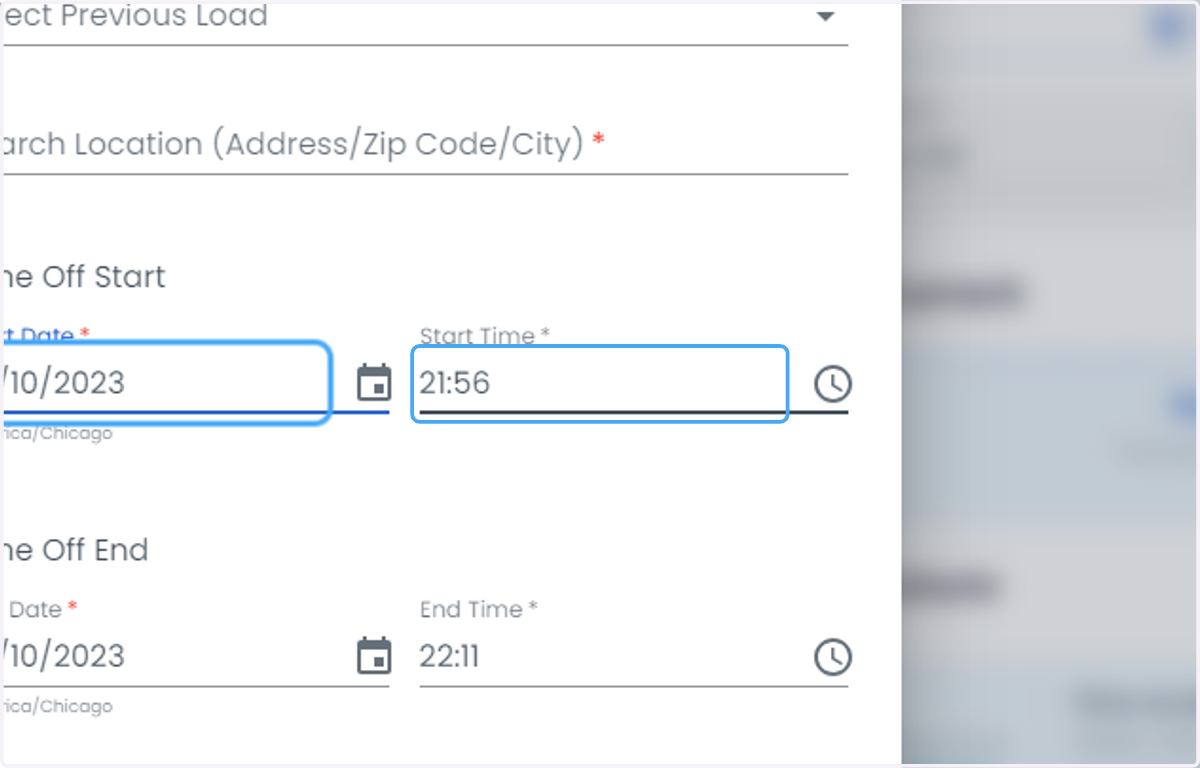
  9. 9. Click on Start Time *

    Click on Start Time *
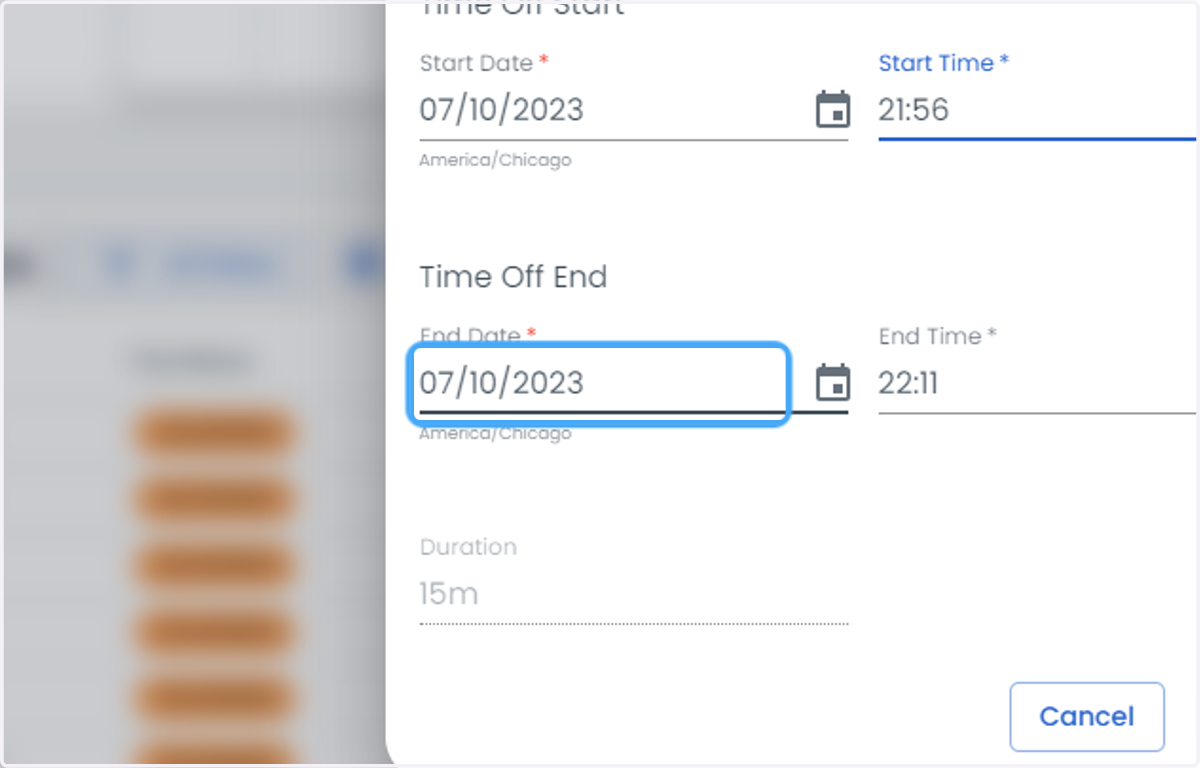
  10. 10. Click on End Date *

    Click on End Date *
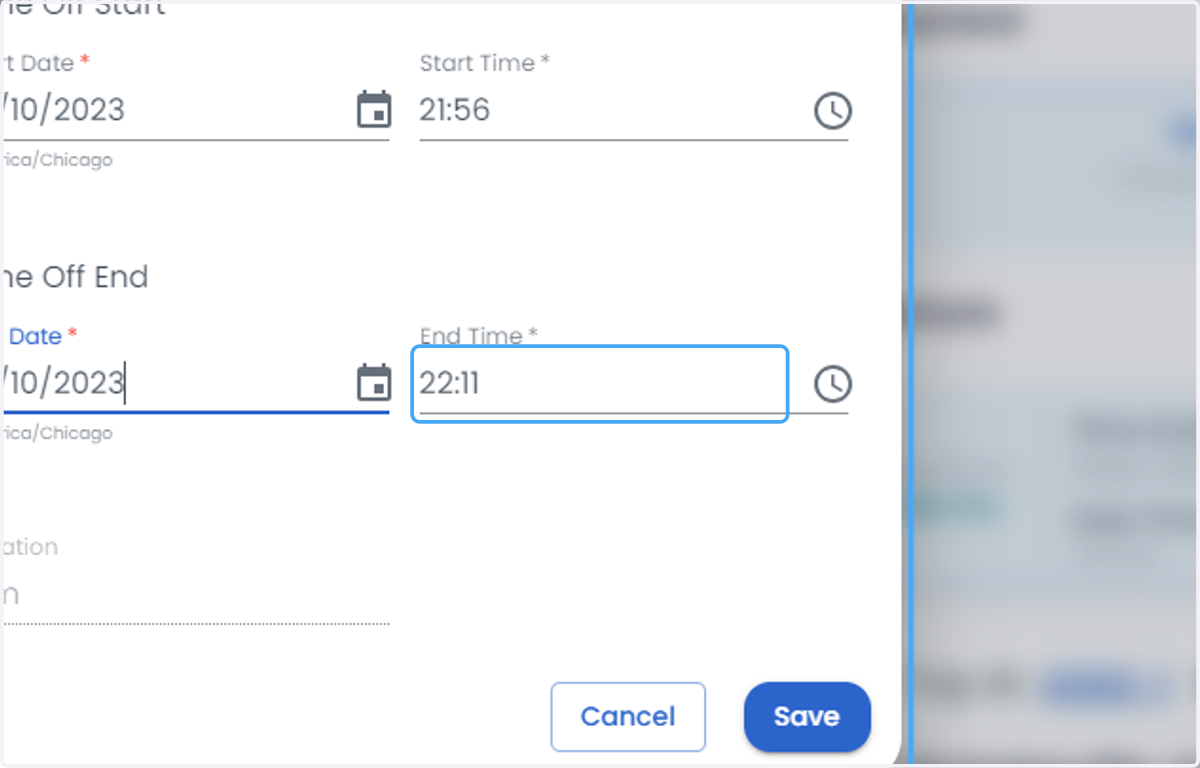
  11. 11. Click on End Time *

    Click on End Time *
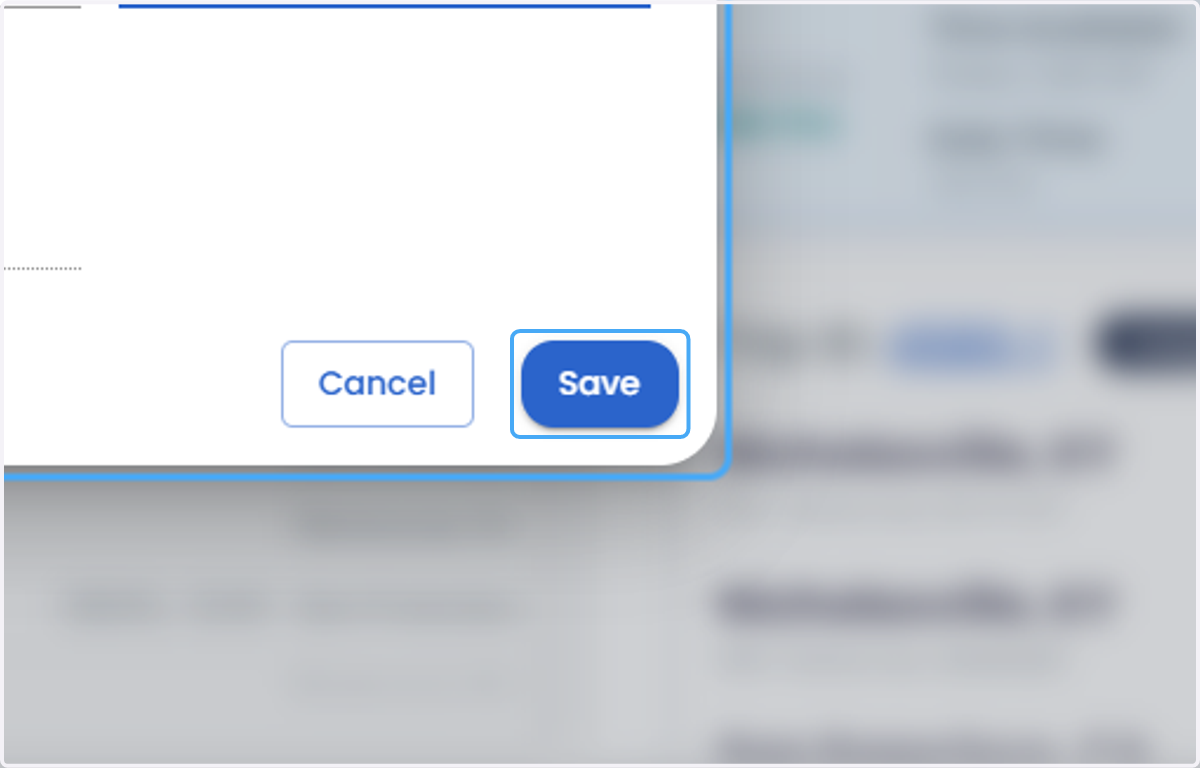
  12. 12. Click on Save

    Click on Save