How do I create and send upload links to external users?
Create a URL for external users to upload into the Media Room. Receiving an upload link simplifies the process for those who don’t have a Media Room account.
Typically distributed via email, it is a secure and convenient way for collaborators to transfer content into a Media Room.
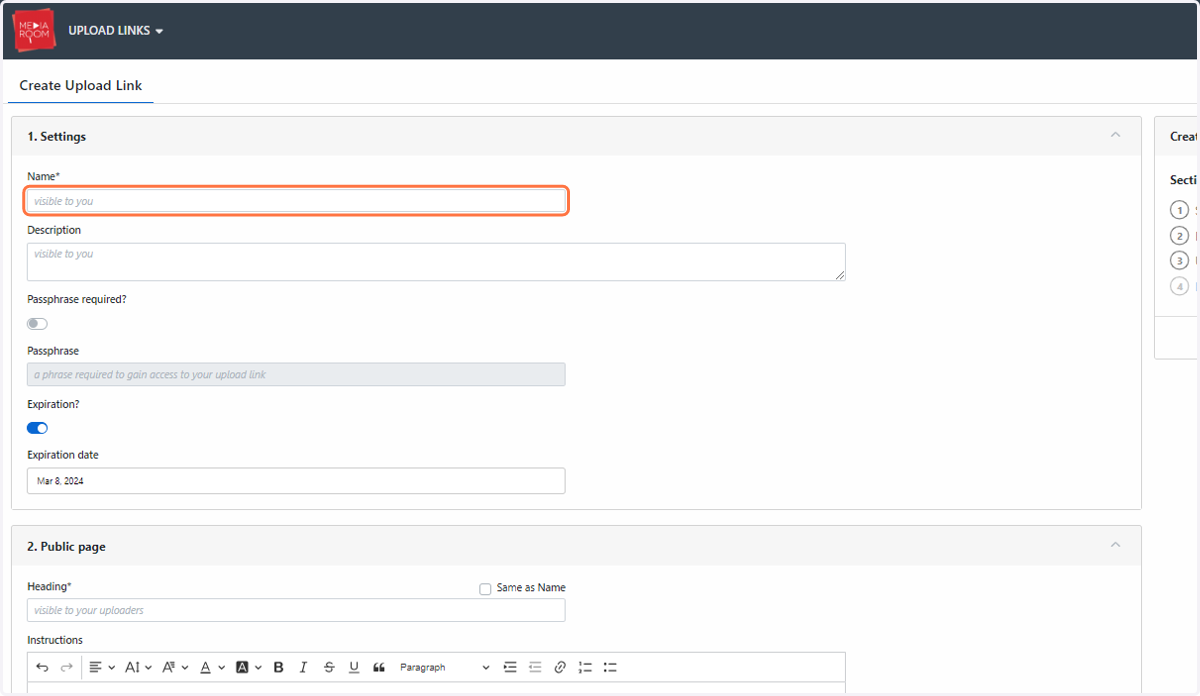
Upload links can have an expiry date, minimising the possibility of unauthorised transfers. You can enable this when filling out the "Create Upload link" form (see step 4).
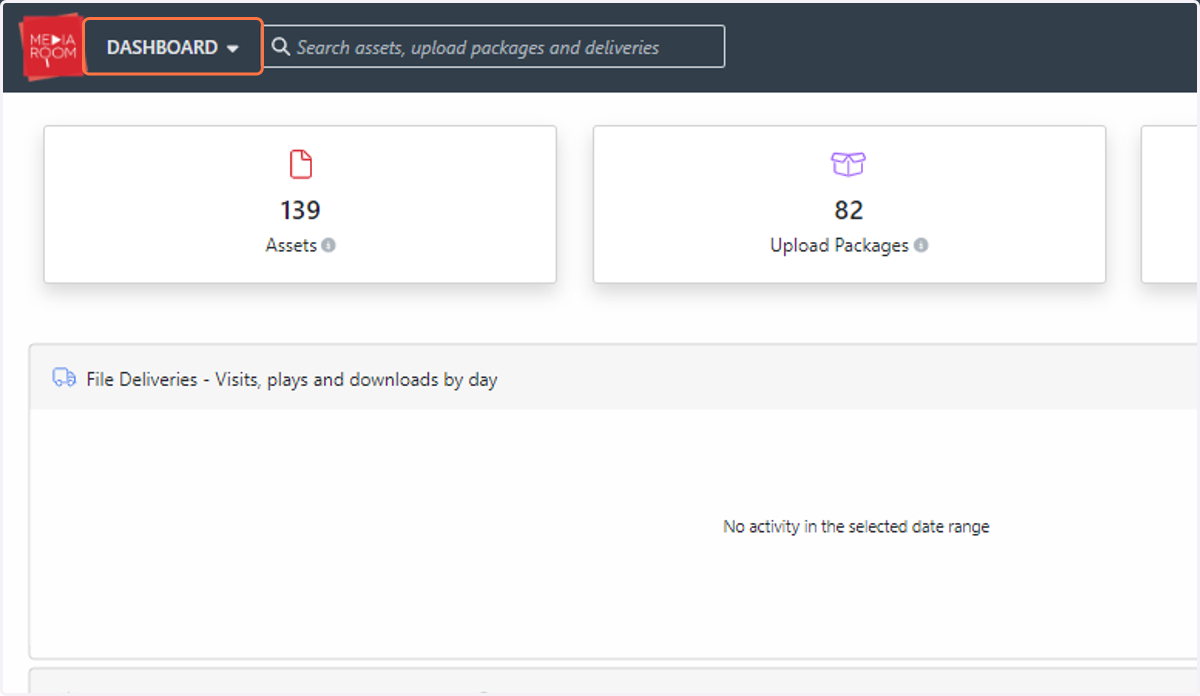
1. Click on DASHBOARD
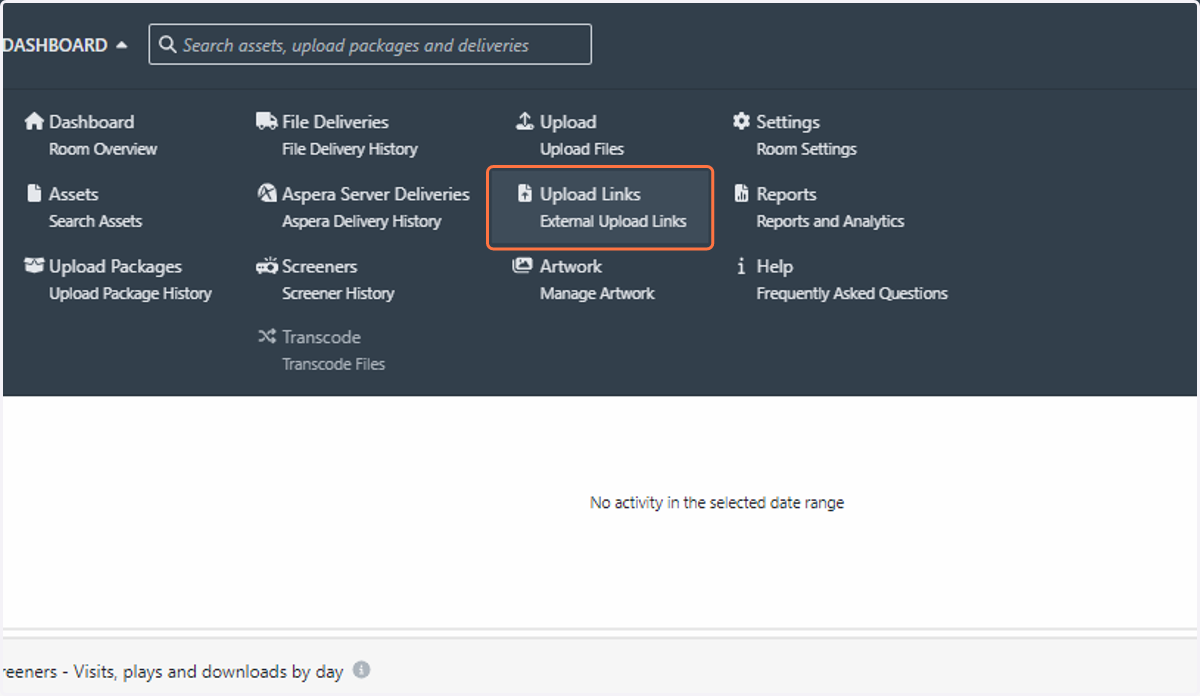
2. Click on Upload Links…
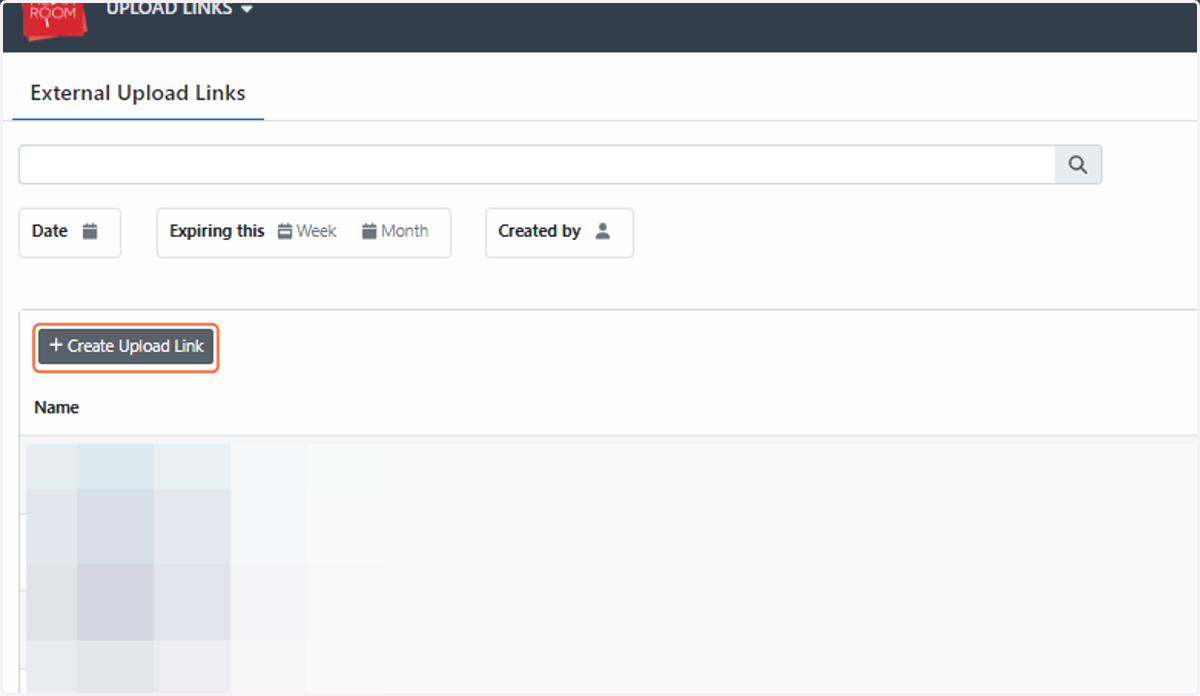
3. Click on Create Upload Link
4. Once you've filled out the form with all your relevant details, click Create
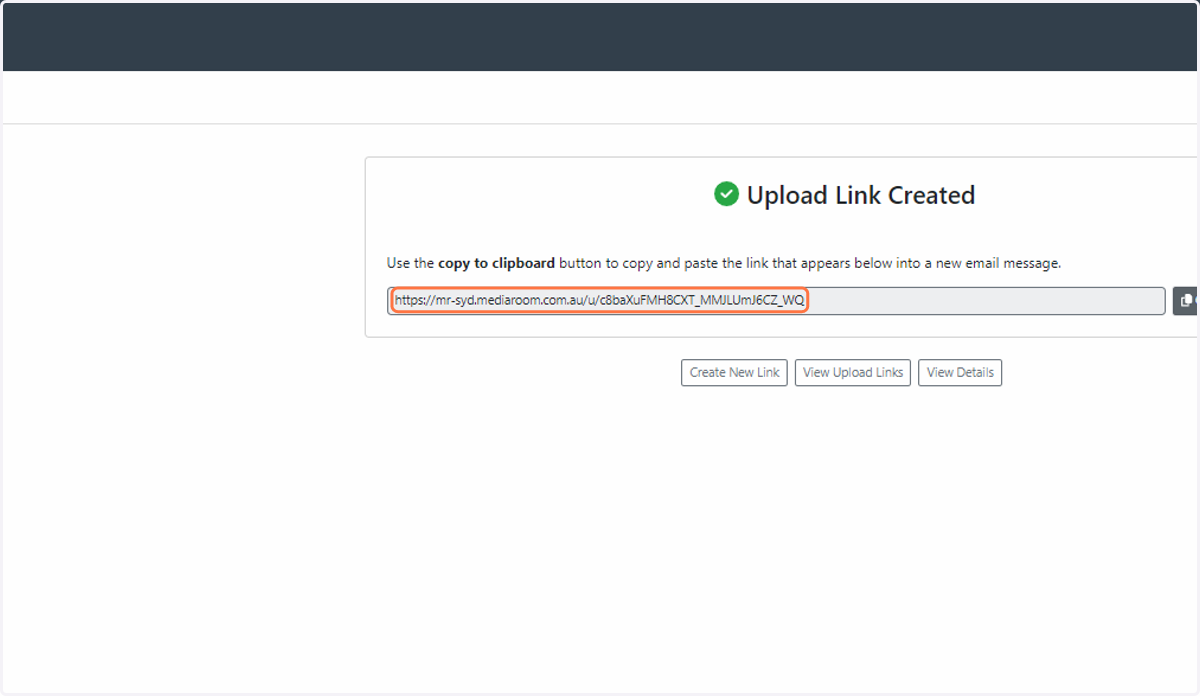
5. Copy link into a new email. The recipient will need to have the free Aspera Connect plugin installed on their machine in order to upload