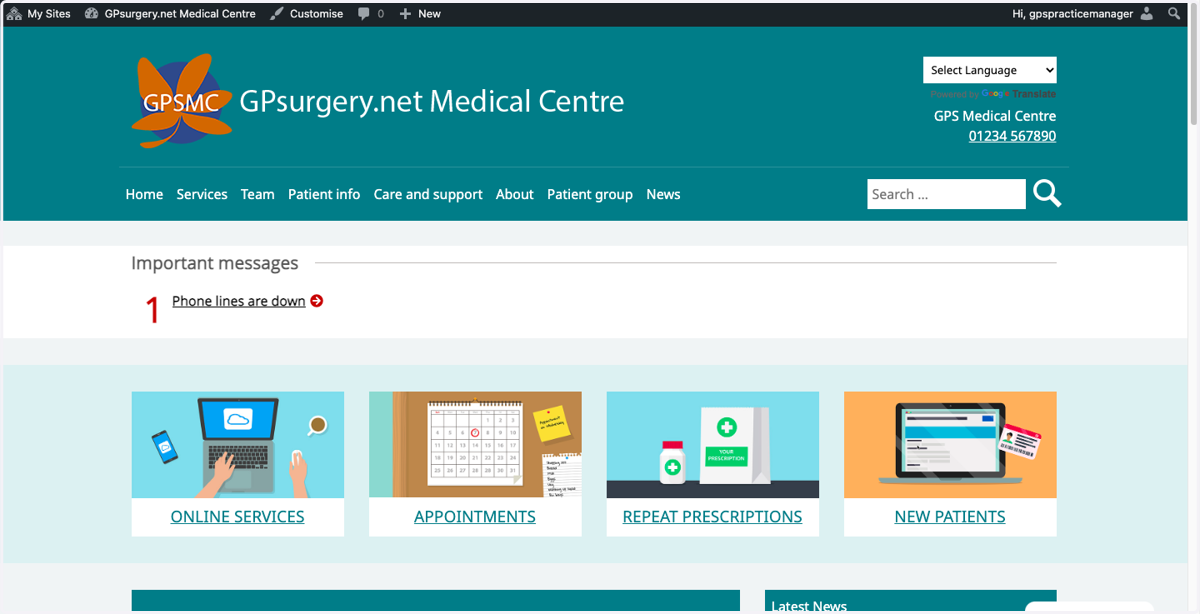
Turn off the COVID-19 banner
This tutorial will show you how to turn off the COVID-19 banner that appears on the Home page. You can move through the tutorial at your own pace using the Next button below.
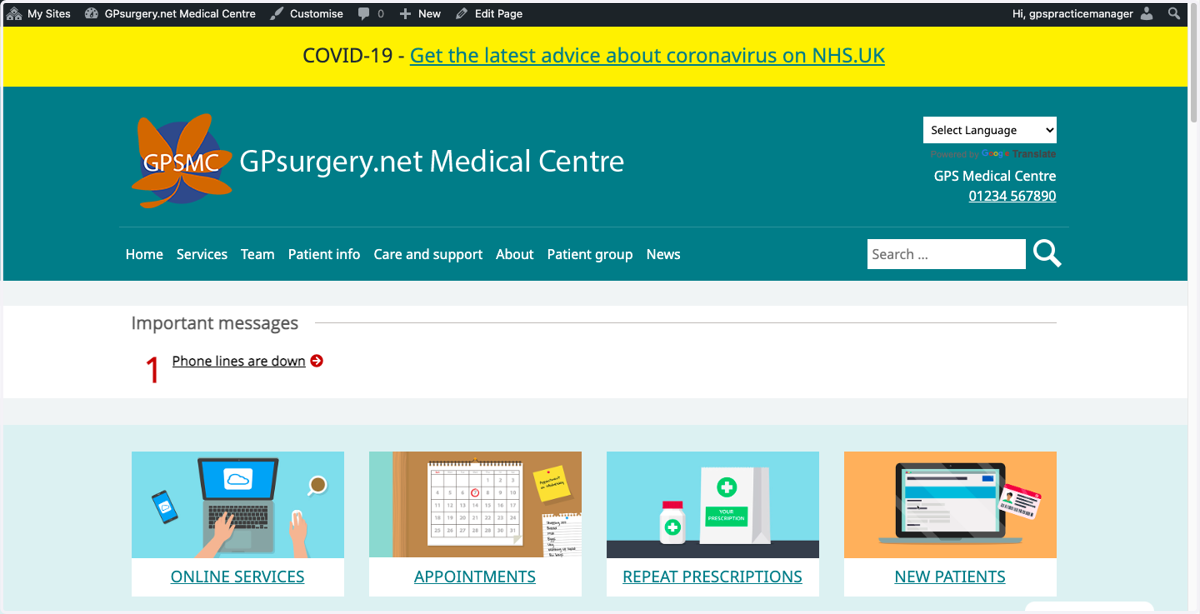
1. Ensure that you are logged into your website. The black admin toolbar should be visible at the top of the screen.
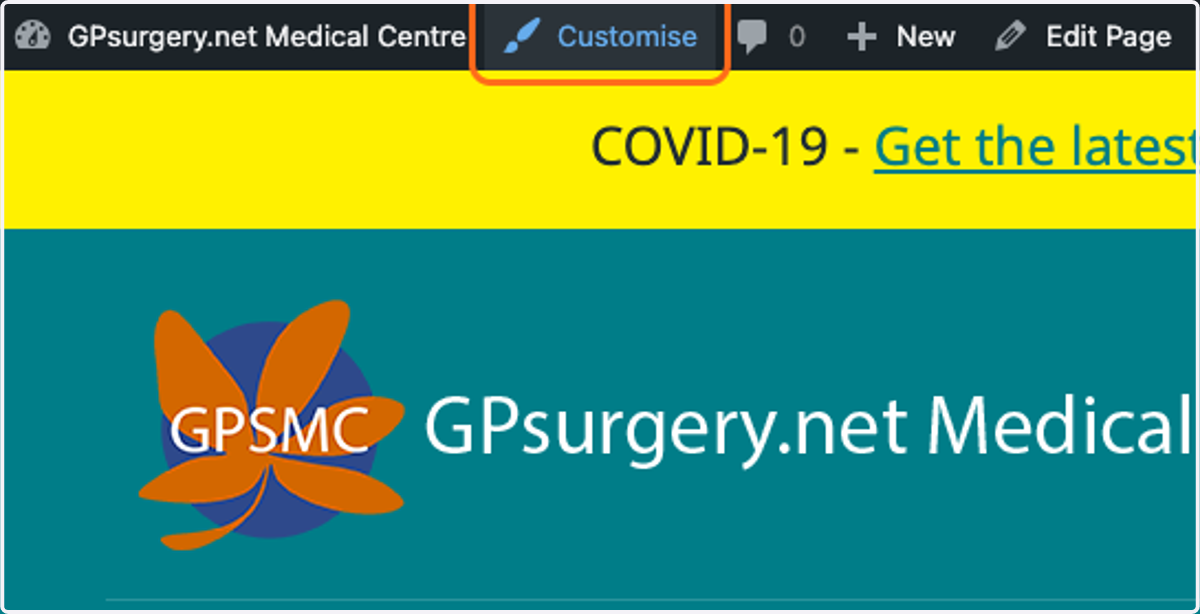
2. In the black admin toolbar, select Customise to go to the Customiser.
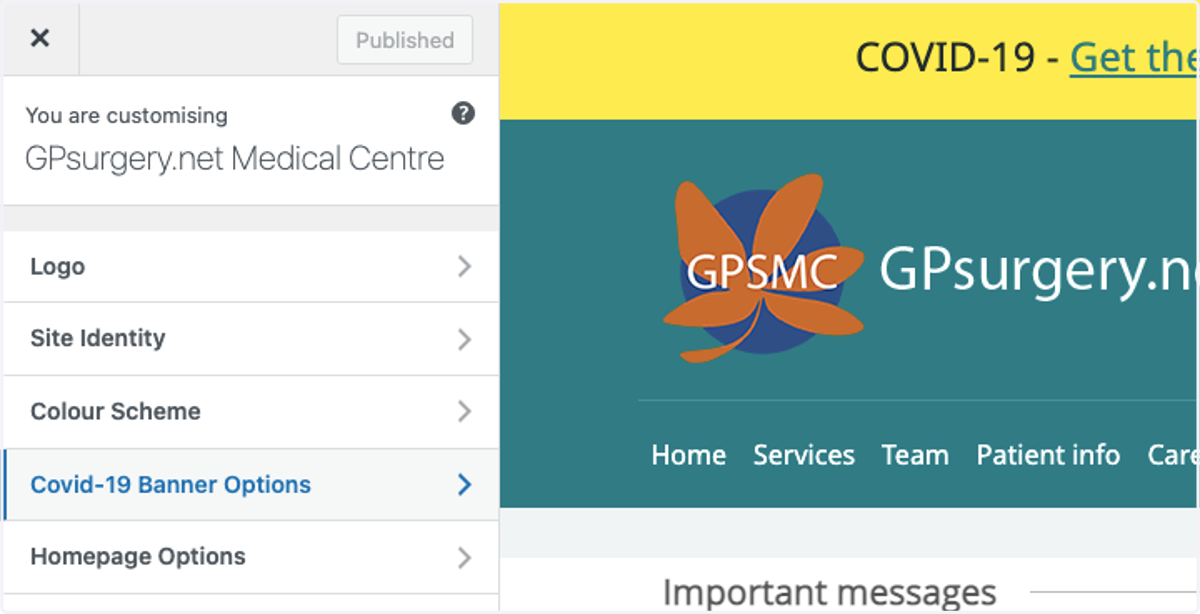
3. Select Covid-19 Banner Options from the Customiser menu.
4. Select the Disable button to turn off the Covid-19 banner.
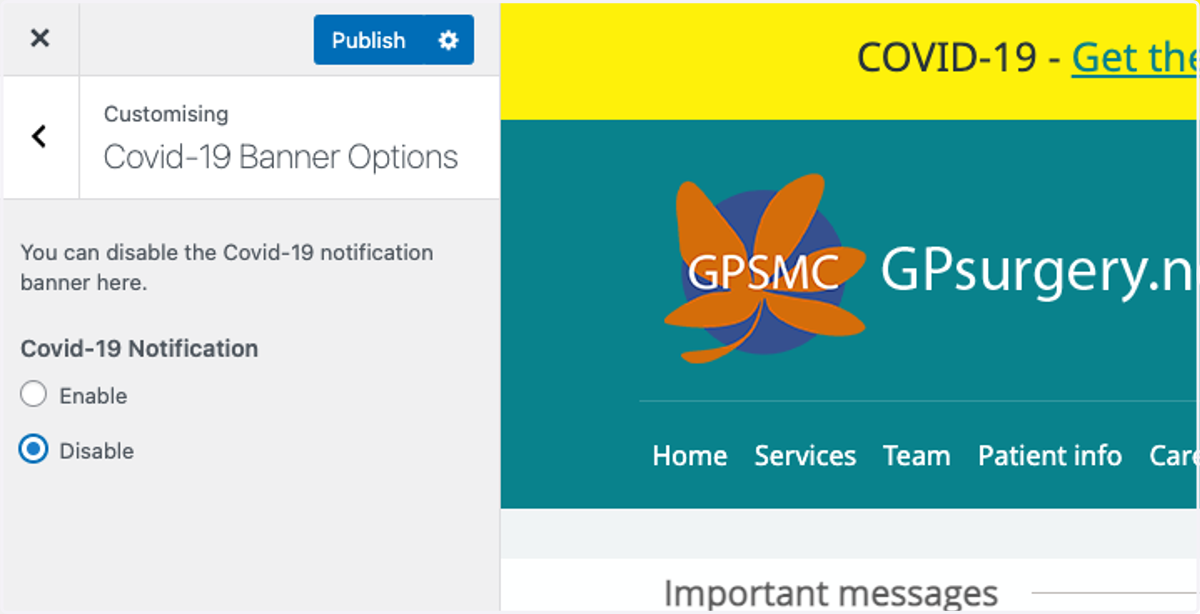
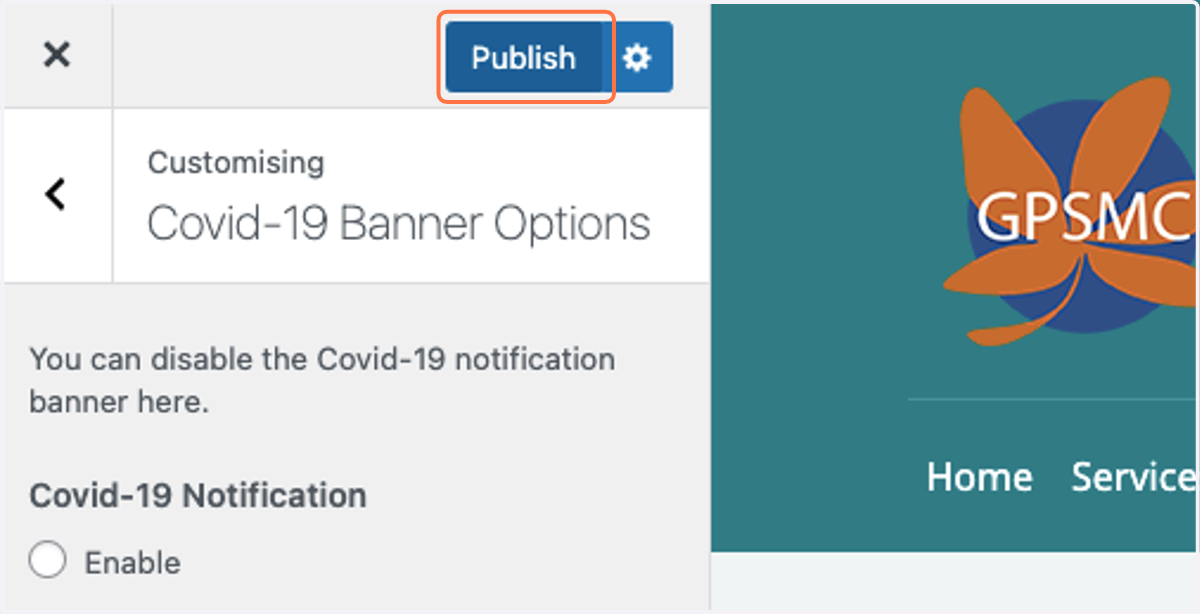
5. Once you have completed your changes, select the blue Publish button to save your changes.
6. Select the blue X in the top-left of the Customiser menu to close the Customiser.
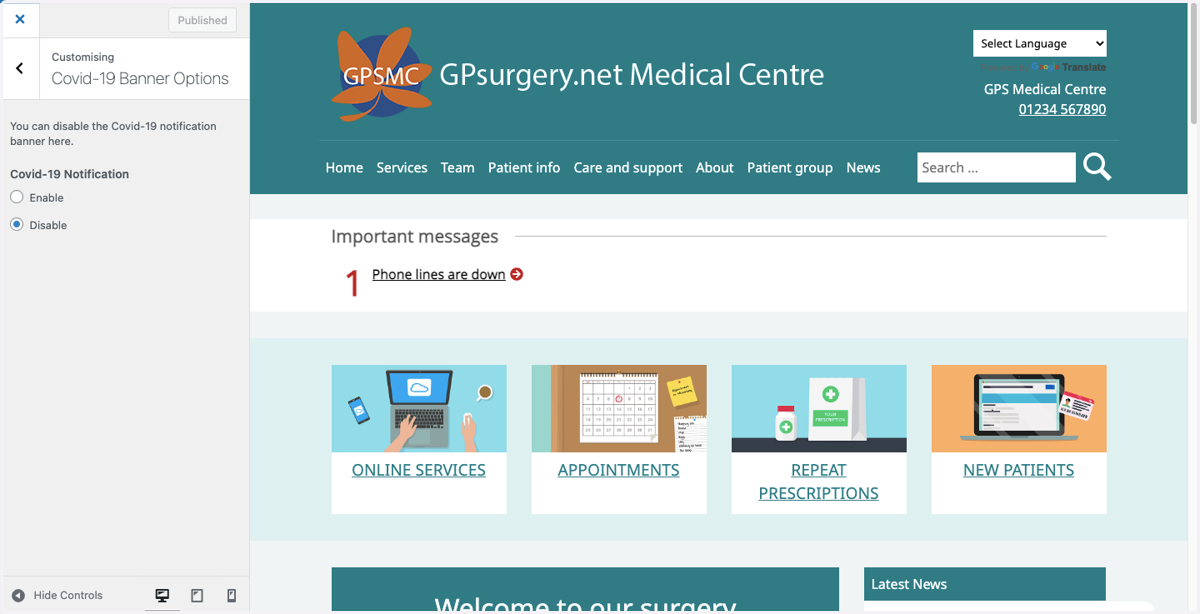
7. The COVID-19 banner will now have been removed from your Home page.