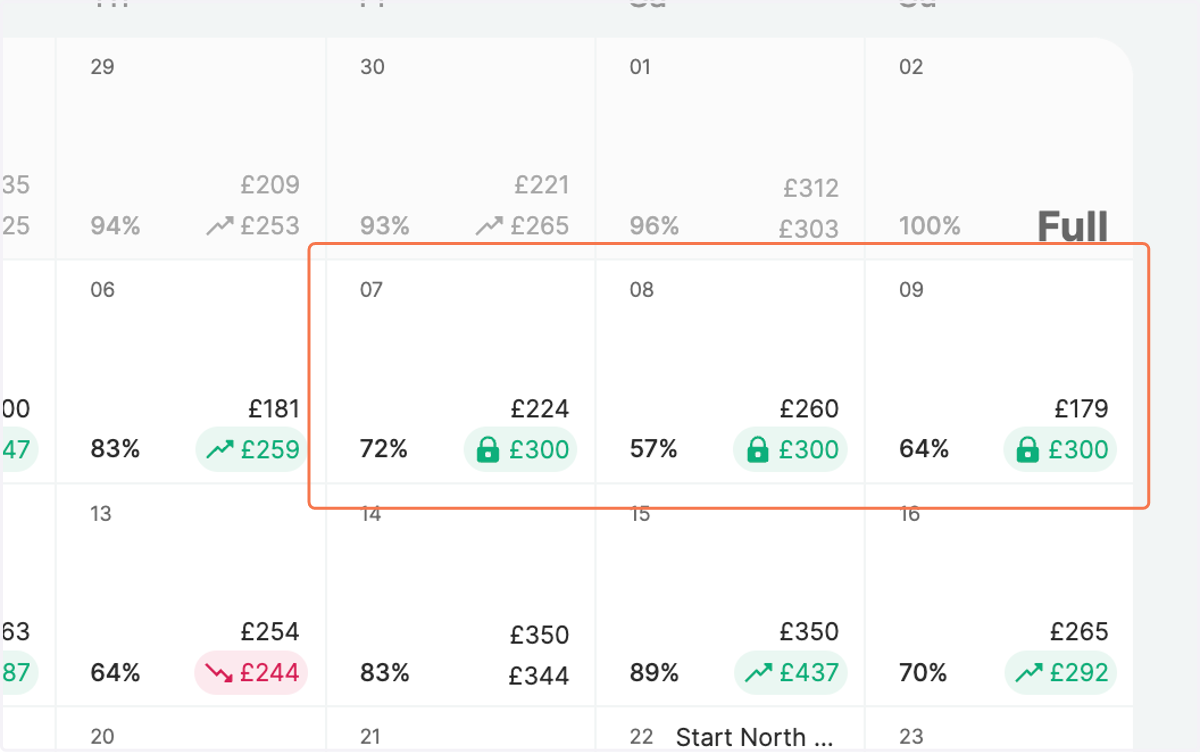
Bulk Edit Fix prices for multiple days
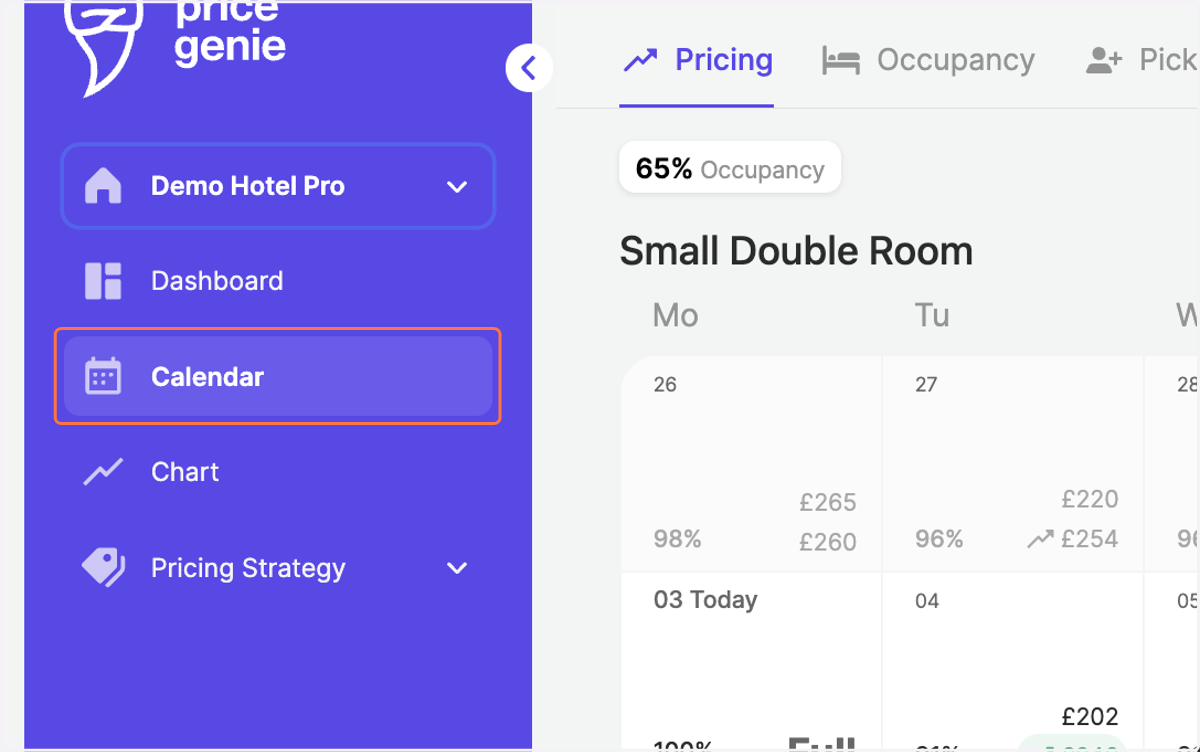
1. Go to the "Calendar" in the navigation bar
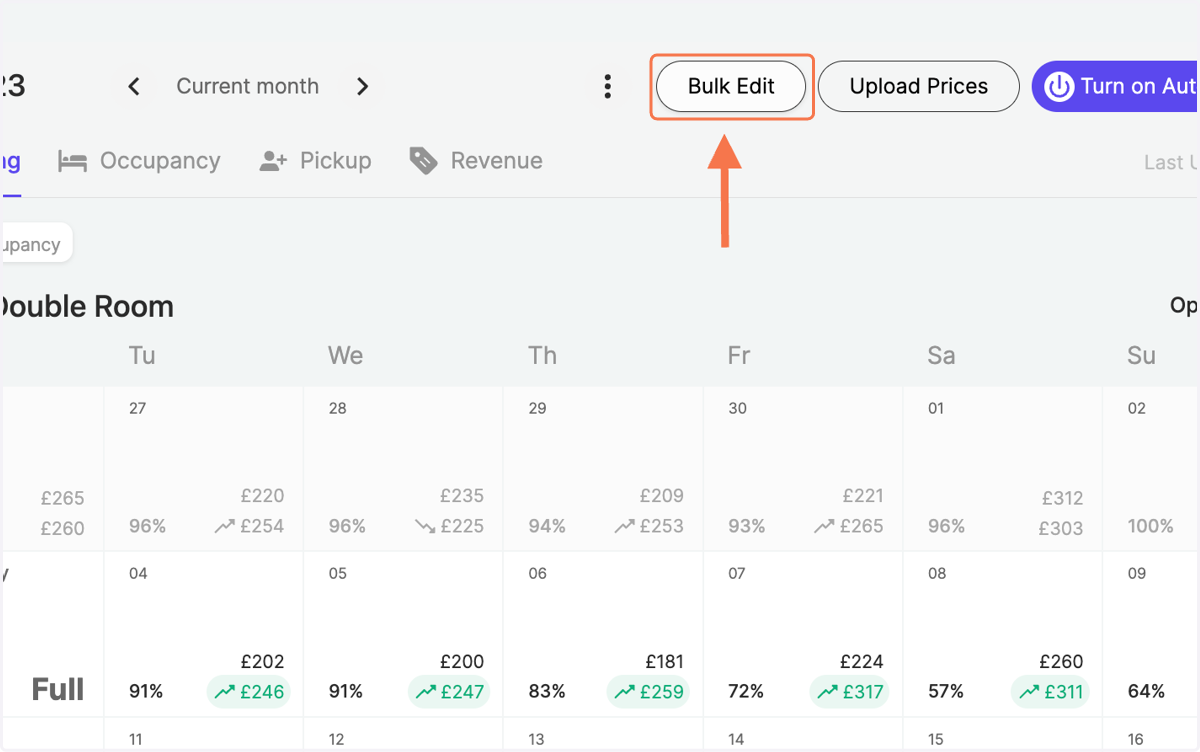
2. Click on "Bulk Edit" on the top right
3. Click on the calendar to choose your desired time frame
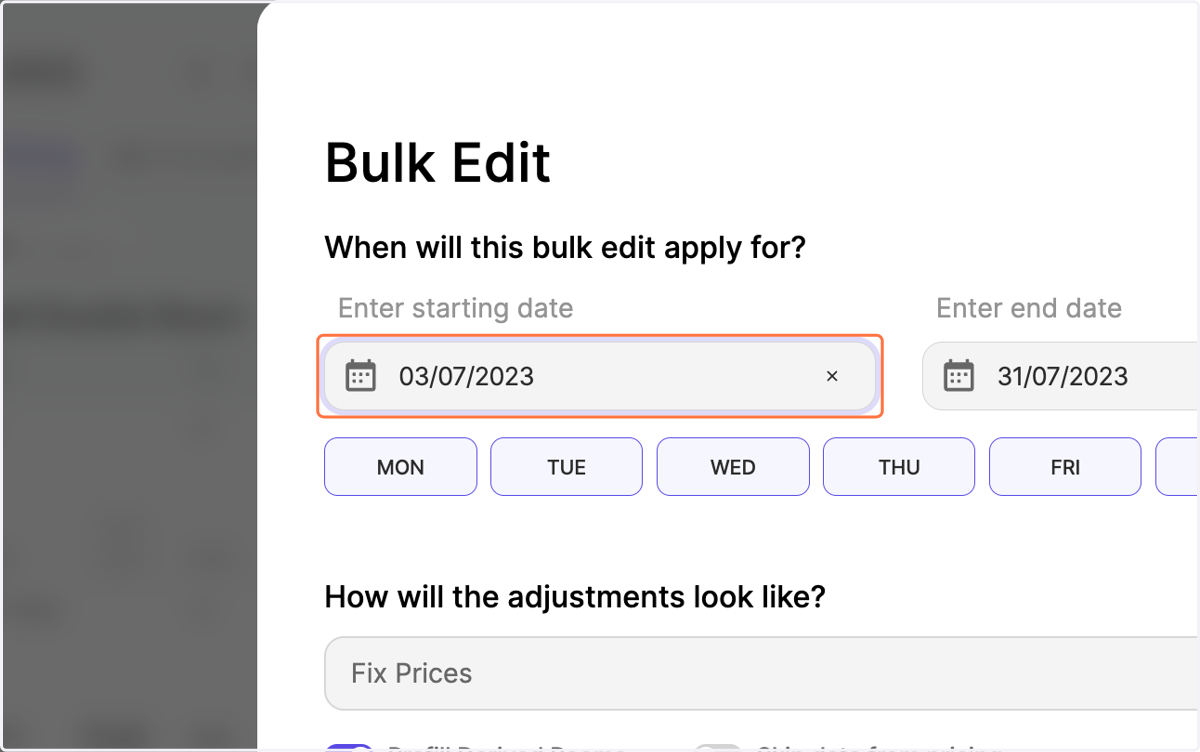
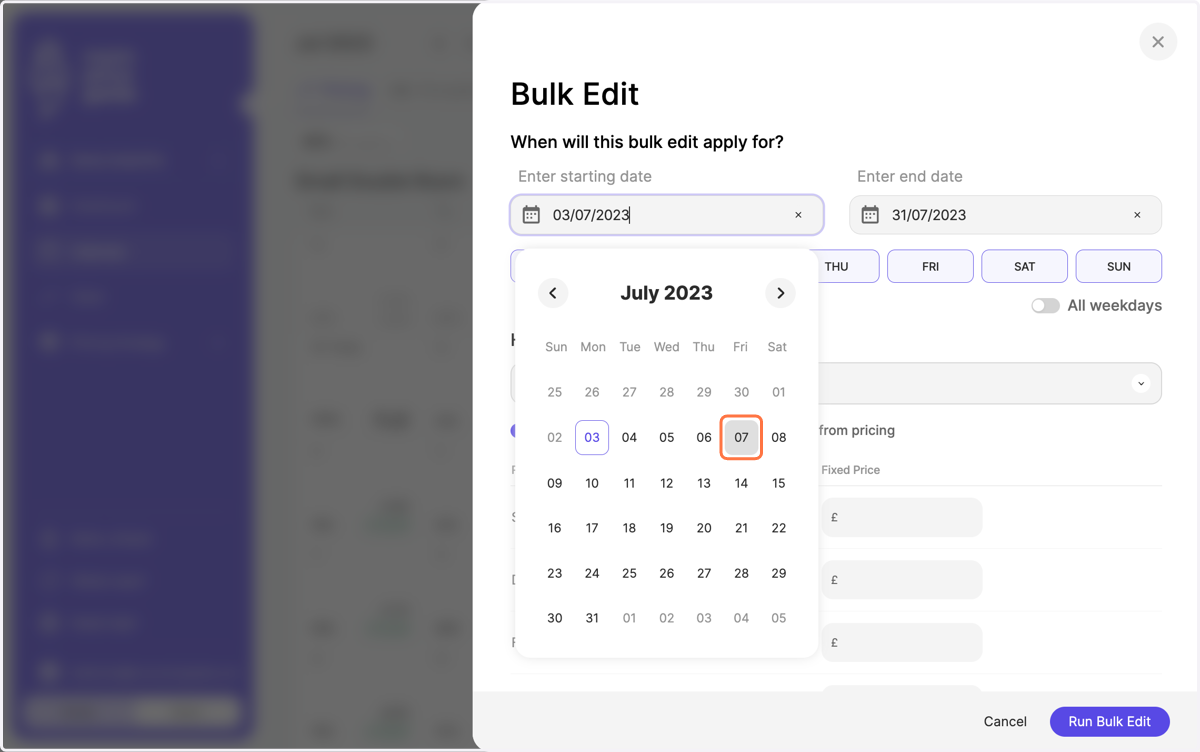
4. Define the Start Date
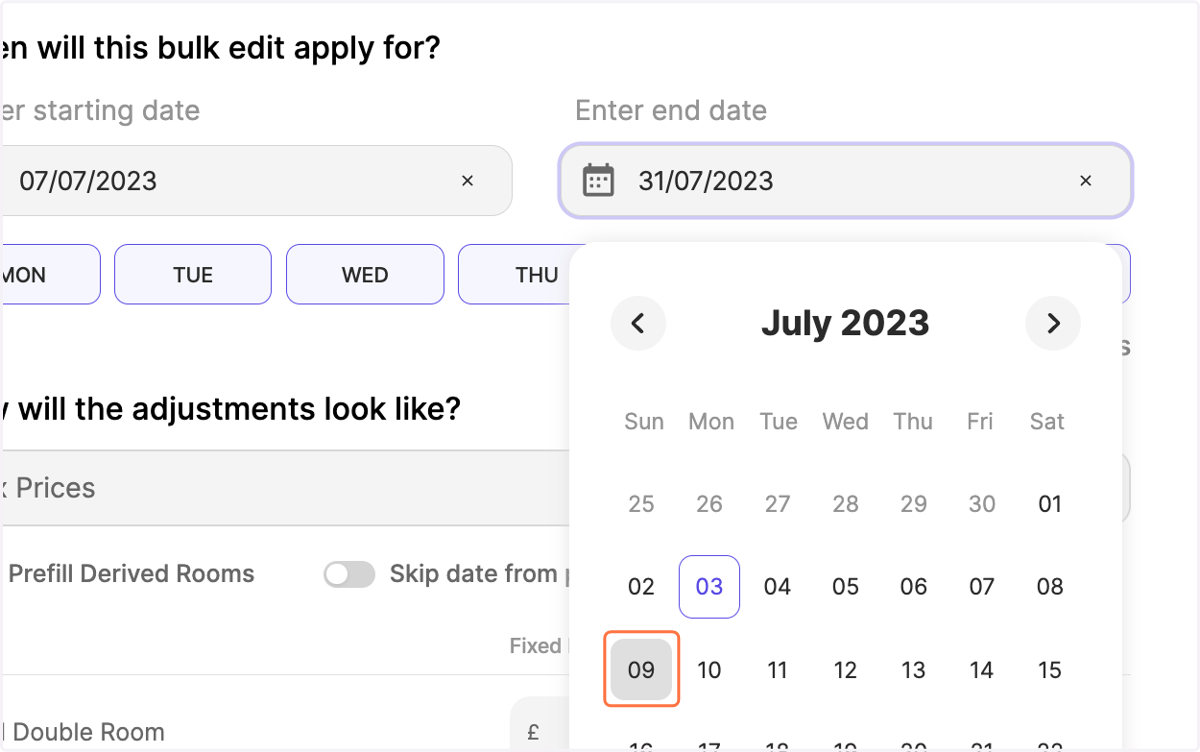
5. and the End Date
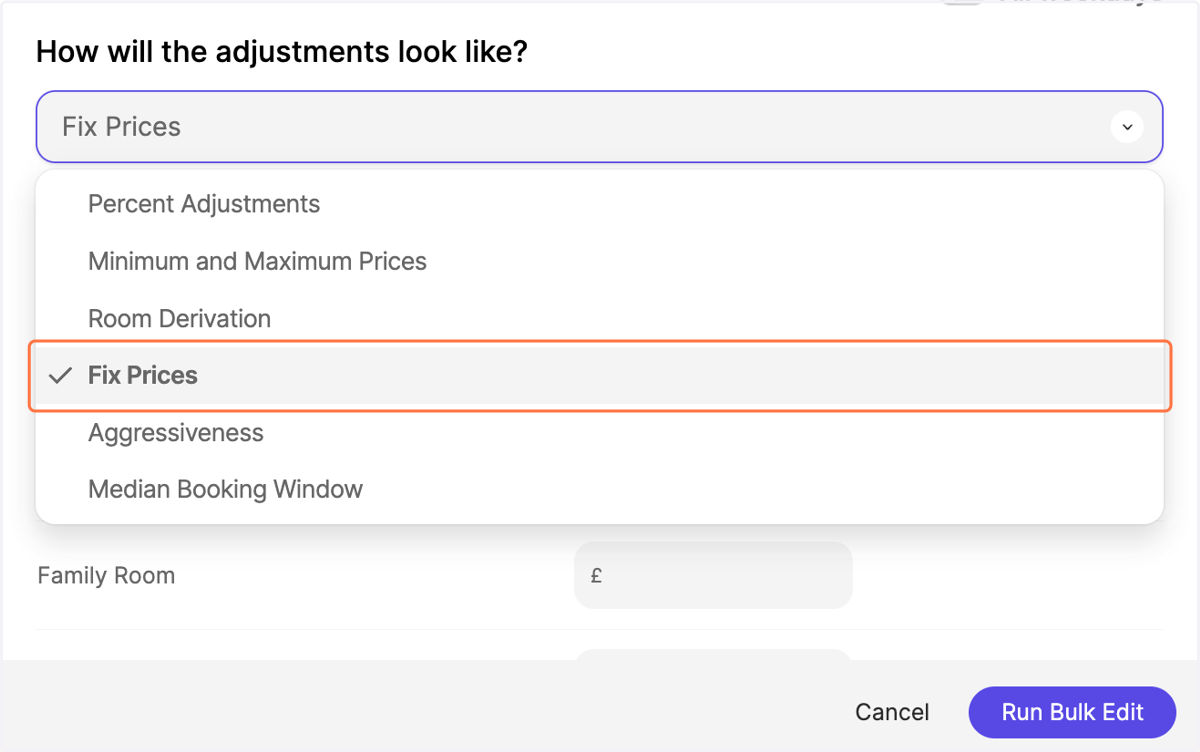
6. Choose the adjustment type "Fix Prices" from the dropdown
7. Enter the value you would like to fix
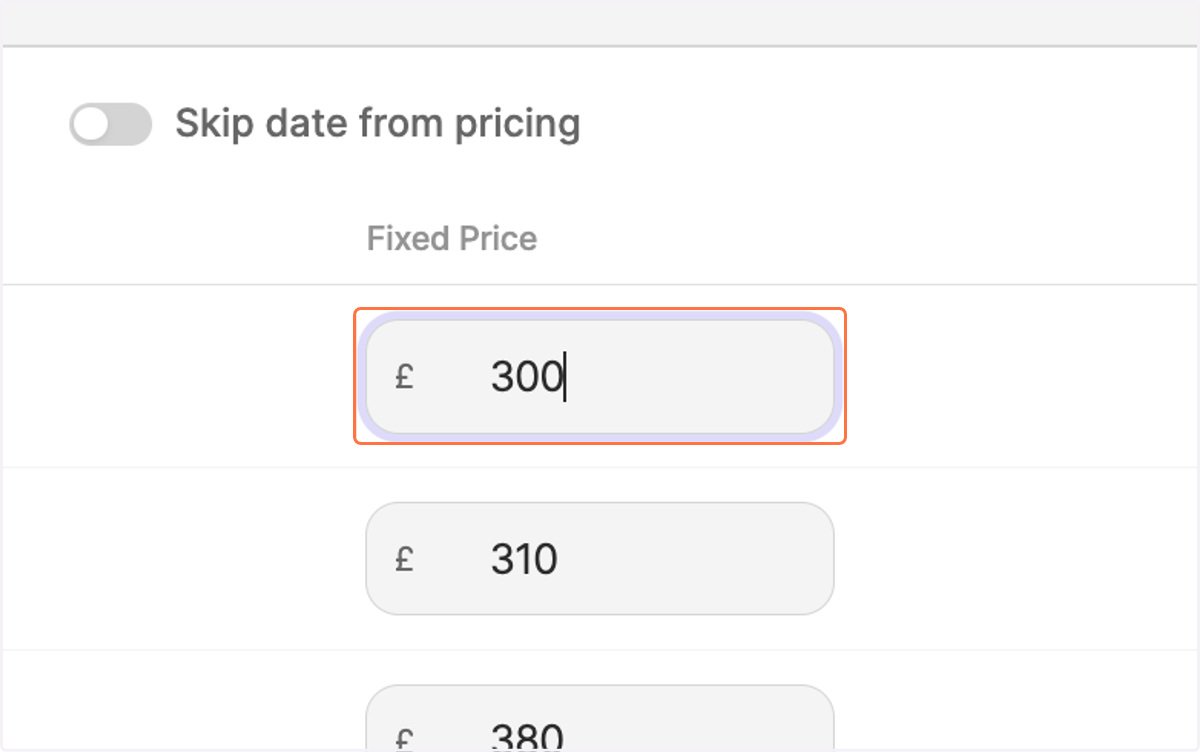
8. As a standard setting, your room types are prefilled based on your reference room (in this case small double room)
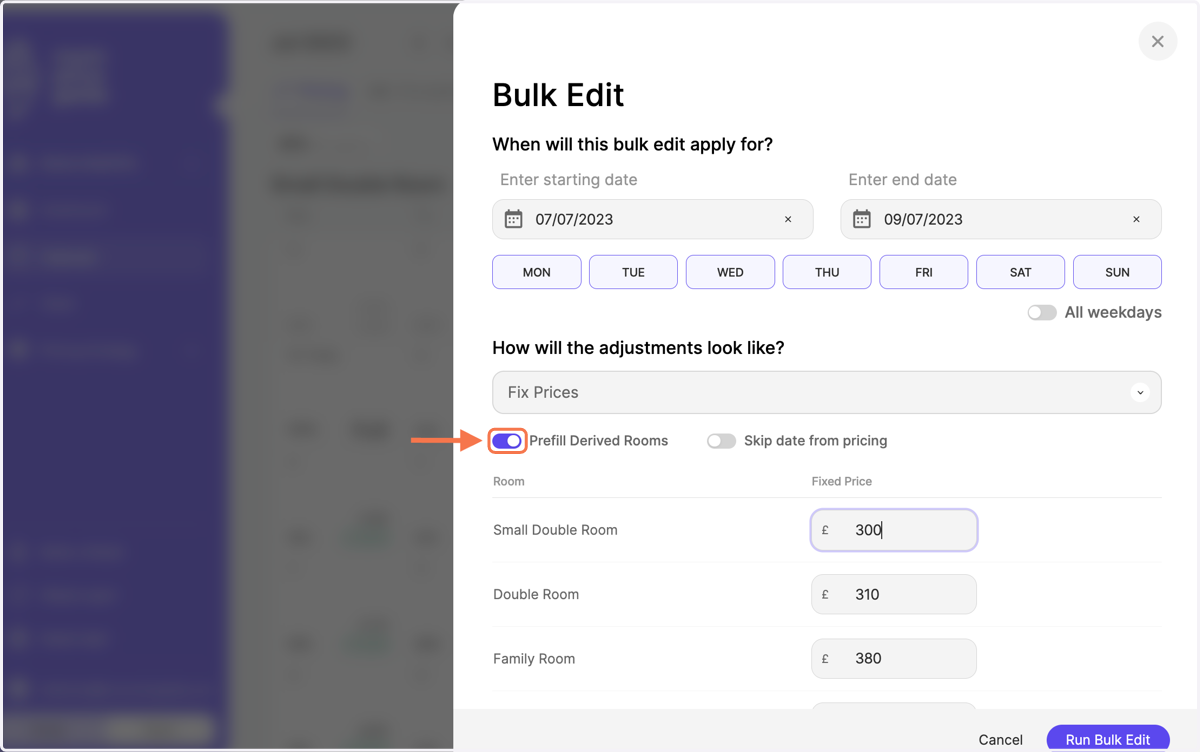
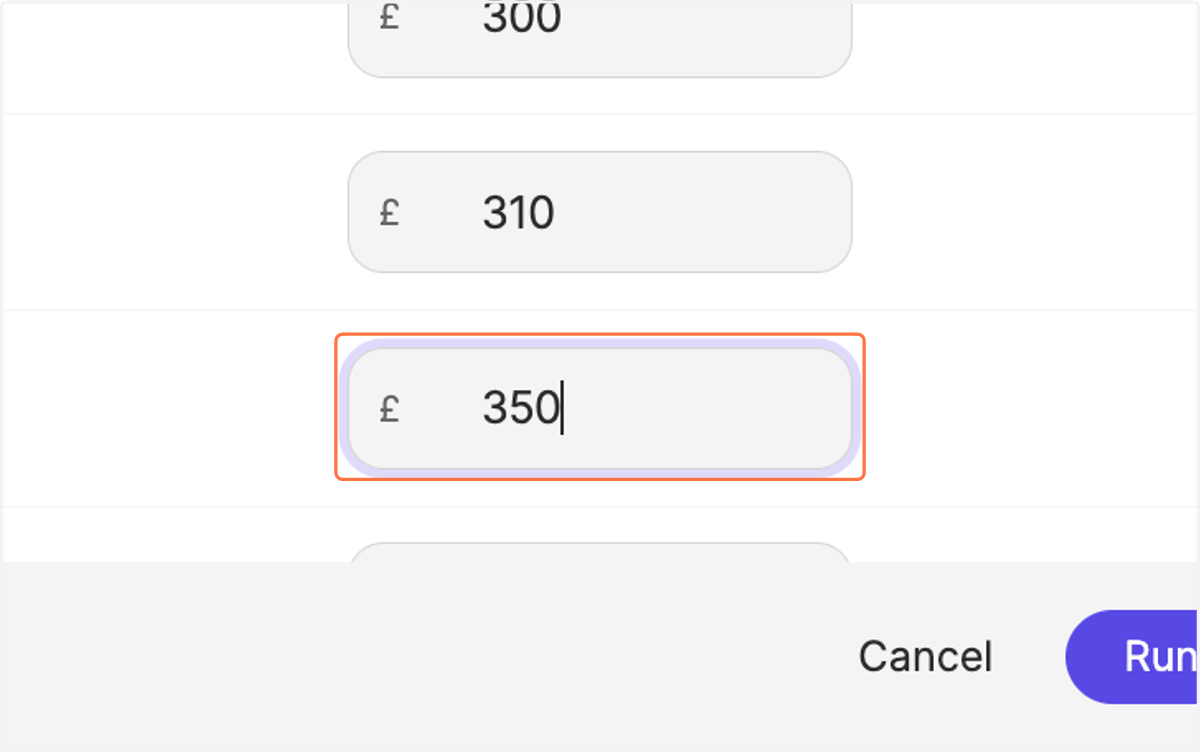
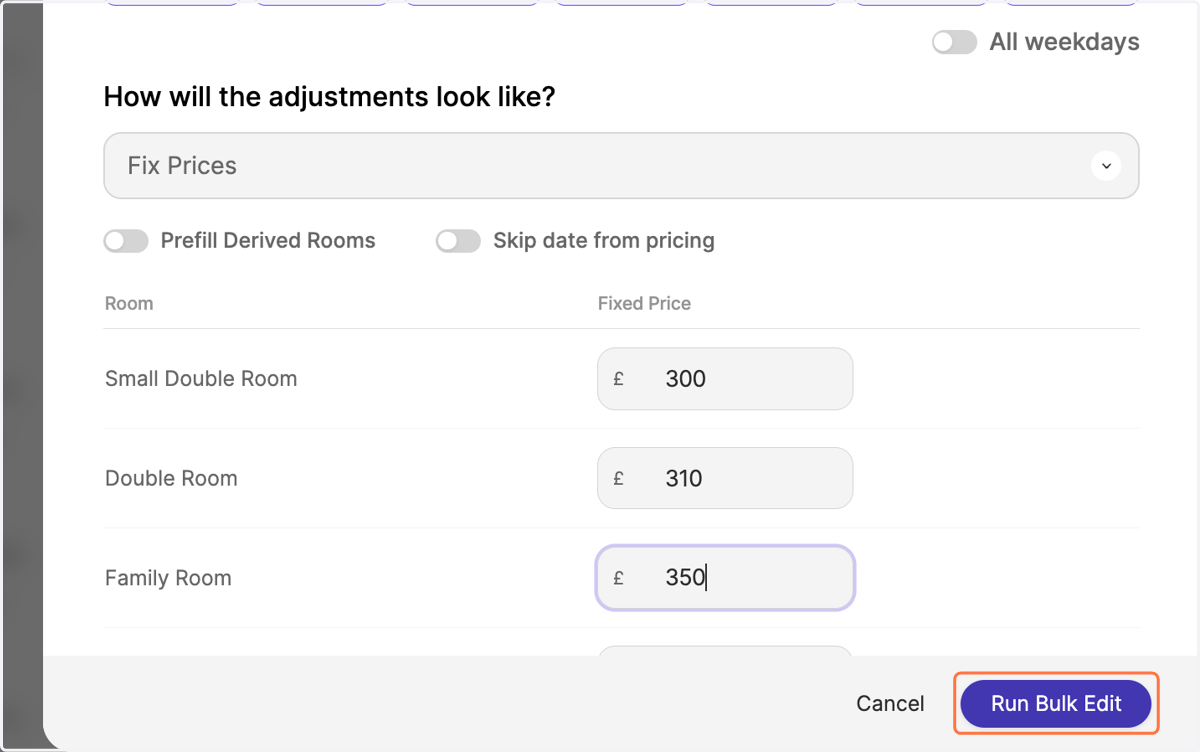
9. However, you can switch off the prefill and enter a fixed price per category manually
10. Click on "Run Bulk Edit"
11. Notice your fixed prices reflected in the pricing calendar in Bold and the Lock-Symbol