Creating a New Company Profile in ALT Labour

ALT Labour

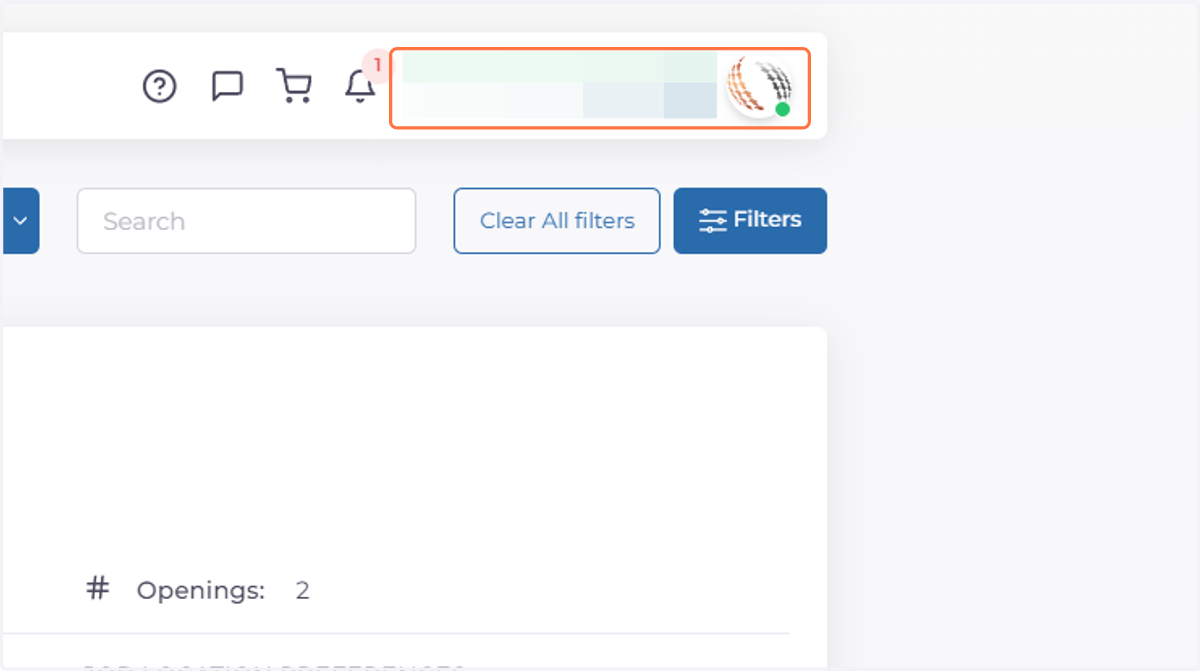
  1. 1. Click on profile name

    Click on profile name
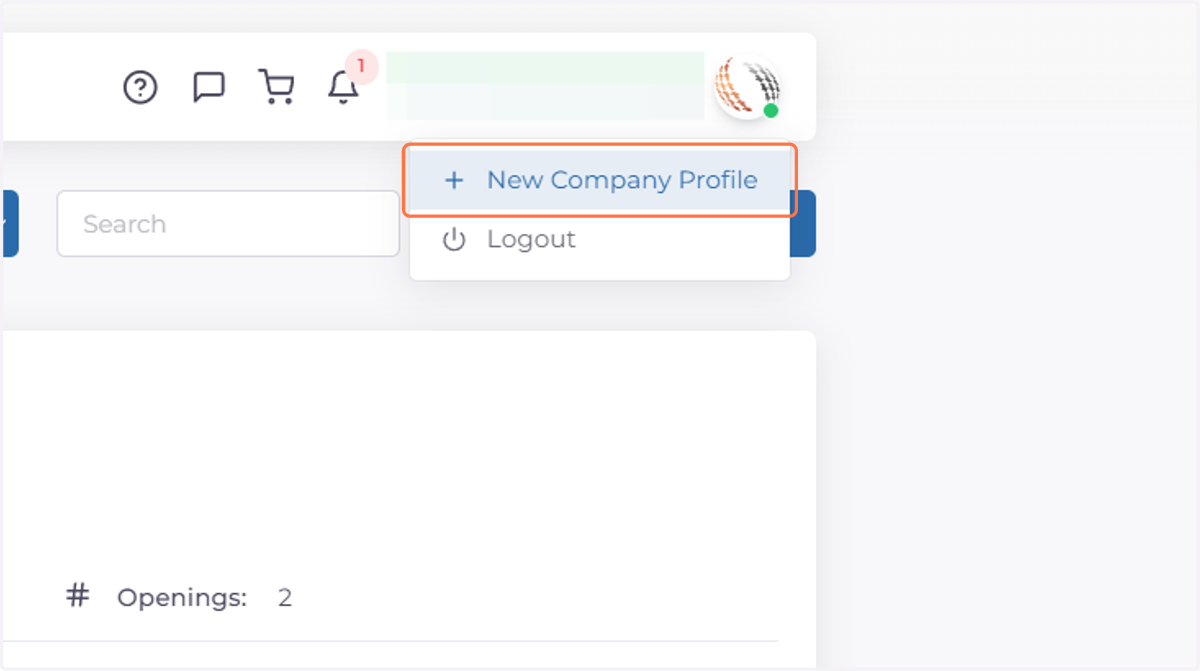
  2. 2. Click on New Company Profile

    Click on New Company Profile
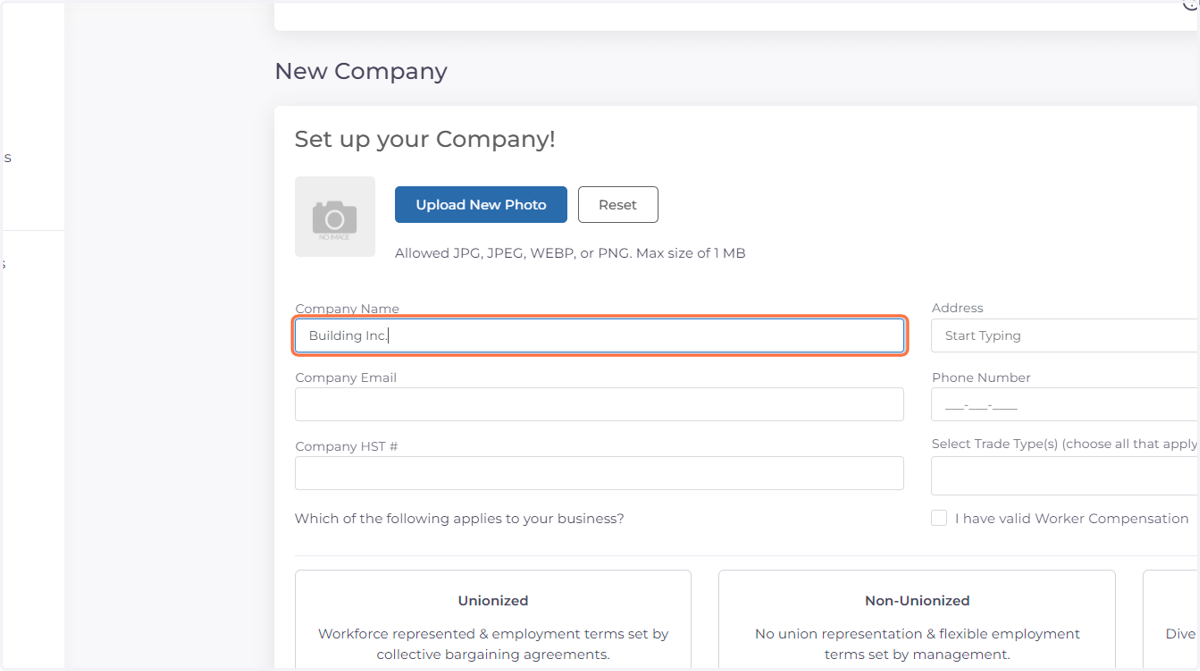
  3. 3. Fill in Company Name

    Fill in Company Name
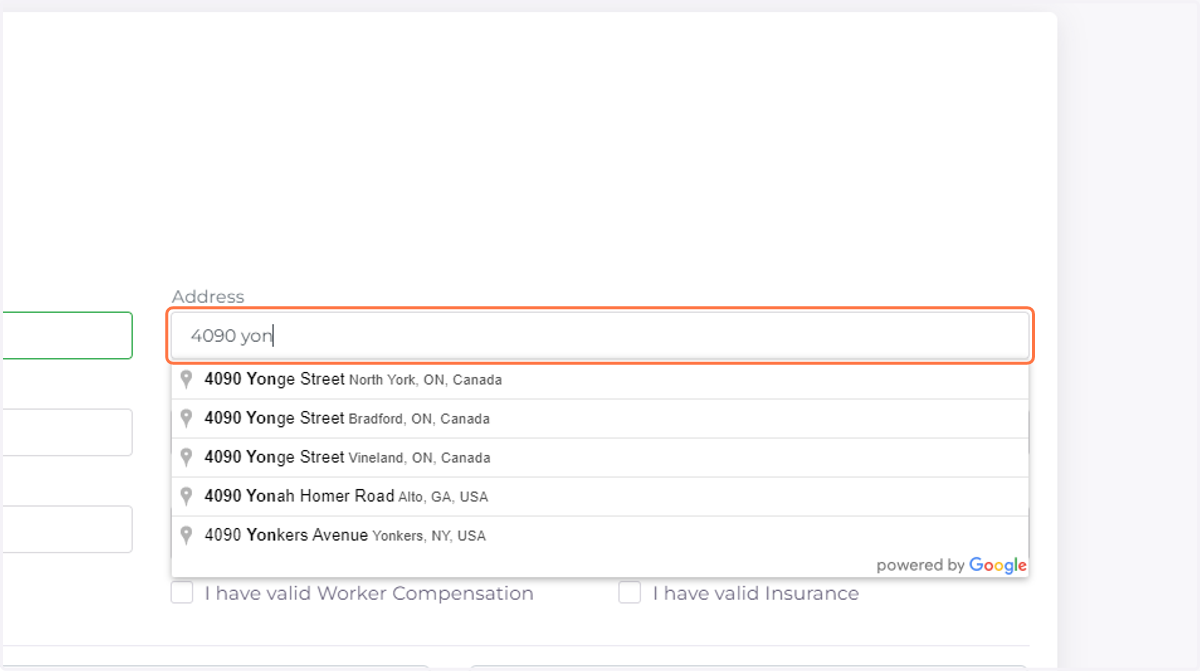
  4. 4. Fill in Address

    Fill in Address
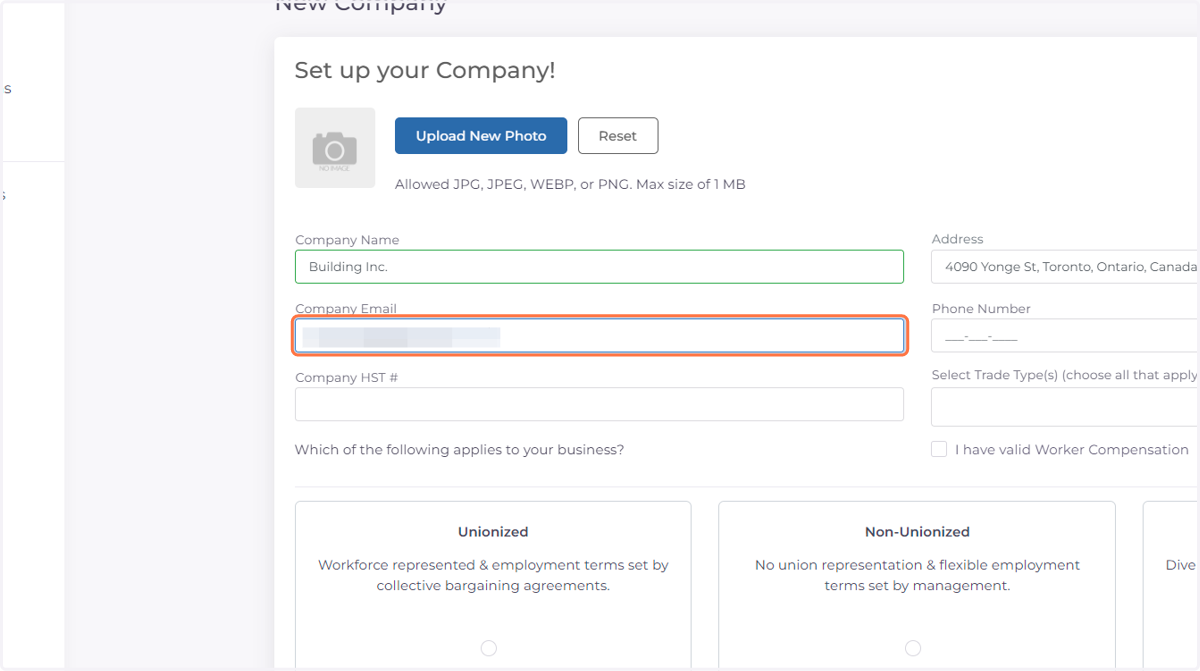
  5. 5. Fill in Company Email

    Fill in Company Email
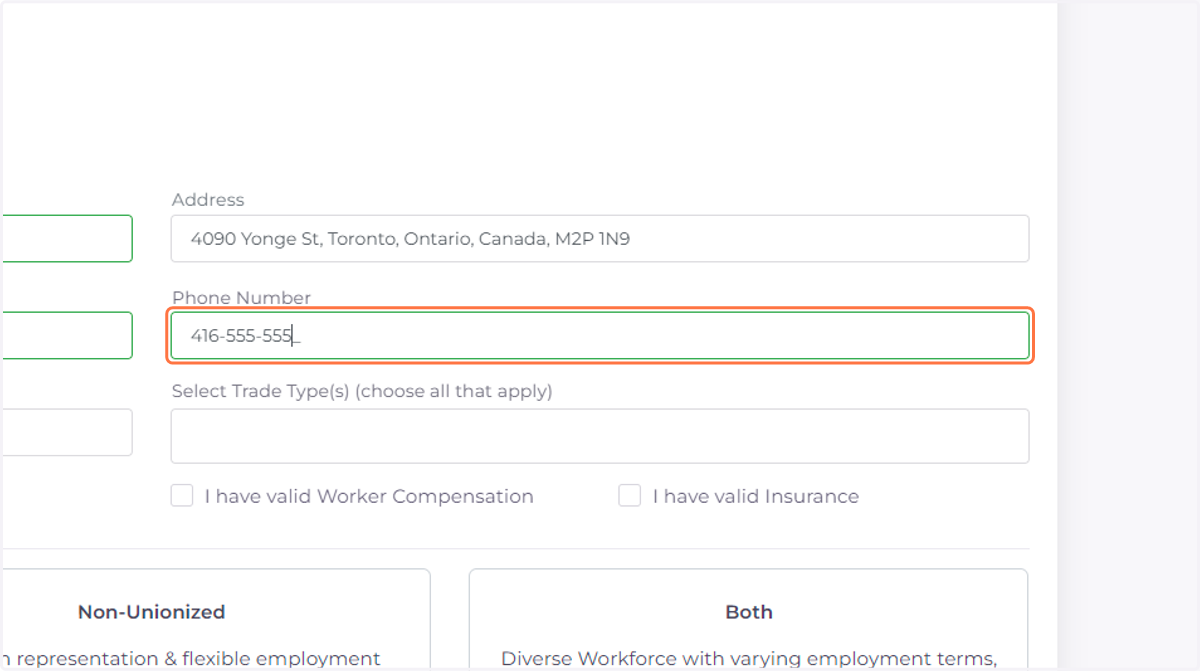
  6. 6. Fill in Phone Number

    Fill in Phone Number
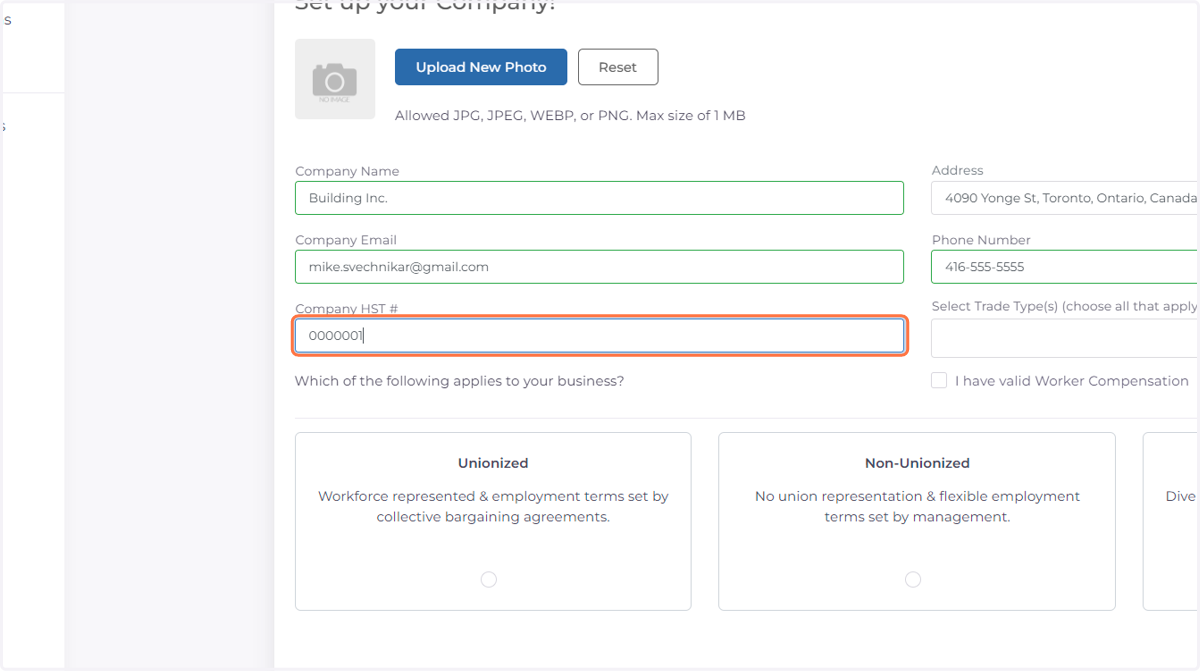
  7. 7. Fill in Company HST Number

    Fill in Company HST Number
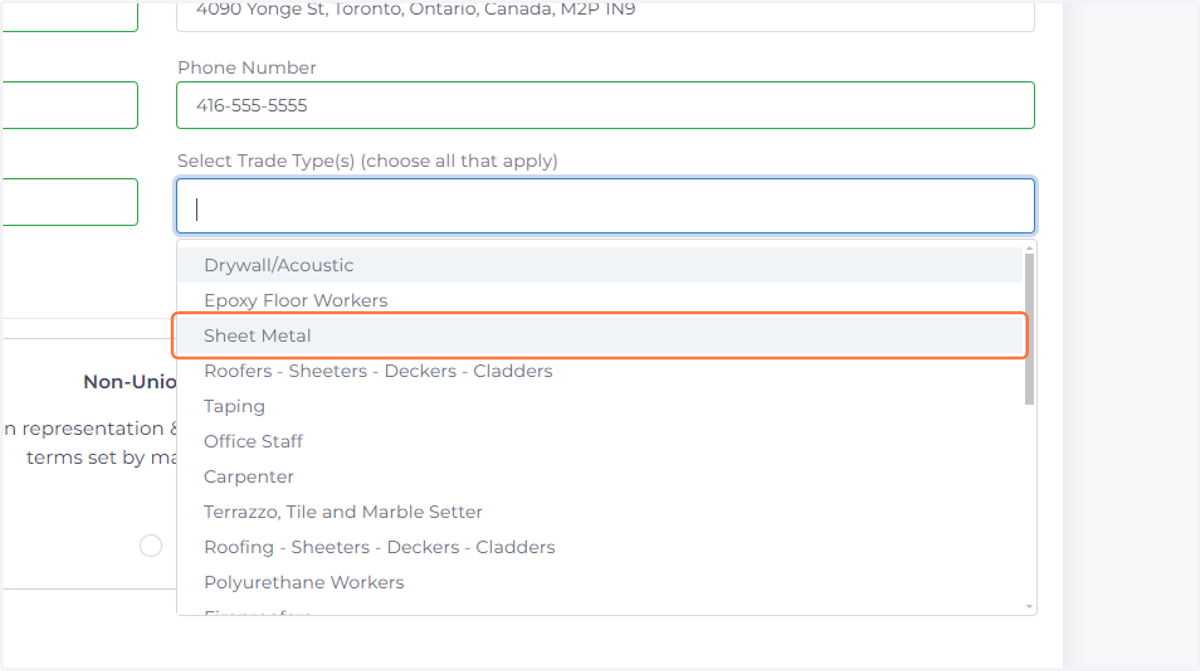
  8. 8. Click on Select Trade Type(s) (choose all that apply)
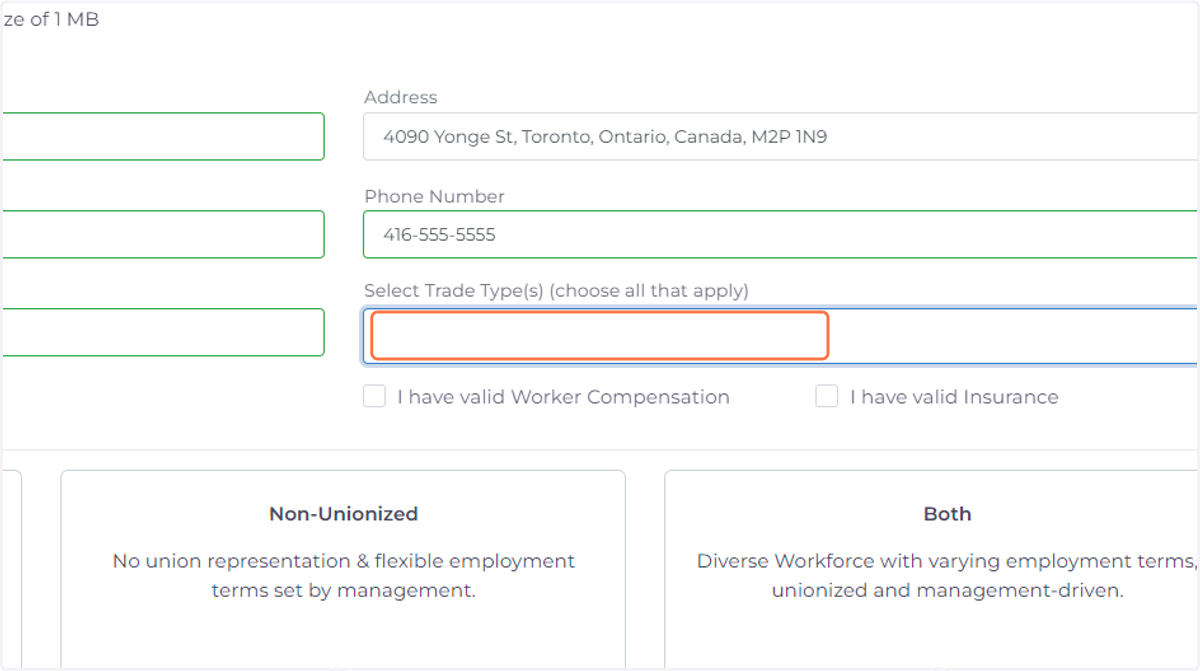
    Click on Select Trade Type(s) (choose all that apply)
  9. 9. Select Trade Types

    Select Trade Types
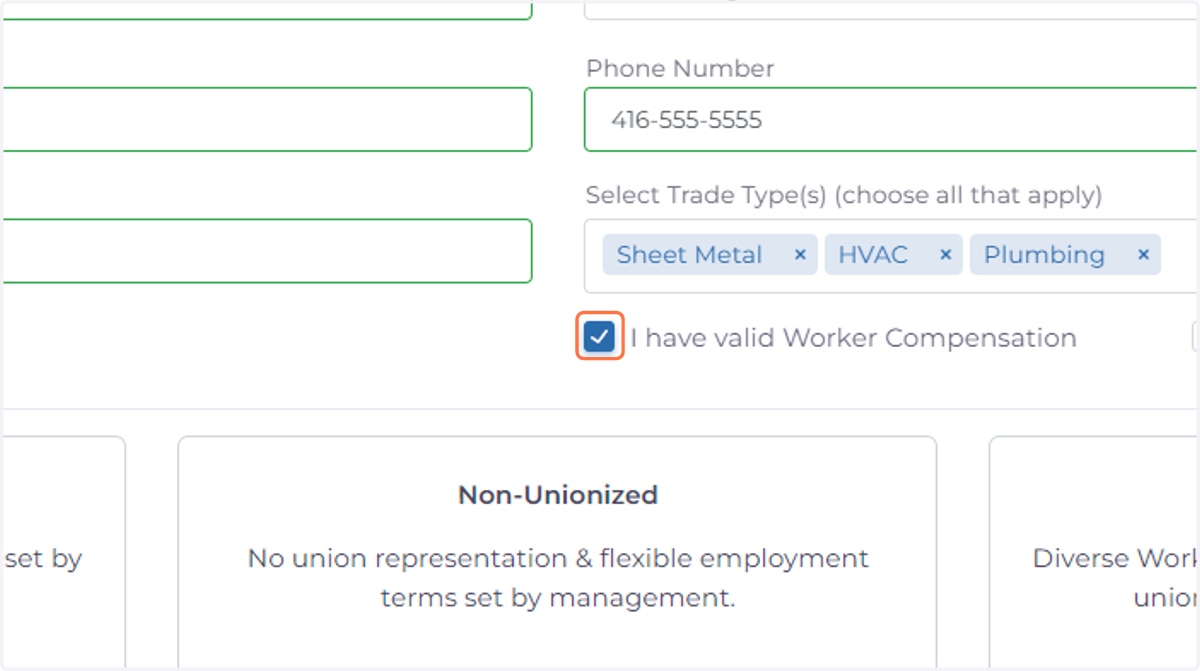
  10. 10. Check if you have a valid WSIB

    Check if you have a valid WSIB
  11. 11. Check if you have valid insurance
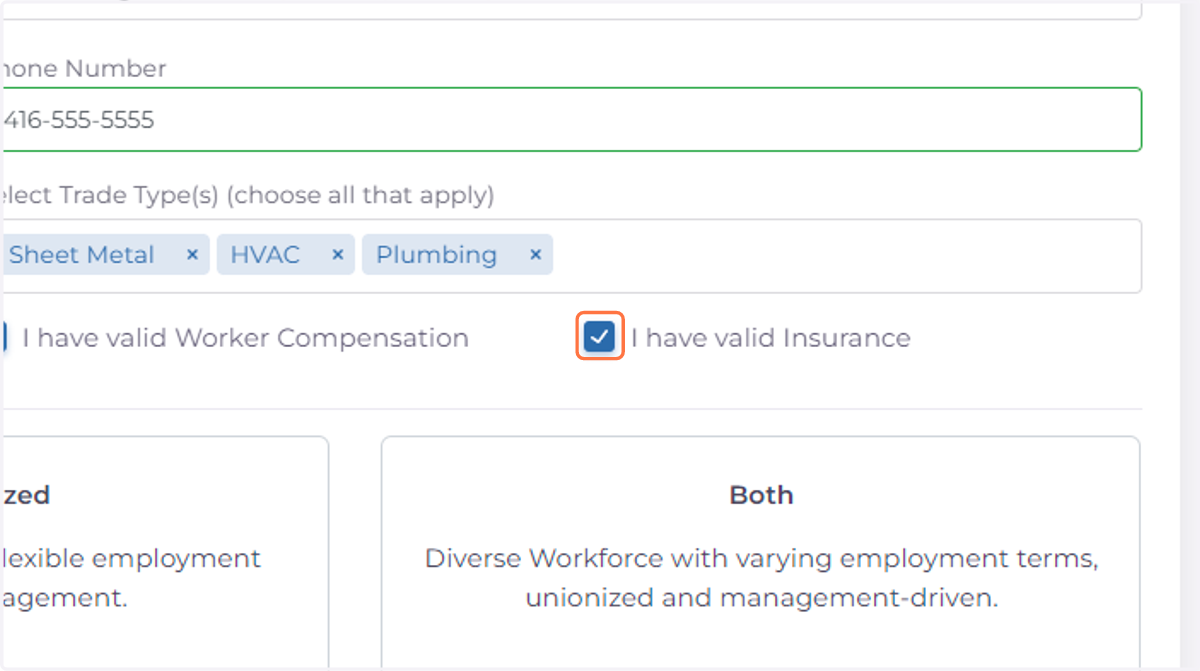
    Check if you have valid insurance
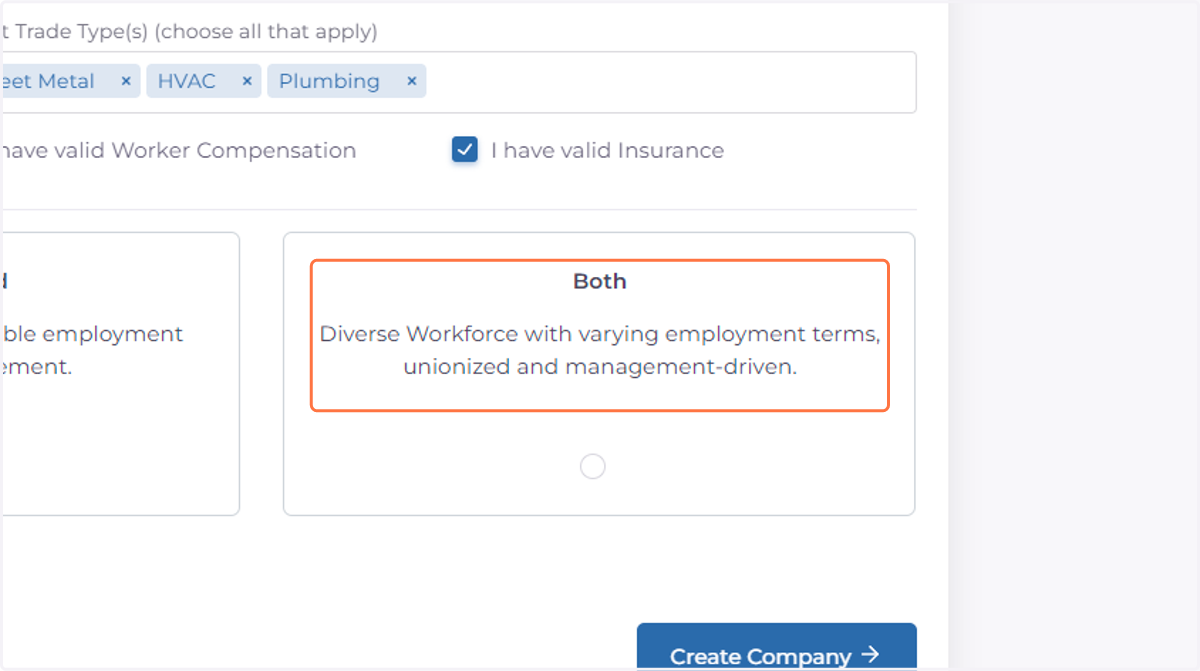
  12. 12. Select type of company

    Select type of company
  13. 13. Click on Select Trade Local(s) that apply to your company (choose all that apply)
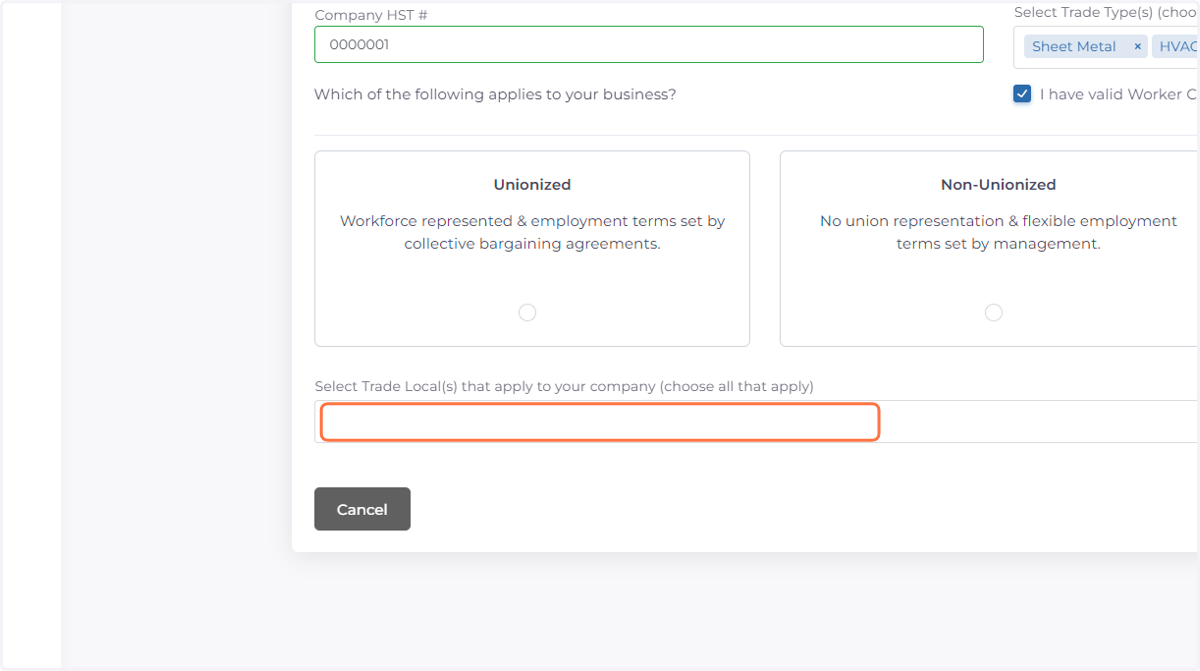
    Click on Select Trade Local(s) that apply to your company (choose all that apply)
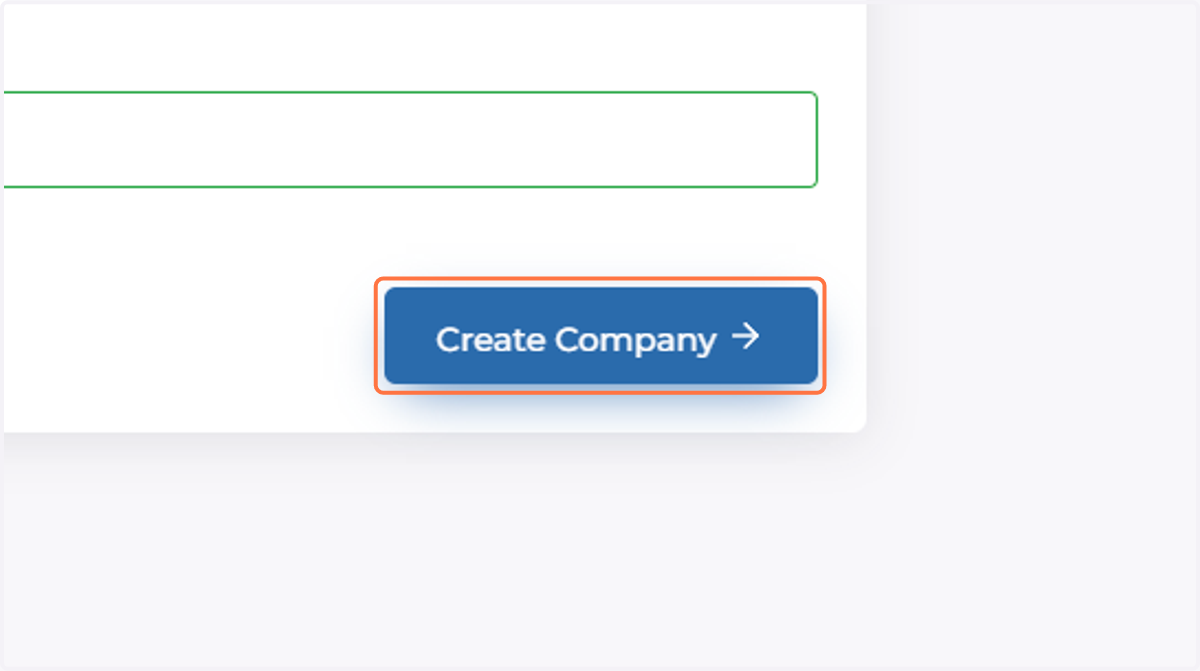
  14. 14. Click on Create Company

    Click on Create Company