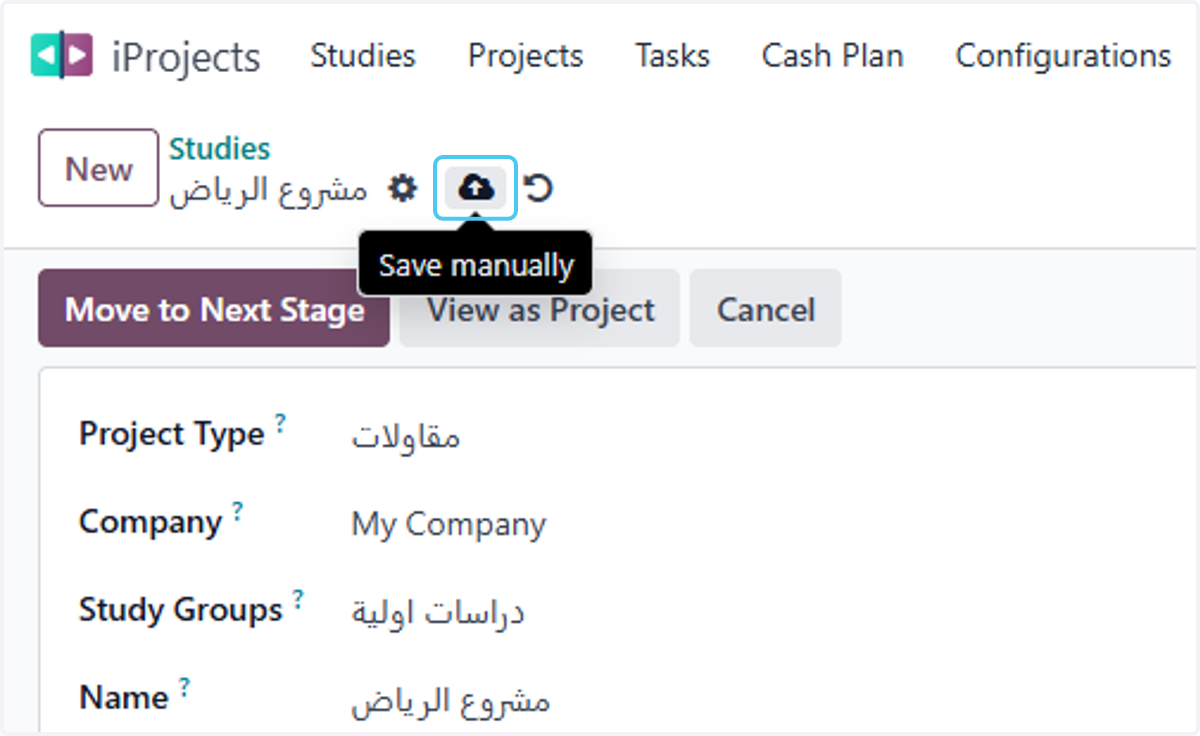
Add Planned Manpower in Odoo
Odoo
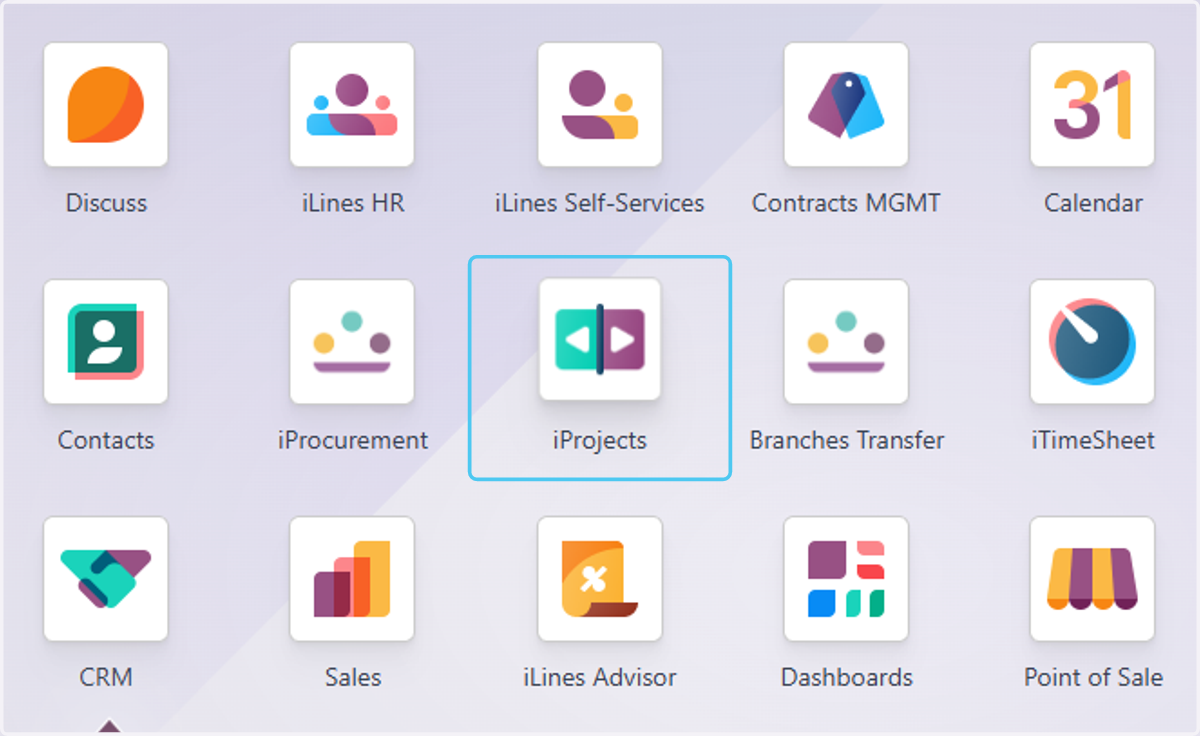
1. Click on iProjects
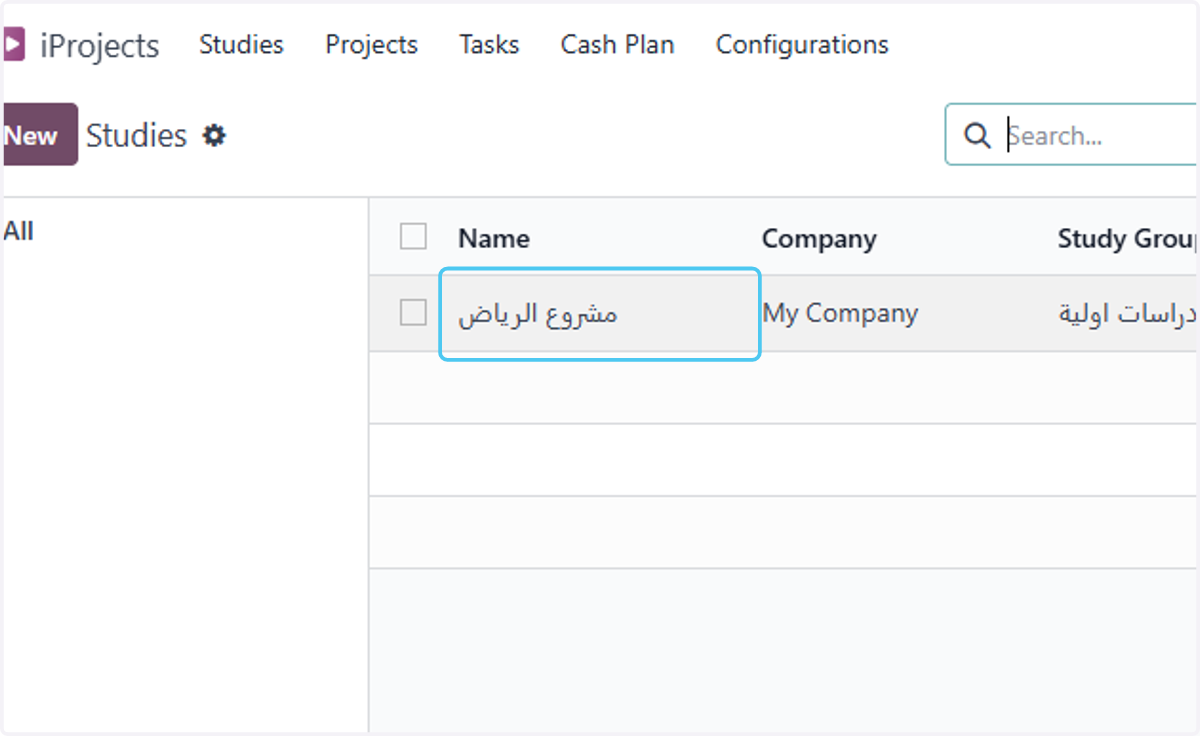
2. Click on the study
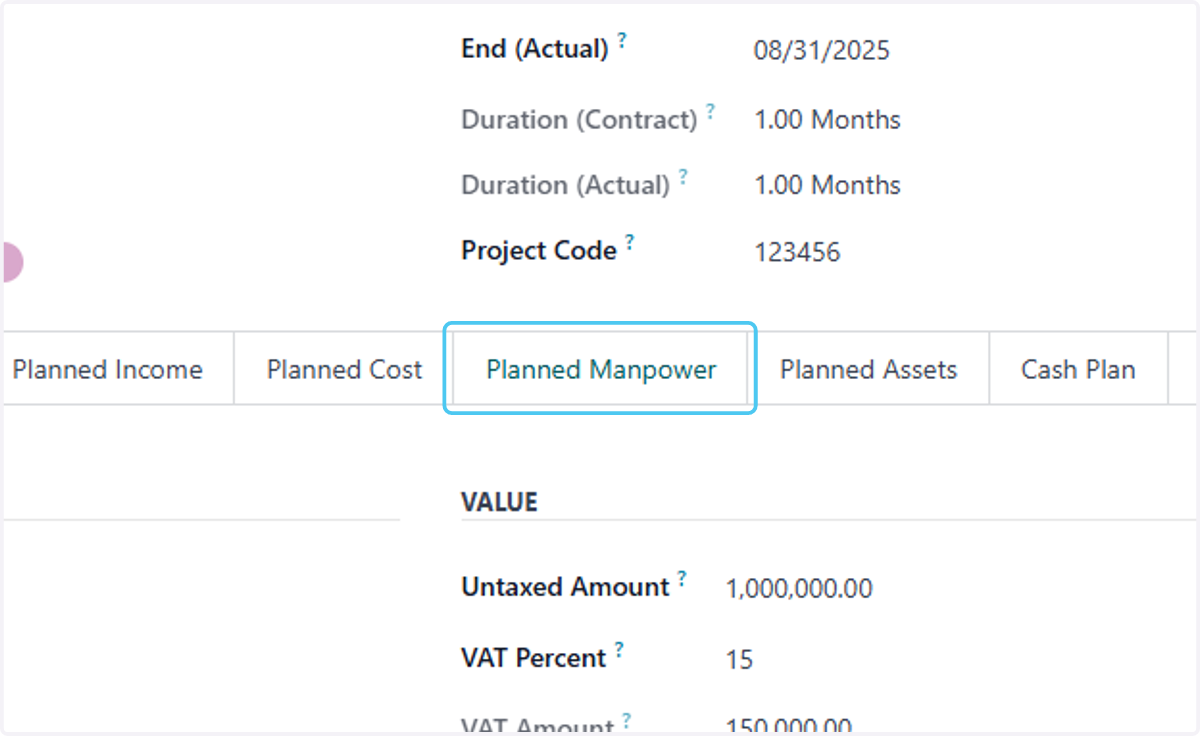
3. Click on Planned Manpower
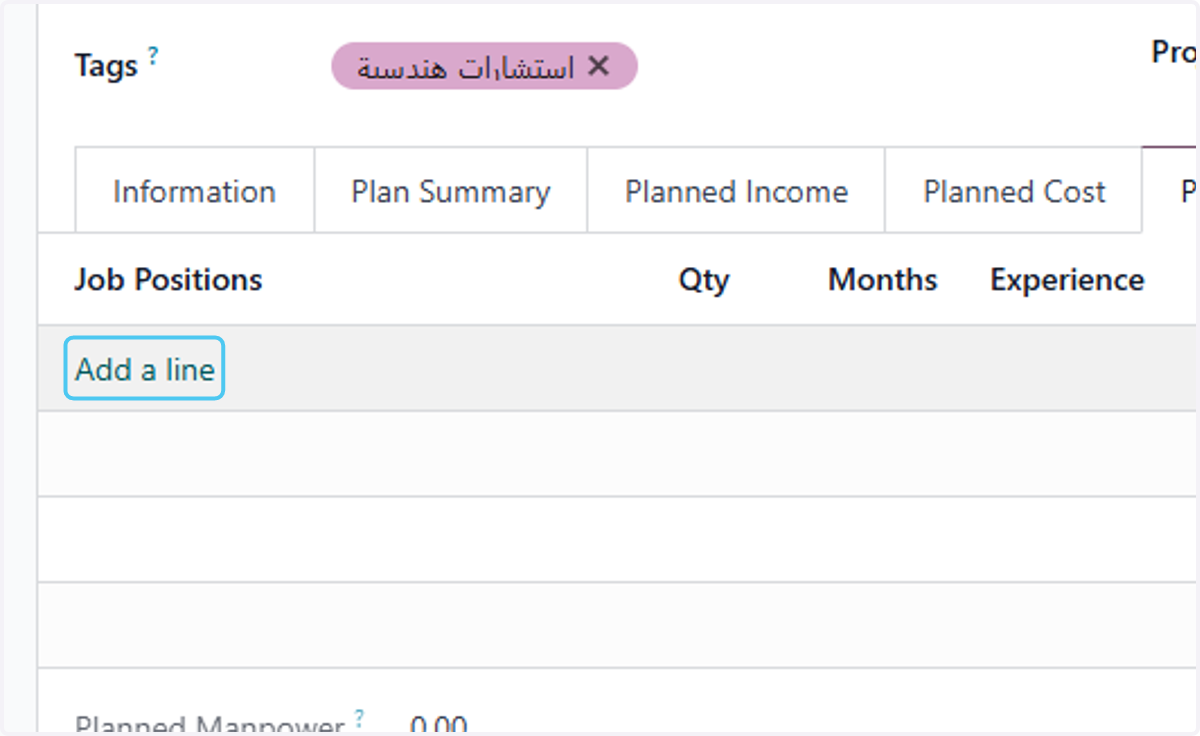
4. Click on Add a line
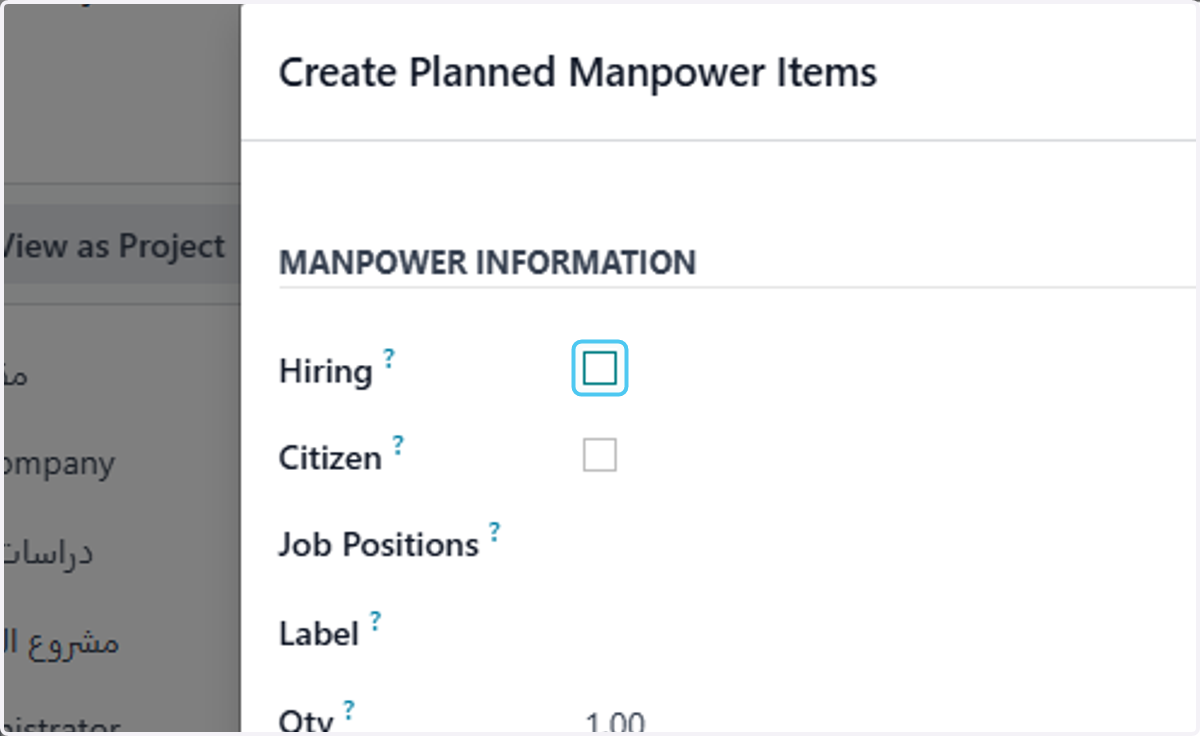
5. Uncheck Hiring if you will add existing employees
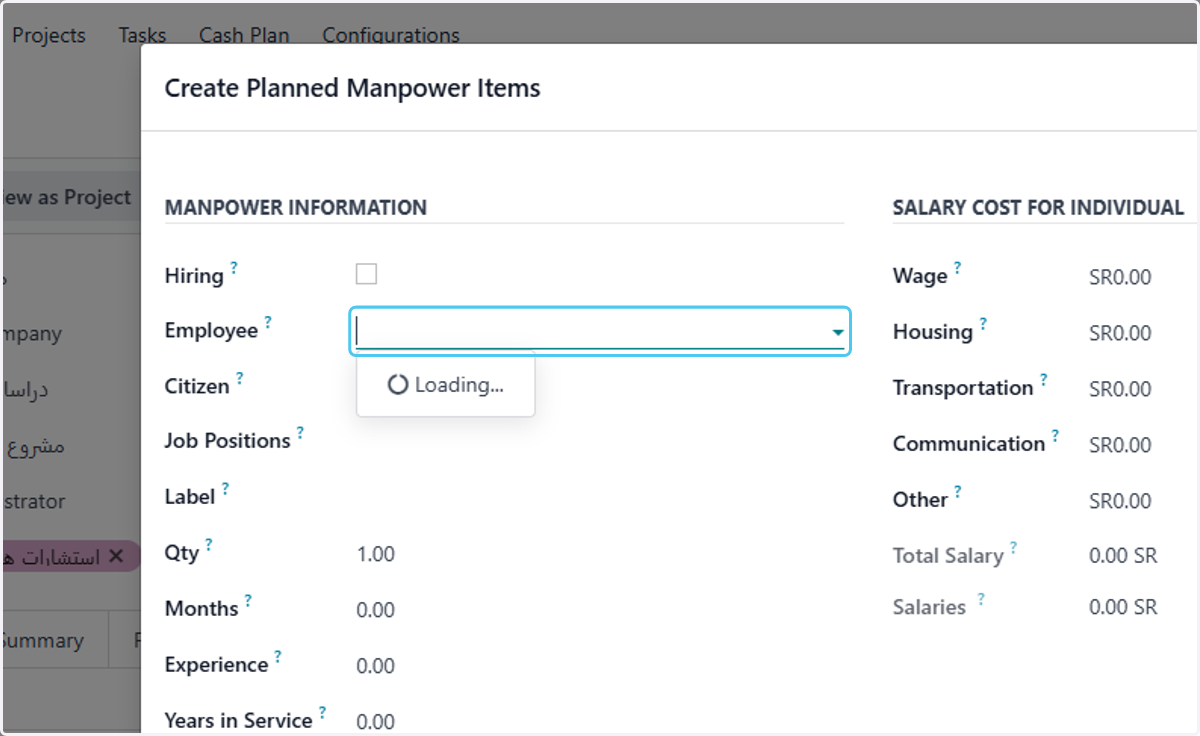
6. select Employee
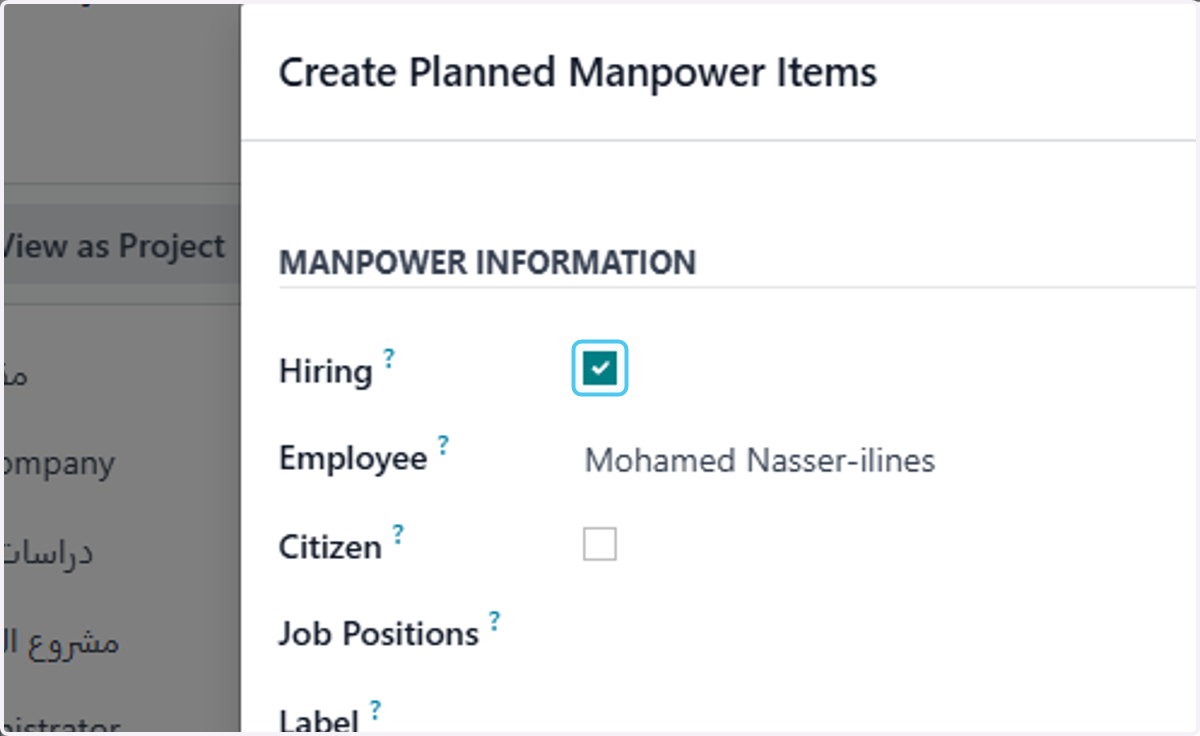
7. Check Hiring if you will hire new employee
8. Uncheck Citizen if the employee is not citizen
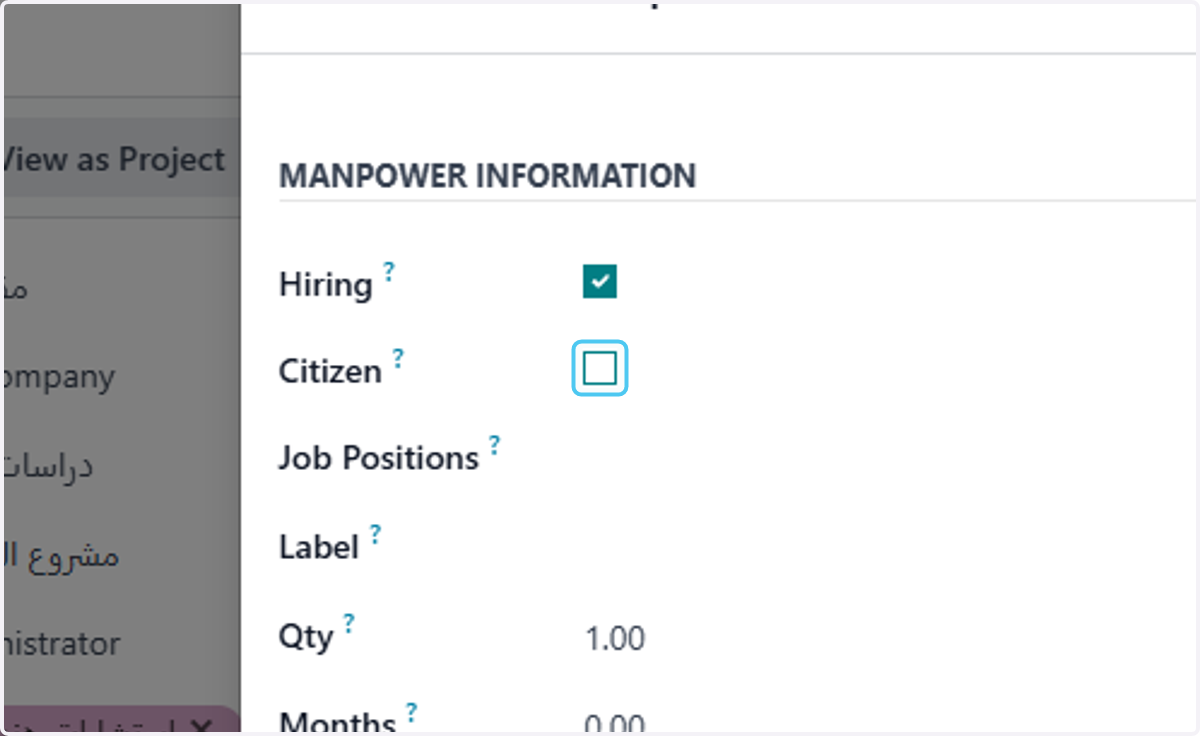
9. select the job position needed
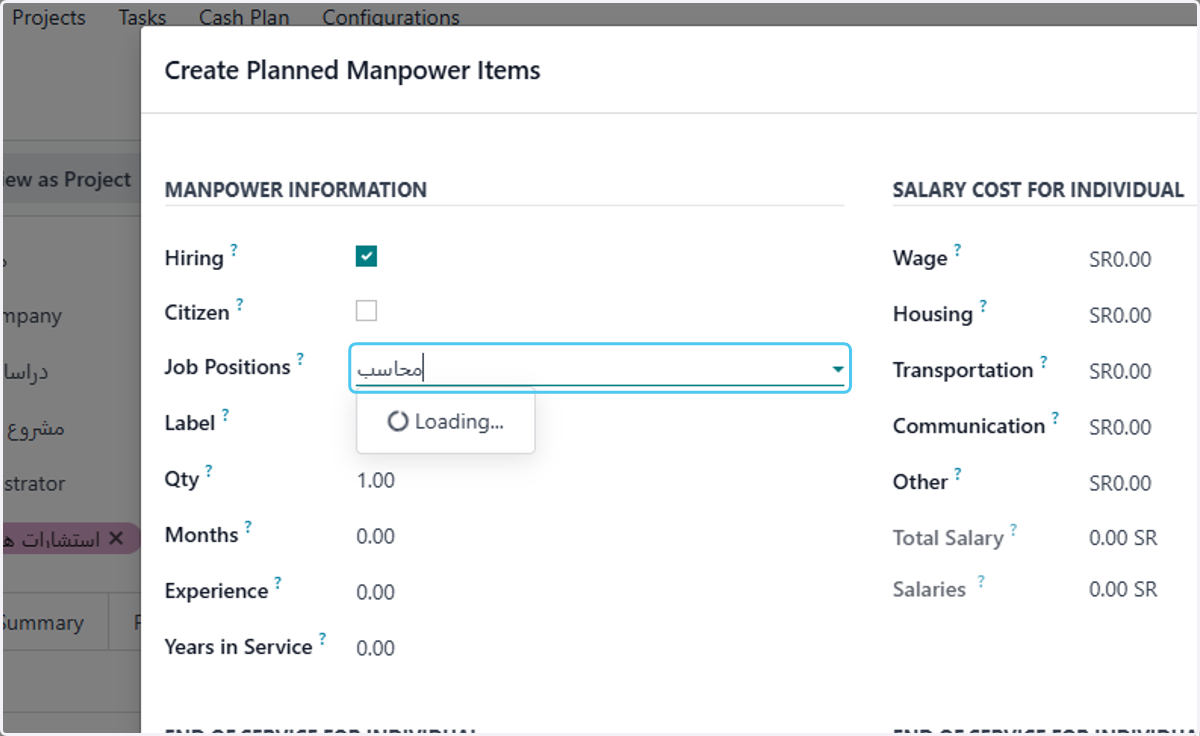
10. type how many employees will be needed
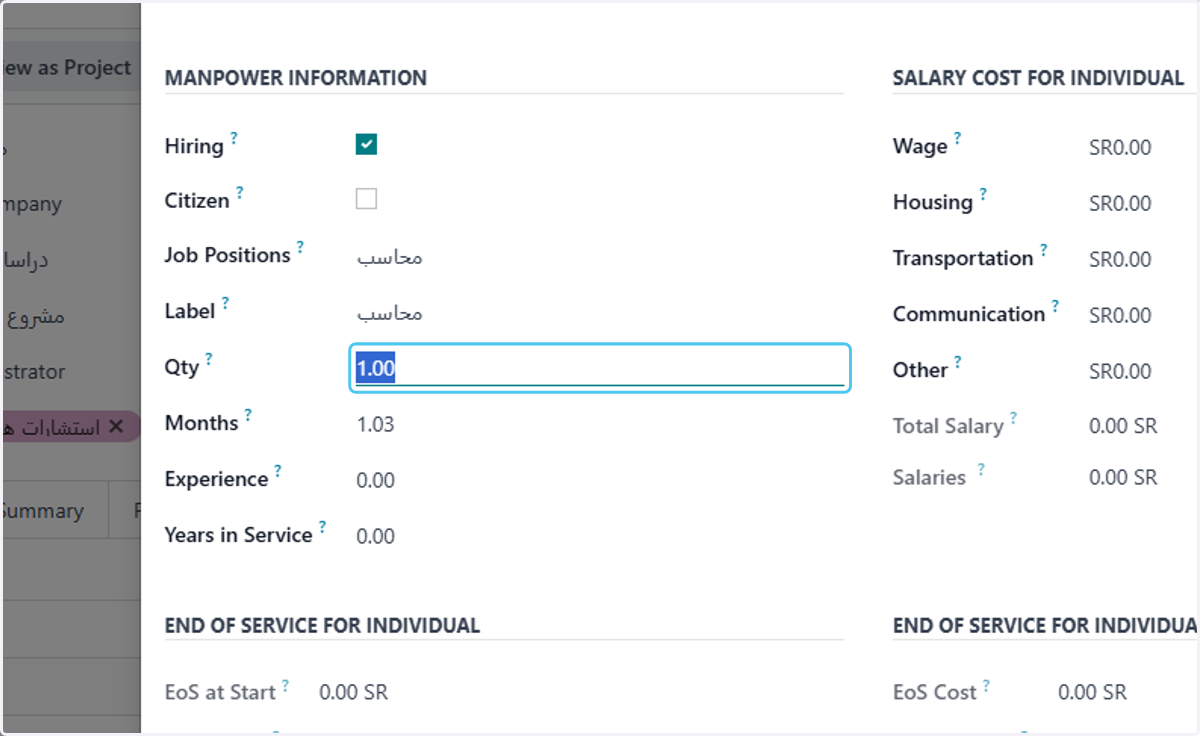
11. will calculate the months according to the study period
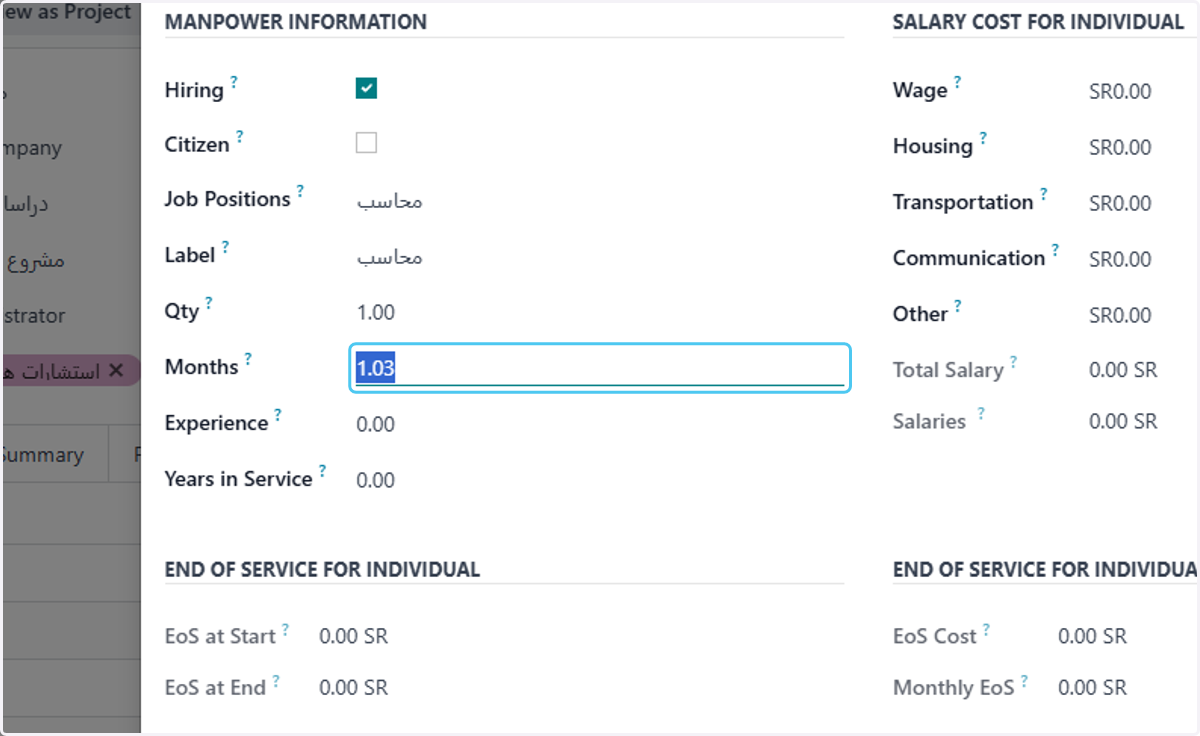
12. Type the experience years
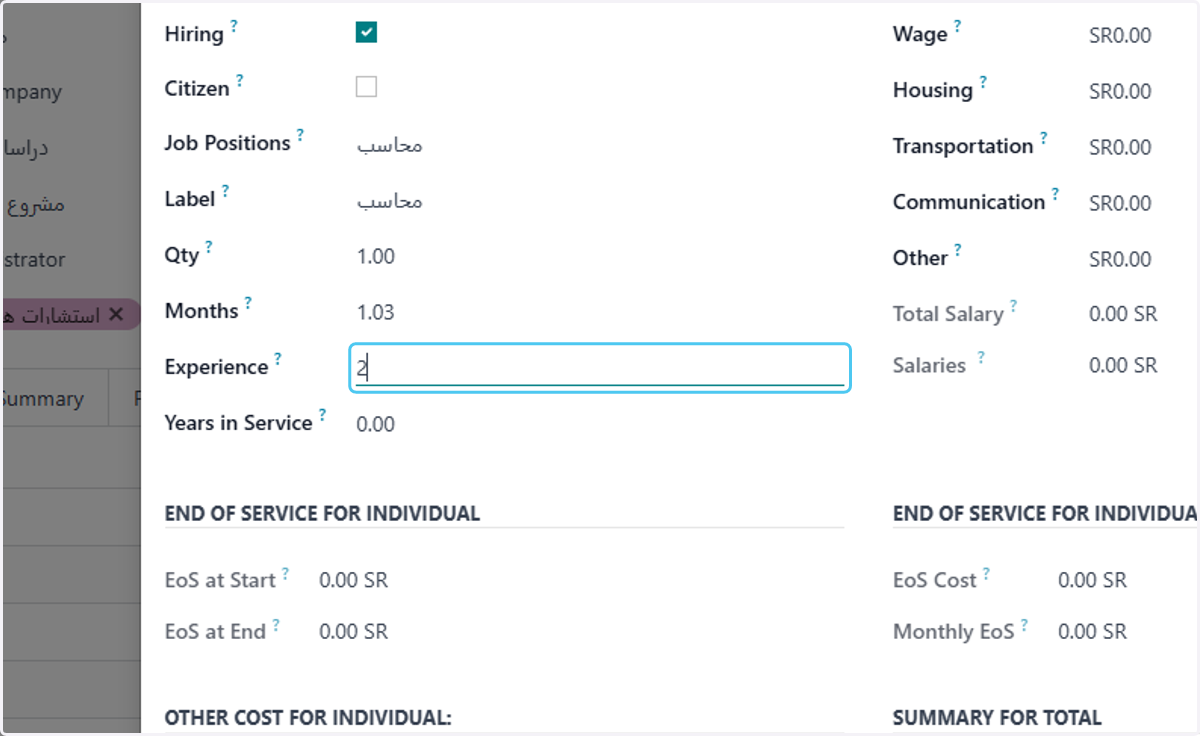
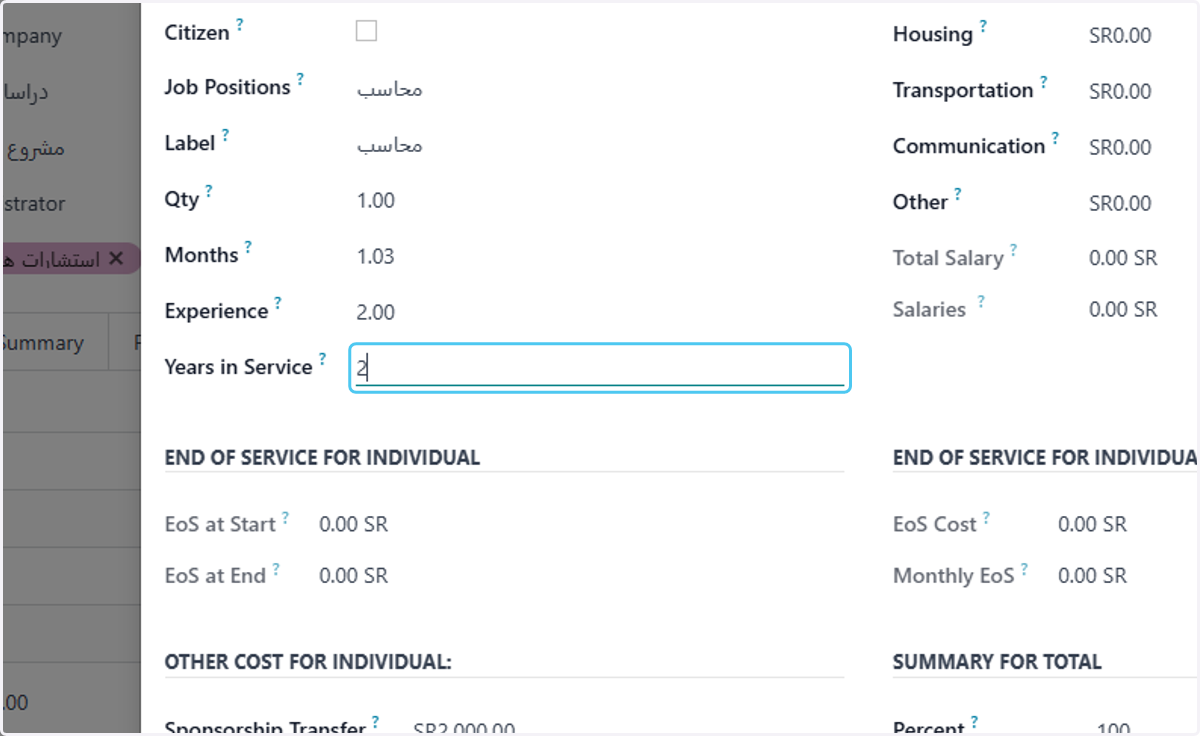
13. Type how many years in service
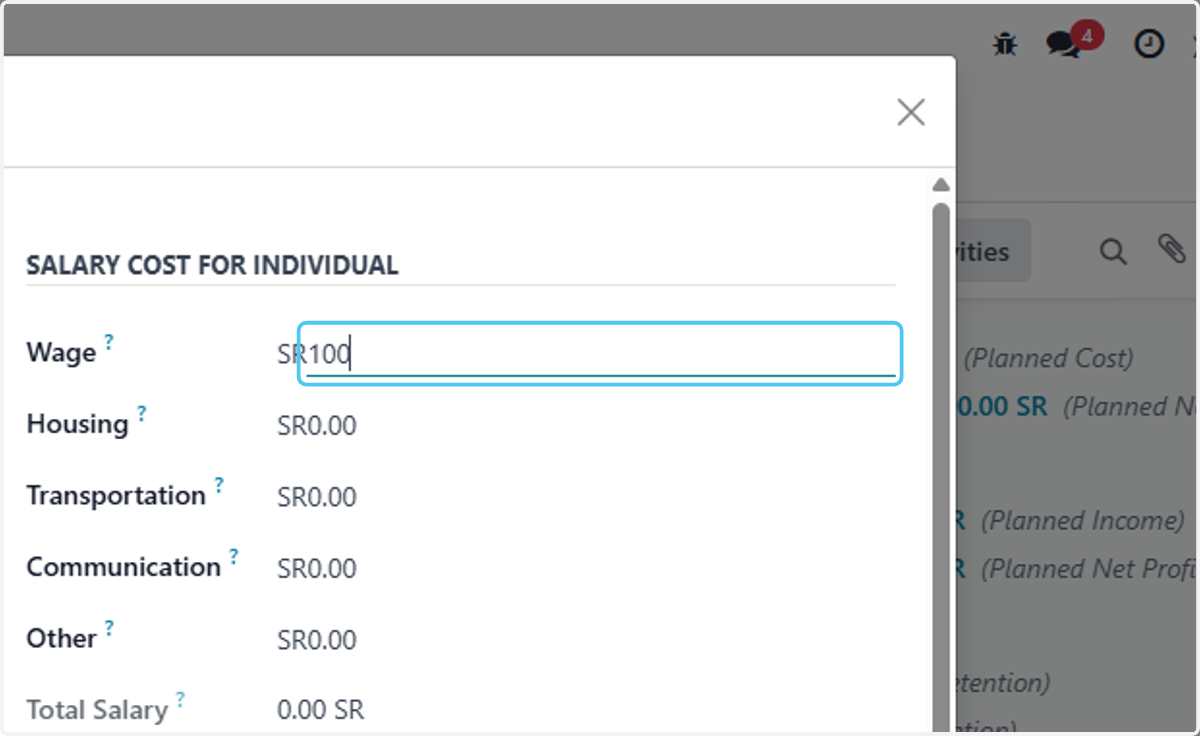
14. Type the wage
15. Type housing if any
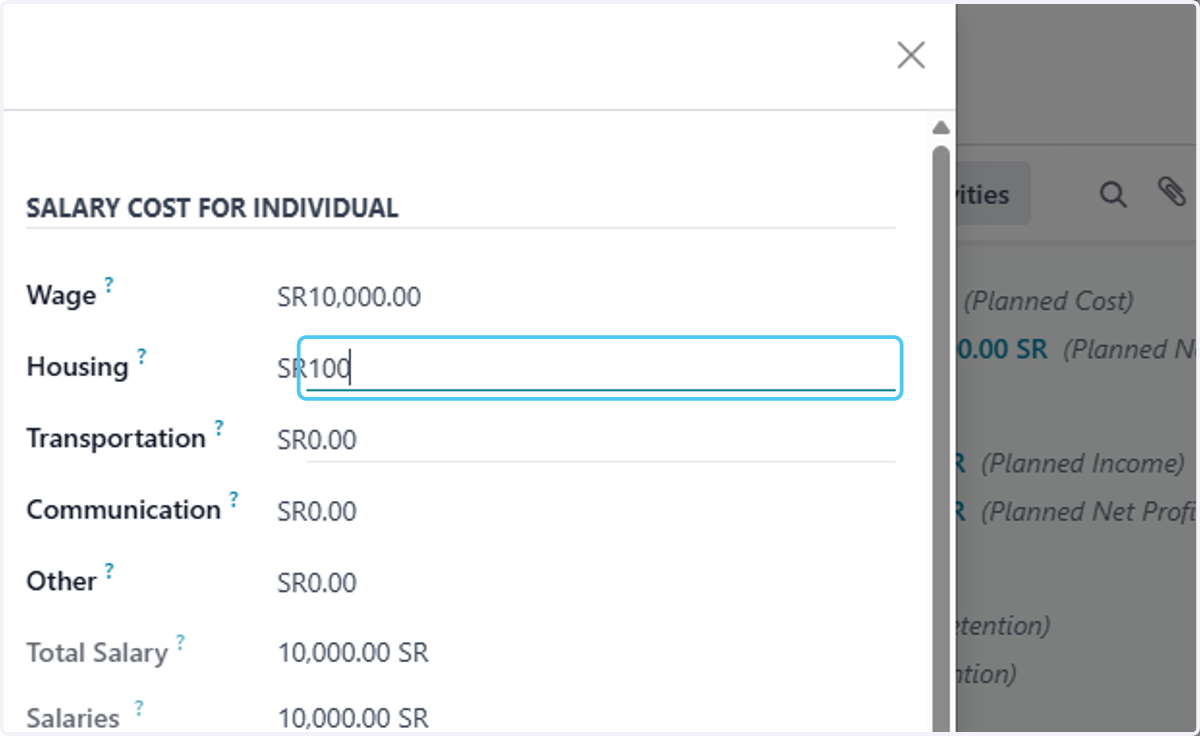
16. Type "200"
Type transportation if any
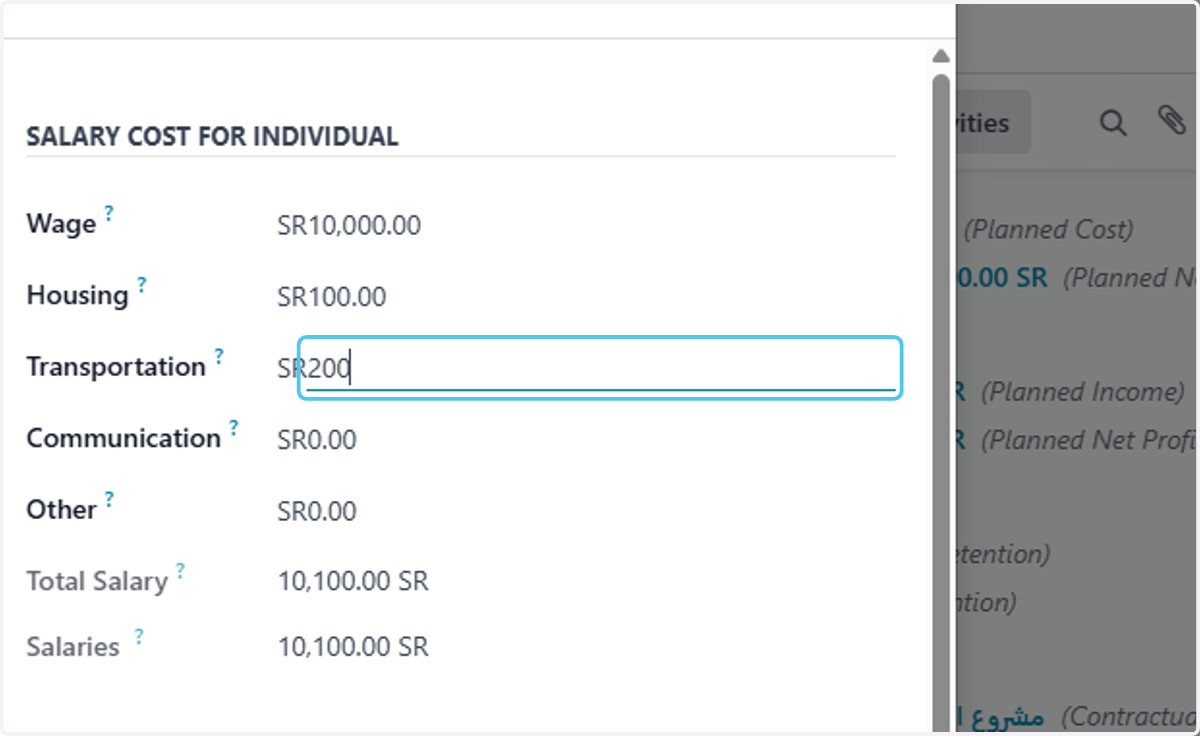
17. Type comunication if any
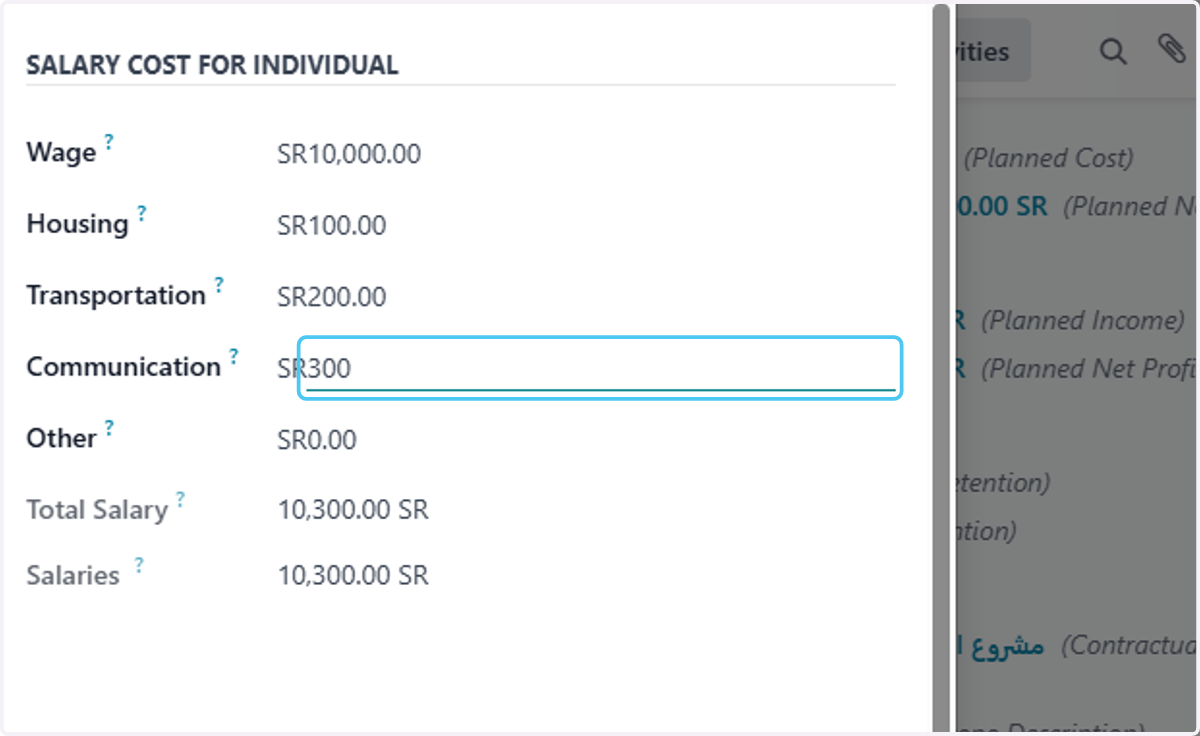
18. Type other if any
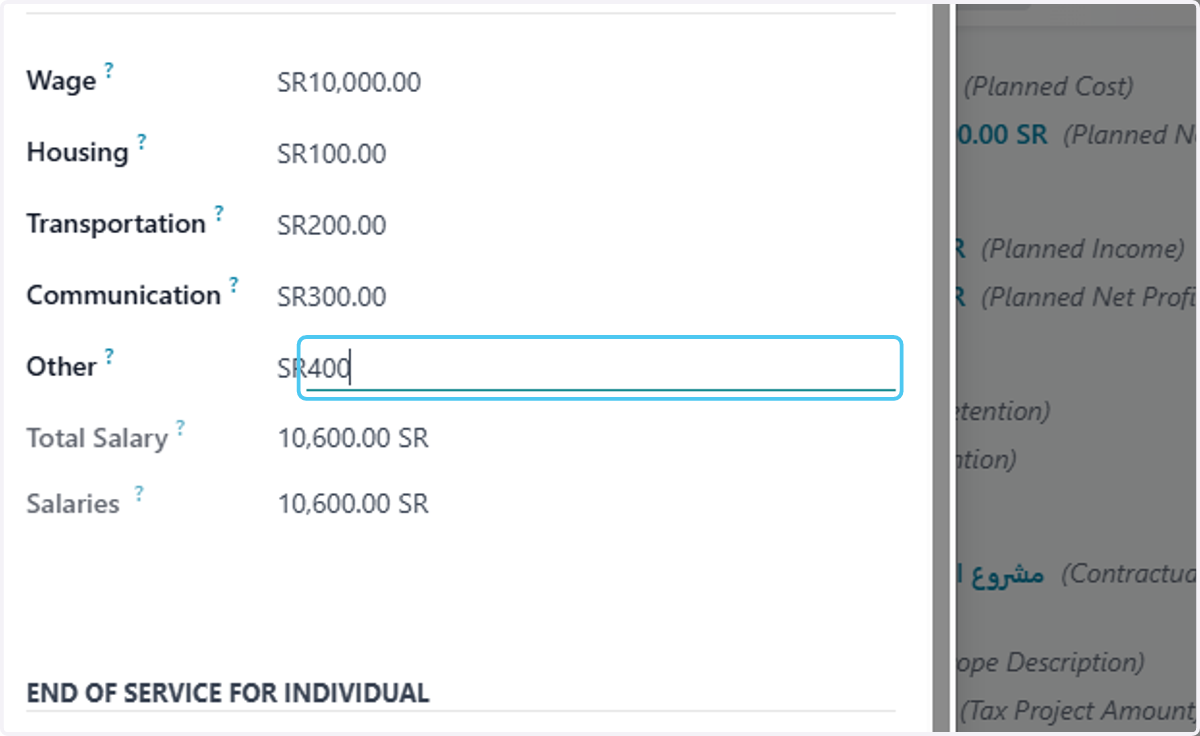
19. will calculate end of service cost according to HR precents
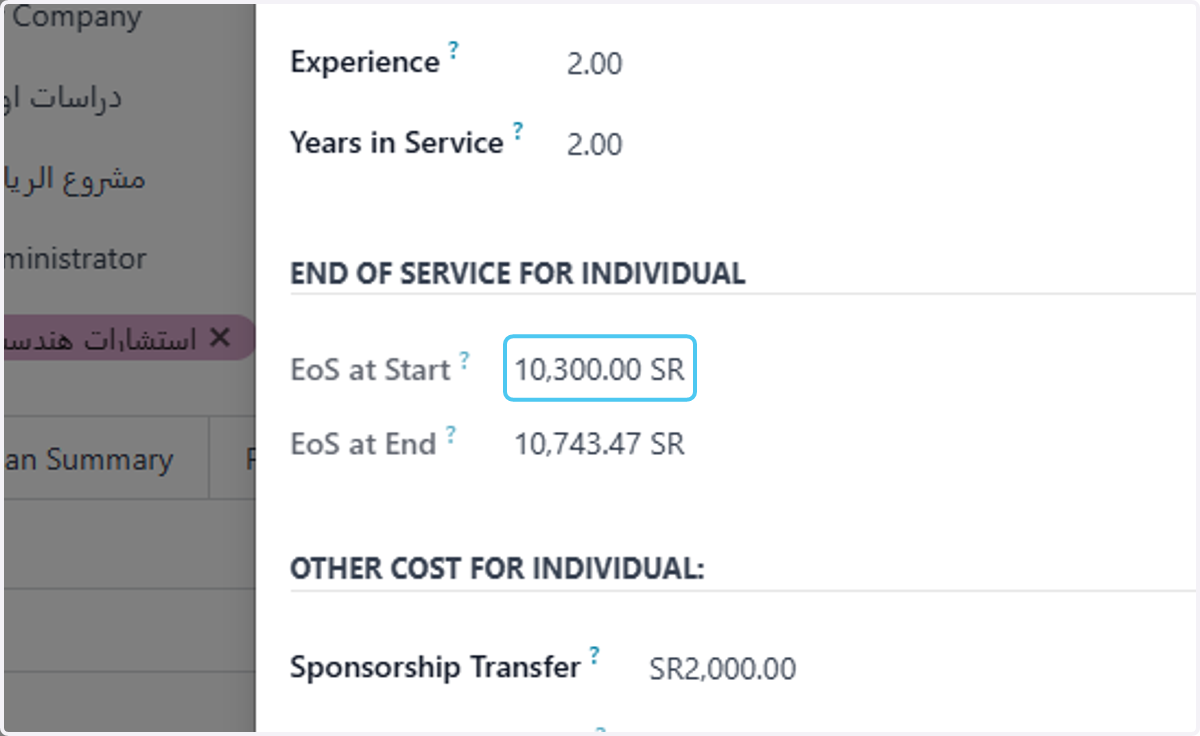
20. type on Sponsorship Transfer cost if any
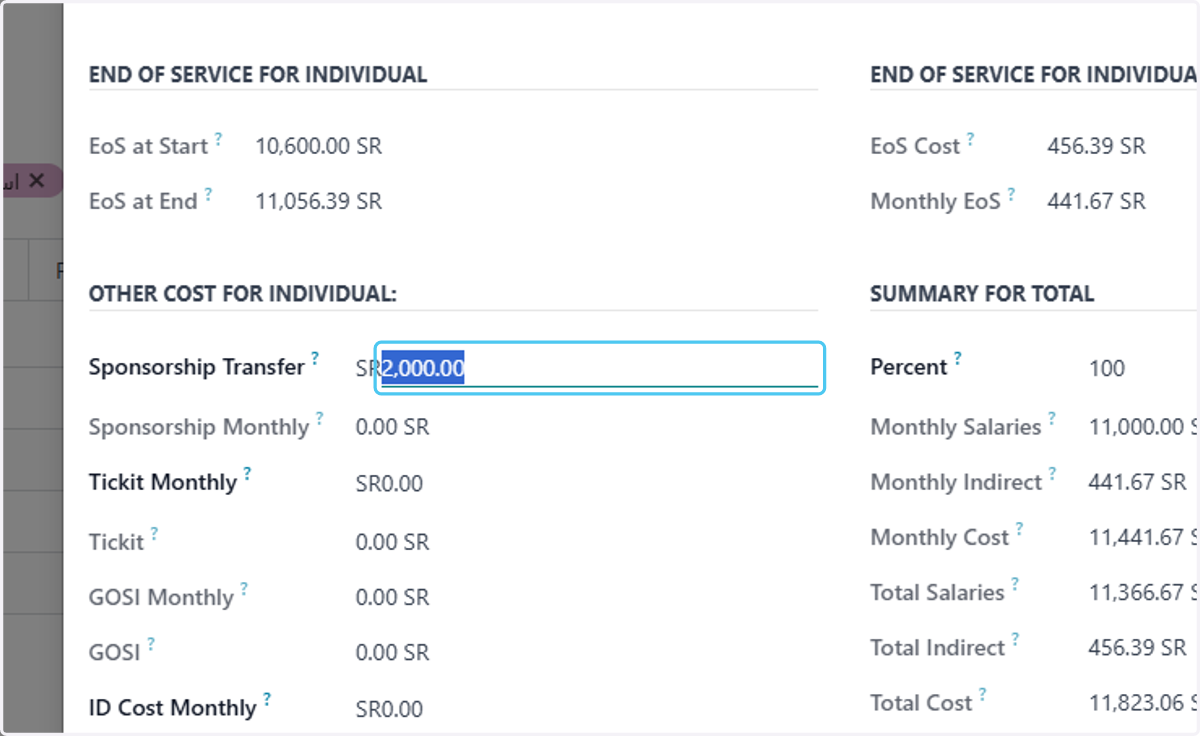
21. type on ticket cost if any
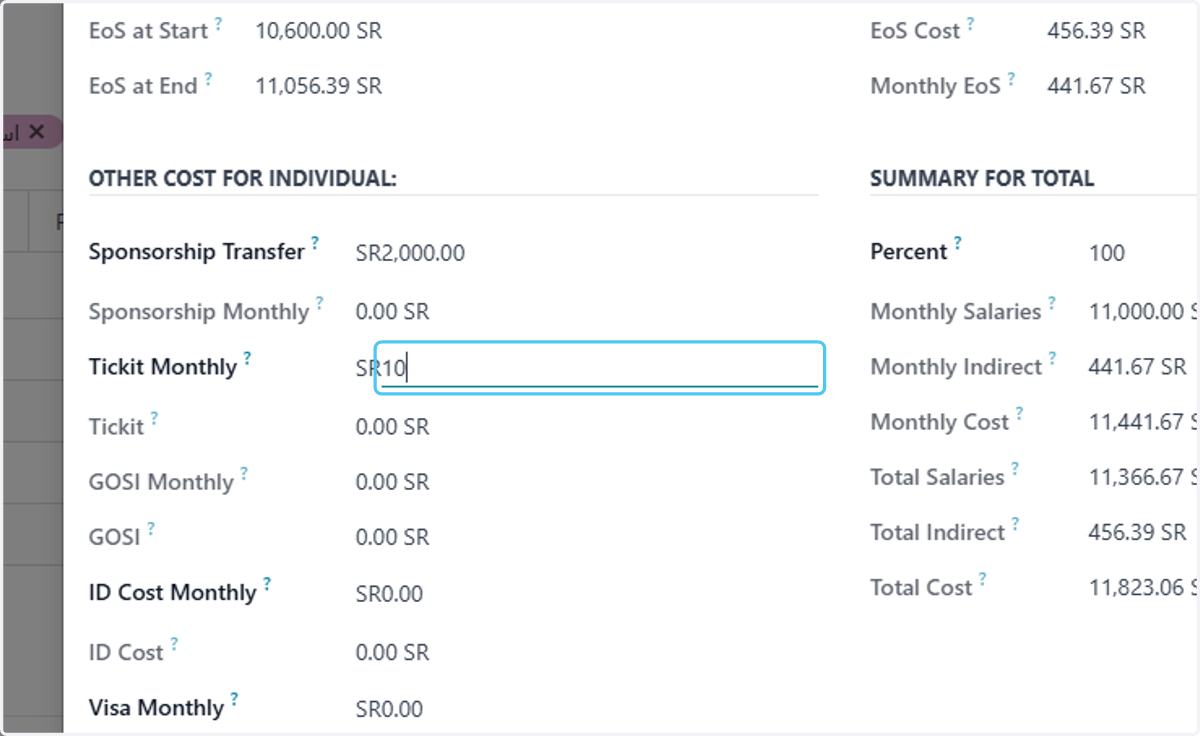
22. type id costs if any
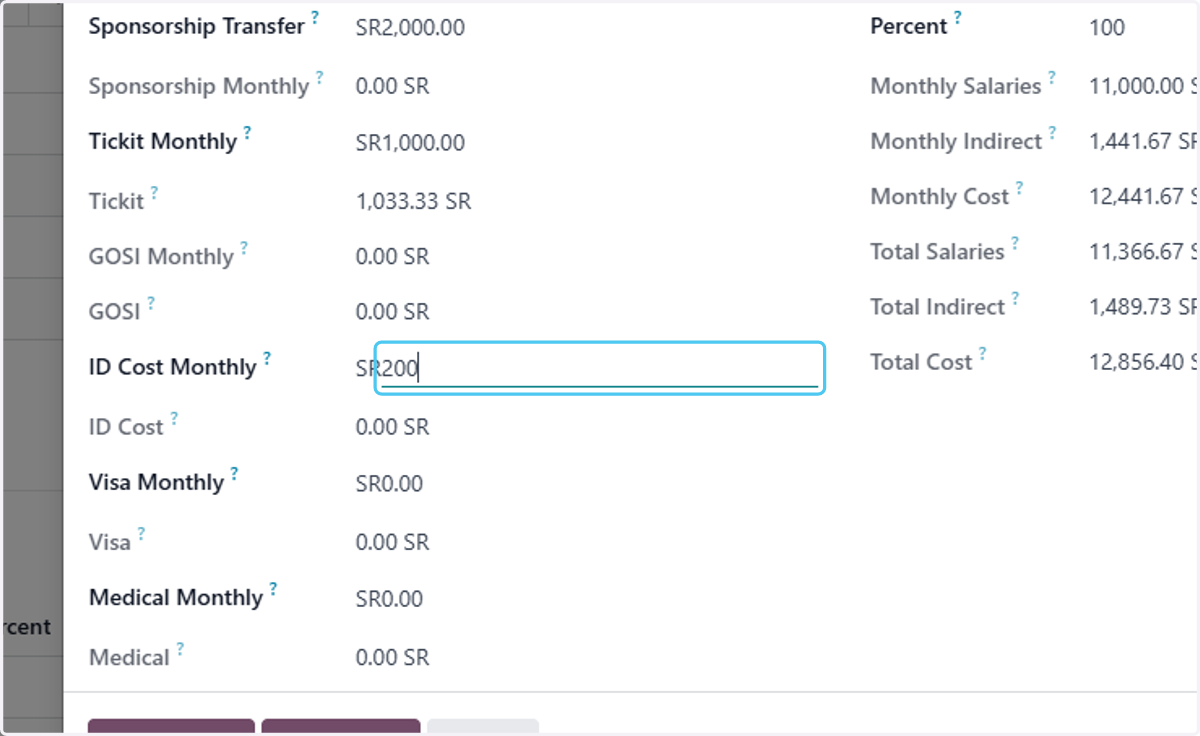
23. type visa costs if any
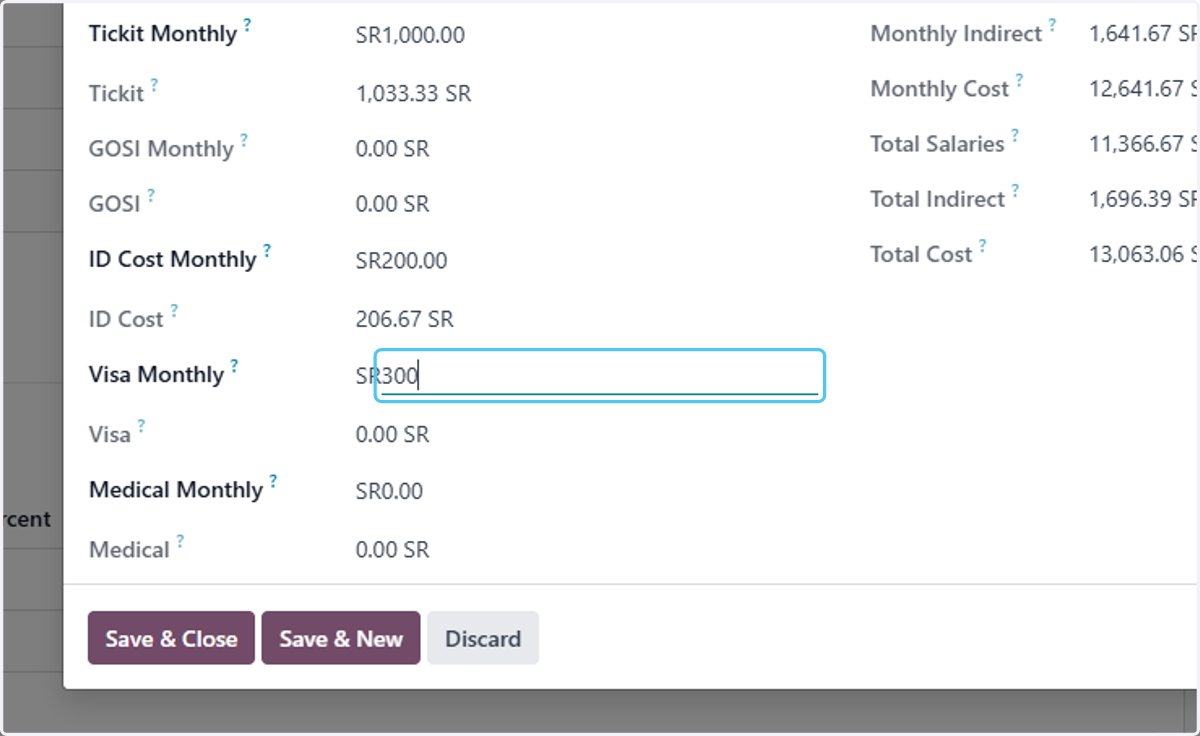
24. type medical costs if any
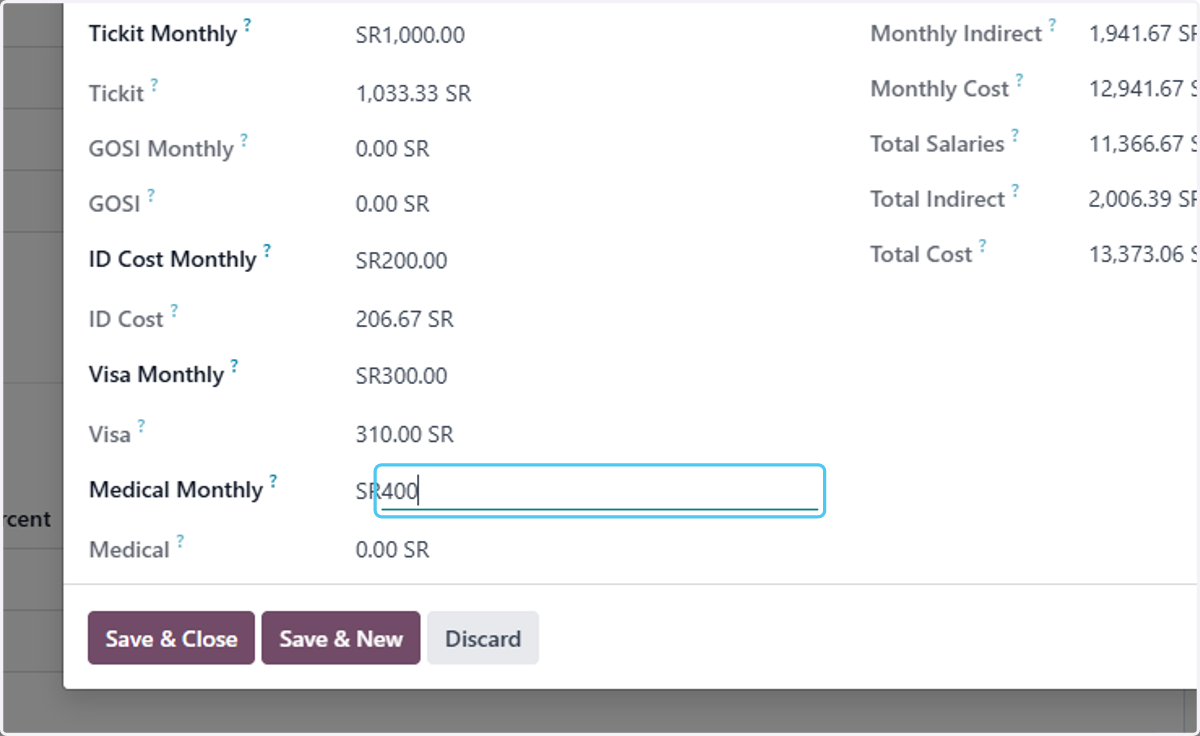
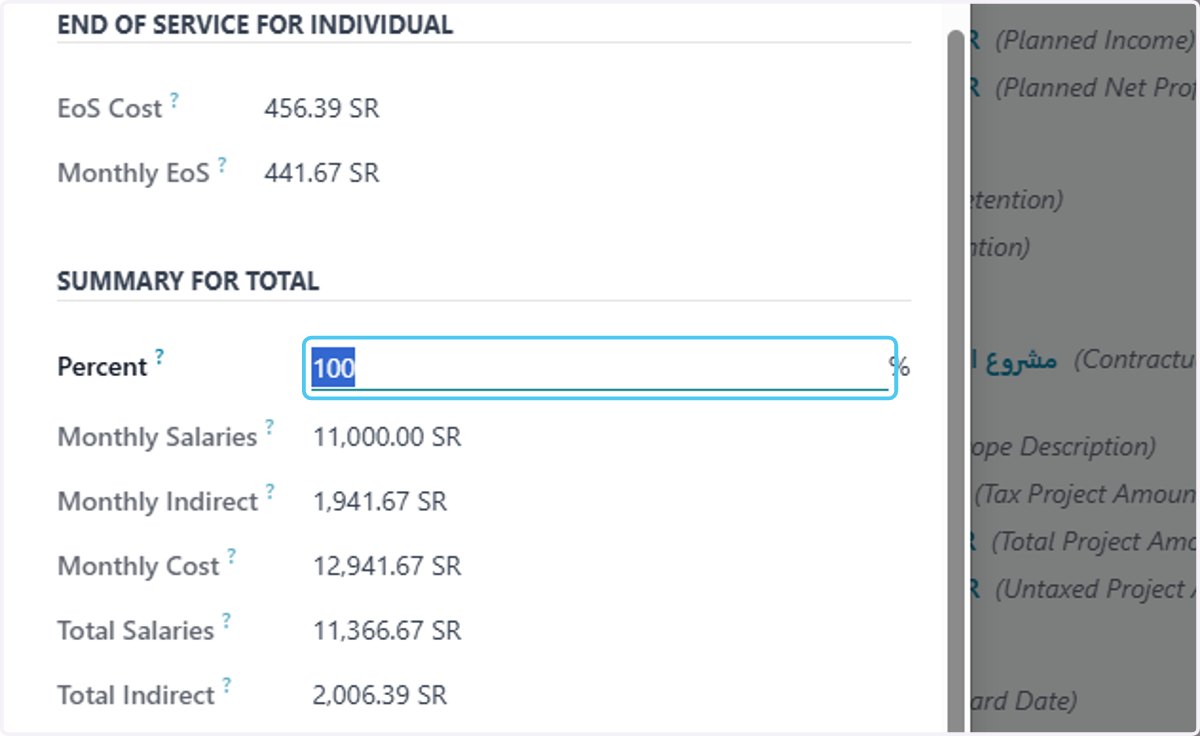
25. type the percent of the employee costs you want to carry on this study
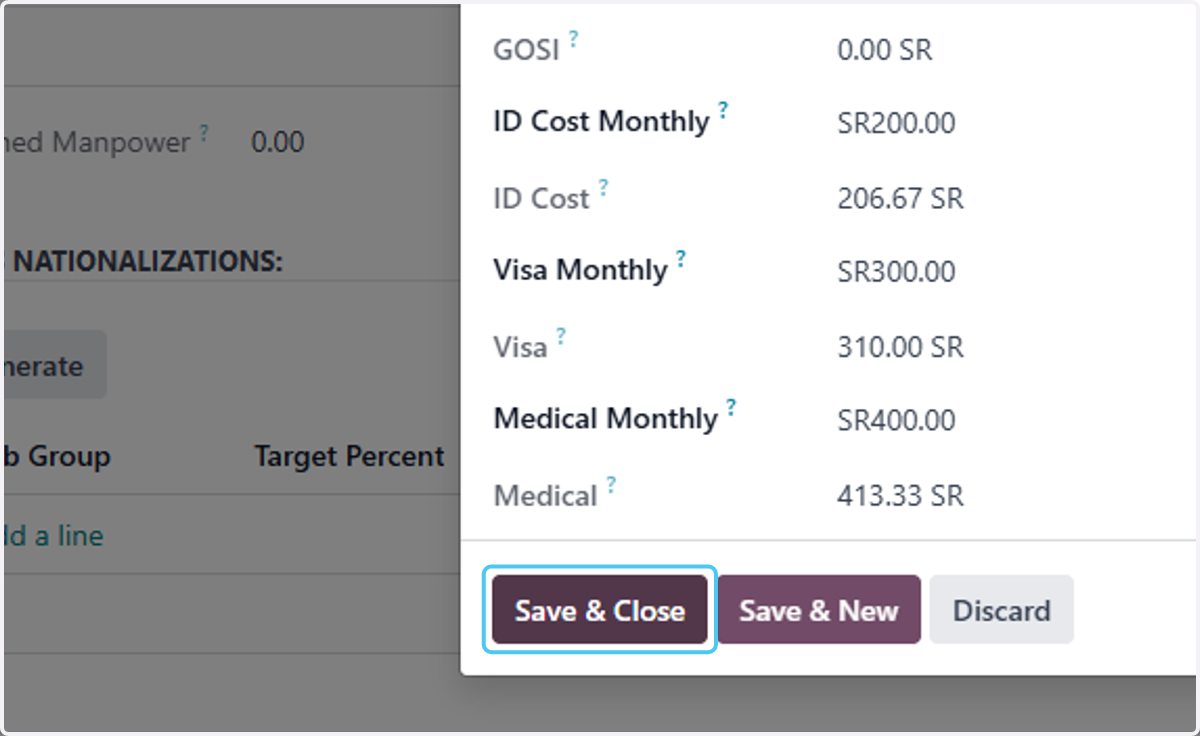
26. Click on Save & Close or save&new to add another employee
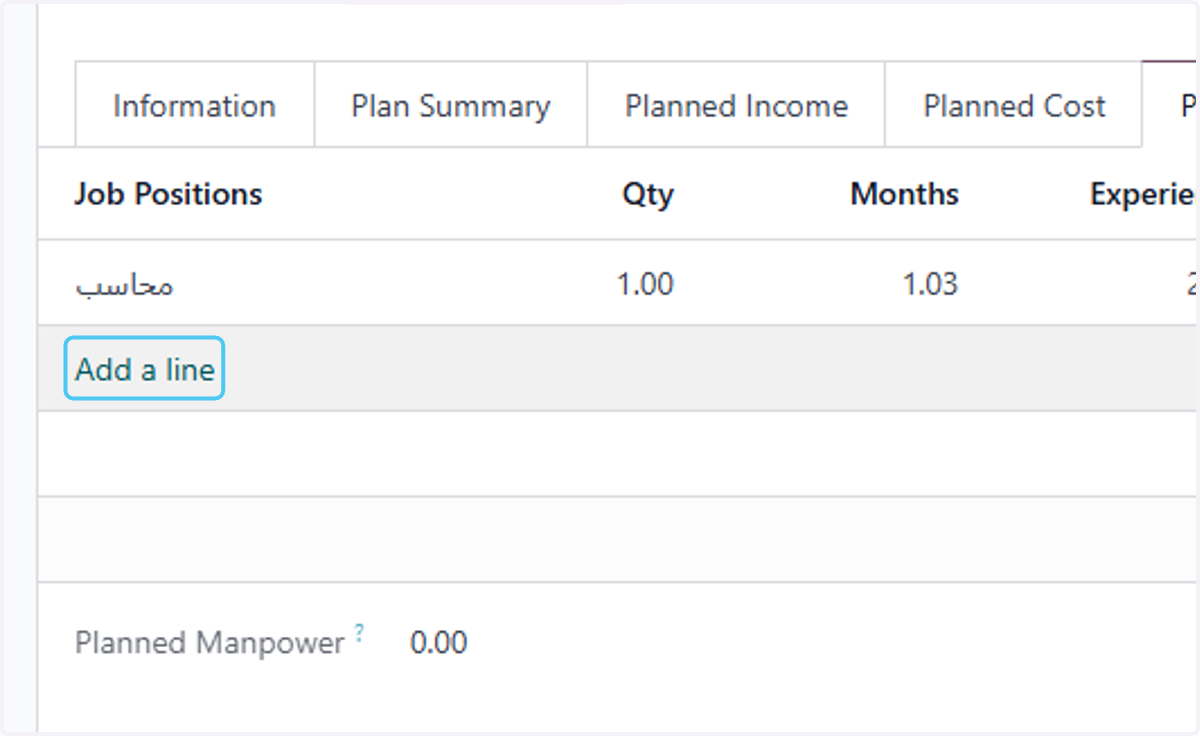
27. you can add another employee or jop position needed from here also
28. Click on Generate if you have saved data for job'sor nationalization
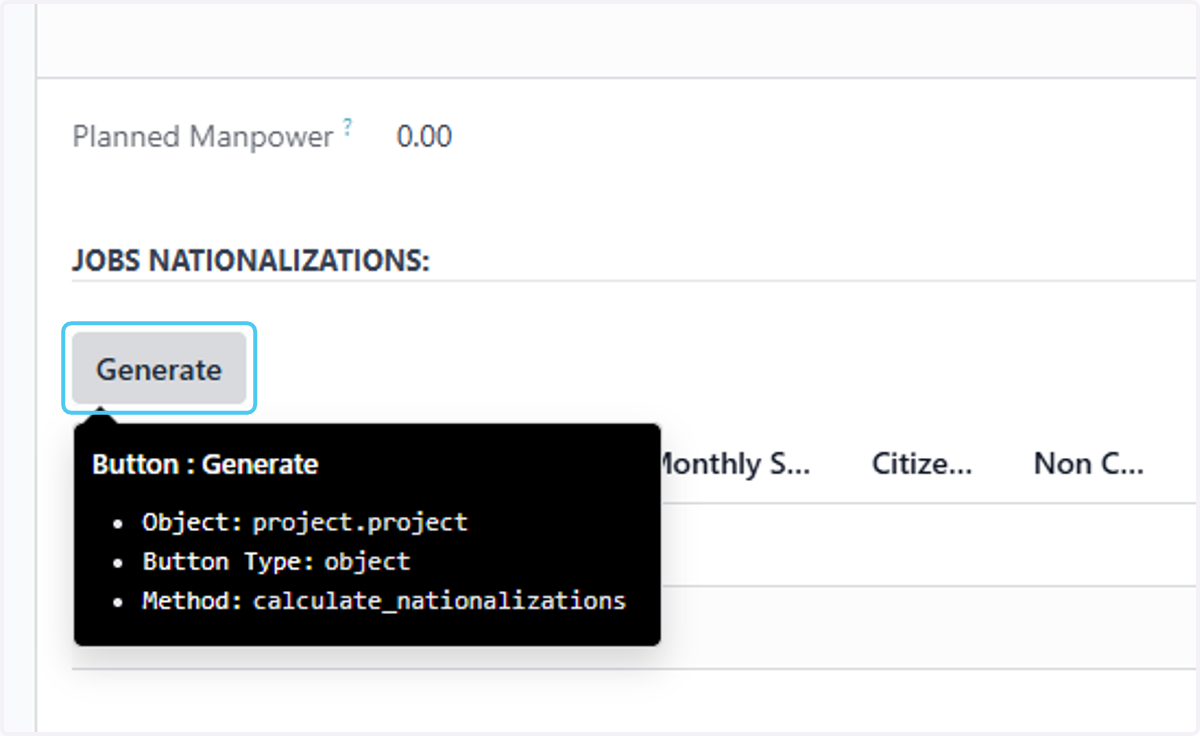
29. Click on Ok
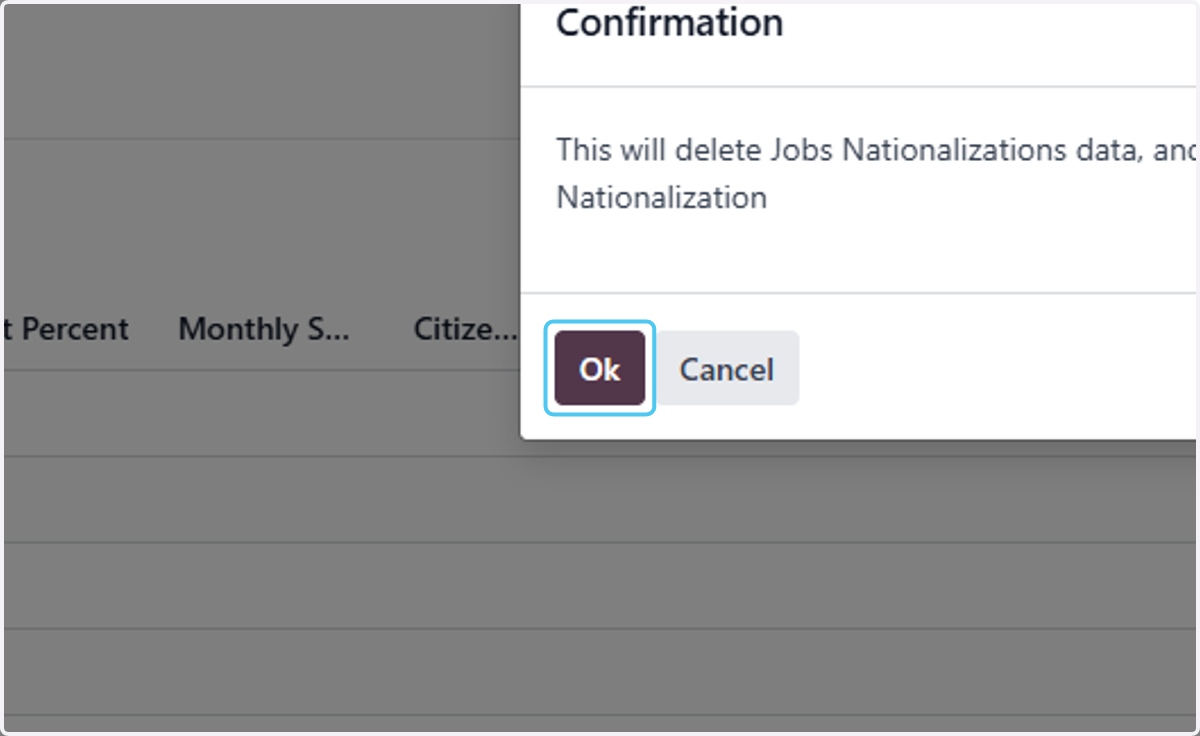
30. Click on Add a line to add job nationalization cost
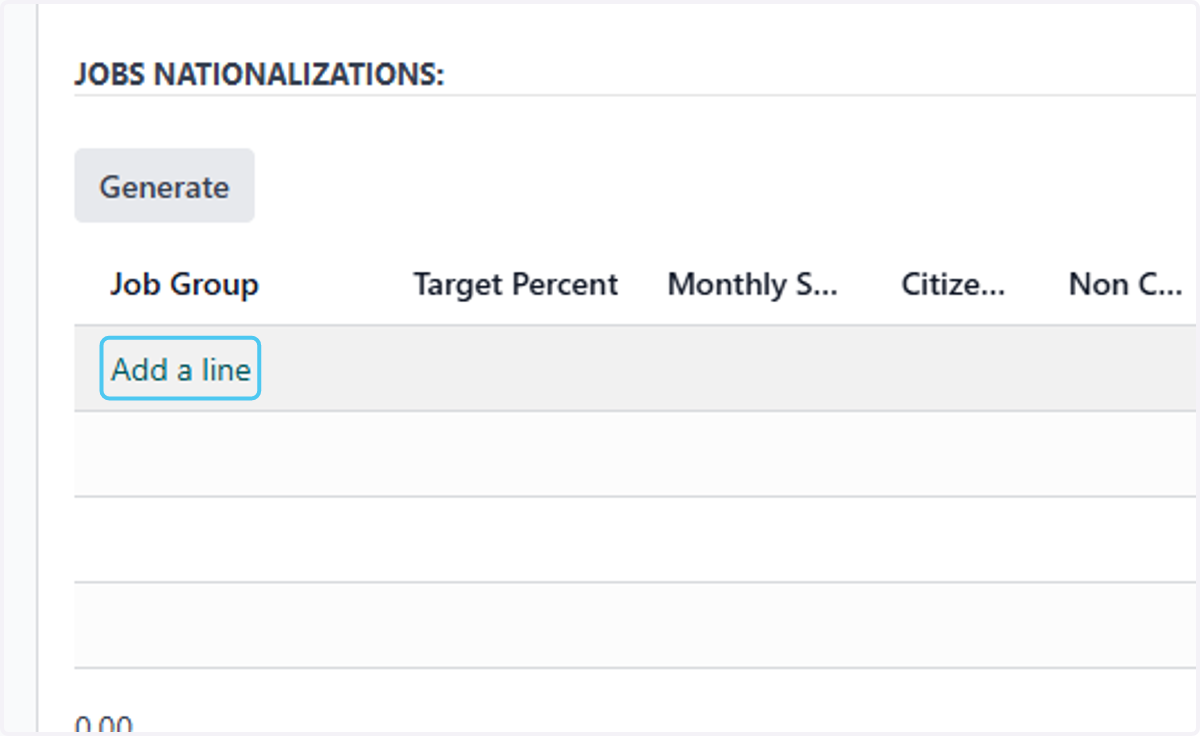
31. choose the job group
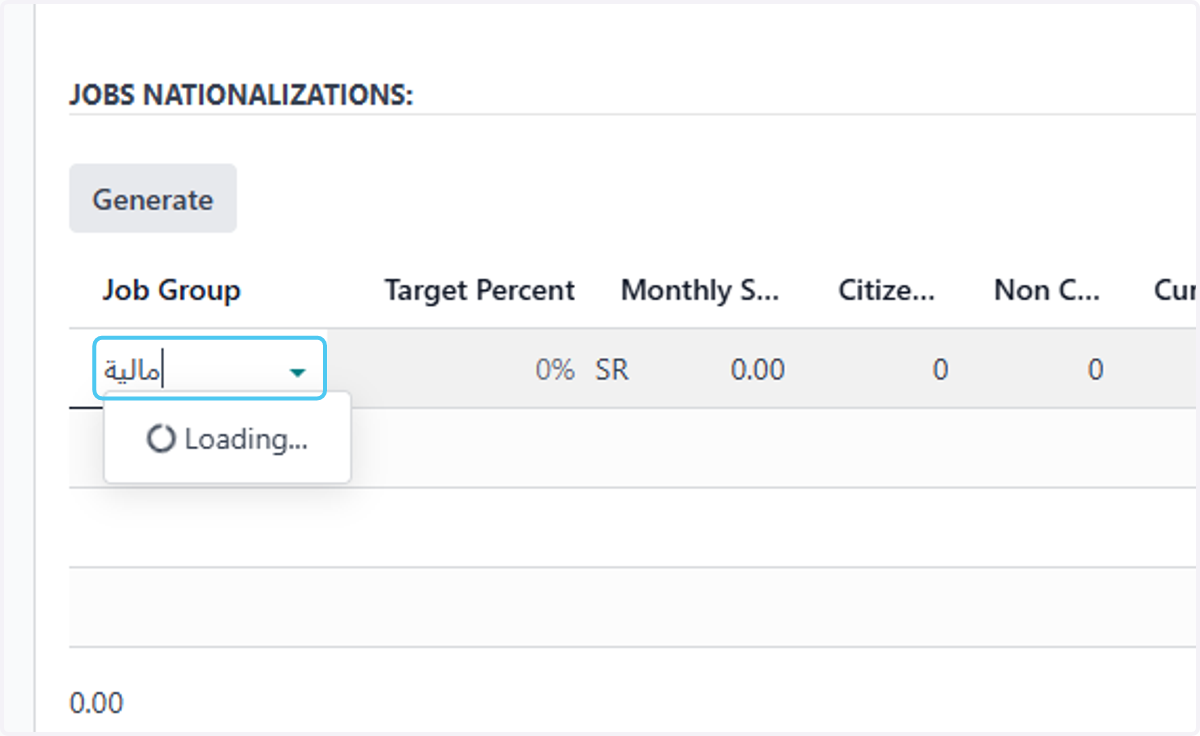
32. add the monthly salary
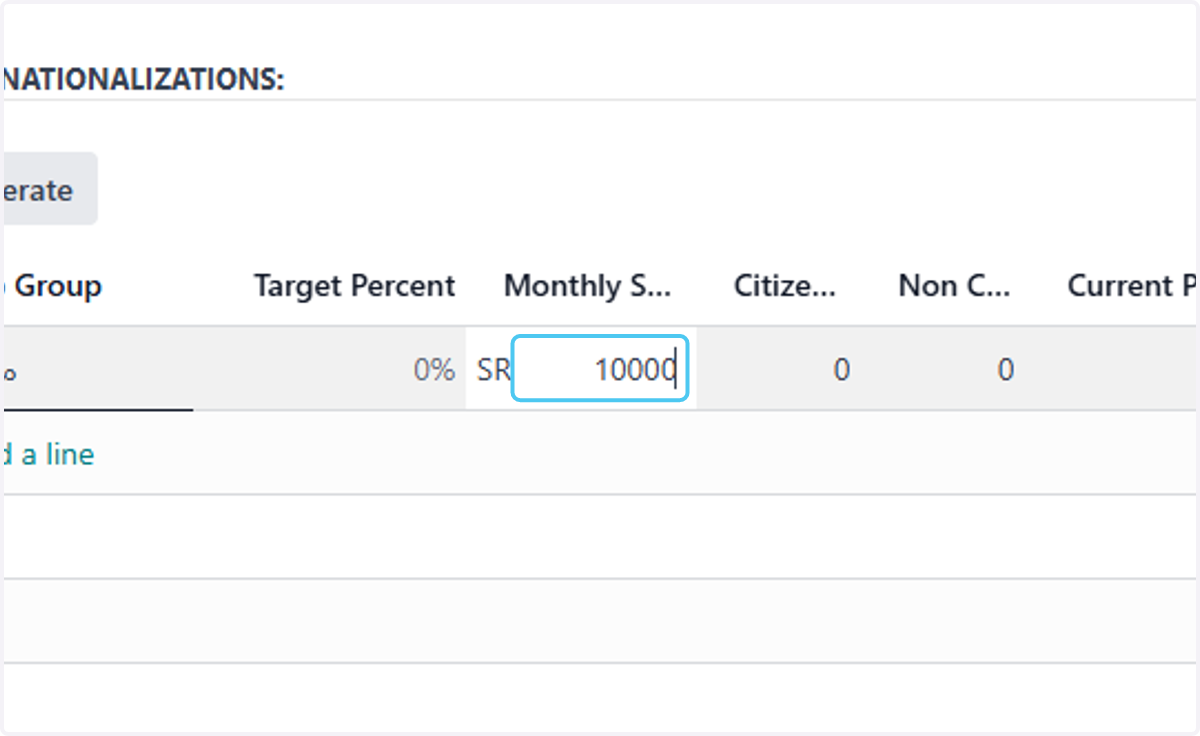
33. add the noncitizen count within this job group
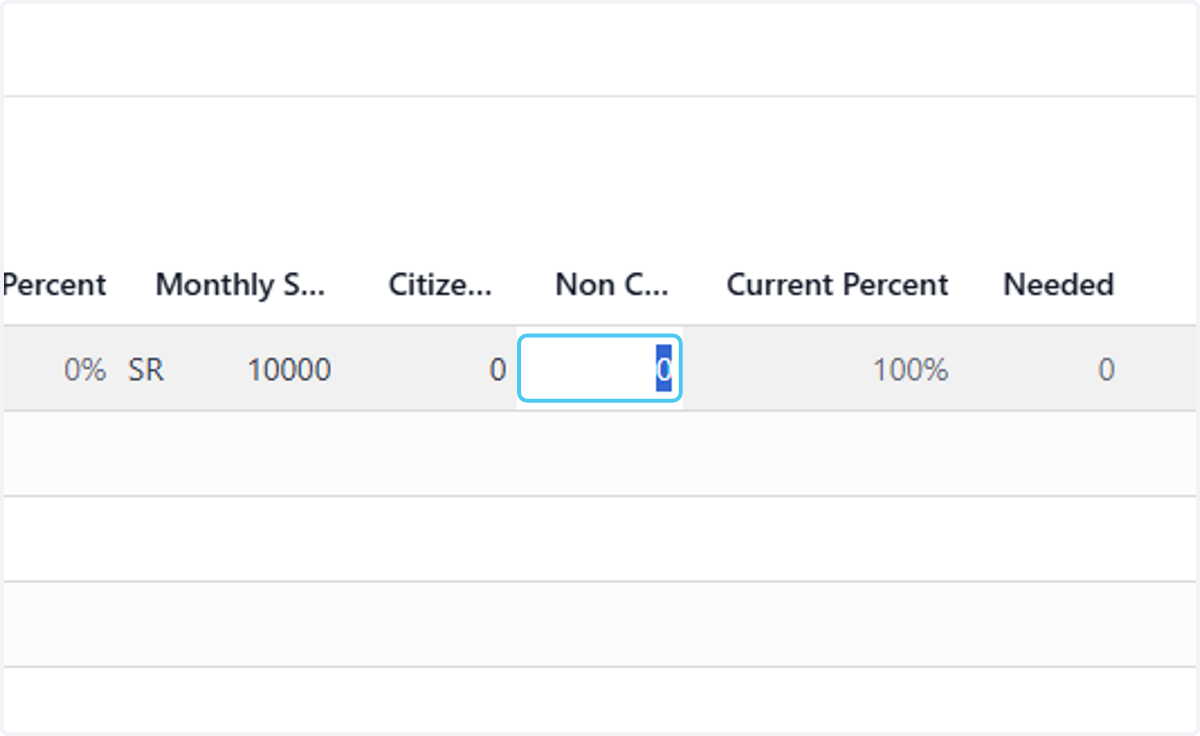
34. add the citizen count within this job group
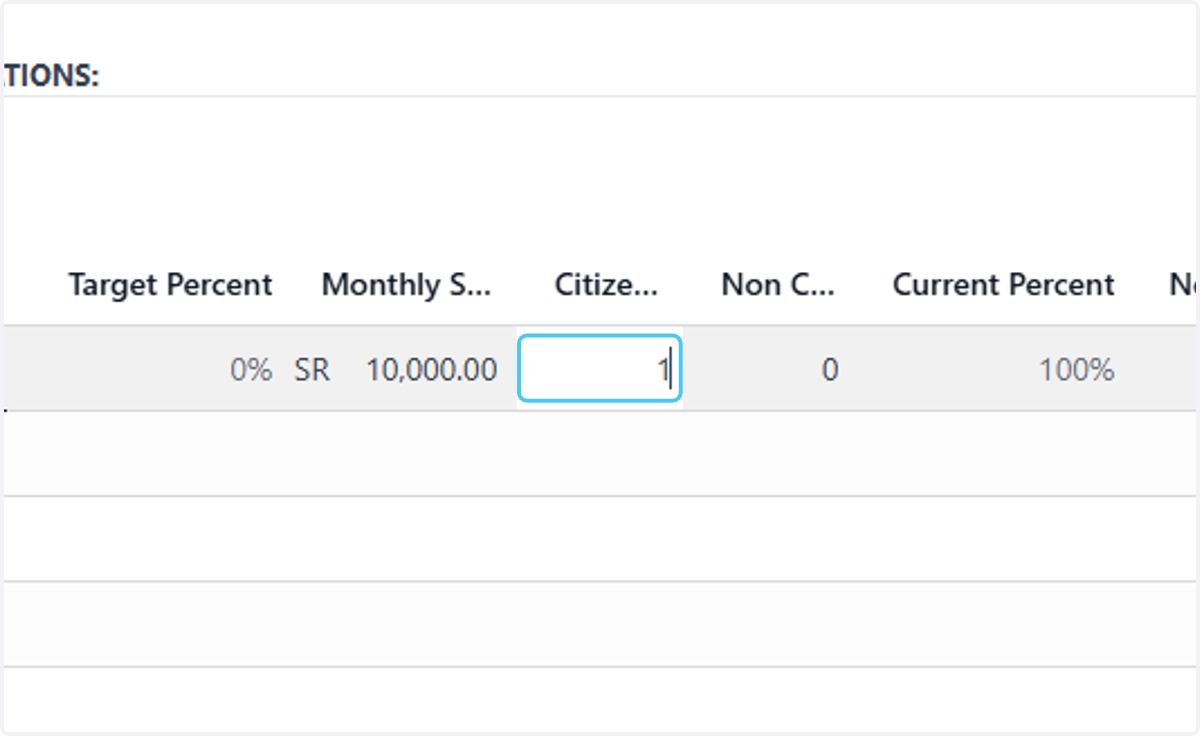
35. Click on Add a line to add another job group
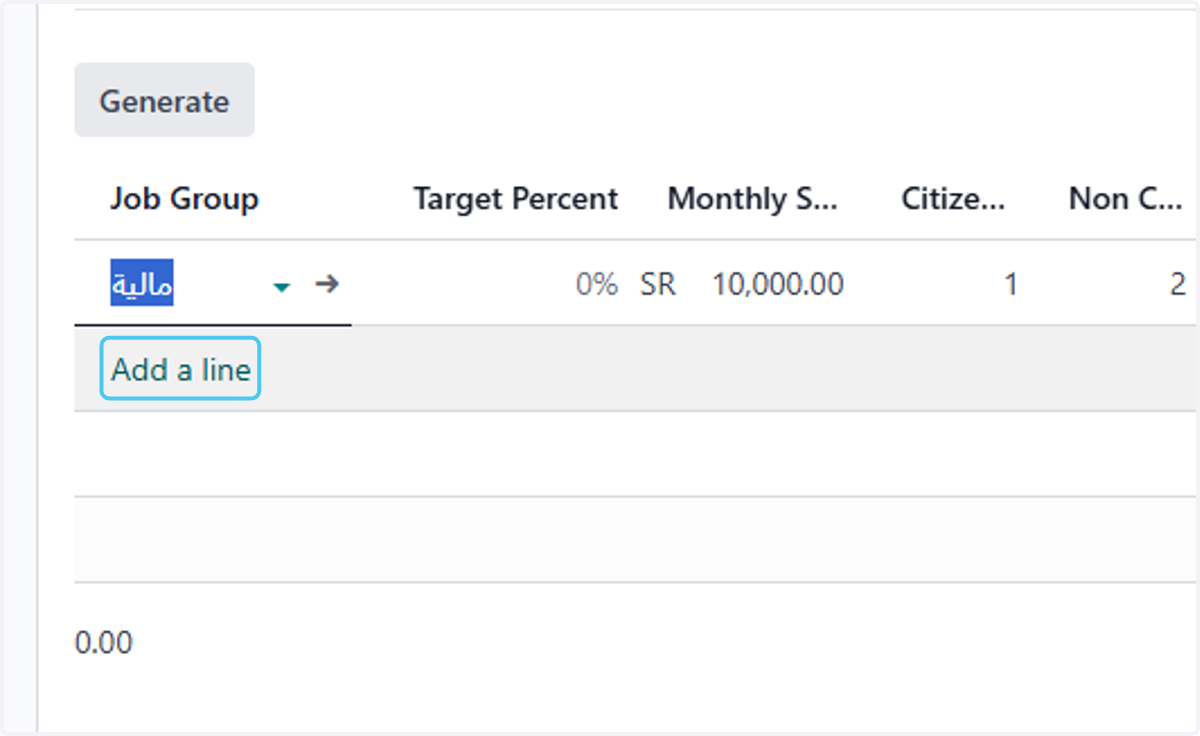
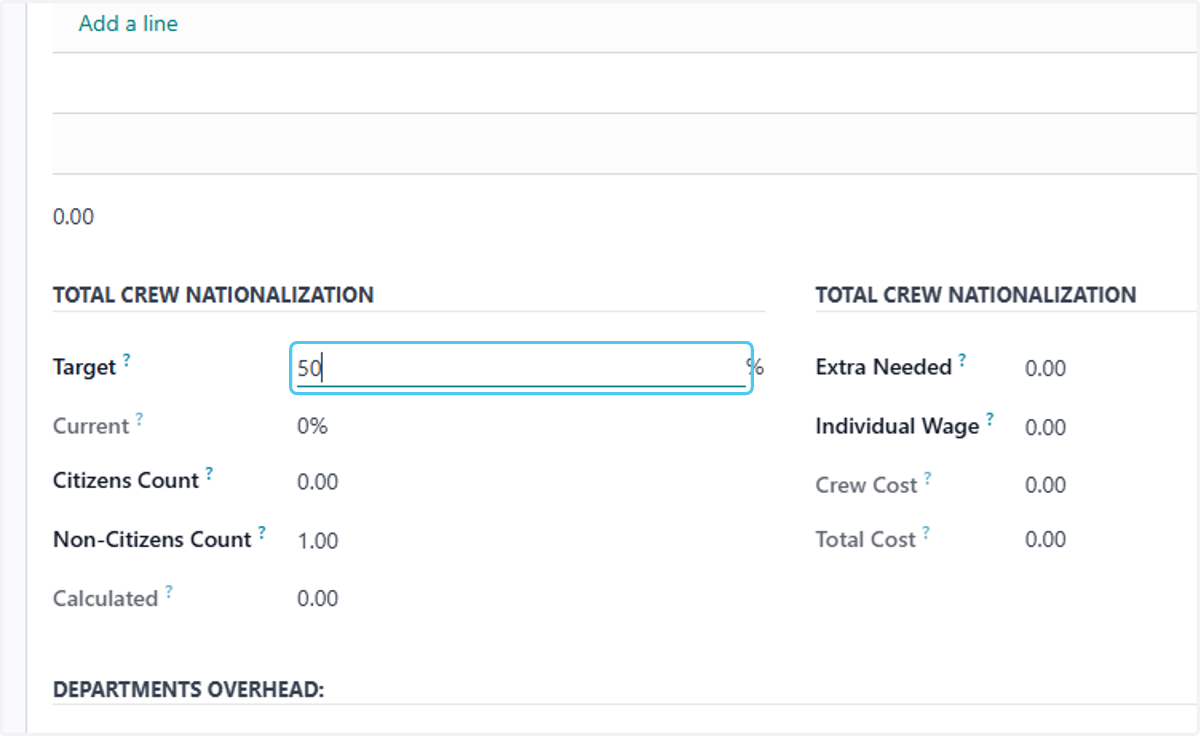
36. add the target percent for crew nationalization
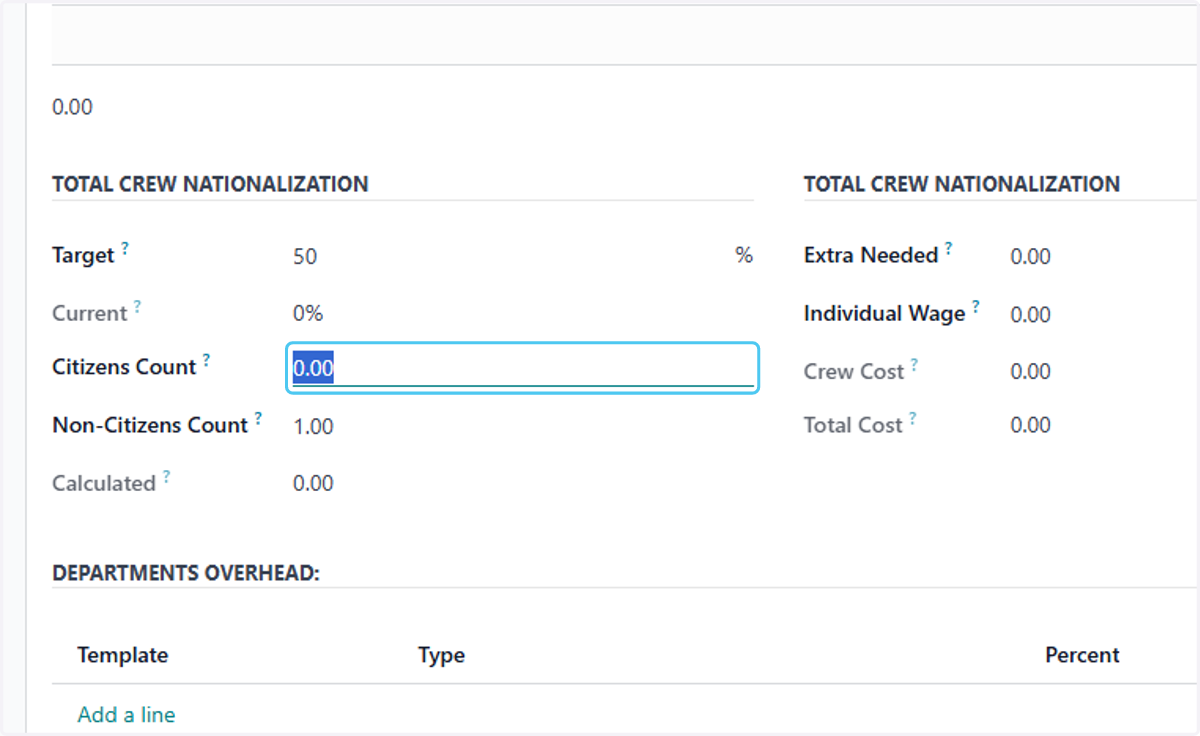
37. add Citizens Count?
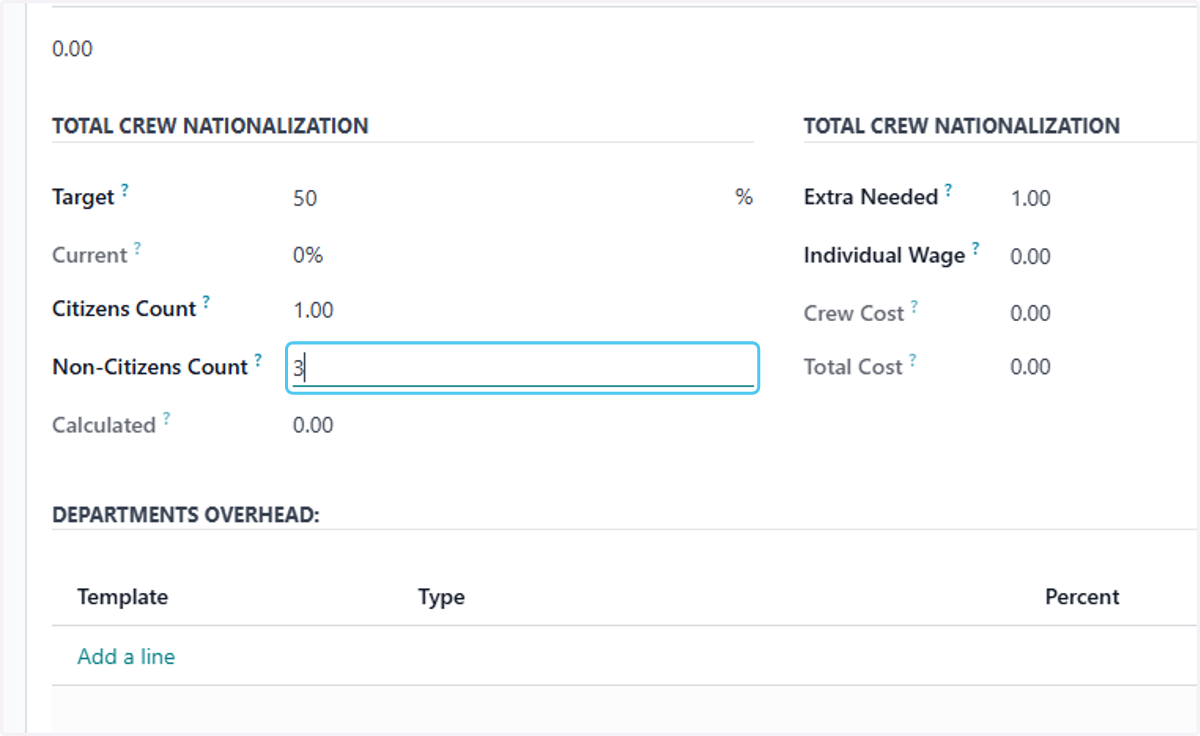
38. add nonCitizens Count?
39. Click on DEPARTMENTS OVERHEAD
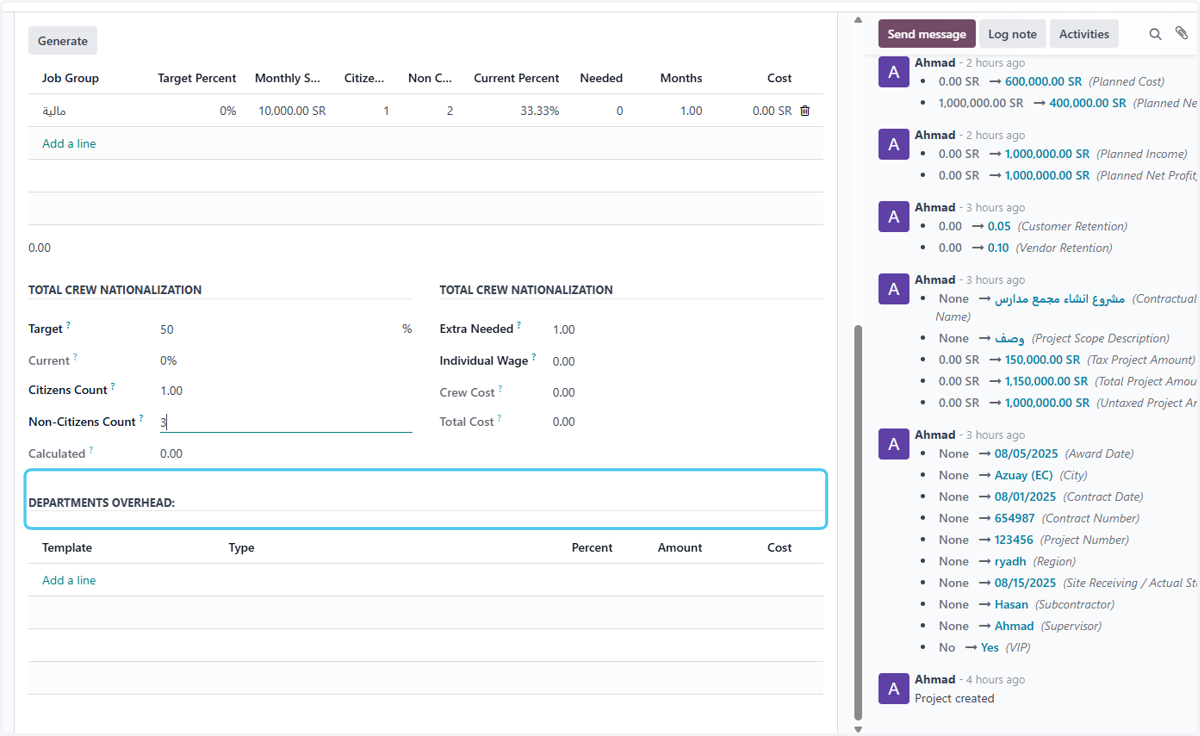
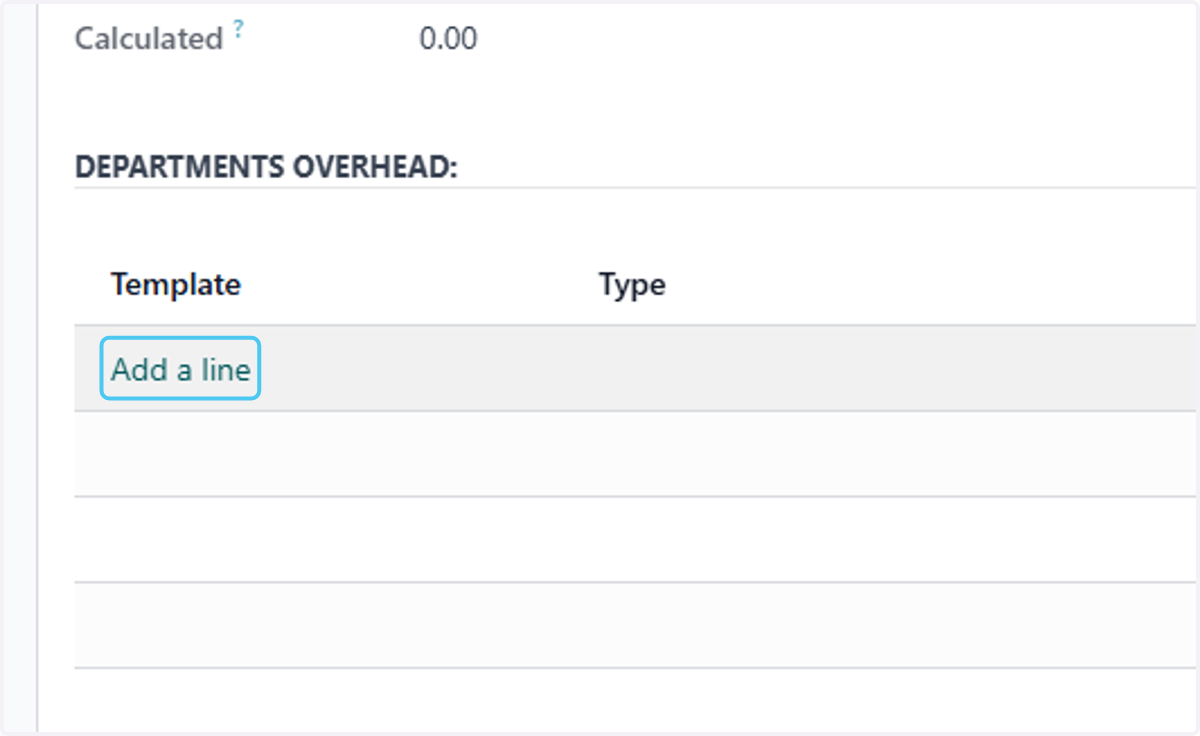
40. Click on Add a line
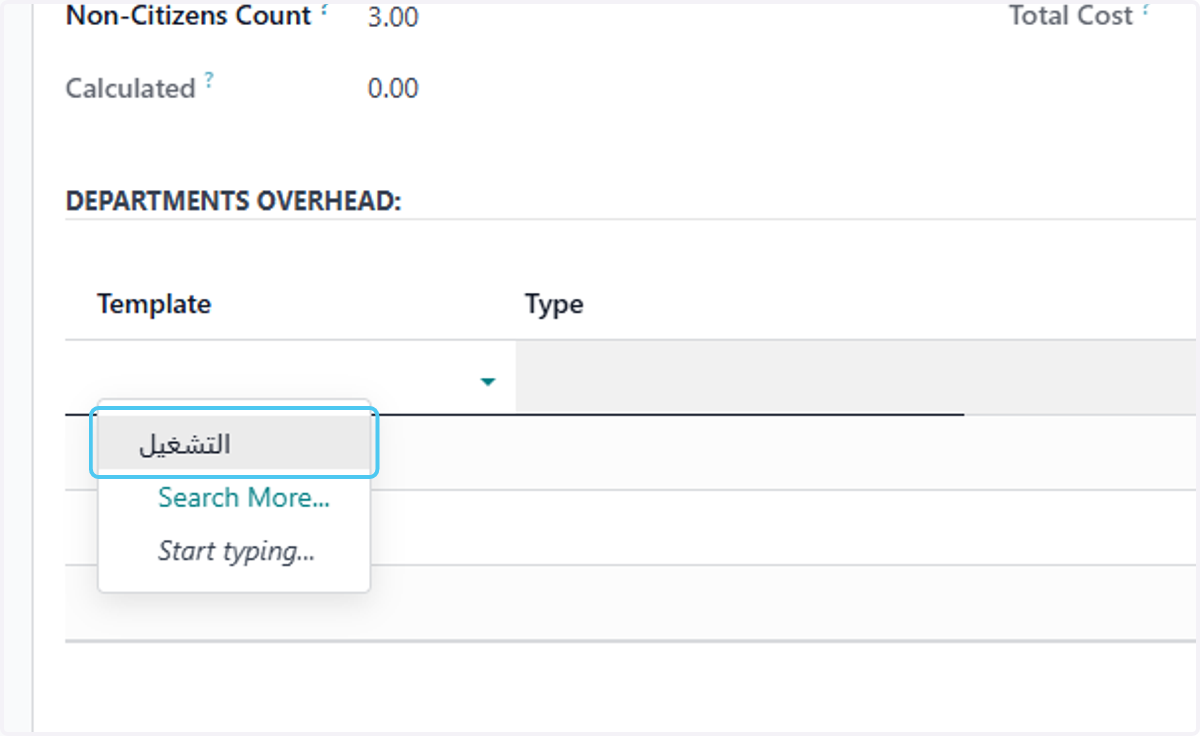
41. select or add the departments overhead
42. Click on Add a line if u want to add more
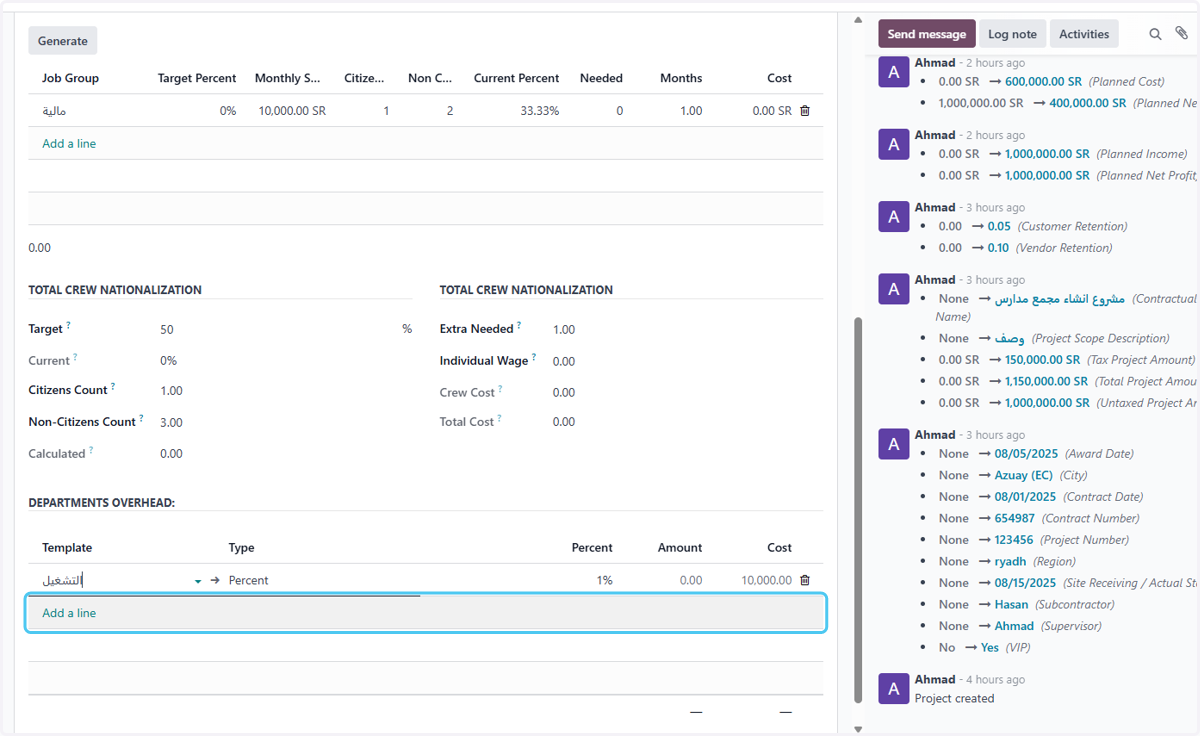
43. Click on Save manually