Creating a Lot

JustPark Admin

  1. 1. In Legacy Portal, click on "+ Create"
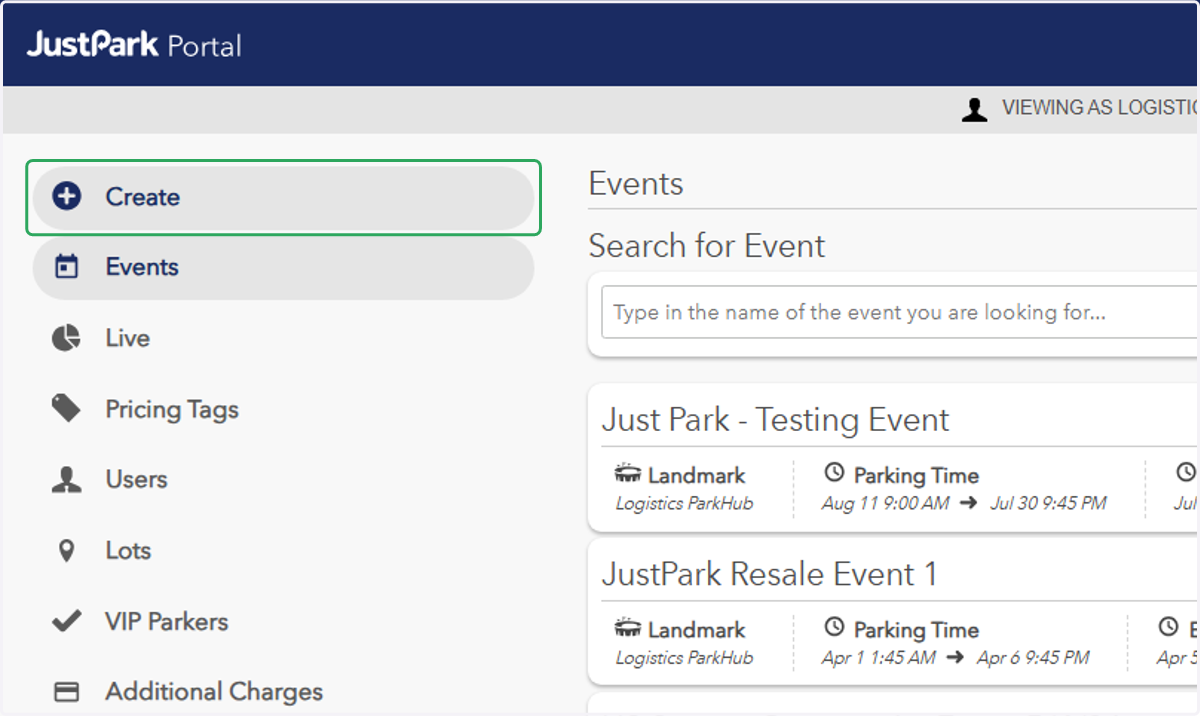
    In Legacy Portal, click on "+ Create"
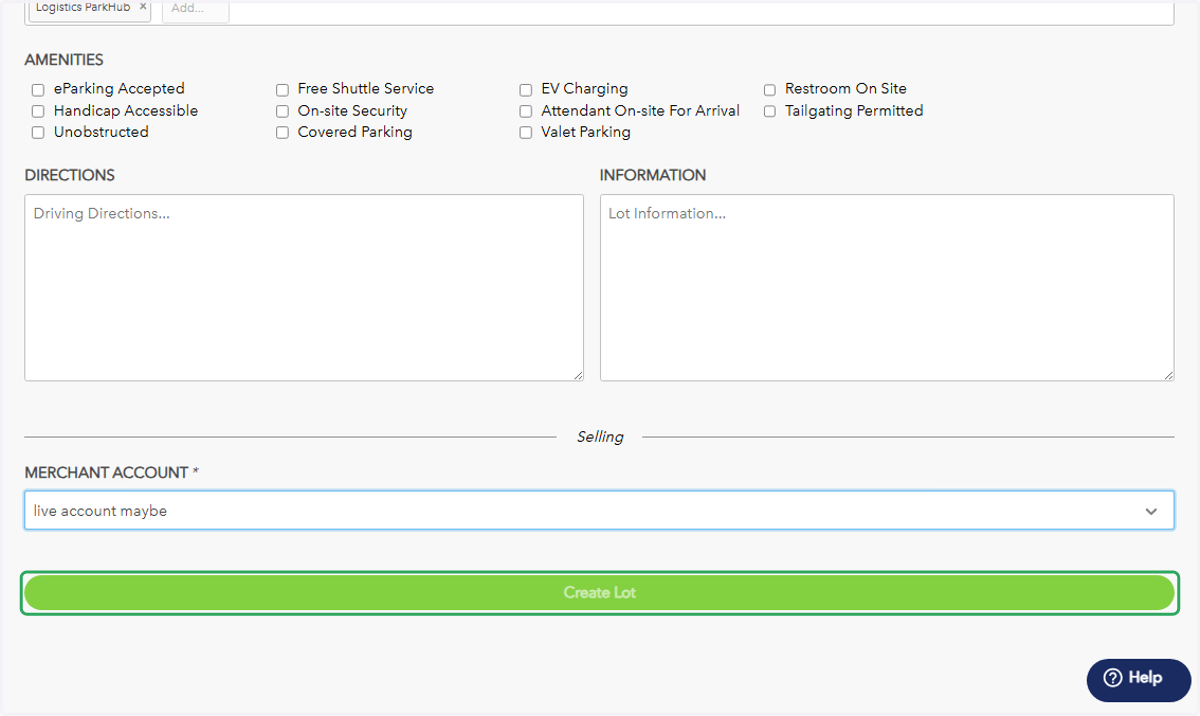
  2. 2. Enter the Lot's Total Spots, Name, Address, the landmark it should be associated with, and select the current merchant account.
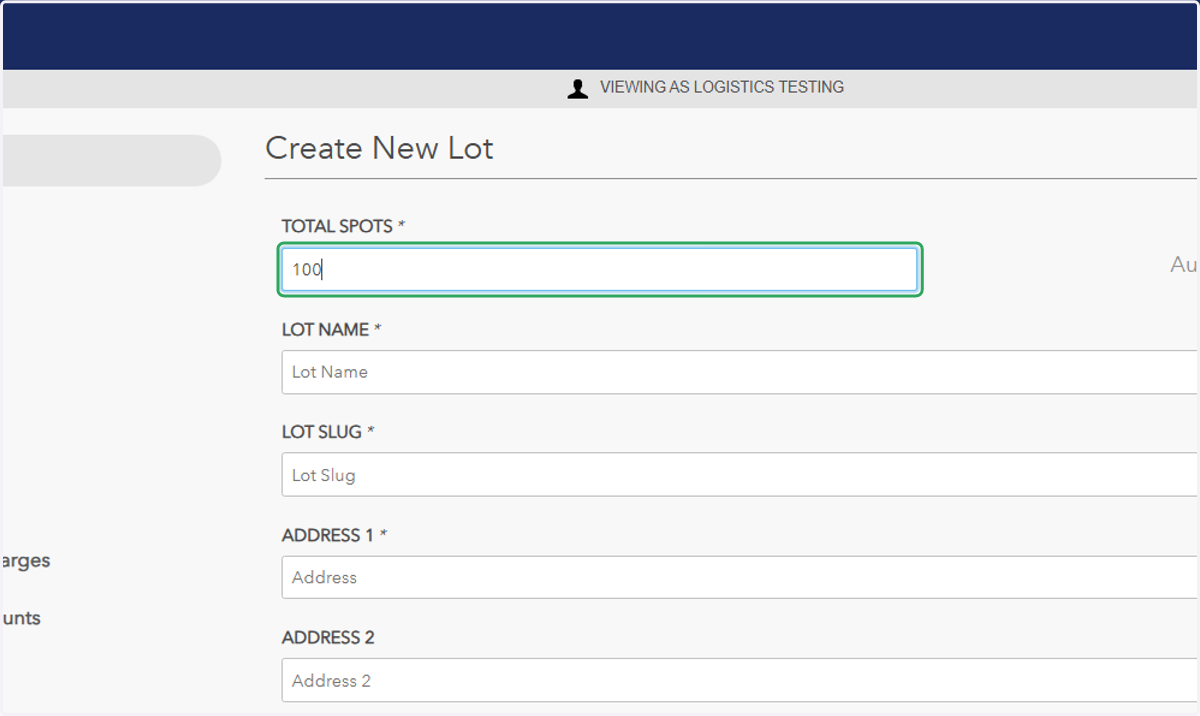
    Enter the Lot's Total Spots, Name, Address, the landmark it should be associated with, and select the current merchant account.
  3. 3. Click on "Create Lot"

    Click on "Create Lot"
  1. 4. After notification of Lot approval, click on "Lots" in Legacy Portal
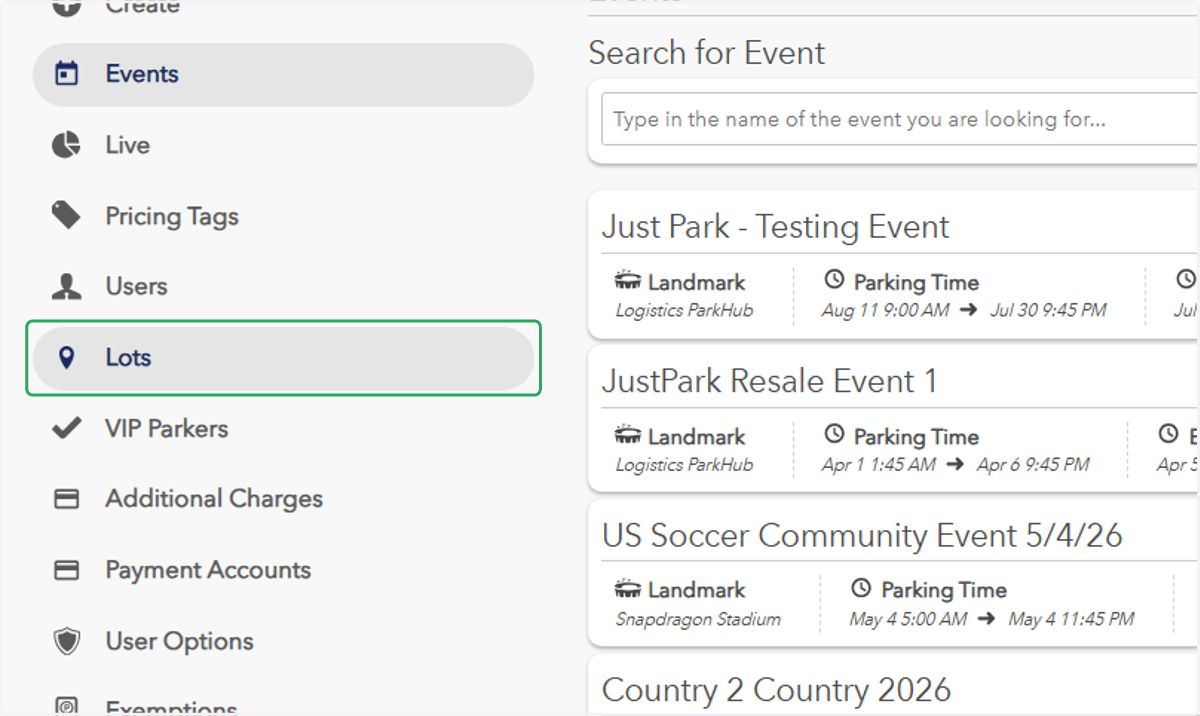
    After notification of Lot approval, click on "Lots" in Legacy Portal
  2. 5. Change Filter By from "Live Lots" to "All Lots"
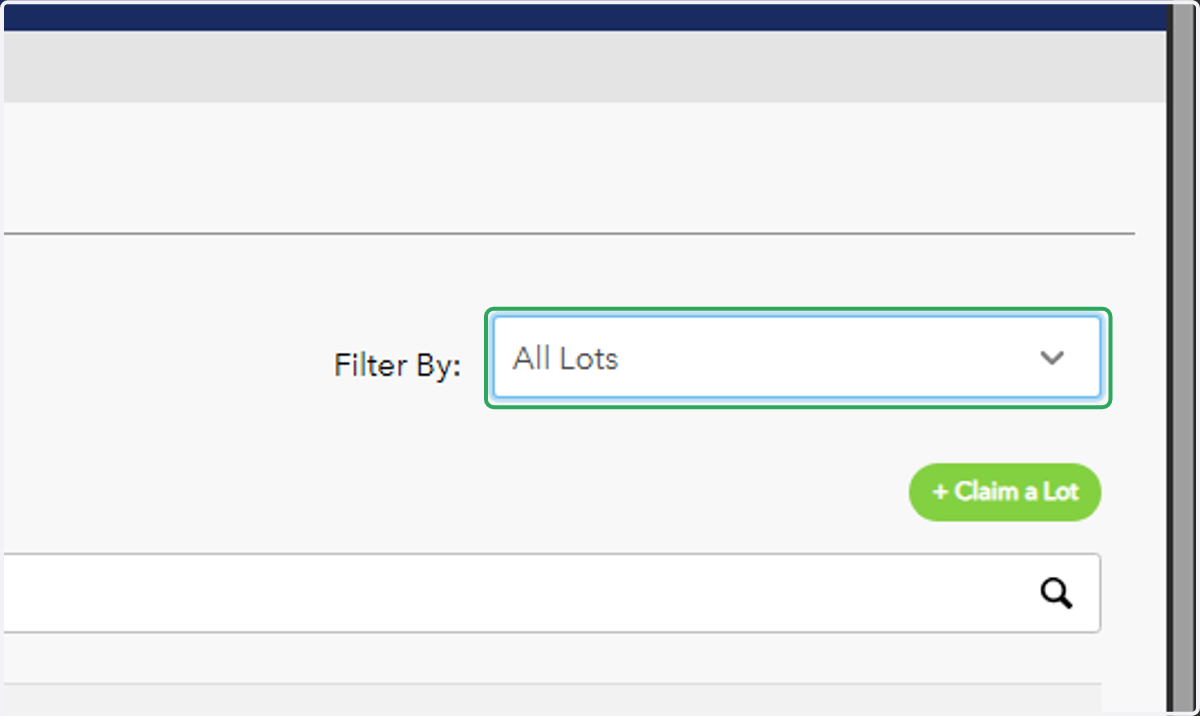
    Change Filter By from "Live Lots" to "All Lots"
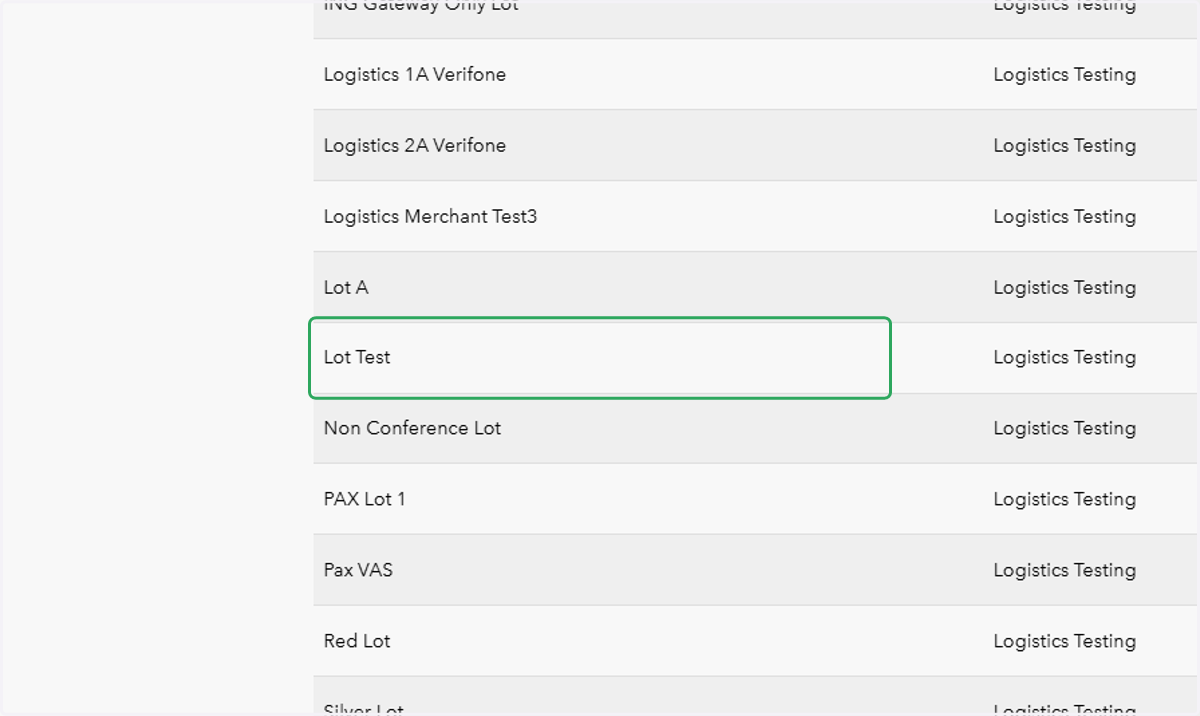
  3. 6. Click on the newly created lot

    Click on the newly created lot
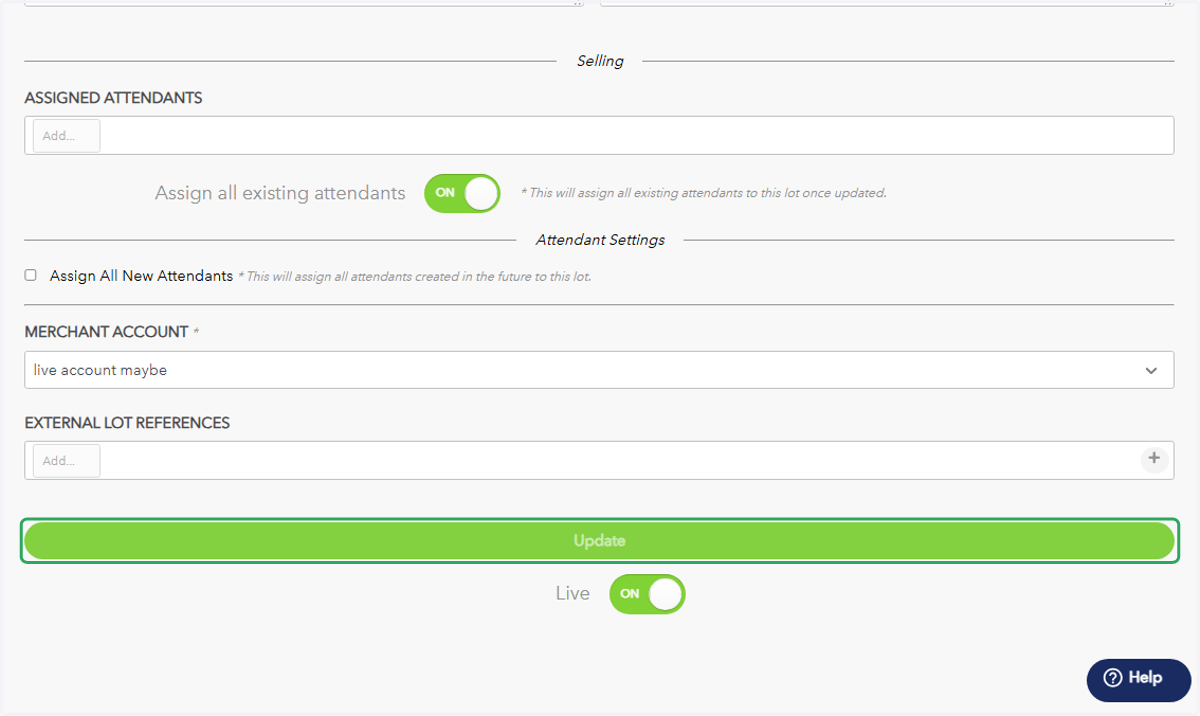
  4. 7. Assign your desired attendant(s) to the lot
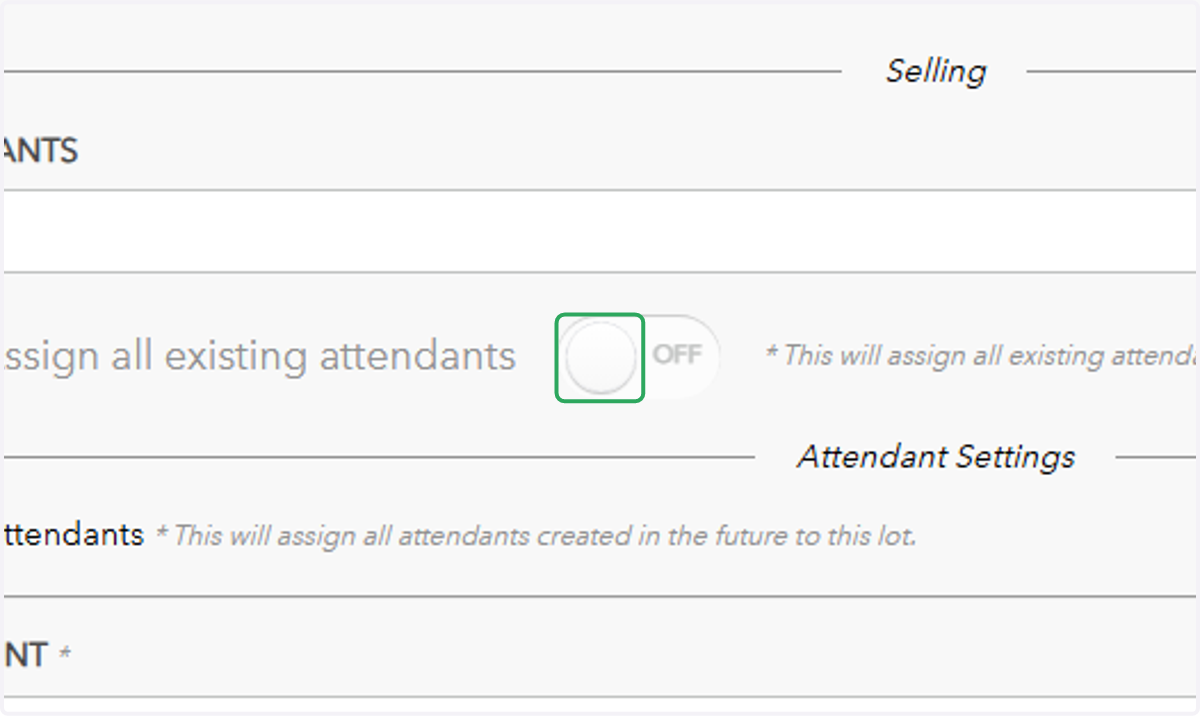
    Assign your desired attendant(s) to the lot
  5. 8. Make the lot live by toggling the switch next to "Live" at the bottom of the page
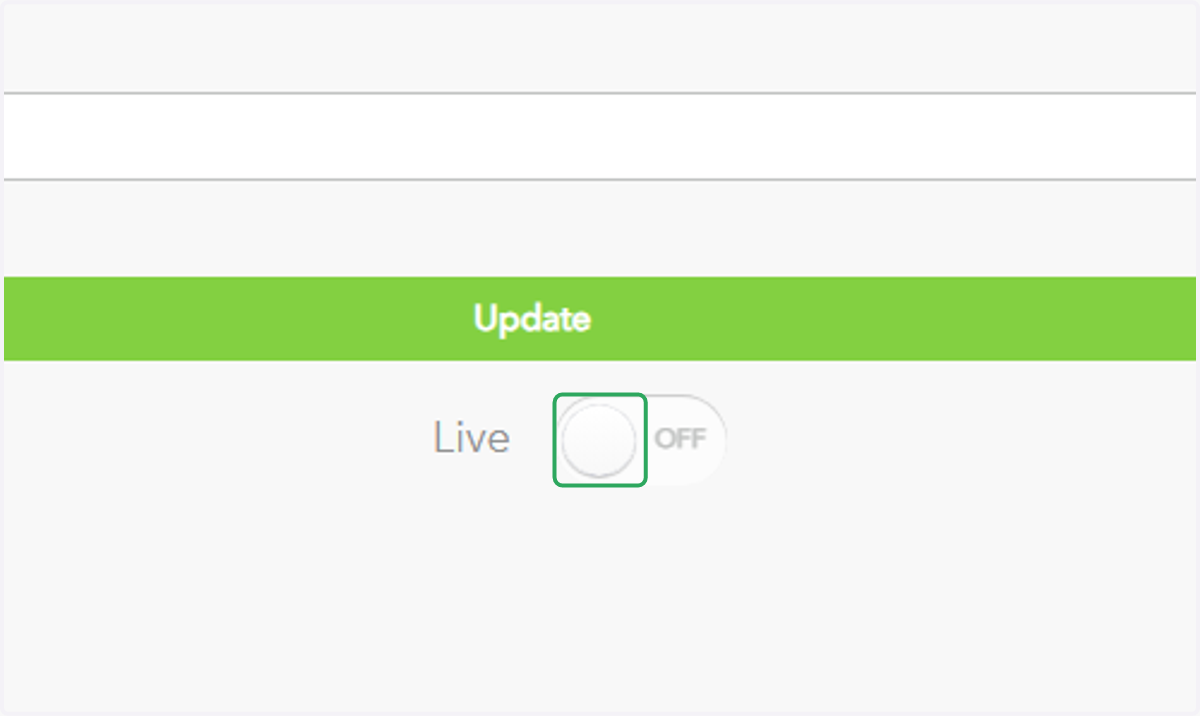
    Make the lot live by toggling the switch next to "Live" at the bottom of the page
  6. 9. Click on "Update"

    Click on "Update"