How to Add a URL Redirect in the Site Editor
In the site editor, go to the website where you need to add a redirect
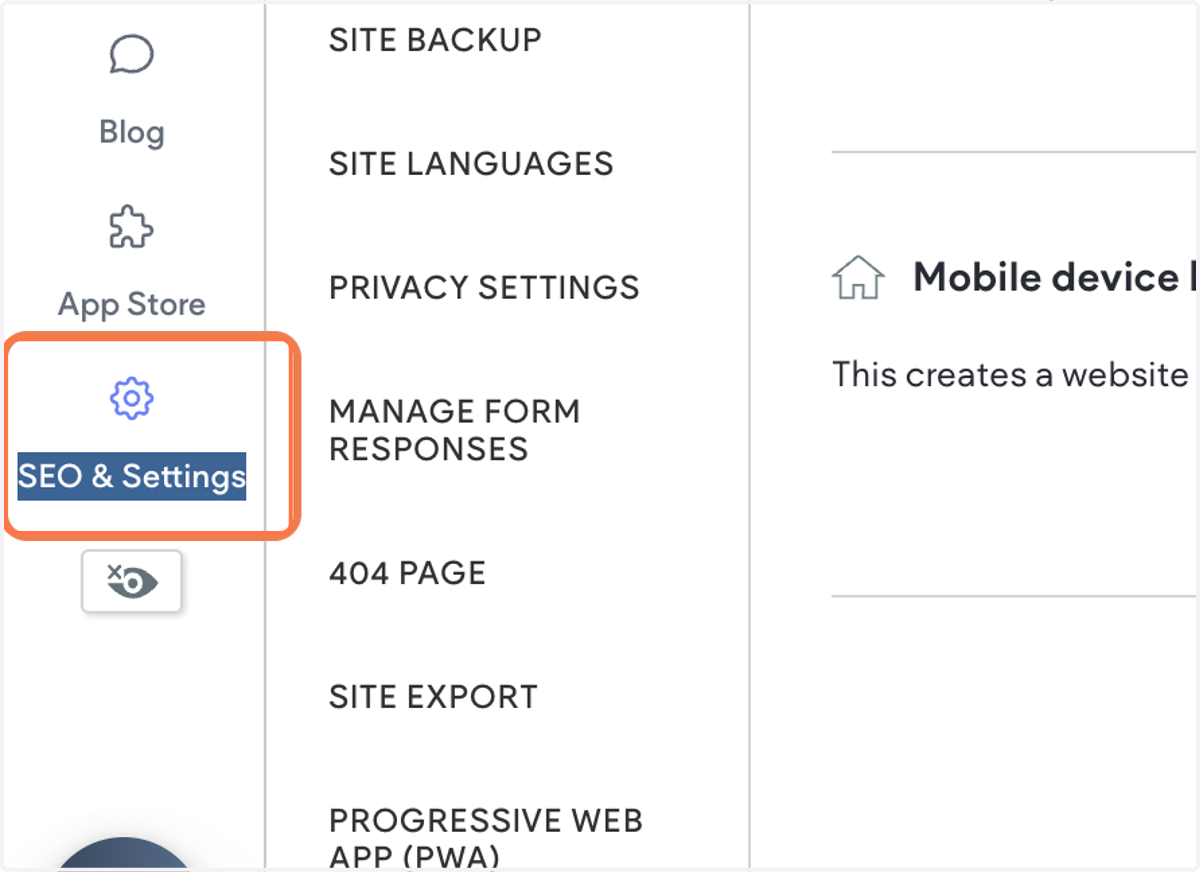
1. Click on SEO & Settings
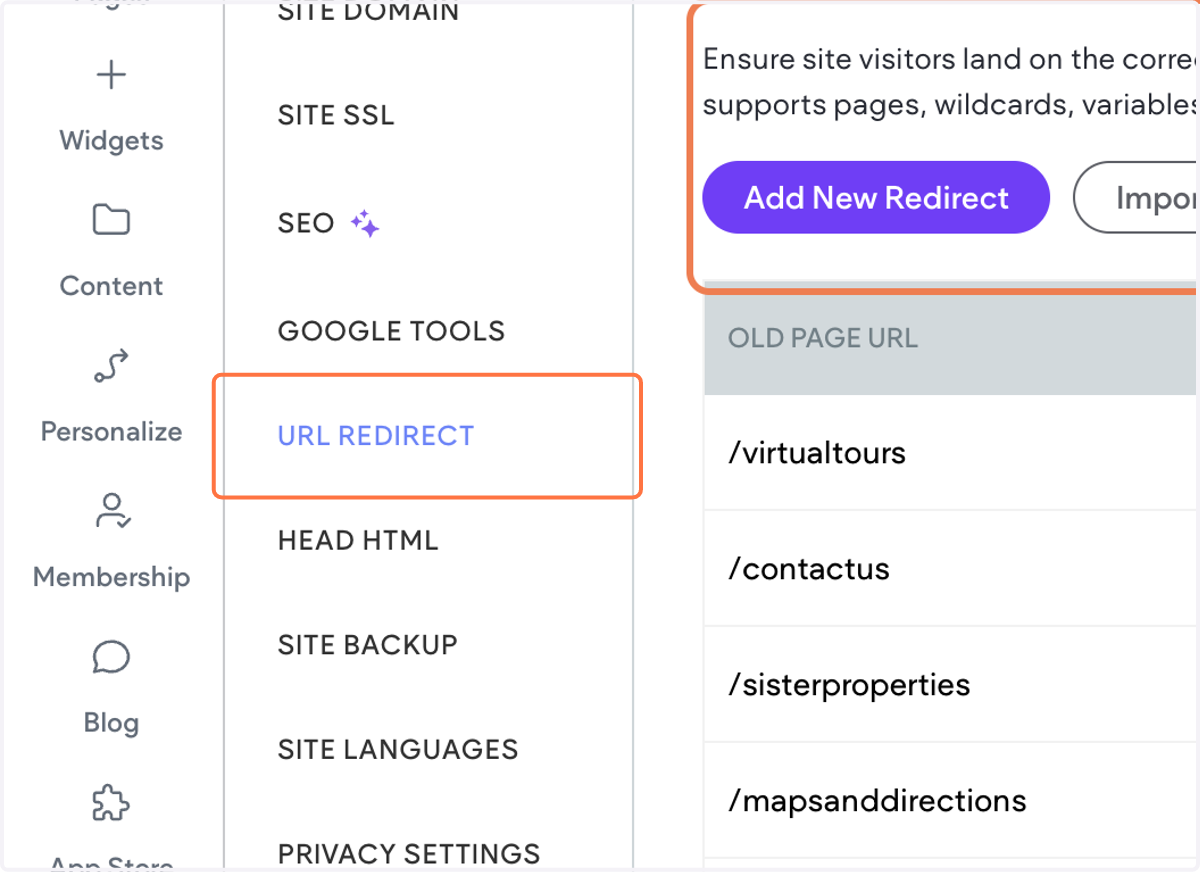
2. Click on URL REDIRECT
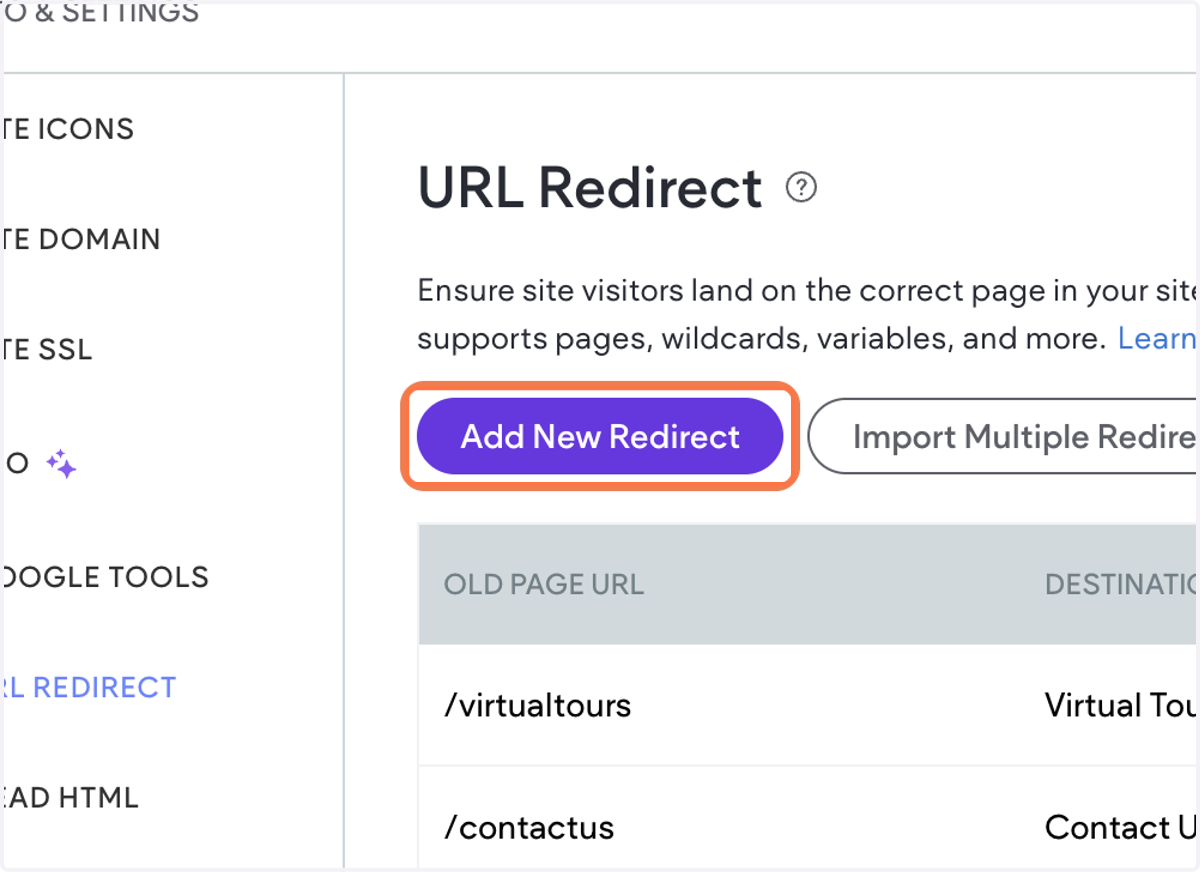
3. Click on Add New Redirect
4. Type in the URL of the page you need to redirect from

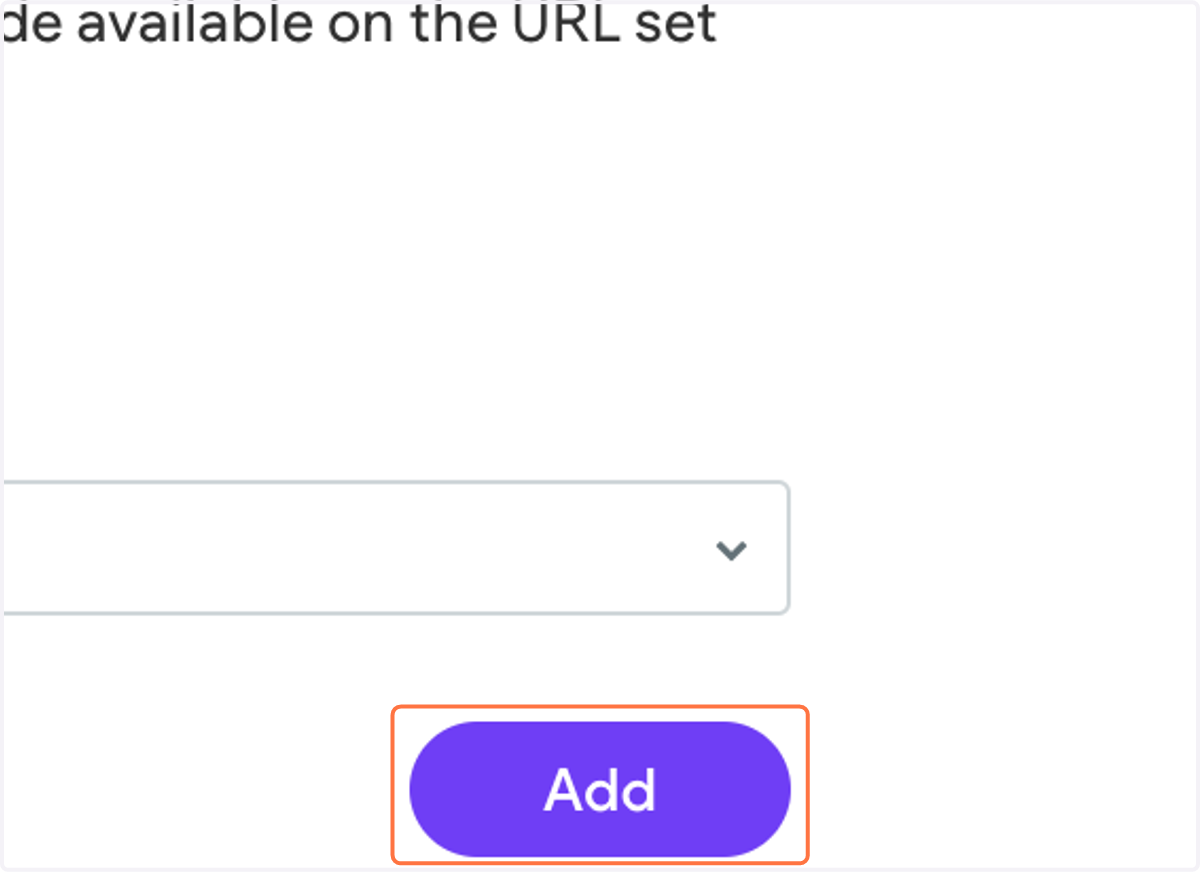
5. Click on Add
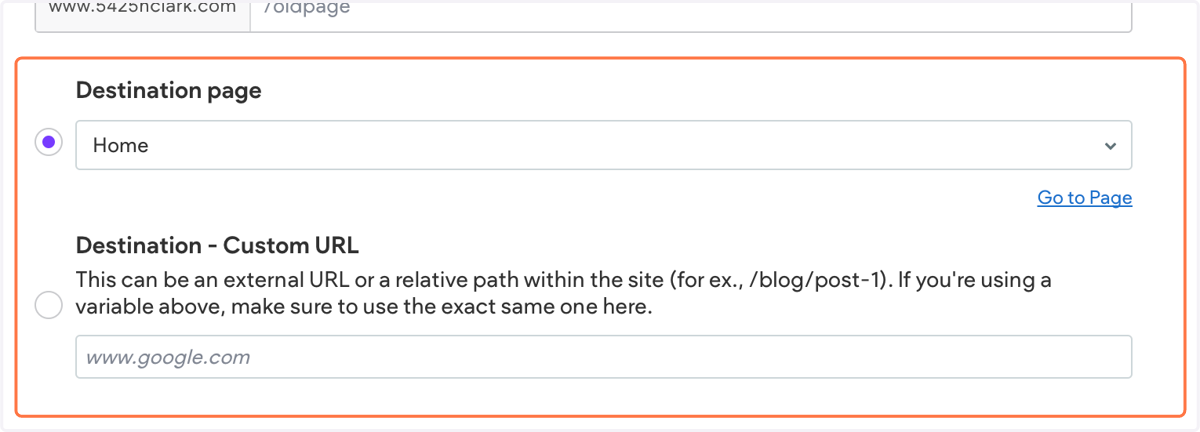
6. Next, select the destination page for the redirect
You can either select a page from the available options in the dropdown menu or enter a custom URL if needed.
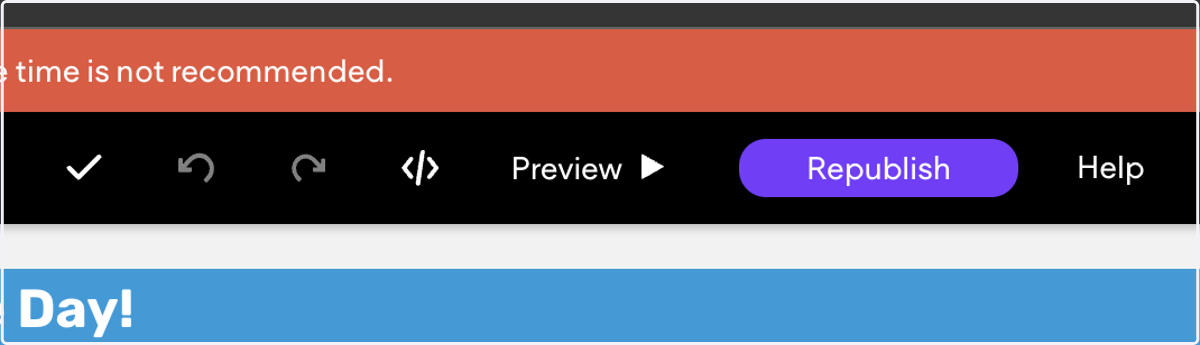
7. Republish the website to save changes
8. Visit the old page URL in your browser to check if the redirect is working