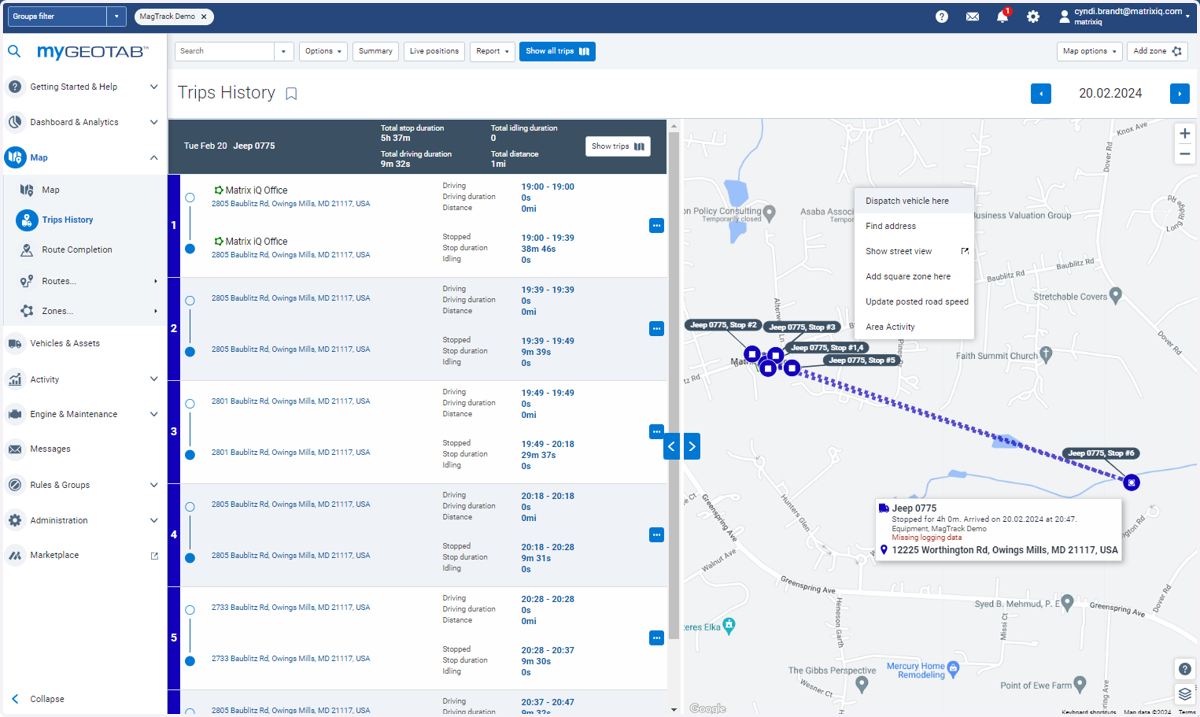
Navigating Trips History in MyGeotab
Map | MyGeotab: Trips
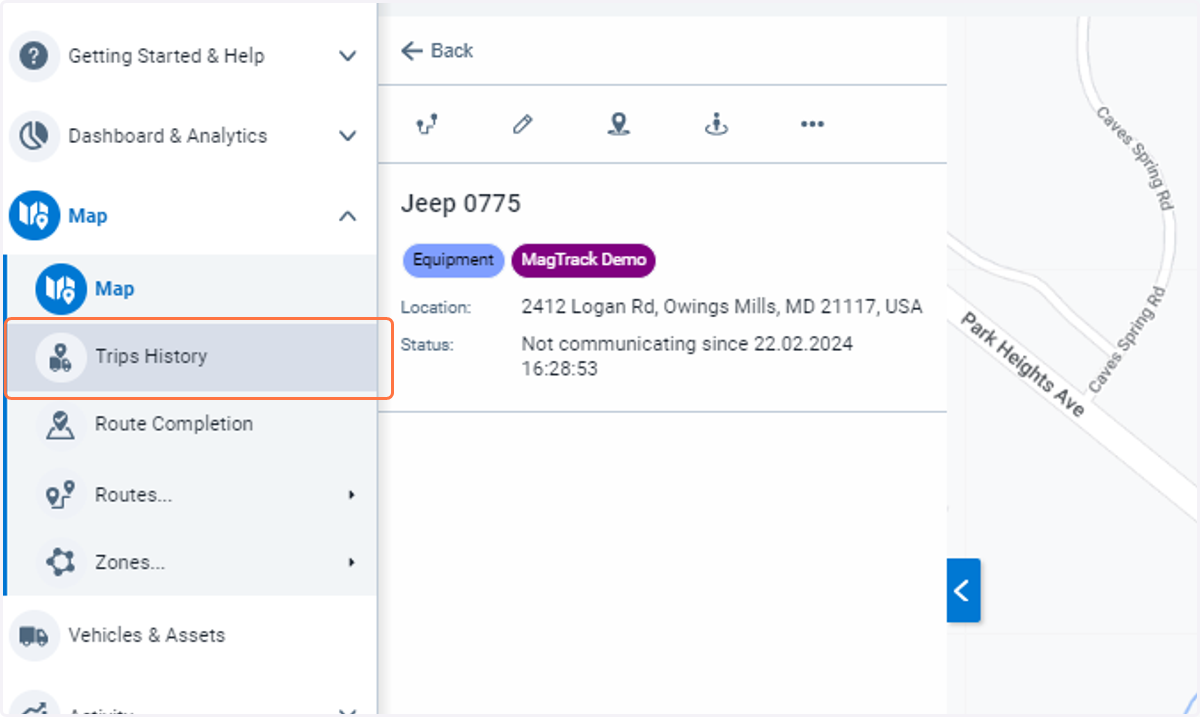
1. Click on Trips History
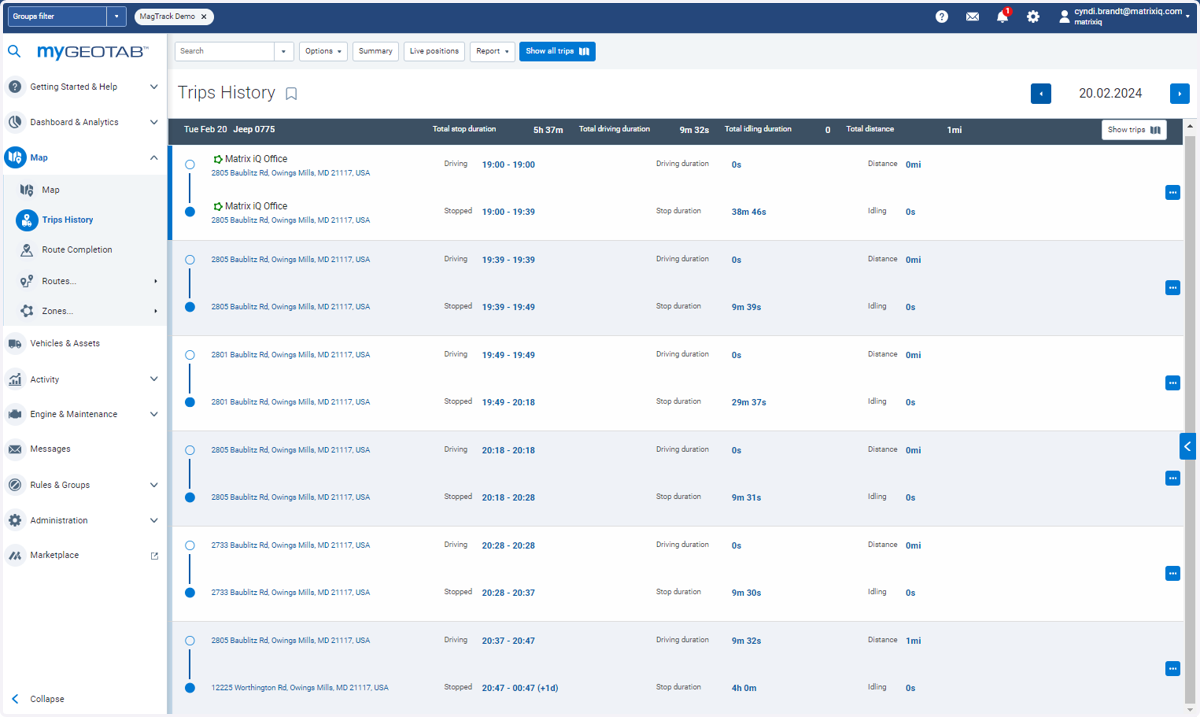
2. List of "trips" is created based upon the asset pings
An asset may be located by GPS satellite or cellular tower.
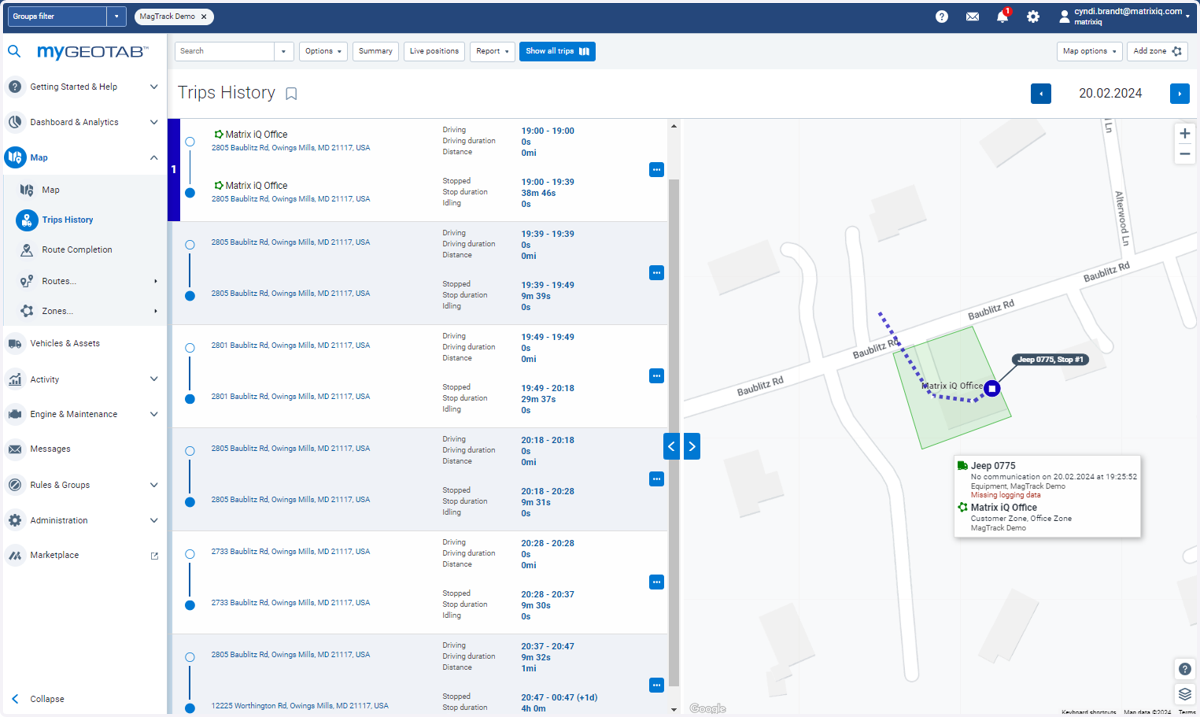
3. Clicking on a specific stop will show the actual GPS ping
4. Click on Show trips to see all GPS pings
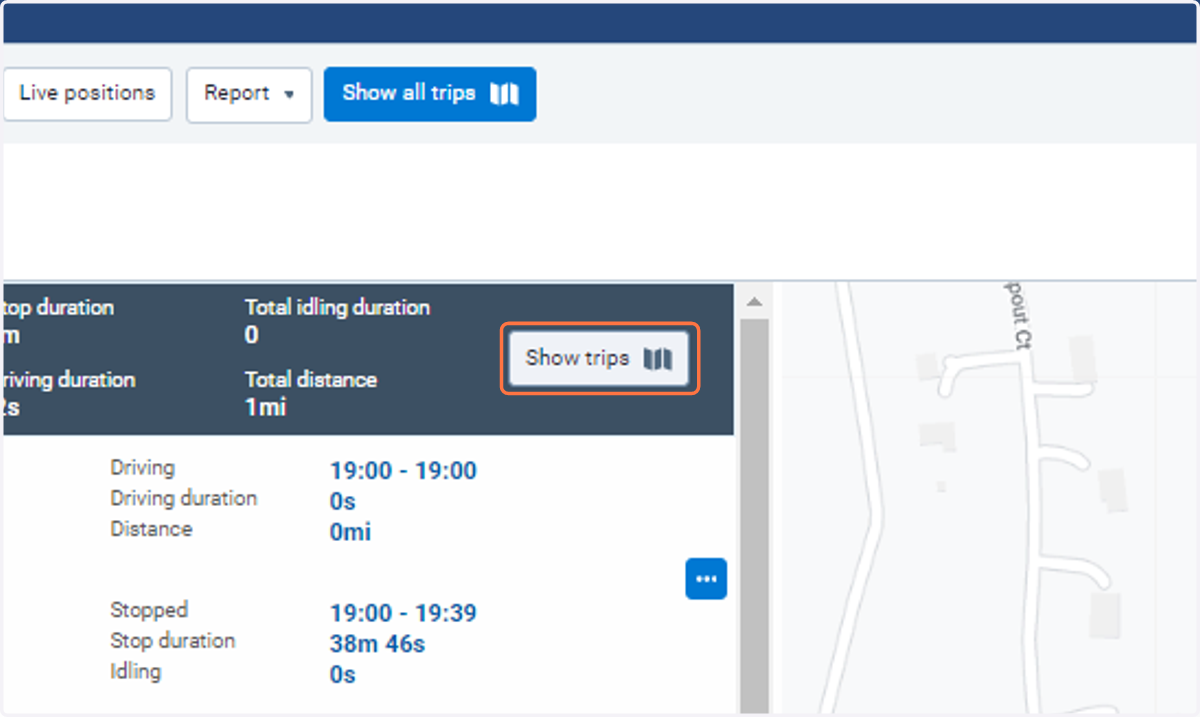
5. This shows all of the GPS pings in the time period