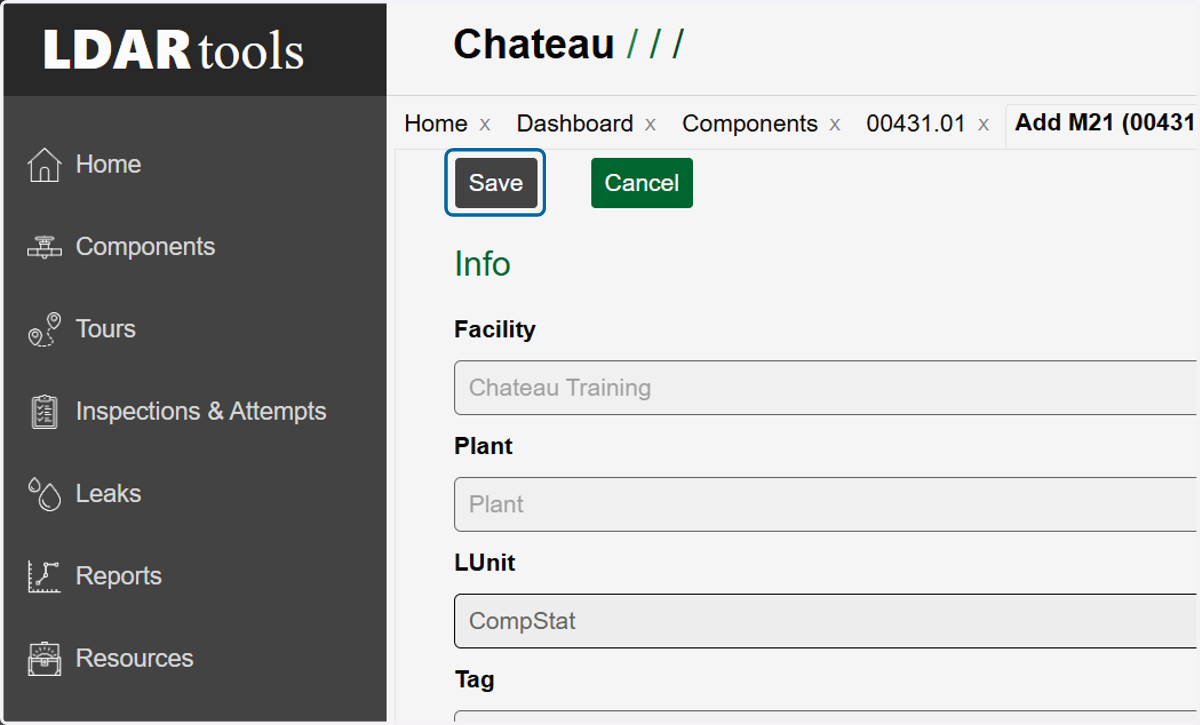
How to Manually Add an Inspection to a Leak
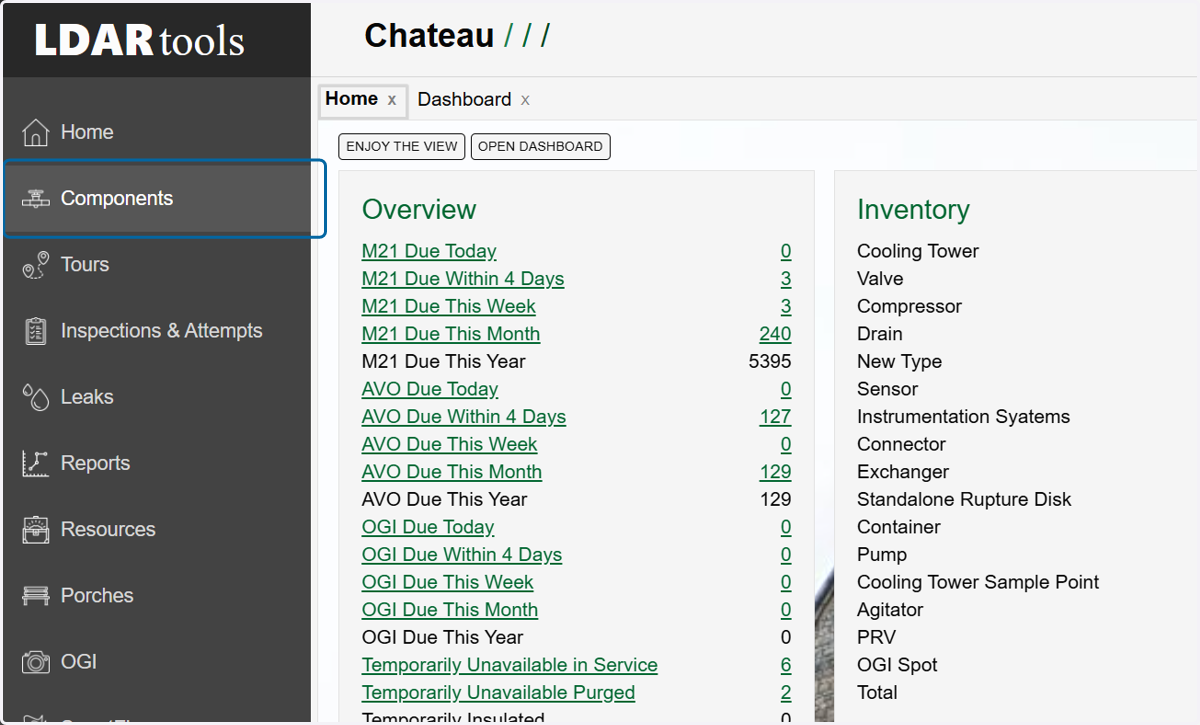
1. Click on Components.
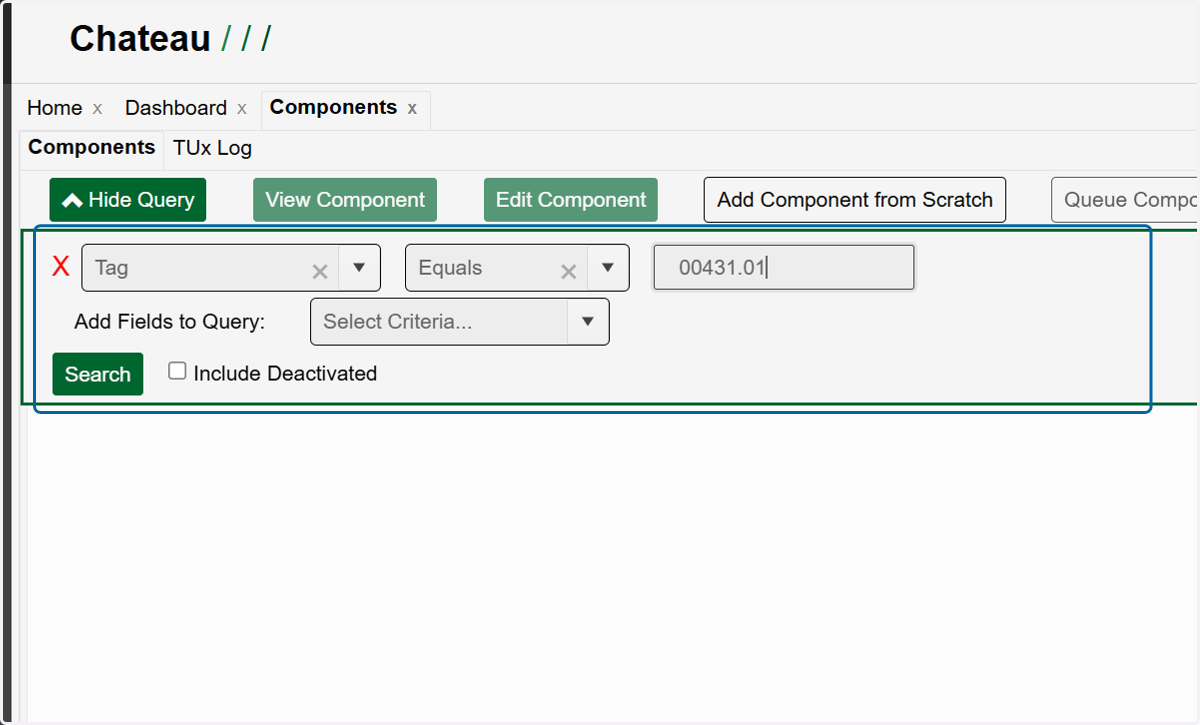
2. Utilize the query builder to find the component to which you want to add the inspection.
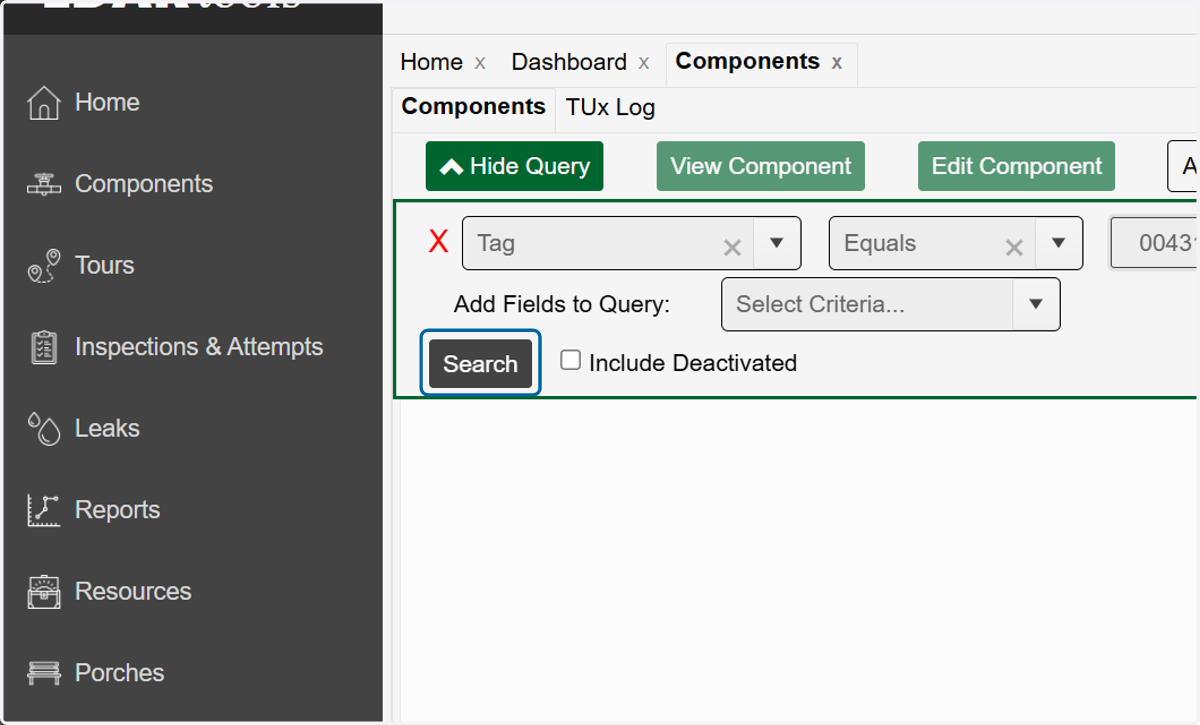
3. Once you have your query built, click on Search.
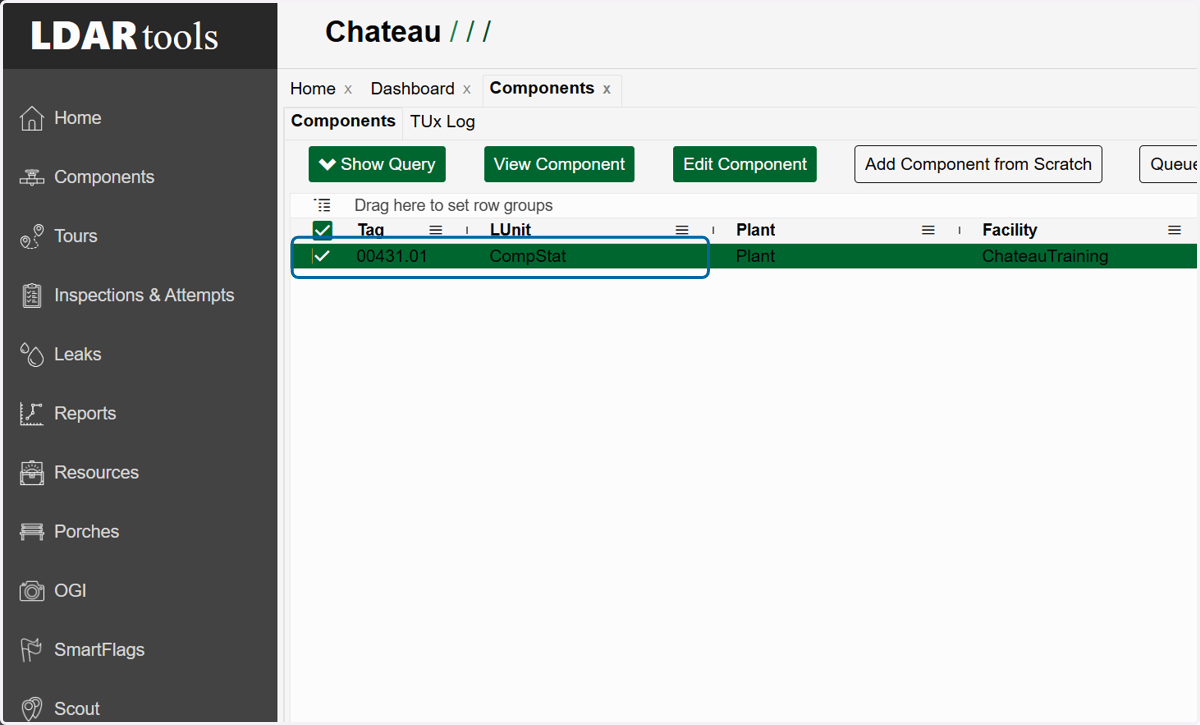
4. Select the row with the component you want.
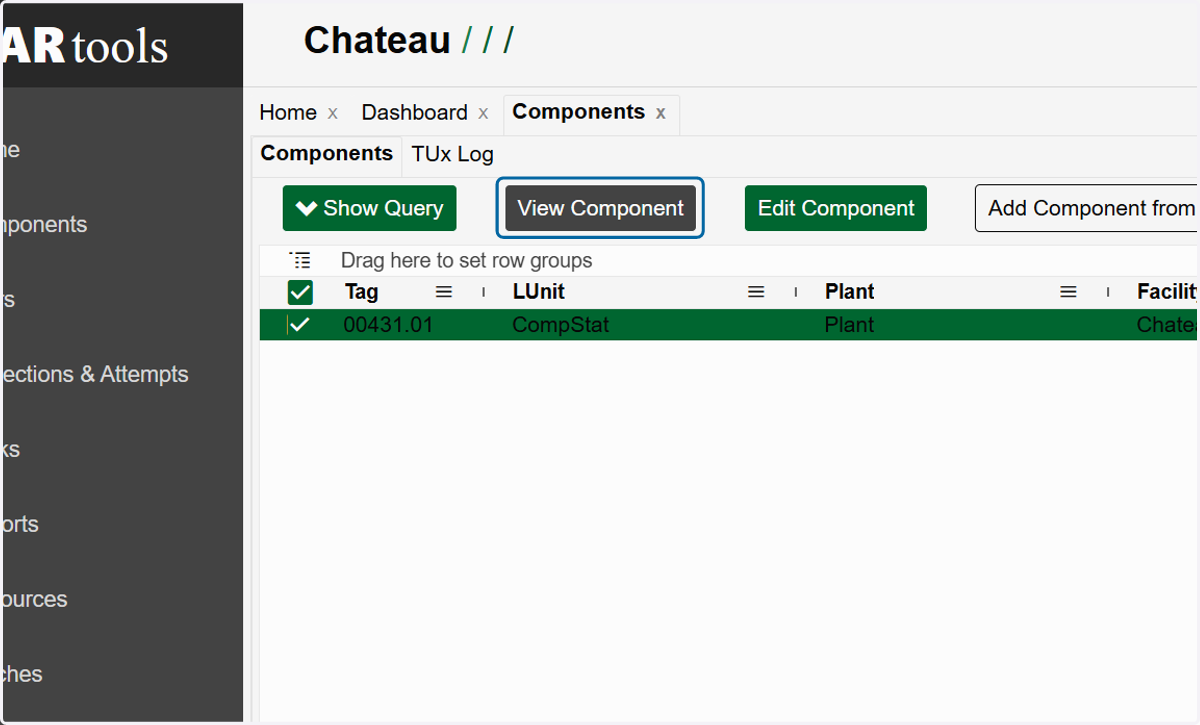
5. Click on View Component
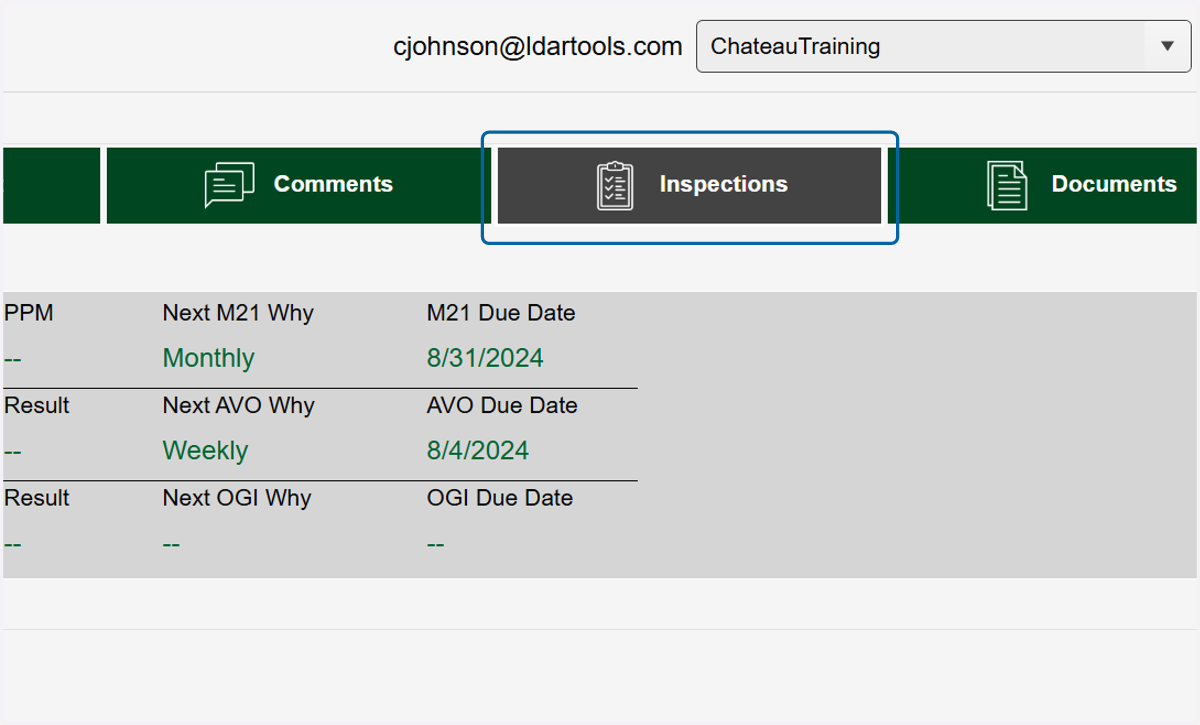
6. Click on Inspections
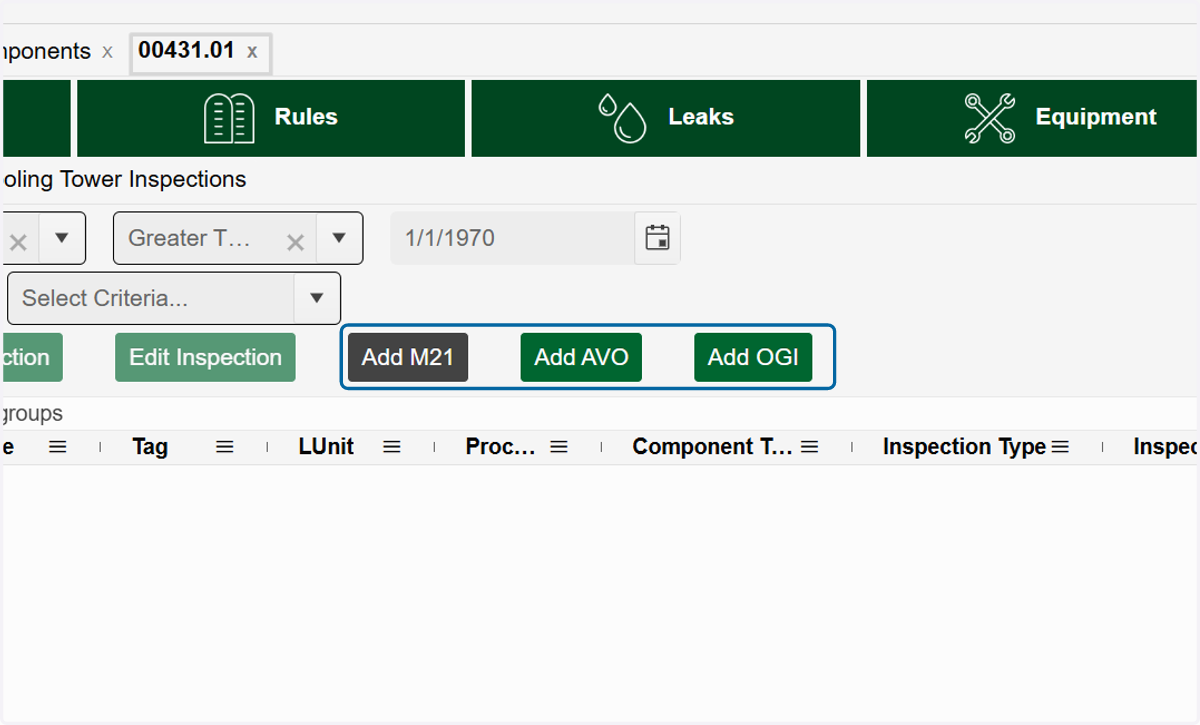
7. Depending on which type on monitoring event you want to add, click on either the Add M21, Add AVO or Add OGI.
8. Fill in the required fields plus any additional information you may have.
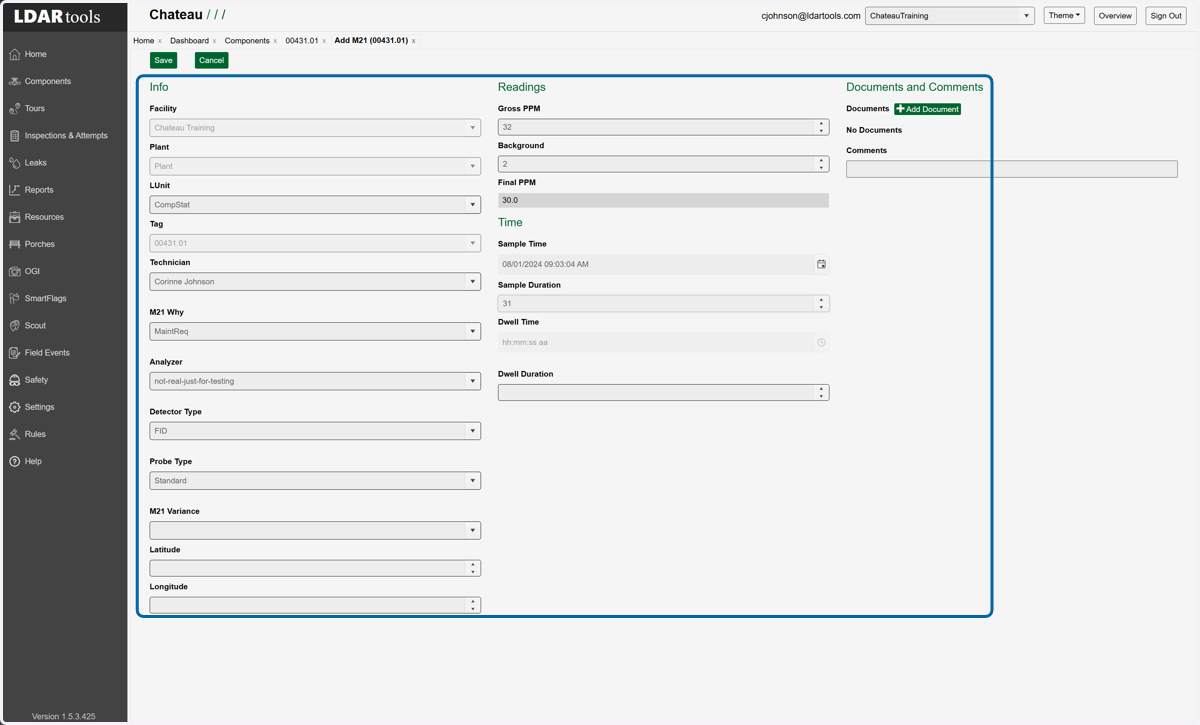
9. Click on Save