Omitting Form Requirements
Interfolio
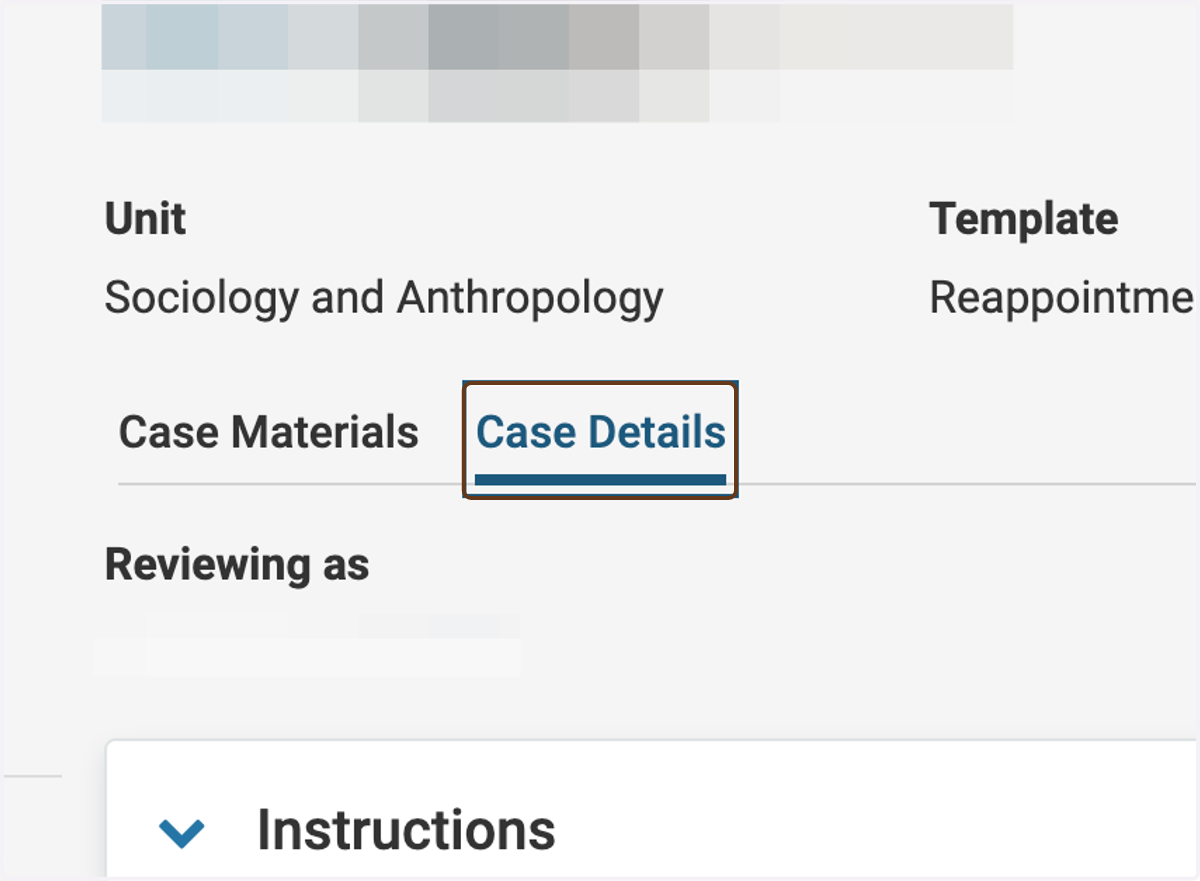
1. Go to the Case Details tab
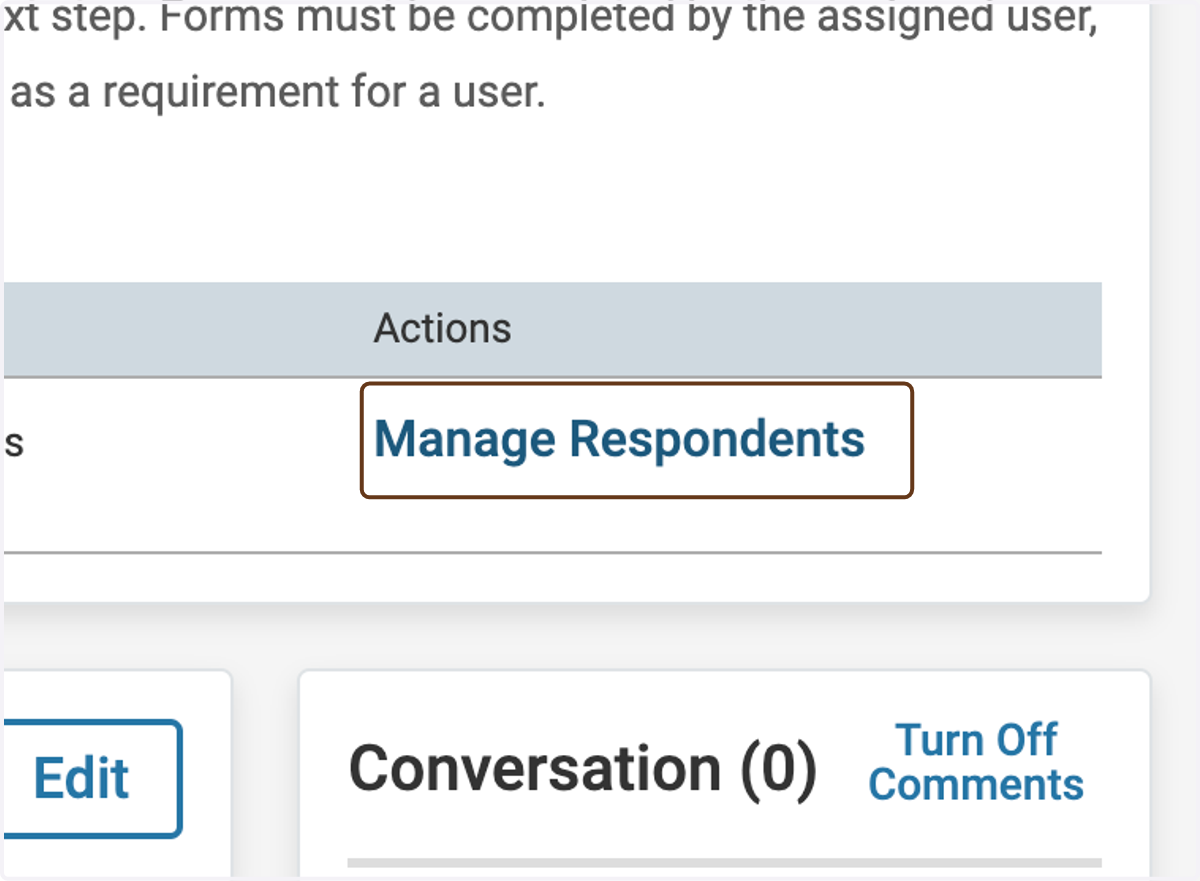
2. Click on Manage Respondents next to the form in question
(You might see two copies of the form, if you are both an administrator and a member of the committee at this step.)
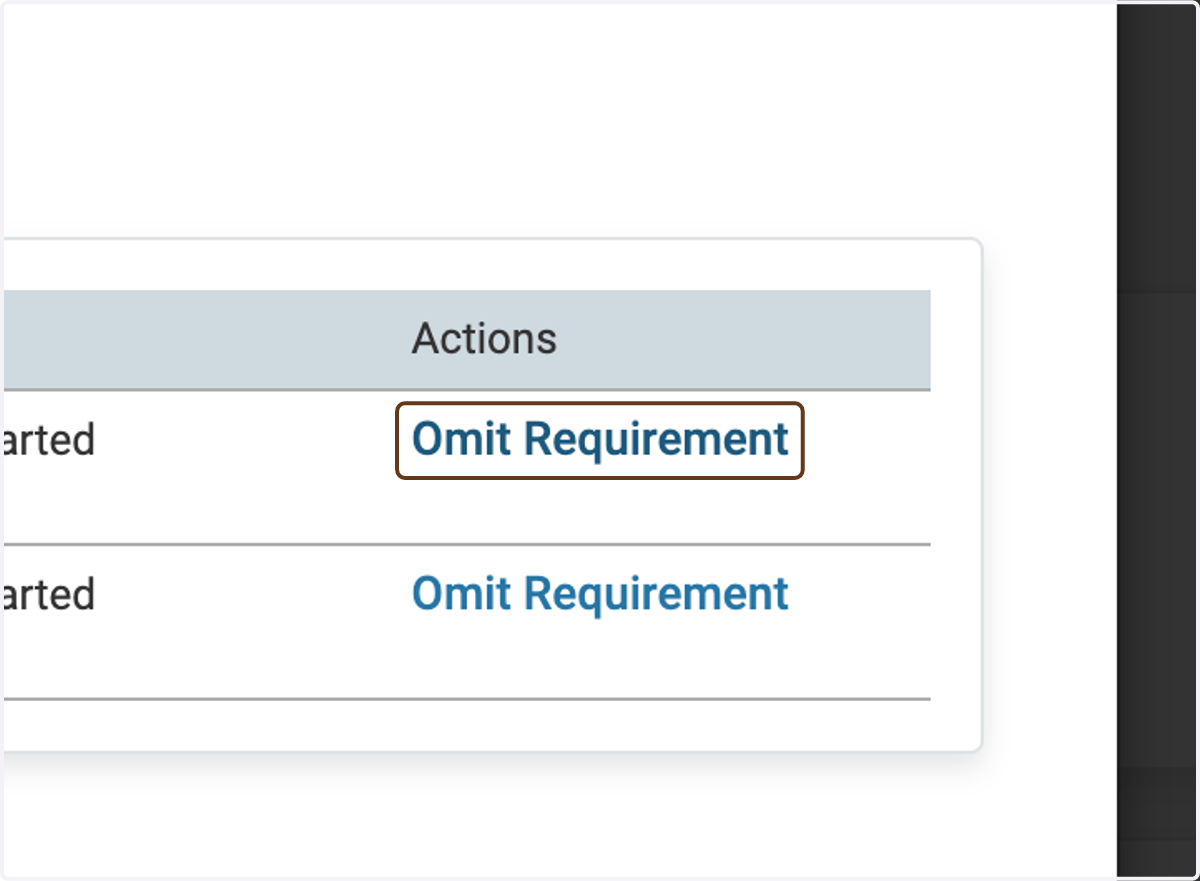
3. Click on Omit Requirement next to the Committee Manager who does not need to complete the form
Repeat for any other Committee Manager who do not need to complete the form. Leave the requirement in place for the Committee Manager who will complete the form.
If you change your mind after you omit the requirement for someone, you can click Enforce Requirement to put the requirement back in place.