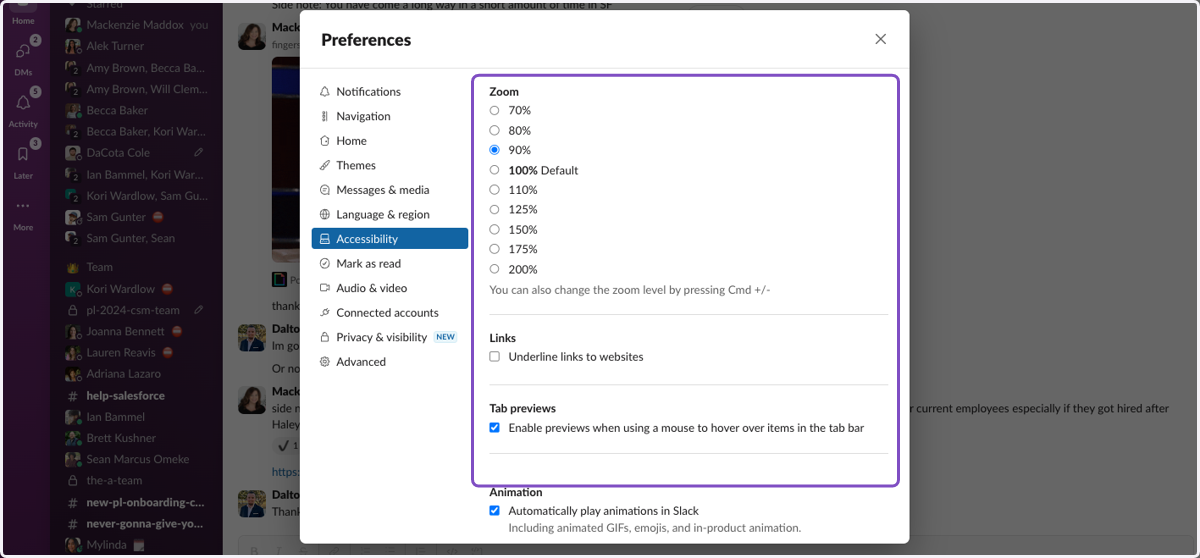
How to Customize your Slack Preferences & Settings
Login to the Slack application
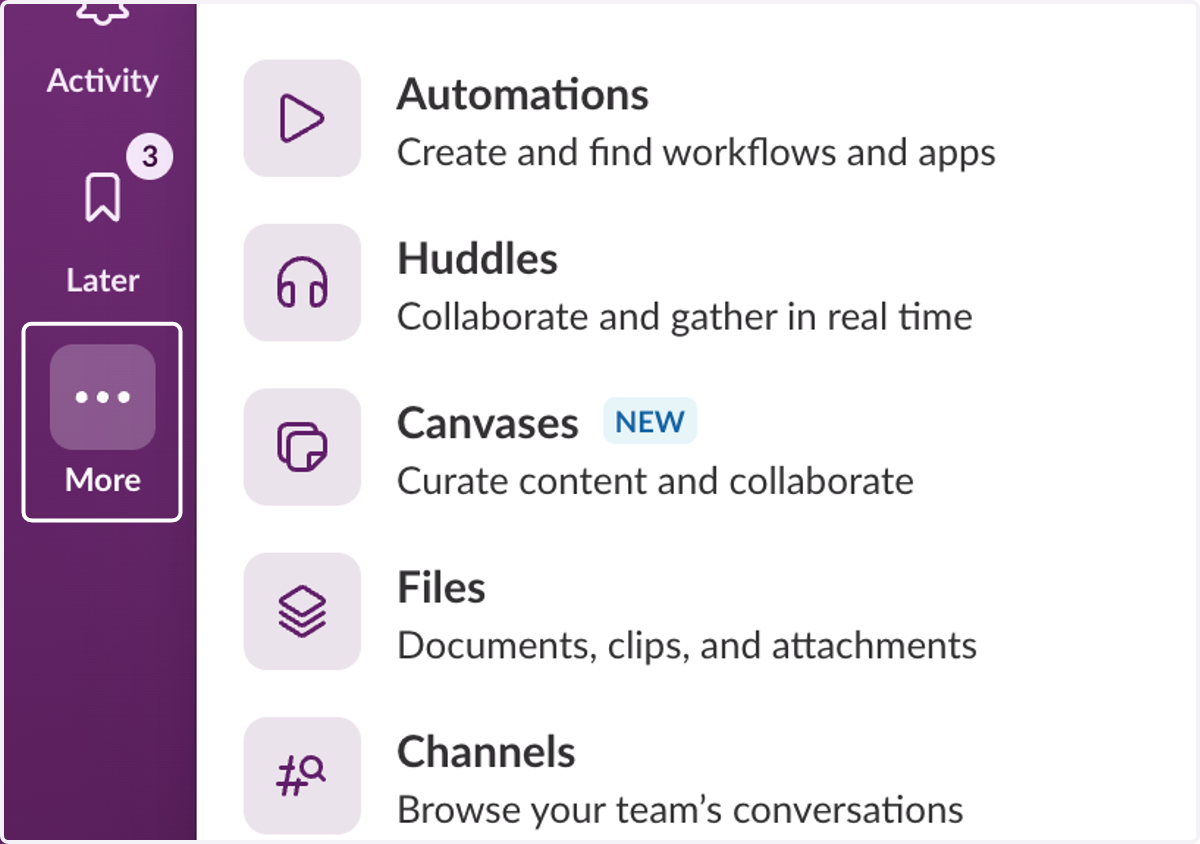
1. To Customize your Preferences, Settings, etc... Click on the "More" icon (3 dots) on the left-side navigation panel
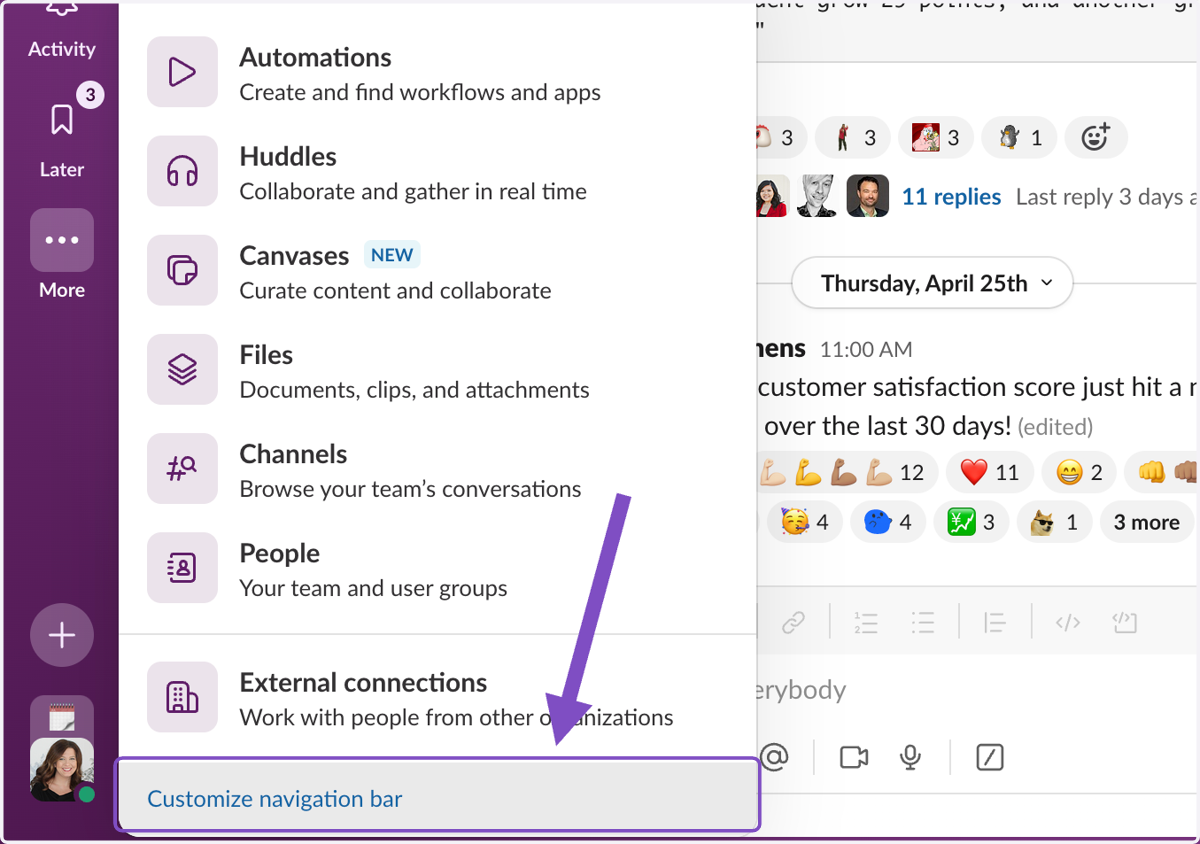
2. Click on Customize navigation bar
3. Click through the preference options in the left-side navigation panel
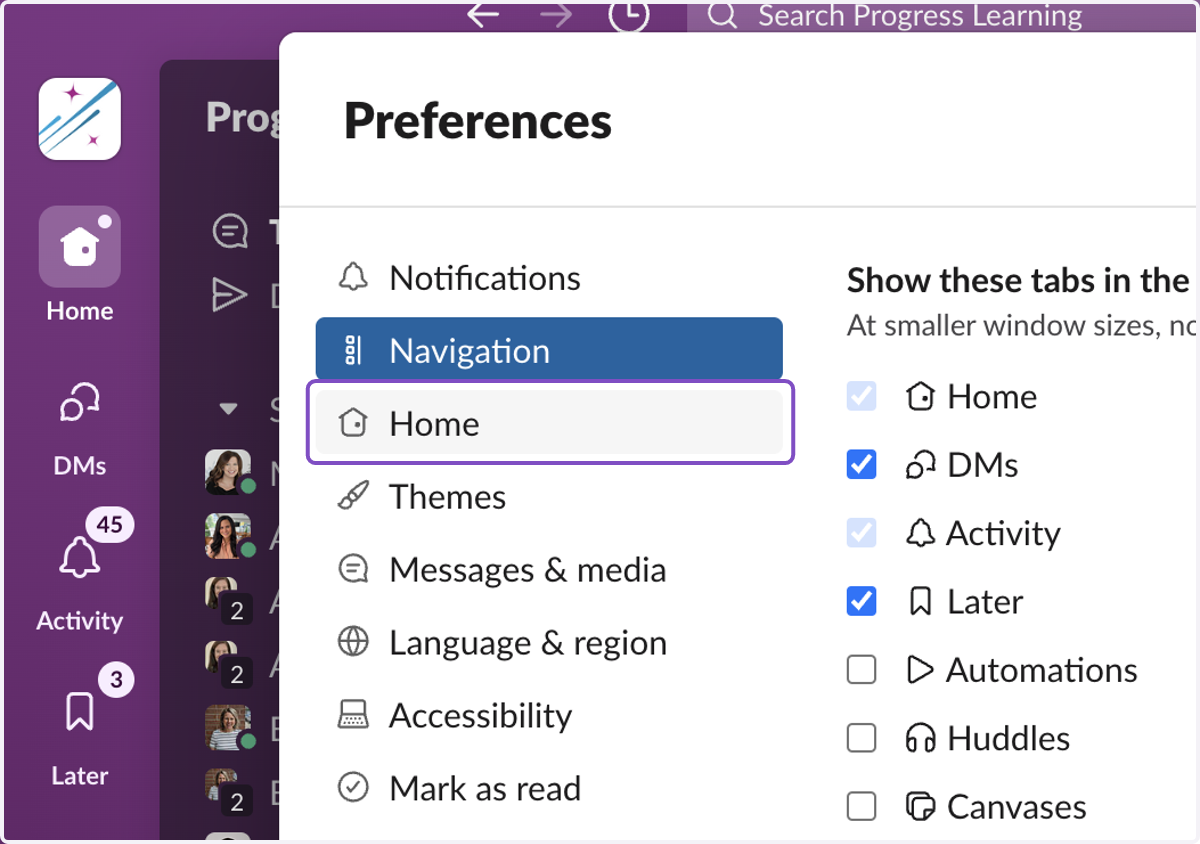
4. Customize all your Preferences