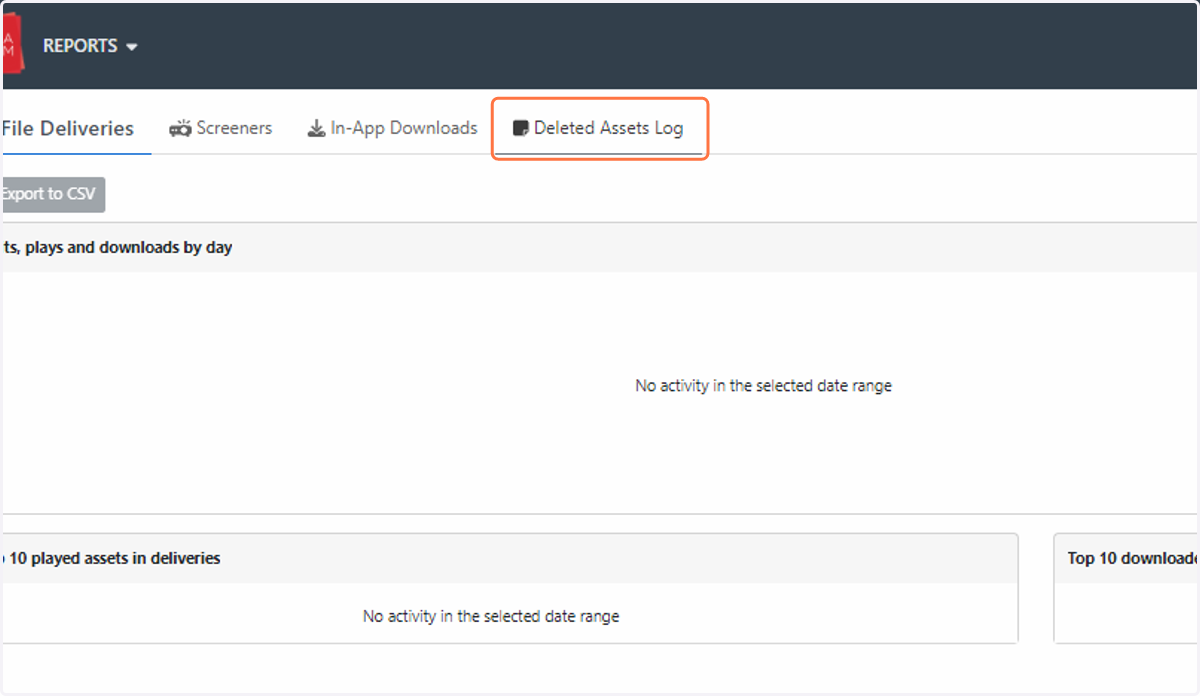
How do I delete an asset?
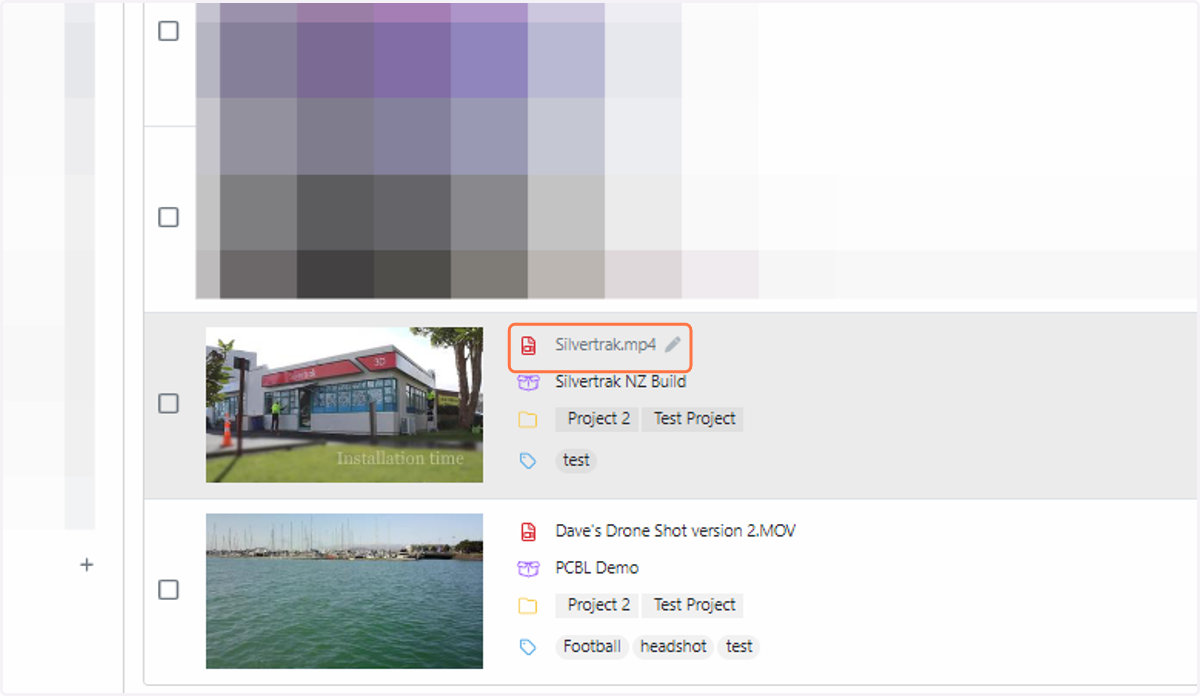
1. Click on the asset that you wish to delete
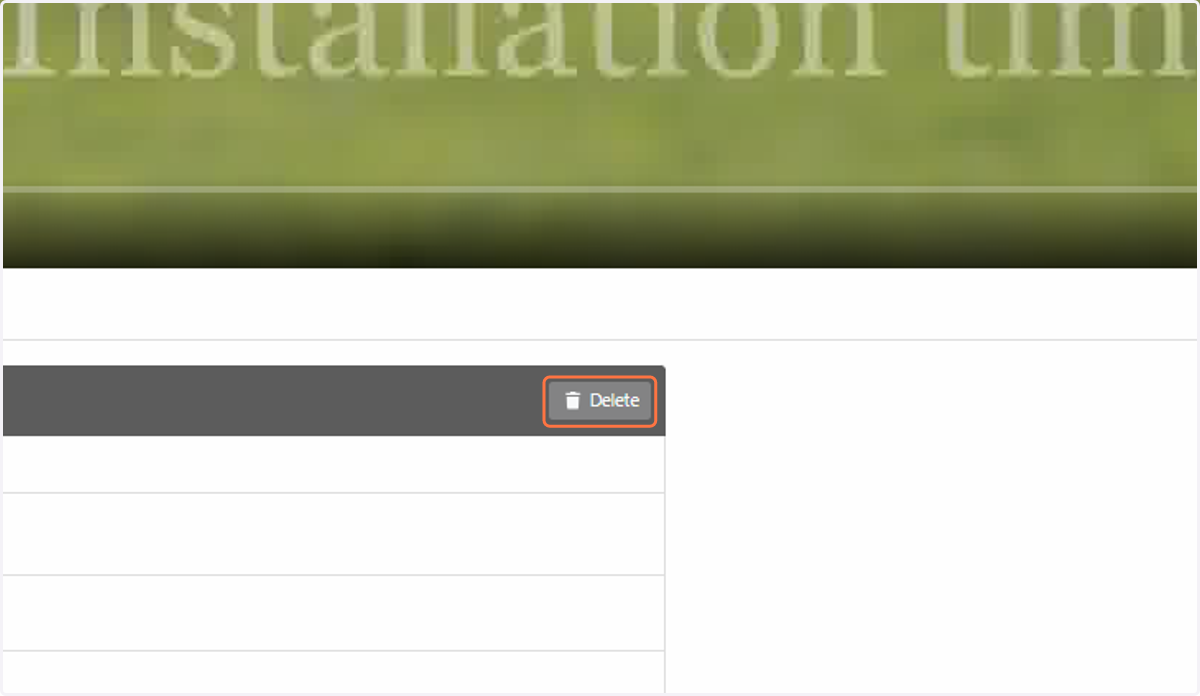
2. Click on Delete
3. To see what files have been deleted in your room, click on DASHBOARD
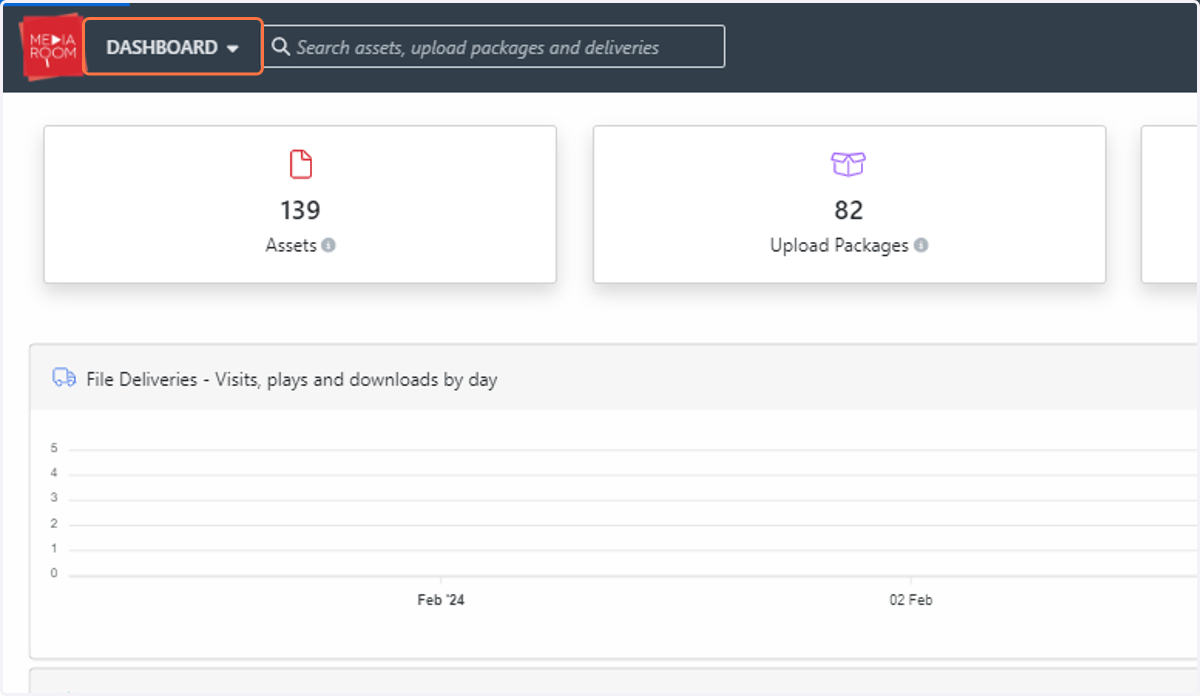
4. Click on Reports…
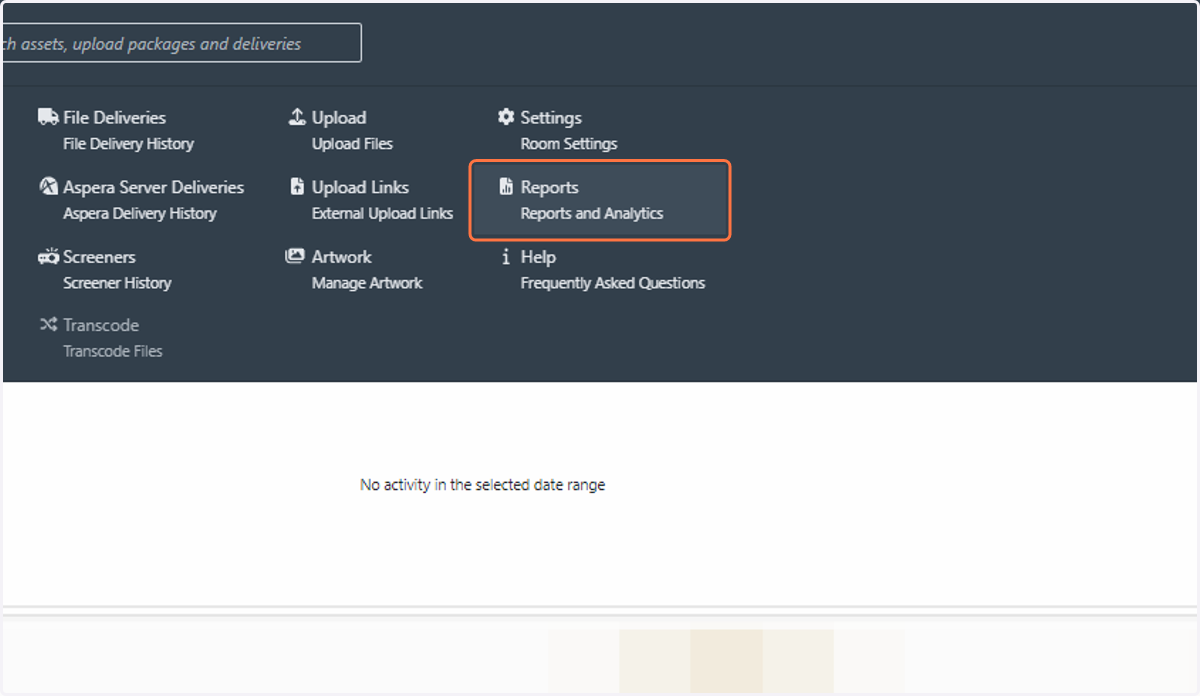
5. Here you can track information such as filename, project, upload date, deletion date and have a record of the user who deleted the asset. A CSV file is also available for you to export, simply click the “Export to CSV” button on the same log page