Percentage adjustments for multiple days
Roompricegenie
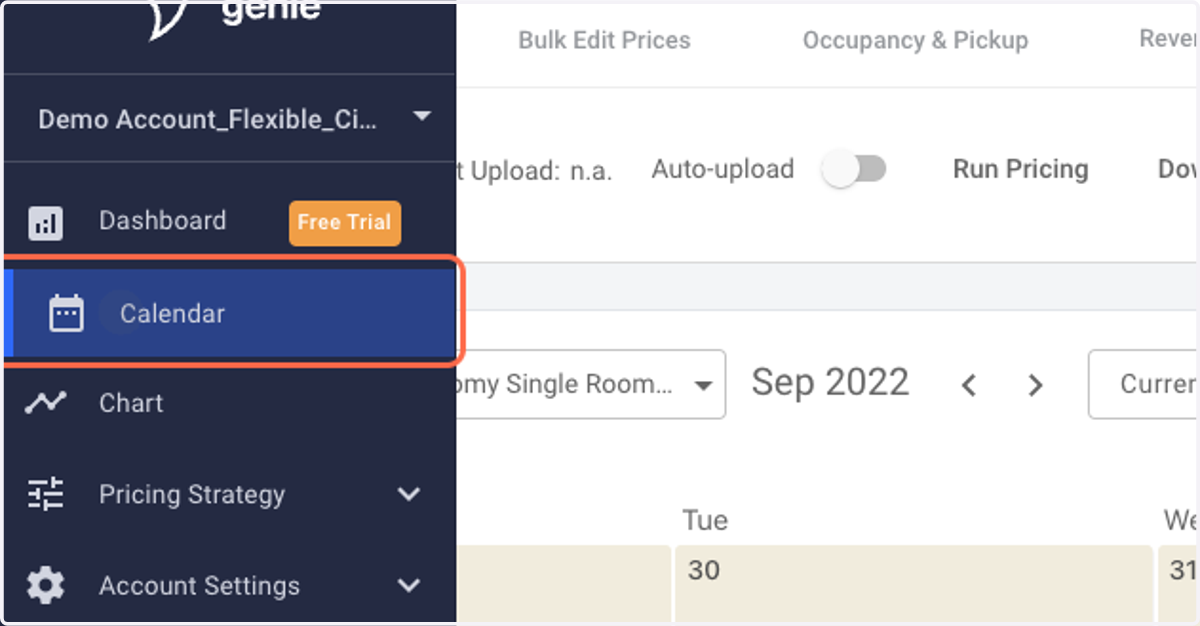
1. Log in to RoomPriceGenie and go to the Pricing Calendar.
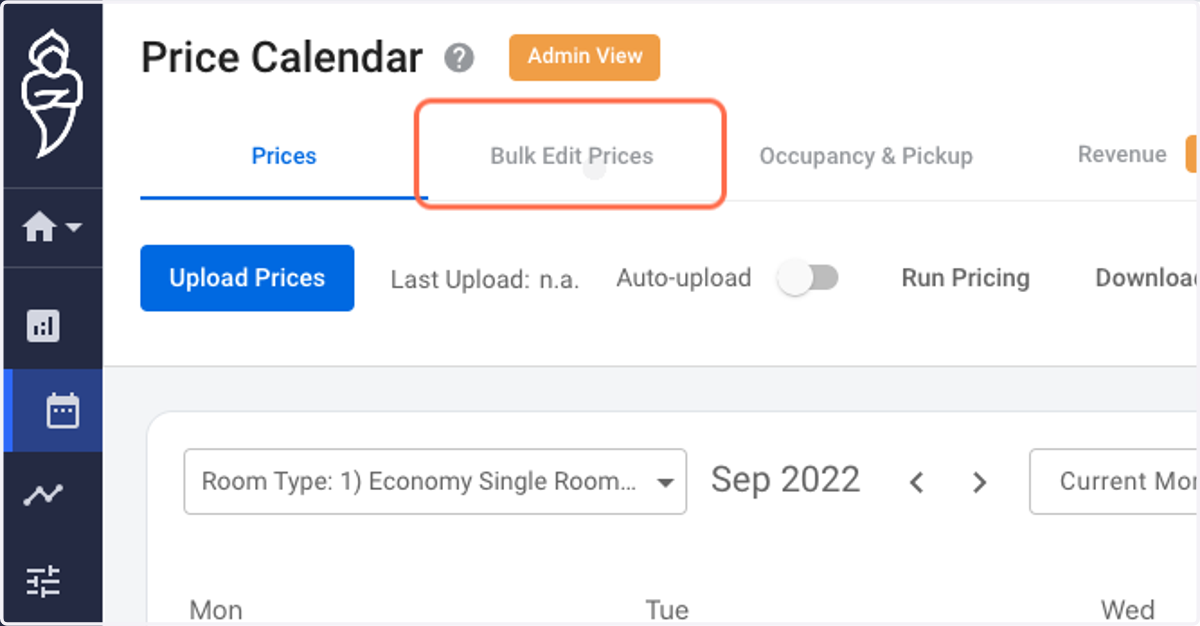
2. Click on Bulk Edit Prices.
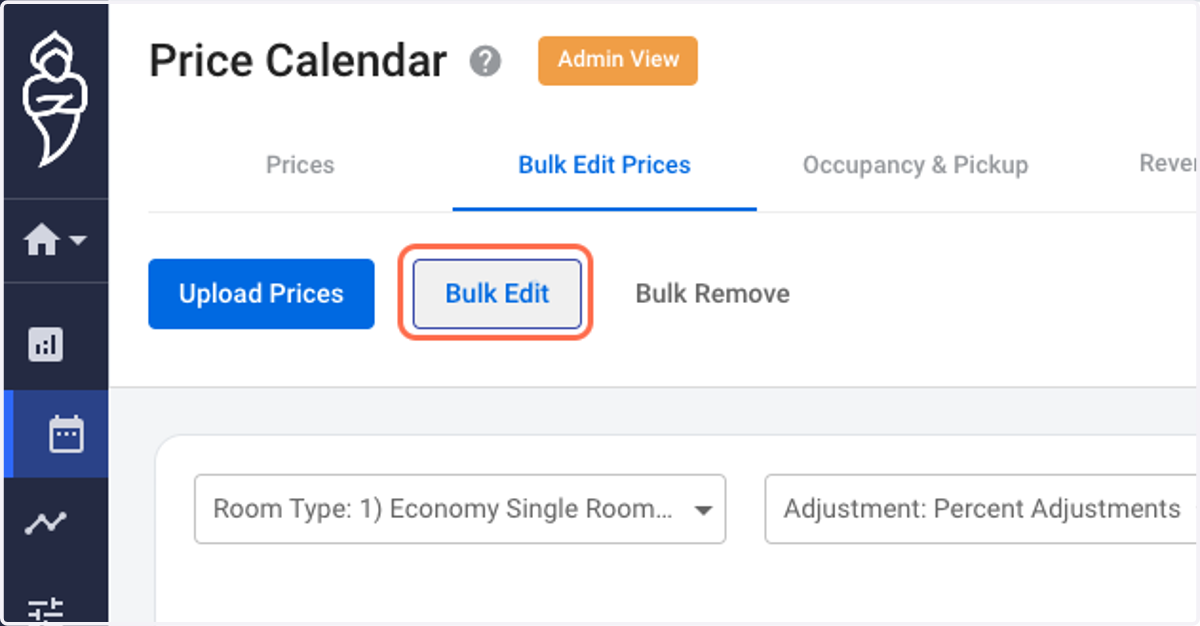
3. Click on Bulk Edit. A pop-up on your right shall appear.
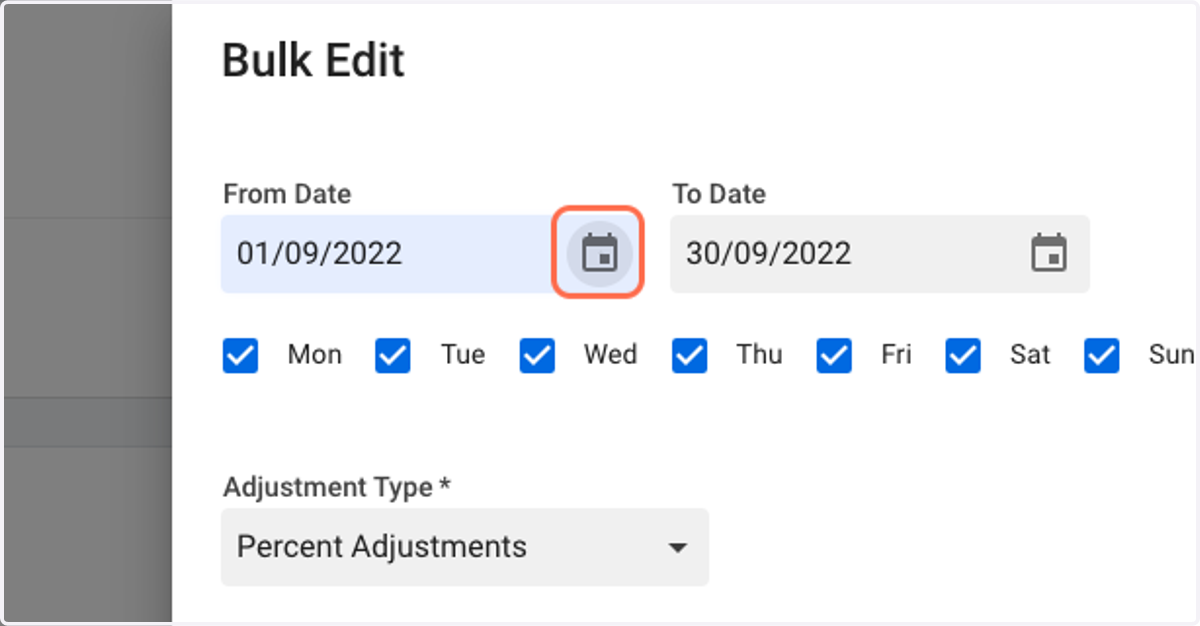
4. Select the range of dates you shall like to make adjustments for.
Roompricegenie
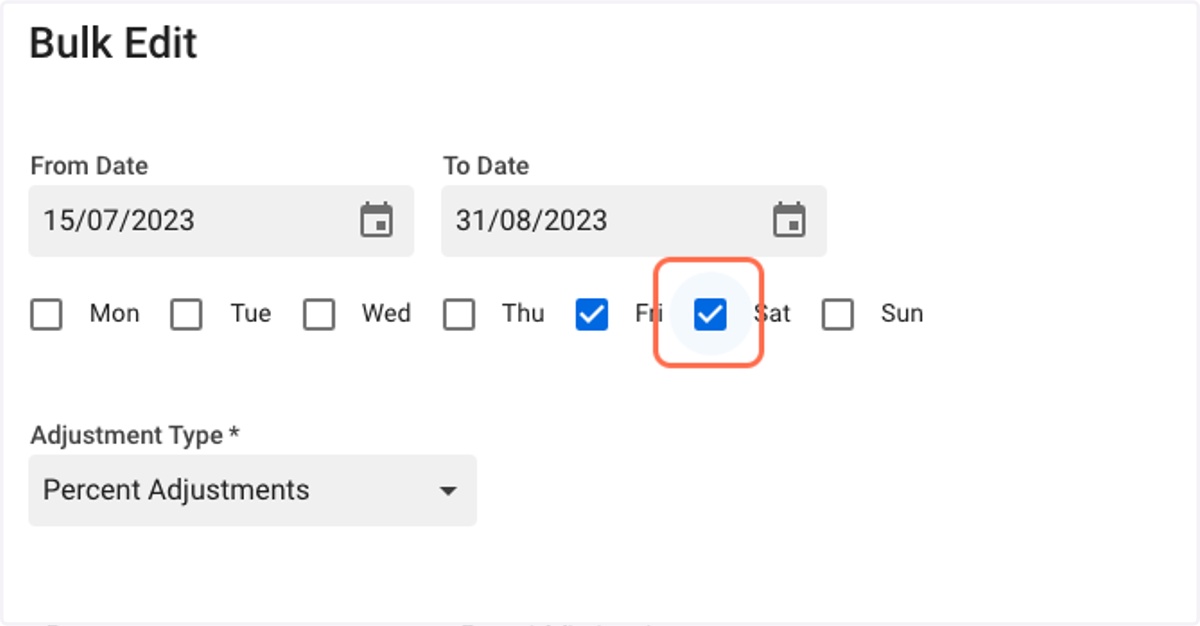
5. Select the days of the week you shall like to apply the adjustment for.
Here, we apply our adjustments to every Friday and Saturday within the time period 15th July, 2023 to 30th August, 2023.
6. Select the adjustment type.
RoomPriceGenie allows you to edit and control your prices and inventory in a host of different ways.
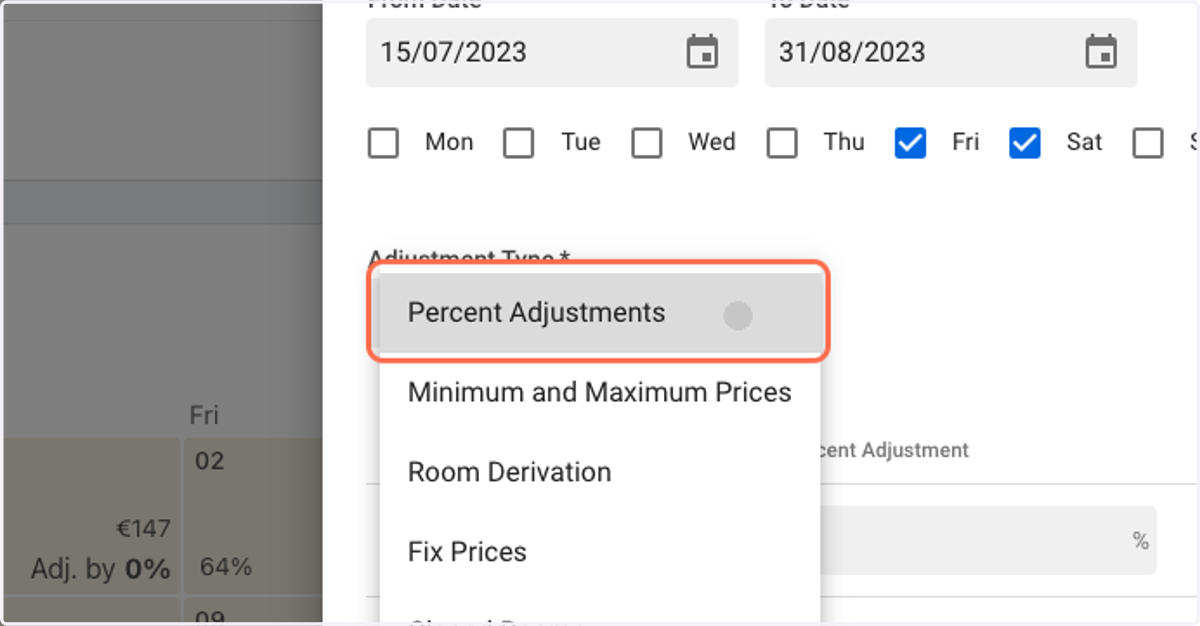
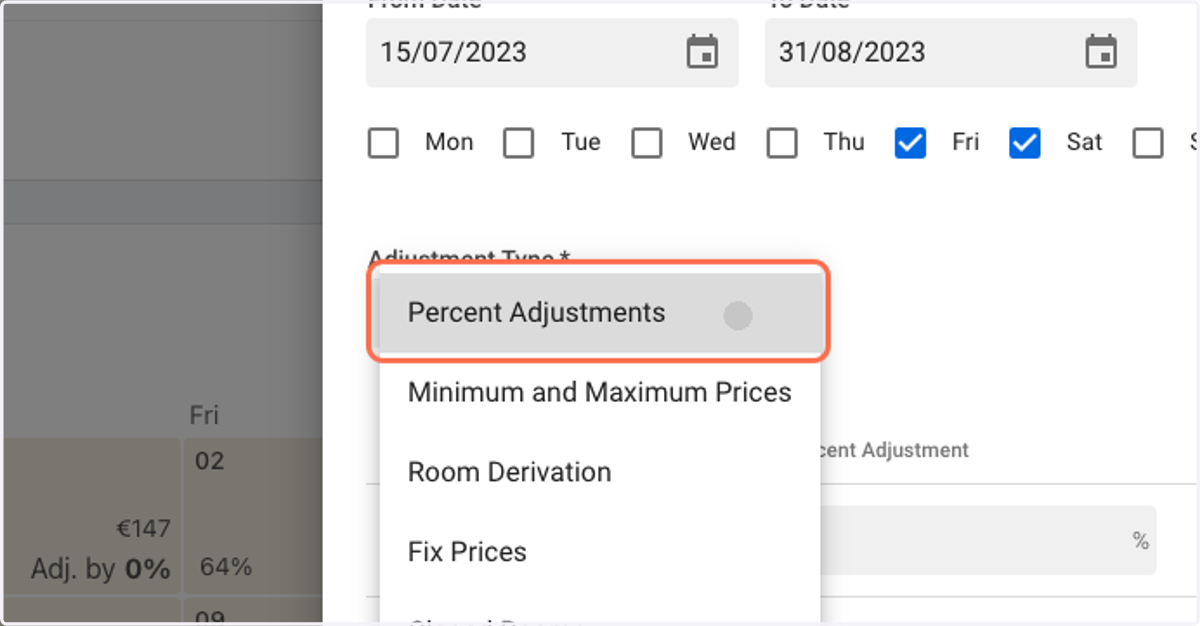
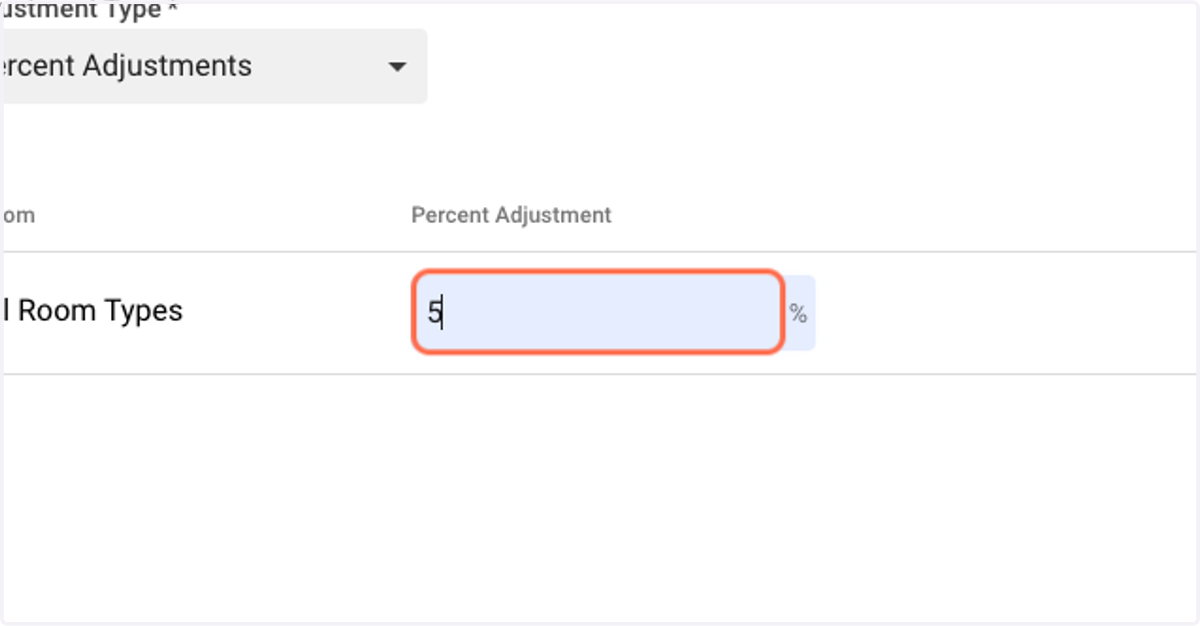
7. Here we shall demonstrate the 'Percent Adjustments' feature.
The 'Percent Adjustments' feature allows you to adjust your prices by a certain percentage.
8. Input the Percentage amount you shall like to adjust prices by.
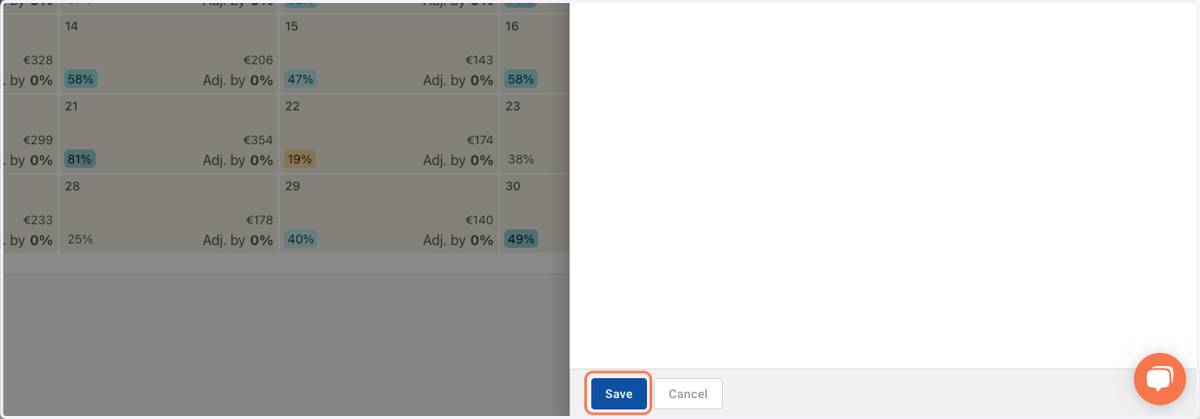
9. Click on Save.
That shall raise prices by 5% for every Friday and Saturday within the selected time period.