Text Entry Assignment Submission - For Students
1. Click on the Canvas Assignment to open it

2. Click on Start Assignment

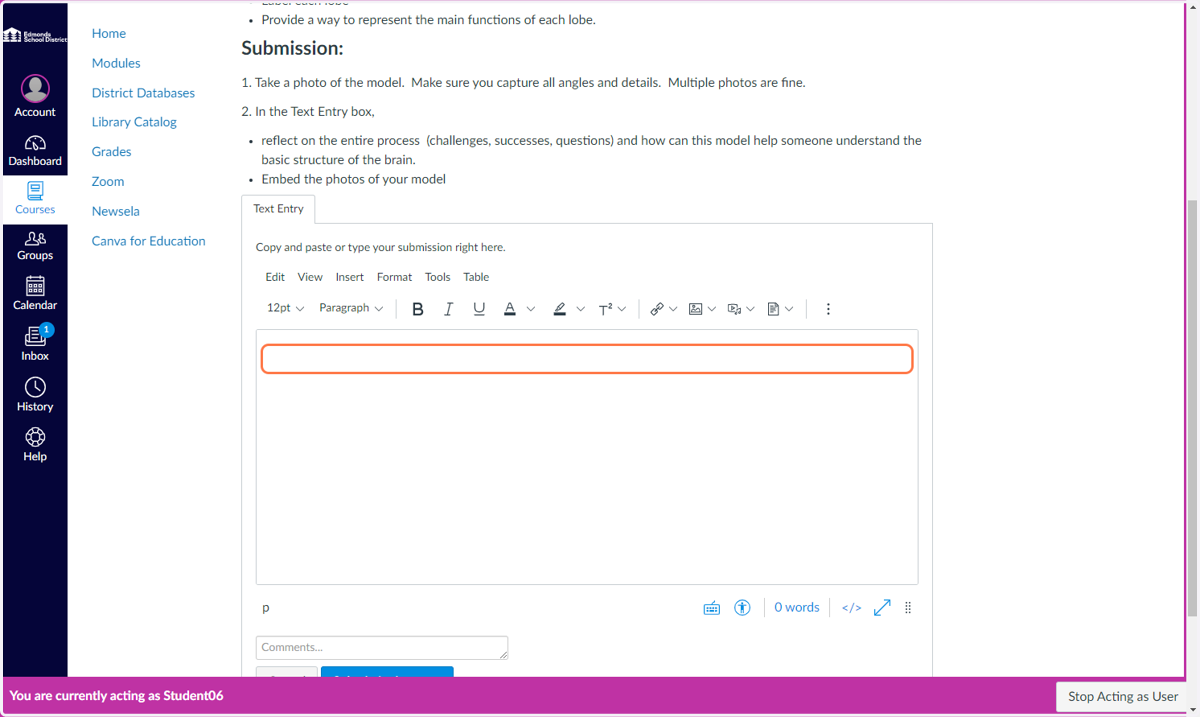
3. Type response in the text box
For longer submissions, it is recommended to type the draft on a Google Doc and then copy and paste the response into the text box when ready. Canvas text entry responses may not save if you close the page or lose Internet connection before submitting the work.
4. Click on Submit Assignment
