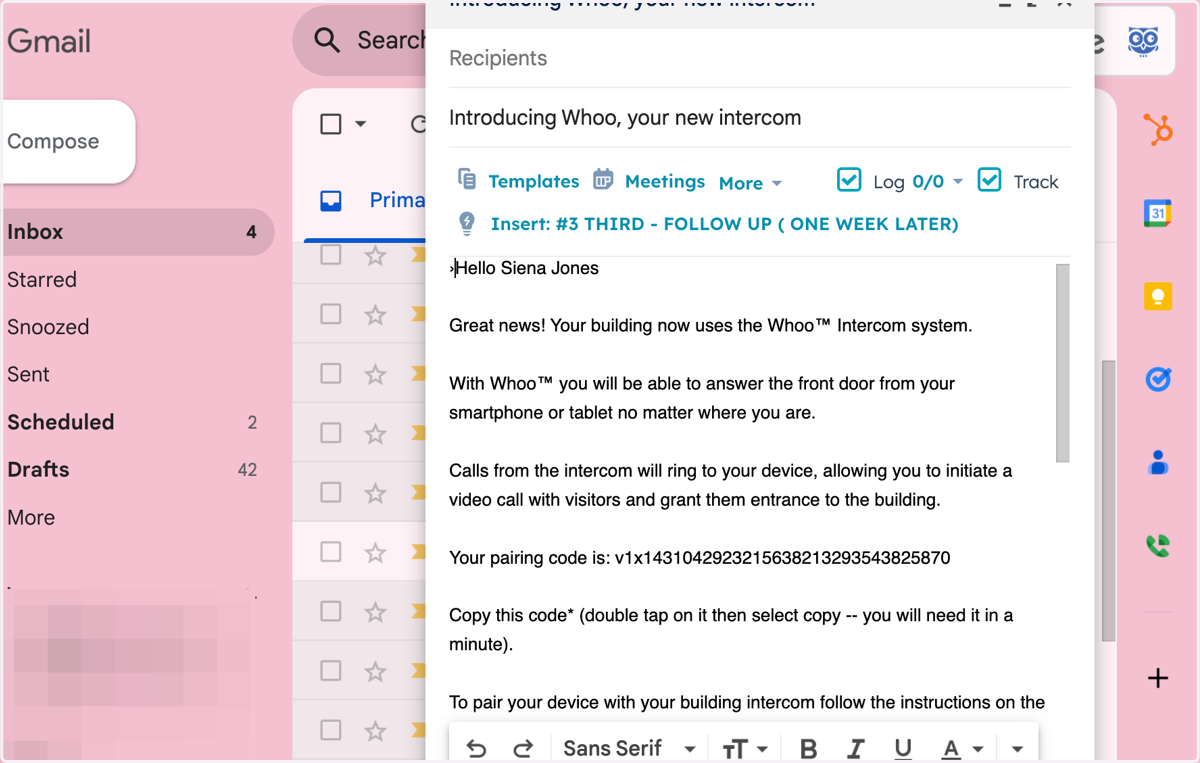
Pairing Whoo with Intercom: A Step-by-Step Tutorial
Whoo Admin
Go to https://console.whoo.ai
1. Two ways you can send a pairing code to your tenants
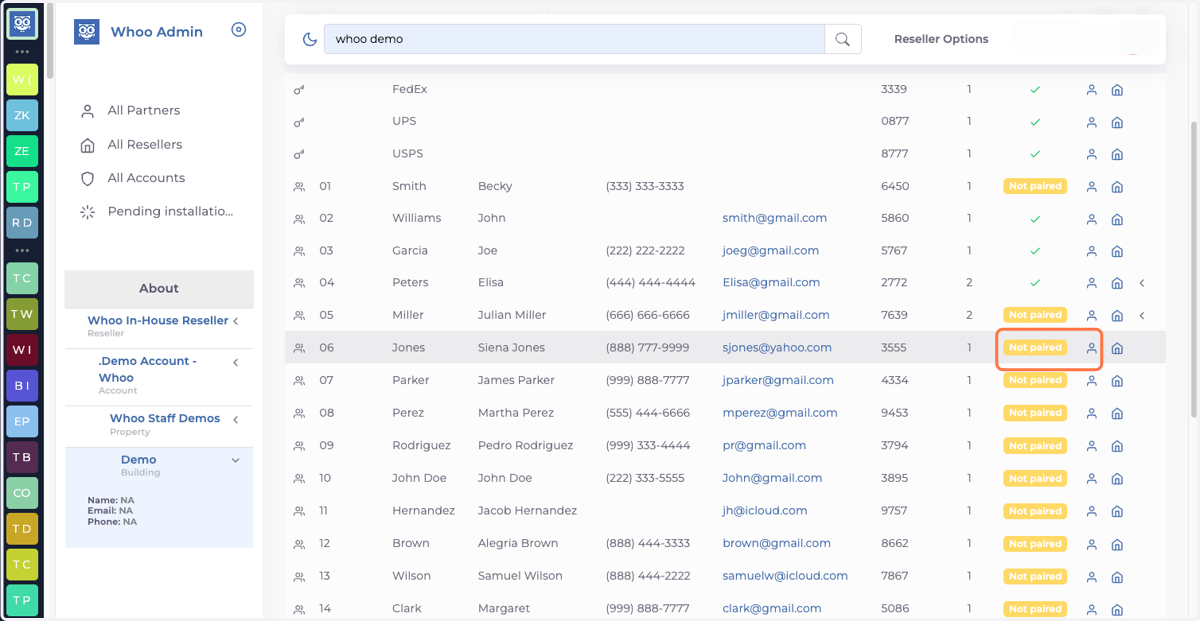
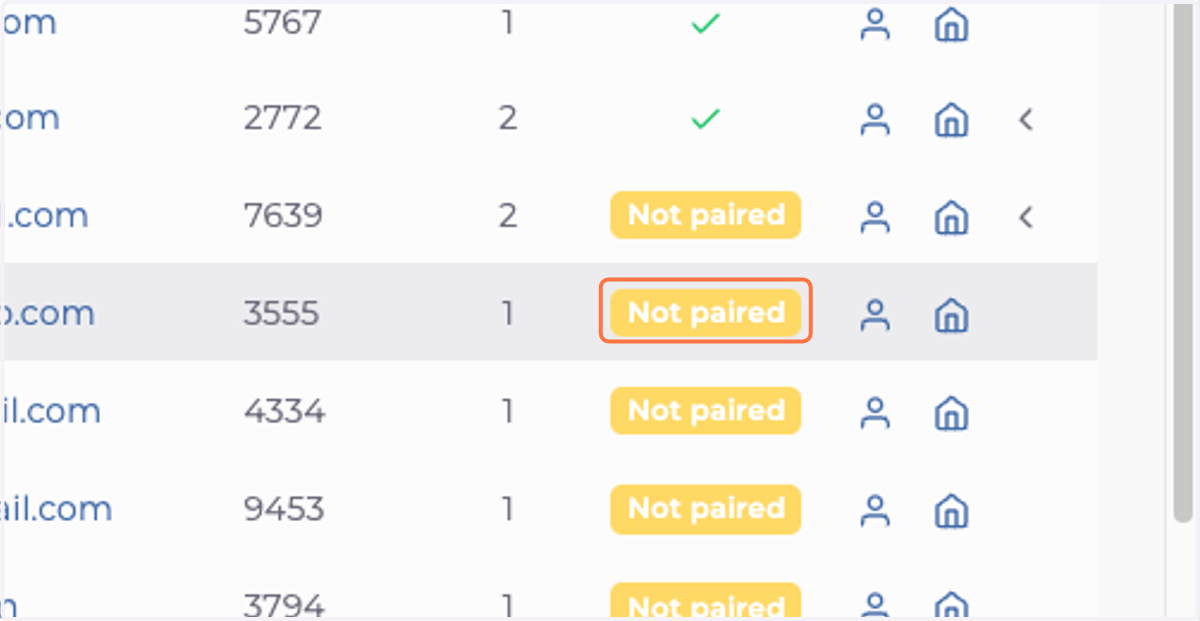
2. #1 Click on Not paired
3. This action will open your email and automatically populate an email with all the information the tenant needs to pair their phone to the intercom system.
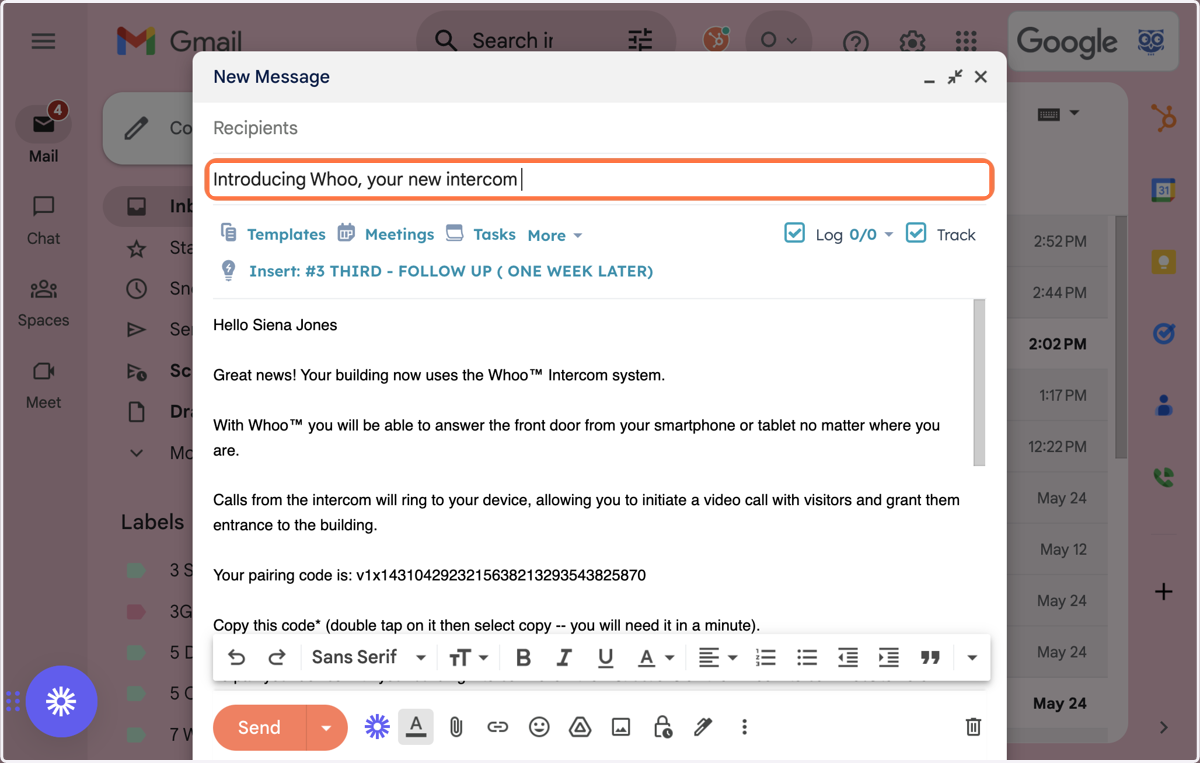
4. Option #2- Press the person Icon on the action column
5. Click on Send Pairing Code
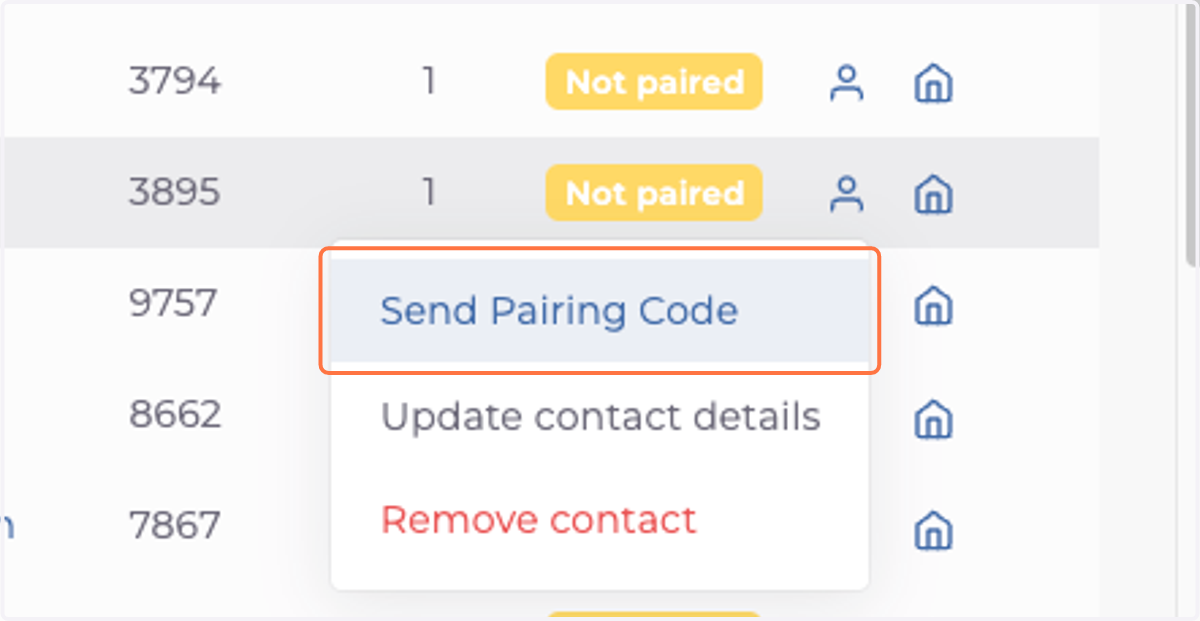
6. This action will open your email and automatically populate an email with all the information the tenant needs to pair their phone to the intercom system.