Closing a Case
Carevalidate
1. Go to accommodations.carevalidate.com
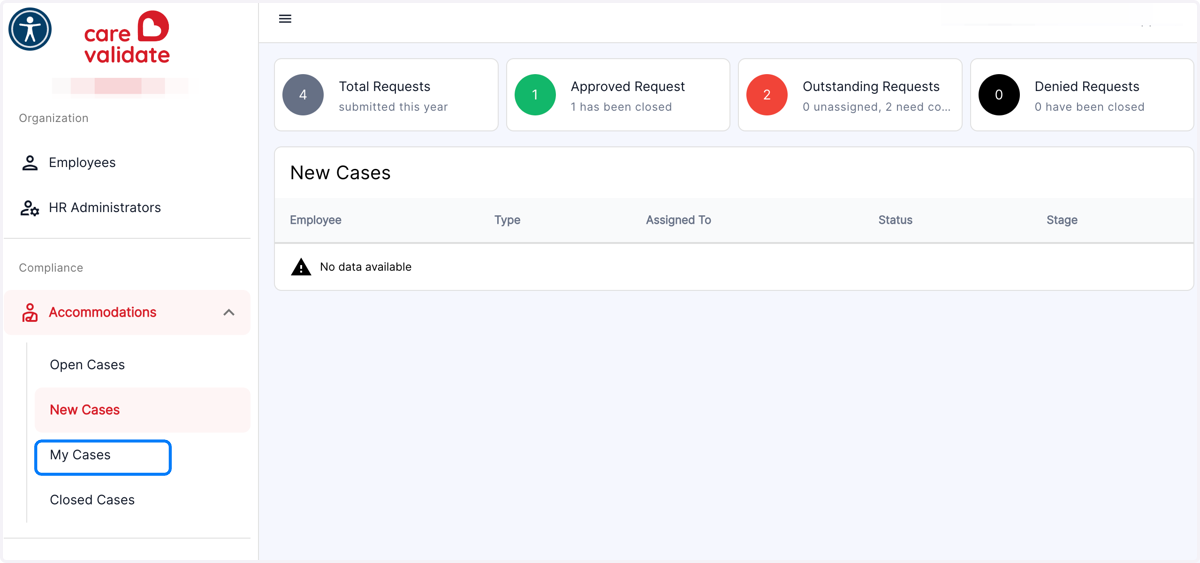
2. Click on My Cases
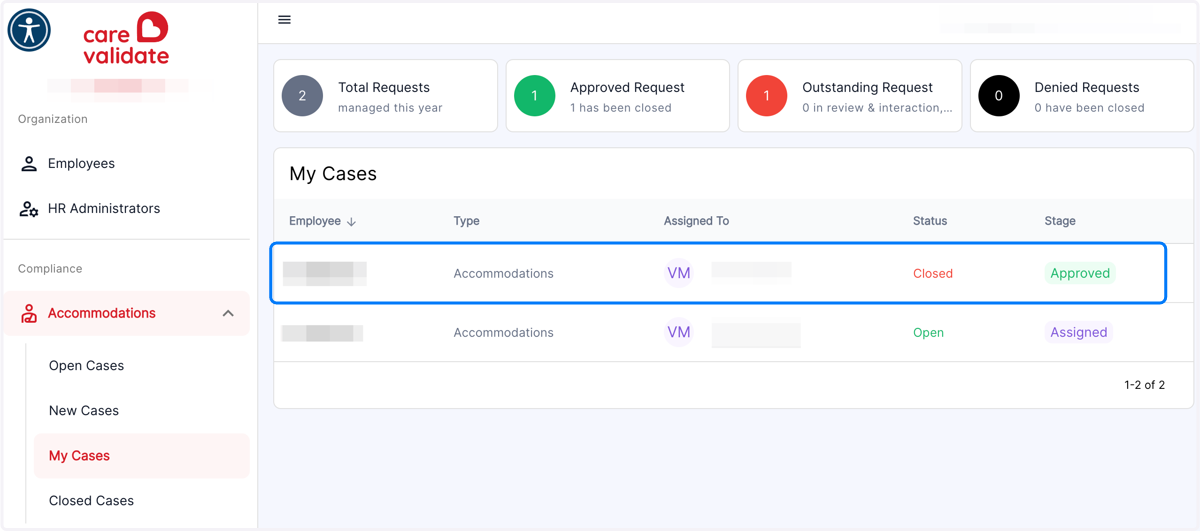
3. Click on the Case you wish to close
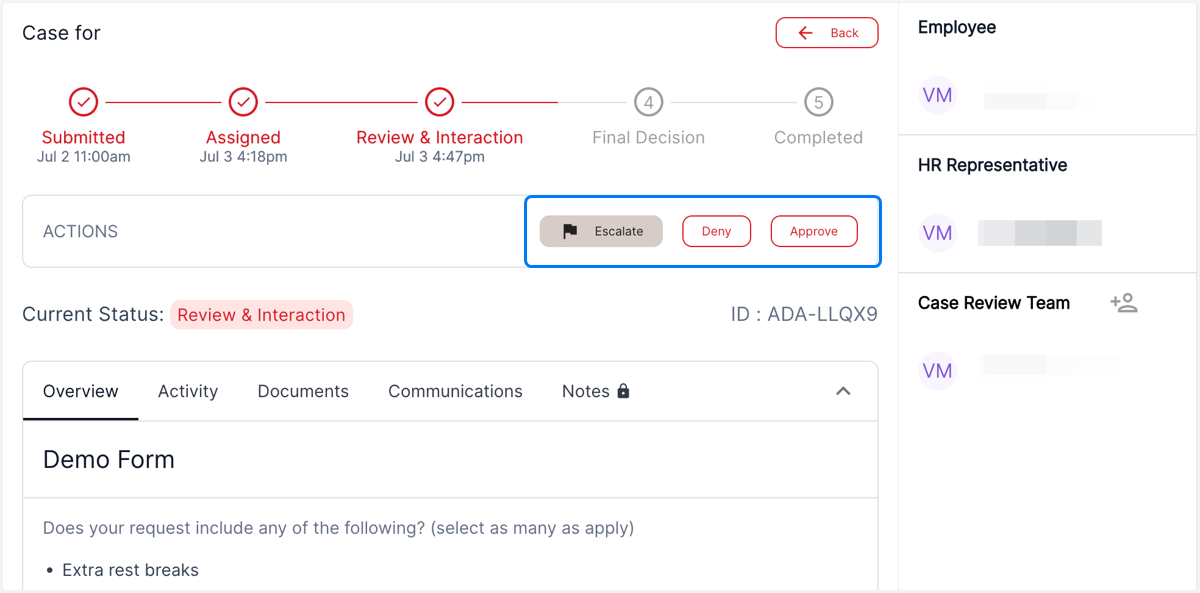
4. On the Actions bar, you will see buttons to Deny or Approve
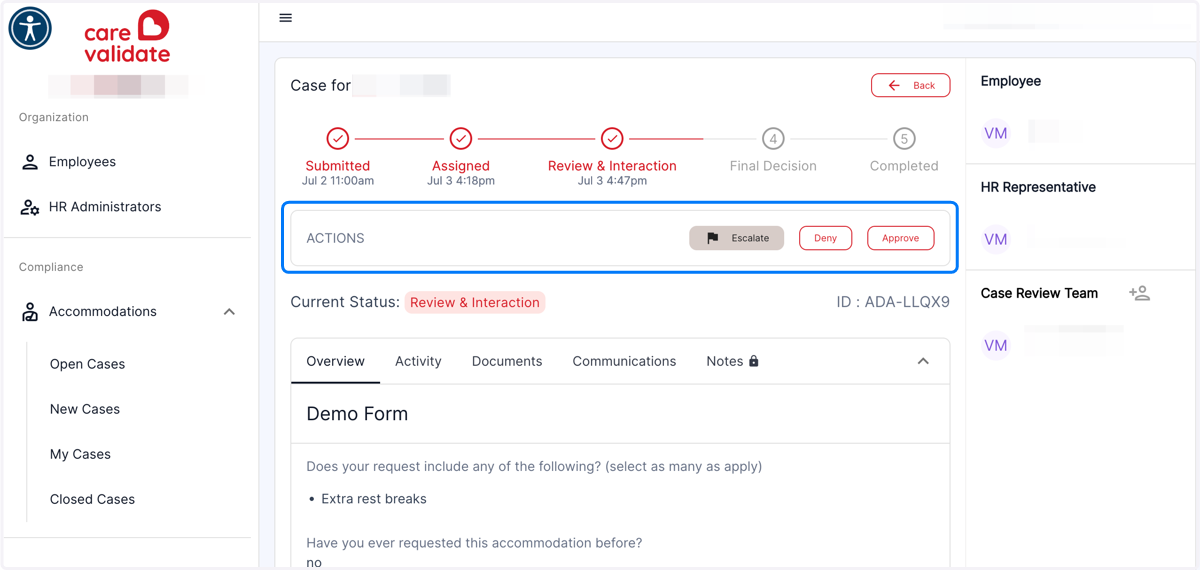
5. Click on Approve or Deny to give a final decision for the Case
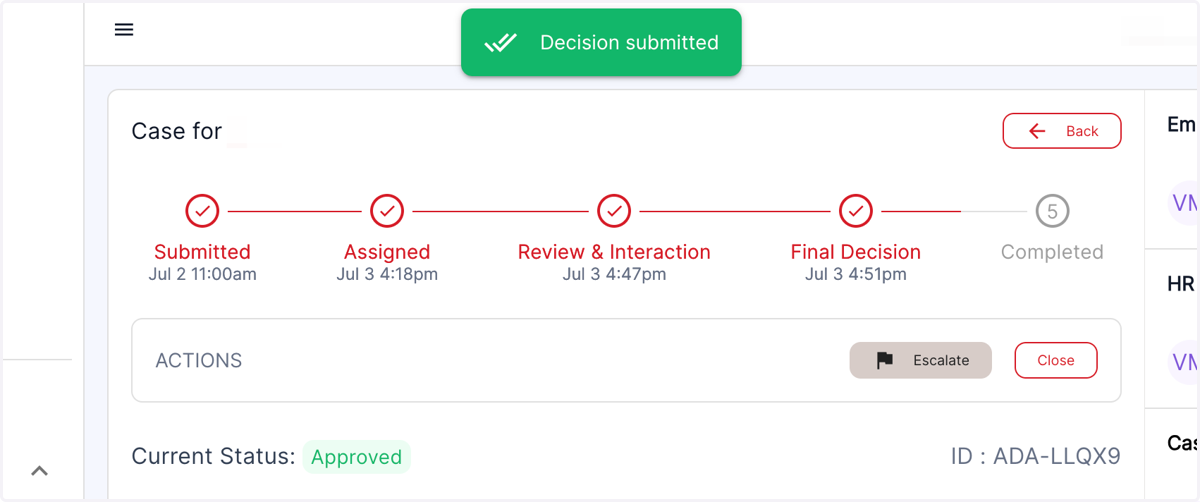
6. You will receive a notification of the status update
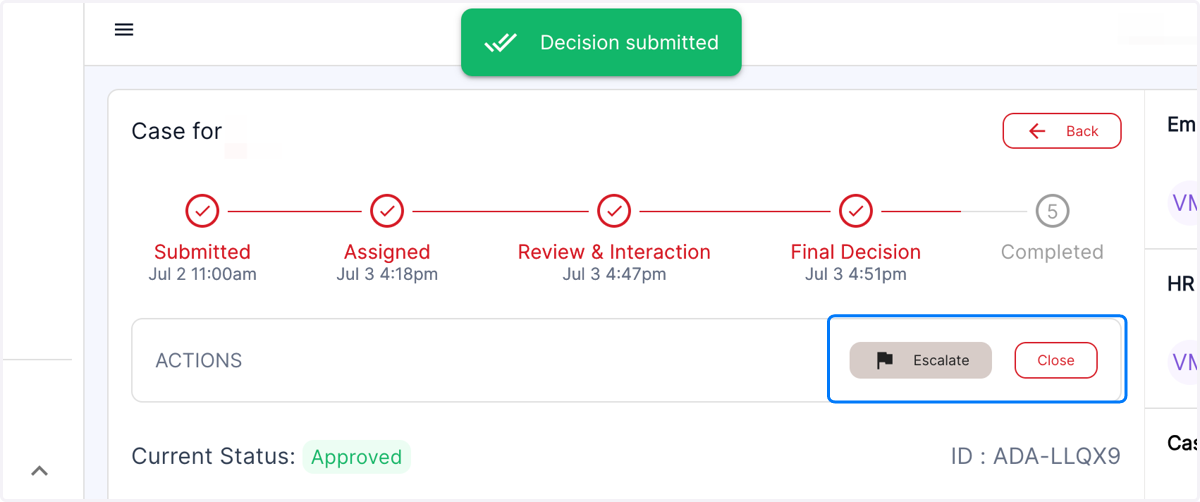
7. On the Actions bar, you will now see the option to Close the Case
8. Click on Close
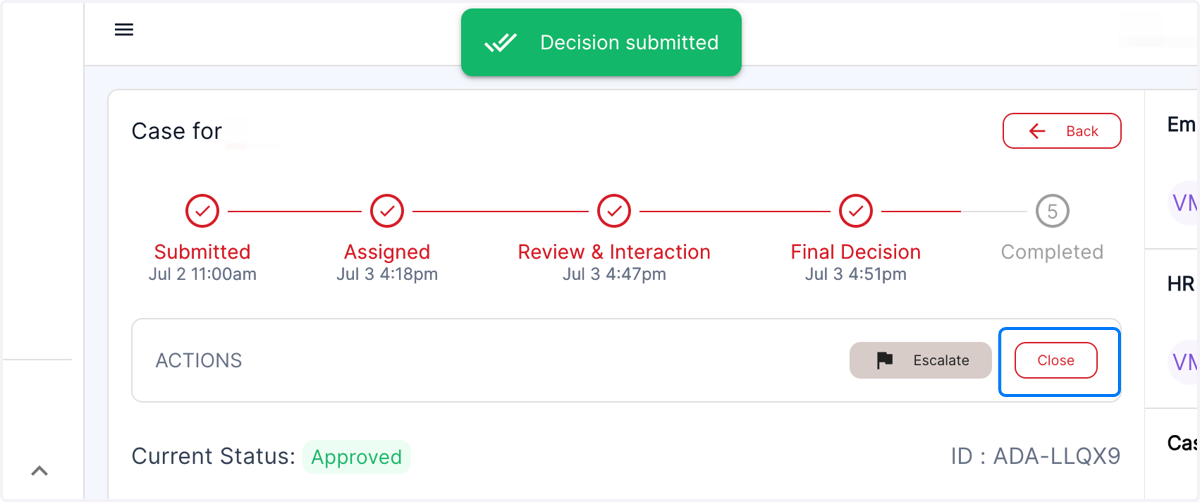
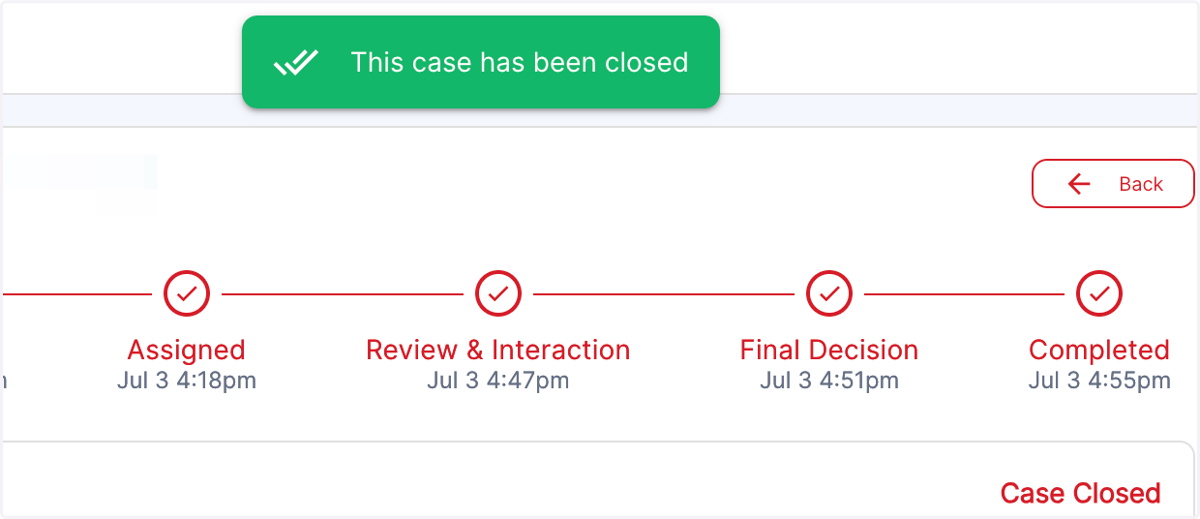
9. You will receive this notification that the case has been Archived. You have now closed the Case.