Product / QA workflow - CSS Customization
Where to access and update CSS settings to adjust Product reviews or Q&A on the Site
Resellerratings
1. Go to www.resellerratings.com > your dashboard page
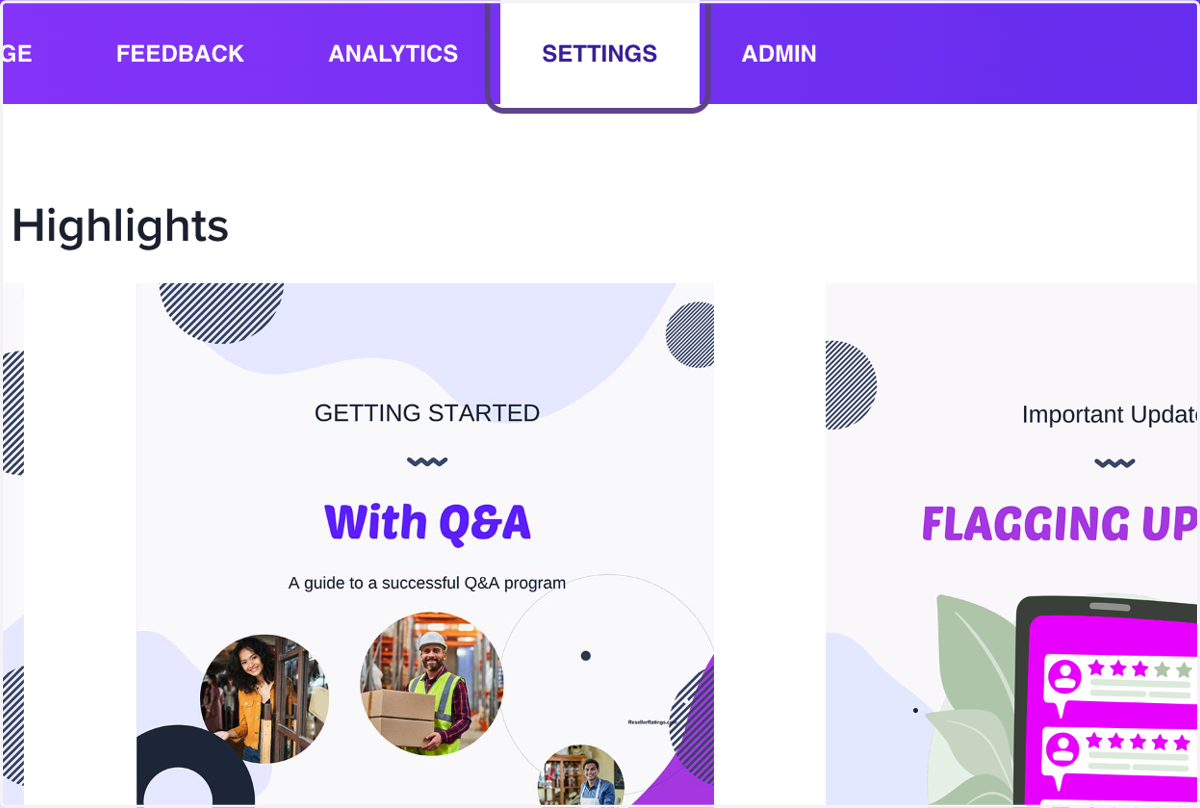
First, let's start with your dashboard page. This is where everything begins. Let's scroll up to the top and click on Settings.
2. Click on Settings
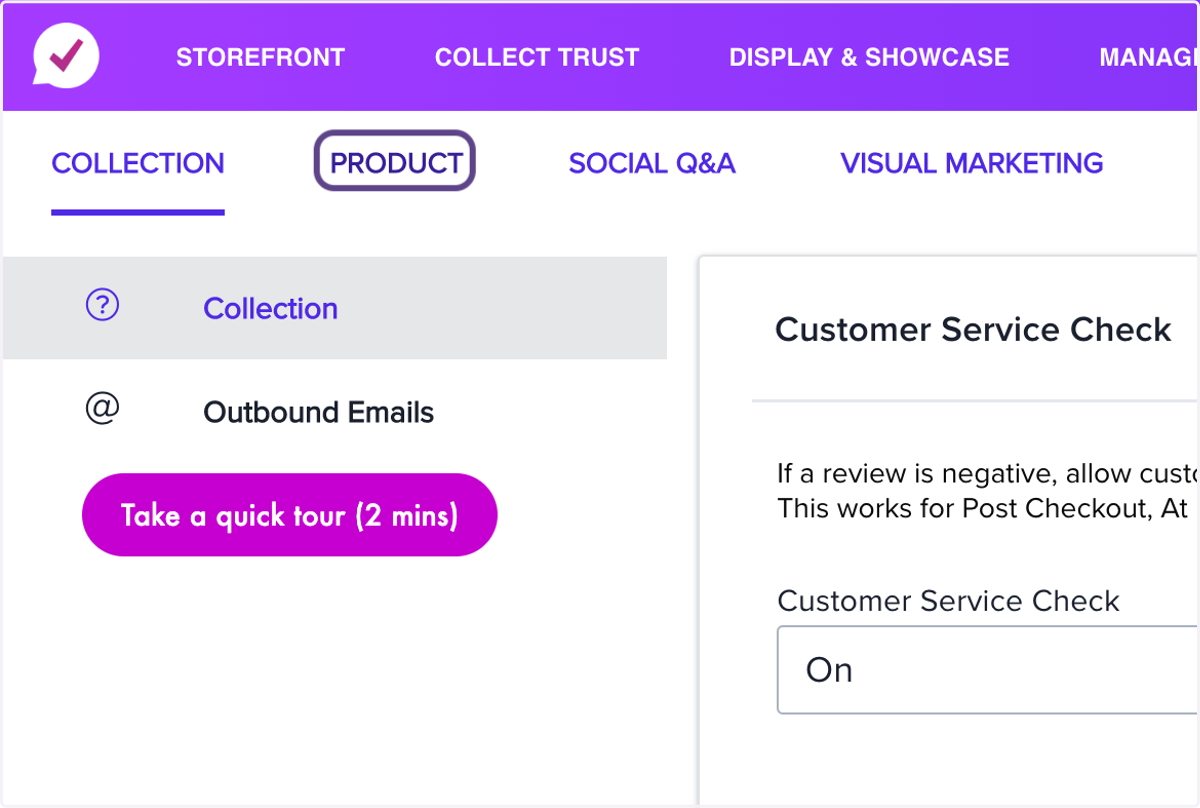
3. Click on PRODUCT
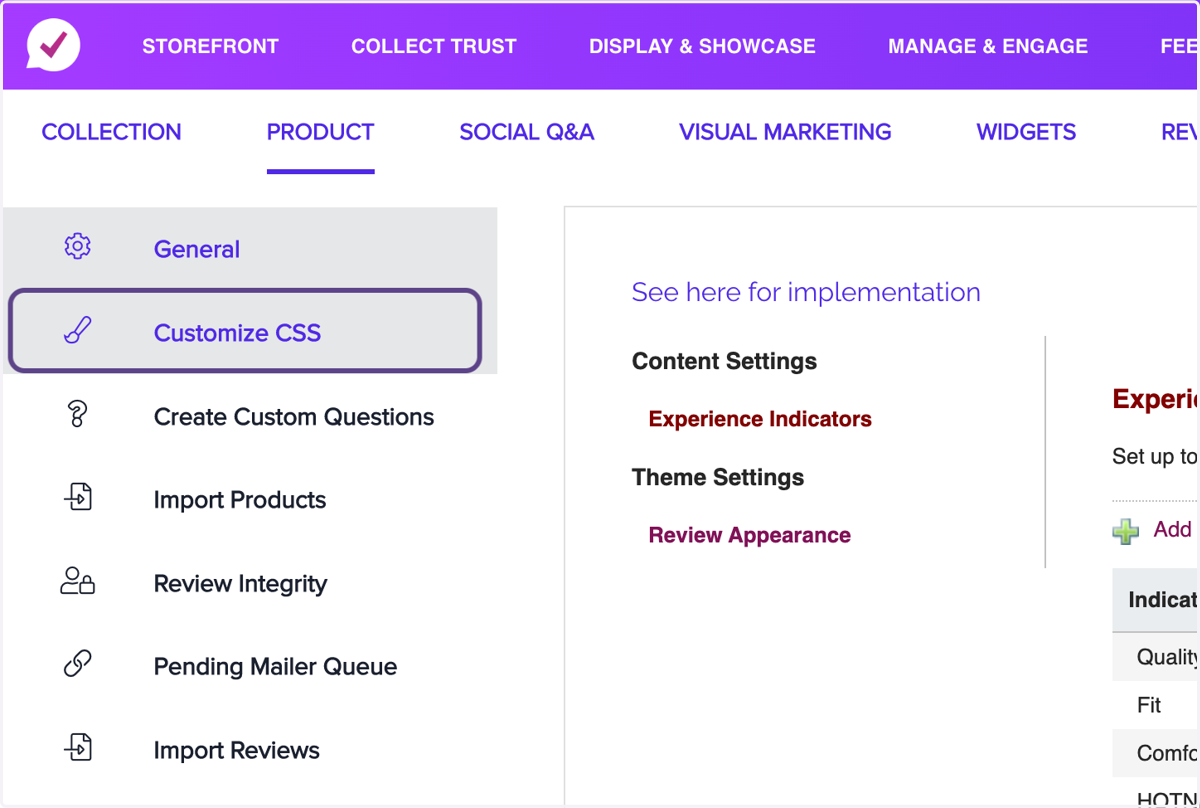
4. Click on Customize CSS
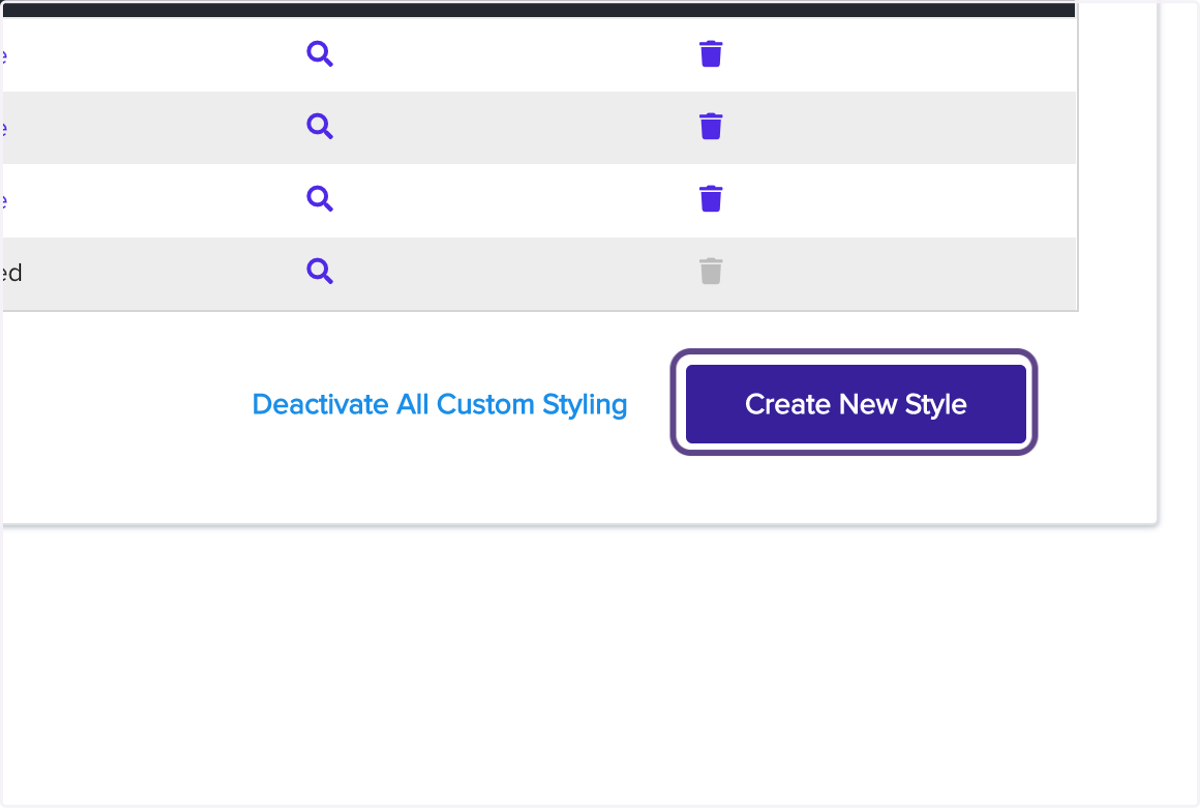
5. Click on Create New Style