Joining Colorado Mountain Club Membership: Step-by-Step
Colorado Mountain Club - Explore, Learn, Conserve - Get Outside
Go to https://www.cmc.org/
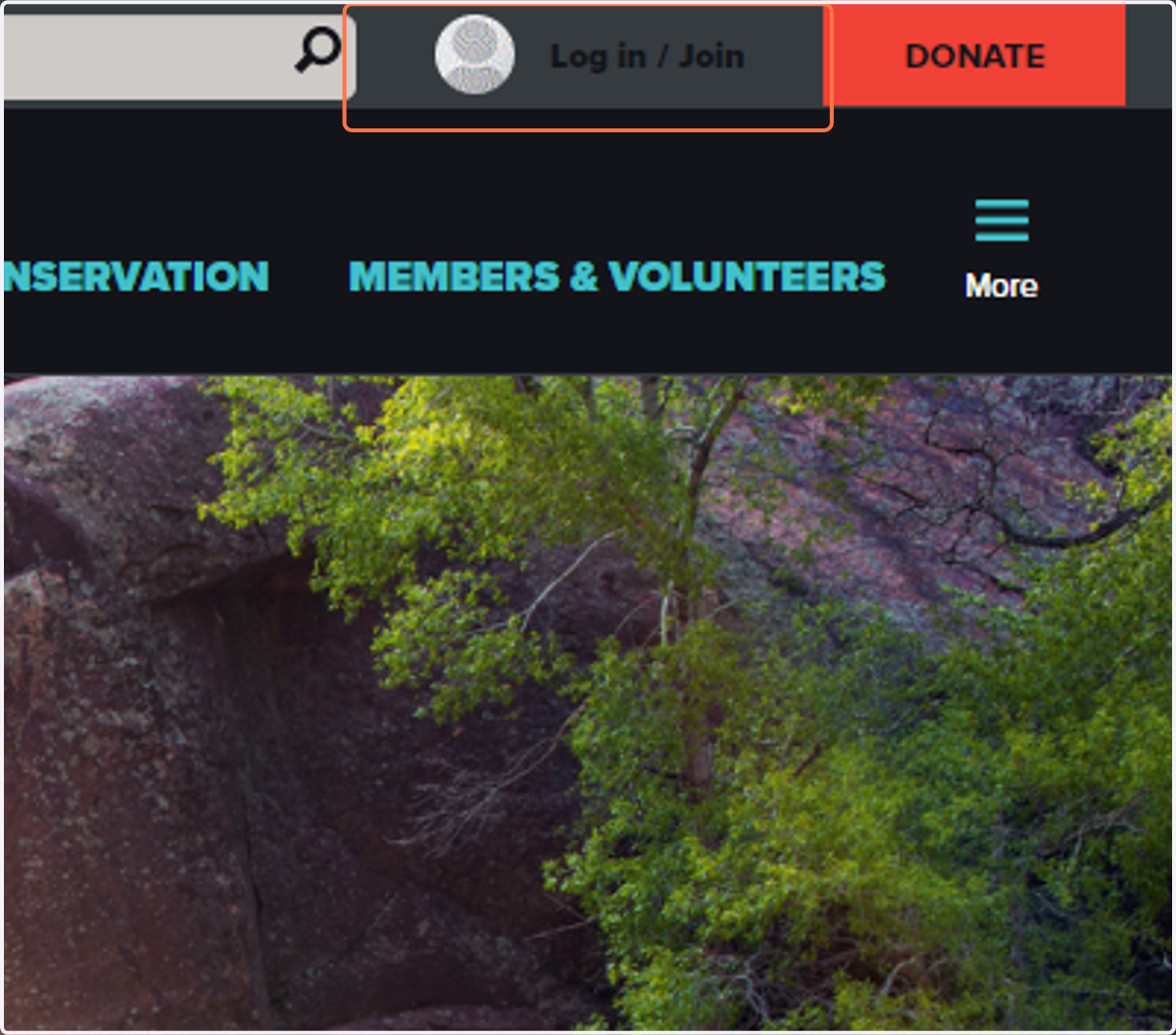
1. Click on Log in / Join
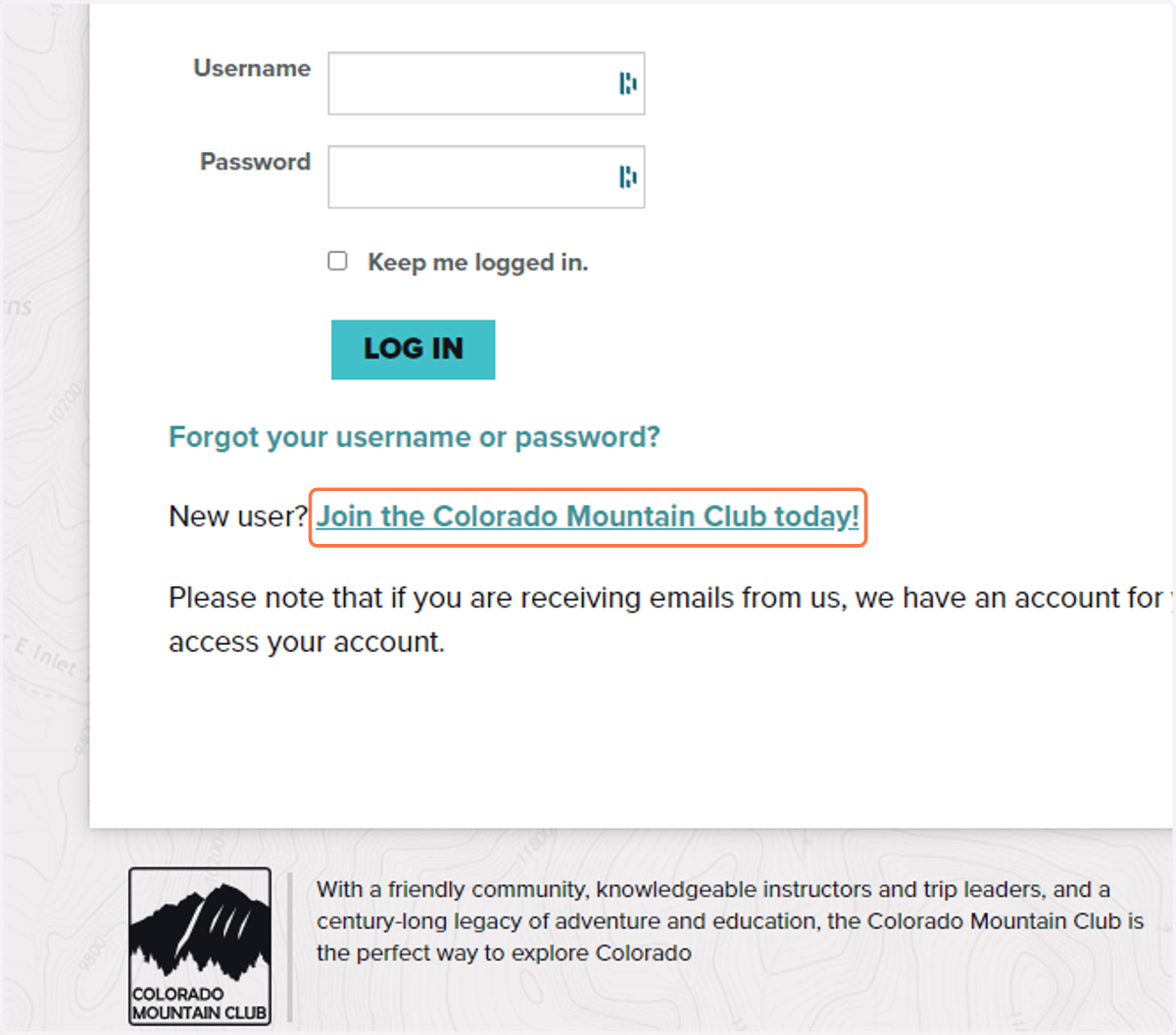
2. Click on Join the Colorado Mountain Club today!
3. Click on Join
Choose the membership type that works best for you!

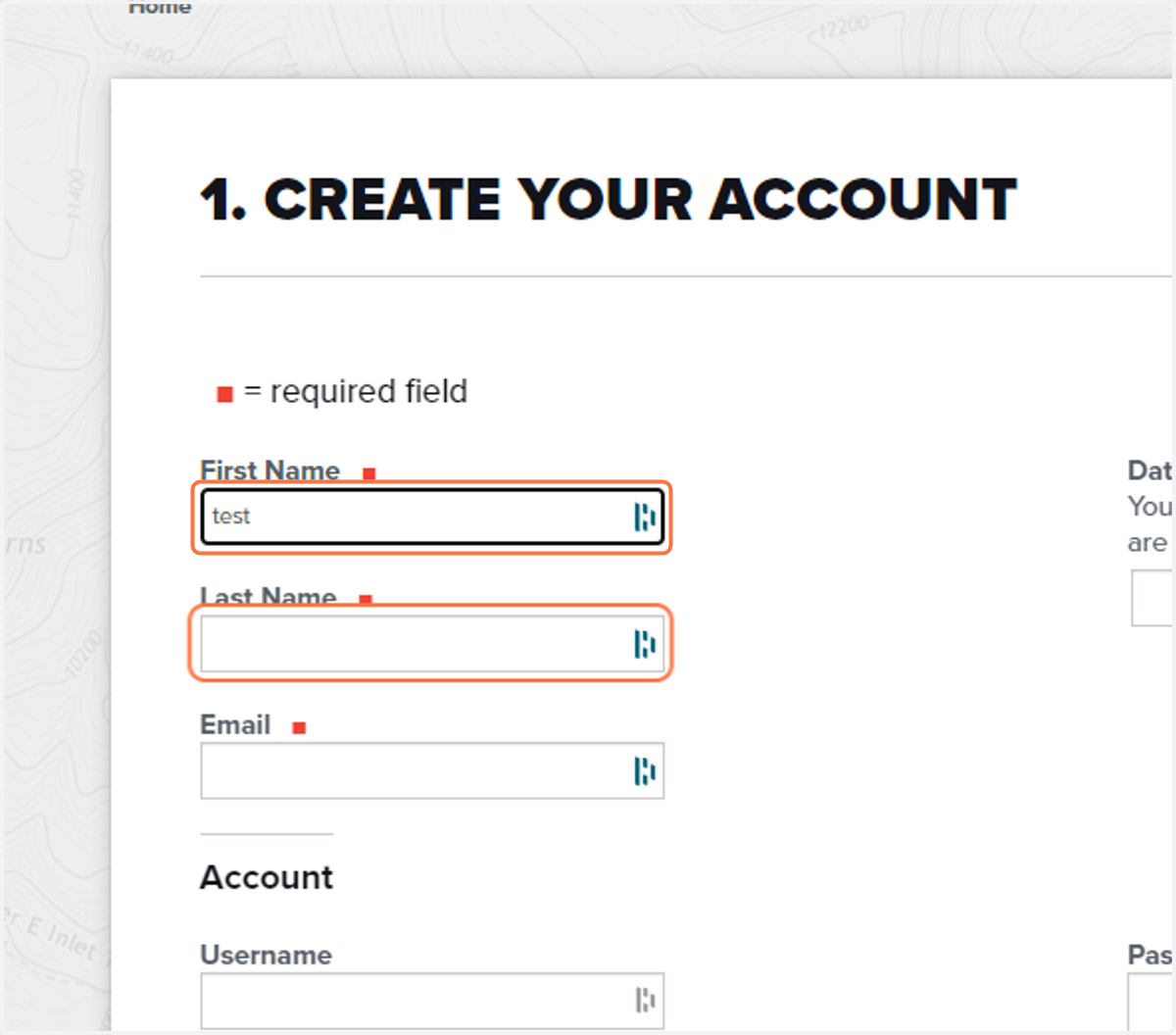
4. Create your account.
Be sure to input your information and save you username and password information.
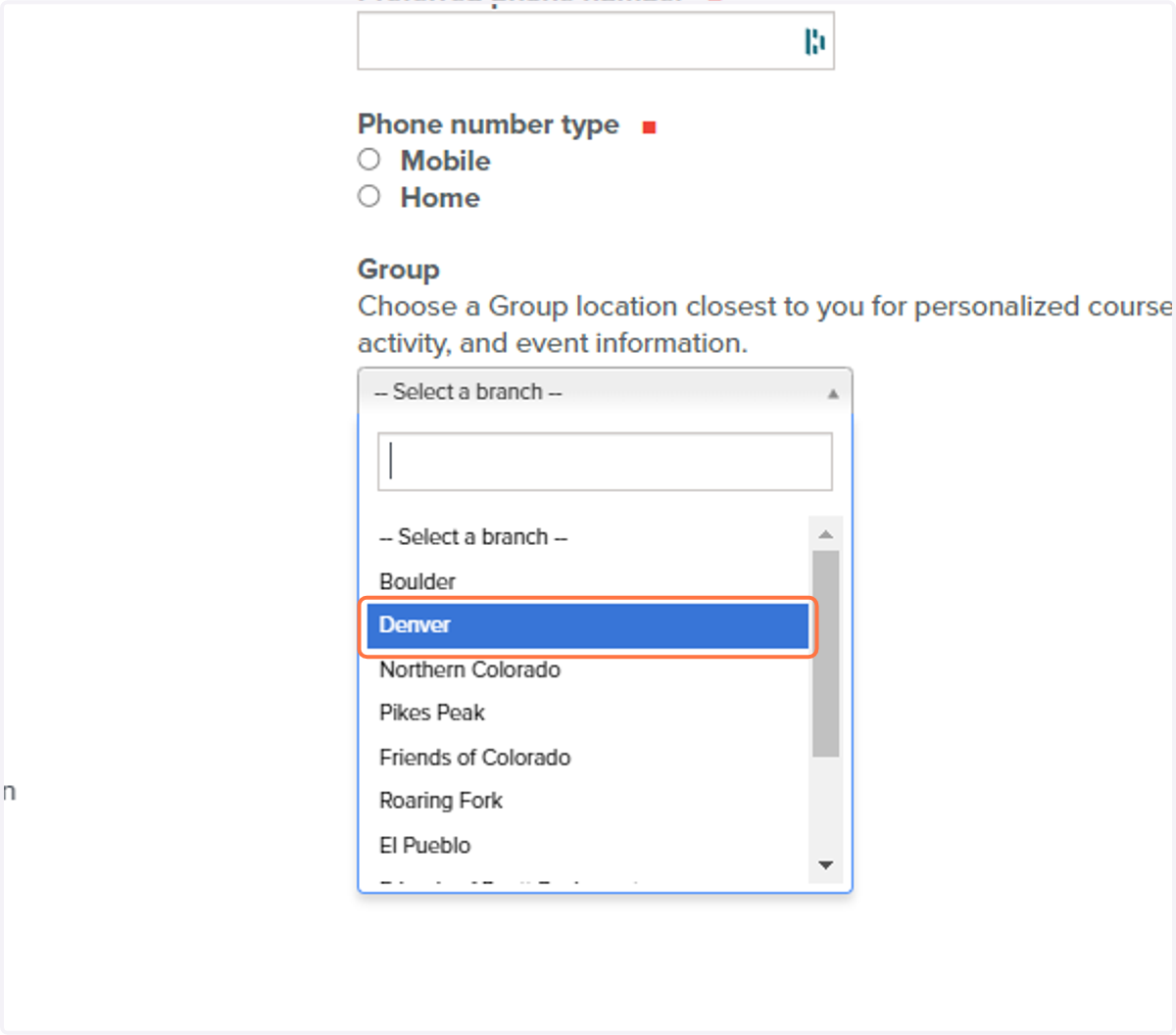
5. Select the Group that represents your geographic location.
Your group selection does not limit you to trips in that area, it just puts you on a list to be notified of local areas trips, courses, and events.
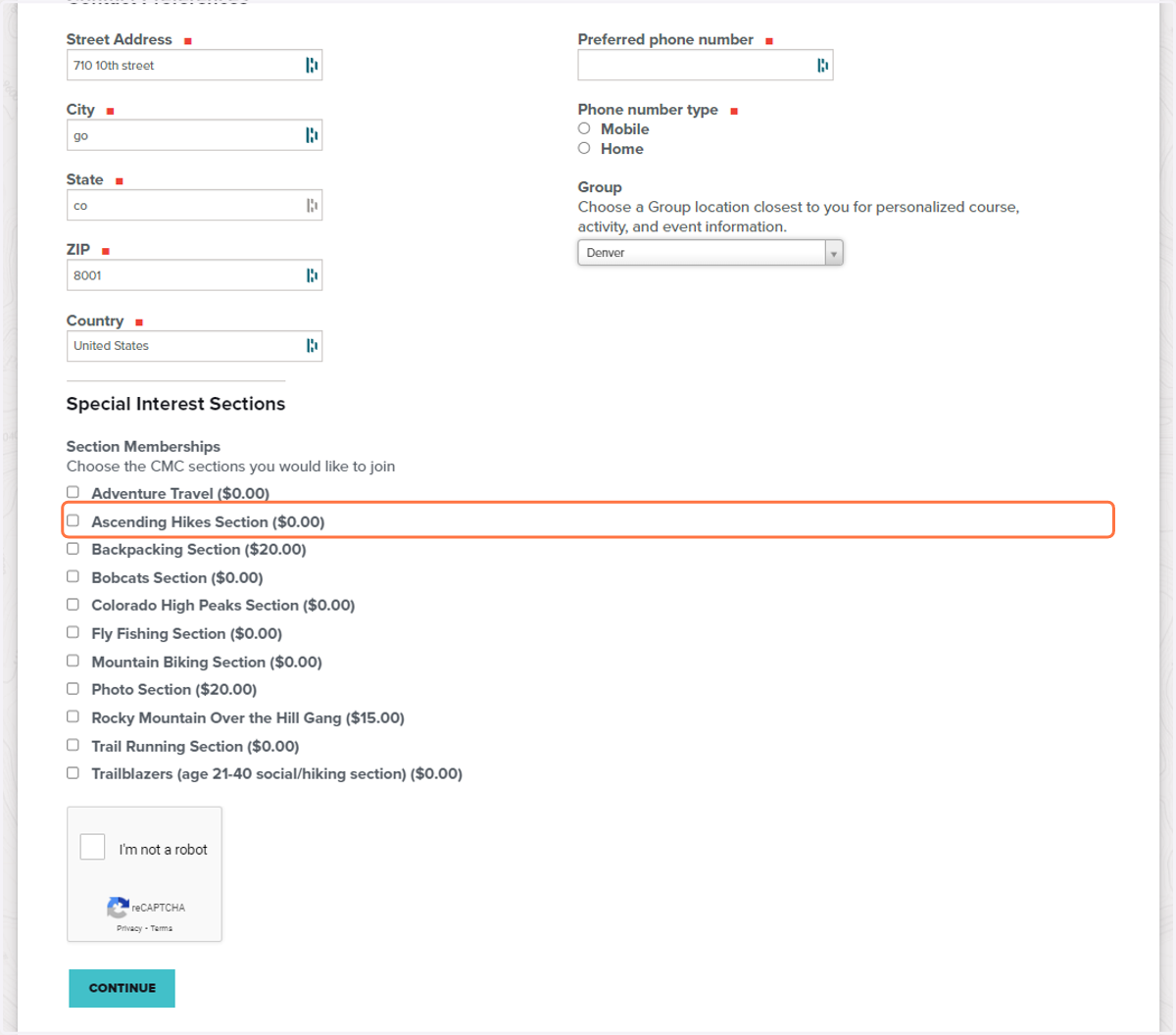
6. Select any Special Interest Sections you would like to be a part of.
These selections allow you to choose more specific area of interest, age based community, or goal setting. Please note additional costs for certain sections.
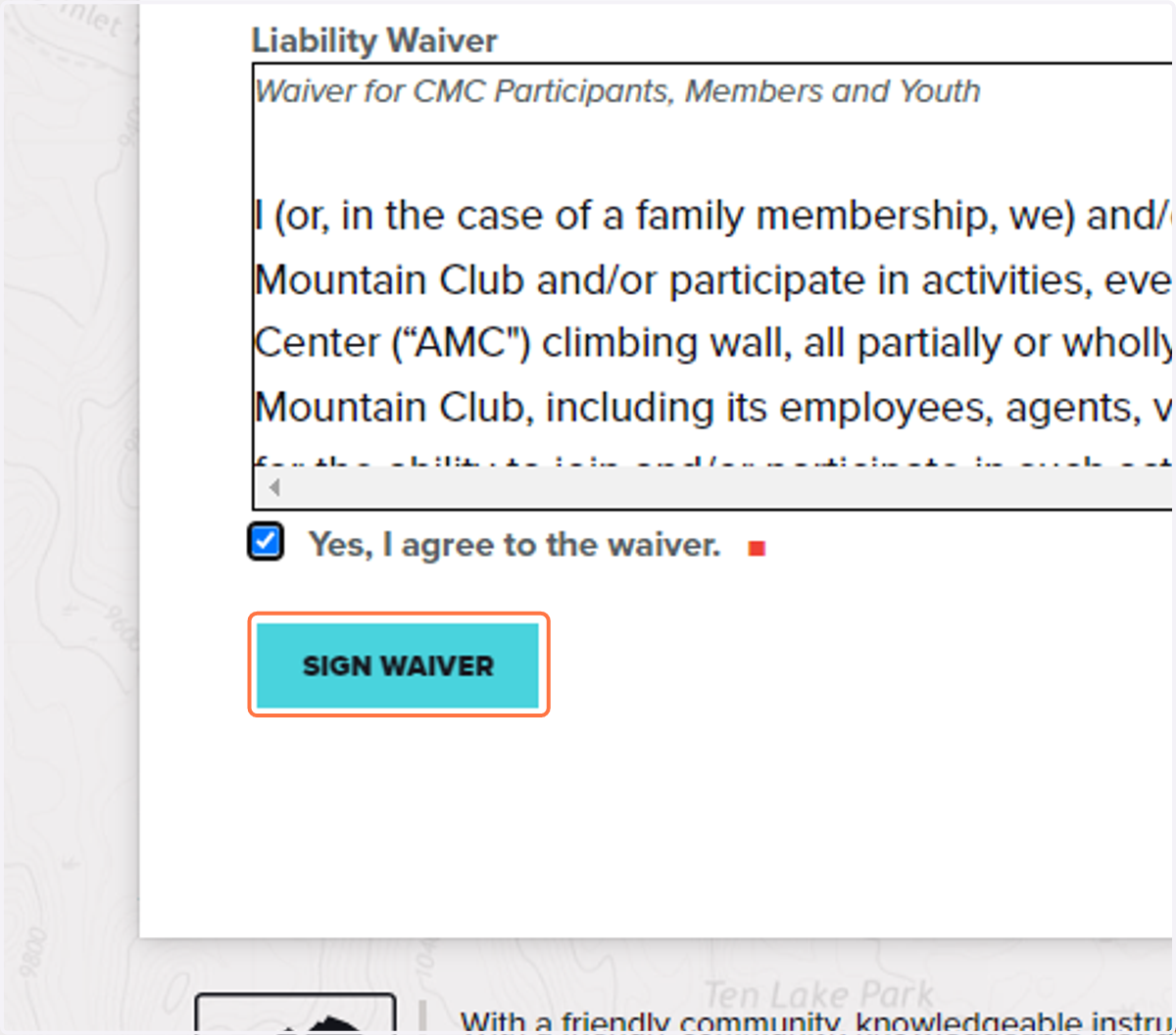
7. Sign the waiver.
Without signing the waiver and adding and emergency contact you will not be able to sign up for trips, courses, or events.
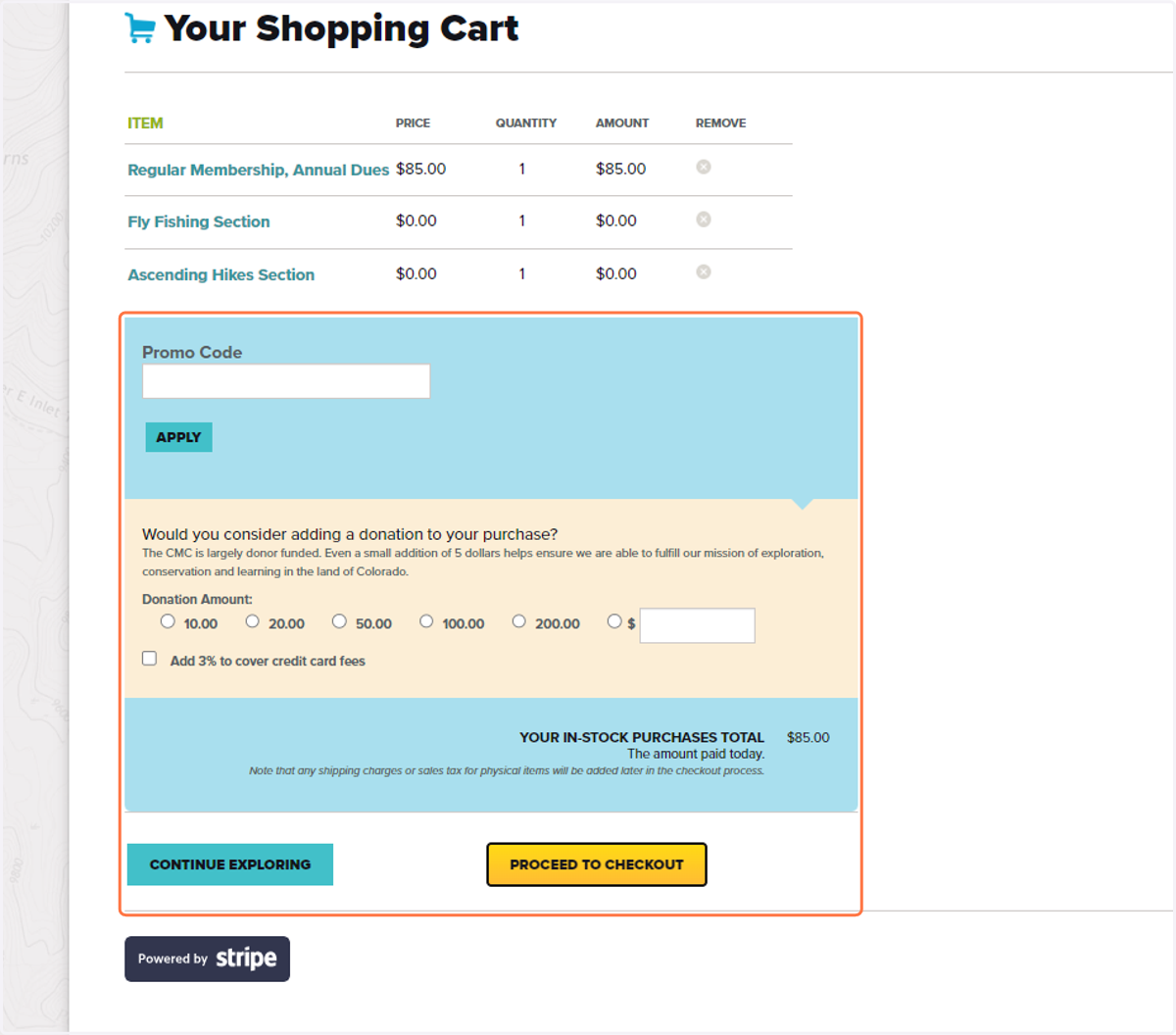
8. Review your cart and proceed to checkout.
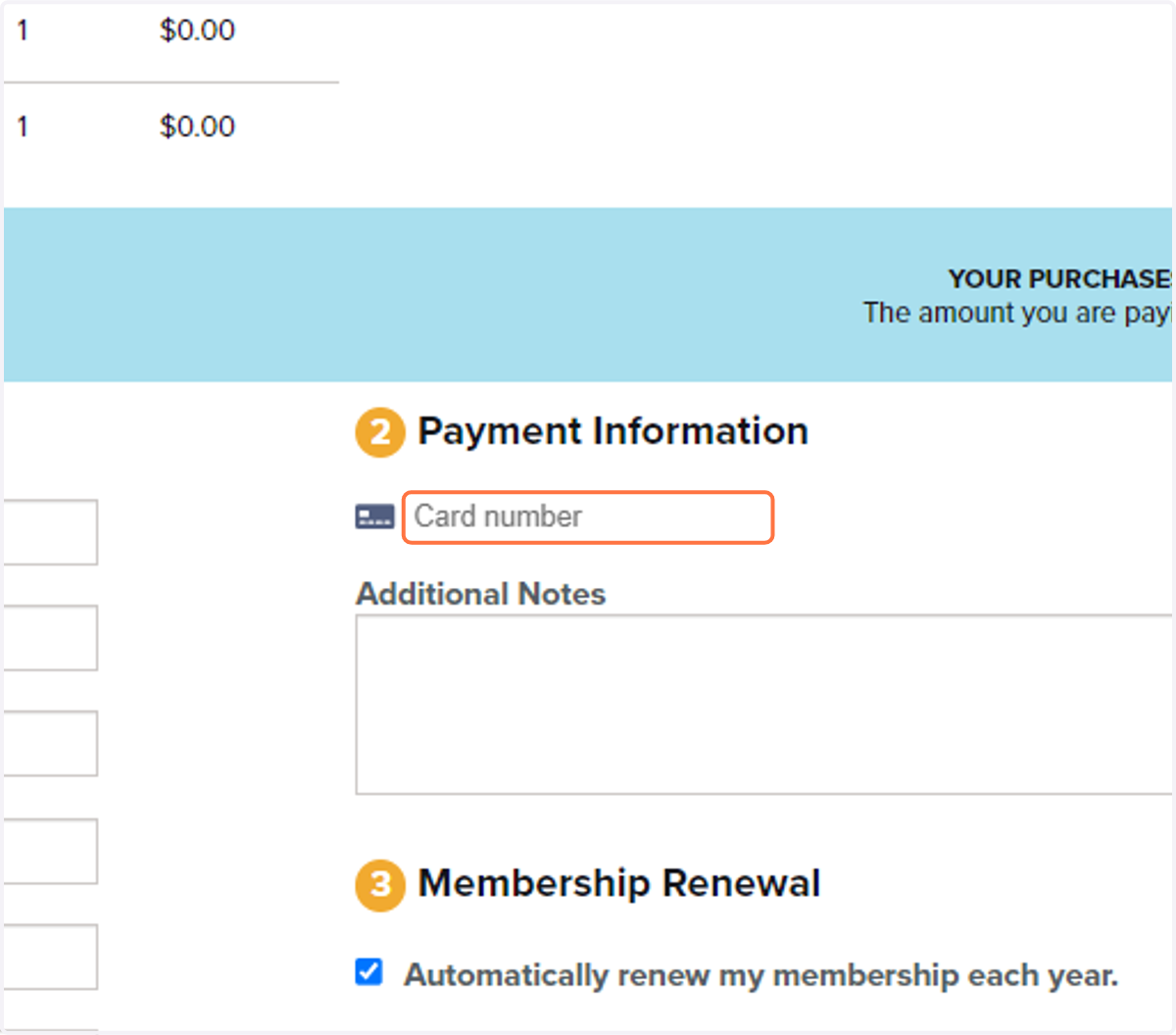
9. Input your payment information.
Be sure to review your billing address as well.
10. Click on Complete Purchase.
You will receive an email receipt of your purchase.