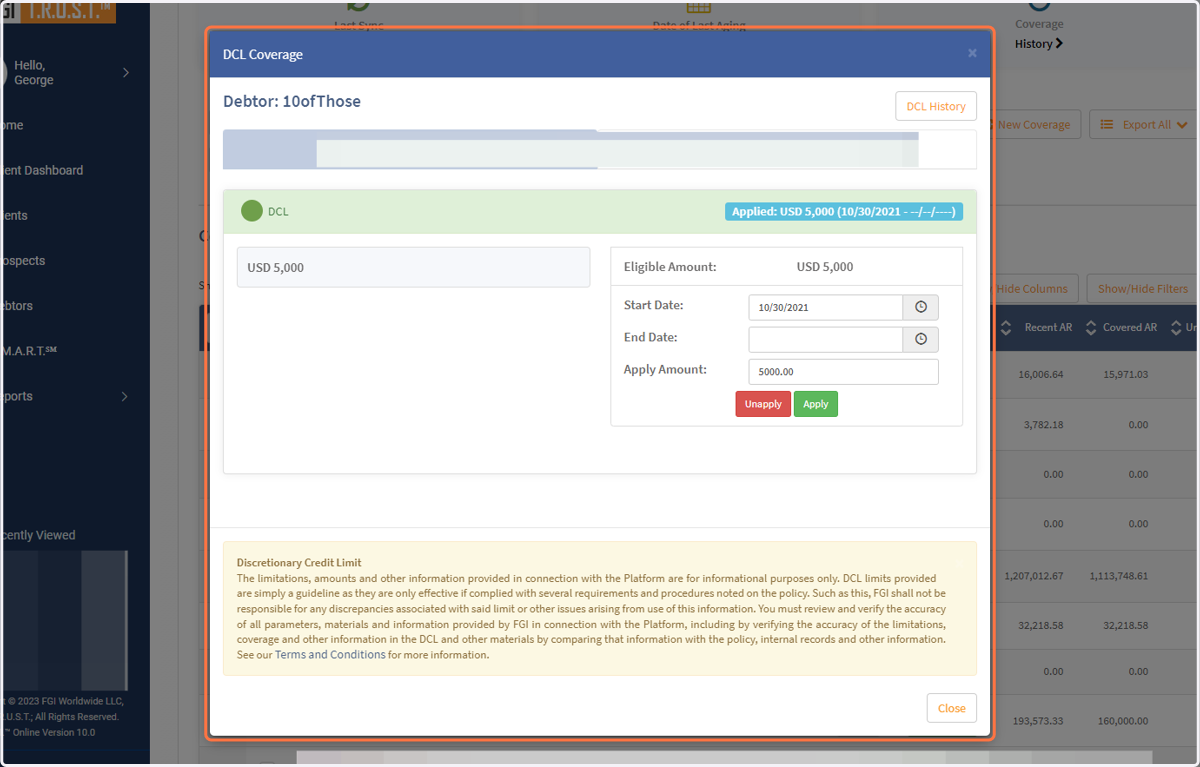
Managing Discretionary Coverage
FGI TRUST: Dashboard
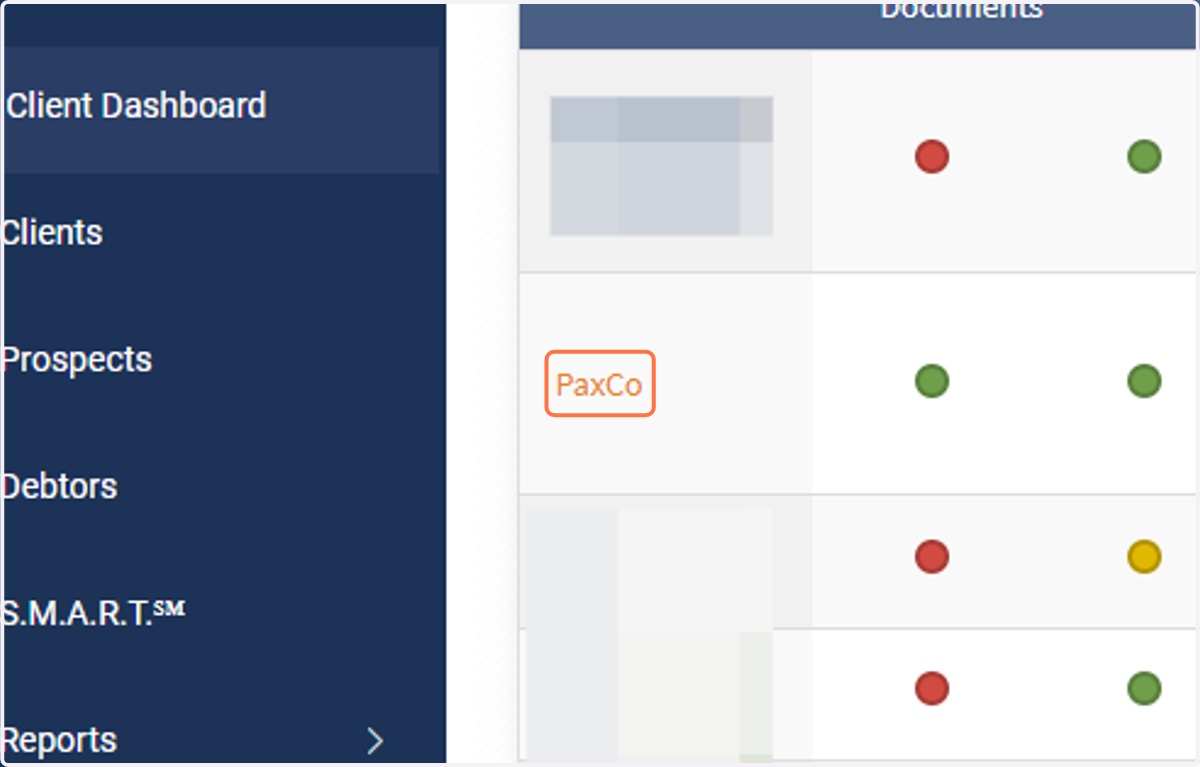
1. Click on Client Dashboard from the navigation menu to the left
Choose the client you wish to manage
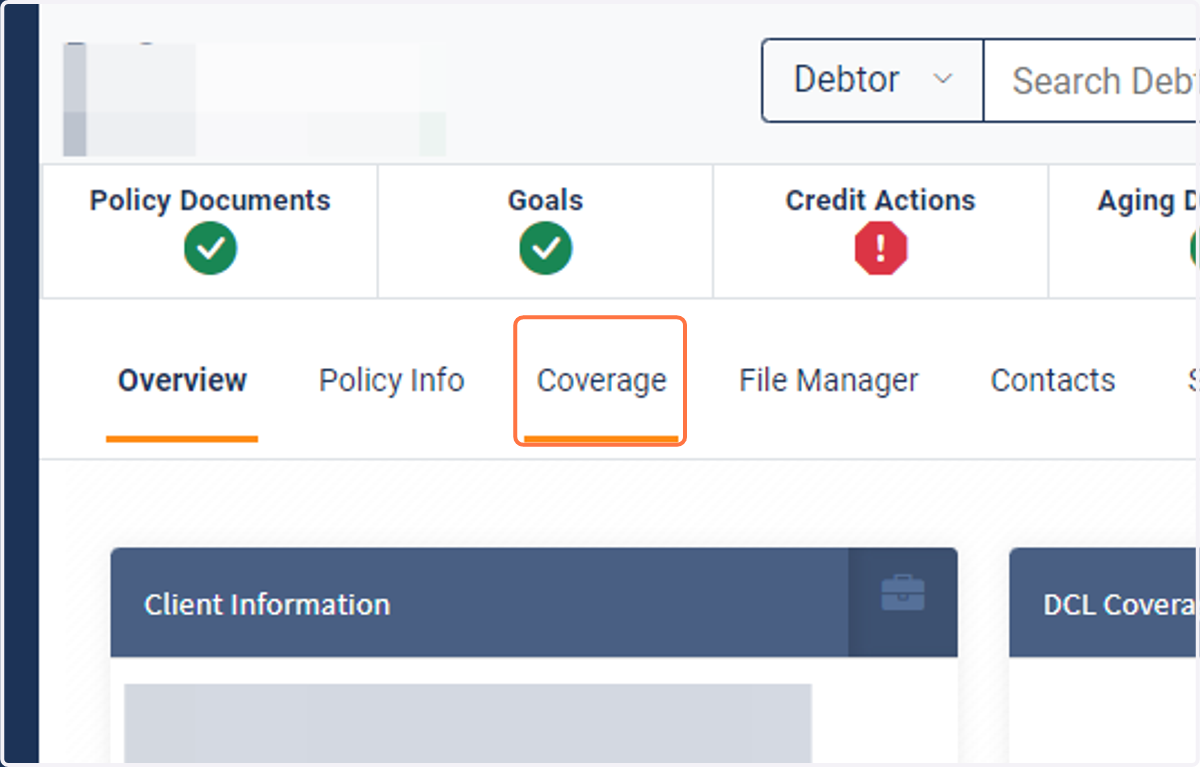
2. Click on Coverage
This is found at the top of the page
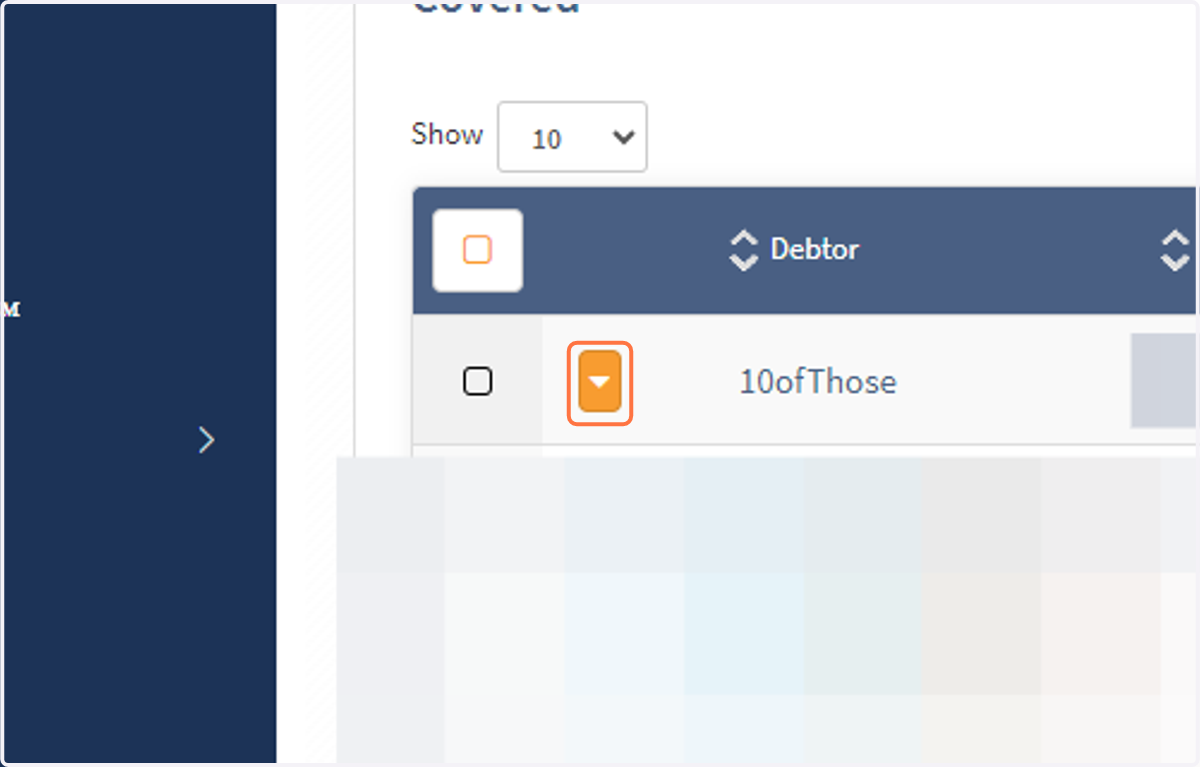
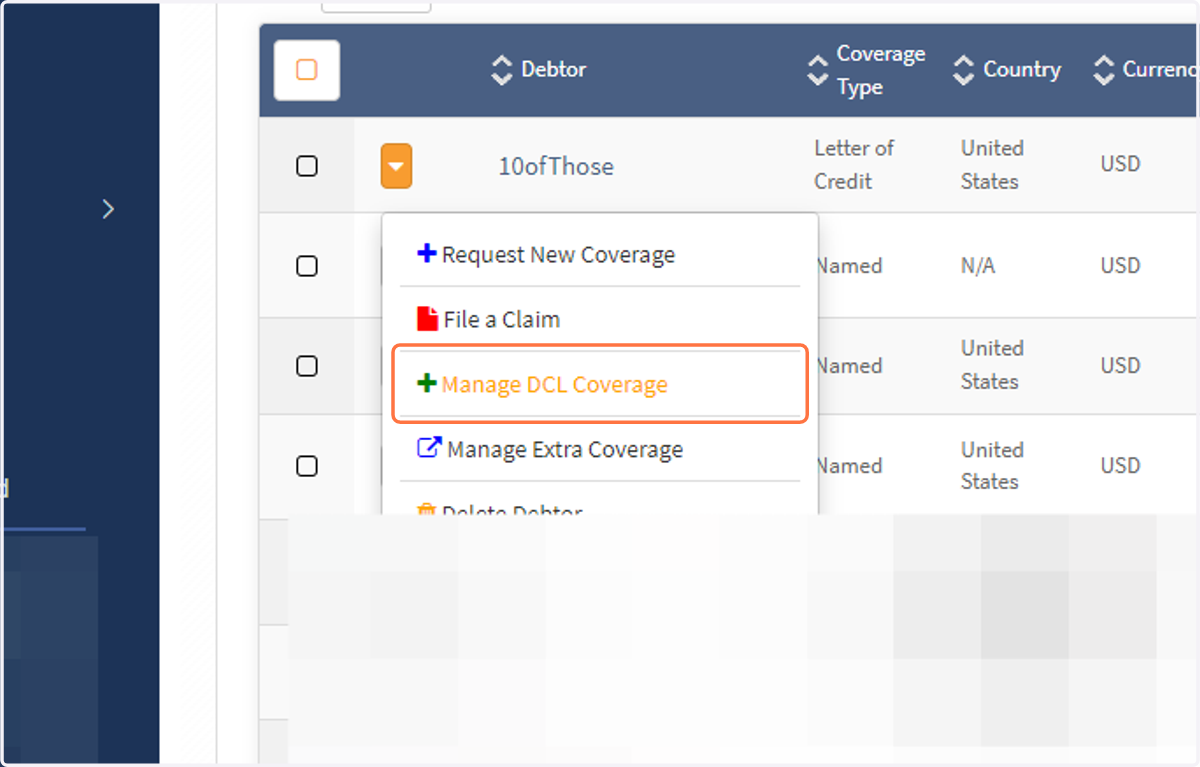
3. Select the debtor you wish to increase coverage on
Use the drop down arrow to the left of the debtor name
4. Click on Manage DCL Coverage
You can find other actions here relating to New Coverage as well.
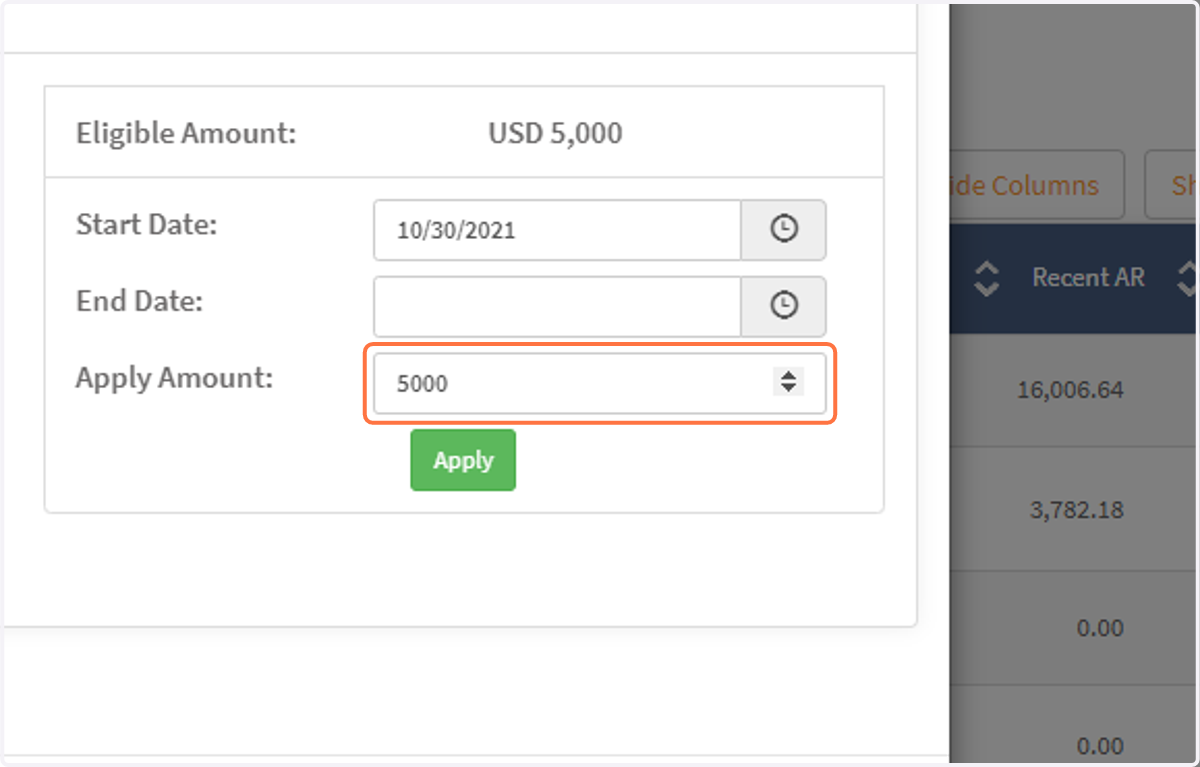
5. Change the required fields as appropriate
Amount, Start Date
6. Click on Apply
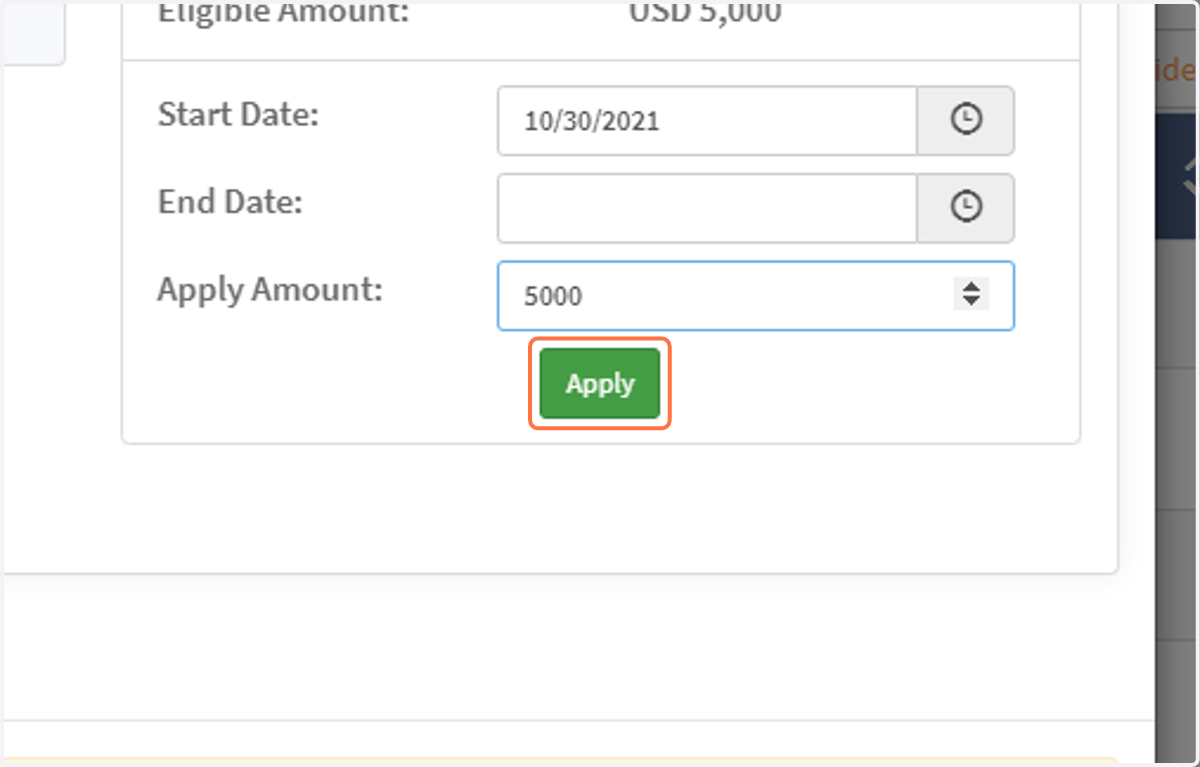
7. Here you can see this has been automatically applied