How do I modify access for existing Media Room users?
Customers with admin access can oversee user management, sharing their content with specific users, who have different levels of permissions and access controls.
1. Click on DASHBOARD
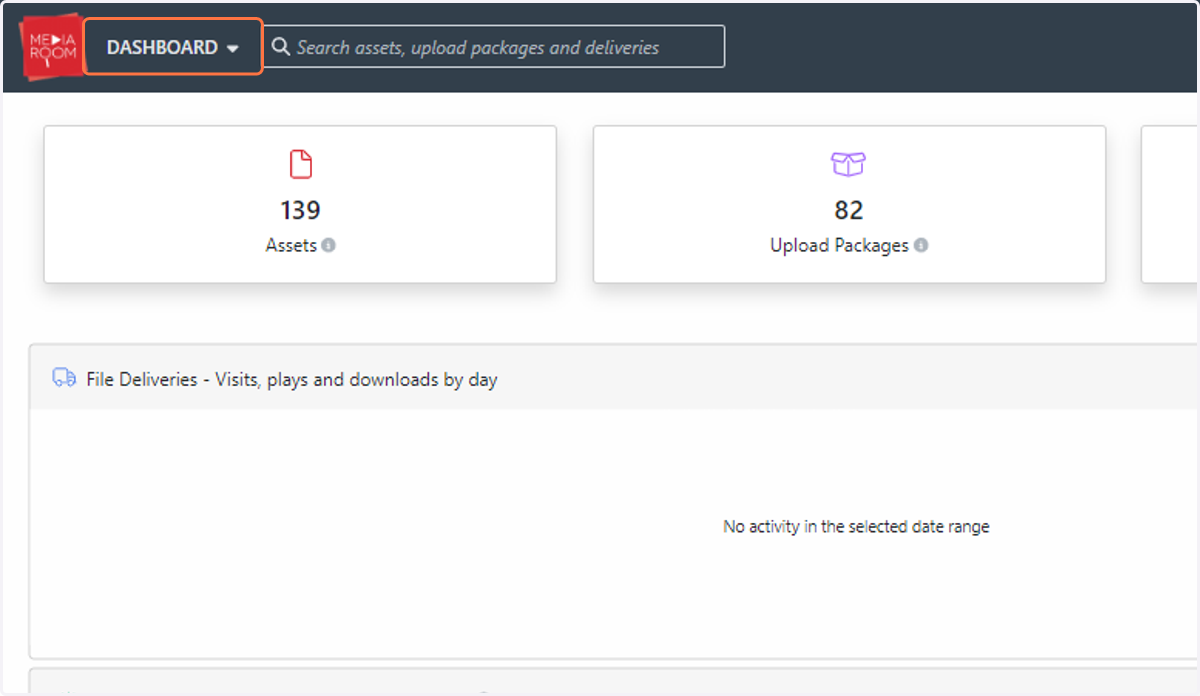
2. Click on Settings

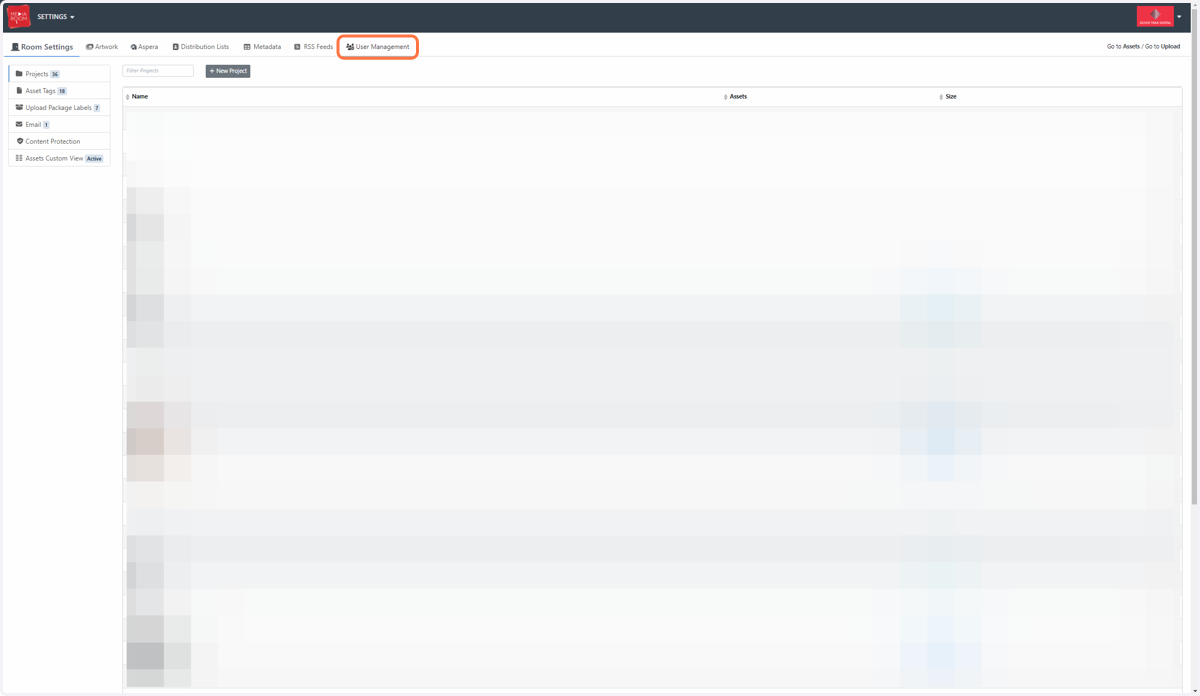
3. Click on User Management
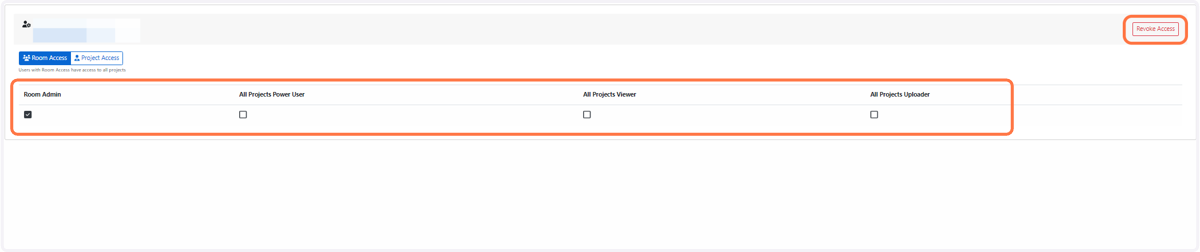
4. Click on the user's email address

5. Select the preferred level of room access via the check boxes. You can also revoke a user's access via the top right hand corner's "Revoke Access" button.
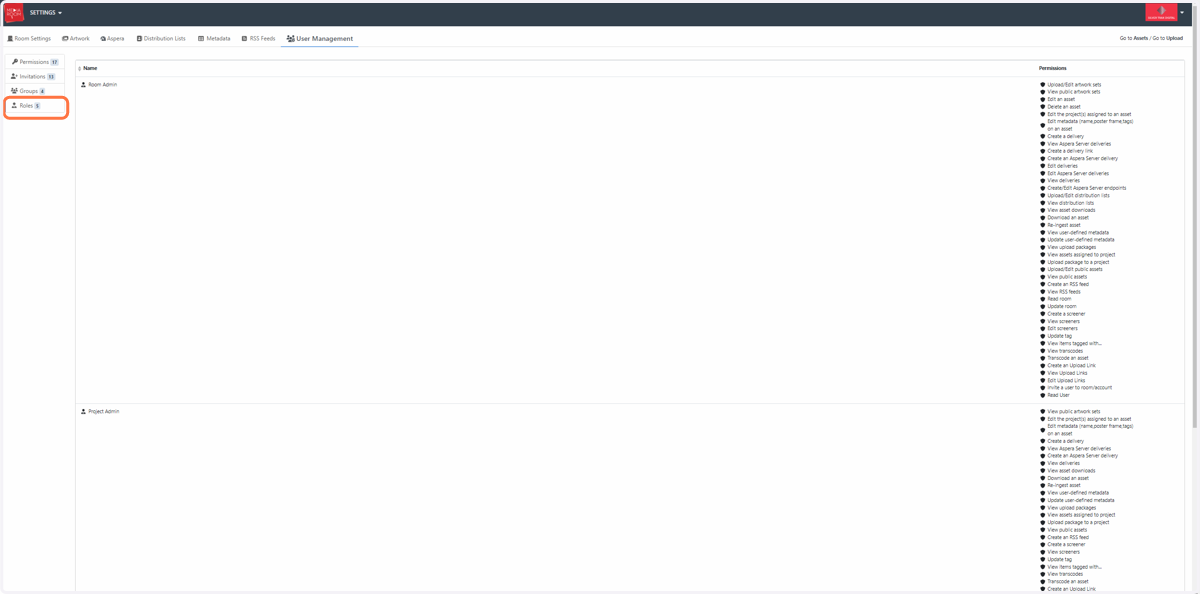
6. For a detailed list of room admin permissions in the User Management section, click on Roles.