Viewing External Evaluations
The steps below will show you how to view external evaluation letters that have been uploaded to Interfolio, either by you or directly by reviewers.
Interfolio
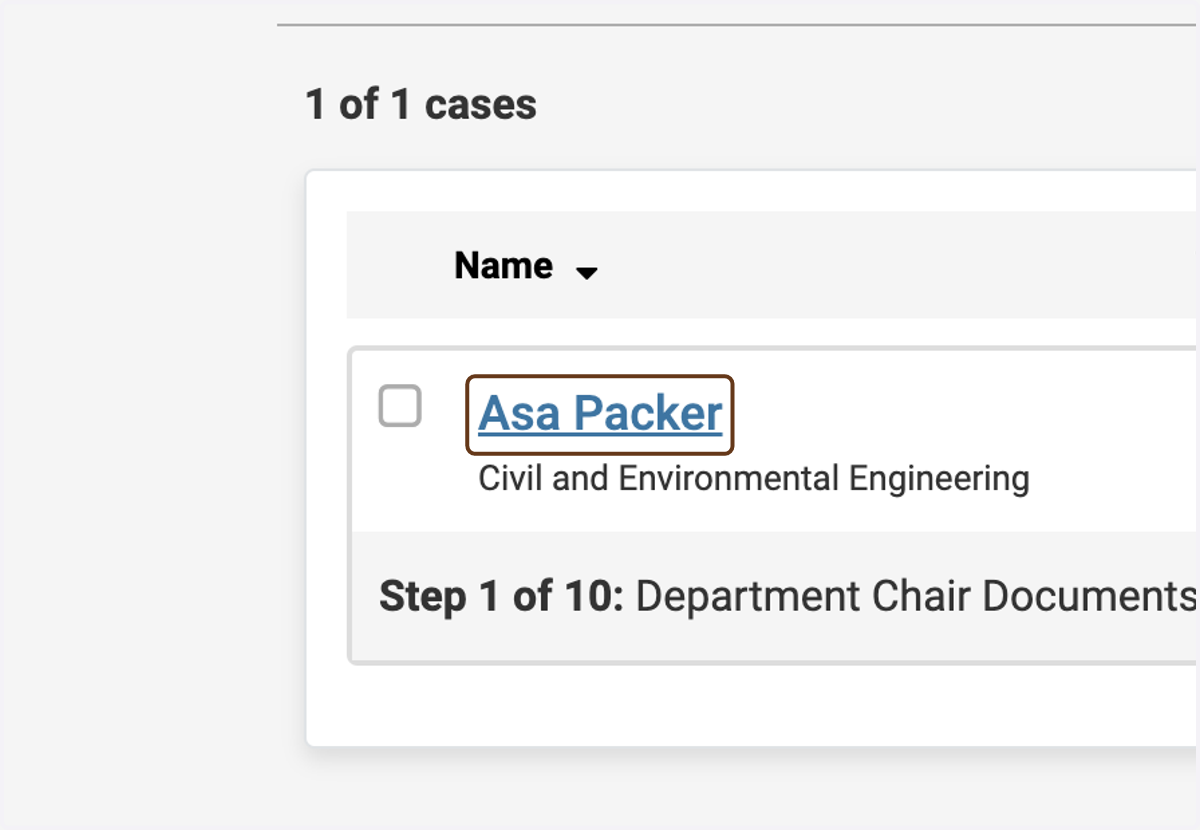
1. Click on the candidate's name
2. Make sure you are on the Case Materials tab
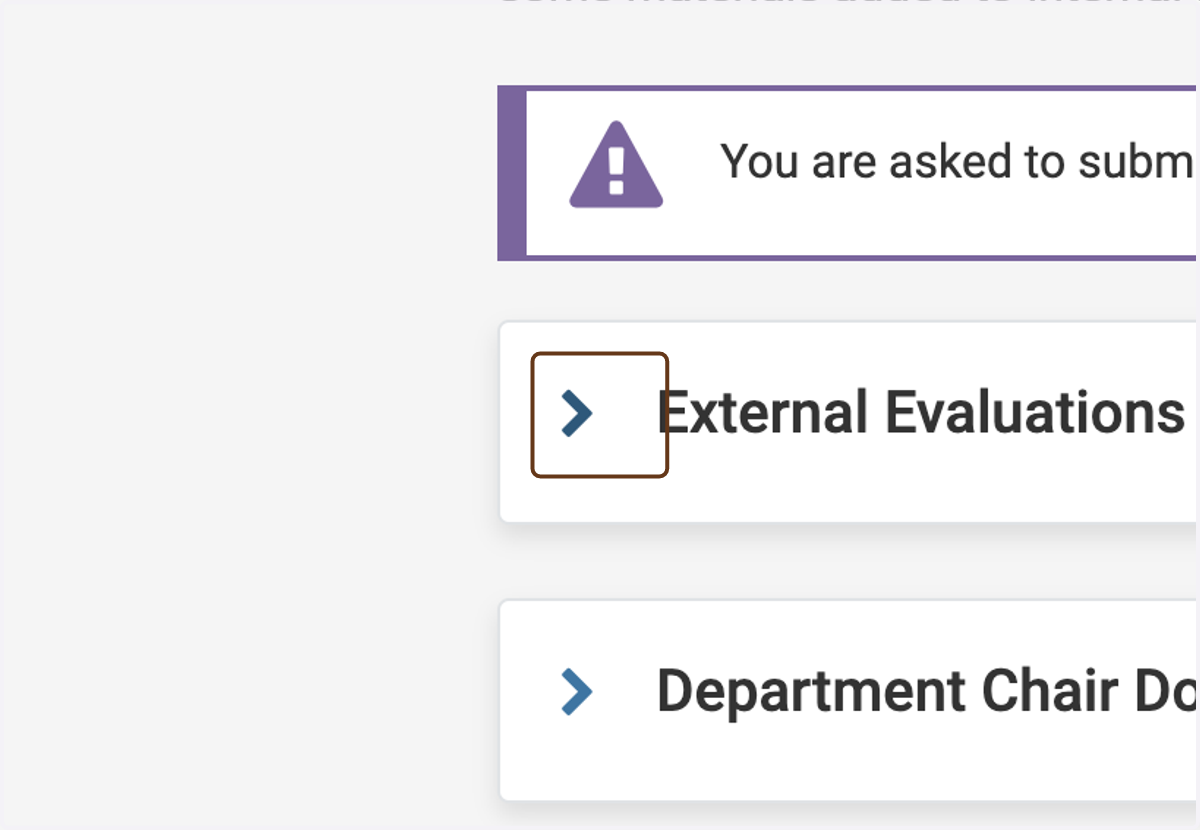
3. Click the "expand" button next to External Evaluations
To find it, scroll down a bit, to the Internal Sections section.
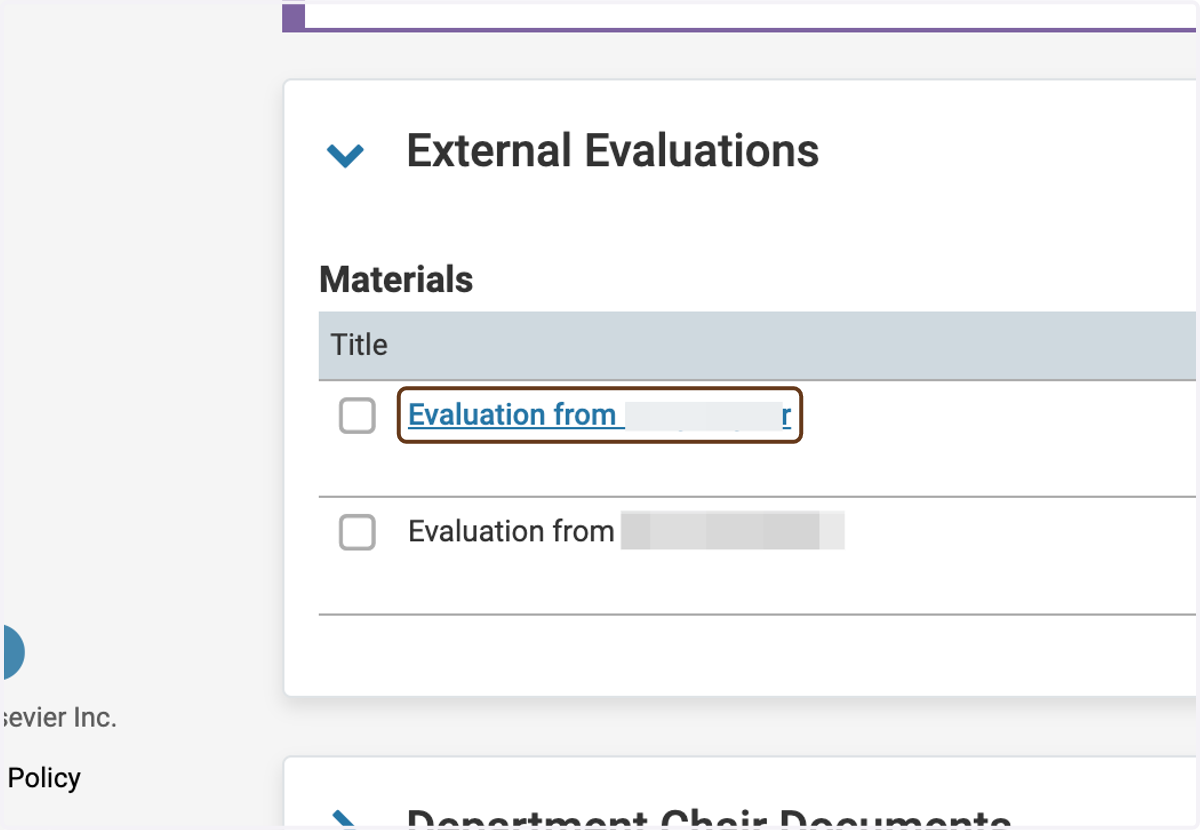
4. View the letters
The letters you have requested are listed here. Interfolio tells you which letters have been received and which are still pending.
5. Read the letter
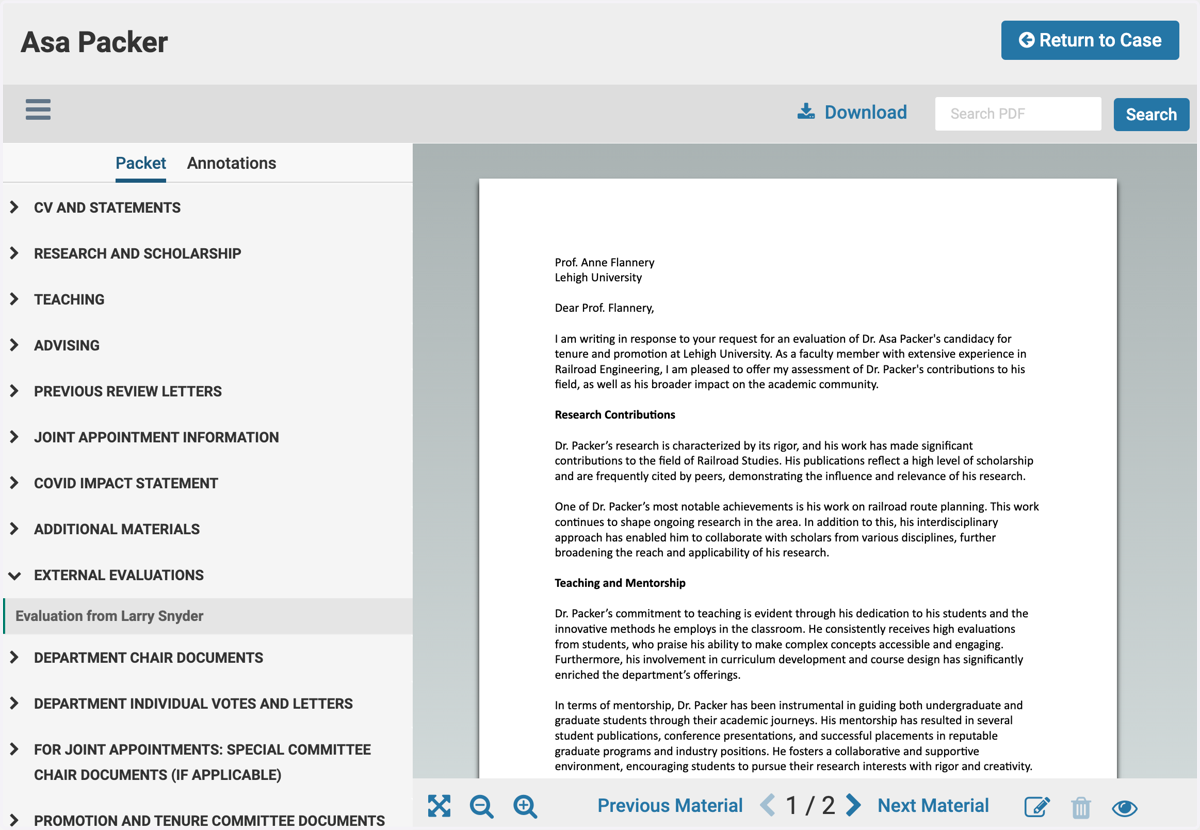
6. Click on Return to Case
When you are finished viewing the case, this button takes you back to the main Case page.