Configuring Payment Terms
Head to your Engagifii Workspace
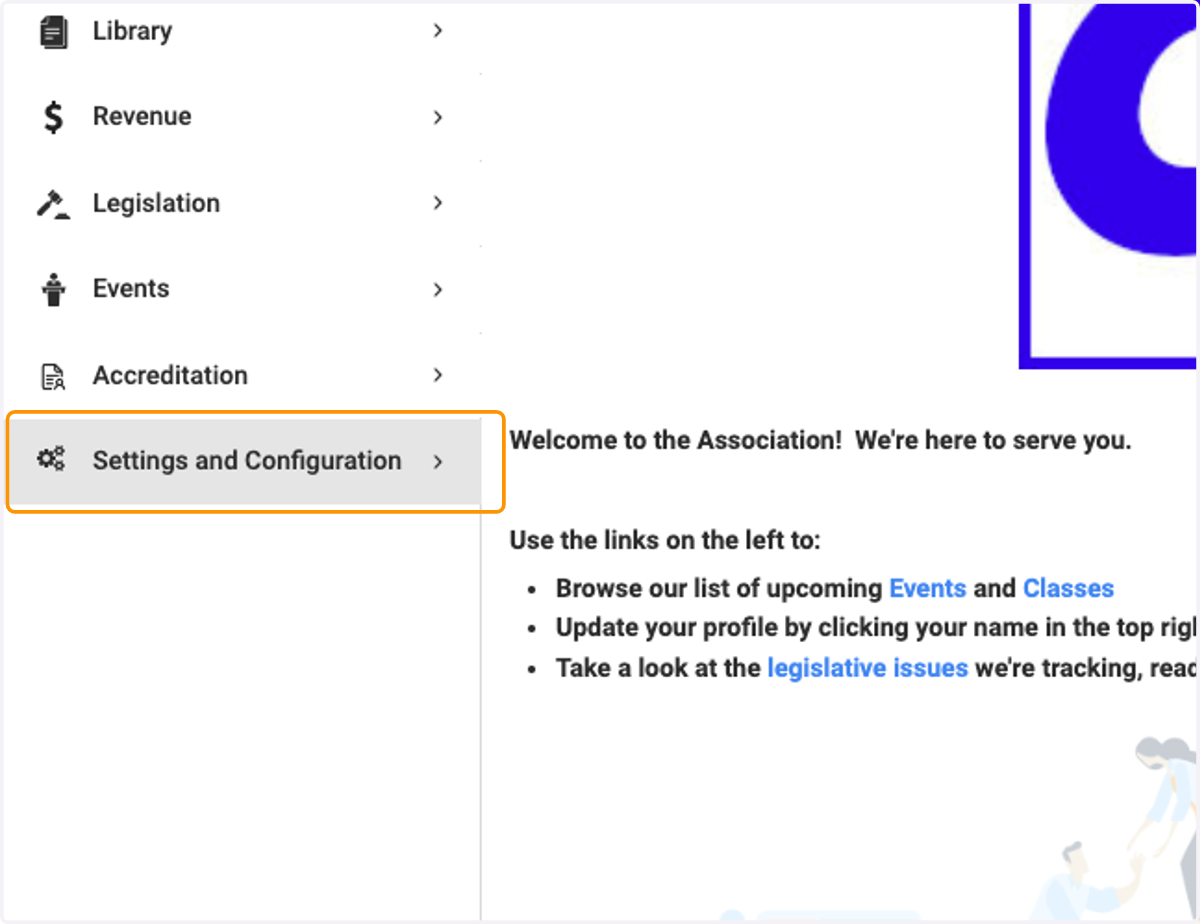
1. Click on Settings and Configuration
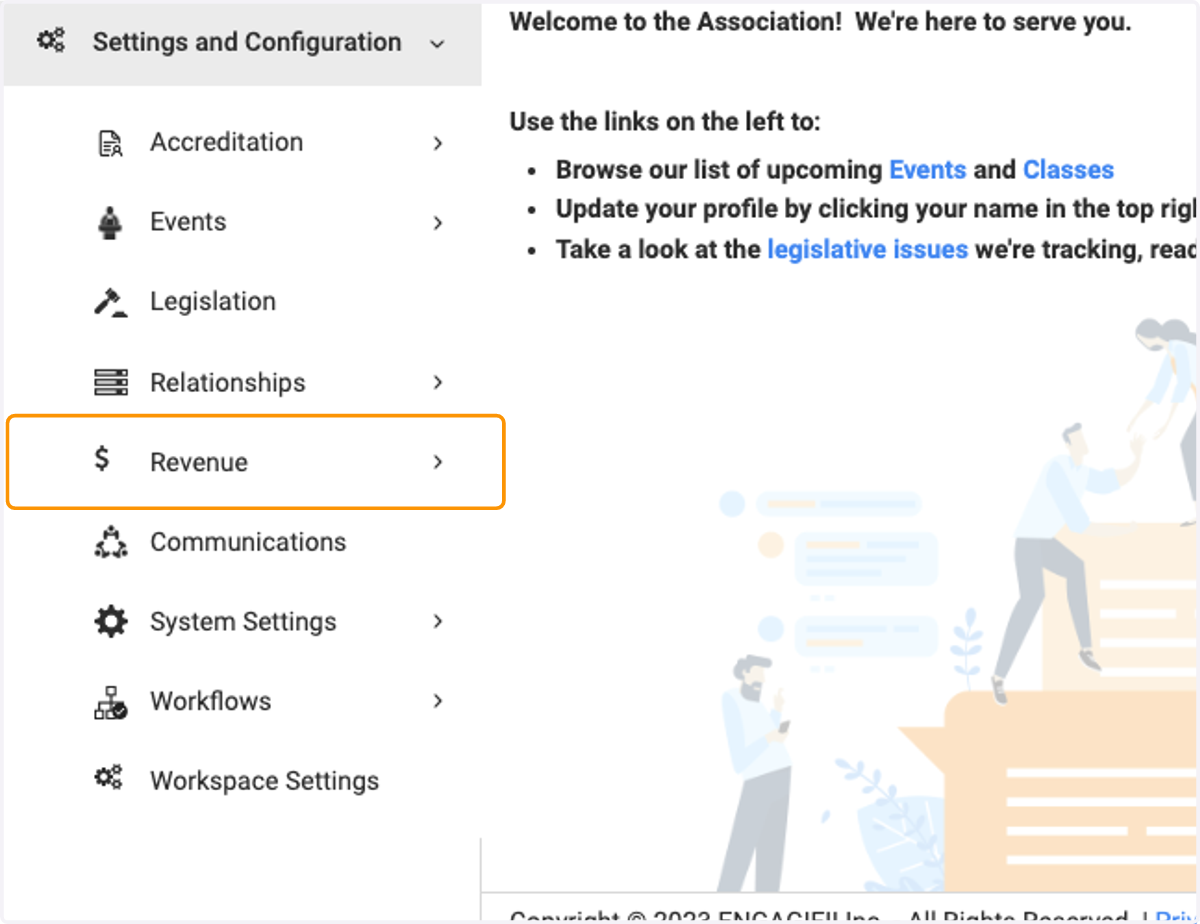
2. Click on Revenue
3. Click on General Revenue Settings
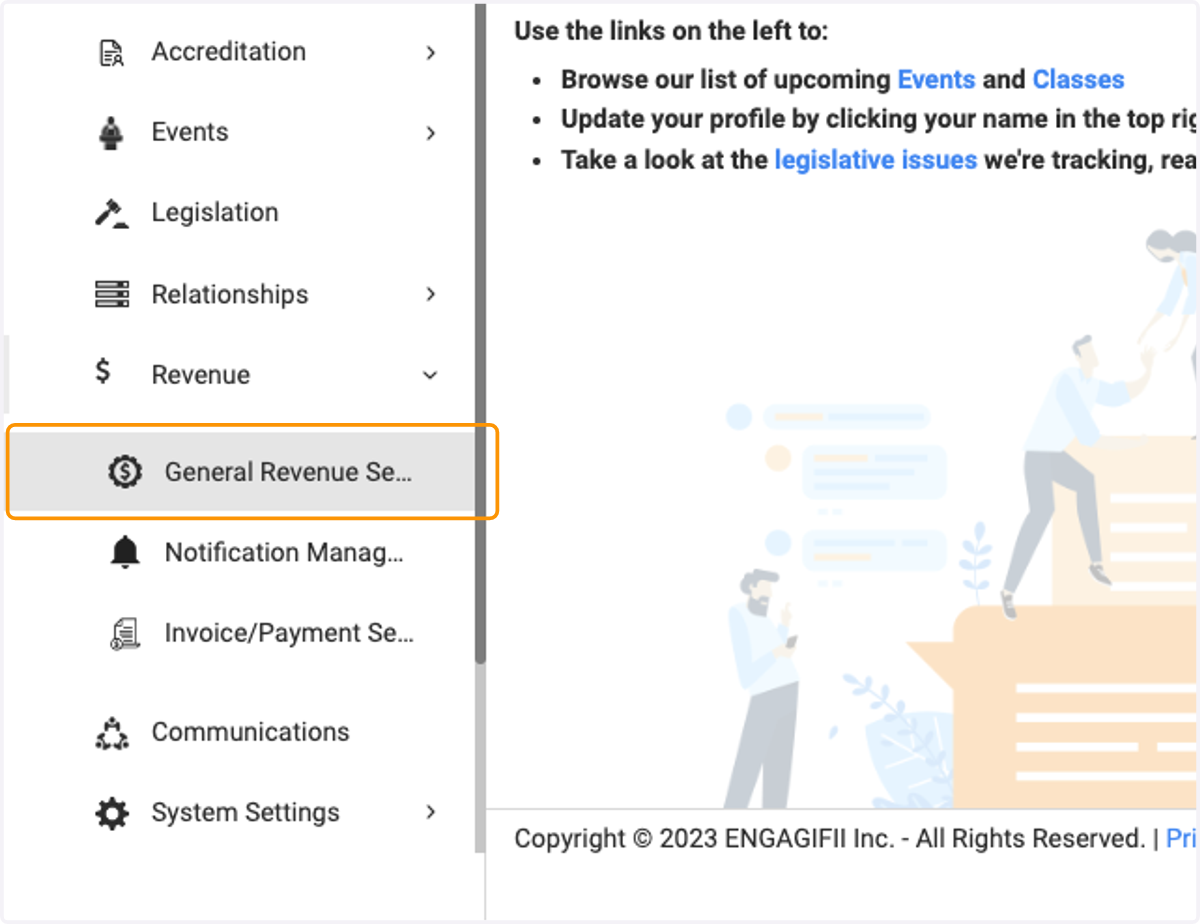
4. Click on General…
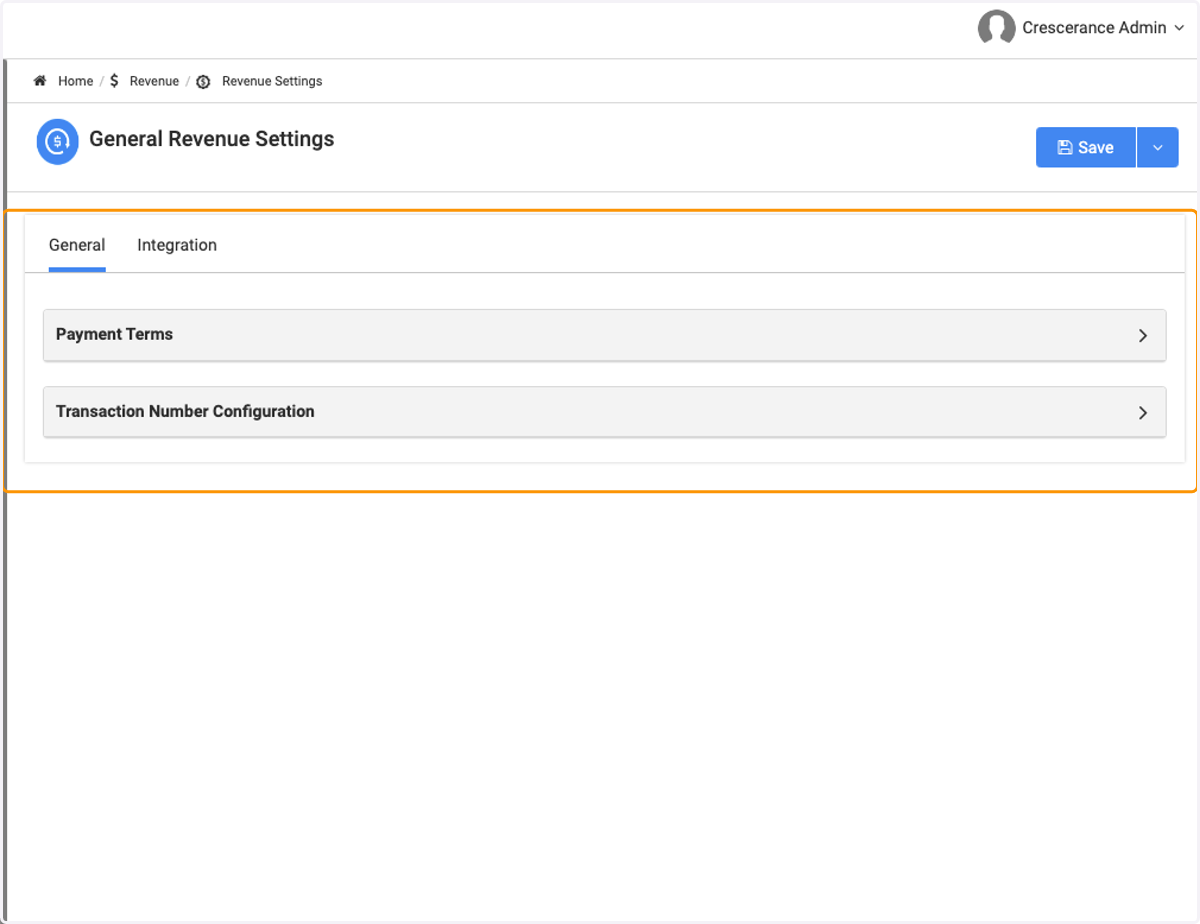
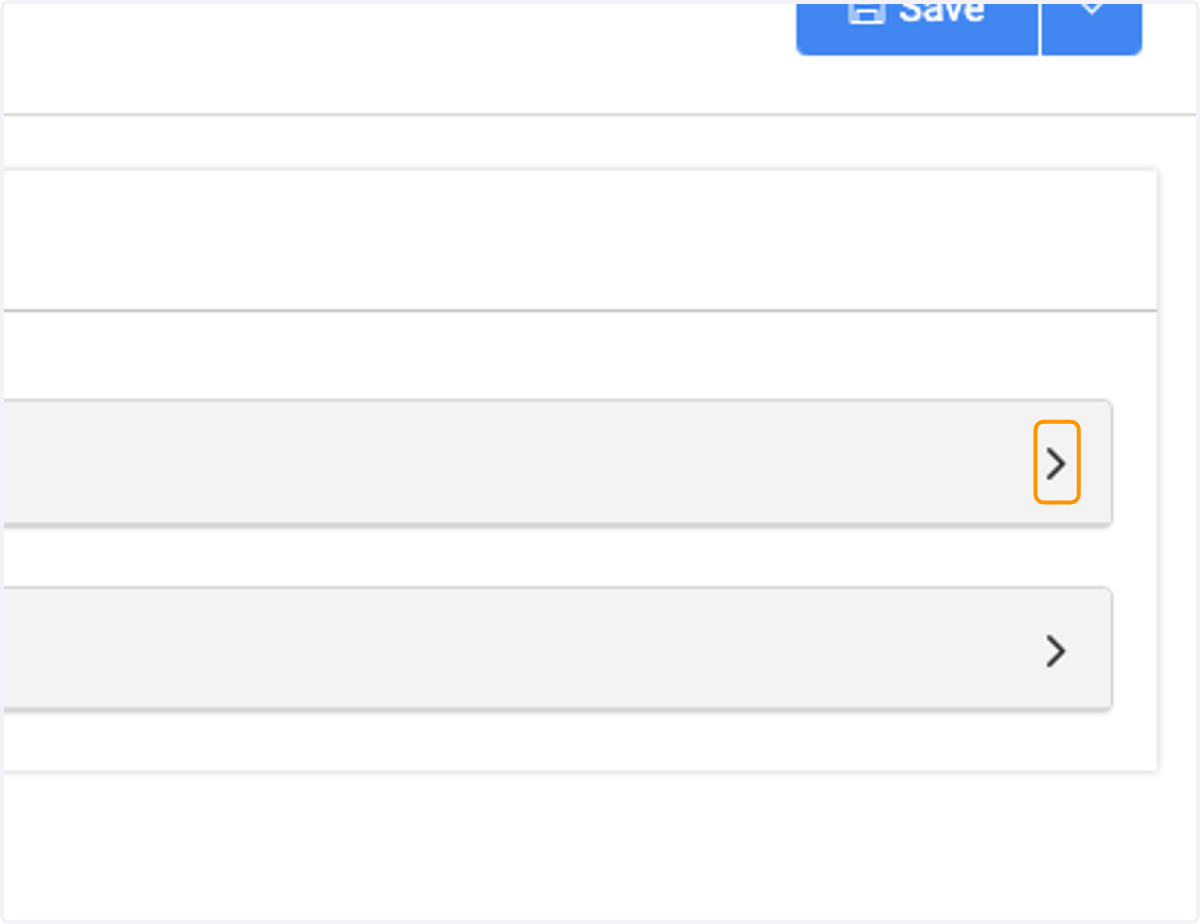
5. Click on the Payment Terms box
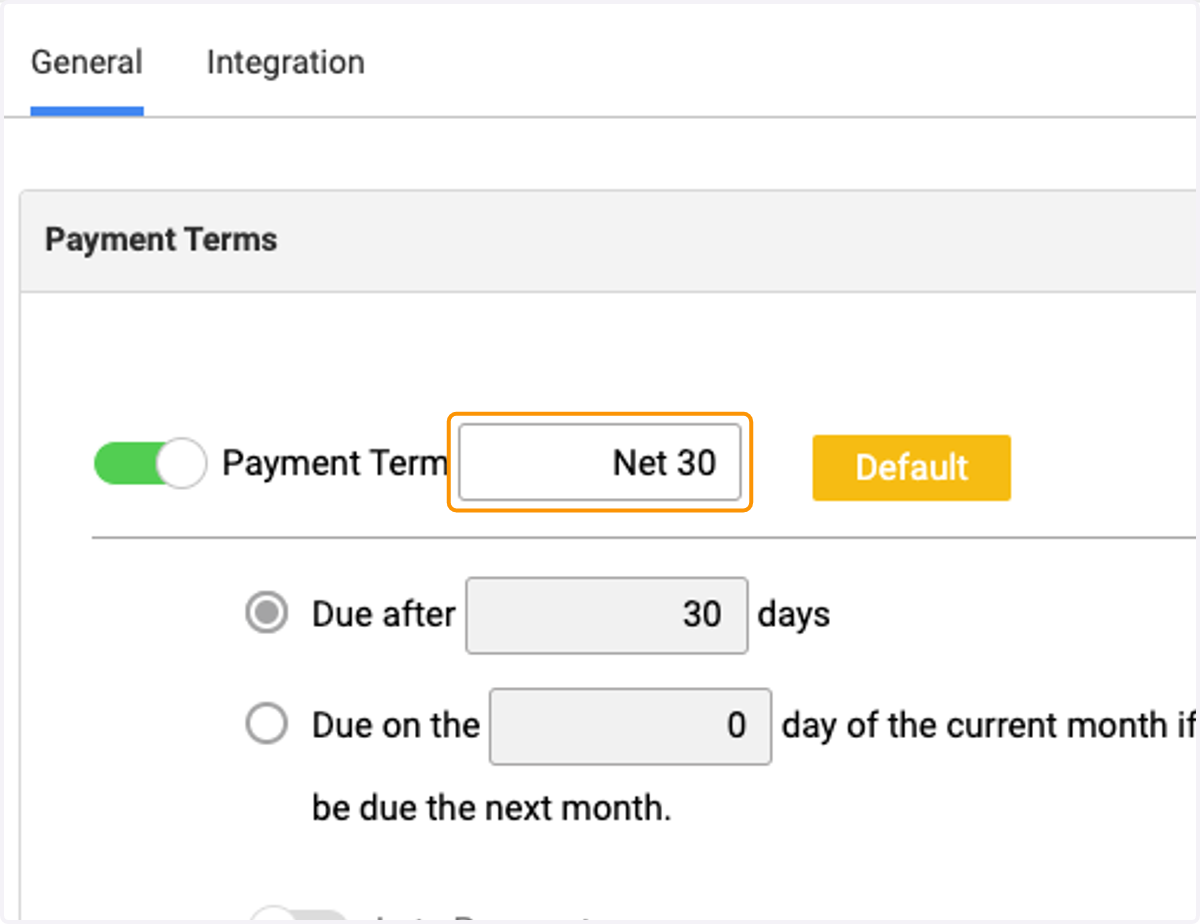
6. Set your Payment Term in the highlighted field
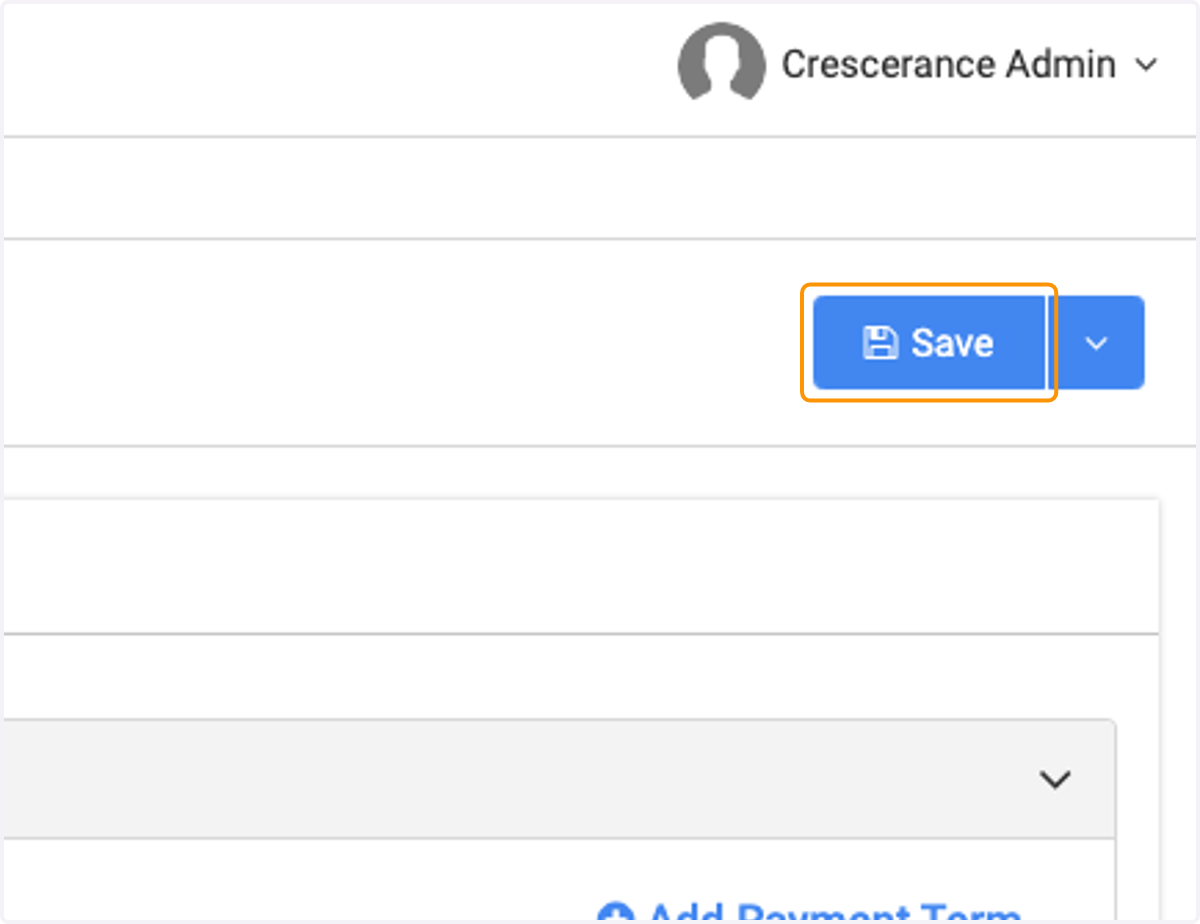
7. Click on Save