Reactivate Prospect in CRM
Senior CRM
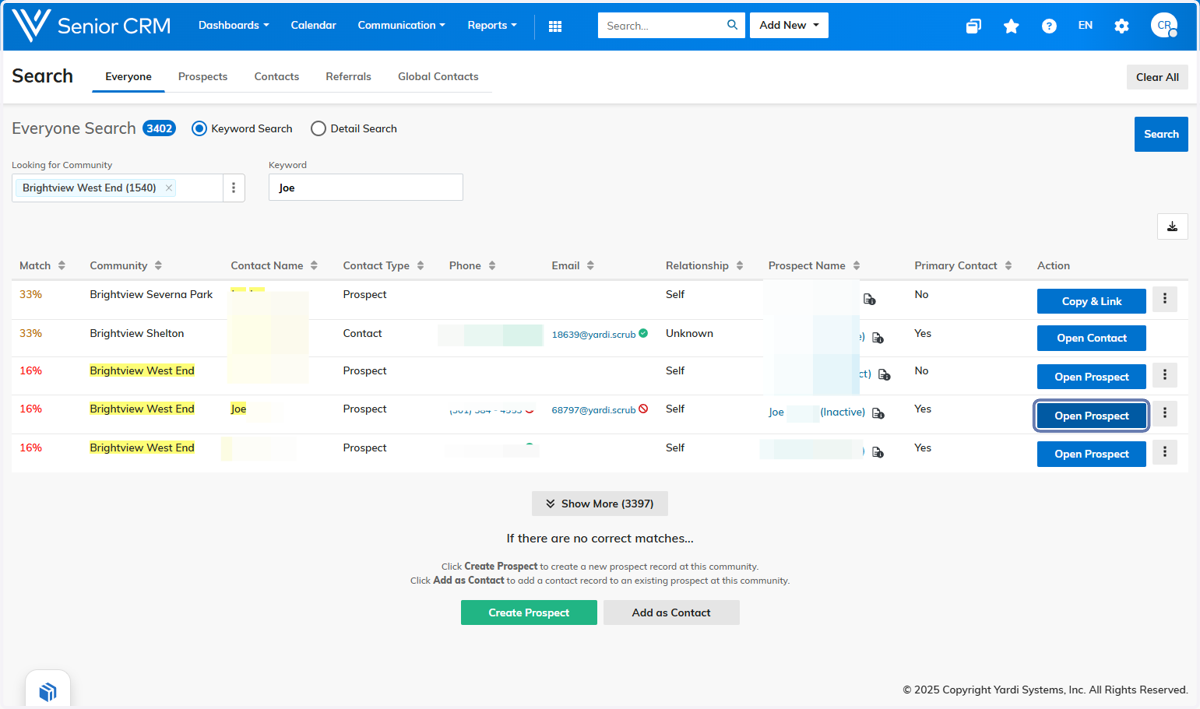
1. Type in the name of the prospect/cancelled resident you wish to reactivate

2. Click on Customer Search

3. Click on Open Prospect on the one that needs to be reactivated
4. Click on Actions

5. Click on Reactivate Prospect

6. Fill out the needed information and hit save
