How to Add Properties with the Yardi Data Connector
Need to add an entire portfolio or a single property to MultiHub? Do with easily with the Yardi Data Connector!
Multihub
1. Go to console.multihub.io
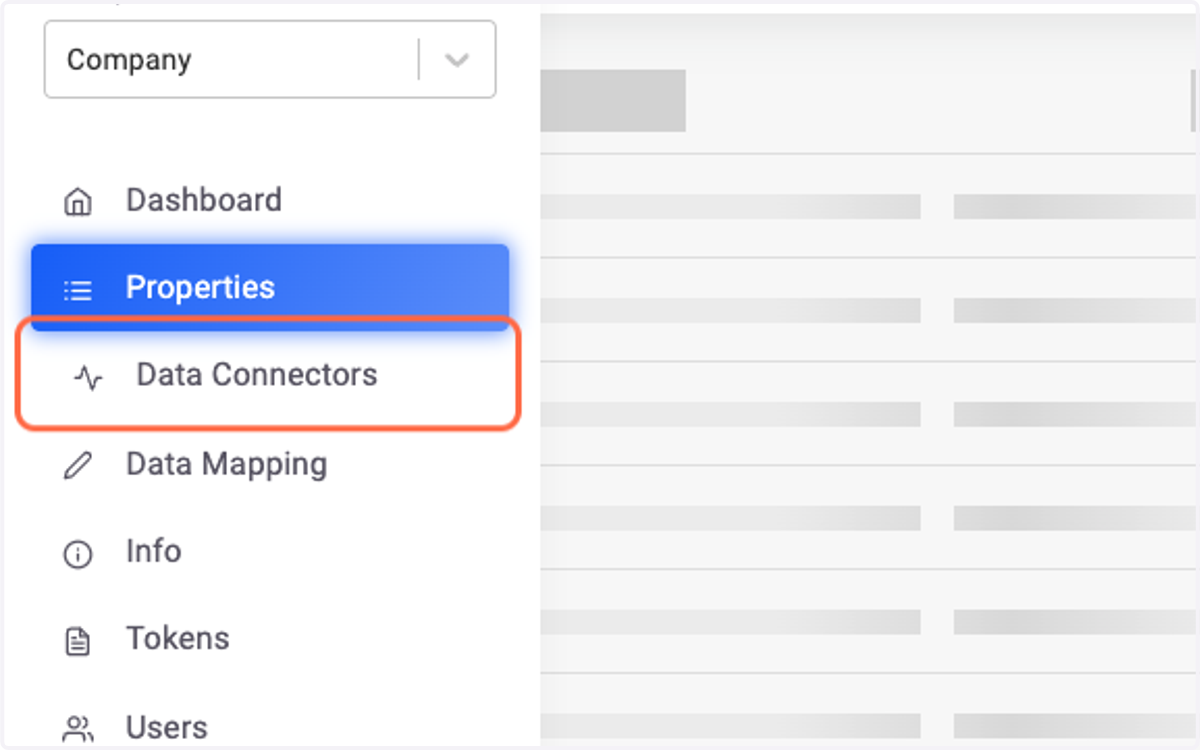
2. Click on Data Connectors in the Company Workspace
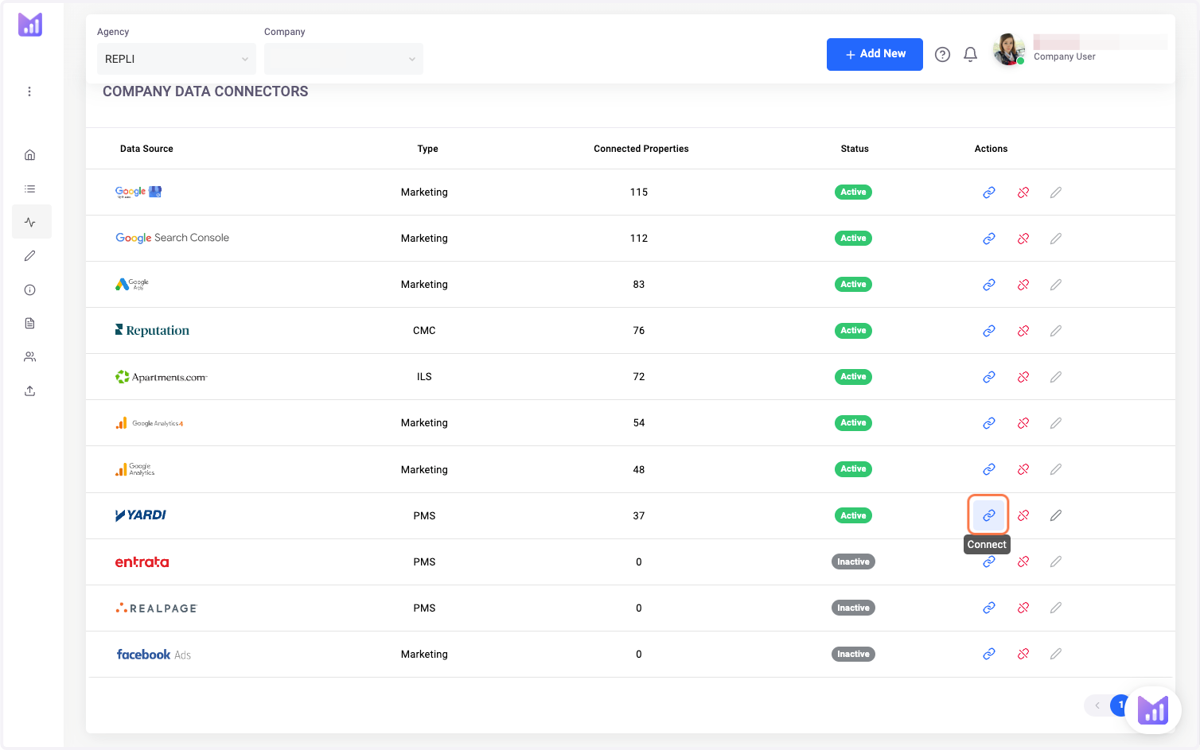
3. On the Yardi Data Connector, Click on Connect
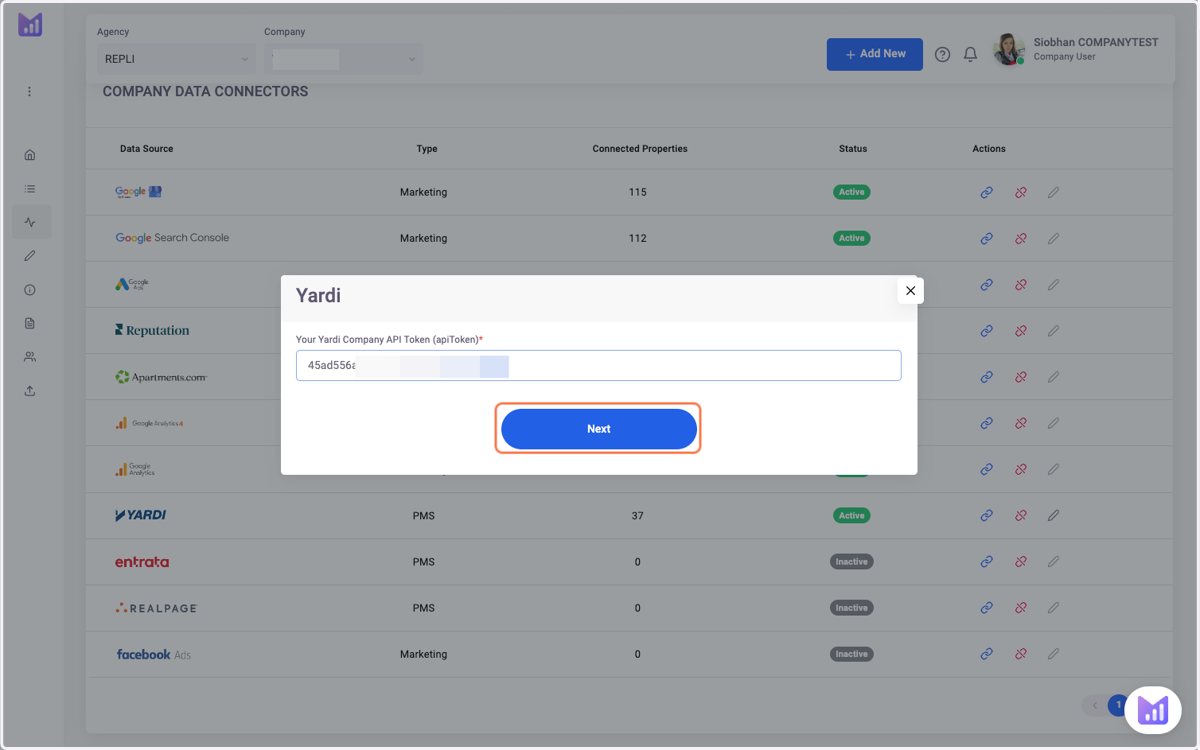
4. Paste in the Yardi Company API Token (apiToken)
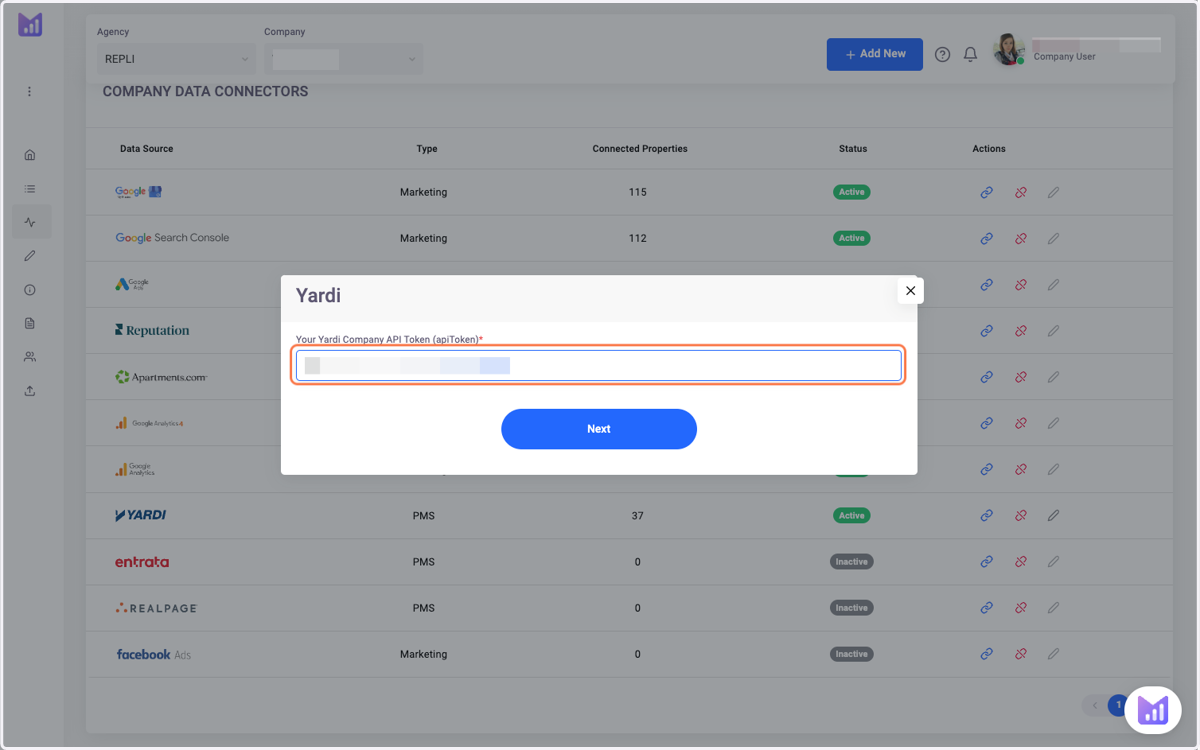
5. Click on Next
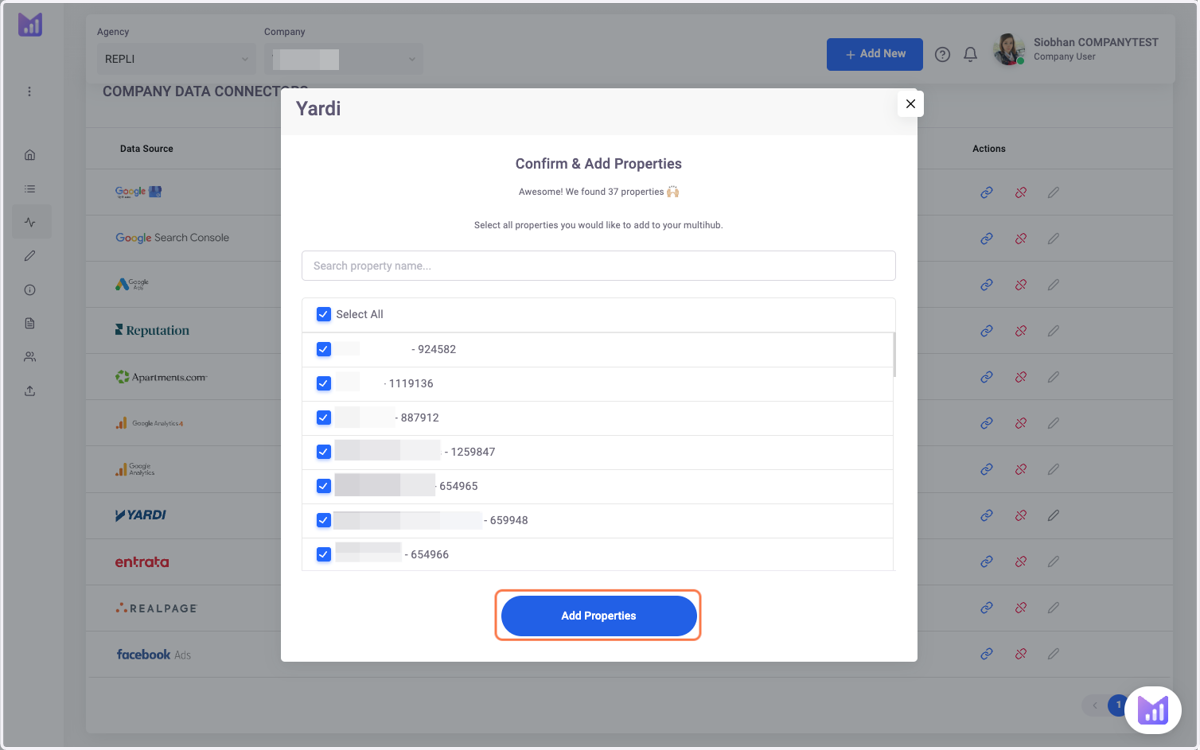
6. Check Select All or Choose the Properties You Need to Add
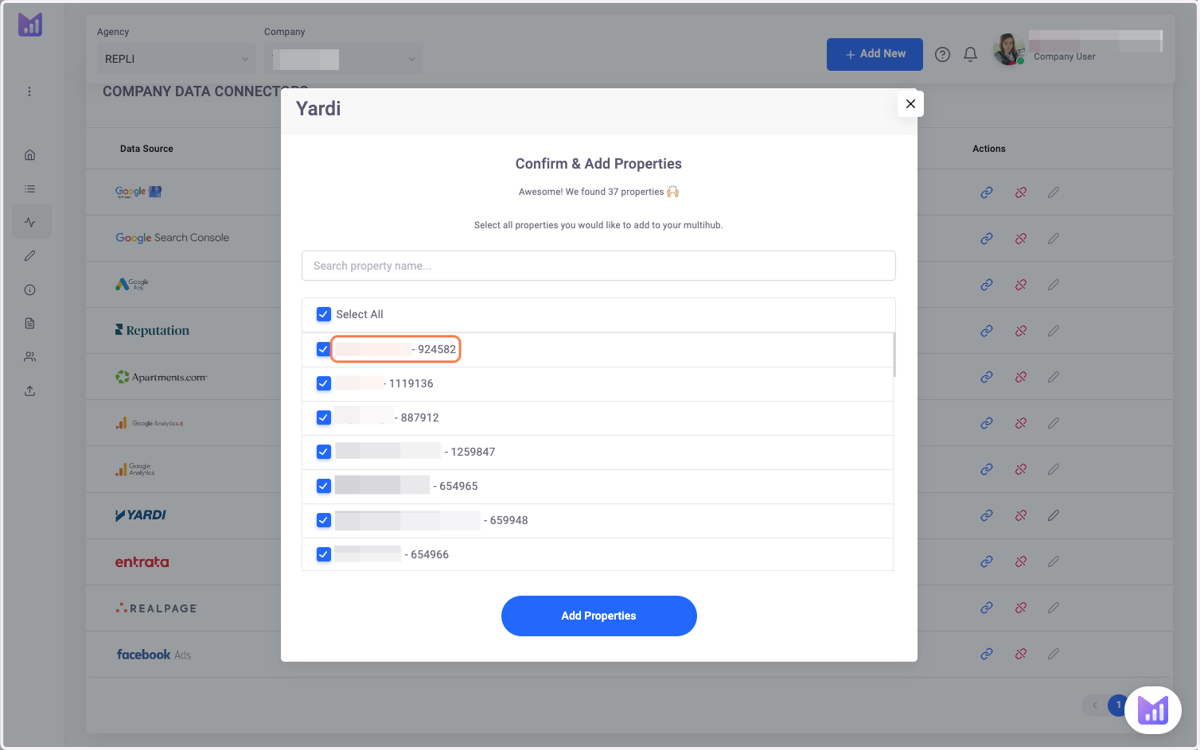
7. Click on Add Properties