Asset Guard - How to share pre start reports and accessing report history
Once you have completed a pre start you can share the results and notify of any critical issues with ease
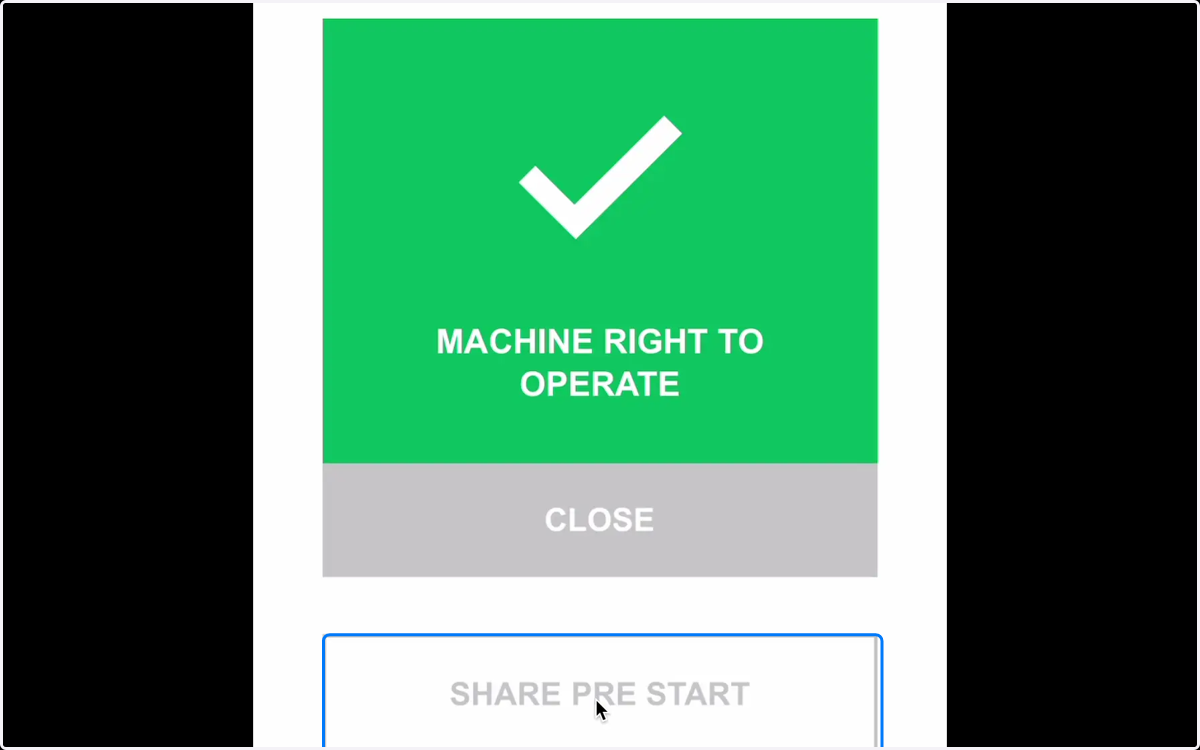
1. Once you have completed a pre start you can easily share the result from the operational status screen.
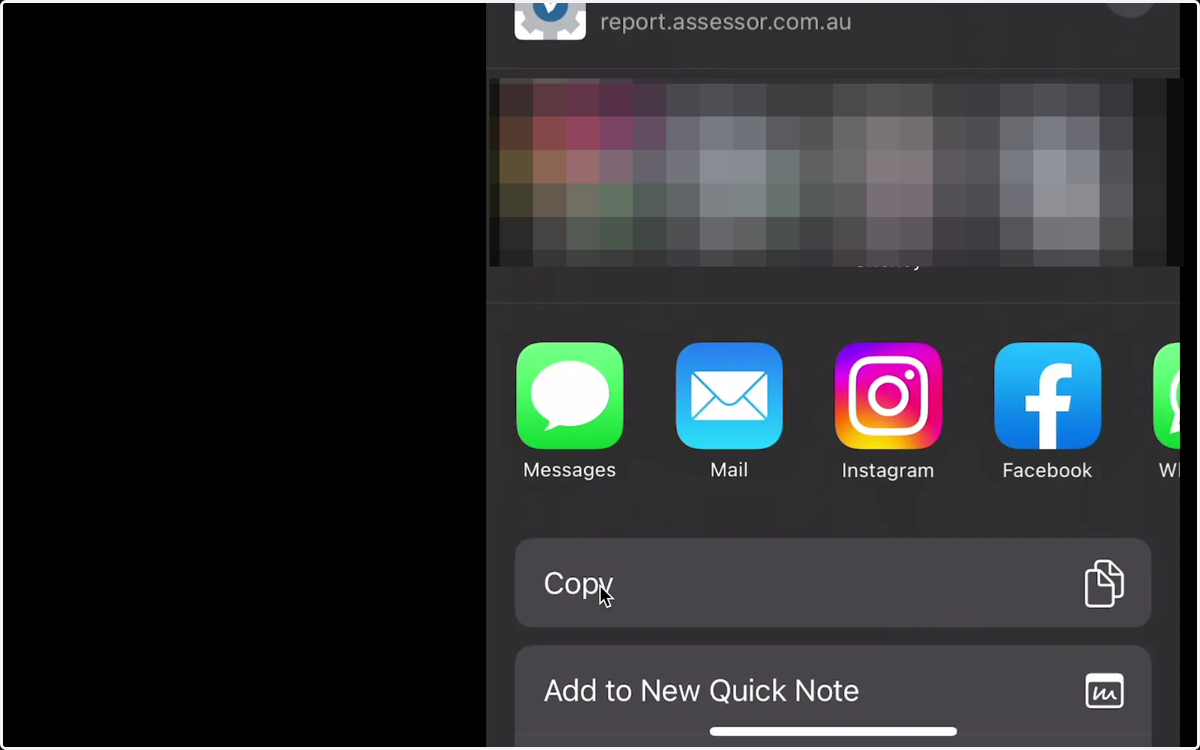
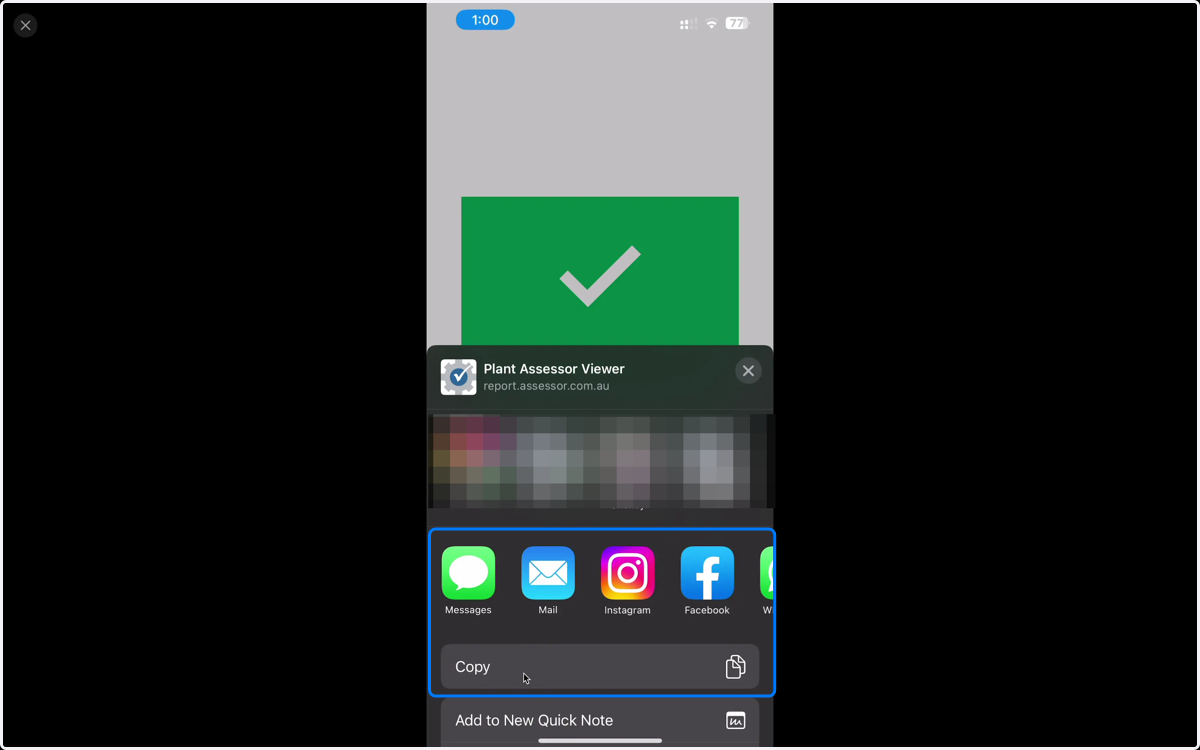
2. Select the method that you would like to share the report.
You can choose to share via SMS, email, slack, social media and more. Or you can simply copy the online URL.
3. To view pre start history, click the clock icon on the machine profile
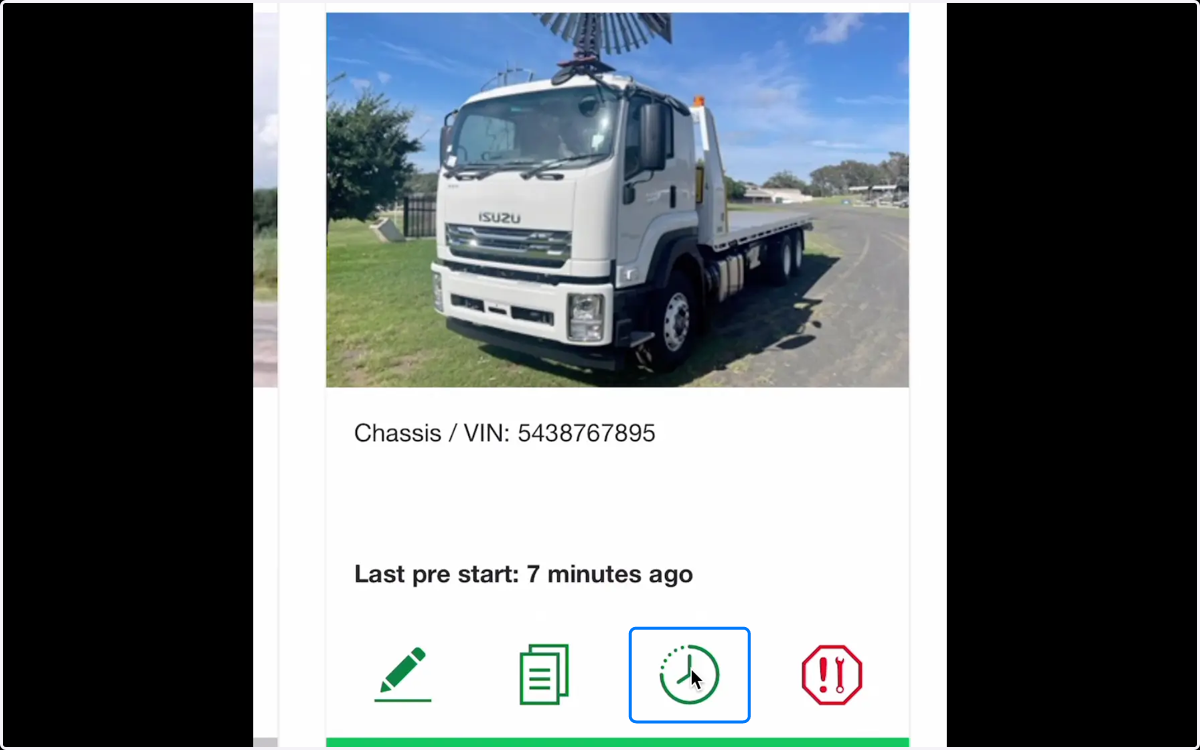
4. Here you will find all pre starts conducted against this machine. To view in more detail simply click on the result icon
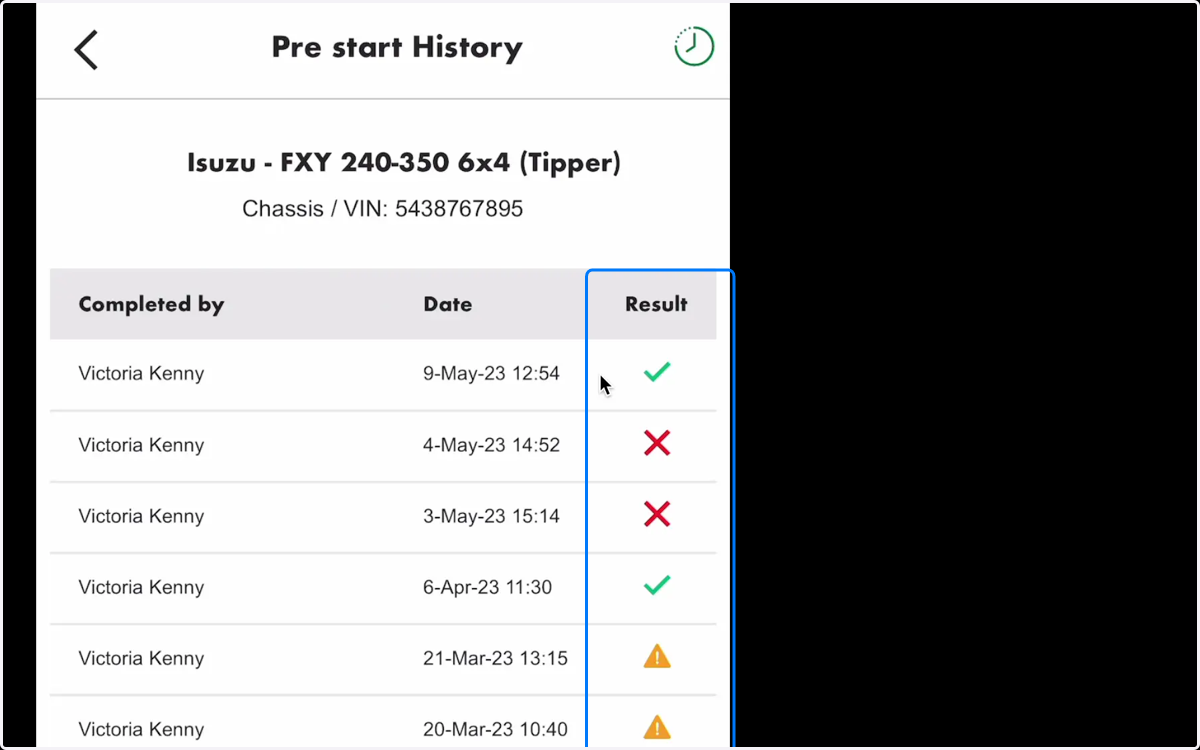
5. To share the report, open the ellipsis menu at the top right and click share
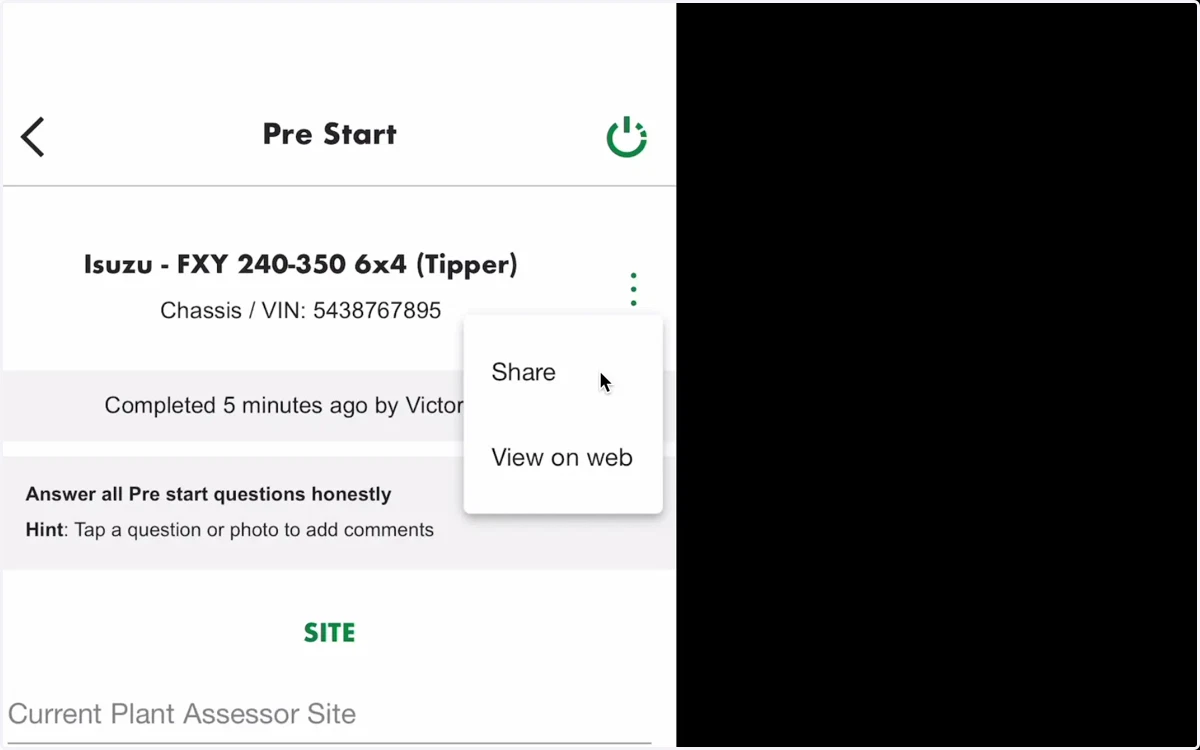
6. You will receive the same sharing options as the original pre start.